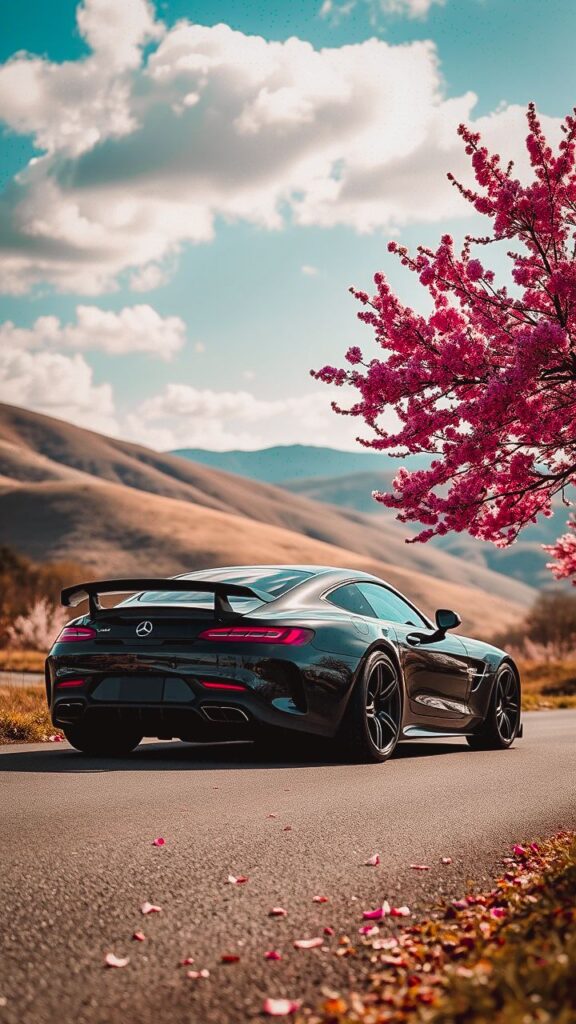
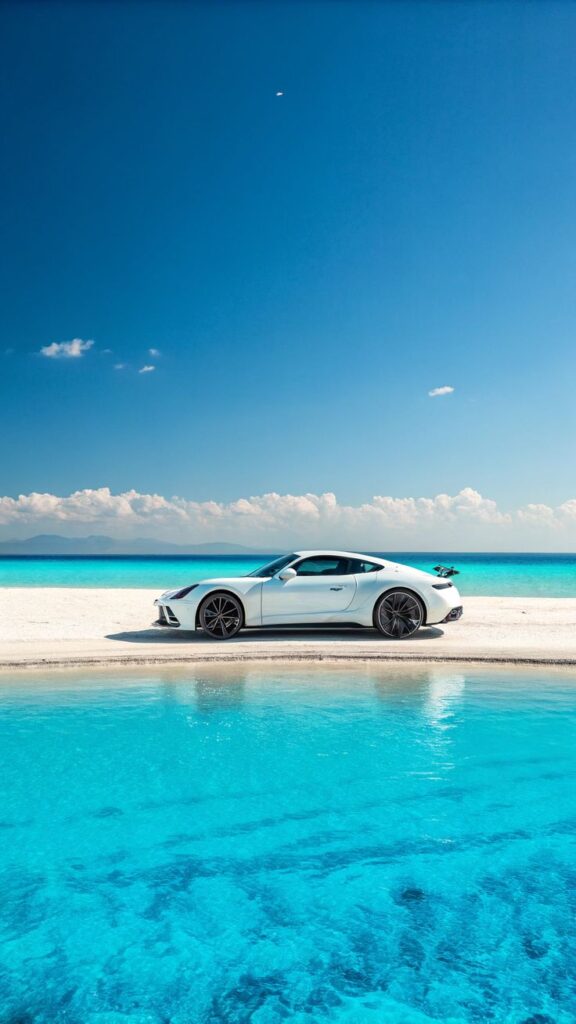
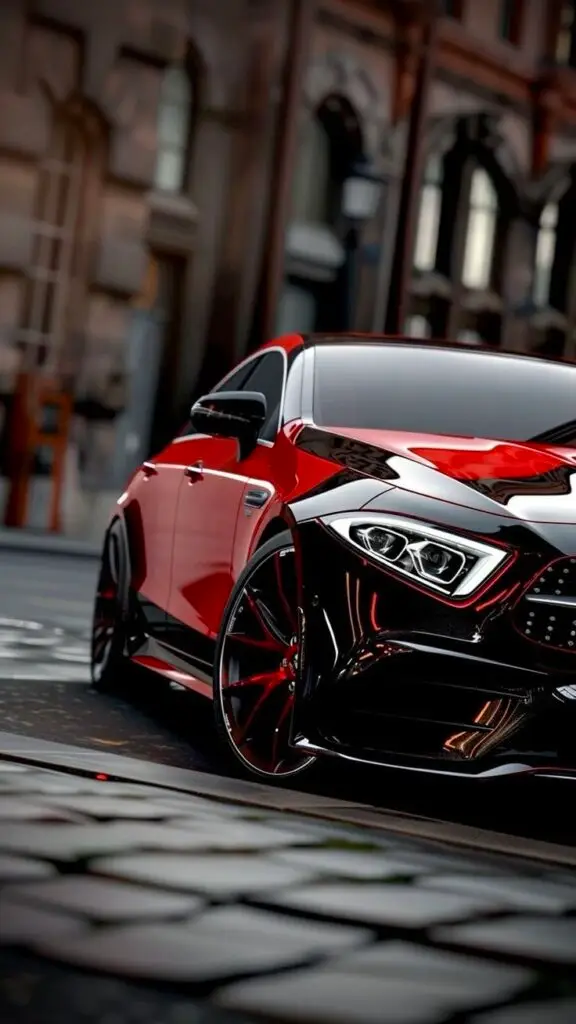
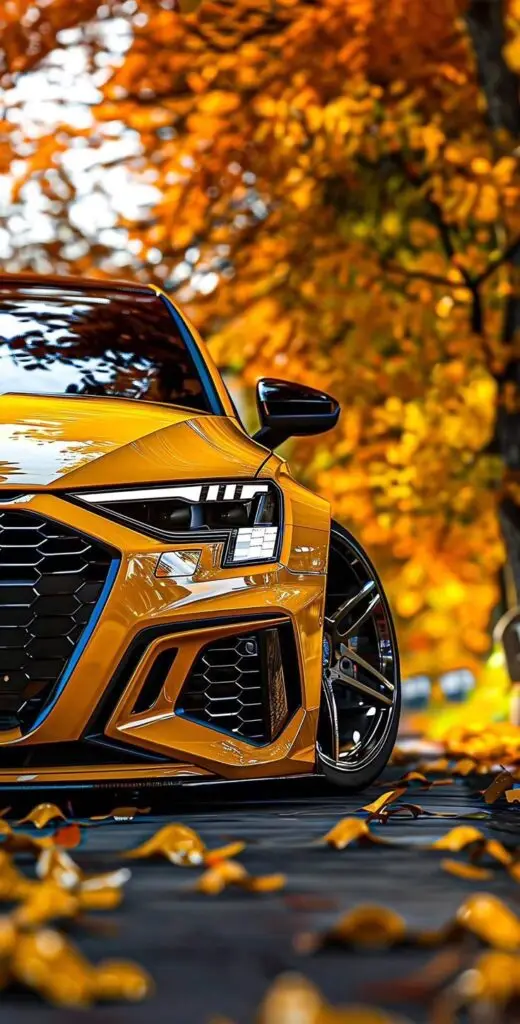
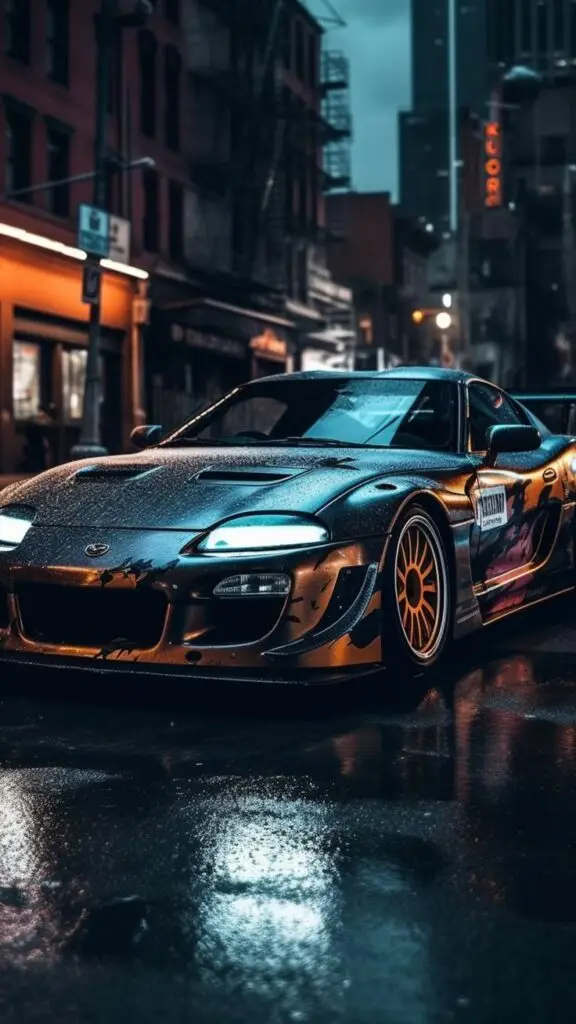
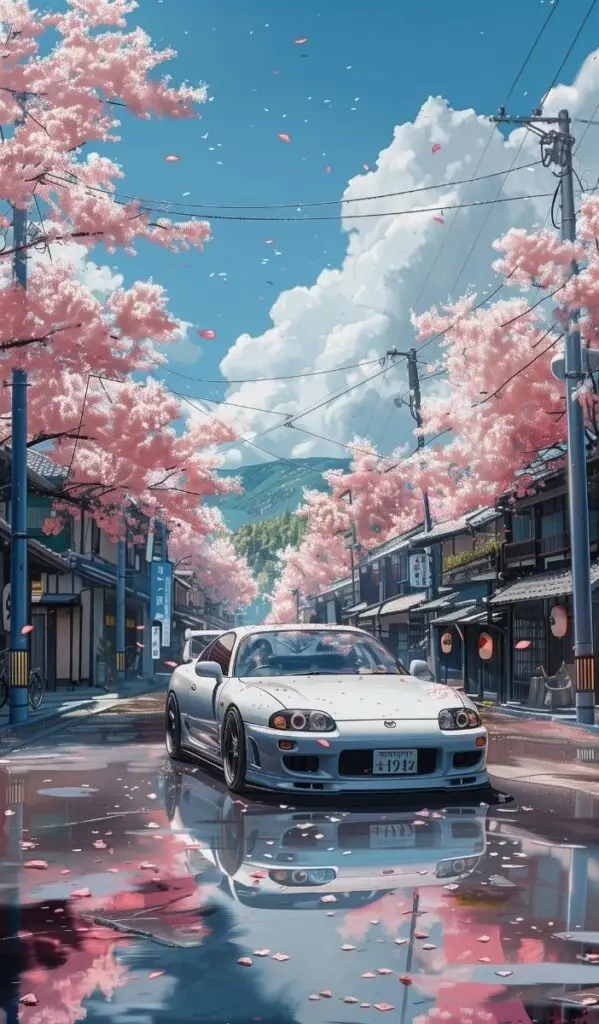
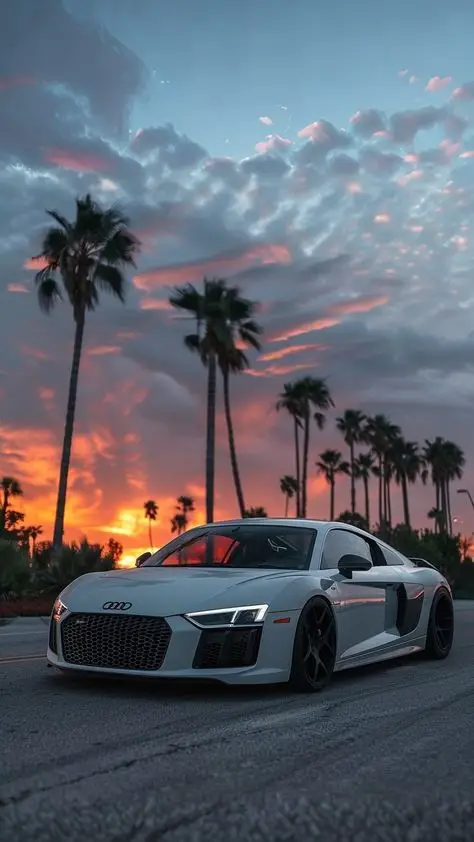
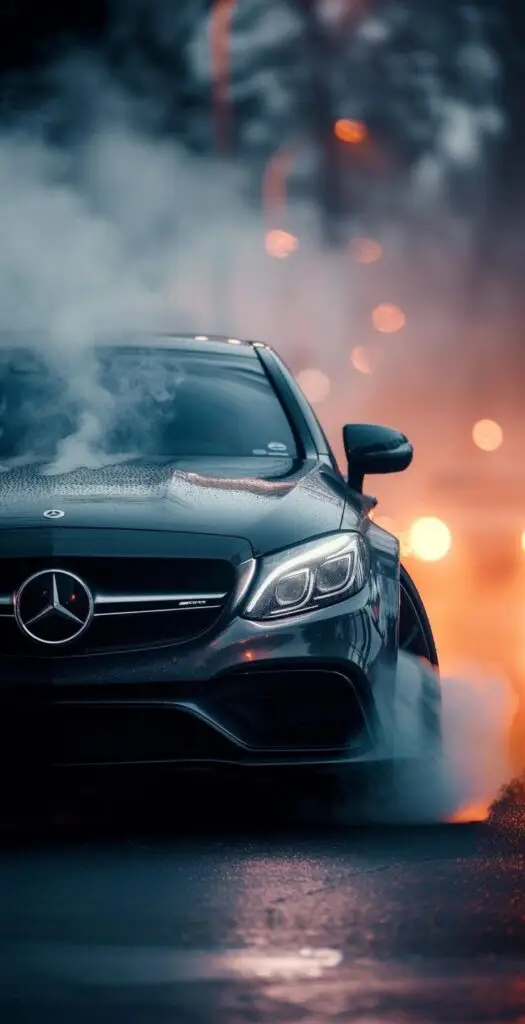
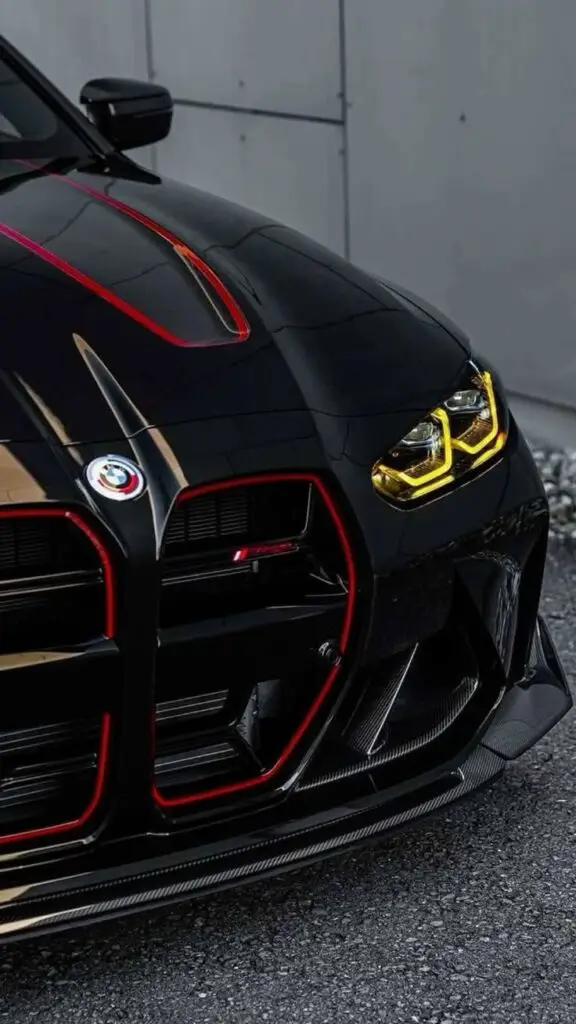
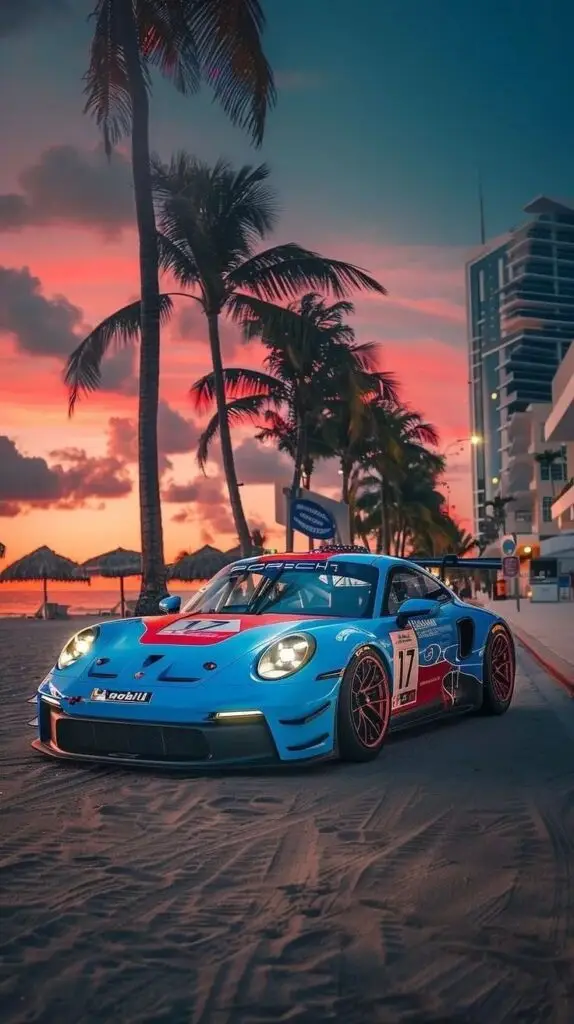
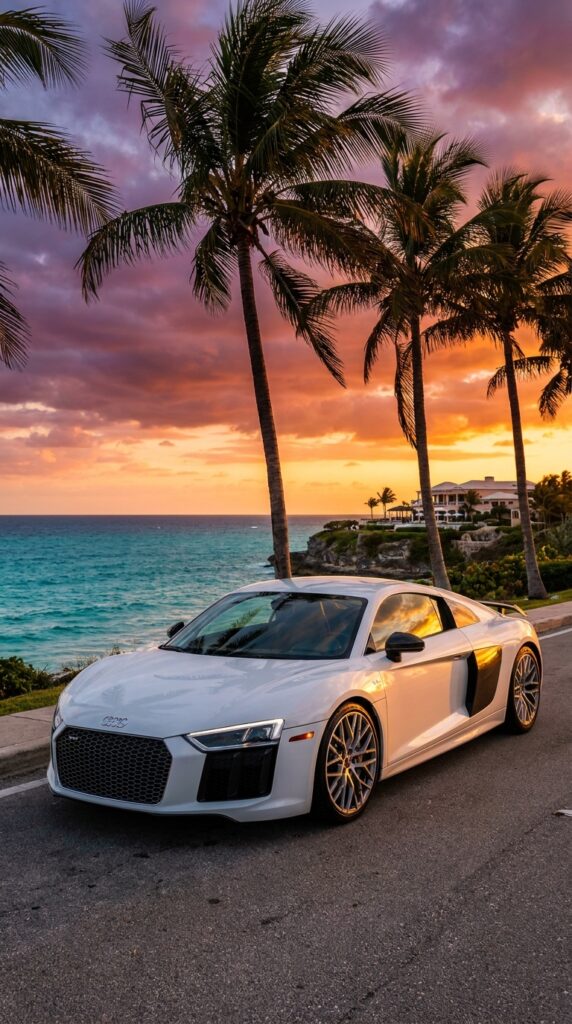
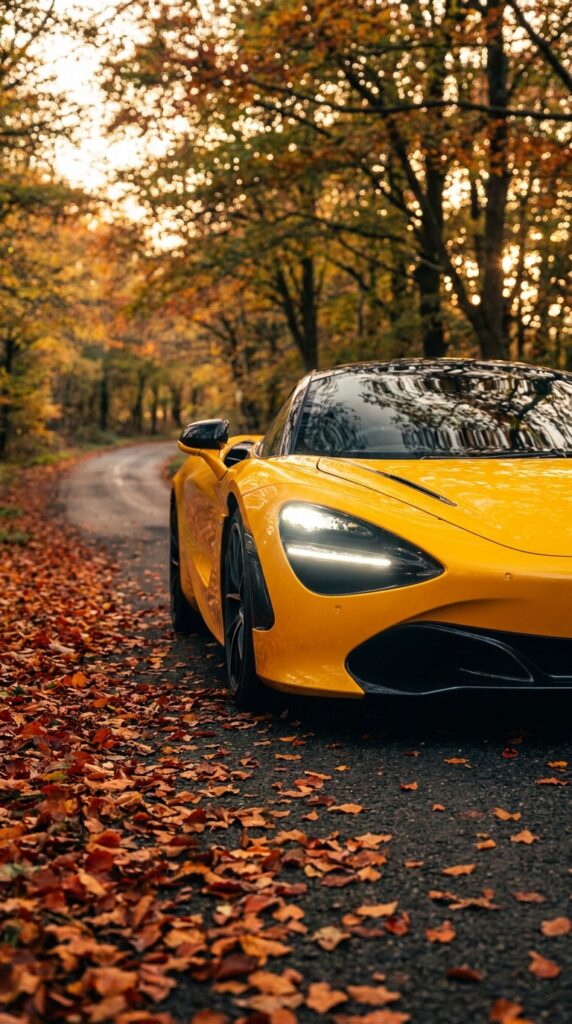
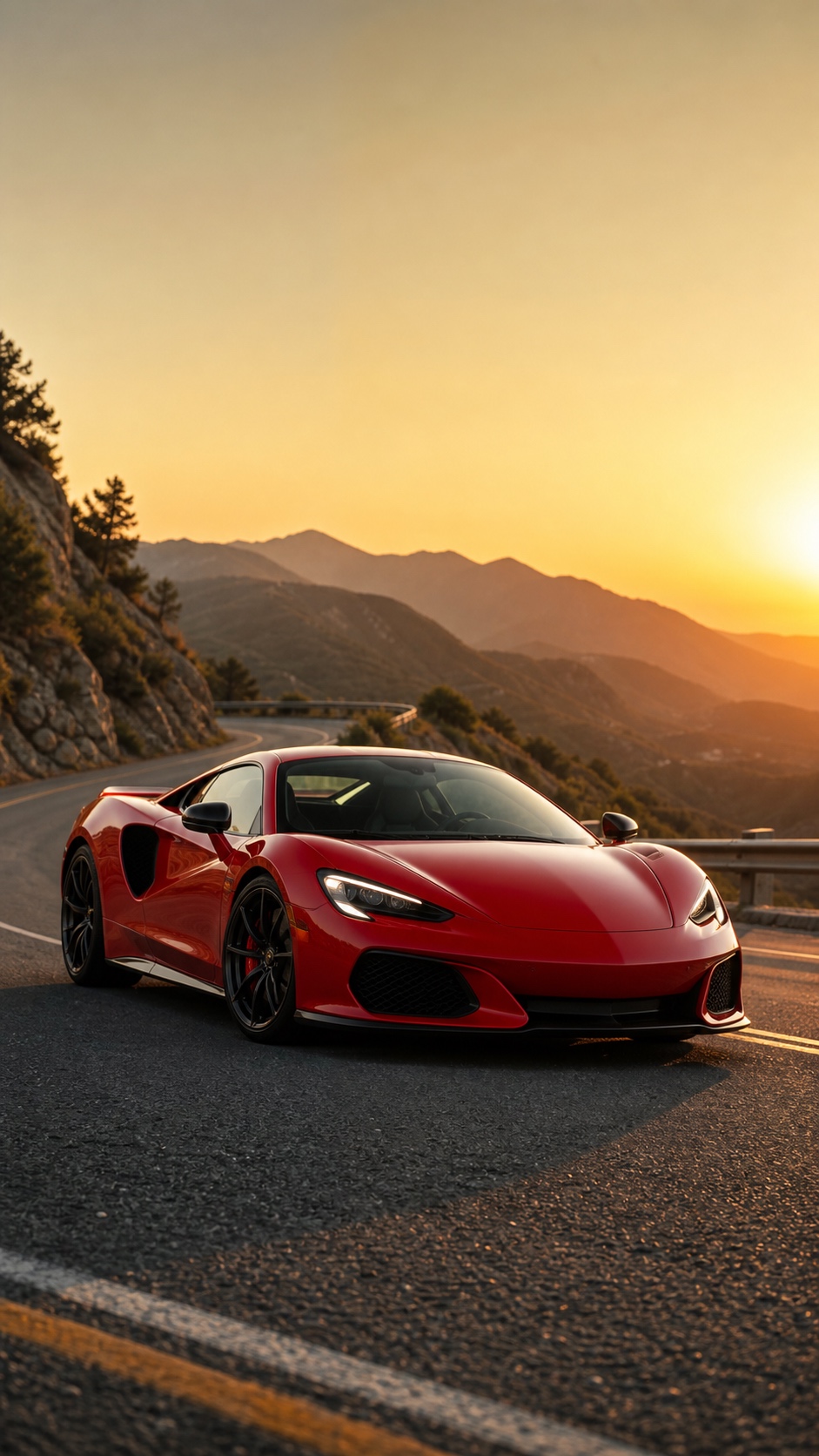
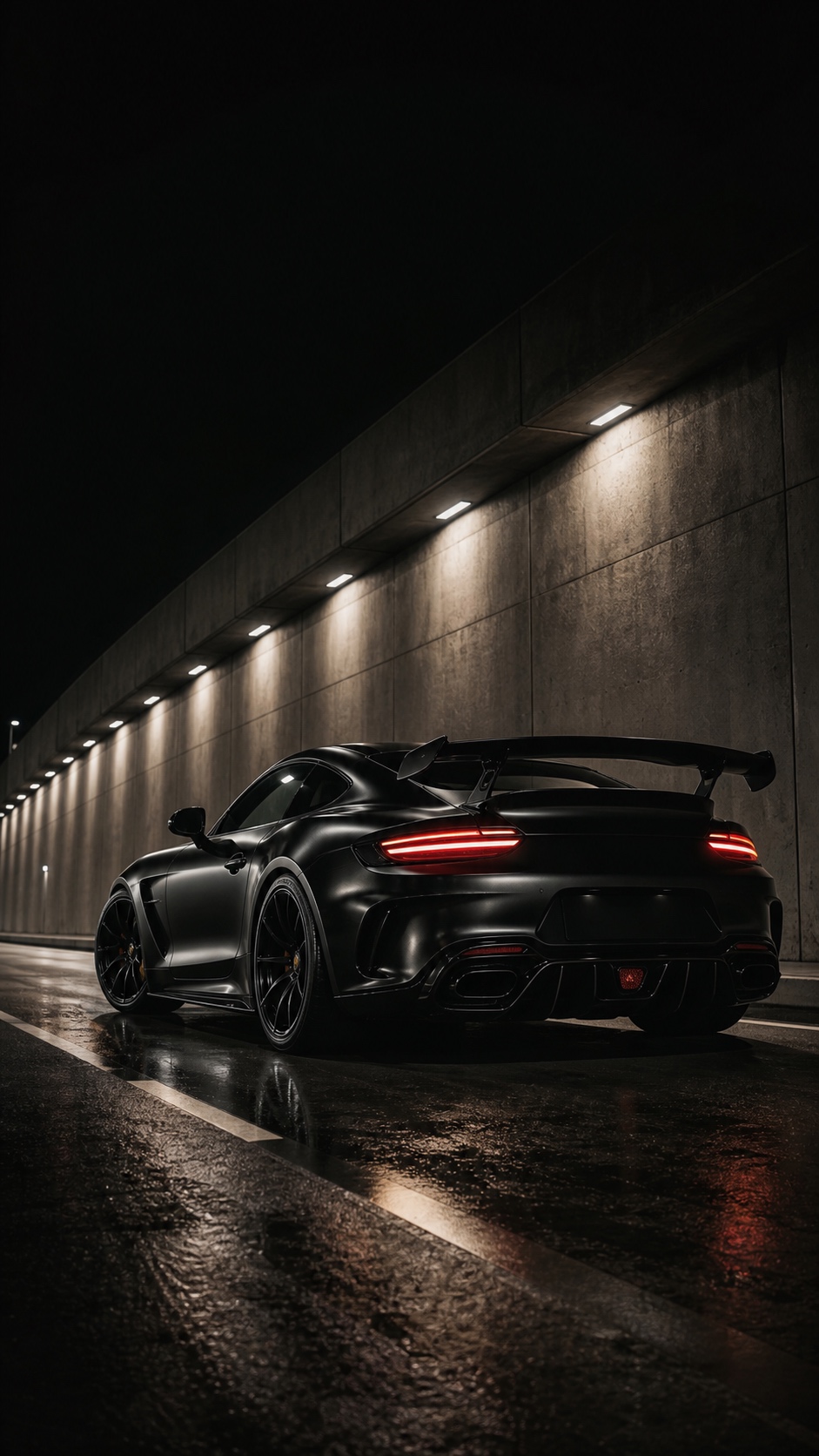
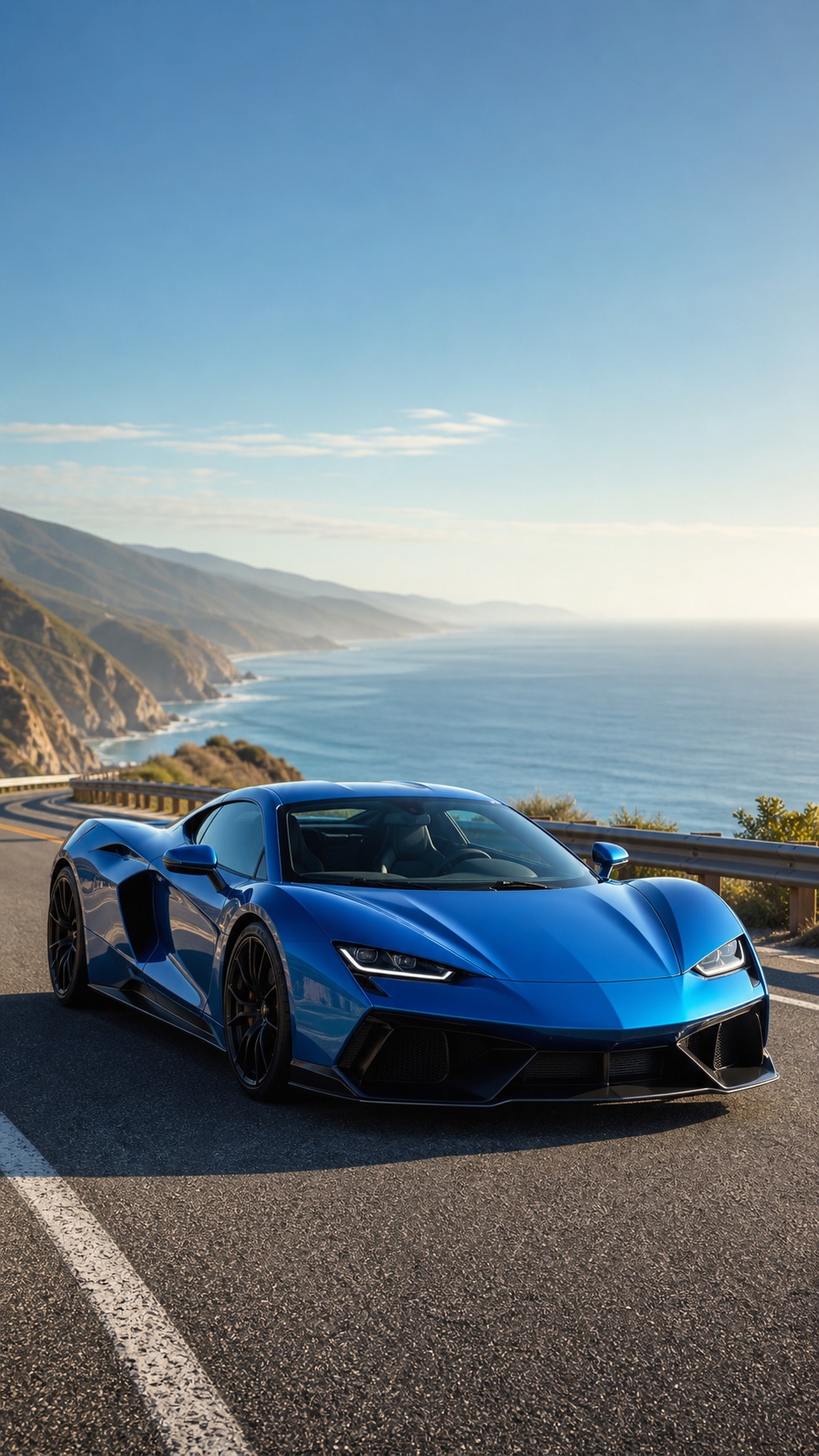
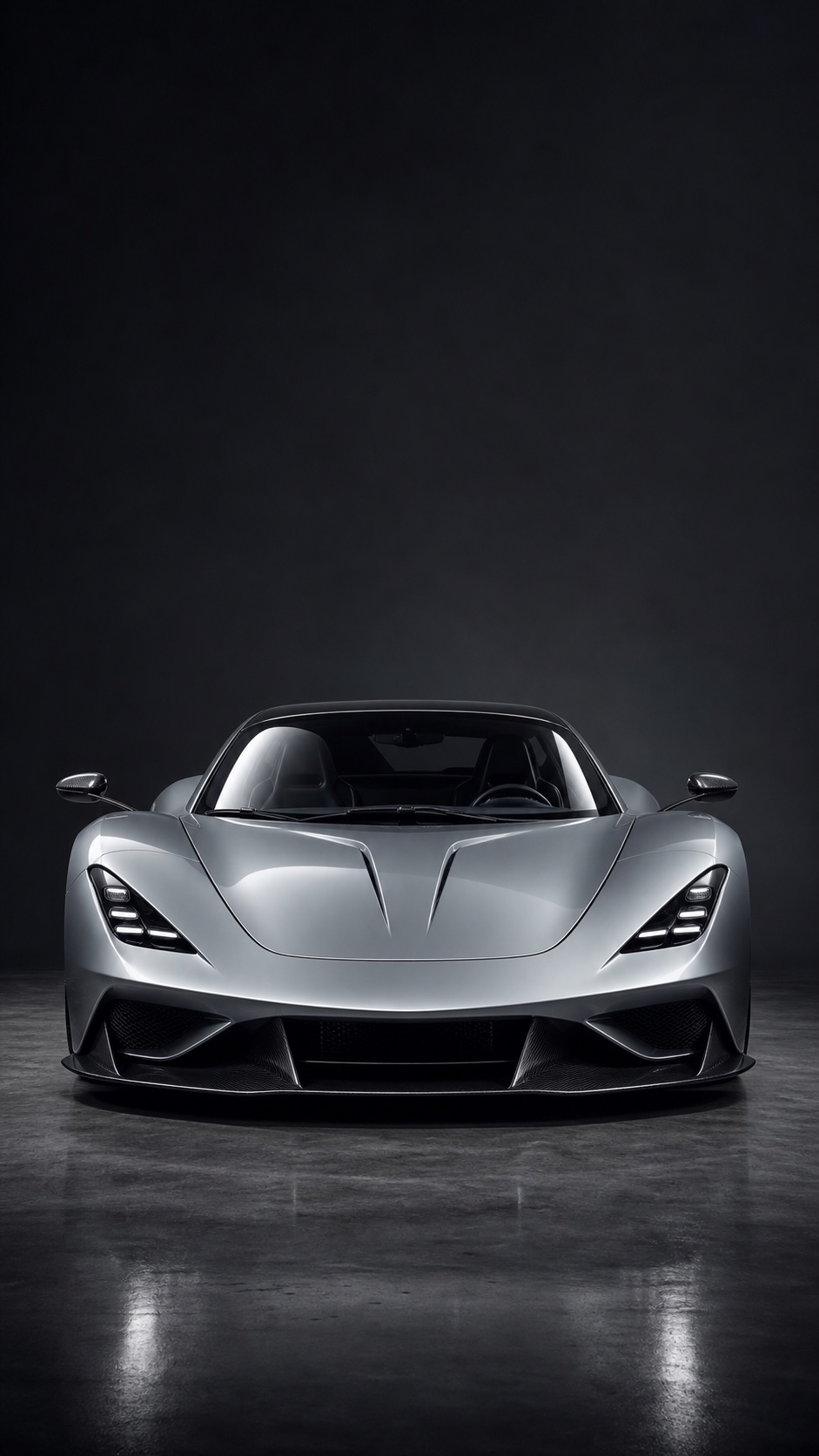
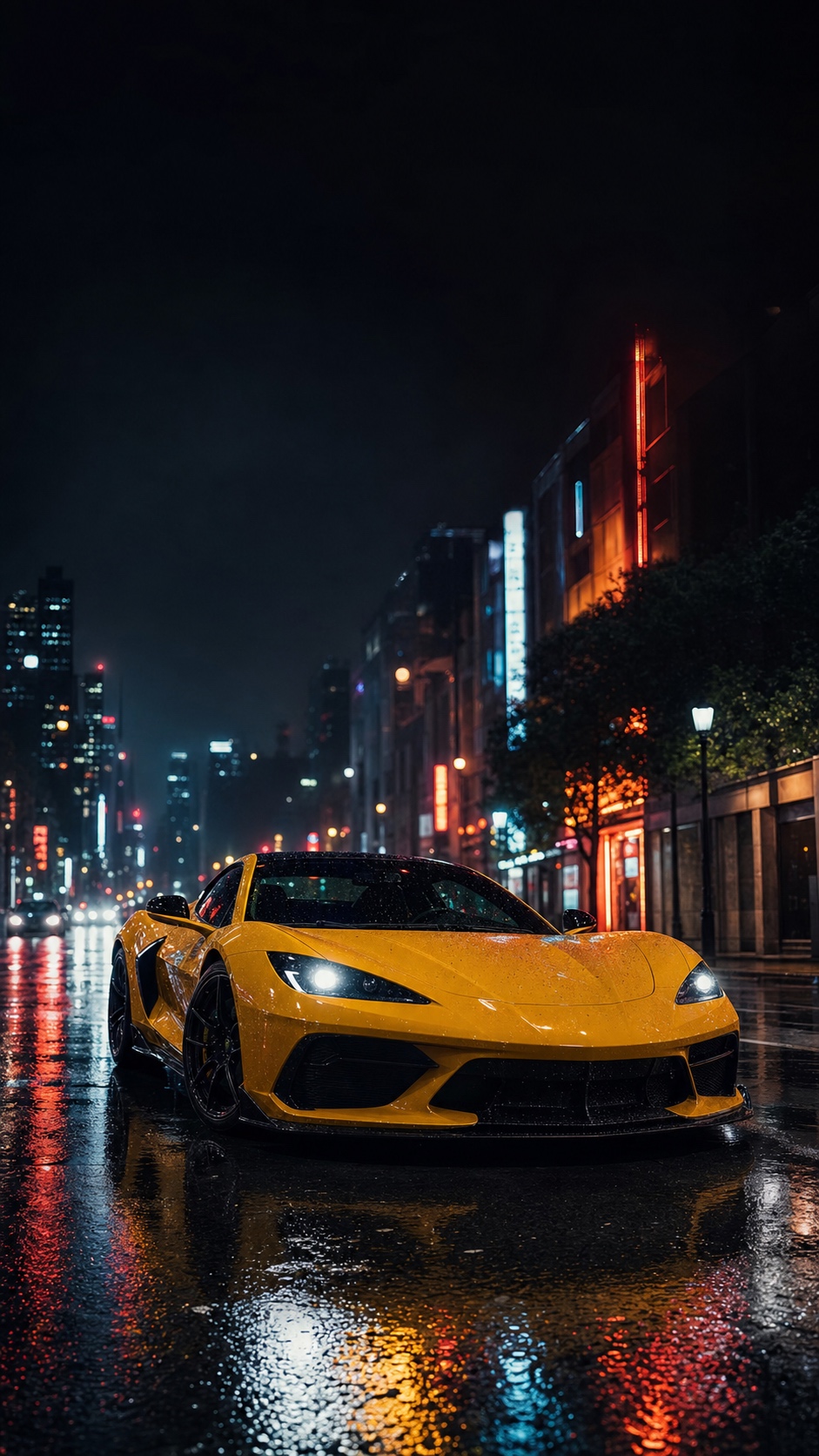
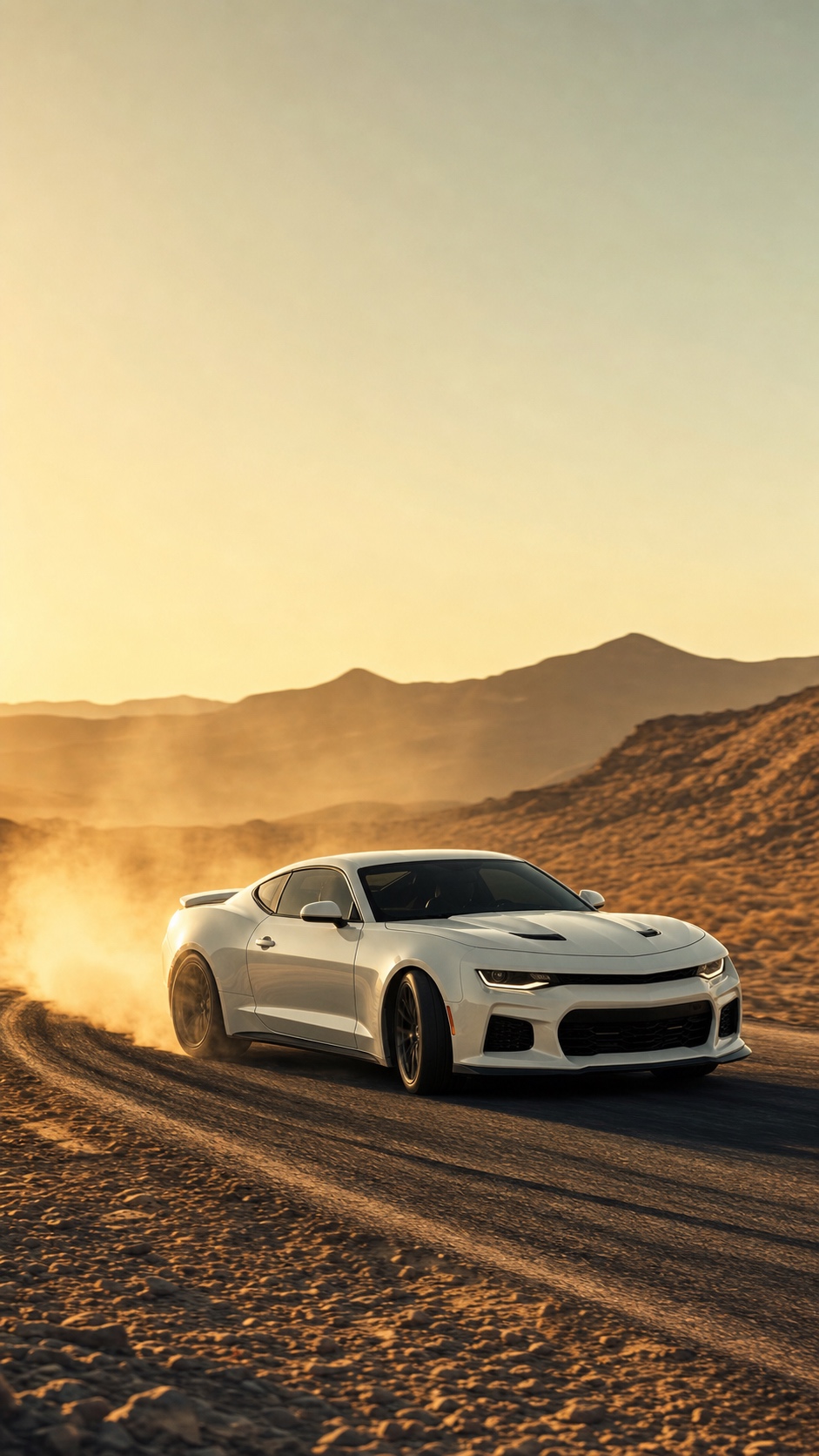
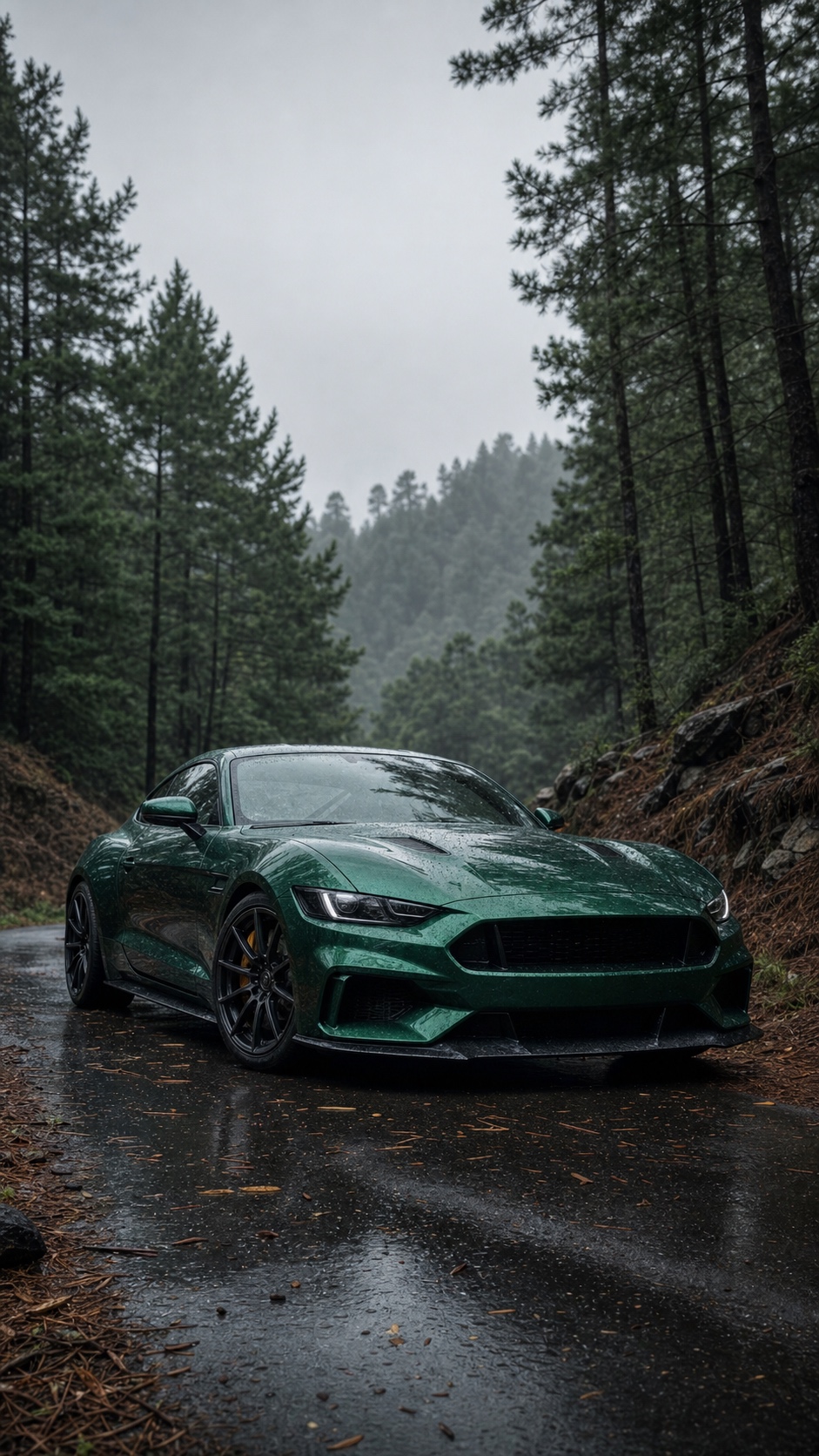
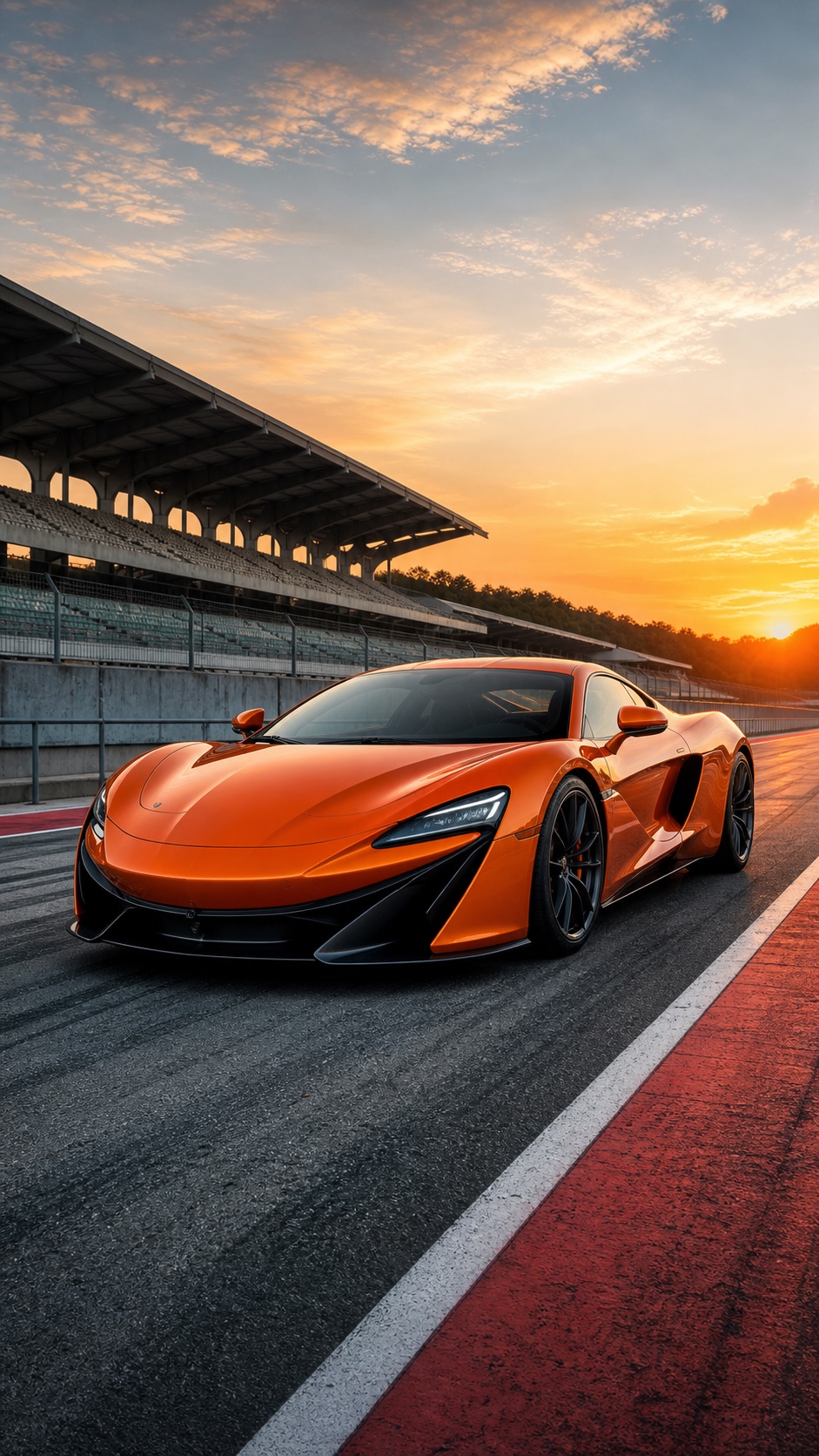
Car wallpapers are one of those phone details where personal taste runs wide. Some people want a supercar shot from a low angle at golden hour. Others want a clean studio render on black, a classic muscle car, a JDM reference, or their own car cropped like a proper lock screen. The gallery below keeps the focus on vertical iPhone-friendly automotive wallpapers, then the guide underneath explains how to choose an image that still works once the clock, widgets, and app icons sit on top of it.
How to choose the right car wallpaper for your iPhone
The main thing to watch is where the visual weight sits in the image. A front or three-quarter car shot usually works well because the mass of the car stays centered on the screen. Wide side-profile shots can look great as lock screens, but they often feel cropped or cramped on the home screen because they were composed for landscape, not portrait.
For the home screen, I would lean toward designs with a clear sky, dark studio background, or calmer upper third. That is where the status bar and widgets sit, so you need enough contrast for text to stay readable. Outdoor shots at dusk or dawn usually work well; bright midday car photos often fight with app icons.
How to set a car wallpaper on iPhone
- Save the image you want. Press and hold on it, then tap Save to Photos.
- Open Settings, then go to Wallpaper and tap Add New Wallpaper.
- Select Photos and find the car image you just saved.
- Pinch to zoom and reposition the car so the main shape sits cleanly in the center.
- Tap Add and choose Lock Screen, Home Screen, or Both.
Tip: If the car image is detailed or high-contrast, try it on the lock screen first. For the home screen, enable Blur or choose a simpler studio-style image so your icons stay readable.
Best car wallpaper styles for iPhone
Car wallpapers are tricky because most car photography is horizontal. A side profile of a Porsche, Mustang, Supra, or Ferrari can look perfect on a desktop, then feel awkward on an iPhone because the car gets cropped at the nose and tail. Portrait wallpapers need a different kind of composition.
The easiest style to use is a front three-quarter view. You still get the shape of the car, but the mass sits closer to the center of the frame. Low-angle shots also work well because the hood, headlights, and wheel arches create a strong vertical structure. That makes the image feel built for a phone instead of squeezed into one.
Studio renders on black or neutral backgrounds are the cleanest option for a home screen. They usually have fewer distractions, better contrast, and enough empty space around the car. Outdoor shots are better for lock screens, especially if the road, sky, or city lights add mood without covering the whole frame in detail.
If you like JDM or muscle car wallpapers, look for images where the car has a clear silhouette. The model matters less than the outline. Industrial design training made me picky about silhouettes: if the outline is weak, extra reflections and color will not save the image once it is behind app icons.
How to crop a car photo so it works as wallpaper
Start with the car slightly below center, not dead center. The top third of the screen needs room for the clock, widgets, and status bar. If the roofline or windshield sits too high, the interface will cover the most interesting part of the image.
Leave extra space on the sides if the original photo allows it. iOS may zoom the image when you set it as wallpaper, and that crop can cut off mirrors, headlights, or wheels. A little breathing room around the car makes the final result feel calmer.
For home screens, reduce contrast if the background is already busy. This sounds backwards, but a slightly softer image often works better behind icons. For lock screens, you can keep stronger contrast, sharper highlights, and more dramatic color because the image has fewer interface elements sitting on top of it.
Lock screen vs home screen car wallpapers
Car wallpapers are especially sensitive to the difference between lock screen and home screen. A dramatic supercar photo can look amazing when the phone wakes up, then become a mess once app icons sit over the wheels, headlights, and reflections.
For the lock screen, you can use more drama: low-angle shots, wet streets, sunsets, neon reflections, motion blur, or a mountain road behind the car. The image only needs to work with the clock and a few widgets, so atmosphere helps.
For the home screen, cleaner usually wins. Studio renders, darker backgrounds, centered front views, and photos with a calm sky or wall behind the car give your apps room to breathe. If the background is full of trees, buildings, or traffic, the phone can start to feel noisy even if the car itself looks great.
| Use case | Best car image | Why it works |
|---|---|---|
| Lock screen | Cinematic road shot or low-angle supercar | The image can be more detailed and atmospheric. |
| Home screen | Studio render or simple centered car | Icons stay readable over quieter backgrounds. |
| Both screens | Portrait crop with empty upper third | The clock, widgets, and dock have room. |
Common car wallpaper mistakes to avoid
The first mistake is using a landscape photo without checking the crop. Most car photos are composed wide because cars are long objects. When that image gets forced into 9:16, the phone may cut off the front bumper, rear wheel, or the best part of the background.
The second mistake is choosing a photo with too much contrast in the wrong place. Bright headlights, reflections, or white skies can sit directly behind the iPhone clock or app labels. That makes the interface harder to read, even if the car photo itself is sharp.
The third mistake is over-editing. Heavy clarity, extra saturation, and crushed blacks can make a car look punchy in a thumbnail, but harsh on a phone screen. A good wallpaper should still feel comfortable after a full day, not just impressive for the first screenshot.
Best crops for different car styles
Supercars usually work well from the front three-quarter angle because the headlights, hood, and front wheel create a strong focal point. Classic cars often look better with a little more space around them, especially if the shape of the roofline or chrome trim is part of the appeal.
JDM wallpapers can handle more attitude: parking garages, night streets, rain, and neon reflections often fit the style. Muscle car wallpapers usually need a stronger stance, so low angles and centered front views work well. For minimalist automotive wallpapers, the badge, headlight, wheel detail, or silhouette can be enough.
| Car style | Best crop | Use it for |
|---|---|---|
| Supercar | Front three-quarter view | Lock screen or both screens. |
| Classic car | More space around the full shape | Lock screen with a calmer crop. |
| JDM or tuner | Night street or garage scene | Lock screen with mood and contrast. |
| Minimal automotive | Badge, wheel, headlight, or silhouette | Home screen where icons need clarity. |
Frequently asked questions
Q: What are the most popular car wallpaper styles for iPhone?
A: JDM and Japanese imports such as Supra, Skyline, and NSX references are consistently popular. Supercars like Ferrari and Lamborghini always have demand, while dark studio renders of Porsche, BMW, and similar performance cars work well for a cleaner home screen.
Q: Can I use my own car photo as a wallpaper?
A: Yes. Shoot from a low angle in good natural light, crop to a 9:16 portrait ratio, and raise the contrast slightly in your phone editor. Golden hour is usually easiest because the light gives the car shape without needing a studio setup.
Q: What iPhone car wallpaper resolution do I need?
A: Use at least 1170 x 2532 px for iPhone 14 and newer. Pro Max models look best around 1290 x 2796 px or higher. Anything much smaller can look soft after you zoom and reposition the car during setup.
More iPhone wallpaper ideas
Into phone customization? Check our Batman iPhone Wallpapers, Money Wallpaper iPhone designs, and Lock Screen Wallpaper collection for more ideas.
For lock screen inspiration with more old-car mood, browse these vintage car wallpaper ideas and look for strong light direction and clean silhouettes.
- 134shares
- Facebook0
- Pinterest131
- Twitter3
- Reddit0