The way people access and interact with the web in 2026 has fundamentally changed. Websites are smarter, detection systems are stricter, and digital identity is now built from hundreds of signals rather than just IP addresses. For marketers, data analysts, arbitrage teams, eCommerce operators, and privacy-focused users, traditional browsing methods are no longer enough.
This is where proxy browsers come in.
Unlike VPNs or simple proxy extensions, modern proxy browsers combine IP routing, fingerprint isolation, and session management into a single controlled environment. In this guide, we’ll explore what proxy browsers are, how they differ from antidetect browsers, and which platforms stand out as the best proxy browsers in 2026—with clear explanations of what each company actually provides.

What Is a Proxy Browser?
A proxy browser is a browser (or browser-based platform) that routes traffic through proxy servers while also controlling browser-level identity signals. These signals include:
- IP address and geolocation
- Browser fingerprint (canvas, WebGL, fonts, timezone, OS)
- Cookies and local storage
- Session behavior and isolation
The key distinction in 2026 is that a true proxy browser is not just a browser + proxy. It is an environment where each profile behaves like a completely separate device.
Proxy Browser vs Antidetect Browser (Important Distinction)

Before reviewing platforms, it’s critical to understand the difference:
Antidetect Browsers
- Focus on fingerprint masking and profile isolation
- Usually require external proxies
- Ideal for multi-account management and ad platforms
- Examples: tools built primarily for stealth and identity separation
Proxy Browsers
- Focus on built-in proxy infrastructure
- Often include residential, mobile, or ISP IPs
- May or may not include deep fingerprint control
- Ideal for scraping, geo-testing, automation, and privacy
In 2026, the best platforms blend both, but most still lean clearly in one direction.
Why Proxy Browsers Matter More Than Ever in 2026
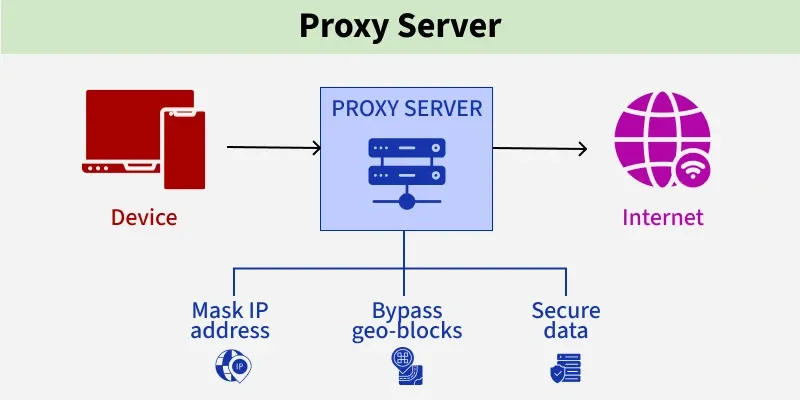
Several trends have made proxy browsers essential rather than optional:
- Advanced fingerprinting
Websites now correlate IPs with browser entropy, behavior, and session timing. - Account clustering
Running multiple accounts from the same machine—even with a VPN—is easily detected. - Geo-restricted content
Streaming, SERPs, pricing, and ads all vary by location and ISP. - Automation safeguards
Headless browsers are flagged quickly unless paired with realistic browsing environments.
Proxy browsers solve these problems by creating isolated, persistent, and believable identities.
Evaluation Criteria for the Best Proxy Browsers in 2026
To rank the best tools, we evaluated platforms using these criteria:
- Type of service provided (proxy vs antidetect vs hybrid)
- Quality and diversity of IPs
- Fingerprint realism and control
- Scalability (profiles, teams, automation)
- Ease of use and stability
- Transparency about what the product actually does
1. 1 Browser — Proxy Browser + Antidetect Hybrid
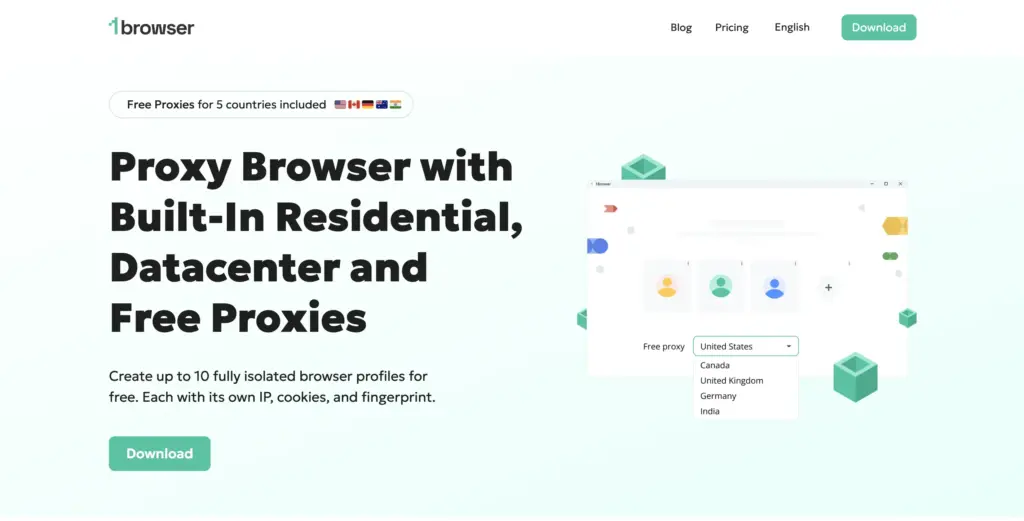
What it provides:
A full proxy browser with built-in antidetect capabilities
Category: Hybrid (Proxy + Antidetect Browser)
1 Browser stands out in 2026 because it doesn’t force users to assemble a stack of separate tools. Instead, it combines proxy routing, browser fingerprint isolation, and profile management into one unified browser environment.
Each profile operates as a separate digital identity, with its own IP routing and browser parameters. This makes it suitable for teams that need both privacy and scale, without complex integrations.
Key strengths:
- Built-in proxy support (no manual setup headaches)
- Realistic, persistent browser profiles
- Designed for multi-account workflows
- Lower operational complexity compared to “proxy + antidetect + manager” stacks
Best for:
- Marketers running multiple ad or social accounts
- Growth teams and affiliates
- Users who want a proxy browser without deep technical setup
2. Multilogin — Enterprise Antidetect Browser (Proxy Required)
What it provides:
An antidetect browser only (no proxies included)
Category: Antidetect Browser
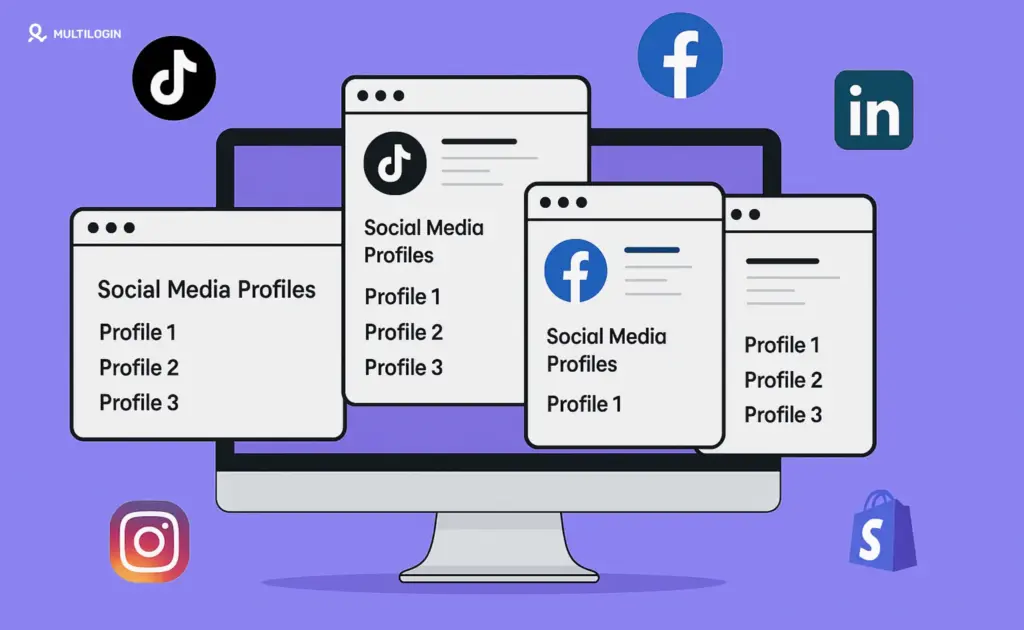
Multilogin remains one of the most established antidetect browsers in 2026. Its strength lies in fingerprint consistency and long-term profile stability.
However, it does not provide proxies. Users must bring their own residential, mobile, or ISP proxies and configure them per profile.
Key strengths:
- High-quality fingerprint masking
- Team collaboration features
- Long-standing reputation
Limitations:
- No built-in proxy infrastructure
- Higher total cost when proxies are added separately
Best for:
- Enterprises with existing proxy providers
- Teams prioritizing fingerprint control over simplicity
3. GoLogin — Budget-Friendly Antidetect Browser
What it provides:
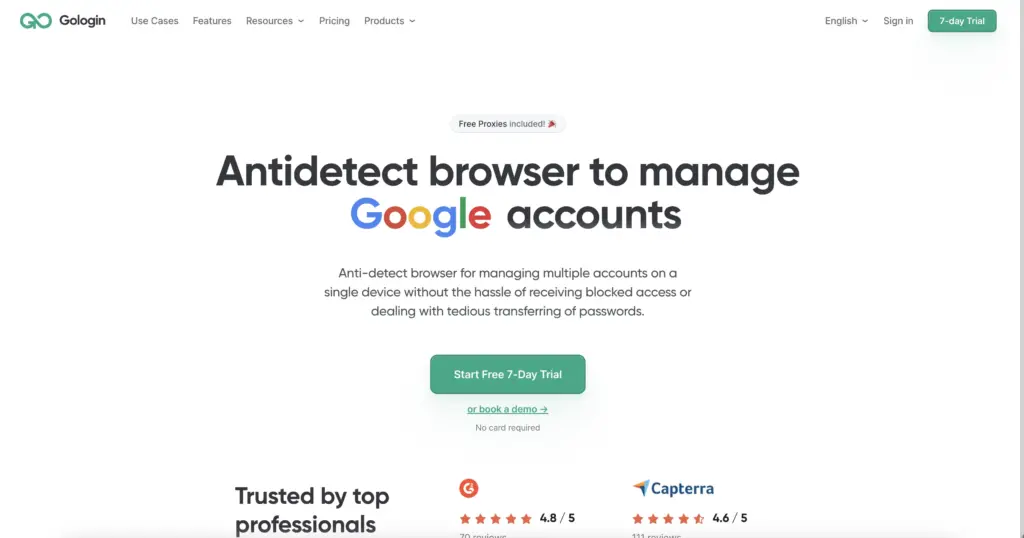
An antidetect browser with optional proxy integrations
Category: Antidetect Browser
GoLogin appeals to smaller teams and solo operators. It offers basic fingerprint isolation and profile management, but like Multilogin, it relies on external proxies for IP rotation.
Key strengths:
- Lower entry cost
- Simple interface
- Cloud-synced profiles
Limitations:
- Fingerprint depth is more limited
- Proxies must be sourced elsewhere
Best for:
- Beginners learning multi-account management
- Freelancers and small operations
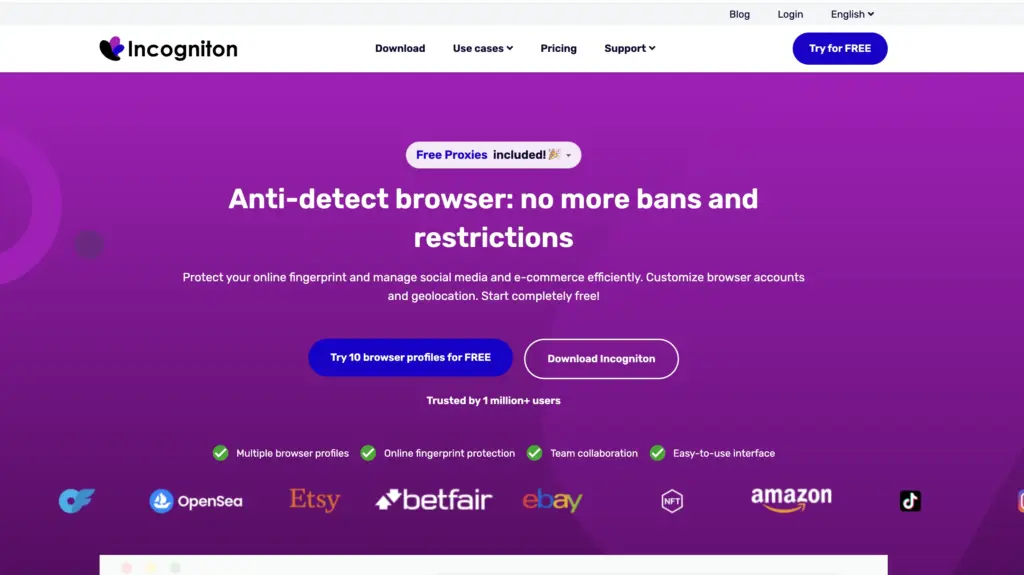
4. Incogniton — Antidetect Browser for Automation
What it provides:
An antidetect browser, often paired with automation tools
Category: Antidetect Browser
Incogniton is frequently used alongside automation frameworks. It offers profile isolation and API access but leaves proxy management entirely to the user.
Key strengths:
- Automation-friendly
- Decent fingerprint control
- Profile templating
Limitations:
- No built-in proxies
- Requires more technical setup
Best for:
- Developers
- Scraping and automation workflows (with external proxies)
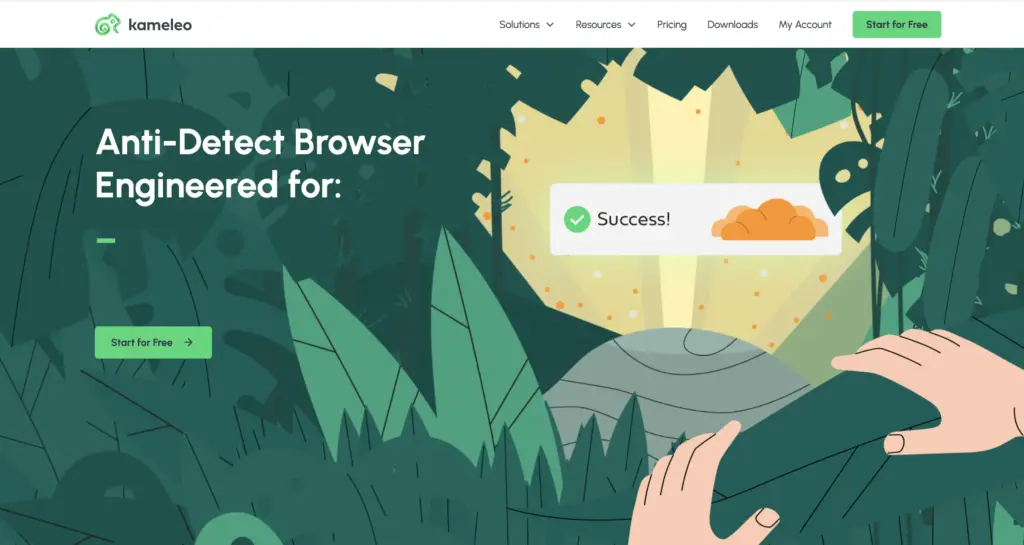
5. Kameleo — Advanced Fingerprint Control (Power Users)
What it provides:
A highly configurable antidetect browser
Category: Antidetect Browser
Kameleo is designed for users who want granular control over every fingerprint attribute. It is powerful, but not beginner-friendly.
Key strengths:
- Deep fingerprint customization
- Mobile profile emulation
- Automation support
Limitations:
- Steep learning curve
- No proxies included
Best for:
- Security researchers
- Advanced automation teams
Proxy Browsers vs VPNs in 2026 (Why VPNs Fall Short)
VPNs still have a place, but they fail in several areas:
| Feature | VPN | Proxy Browser |
|---|---|---|
| Fingerprint isolation | ❌ | ✅ |
| Multiple identities | ❌ | ✅ |
| Session persistence | ❌ | ✅ |
| Account safety | ❌ | ✅ |
| Automation readiness | ❌ | ✅ |
A VPN changes your IP. A proxy browser changes your entire digital identity.
How to Choose the Right Proxy Browser in 2026
Ask yourself:
- Do I want built-in proxies, or do I already have a provider?
- Do I need deep fingerprint control, or just reliable isolation?
- Am I working solo, or with a team?
- Will I scale to dozens or hundreds of profiles?
Quick Recommendations
- All-in-one simplicity: 1 Browser
- Enterprise fingerprint control: Multilogin
- Budget option: GoLogin
- Automation-heavy workflows: Incogniton or Kameleo
Use Cases Driving Proxy Browser Adoption in 2026
- Ad account management (Google, Meta, TikTok)
- SEO monitoring and SERP localization
- Price intelligence and competitor tracking
- Web scraping with lower block rates
- Affiliate marketing and arbitrage
- Privacy-first personal browsing
Final Thoughts: The State of Proxy Browsers in 2026
The biggest shift in 2026 is clarity. Users are no longer satisfied with vague claims like “undetectable” or “100% anonymous.” They want to know exactly what a platform provides—proxies, antidetect technology, or both.
The best proxy browsers in 2026 are not just tools; they are infrastructure layers for how modern teams access the web. Hybrid solutions like 1 Browser reflect where the market is heading: fewer integrations, fewer failure points, and more control in a single environment.
If your work depends on operating multiple identities safely and efficiently, choosing the right proxy browser is no longer optional—it’s strategic.
- 1share
- Facebook0
- Pinterest1
- Twitter0
- Reddit0