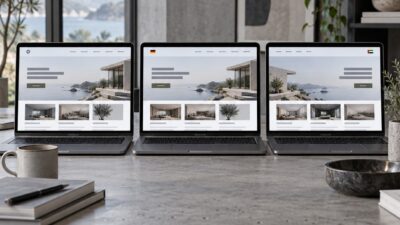
I spent three months last year watching a fintech startup rebuild their dashboard from scratch—twice. The first version looked polished. Gorgeous gradients, smooth animations, the kind of UI that wins Dribbble likes. But users couldn’t find the one button they needed most: “send payment.” Buried under two menus and a dropdown.
- The role of UX strategy in SaaS products
- Turning research into product decisions
- From UX structure to interface design
- Design systems and scalability
- Measuring the impact of product design
- Case study: redesigning a B2B analytics platform’s onboarding flow
- What this means for your product
- Conclusion
- Frequently asked questions
- Q: What are SaaS product design services?
- Q: How does UX strategy differ from UI design in SaaS?
- Q: Why do SaaS products need a design system?
- Q: How long does a SaaS product design project take?
- Q: What metrics show that SaaS product design is working?
- Q: Can design reduce SaaS churn?
- Q: What should I look for in a SaaS product design agency?
That’s the gap between pretty screens and product design that actually works. And it’s why SaaS product design services exist as a discipline—not just a deliverable. The process covers everything from early UX research (who are your users, what do they actually need?) through interface design (how do they find and use what you built?).
The SaaS market hits $375 billion this year, and the competition for attention inside that number is brutal. Users won’t read your docs. They won’t file a support ticket. They’ll just leave—about 75% do, in week one, because onboarding lost them somewhere.

So here’s what this article breaks down: how UX strategy sets direction, how research turns into real product decisions, how interface design brings structure to life, and why design systems keep the whole thing from falling apart at scale. No theory-only advice—specific patterns, real numbers, and a case study showing what these decisions look like in practice.
The role of UX strategy in SaaS products
Here’s what UX strategy actually does in practice: it stops your team from making design decisions in a vacuum. Without it, every new feature gets designed based on whoever spoke loudest in the last meeting. With it, you’re working from a shared picture of who your users are, what they’re trying to accomplish, and what success looks like in measurable terms.
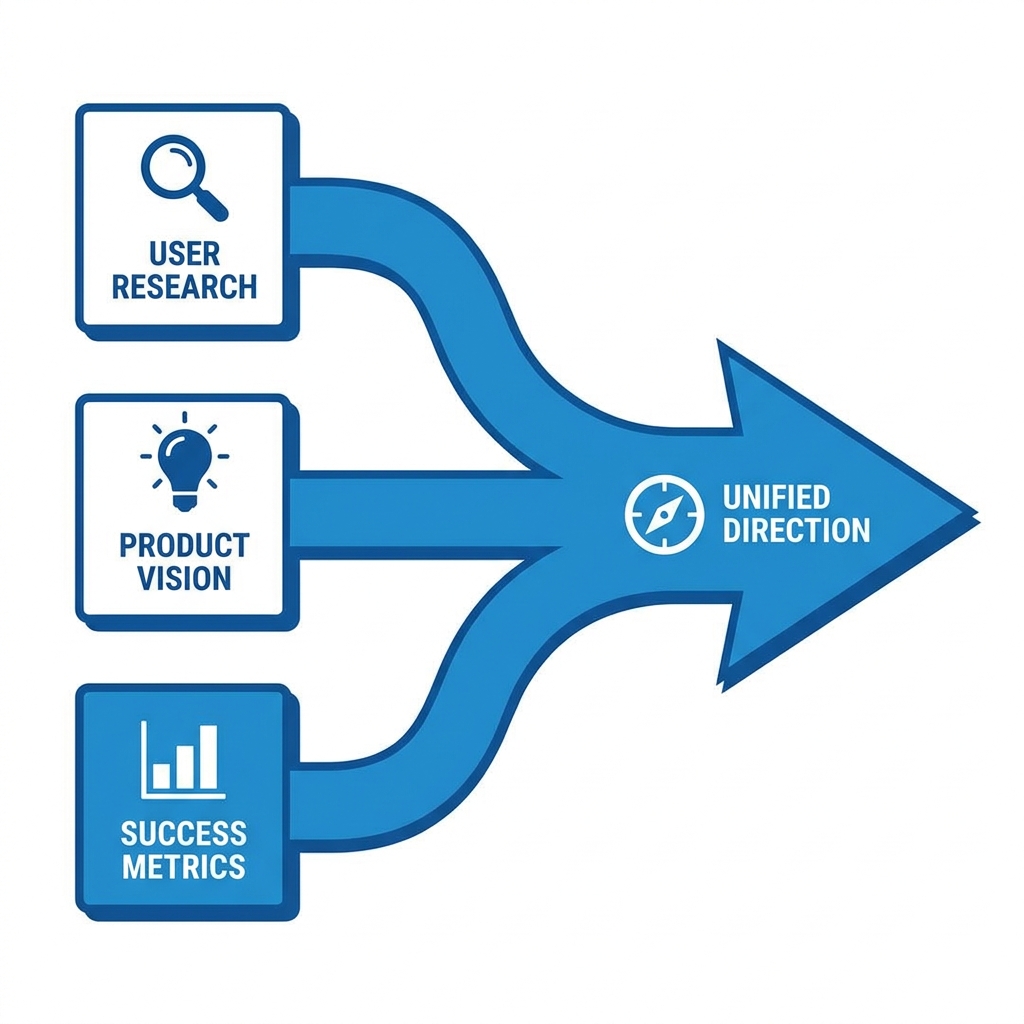
In SaaS environments, UX strategy helps prioritize features, define core workflows, and set principles that guide future decisions. This foundation is critical for products that grow and change over time.
Turning research into product decisions
Most design problems I’ve seen aren’t actually design problems—they’re research problems. The team skipped talking to users and guessed. User interviews, session recordings, and competitive teardowns aren’t the “soft” part of the process. They’re where you find out whether you’re building the right thing at all.
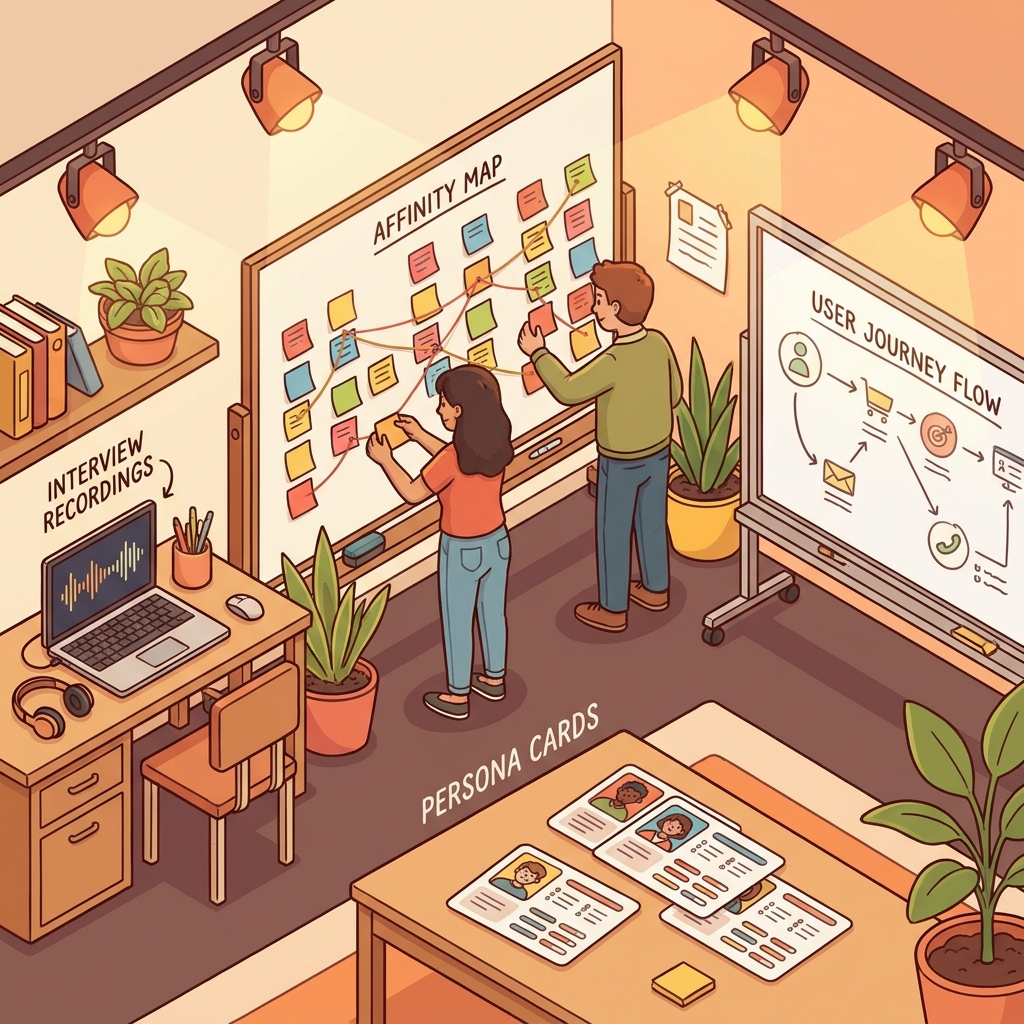
This means identifying primary user roles and goals, defining key workflows that drive value, and clarifying pain points that block adoption. These insights inform both UX structure and interface priorities, reducing guesswork during design.
From UX structure to interface design
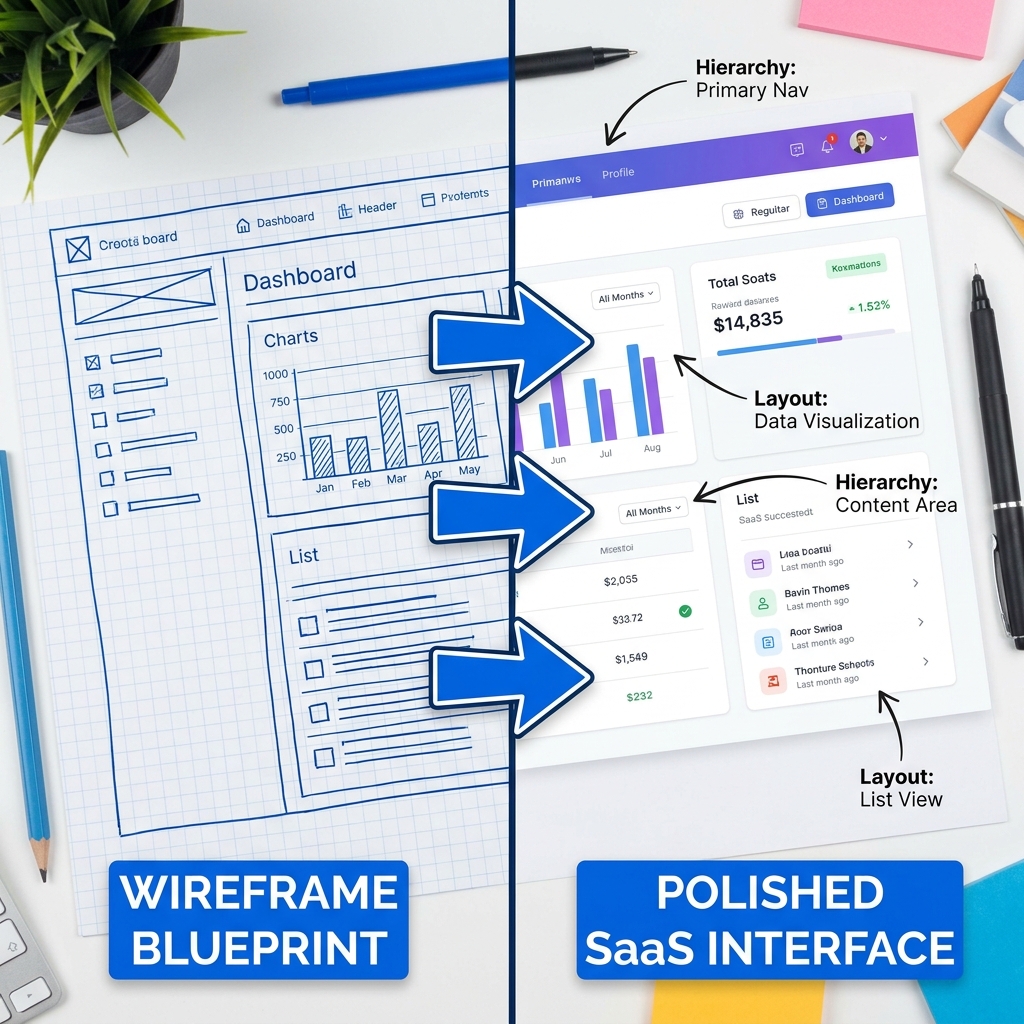
Wireframes settle the structure. Interface design is where it becomes something real. Visual hierarchy tells users where to look first. Interaction patterns tell them what to do. Layout keeps everything from collapsing under its own weight. The test is simple: can someone complete their core task without stopping to think?
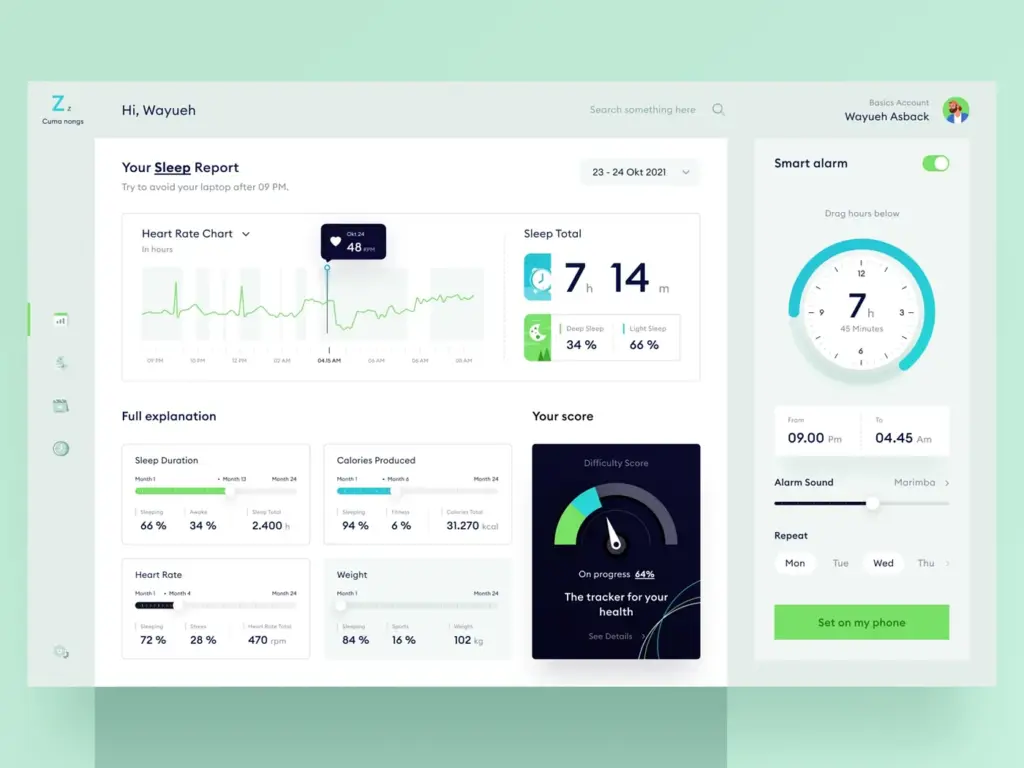
Consistency across screens and features helps users build familiarity. This is especially important in SaaS products with complex functionality or multiple user roles.
Design systems and scalability
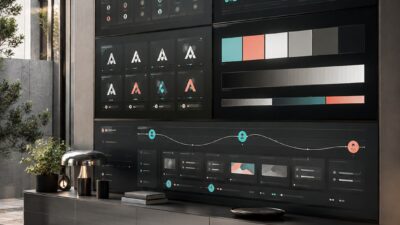
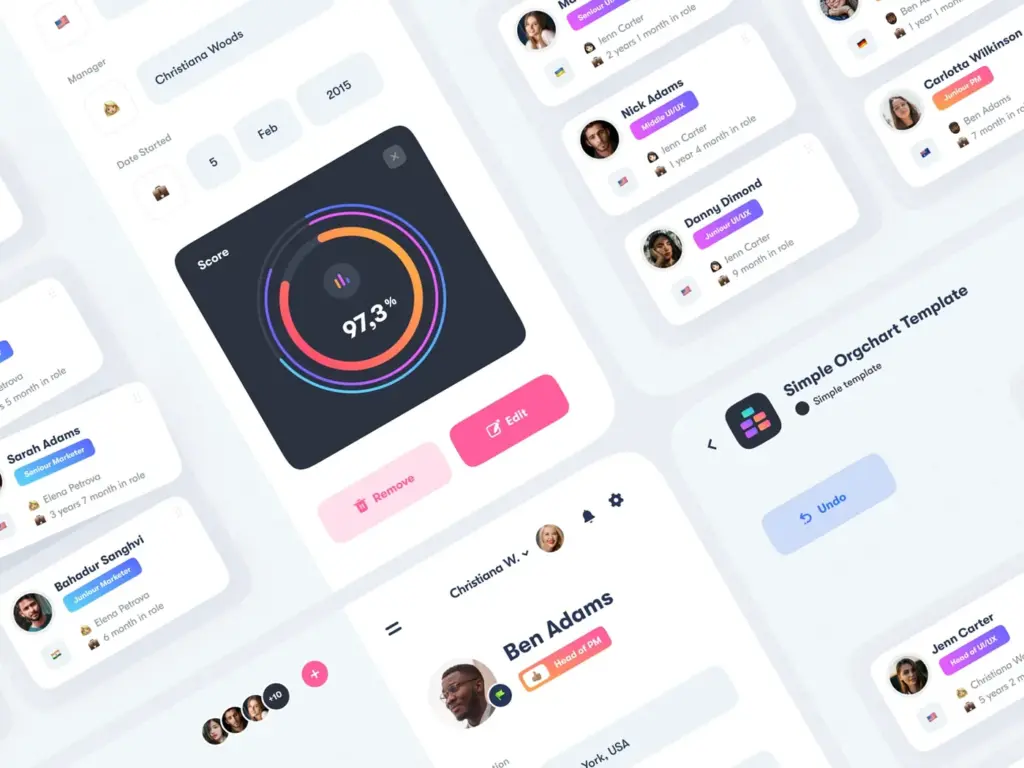
At some point, every growing SaaS team hits the same wall: the same button styled four different ways, three slightly different shades of blue, a modal that was redesigned in Q2 but the old version lives on in two legacy screens.
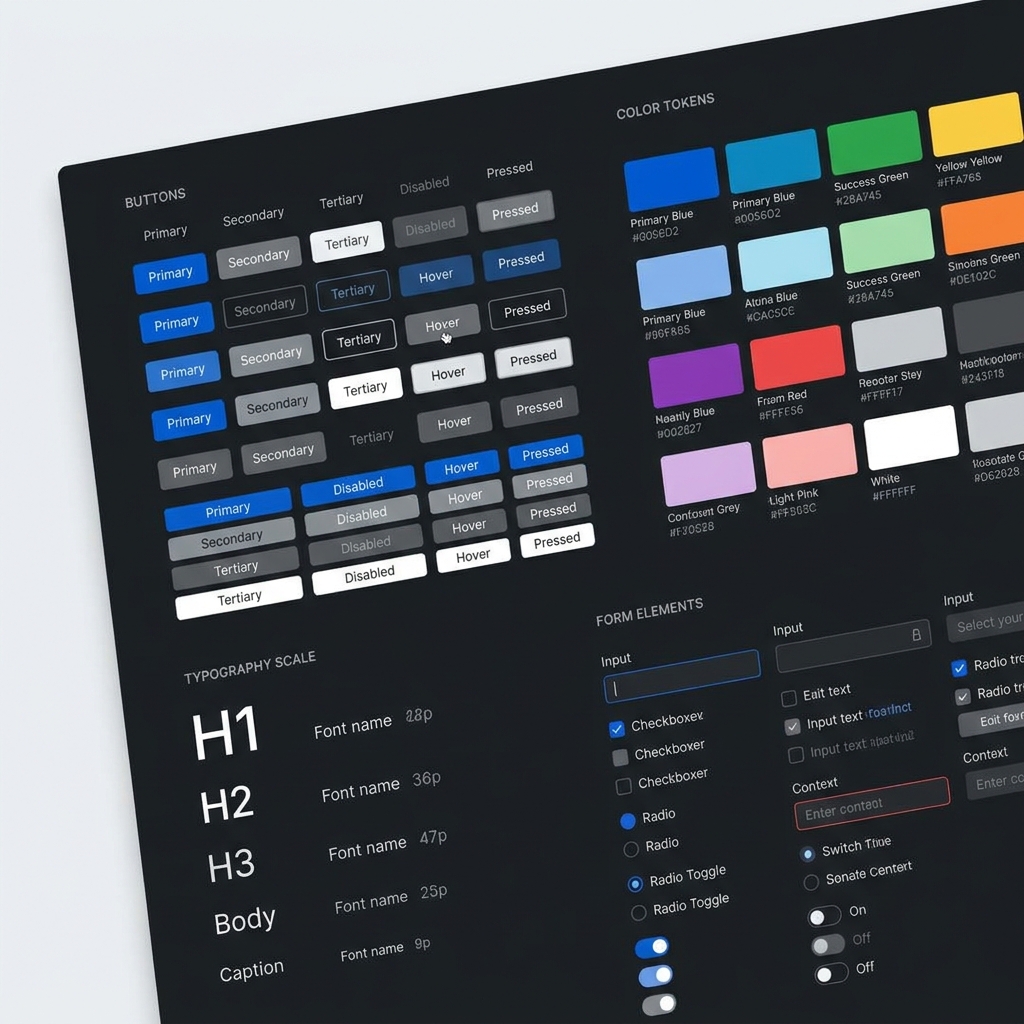
A design system is the fix—shared components, documented patterns, a single source of truth that designers and engineers actually use.
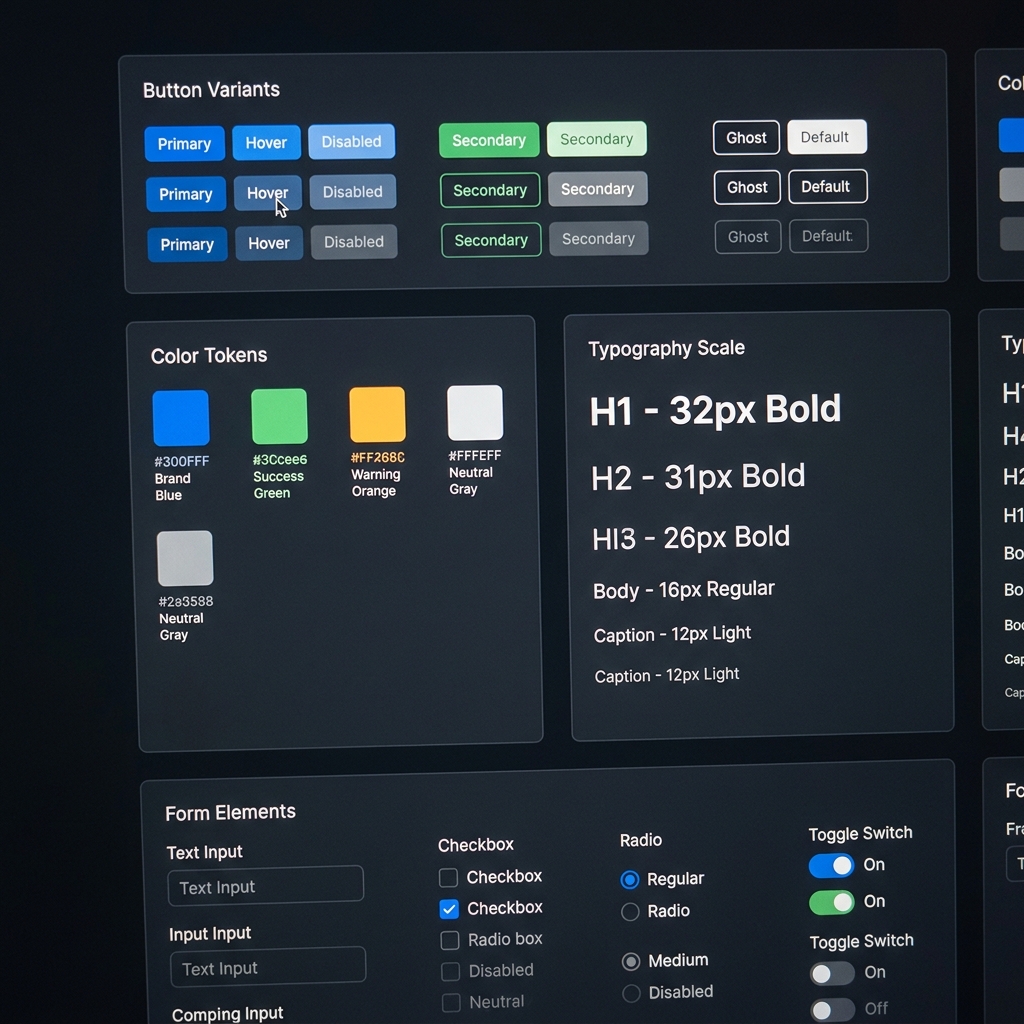
Scalable design systems allow teams to add features without degrading usability. They also make onboarding new team members easier as the product grows.
Measuring the impact of product design
Design doesn’t get a pass just because it looks good. The numbers that matter: activation rate, task completion, time-to-value, retention at 30 and 90 days. If those aren’t moving after a design change, something in the execution missed—or the strategy was wrong to begin with.
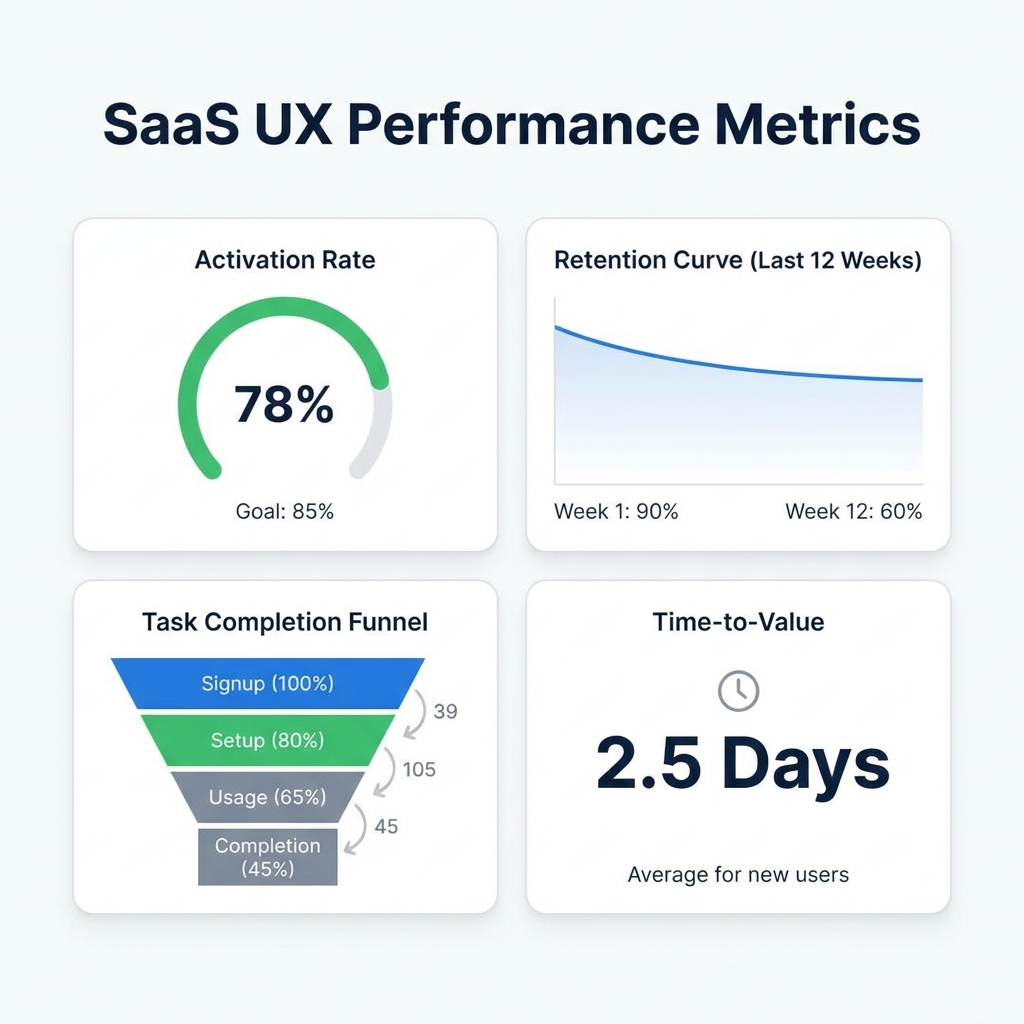
Continuous feedback and iteration ensure that design evolves based on real usage rather than assumptions.
Case study: redesigning a B2B analytics platform’s onboarding flow
The problem
A mid-market B2B analytics platform was losing 68% of trial users before they completed setup. The onboarding flow had 11 steps, required connecting three data sources upfront, and dropped users into a blank dashboard with no guidance. Support tickets about “where do I start?” accounted for 40% of all first-week inquiries.
The approach
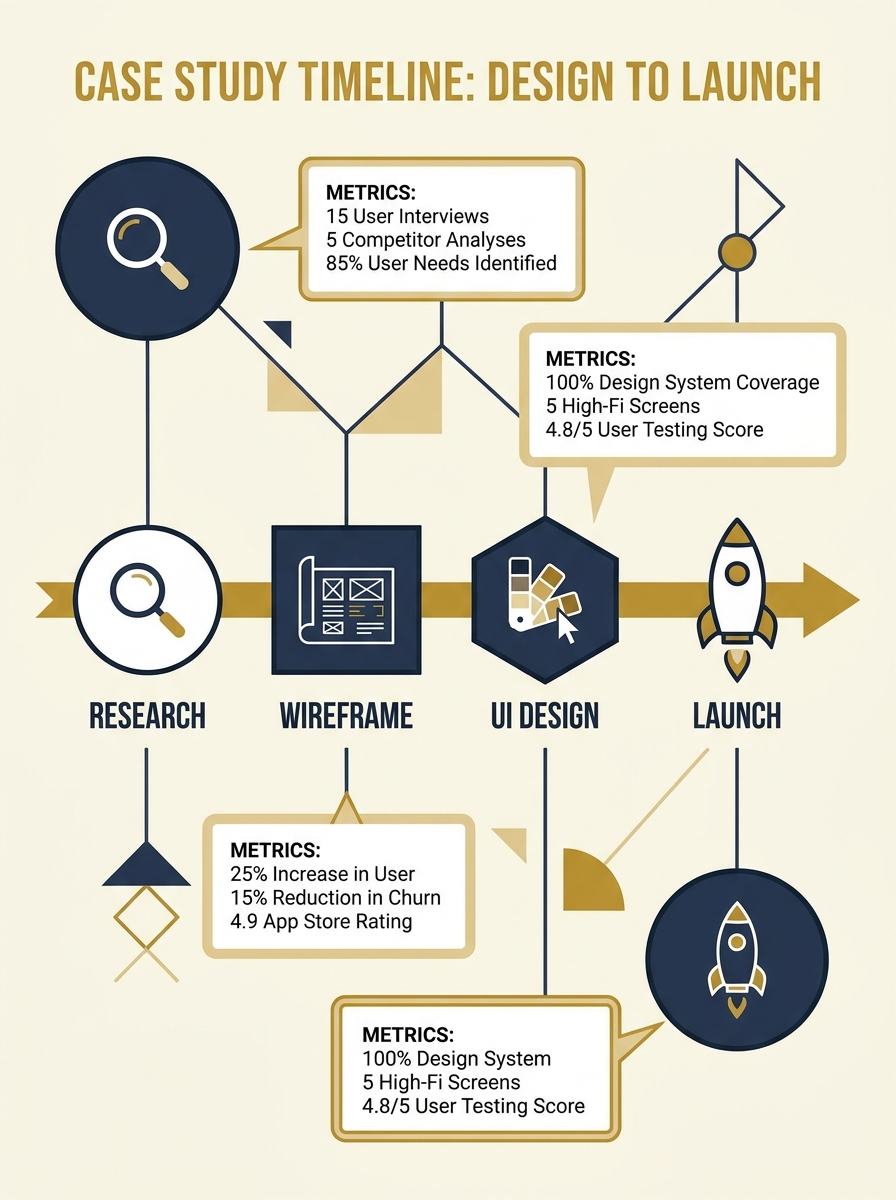
The product design team ran 15 user interviews and reviewed session recordings from 200+ trial users. Two patterns stood out: users abandoned at the data connection step (too technical for non-engineers), and those who did reach the dashboard couldn’t figure out which metrics mattered for their role.
The redesign focused on three changes. First, the 11-step setup was compressed to 4 steps with progressive disclosure—advanced configuration moved to post-setup. Second, they added role-based onboarding: marketing managers, product analysts, and executives each saw a pre-built dashboard template matching their function. Third, a contextual “first insight” prompt populated the dashboard with sample data so nobody landed on an empty screen.
The results
Within 90 days of launching the redesigned flow: trial-to-paid conversion increased by 34%, setup completion jumped from 32% to 78%, and “where do I start?” support tickets dropped by 61%. The team spent roughly 8 weeks on the project—two for research, two for wireframing and testing, four for UI execution and design system updates.
The biggest takeaway? Removing steps mattered less than making each remaining step feel purposeful. Users don’t mind a setup process—they mind a confusing one.
💡 Pro tip: If your trial-to-paid conversion is below 25%, audit your onboarding flow first. It is almost always cheaper to fix onboarding friction than to increase top-of-funnel traffic.
What this means for your product
SaaS product design isn’t a single deliverable—it’s an ongoing feedback loop. Research shapes what gets built. Structure determines how it’s navigated. Interface design decides whether it’s actually usable. And metrics tell you where the next problem is hiding. Break the chain anywhere and it shows up in your churn.
Look at Linear, Notion, Vercel. None of them became defaults in their category because of animations. They got there because the interface gets out of the way. That’s what happens when UX strategy actually drives design—not the other way around.
If your product’s churn is climbing or activation is flat, start with your onboarding flow and your three most-used screens. Audit them against real user sessions. That’s where the friction lives, and that’s where design has the highest ROI.
Conclusion
The fintech dashboard I mentioned at the start eventually got rebuilt a third time—properly. The team ran user interviews before touching Figma. They mapped the workflows that actually mattered. They shipped a design system so the next sprint didn’t undo everything from the last one. Six months later, payment send completion was up 41% and support volume on that flow dropped by half.
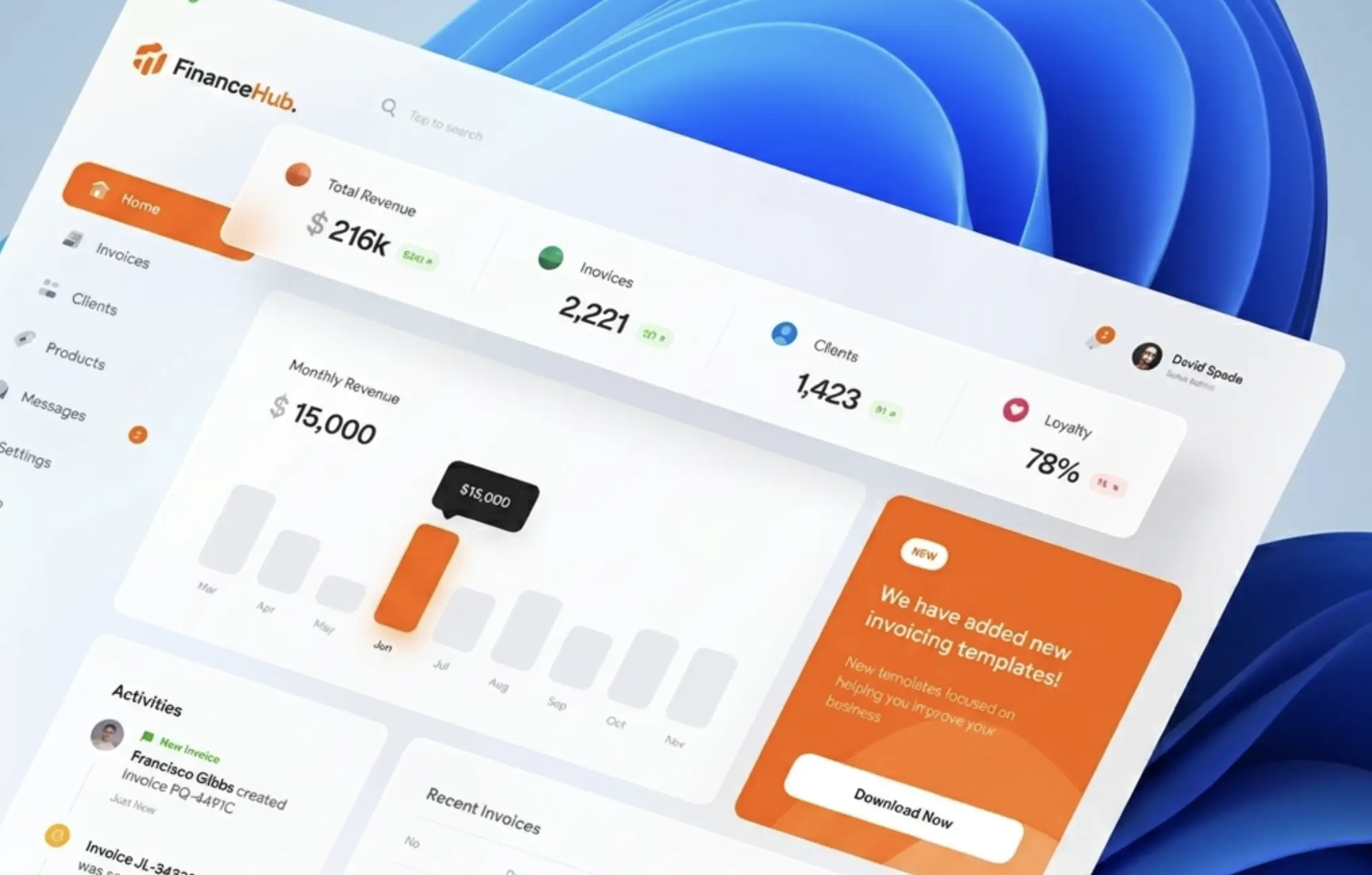
That’s what good SaaS product design actually produces—not prettier screens, but fewer drop-offs, shorter time-to-value, users who figure out what to do without calling anyone. The work is unglamorous: interviews, wireframes, component audits, metric reviews. But it’s the only part of the product that touches every single user, every single session. Worth getting right.
Frequently asked questions
Q: What are SaaS product design services?
SaaS product design services cover the full process of creating a software product’s user experience—from early research and UX strategy through wireframing, interface design, and design system creation. The goal is to connect business objectives with actual user needs so the product is usable, scalable, and drives measurable outcomes like retention and activation.
Q: How does UX strategy differ from UI design in SaaS?
UX strategy sets the direction—who your users are, what they need, and how the product delivers value. UI design is the execution layer: layout, visual hierarchy, typography, interaction patterns. A strong SaaS product needs both. Strategy without good UI stays theoretical; good UI without strategy looks pretty but confuses users.
Q: Why do SaaS products need a design system?
Without a design system, every new feature requires designers and developers to rebuild common elements from scratch. This slows shipping, creates visual inconsistency, and makes onboarding new team members harder. Tools like Linear and Notion ship faster specifically because they maintain shared component libraries that keep everything consistent.
Q: How long does a SaaS product design project take?
Timelines vary by scope. A focused UX audit and redesign of a core workflow might take 4–6 weeks. A full end-to-end design engagement—research, strategy, wireframes, UI, design system—typically runs 3–6 months. Iterative sprints are common, so usable outputs start arriving within the first few weeks.
Q: What metrics show that SaaS product design is working?
Activation rate (how quickly new users reach their first key action), task completion rate, time-to-value, and retention at 30/60/90 days. Forrester research shows well-designed UI can increase conversion rates by up to 200%. If design changes aren’t moving these numbers, something in the strategy or execution needs adjustment.
Q: Can design reduce SaaS churn?
Yes—and it’s one of the highest-impact levers. About 75% of SaaS users churn in week one, often because onboarding is confusing or the interface doesn’t surface value fast enough. Reducing friction in core workflows, simplifying navigation, and using progressive disclosure to avoid overwhelming new users directly lowers early churn.
Q: What should I look for in a SaaS product design agency?
Look for demonstrated work with SaaS products specifically—not just generic web or app design. Ask for case studies showing measurable outcomes (activation lift, churn reduction, task completion improvement). The best agencies combine UX research with strong interface execution and deliver reusable design systems, not just static mockups.
For SaaS work, a modular design system is often the bridge between UX strategy and production-ready interface patterns.
For product work, a SaaS UI color palette should support forms, dashboards, charts, success states, and primary actions.
- 39shares
- Facebook0
- Pinterest39
- Twitter0
- Reddit0