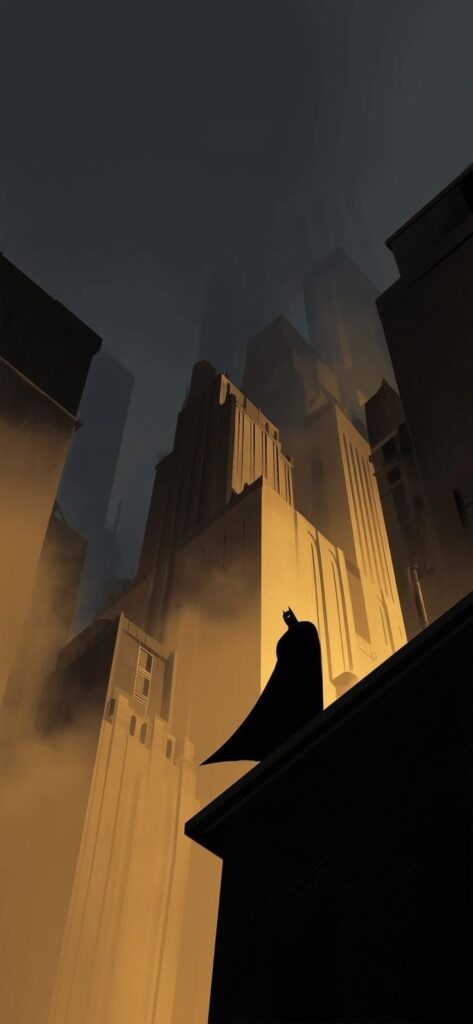
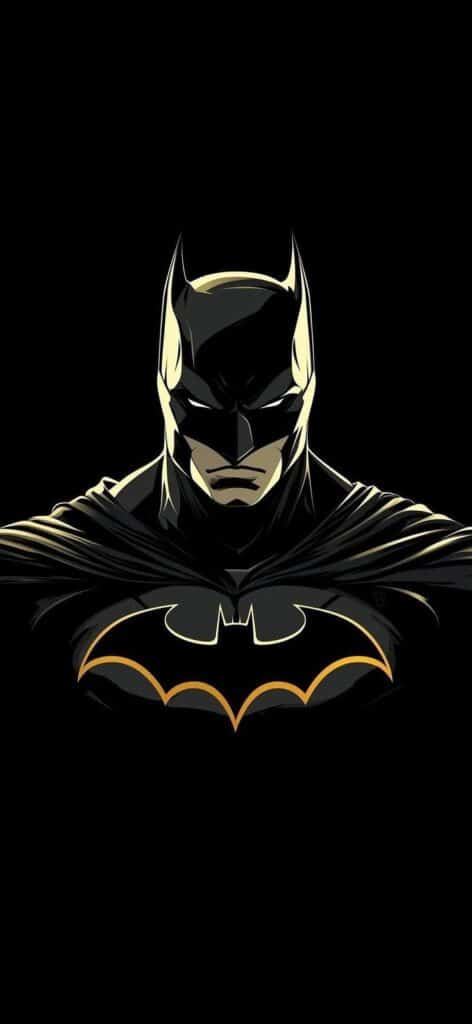
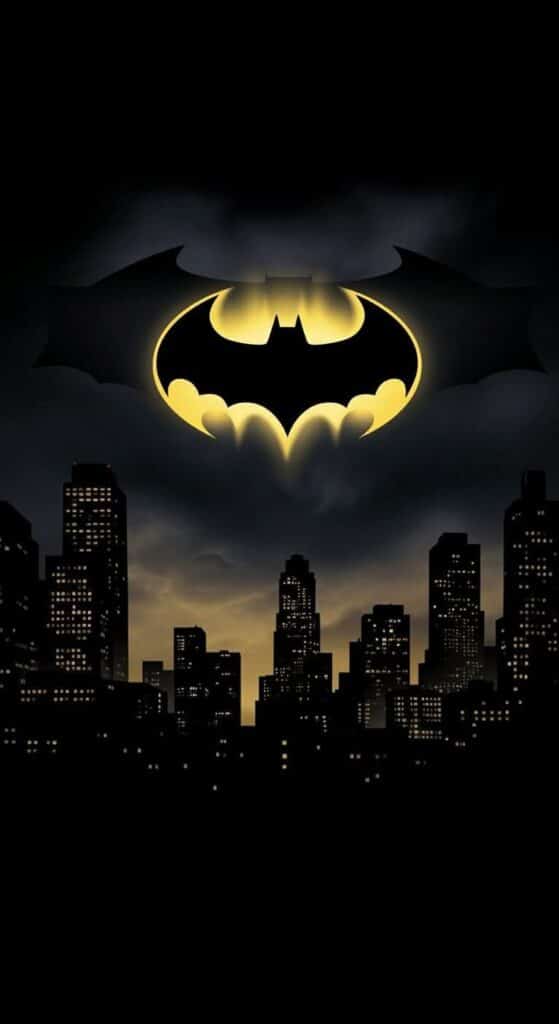
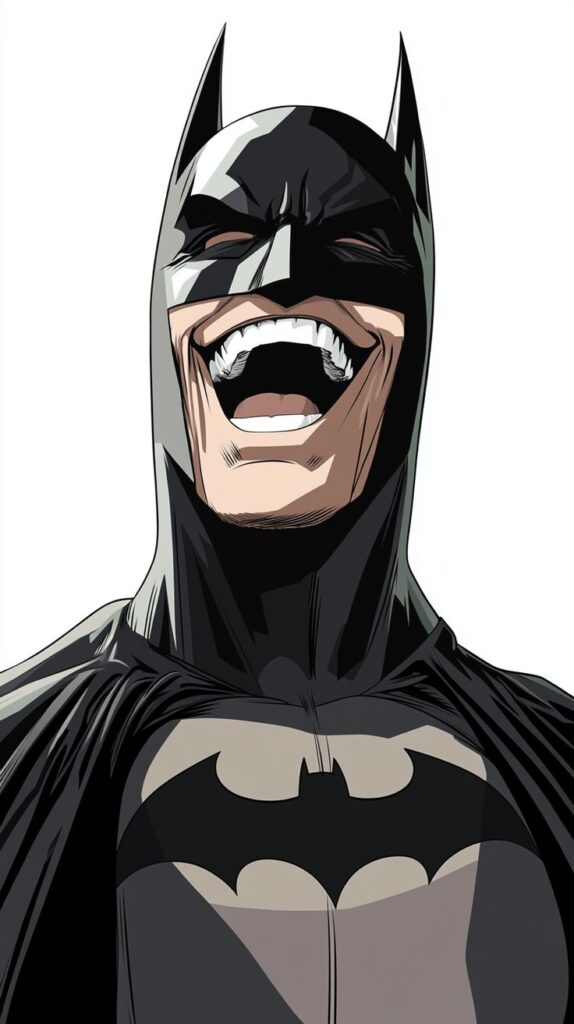
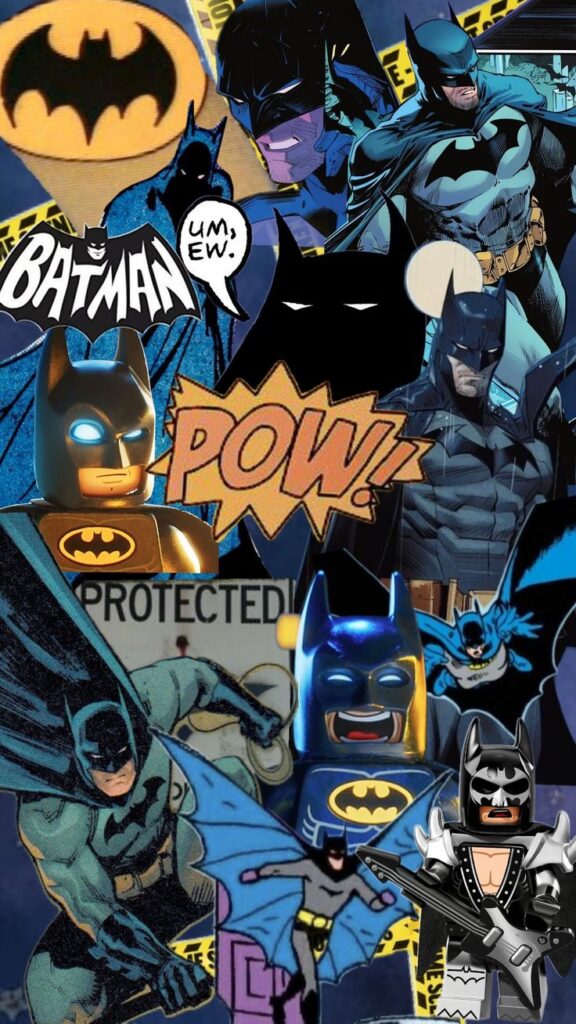
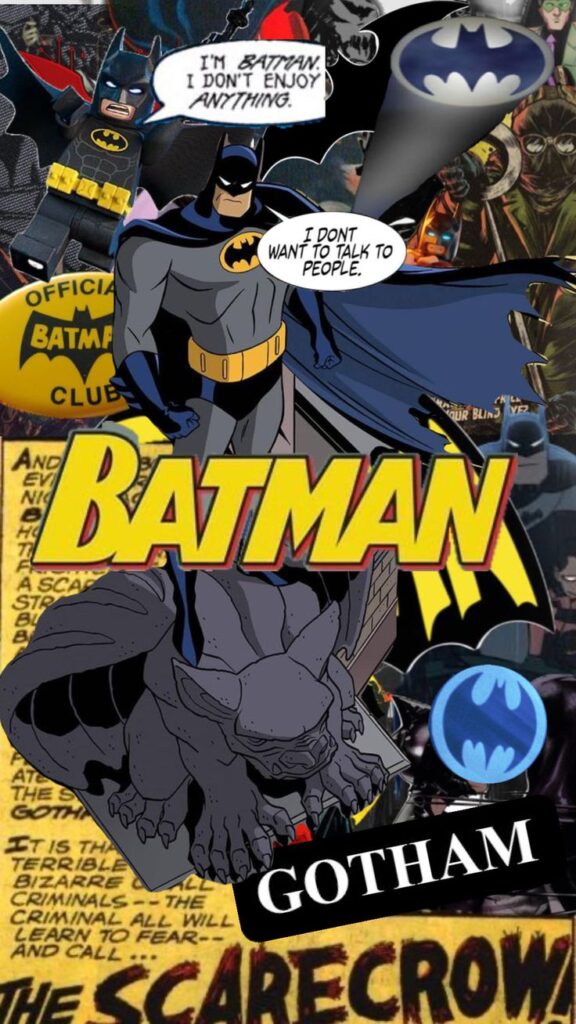
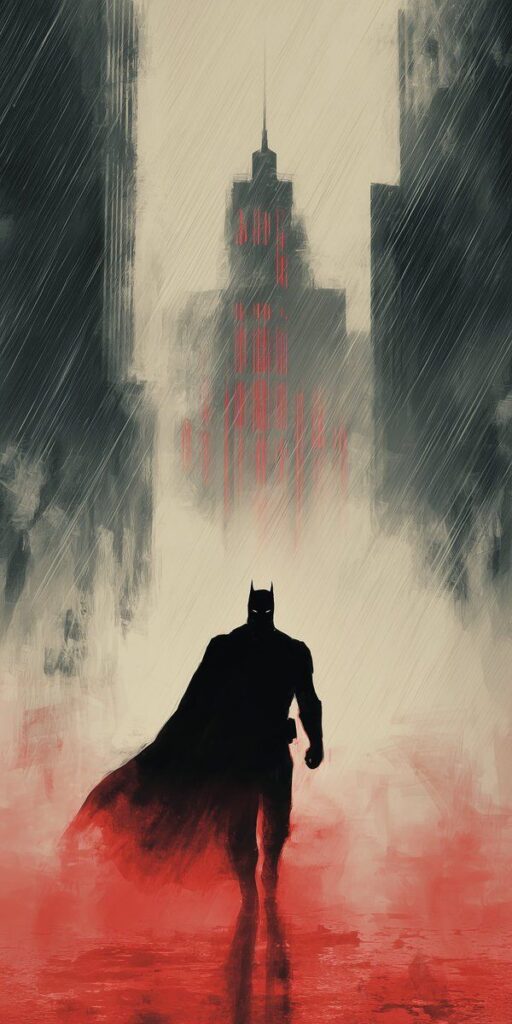
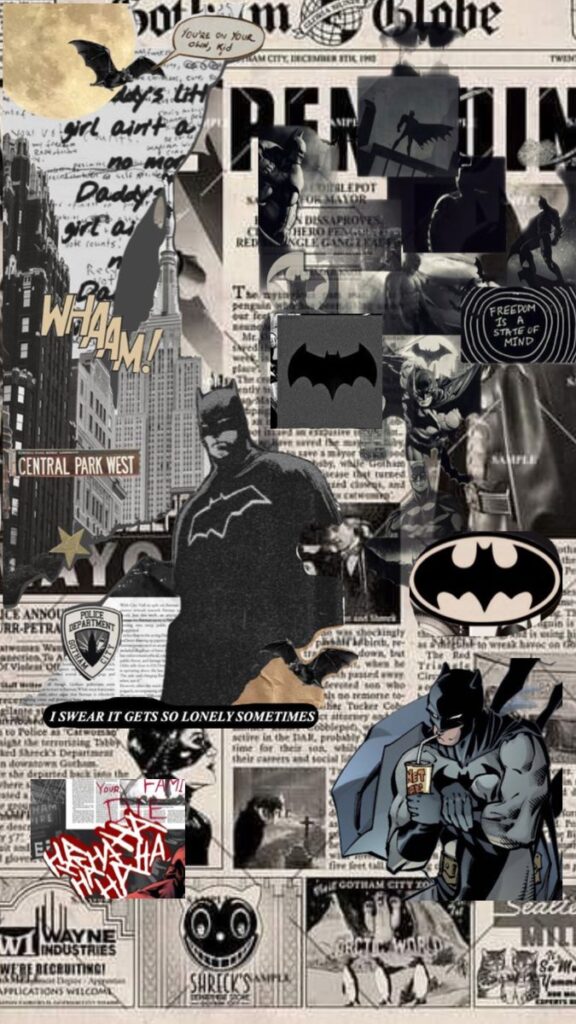
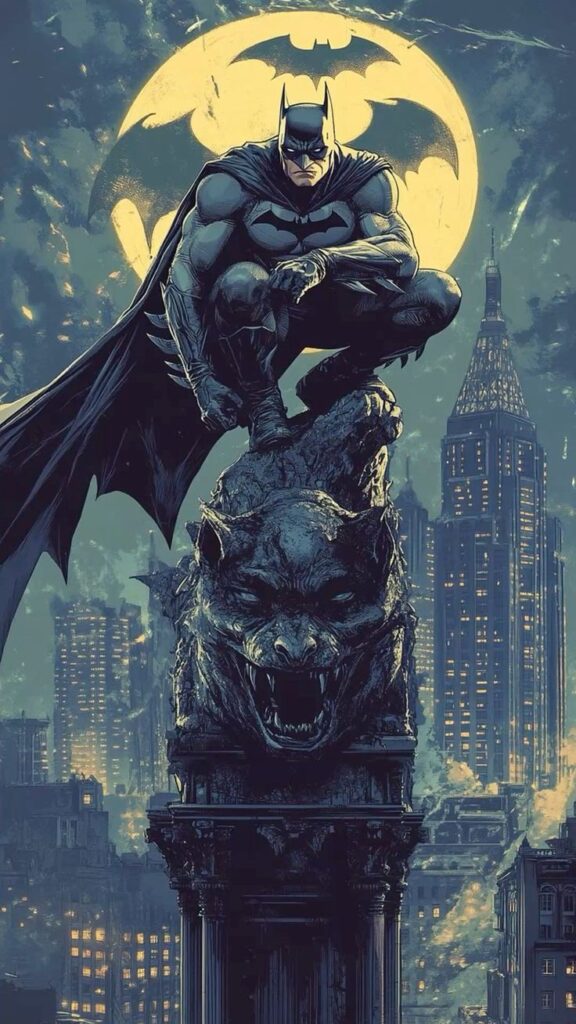
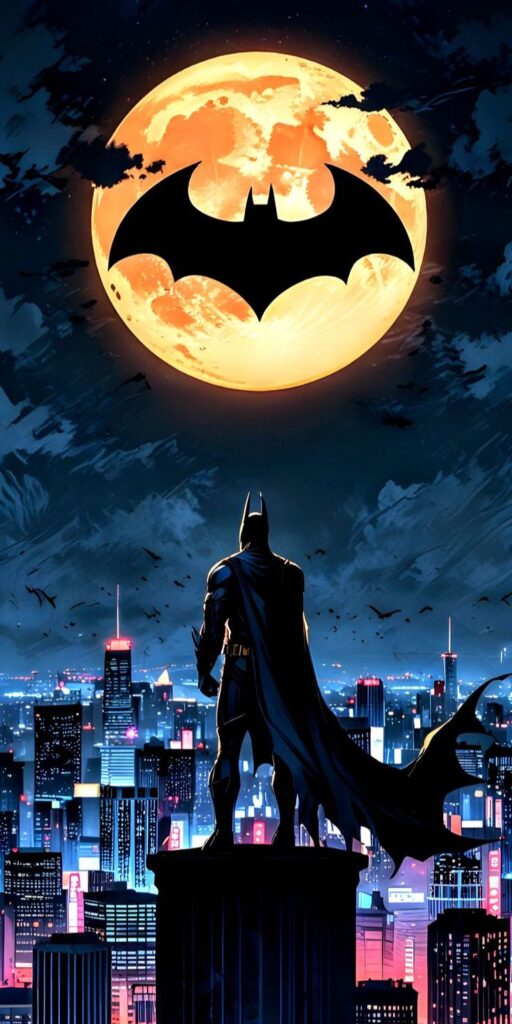
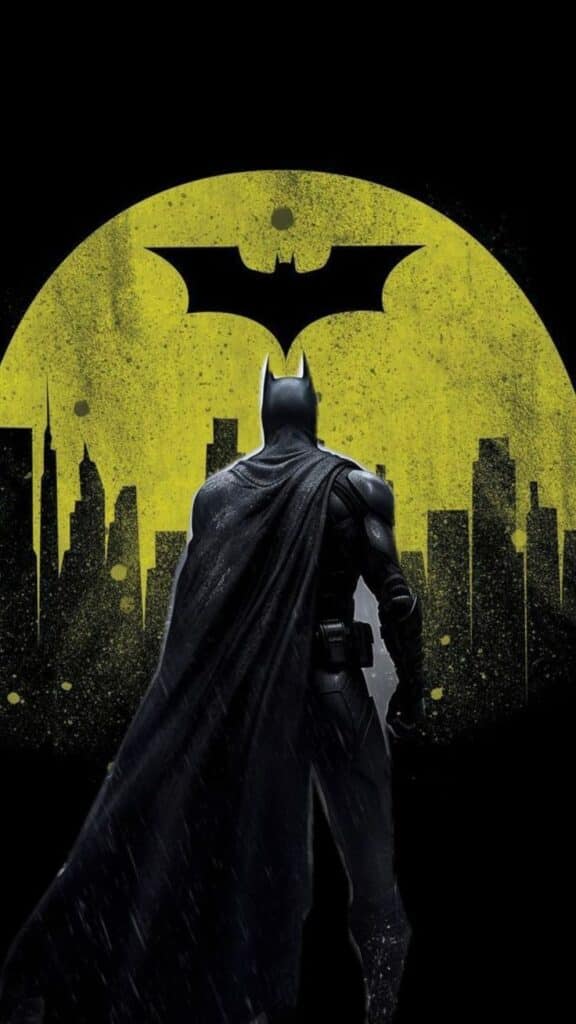
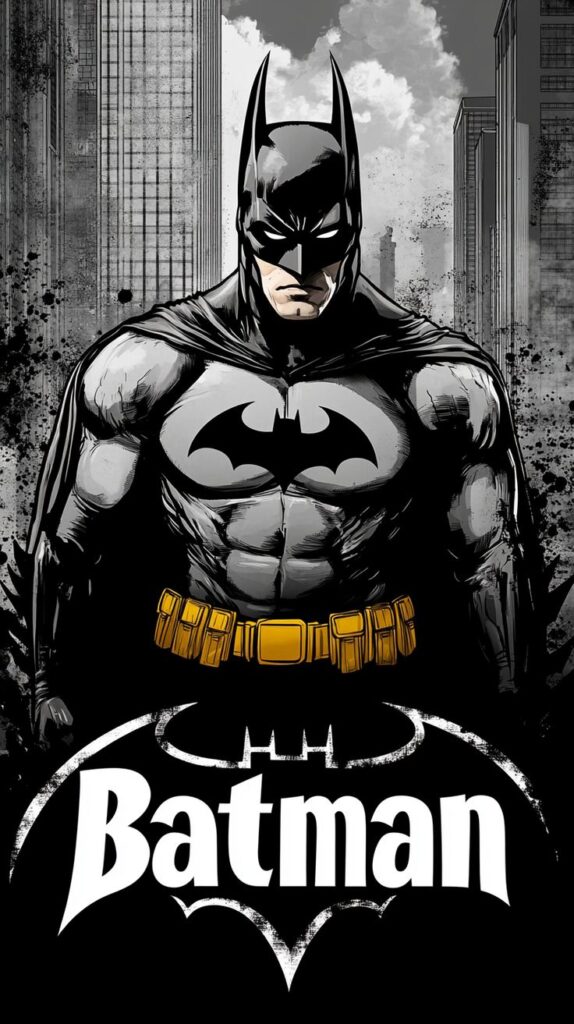
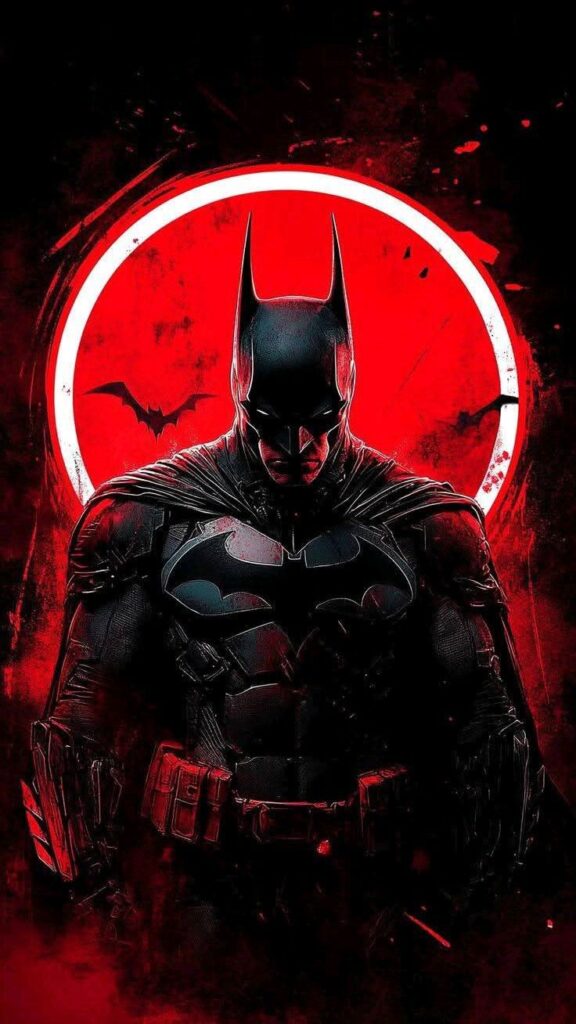
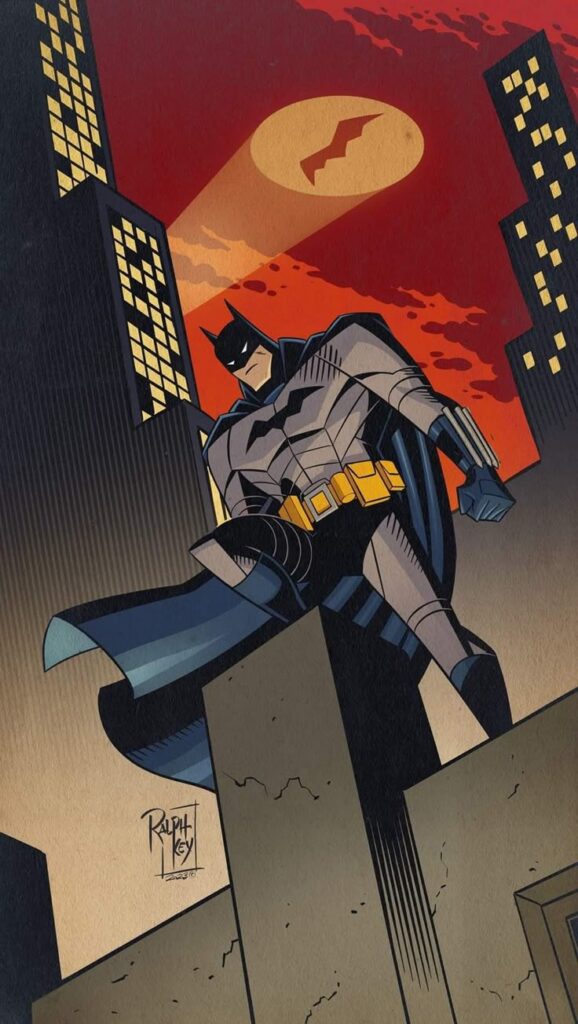
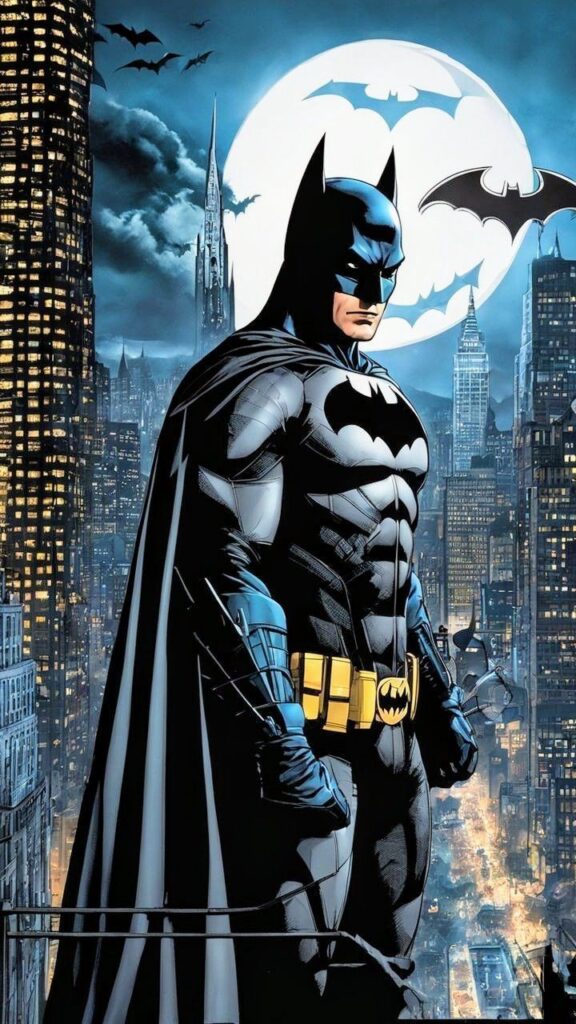
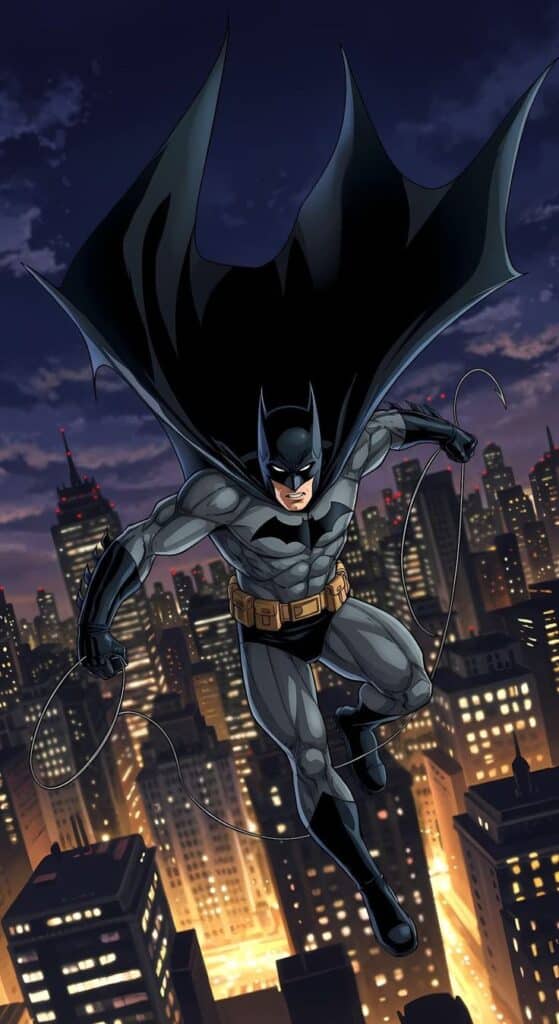
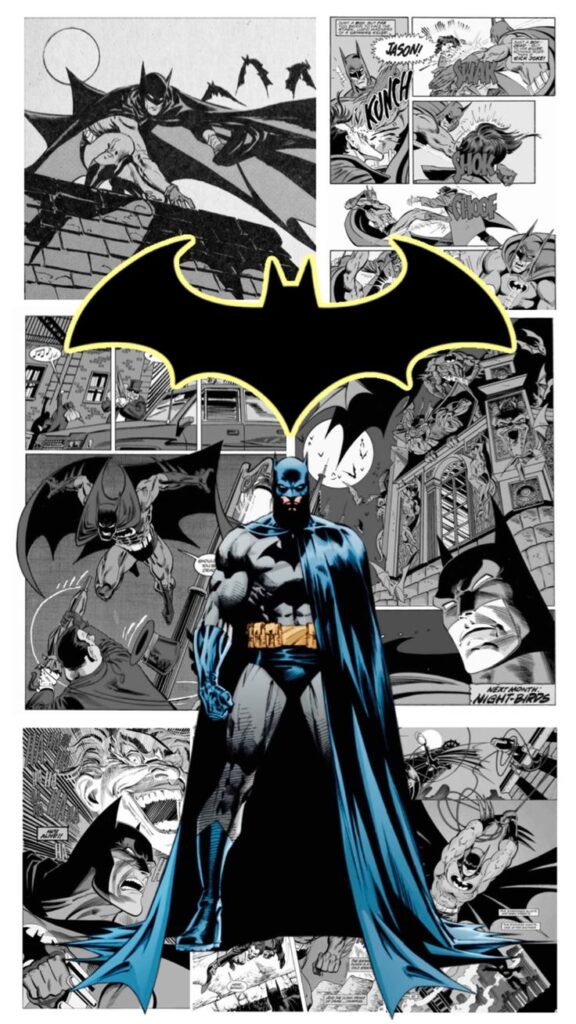
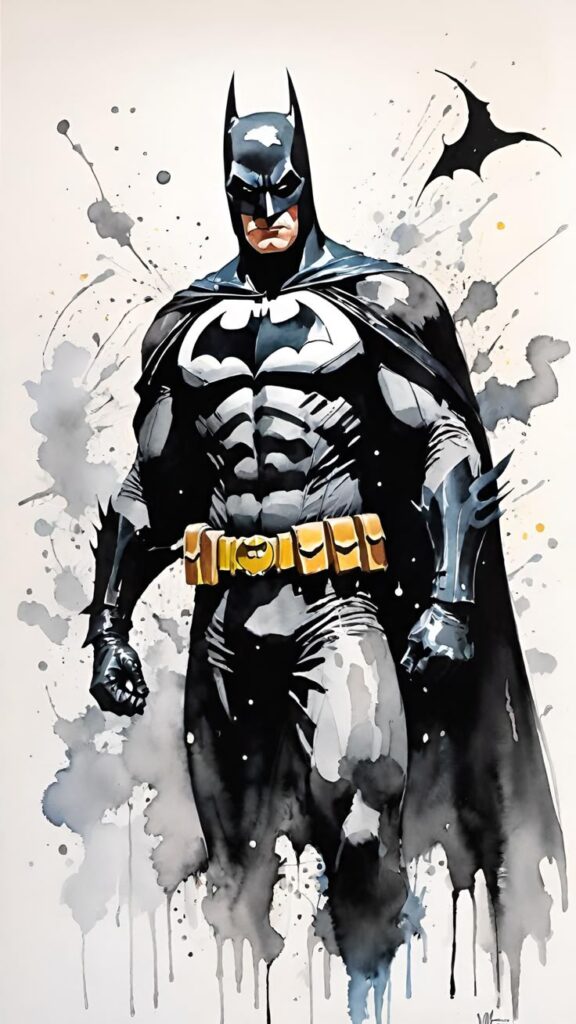
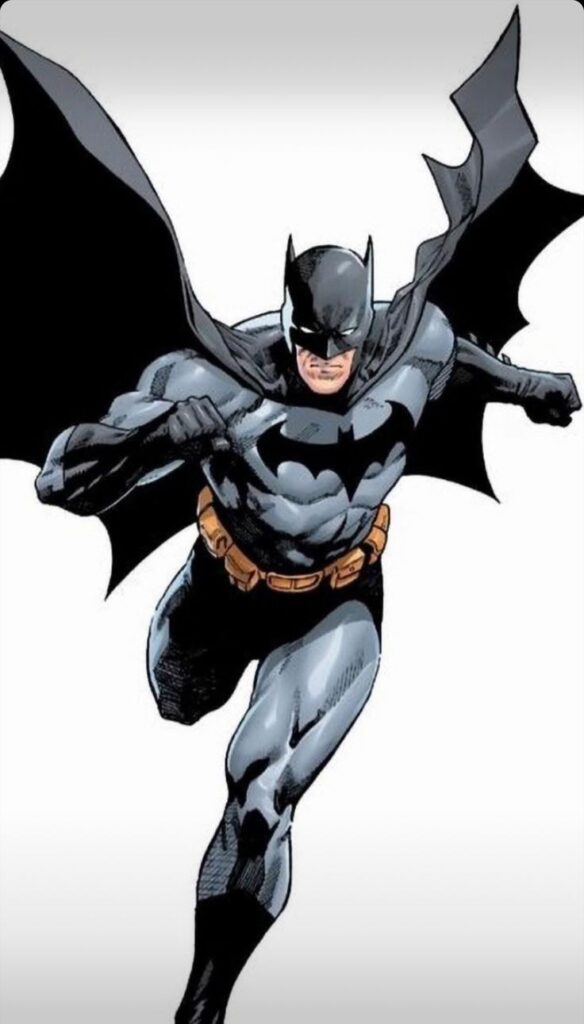
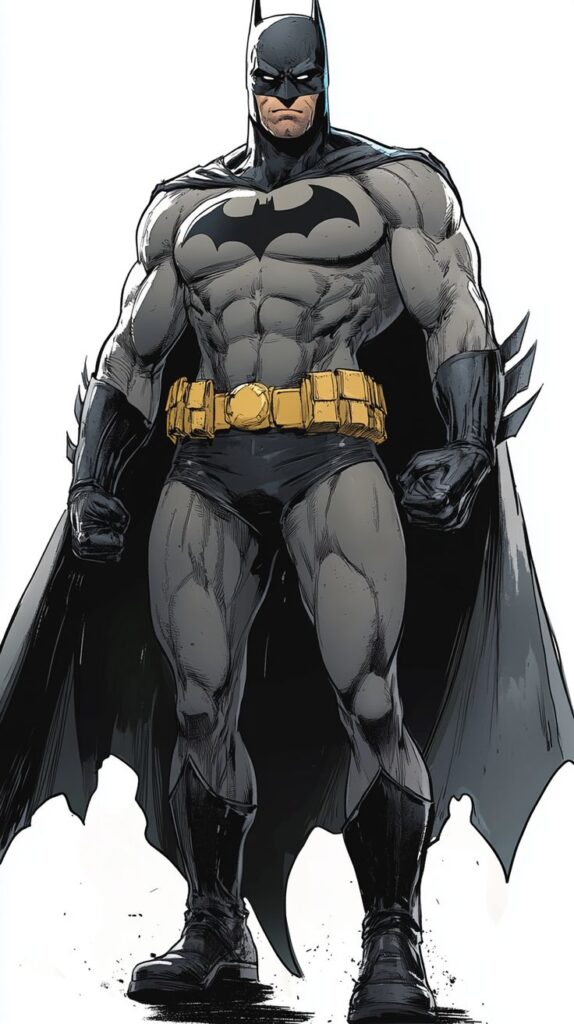
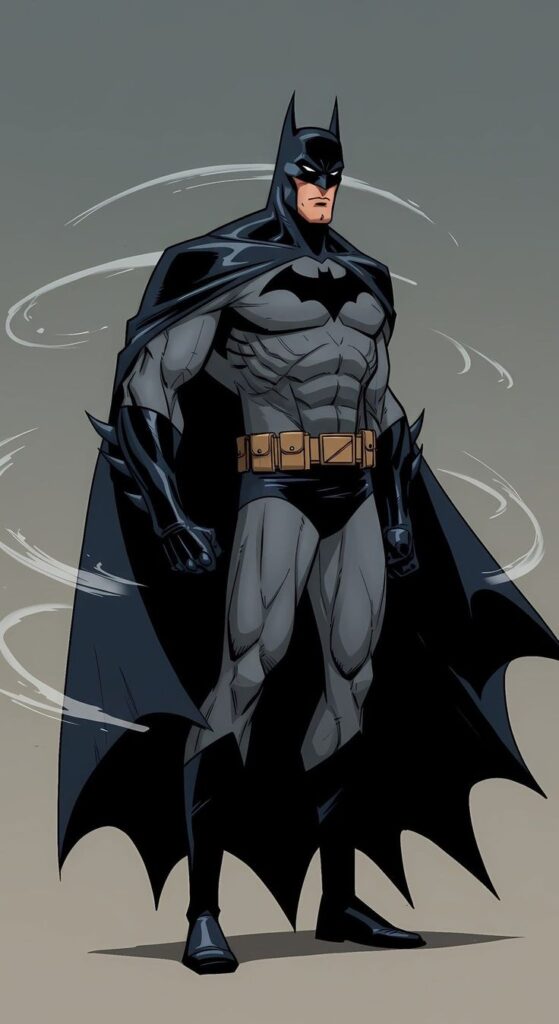
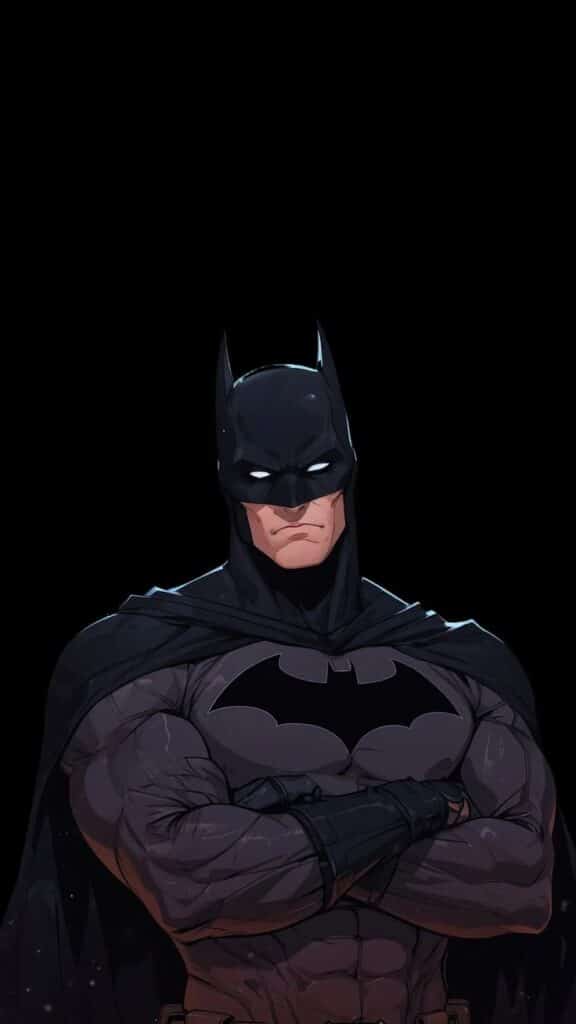
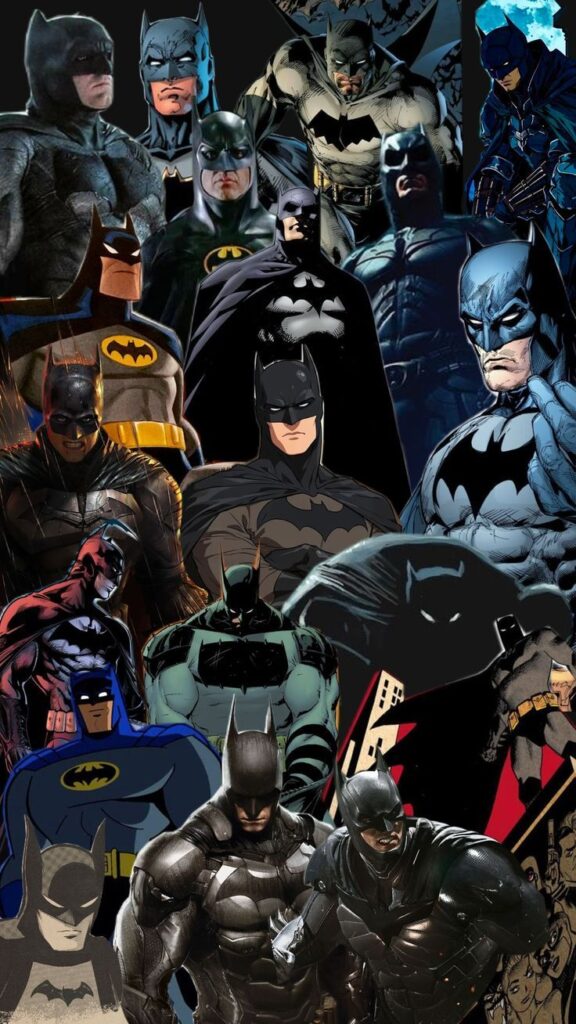
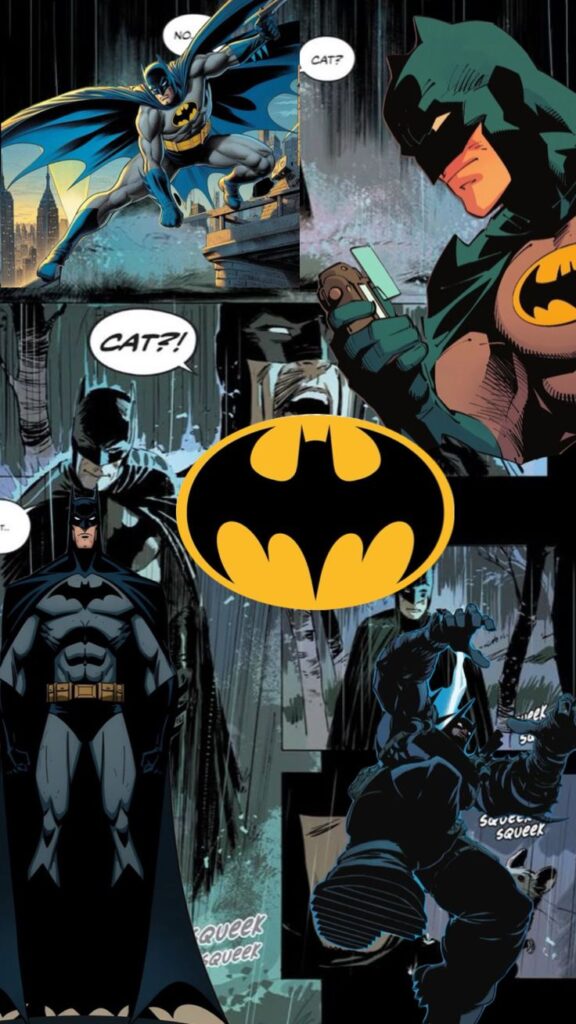
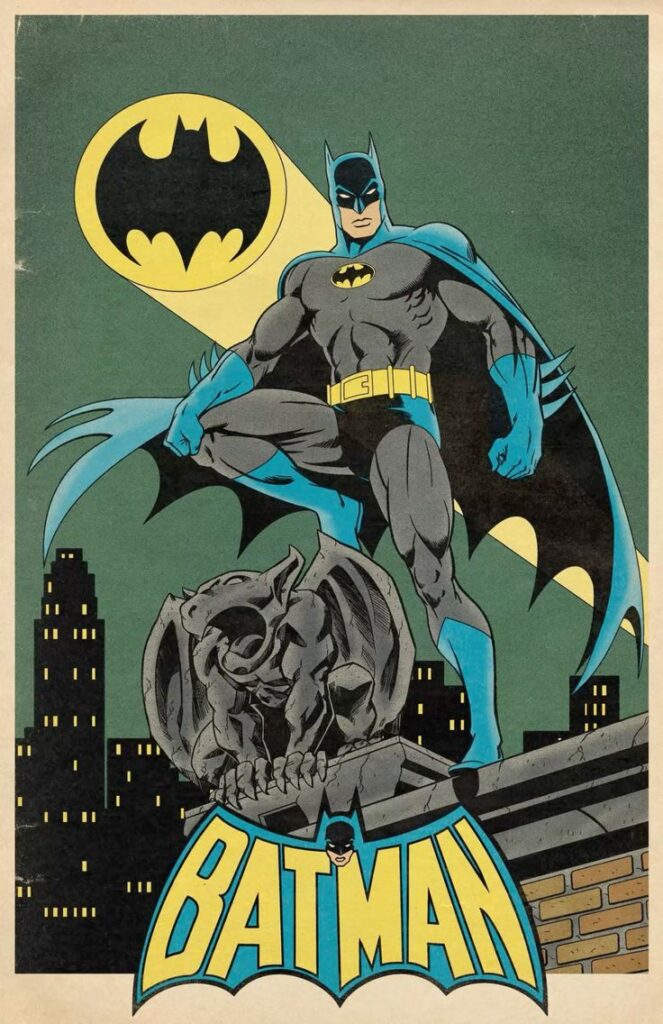
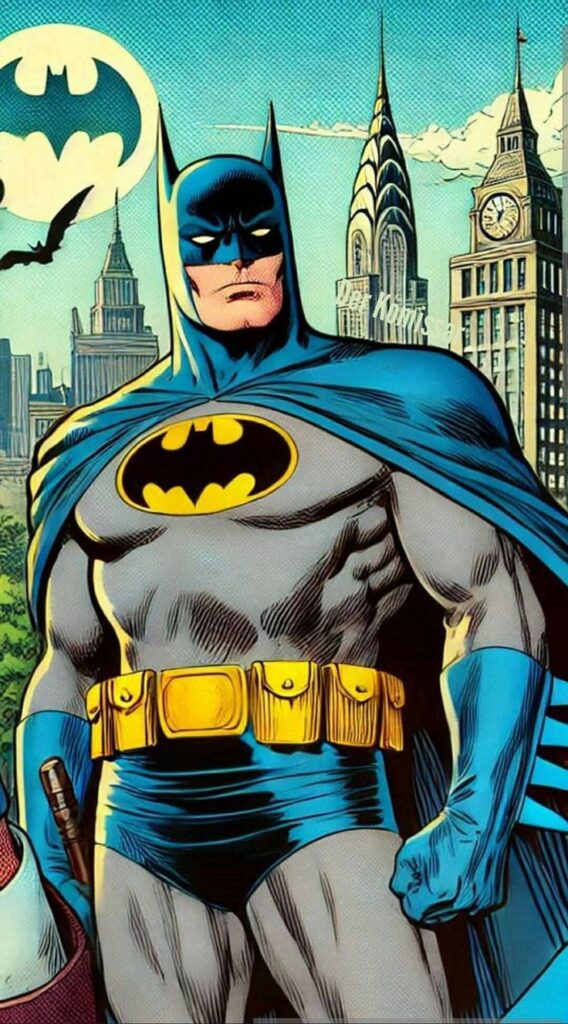
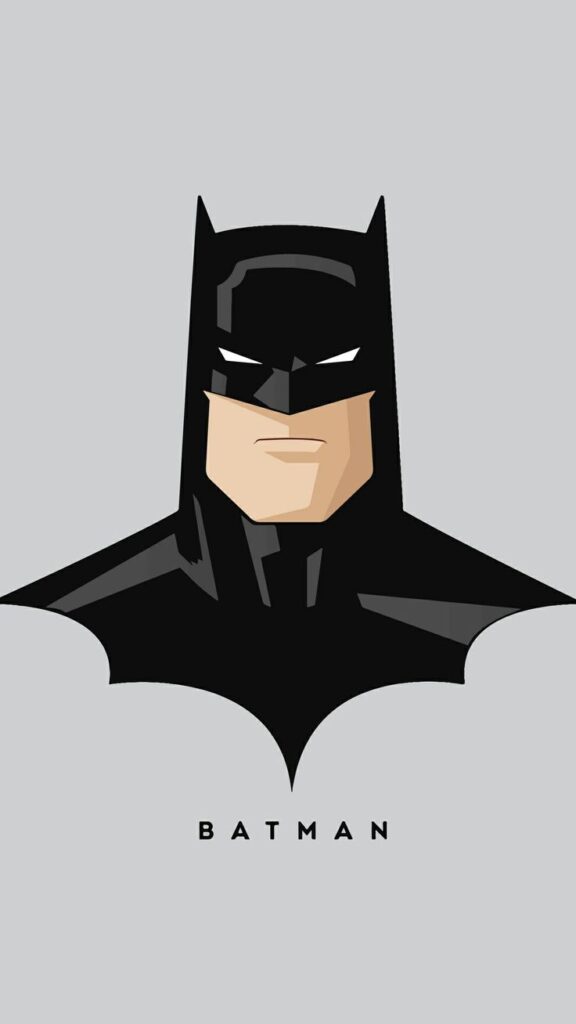
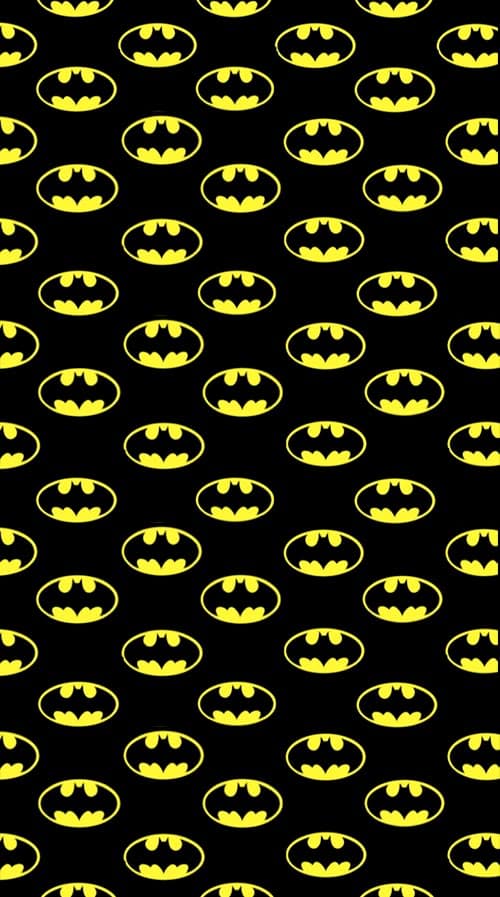
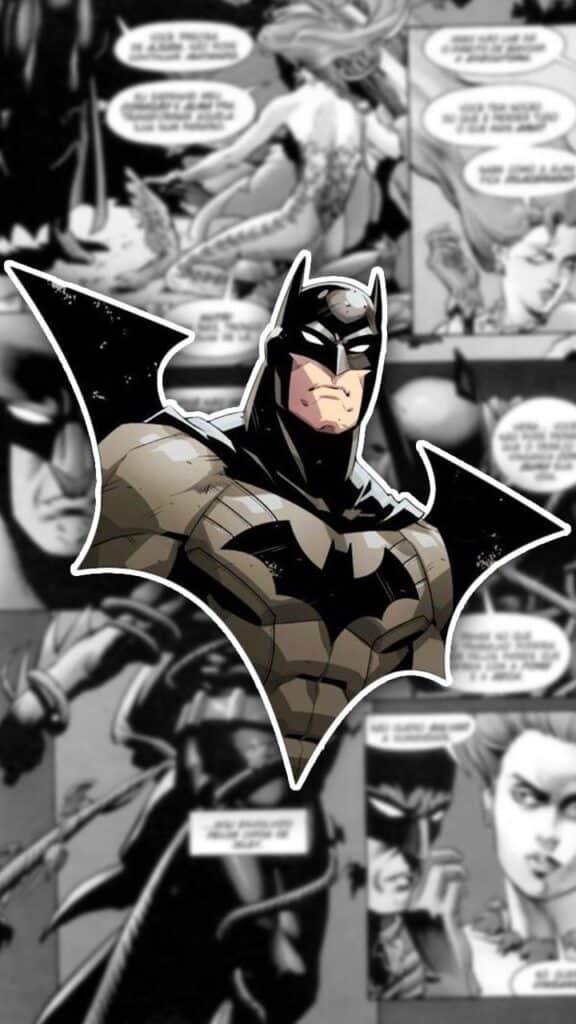
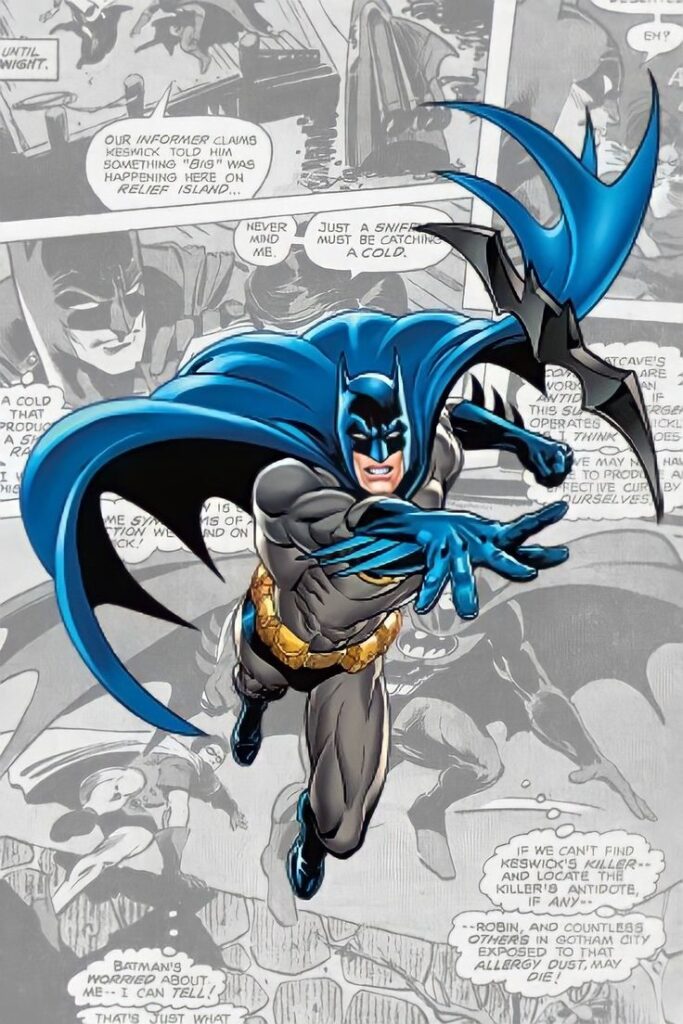
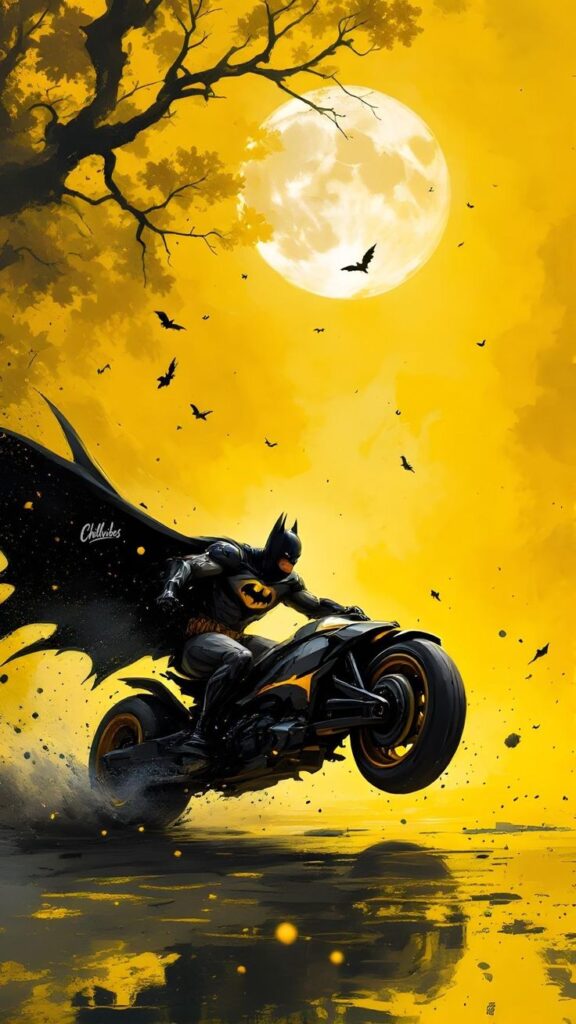
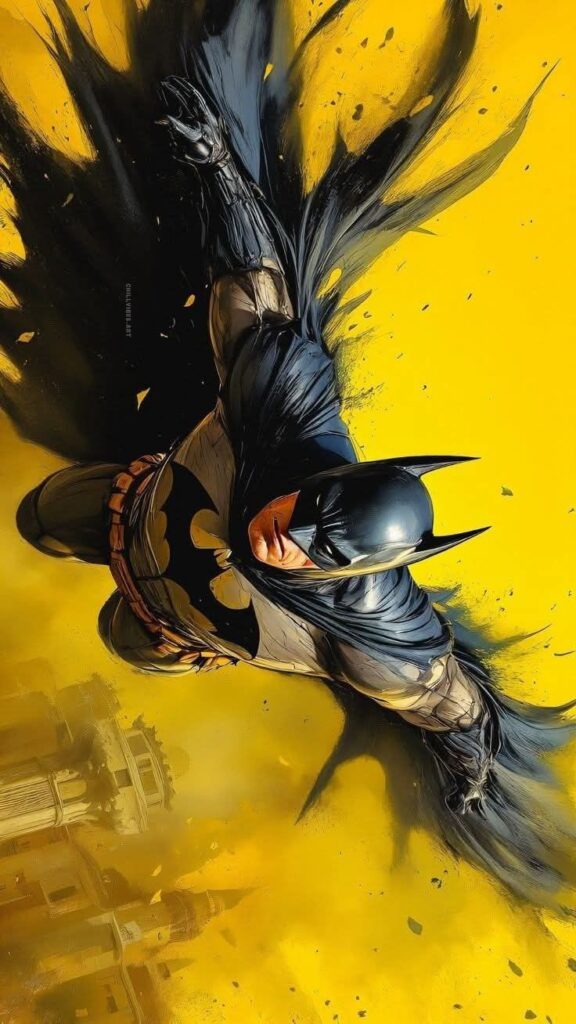
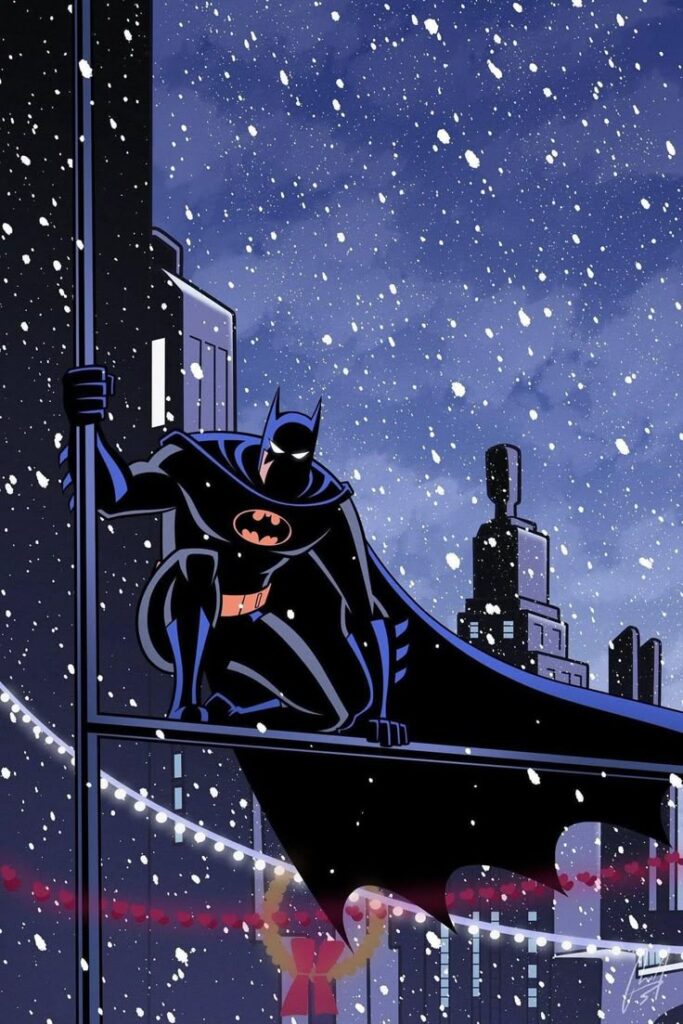
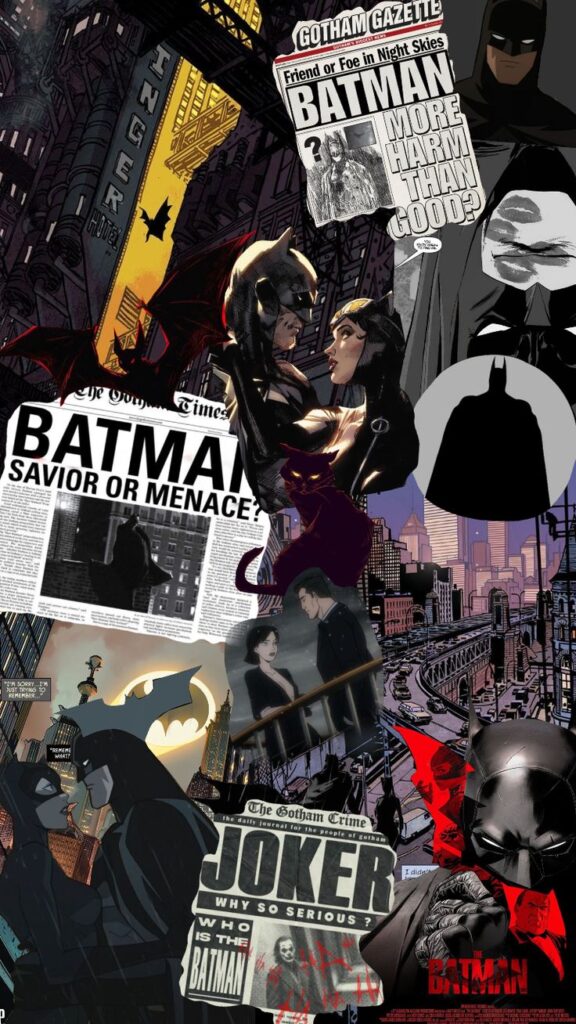
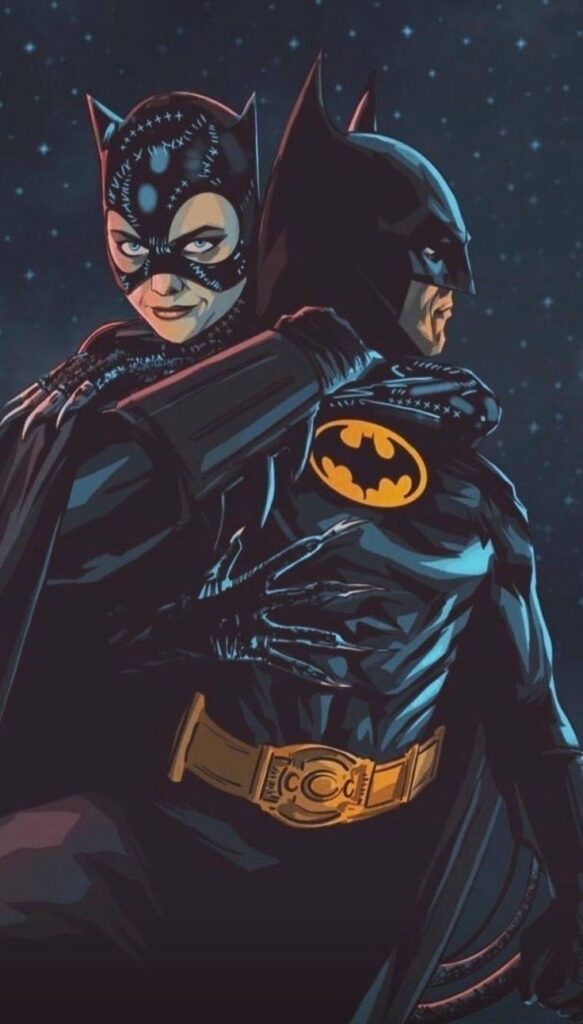
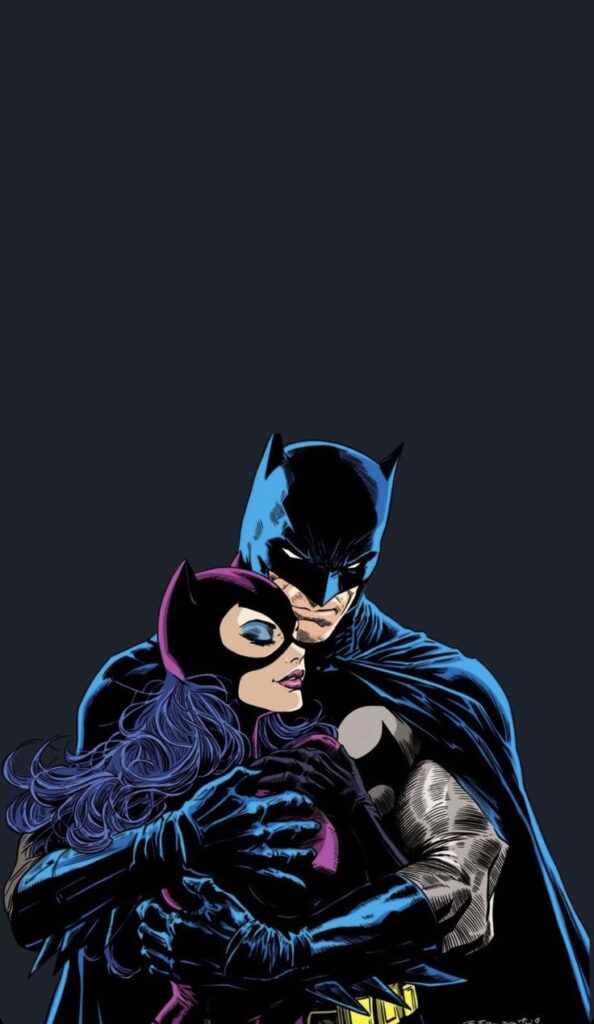
Batman wallpapers for iPhone sit in a very specific lane: dark, high-contrast, and usually built around silhouettes, city skylines, and the bat symbol rather than bright color. That works especially well on OLED screens, where pure black pixels are switched off and the image looks cleaner. Below are 35+ Batman iPhone wallpaper designs, from minimalist logo options to Gotham-style city scenes, comic-inspired artwork, and darker abstract versions. After the gallery, you will also find a quick guide to choosing the right wallpaper and setting it on your lock screen.
Why Batman wallpapers look better on iPhone OLED screens
If you have an iPhone X or any newer model with an OLED display, black areas in a wallpaper are not just dark gray. The pixels can turn off completely. That is why a Batman wallpaper with a true black background often looks sharper than a busy bright image: the bat symbol, skyline, or silhouette has cleaner contrast and less visual noise.
For the best result, choose designs with large areas of near-black around the top of the screen. That gives the clock, widgets, and status icons room to breathe. Minimal bat logo wallpapers usually work best for the home screen, while detailed Gotham scenes are stronger as lock screens.
How to set a Batman wallpaper on iPhone
- Save the image you want. Press and hold on it, then tap Save to Photos.
- Open Settings, then go to Wallpaper and tap Add New Wallpaper.
- Select Photos and find the Batman image you just saved.
- Pinch to zoom and position the bat symbol, skyline, or character silhouette in the center.
- Tap Add and choose Lock Screen, Home Screen, or Both.
Tip: If the wallpaper has a busy comic-style background, use it on the lock screen. For the home screen, a simpler black design will keep app icons easier to read.
Best Batman wallpaper styles for lock screen and home screen
Batman wallpapers work best when they lean into contrast. The character is already built around silhouette, shadow, and a simple symbol, which is perfect for a vertical phone screen. A clean bat emblem on black can look stronger than a busy action scene because the shape reads instantly, even when the phone is in your hand for half a second.
For a lock screen, Gotham-style scenes usually look best. Rooftops, rain, city lights, moonlight, smoke, and a small figure in silhouette all give the image atmosphere without needing a lot of color. The lock screen has more room for drama, so a cinematic wallpaper can feel intentional there.
For a home screen, go simpler. A dark background, a centered bat symbol, or a low-detail character silhouette will keep your app icons readable. If the wallpaper has bright windows, lightning, comic panels, or lots of small texture, it may look great in the gallery and messy behind apps. That is the quick test: if the icons disappear, save that design for the lock screen.
Small details that make a Batman wallpaper feel better
A good Batman wallpaper does not need to show everything. In fact, the most useful ones usually hide more than they reveal. A cape edge, a skyline, the bat signal, or a sharp emblem can be enough. That negative space is not wasted; it gives the iPhone interface somewhere to sit.
Watch the black values. Some dark wallpapers are actually gray, which can look flat on OLED screens. If you want that deep Batman look, choose images with true black or near-black areas, especially around the top and sides. The contrast makes the symbol feel cleaner and can make the screen look less cluttered.
I would also avoid wallpapers where the face, logo, or main silhouette sits too low. iOS may crop the image when you set it, and the dock can cover important details on the home screen. A centered composition with extra dark space above the subject is safer and usually looks more polished.
How to choose between logo, Gotham, and character wallpapers
Most Batman wallpapers fall into three useful groups: logo designs, Gotham scenes, and character-focused artwork. They all work, but not for the same screen. Choosing by style first makes the page easier to use than just saving the first dark image that looks cool.
Logo wallpapers are the safest option for daily use. A bat symbol on black, charcoal, or muted yellow has a strong silhouette and usually leaves enough empty space for icons. If you want one wallpaper for both lock screen and home screen, start there.
Gotham wallpapers are better when you want mood. Rainy rooftops, city lights, a moonlit skyline, or the bat signal give the phone a cinematic feeling without needing a huge character pose. Character wallpapers are the most dramatic, but they need careful cropping. If the face or emblem sits under the clock, the whole image feels off.
| Wallpaper type | Best screen | What to check |
|---|---|---|
| Bat logo | Home screen or both | Make sure the symbol is centered and not too bright. |
| Gotham skyline | Lock screen | Leave dark space at the top for the clock. |
| Character artwork | Lock screen | Keep the face, chest symbol, or silhouette away from the dock. |
Cropping tips for Batman wallpapers on iPhone
Batman images often look best with the subject slightly lower than center. That gives the top of the screen room for the time and widgets while keeping the cape, emblem, or skyline visible. If the main figure is too high, iOS can make the wallpaper feel cramped after the crop.
For comic-style wallpapers, avoid panels with important action at the corners. The iPhone crop can cut those areas off, and app icons will cover a lot of small detail anyway. A single strong panel or simplified illustration usually works better than a full comic page.
For OLED screens, do not be afraid of empty black space. It is part of the design. A wallpaper with one clean bat shape and a lot of darkness can look more premium than a detailed image packed edge to edge. The phone interface needs that quiet area to sit on top.
| Problem | What it looks like | Better fix |
|---|---|---|
| Subject too high | Clock covers the face or emblem | Move the image down while setting the wallpaper. |
| Too much small detail | Icons disappear into texture | Use it on the lock screen, not the home screen. |
| Gray blacks | Wallpaper looks washed out on OLED | Choose a true black or near-black background. |
Frequently asked questions
Q: Are Batman wallpapers legal to use personally?
A: Using a Batman wallpaper on your own phone is personal use. Do not resell the images, print them on products, or redistribute them as your own downloads. Batman is a DC Comics and Warner Bros. trademark, so commercial use needs proper licensing.
Q: Do dark wallpapers save battery on iPhone?
A: Yes, but only on OLED iPhones such as iPhone X and newer models. On OLED, black pixels are turned off instead of backlit, so a mostly black Batman wallpaper can use a little less battery than a bright one. The bigger benefit is the clean contrast.
Q: What size should a Batman iPhone wallpaper be?
A: For modern iPhones, 1170 x 2532 px is a good baseline. Pro Max screens look best at 1290 x 2796 px or higher. If the image is smaller than that, it may look soft after you zoom and crop it in the wallpaper editor.
More iPhone wallpaper ideas
Love dark phone aesthetics? See our Money Wallpaper iPhone collection, Car Wallpaper iPhone designs, and Lock Screen Wallpaper ideas.
- 149shares
- Facebook0
- Pinterest146
- Twitter3
- Reddit0