A character can look perfectly designed and still feel wrong the moment it speaks. A deep, slow voice under a quick, playful animation can make the timing drag; a squeaky filter on a restrained product film can turn the whole piece into a joke. A voice changer for video is useful when it helps the sound belong to the picture. This guide shows how to choose an effect, test it against the actual edit, and keep the result clear and credible.
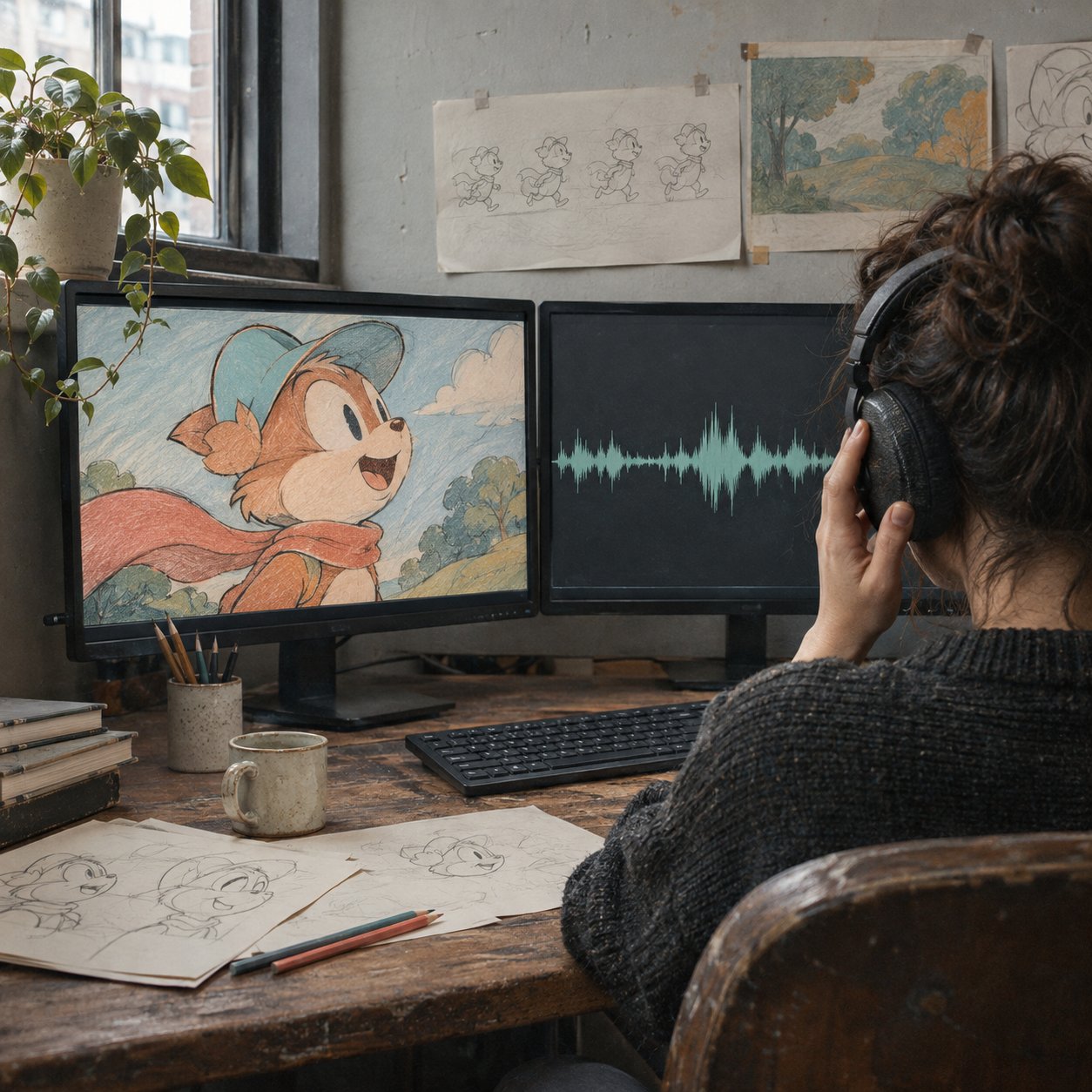
What voice changing actually changes
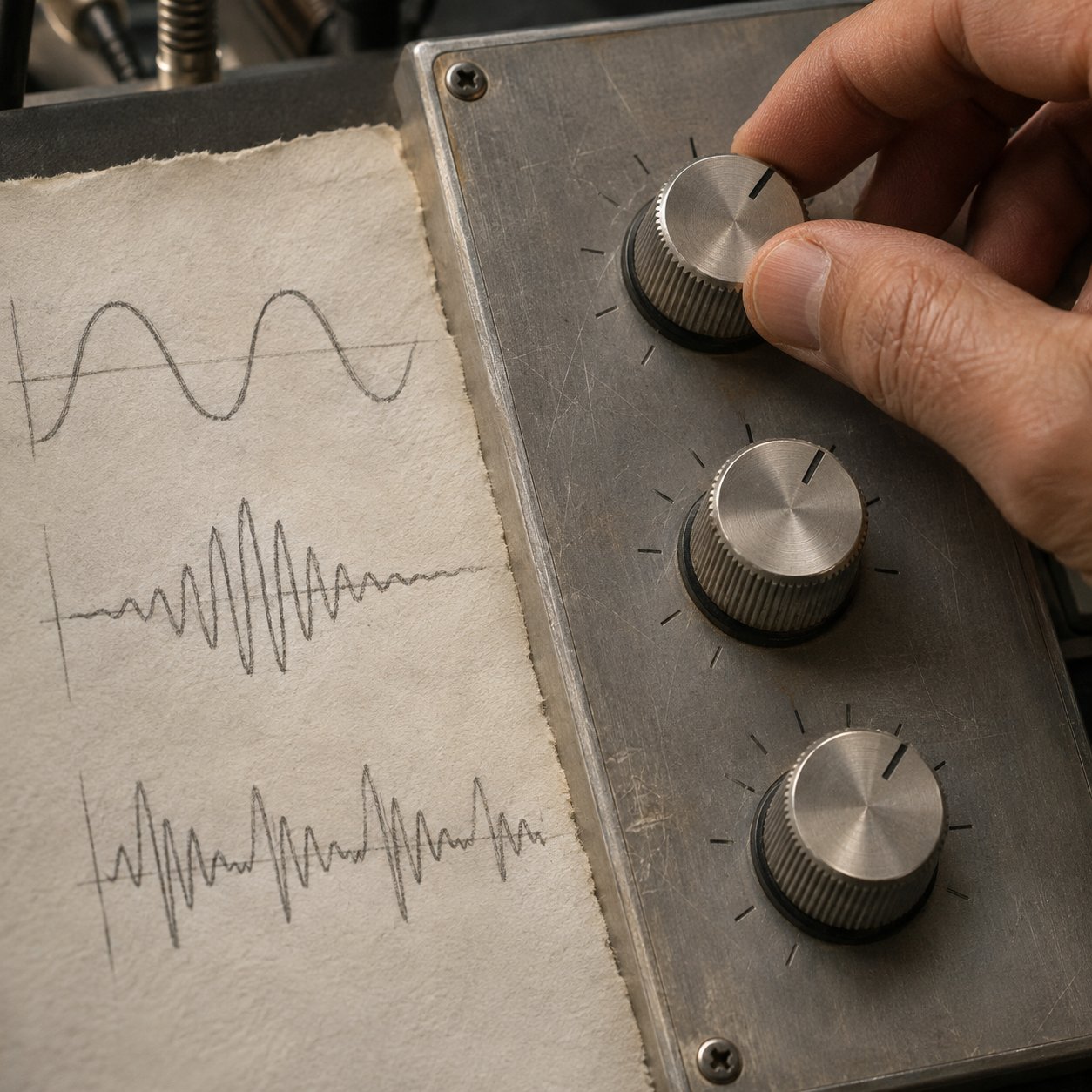
A voice changer modifies recorded speech. Basic controls shift pitch, the perceived highness or lowness of a voice. Formants shape its resonances and affect how we hear vocal size and character. Timbre is the broader texture: breathy, bright, rough, or smooth. A large pitch shift without a convincing change to the other qualities can sound like sped-up playback rather than a new character.
Some tools use signal processing; others use trained models to transform a voice while keeping the words. The practical distinction is what survives the change. Listen for intact consonants, natural pauses, emotion, and room sound. A polished demo voice is less useful than an effect that holds together on your own recording.
Voice changing is also different from text-to-speech. The former starts with a performance you have recorded; the latter generates speech from written words. If the timing and delivery of the original performance matter, changing that recording often gives you more to work with.
Design the voice before opening the effects panel
Start with a short description of the character or video, not a preset name. Is the narrator warm and close, distant and authoritative, or deliberately artificial? How fast does the picture move? Which visual details should the sound support? The answer sets useful limits before a tempting effect library takes over.
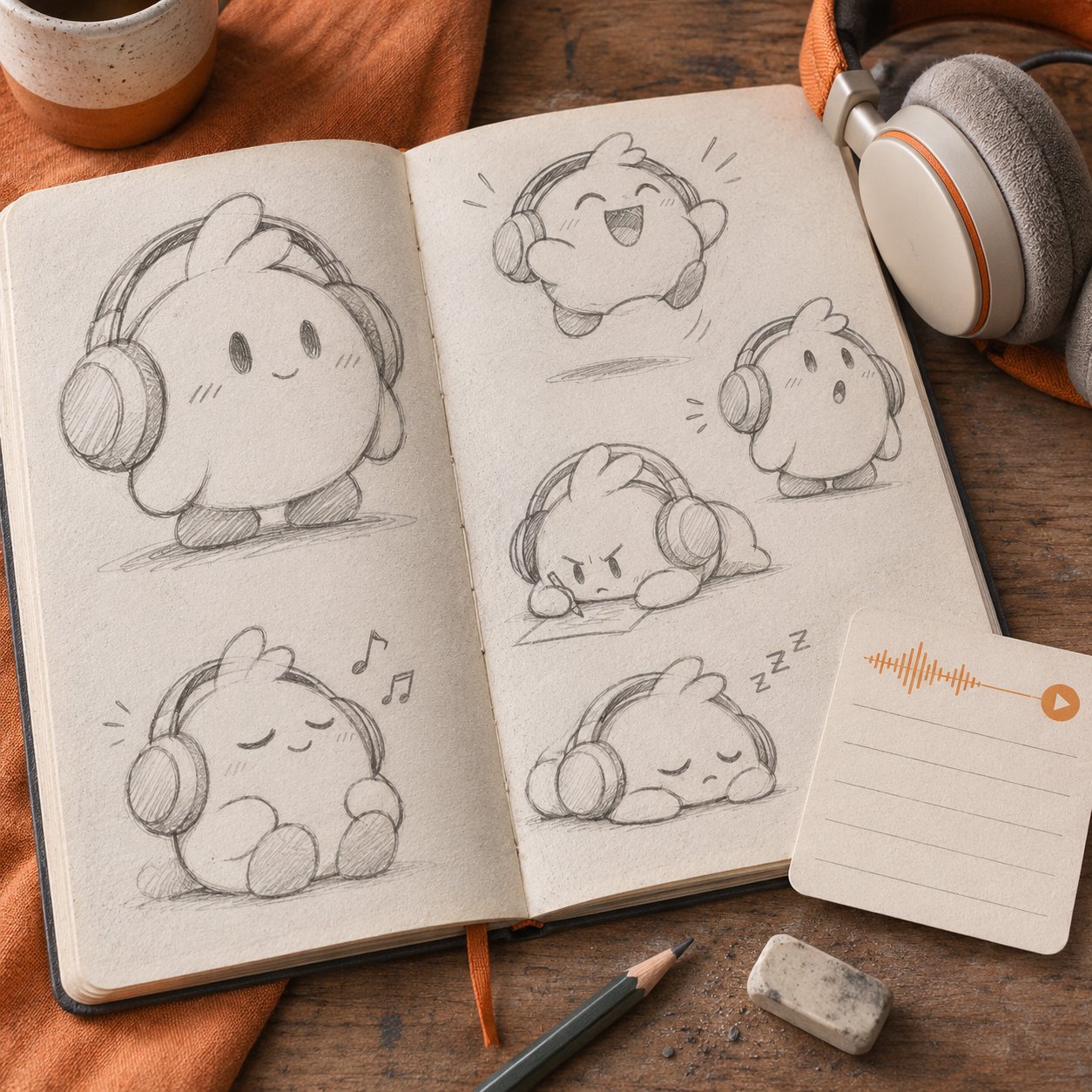
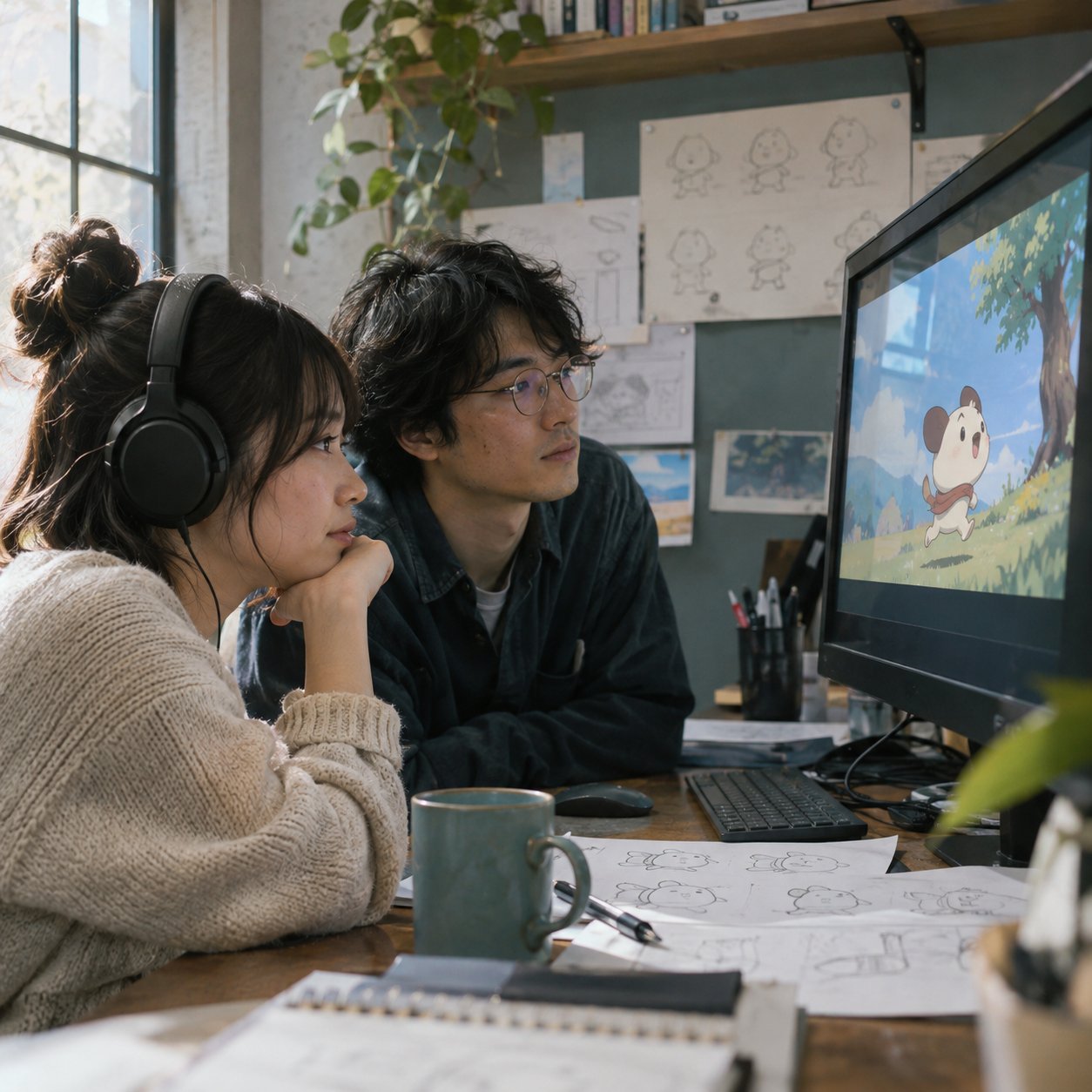
For an illustrated mascot with rounded forms and springy motion, a lighter, quicker vocal treatment may fit. For a quiet architectural walkthrough, a steady voice with little processing usually leaves room for the images. These are starting points, not rules about what any character “should” sound like. An unexpected contrast can work when it is an intentional part of the story.
Use a simple three-part voice brief:
- Role: Who is speaking, and what should viewers understand or feel?
- Visual cues: Note the character's shape, color, motion, and the pace of cuts.
- Audio limits: Decide how much processing is acceptable before speech loses clarity or the tone becomes comic.
This keeps voice effects inside the same creative system as typography, color, and movement. Our guide to brand video visual storytelling covers the wider system; here the design decision is the voice itself.

Build a small voice palette for a series
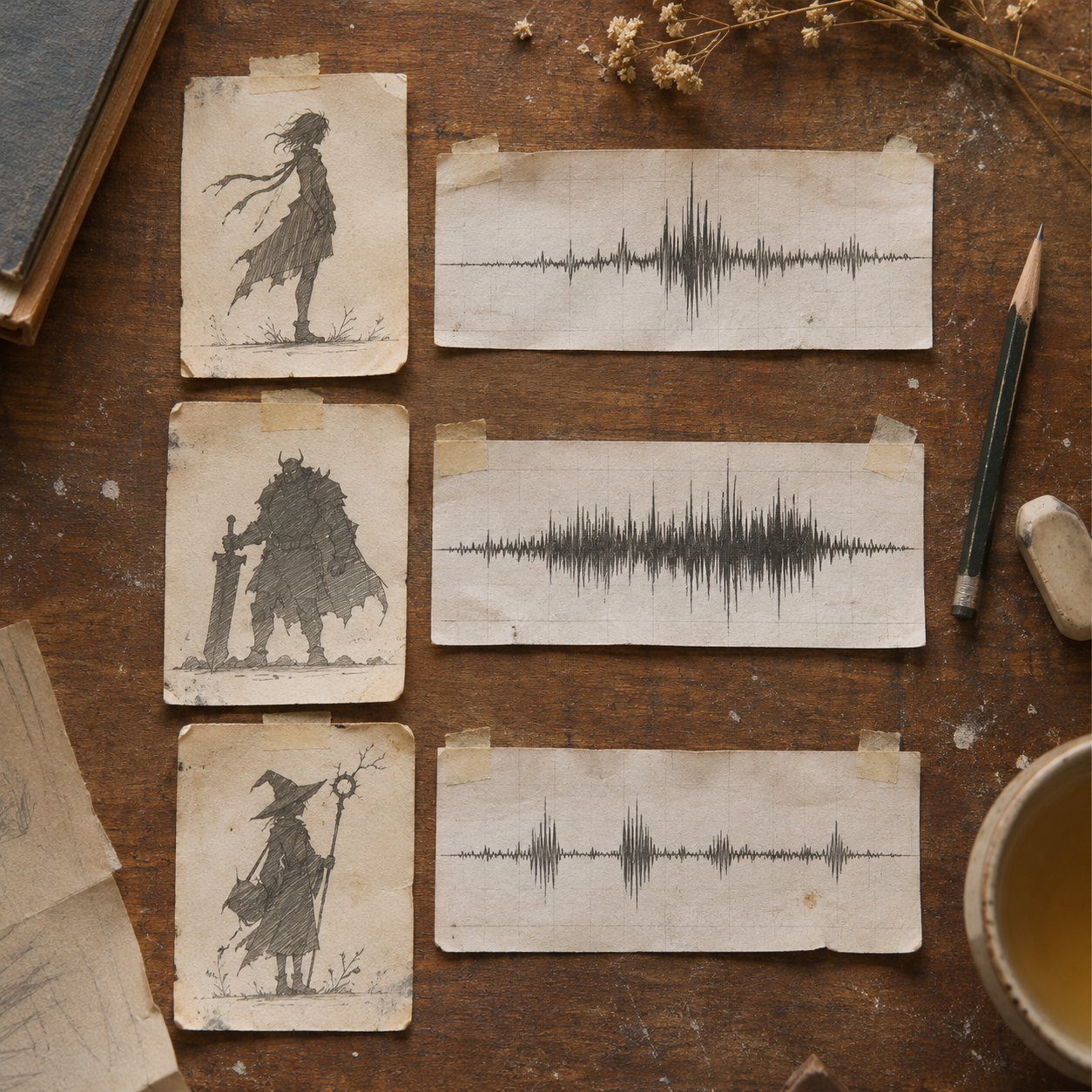
When a character appears across several clips, save the chosen settings and a short reference line. Record that line in the same microphone setup, then compare new episodes against it. Consistency depends on the performance and recording as much as on the preset. A recurring character should not sound close and dry in one episode, then distant and echoing in the next unless the scene explains it.
Give each recurring speaker one clear distinction. It might be pace, texture, or a modest pitch difference. Piling on three extreme filters often makes dialogue harder to follow and characters harder to remember.
Choose a workflow that fits the edit
A live voice changer processes audio during a call or stream. It is useful when performance happens in real time, but latency and monitoring matter. A recorded workflow lets you hear alternatives beside the finished frames, trim the line, and rebalance music before export.
| Project | Better starting workflow | Check first |
|---|---|---|
| Live stream or role-play | Real-time effect | Delay, monitoring, stable character sound |
| Short-form video or explainer | Timeline-based effect | Timing against cuts and captions |
| Multi-character story | Separate recorded tracks | Clear distinction without exaggerated shifts |
| Sensitive interview | Minimal processing and careful privacy review | Whether the voice remains identifiable through context |
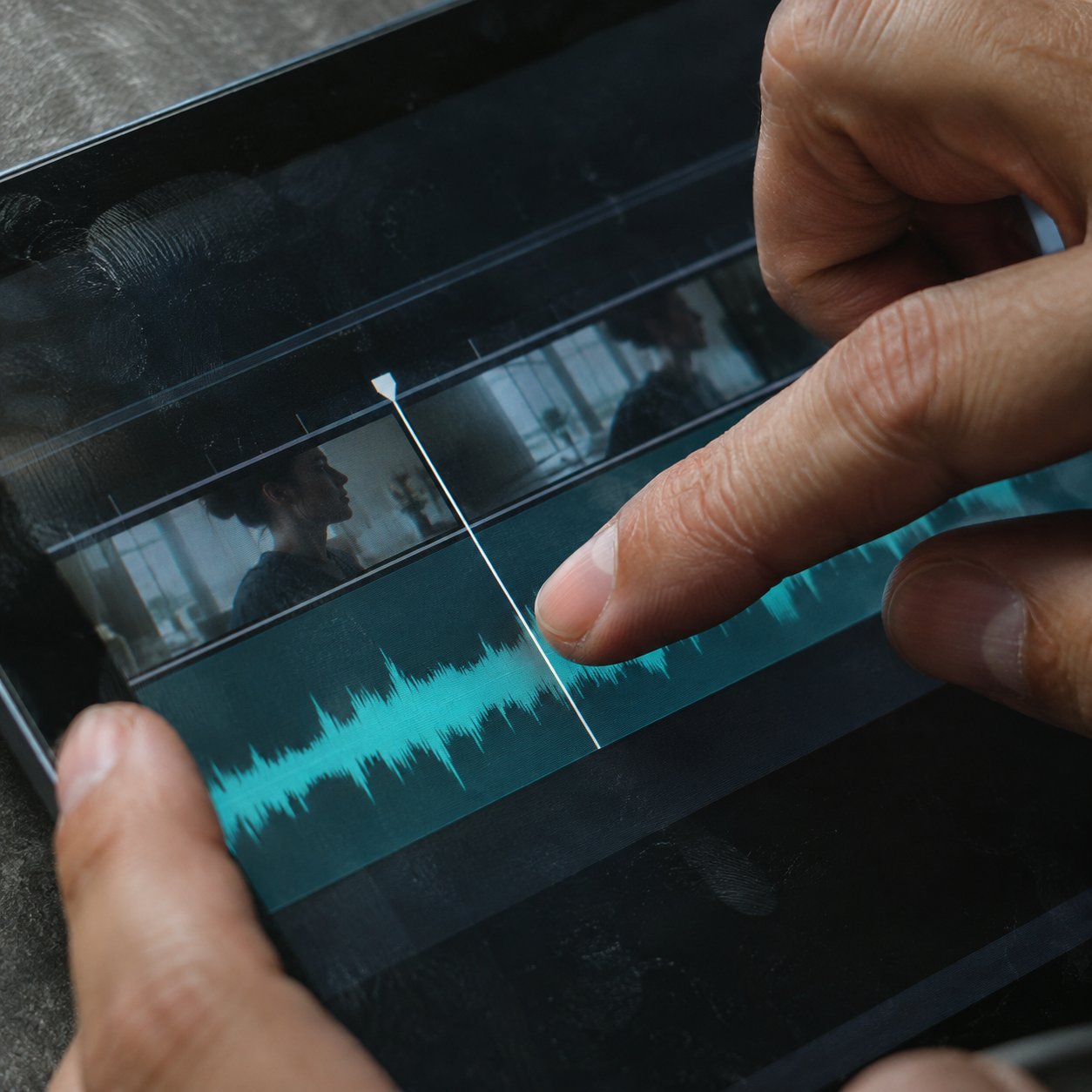
If you already cut video, an online voice changer inside the editor can be convenient: upload a clip, audition voice effects against the footage, and export from the same timeline. CapCut's own instructions describe that sequence. An integrated editor is one option, not a reason to skip listening on the final device.
For the larger production path from still design to motion, see our AI video generation workflow. If you are weighing an accessible editor for design work, the Filmora review for graphic designers covers timeline and audio-sync considerations.
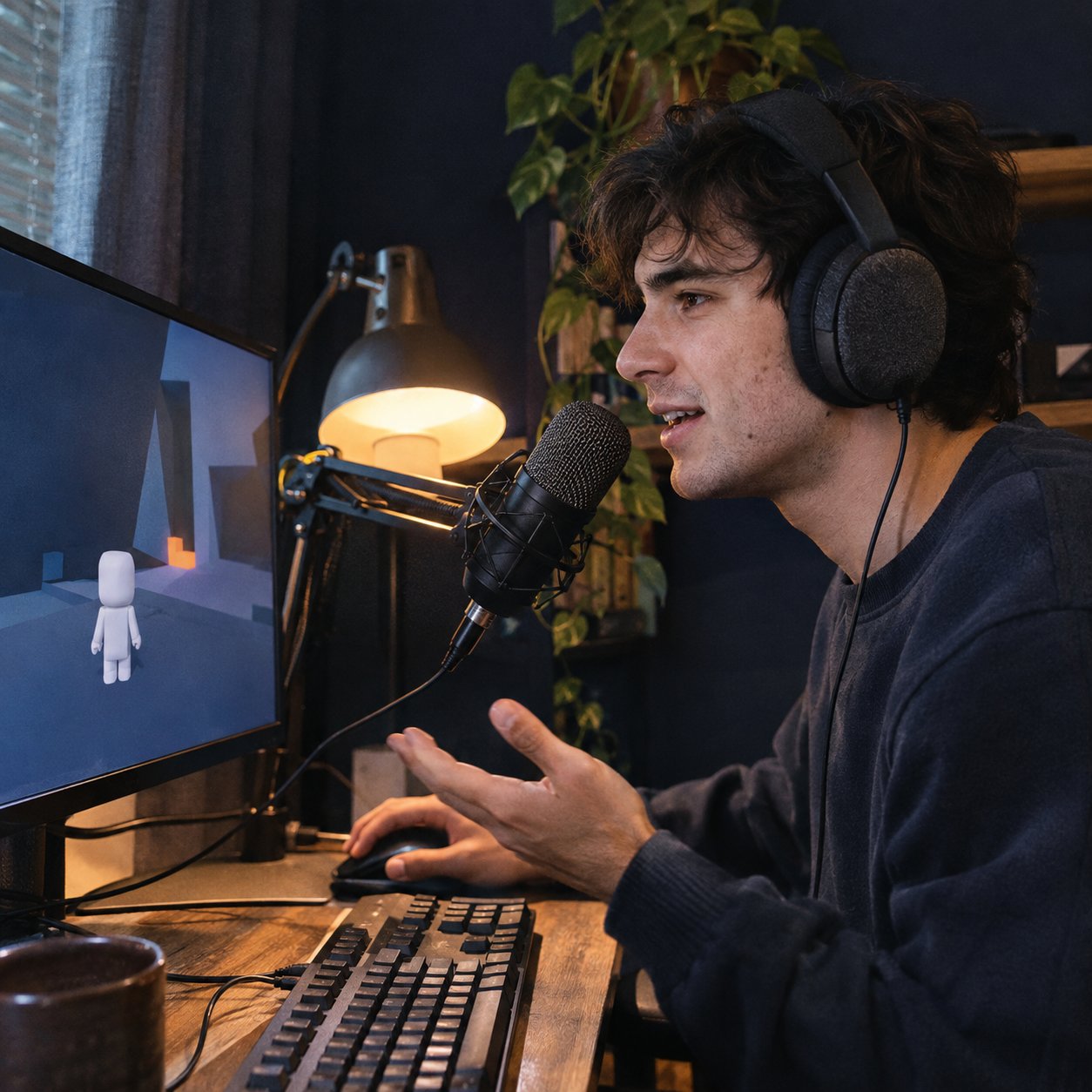

Test the voice against the picture
Make a ten-second test with the real shot, real captions, and the intended music bed. Try the unprocessed voice, a restrained treatment, and one stronger option. Keep playback volume the same so the louder version does not win by accident.
Watch once with the image, then listen without it. On the first pass, ask whether the voice suits the character's movement and the edit's rhythm. On the second, check whether every word remains intelligible. A voice can sound entertaining alone yet fight the composition when paired with the picture.
Pay special attention to entrances and endings. If a character points to a graphic on a cut, the emphasis in the spoken line should land near that moment. If the voice effect adds a long tail or lag, the cleanest fix may be a shorter line or a different effect rather than another visual adjustment.
A useful decision rule: if the viewer notices the filter before understanding the message, reduce it. Deliberate robot, monster, or cartoon voices can be exceptions when the effect is the character.
Keep the recording clear
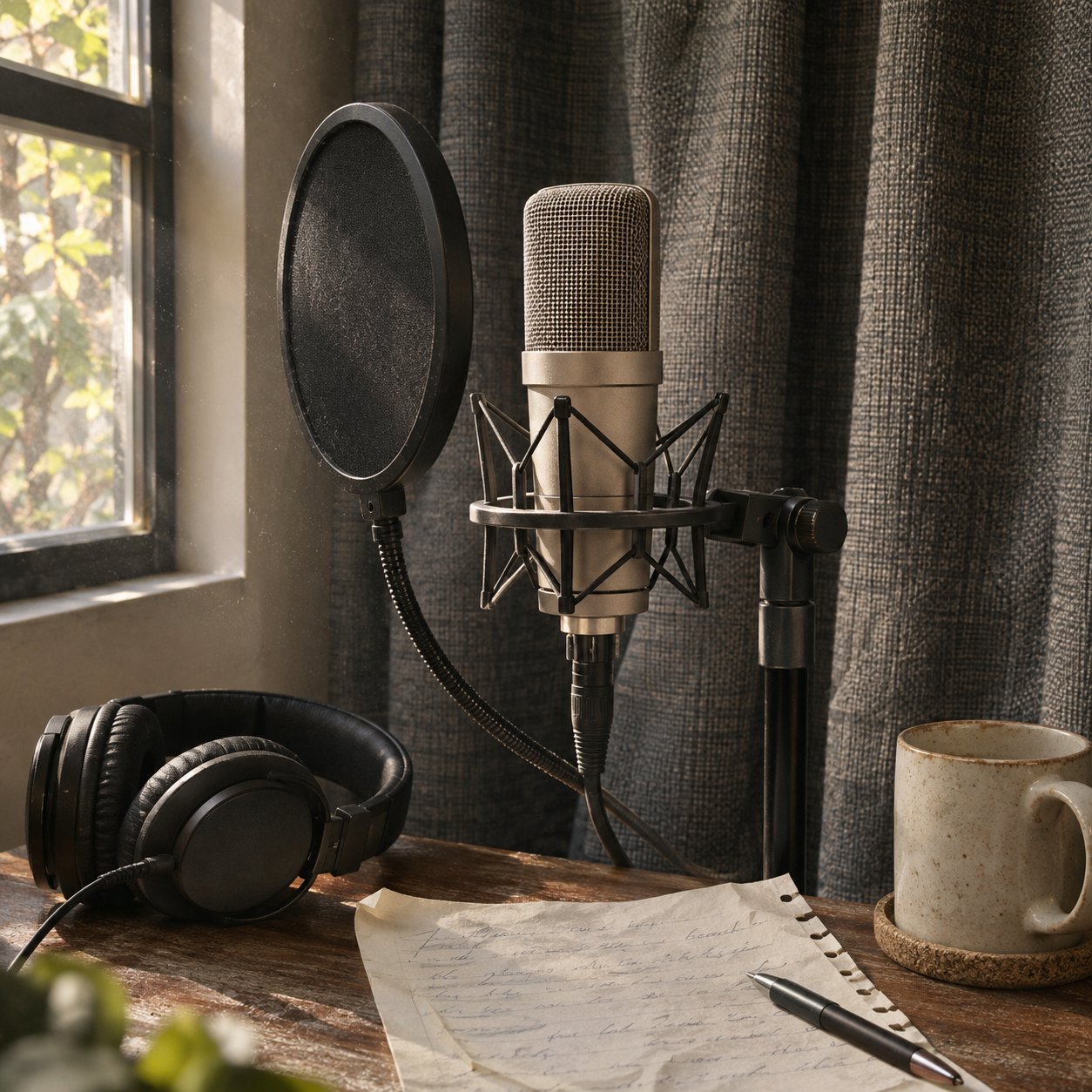
Start with clean audio in a quiet space. Background hiss, room echo, clipping, and plosives can become more obvious after processing. Record a dry sample, check the input level, and remove avoidable noise before trying character effects. Adobe's audio enhancement guidance likewise treats speech, ambience, music, and sound effects as separate controls in the edit.
Use moderate settings first. Listen for watery vowels, metallic consonants, unnatural breaths, and abrupt changes between words. If those appear, pull the processing back or return to the source recording. More effect is rarely a substitute for a stronger performance.
Mix the voice in context. Music and sound effects can build a world, but speech should remain easy to follow on a phone speaker as well as on headphones. Check one quiet passage and one busy passage. Preview the final export, not only the editor timeline.
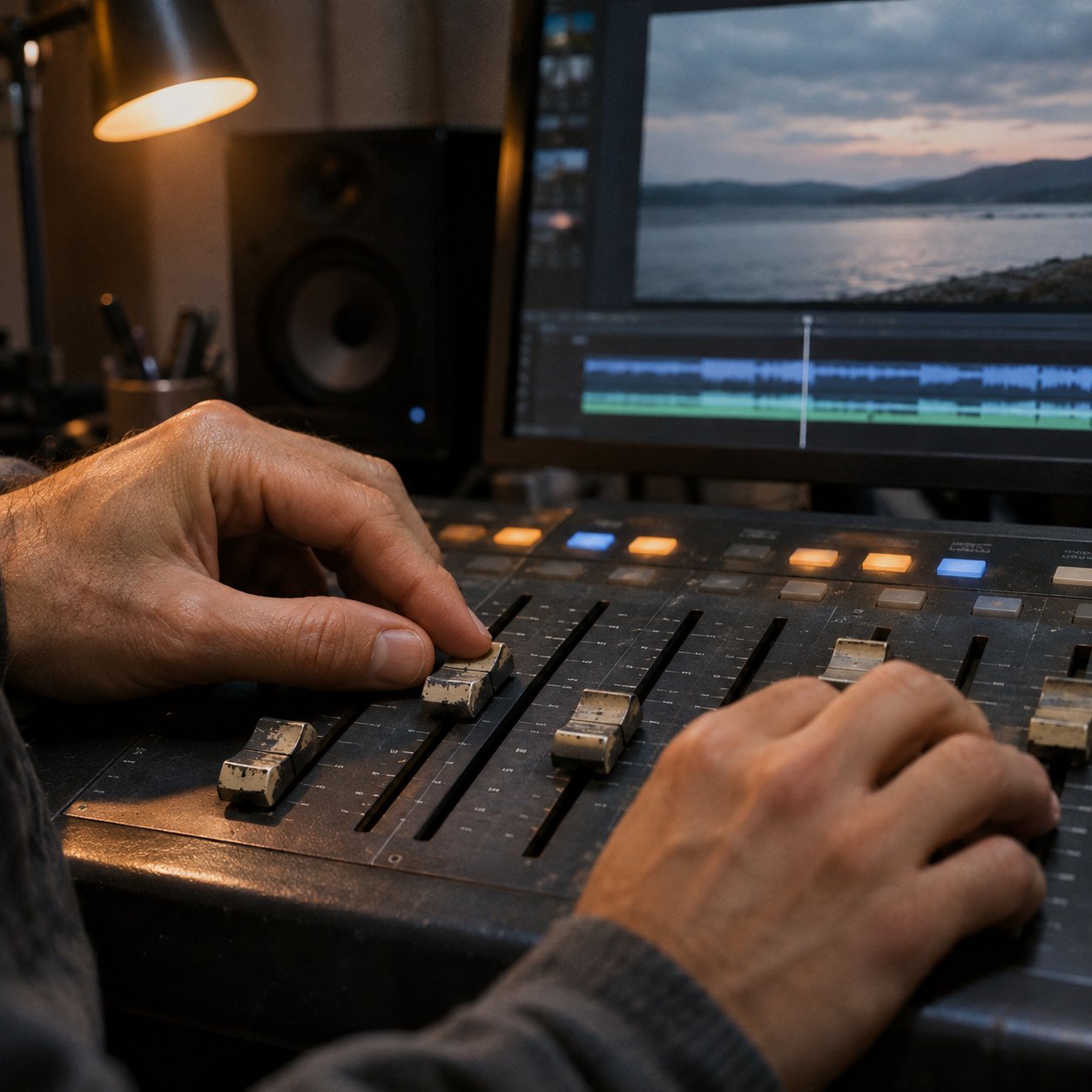
Where voice changing earns its place
Storytelling and podcasts. One narrator can suggest several characters through small, consistent changes. Distinct pacing and delivery often do more work than a large pitch gap.
Gaming and streaming. A stable on-air persona can support role-play and recurring visual identity. For live use, check delay and make sure the speaker can monitor the processed sound comfortably.
Privacy and self-expression. A changed voice may create distance between a public performance and a person's everyday voice, or offer room to explore identity. It is not guaranteed anonymity: names, locations, visual details, account history, and the speech itself may still identify someone.
Design-led video. Voice texture can reinforce a drawn character, motion style, or brand tone. This is a different task from voice interface design, where the main problem is how people navigate a spoken interaction.
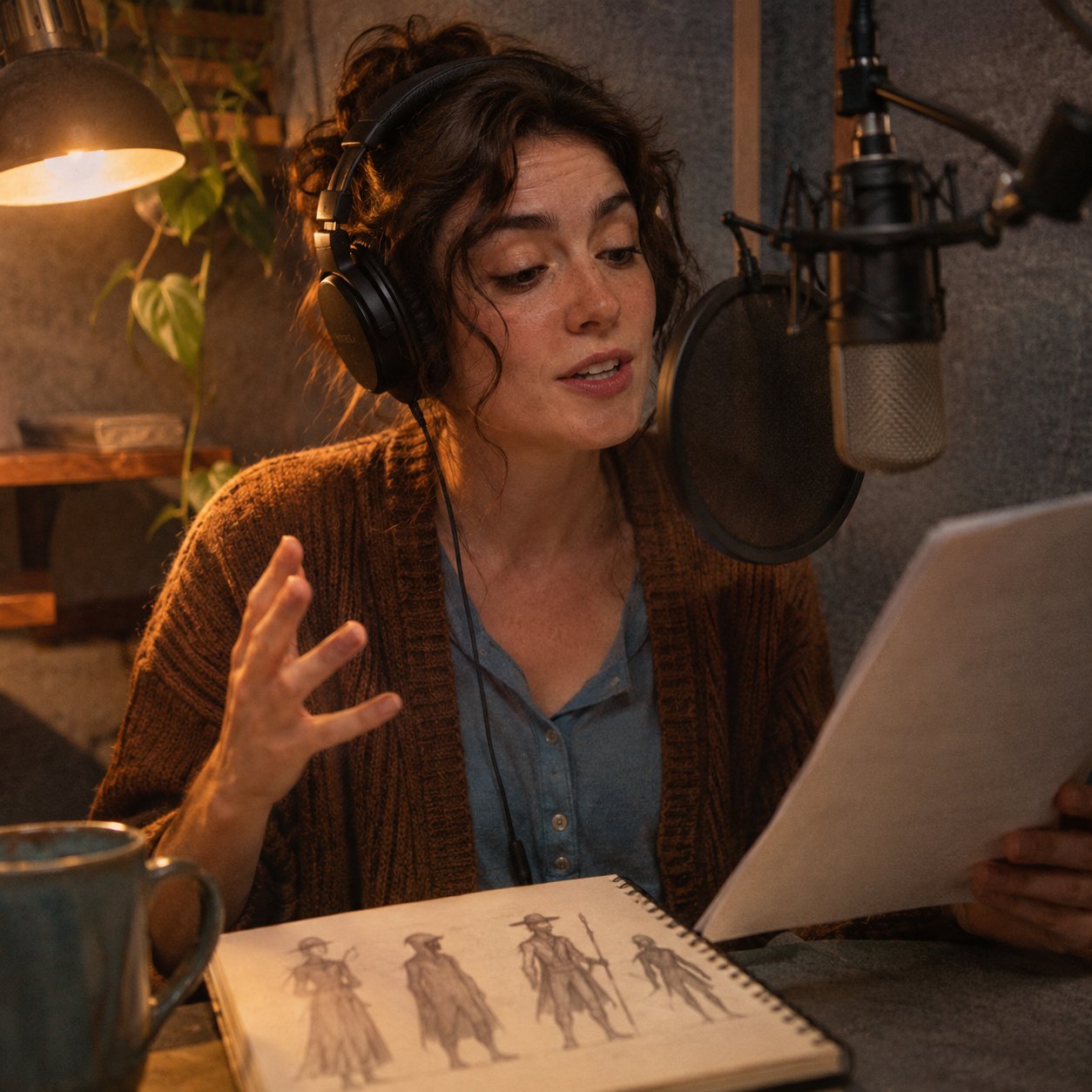

Consent and disclosure belong in the brief
A creative voice effect should not become impersonation. Get permission before using a real person's recognisable voice as a target. For a realistic altered voice that could mislead viewers, disclose the transformation where the platform requires it and where the audience needs that context. YouTube's altered-content guidance distinguishes meaningful realistic changes from minor production assistance; check the current rules for each place you publish.
The privacy limit matters as well. The FTC warns that cloned voices can support impersonation scams. Treat an altered voice as a creative or presentation choice, not as proof of identity or a security measure.

A five-minute review before export
- Compare the processed line with the character sheet or visual moodboard.
- Play it with the actual cut, captions, music, and sound effects.
- Listen for damaged consonants, echo, clipping, delay, and inconsistent room tone.
- Check clarity on both headphones and a phone speaker.
- Confirm permission and any needed disclosure, then review the exported file once more.
The point is a voice that serves the work. If the untreated performance fits better, keep it. If a restrained change helps a character feel coherent or makes a story clearer, the technology has done its job.

FAQ
Can a voice changer make a poor recording sound professional?
It can change vocal character, but it does not reliably repair clipping, heavy echo, or bad microphone placement. Clean the recording first and compare the result with the original.
Should the voice match the character's appearance?
It should support the intended reading of the character, which can include a deliberate contrast. Test the choice with the moving image rather than guessing from a still.
Is a voice changer the same as an AI voice generator?
No. A voice changer transforms an existing performance; a generator can create speech from text. Some products offer both, so check which function you are actually using.
Does changing a voice make someone anonymous?
No. Other details in the content can identify a speaker, and voice transformation is not a reliable privacy guarantee.
- 0shares
- Facebook0
- Pinterest0
- Twitter0
- Reddit0