From iconic logos to stunning illustrations, vector drawing software is the invisible force shaping modern digital creativity. Its ability to scale infinitely without losing quality makes it a must-have for designers who demand both freedom and control. Below are eight recommended options, each offering a distinct approach to vector-based design.
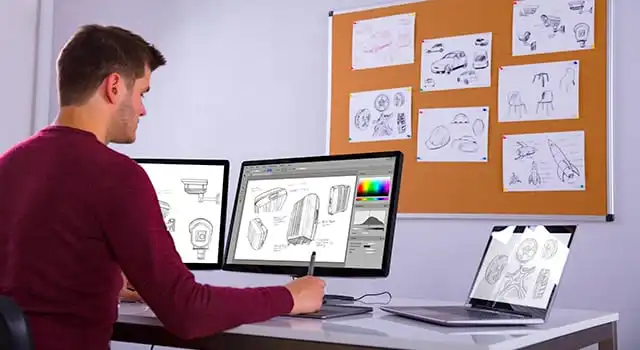
Best vector drawing software picks
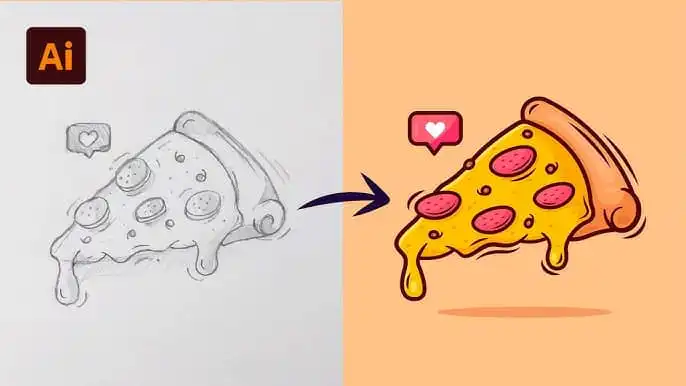
Adobe Illustrator
Key highlights:
Considered the industry-standard solution for professional vector design (2025)
Advanced Pen Tool and typography features
Strong collaboration capabilities through Adobe Creative Cloud
Comprehensive toolset with seamless integration across Adobe apps (Adobe)Potential drawbacks:
Available only via subscription, starting at $22.99 per month
Can be resource-intensive for lower-end devices
CorelDRAW
Key highlights:
Flexible licensing with both subscription and one-time purchase
Supports Windows, macOS, and a browser-based app
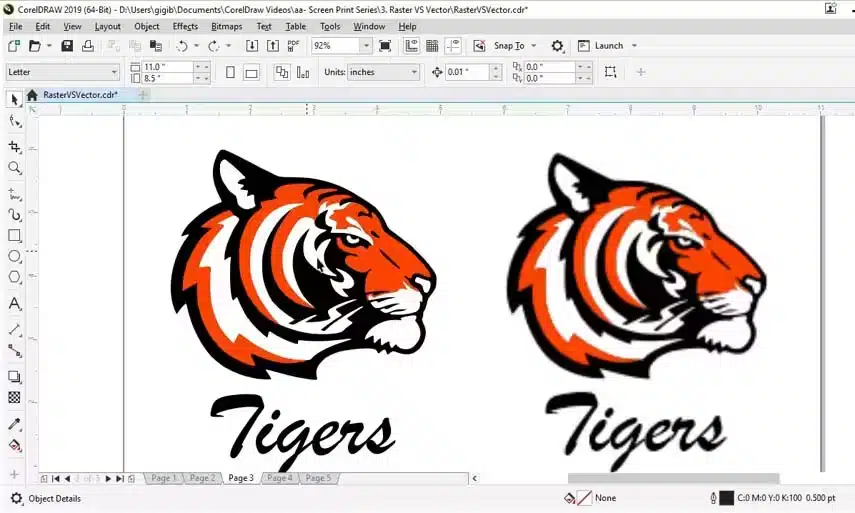
Robust features like non-destructive layering and dynamic page layout (CorelDRAW)
Suitable for vector illustration and desktop publishingPotential drawbacks:
The interface may feel complex for beginners
Some advanced features may require additional learning time
Affinity Designer
Key highlights:
One-time purchase of $69.99, no subscription needed (Affinity)
Cross-platform availability (Windows, macOS, iPad)
Seamless vector and raster workflows
Fast performance with support for real-time transformationsPotential drawbacks:
Smaller ecosystem compared to Adobe
Fewer tutorials than more established alternatives

Inkscape
Key highlights:
Free, open-source editor ideal for beginners and hobbyists (Inkscape)
Supports Windows, macOS, and Linux
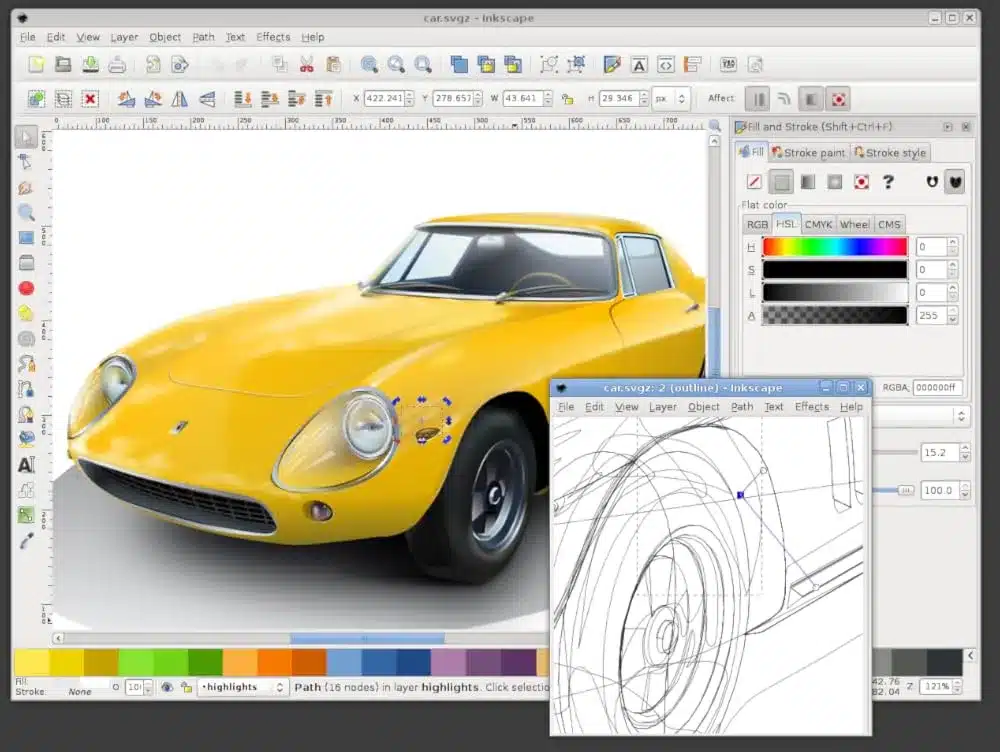
Advanced SVG integration and robust basic toolset
Useful for vector-based illustrations, logos, and text handlingPotential drawbacks:
Interface feels less polished than its premium counterparts
Occasional performance slowdowns with large, complex files
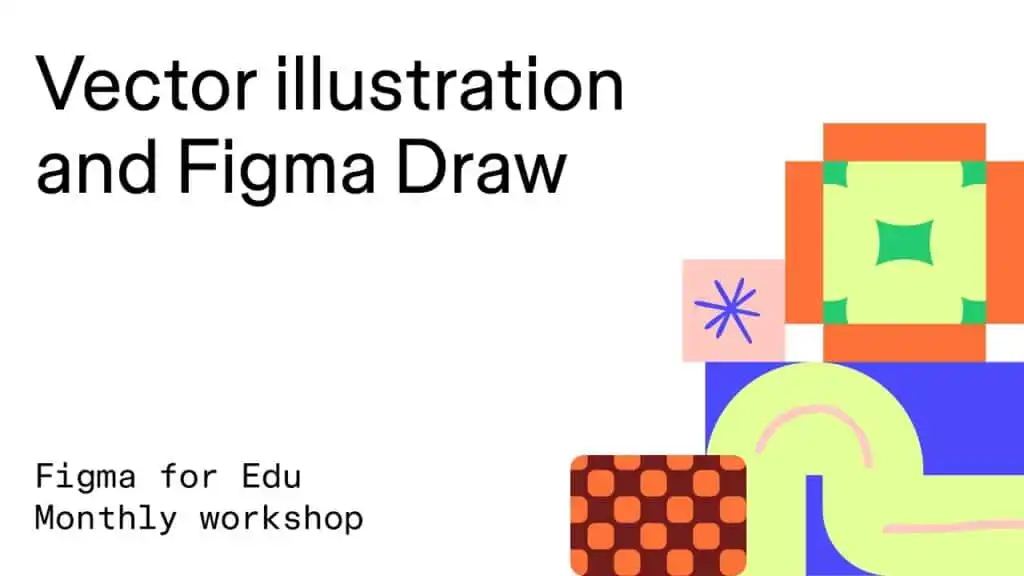
Figma
Key highlights:
Browser-based design platform with real-time collaboration (Figma)
Generous free tier plus paid plans starting at $12 per editor/month
Strong plugin ecosystem for UI/UX design
Ideal for remote team collaboration and design system managementPotential drawbacks:
Requires an internet connection for full functionality
Advanced vector editing features may be more limited than in Illustrator
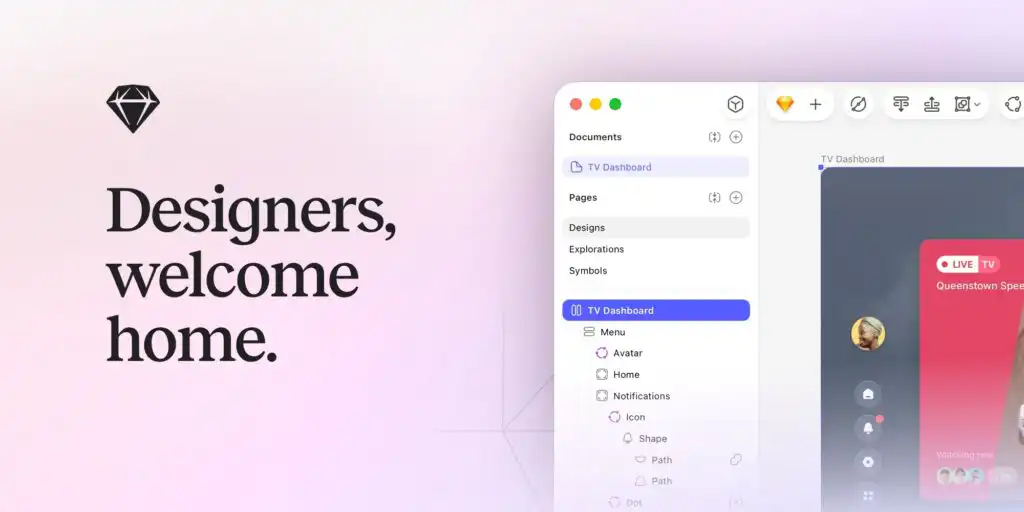
Sketch
Key highlights:
Known for its intuitive Vector tool for shape drawing
Let users edit vector points individually through vector editing mode
Includes convenient point snapping for precision (Sketch)
Third-party plugins enhance workflow for macOS usersPotential drawbacks:
Available only on macOS
Lacks certain advanced illustration tools compared to Photoshop or Illustrator
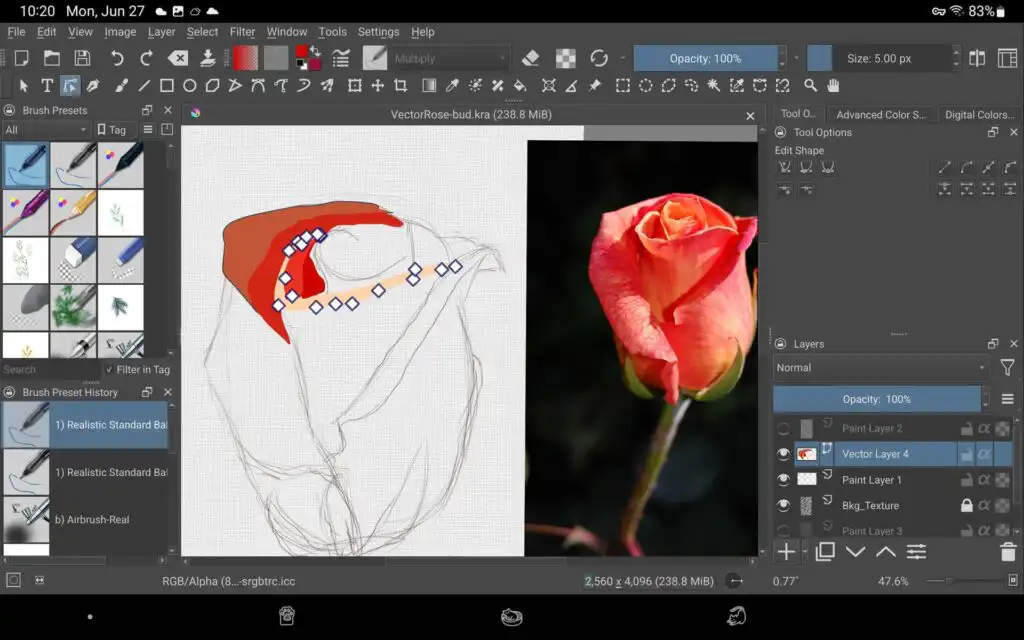
Krita
Key highlights:
- Primarily a raster-based painting program,
but includes new vector features (Krita Documentation)
Tools like path, polyline, ellipse, and more to create vector art
Supports SVG-based shapes inside KRA files
Suited for artists who prefer drawing in a single environmentPotential drawbacks:
- The Vector toolset is still evolving, with fewer features than specialized software
Interface focuses heavily on painting, so vector tools may require more exploration
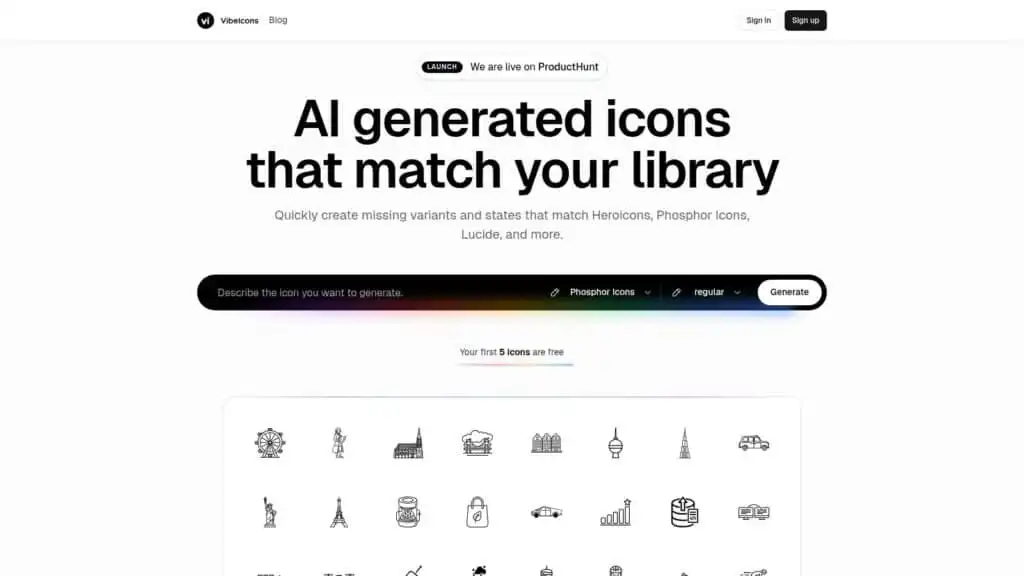
Vibe Icons
AI-powered vector icon generator for consistent, high-quality icons (Vibe Icons)
Free tier for the first five icons
Supports custom styles, allowing matching of popular or unique looks
Exports clean SVGs or React componentsPotential drawbacks:
Targets icon generation rather than full design projects
Paid plans required beyond the free tier
Whether users prefer a subscription-based model or a one-time purchase, today’s vector drawing tools cater to a variety of design needs. Each solution above specializes in particular features, so the right choice depends on factors such as budget, operating system preference, and workflow requirements.
| Software | Cost / Pricing | Browser or Desktop | Good for Beginners | Primary Use / Notes |
|---|
| Adobe Illustrator | ~$22.99/month subscription | Desktop (Win/Mac), some cloud features | Not beginner-friendly; steeper learning curve | Industry standard professional vector editor |
| CorelDRAW | Subscription or one-time options (~$59.99/y or higher) | Desktop (Win/Mac) | Moderate; many tools can be complex | Strong for print & professional design |
| Affinity Designer | One-time purchase (~$69.99) | Desktop (Win/Mac/iPad) | More beginner-friendly than Illustrator | Good vector + raster tools |
| Figma | Free tier; pro from ~$12/mo | Browser & Desktop | Beginner-friendly, especially UI/UX | Used for vector + UI prototyping |
| Sketch | ~$12/mo (Mac) | Desktop only (macOS) | Beginner to intermediate | Popular for UI/UX on Apple devices |
| Krita | Free | Desktop (Win/Mac/Linux) | Beginner-friendly for drawing | Mainly raster, vector support limited |
| VibeIcons | Free / asset library | Web-based (online icons) | Beginner friendly | Not a full editor — icon generator/assets |
Frequently asked questions
What is the main advantage of vector drawing software?
Vector graphics are defined by mathematical lines and curves rather than pixels, allowing designs to scale indefinitely without losing quality. This makes them especially useful for logos, icons, and graphics intended to be used at multiple sizes.Which vector program is best for beginners?
Many beginners gravitate toward Inkscape because it is free and relatively straightforward. It offers robust basic features without requiring a subscription.Is Adobe Illustrator worth the subscription cost?
For professionals needing a broad toolset, collaboration features, and integration with other Adobe apps, many find Illustrator’s subscription worth the expense. However, users on a tight budget may consider one-time purchase alternatives.Can I create both vector and raster art in the same software?
Yes. Programs like Affinity Designer and Krita let artists work with both vector and raster elements, offering flexibility to utilize whichever type of art is most suitable for a given project.How does Figma differ from other desktop-based software?
Figma is cloud-based and excels at real-time collaboration. Whereas most desktop applications require file-sharing workflows, Figma allows multiple contributors to design simultaneously in a shared online workspace.
- 17shares
- Facebook0
- Pinterest17
- Twitter0
- Reddit0