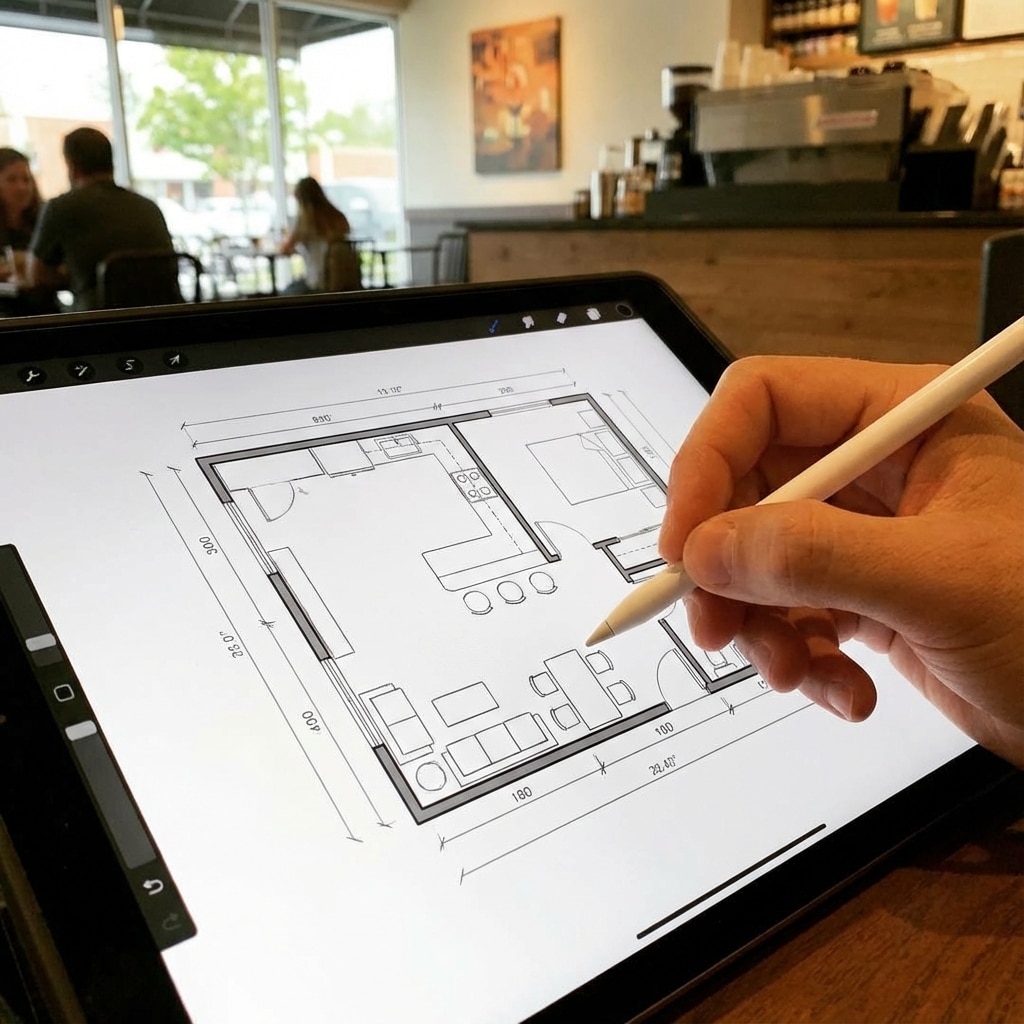
When you’re sketching floor plans, you’ll want to blend precision with practical design tips to create layouts that work in real life. Whether you prefer hand-drawn floor plan techniques or digital tools, mastering these methods ensures your drawings are clear, accurate, and ready for clients or personal projects. In this review, you’ll explore manual sketching basics, modern scanning apps, and a hands-on look at RoomSketcher’s features, pricing, and overall value.
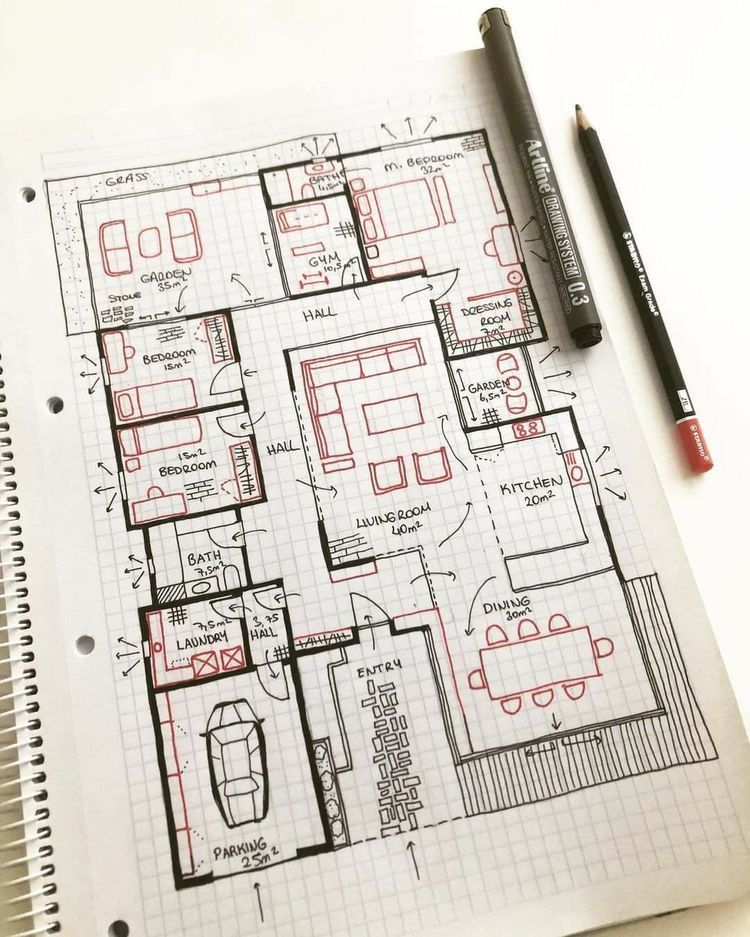
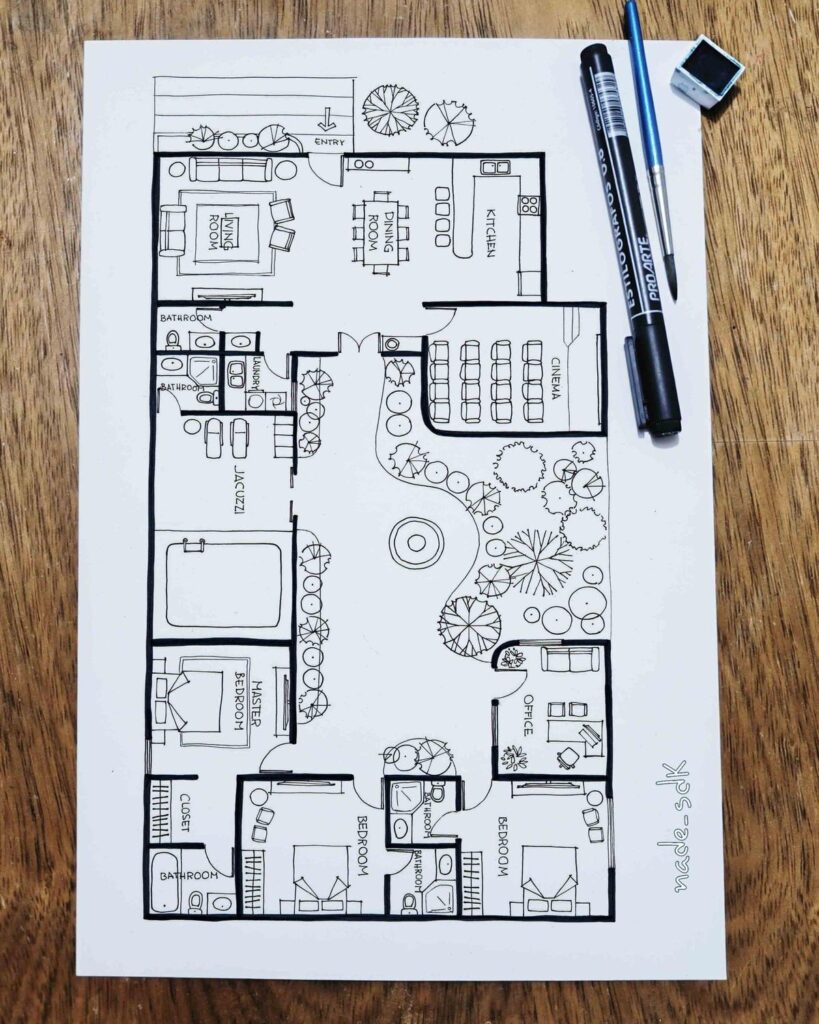
Floor plan benefits
Accurate floor plans help you visualize how rooms connect and flow. In fact, floor plans ranked among the top three features buyers look for in 2025 real estate listings, just behind photos and property details (Esoft). A well-drawn plan:
- Communicates spatial relationships at a glance
- Highlights circulation paths and functionality
- Serves as a blueprint for renovations or staging
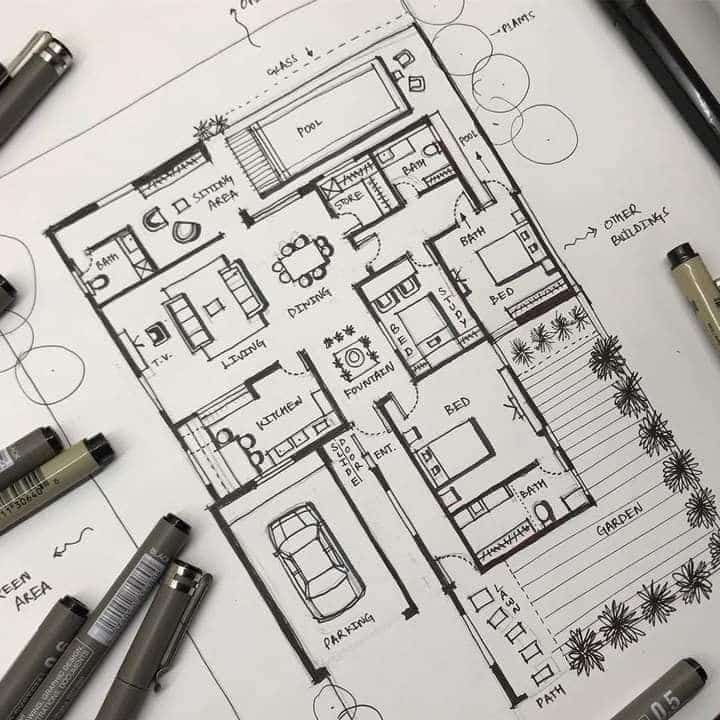
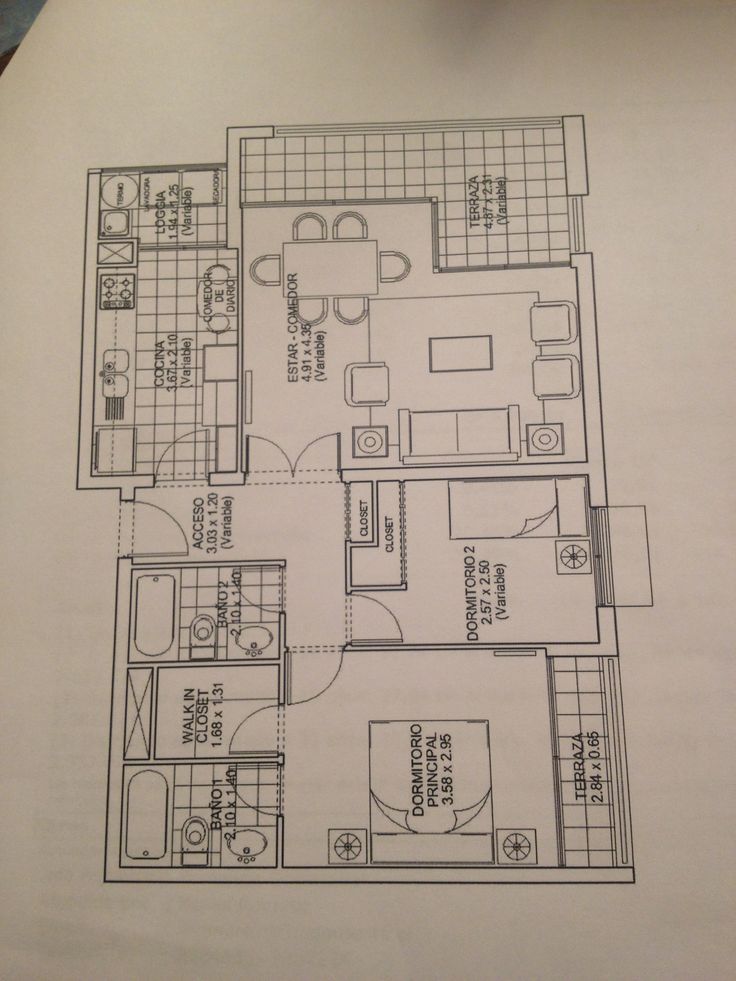
Hand-drawn sketch techniques
If you’re working with pencil and paper, follow these steps for a reliable hand-drawn floor plan:
Choose your scale
- Use 1:100 on grid paper with 5 mm squares so two blocks equal 1 meter in real life (Esoft).
Align and measure accurately
- Set your paper orientation to match the property’s footprint.
- Measure walls and openings with a tape measure or laser distance meter, rounding to the nearest 5 cm for clarity.
Draw structural elements first
- Sketch exterior walls, then add interior partitions, noting wall thickness to avoid misalignment (Plan7Architect).
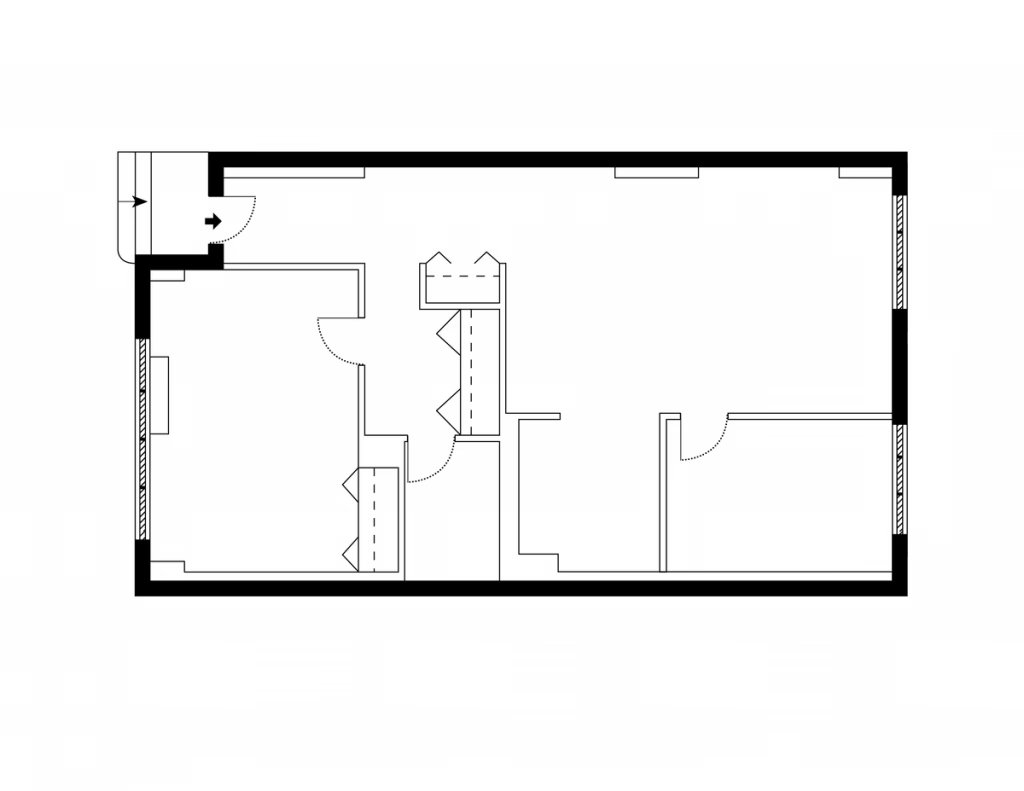
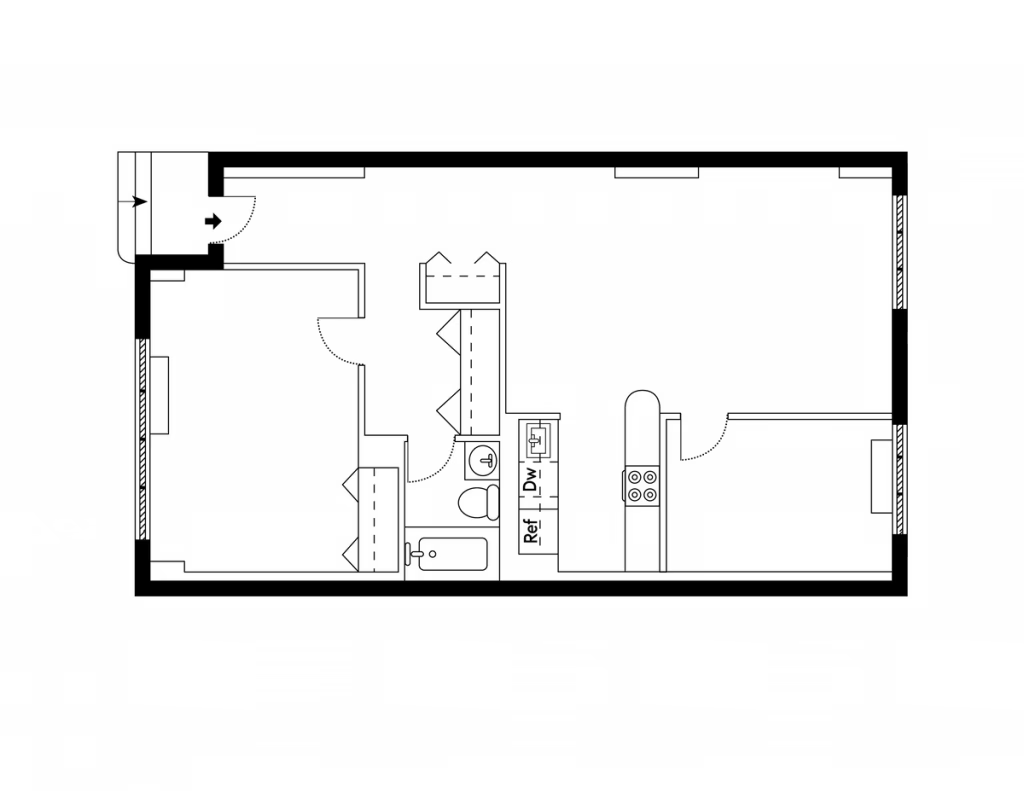
Include doors, windows, and clearances
- Mark door swing directions and maintain at least 80 cm clearance in front of openings.
- Label window locations and note sill heights where relevant.
Add fixtures and furniture
- Position sinks, stoves, and toilets for kitchen and bathroom layouts.
- Visualize circulation by sketching sofas, tables, and beds with standard dimensions.
Double-check and refine
- Walk through the property or “live” in the space mentally to ensure functionality.
- Adjust room sizes or traffic paths before finalizing.
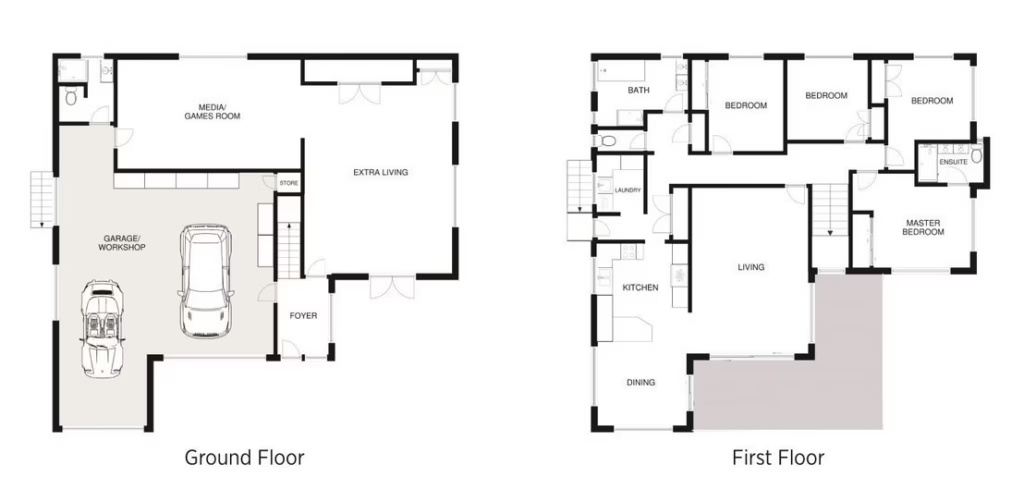
Common pitfalls to avoid: skipping wall-thickness, neglecting labels, ignoring furniture placement, and choosing the wrong scale. Also consider design advice like adding a foyer instead of a front door that opens into the living room, positioning your kitchen near the garage, and ensuring bedroom privacy with a short hallway entry (Caroline on Design).
Digital scanning options
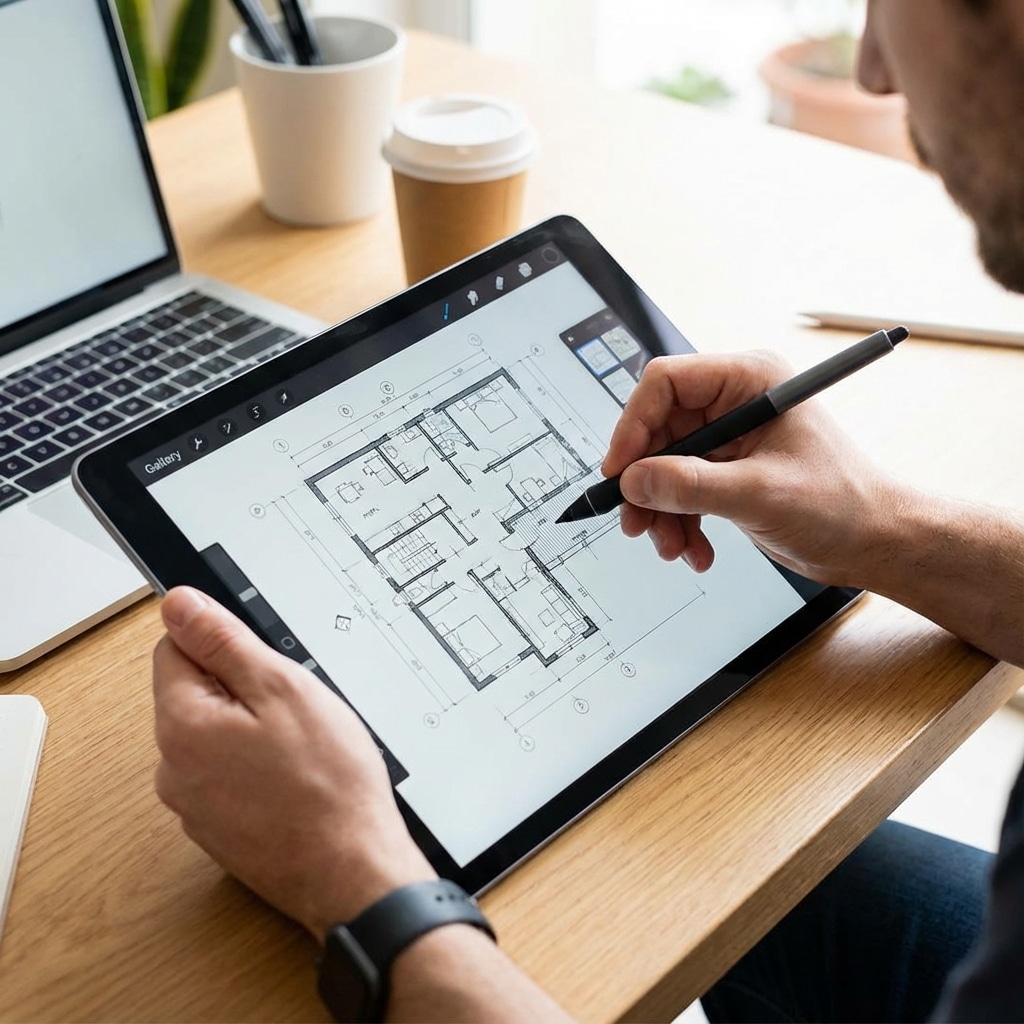
Mobile scanning apps can turn your site visit into a digital floor plan in minutes. CloudScanner 2.0, for example, captures, uploads, and generates 2D and 3D plans in under 10 minutes—an approach 86 percent of buyers now expect in listings (Esoft). Benefits include:
- Speed: Instant capture without manual measurement
- Accuracy: Built-in algorithms reduce human error
- Integration: Export files to CAD or design apps
If you need quick, on-the-go plans, a scanning app is a game-changer before you refine drawings by hand or in specialized software.
RoomSketcher feature review
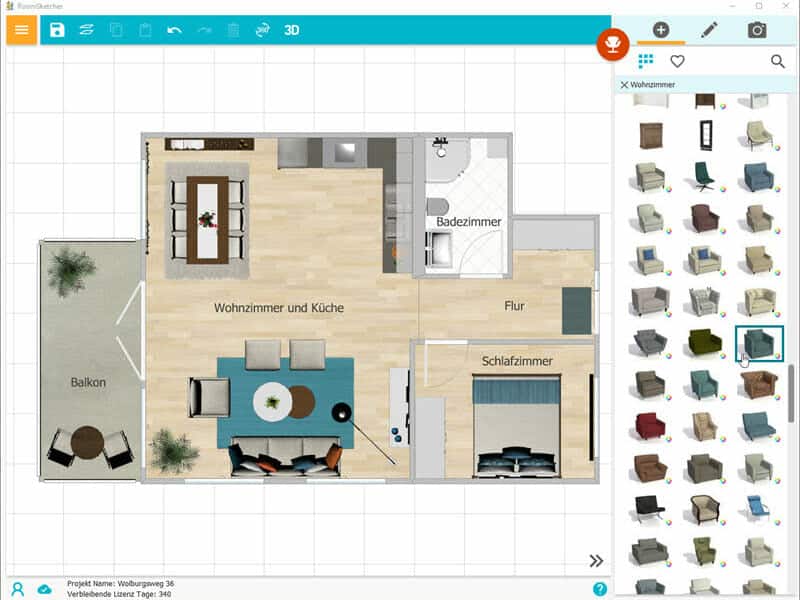
RoomSketcher offers a user-friendly platform for both beginners and professionals. Here’s what you get:
Key features
- Drag-and-drop wall drawing, doors, and windows
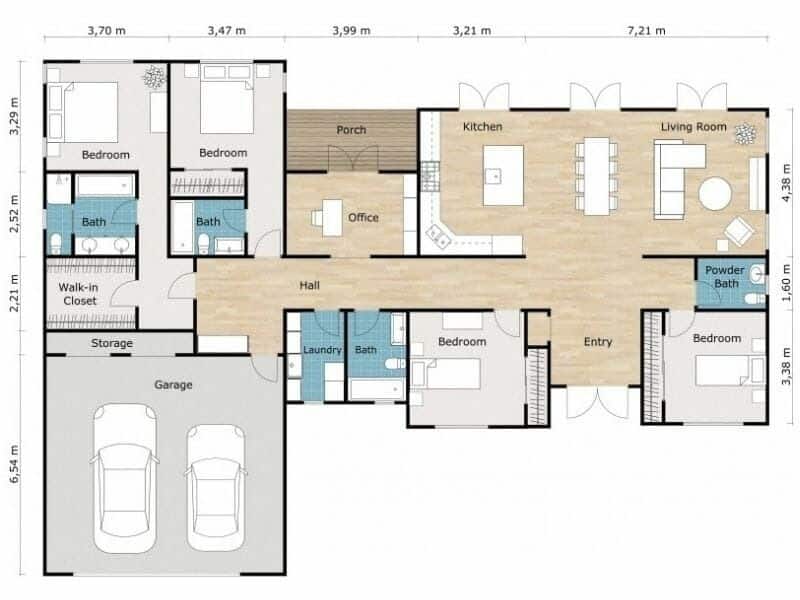
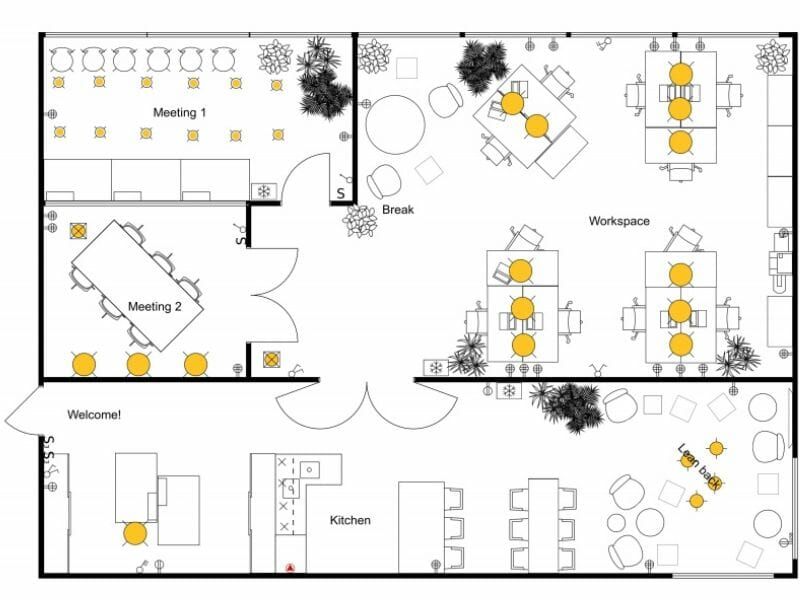
- Ready-to-edit templates for homes, kitchens, offices, and more
- Free 2D plan drawing plus 3D Snapshots at no cost
- Customizable finishes, furniture, and lighting details
- Export high-quality floor plans for download and print
Ease of use and support
No CAD training is required to start sketching floor plans in RoomSketcher. You’ll find:
- Webinars, tutorials, and a help center
- 1:1 training sessions on demand
- Live support for troubleshooting
This blend of intuitive tools and robust guidance helps you get professional results fast (RoomSketcher).
Pricing and subscriptions
RoomSketcher’s cost structure balances free access with premium options:
- Free plan: Draw basic floor plans and create 3D Snapshots
- Premium plan: Download high-resolution 2D and 3D plans (subscription required)
- On-demand ordering: Get professional-quality floor plans from $20 to $38 per floor with next-business-day turnaround
Paid tiers unlock advanced exports, detailed measurements, and commercial use rights—ideal if you regularly deliver plans to clients.

Review pros and cons
Pros
Intuitive interface even for beginners
Comprehensive templates accelerate your workflow
Strong support resources minimize learning curves
Affordable on-demand ordering for occasional needs
Cons
- High-resolution exports require a
paid subscription
Some advanced customizations are locked behind premium tiers
Dependency on the internet connection for cloud-based features
RoomSketcher final recommendation
If you sketch floor plans occasionally or need a budget-friendly solution, RoomSketcher delivers a powerful mix of free drawing tools and pay-as-you-go upgrades. You’ll appreciate the drag-and-drop simplicity, the breadth of templates, and the clear pricing model. For more intensive users, the subscription unlocks professional exports and unlimited projects—making this tool a solid pick whether you’re new to floor plan drawing or refining your design studio’s toolkit.
Common questions answered
How precise are hand-drawn floor plans at a 1:100 scale?
Hand-drawn plans at 1:100 can be accurate to within a few centimeters when you use grid paper and precise measuring tools (Esoft).
Can I skip CAD training to use RoomSketcher?
Yes. RoomSketcher’s interface is designed for beginners, and its online tutorials and webinars will guide you through every step (RoomSketcher).
Is CloudScanner 2.0 compatible with iOS and Android?
CloudScanner 2.0 supports both platforms, letting you capture floor plans on your smartphone and export them to popular design tools.
What’s the best way to avoid layout mistakes?
When working on complex public spaces, studying layouts of the brutalist style is excellent practice for architectural drafting.
“Live in the house” mentally by walking through your drawn plan, and follow expert tips like adding a foyer and optimizing the kitchen-garage path (Caroline on Design).
Are paid RoomSketcher exports worth the cost?
If you need high-resolution prints, client-ready PDFs, or commercial usage rights, the subscription pays for itself quickly through time saved and professional results.
- 290shares
- Facebook0
- Pinterest290
- Twitter0
- Reddit0