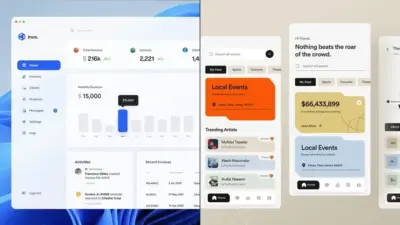
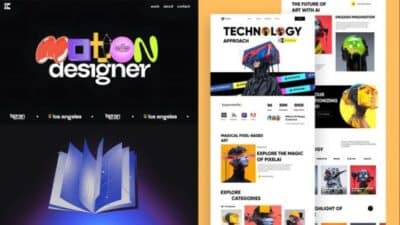
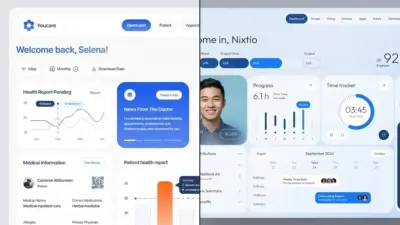
Introduction: Why UI/UX Design in 2026 Looks Fundamentally Different
UI and UX design have always evolved alongside technology. But 2026 marks a turning point, where artificial intelligence, spatial computing, accessibility mandates, and changing user expectations collide.
Design is no longer just about visual appeal or usability. It’s about predictive experiences, emotional intelligence, speed, trust, and inclusivity—all delivered across more devices and interfaces than ever before.
For businesses, this shift matters. UI/UX design directly impacts:
- Engagement and retention
- Conversion rates
- Brand credibility
- SEO and GEO
In this guide, we’ll explore the most important UI/UX design trends for 2026, explain why they matter, and show how product teams and marketers can adapt now to stay competitive.
Foundations of UI/UX Design: Principles That Still Matter
While the digital landscape is rapidly evolving, the core principles of UI/UX design remain as relevant in 2026 as ever. At the heart of every successful digital product lies a commitment to user-centered design, simplicity, clarity, consistency, and meaningful feedback. These foundational elements ensure that interfaces feel intuitive and accessible, regardless of the technology or device.
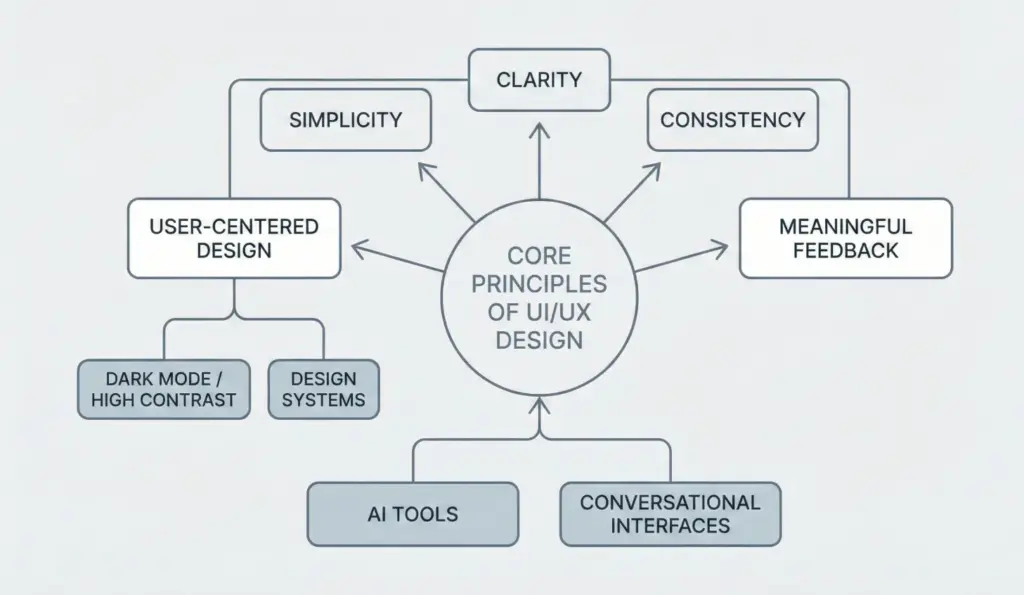
For example the mass adoption of dark mode and high contrast colour schemes is a clear response to exactly what people need – cutting down on eye strain & making their lives easier, especially in low light situations, so that they can use your product for extended periods without getting worn out. Design systems have become the gold standard – they’re a unified set of rules that ensure consistency right across all the platforms & devices you’re working with, making the user experience easier to navigate from the mobile app to the desktop.
As AI tools & conversational interfaces start to show up in our everyday digital lives, getting a grip on these key principles is really important. They’re what drive the creation of user-friendly, accessible & engaging interfaces that keep step with the latest tech without losing sight of what matters – that people can easily use and control them. Whether you’re designing for the standard screens most of us are familiar with or something entirely new on the AI side, these principles ensure that your digital products stay user-centric , and that users get what they need.
Our Audio Podcast
Listen to this article (Audio Version)
1. AI-Driven Personalization Becomes the Default
AI-Driven Personalisation
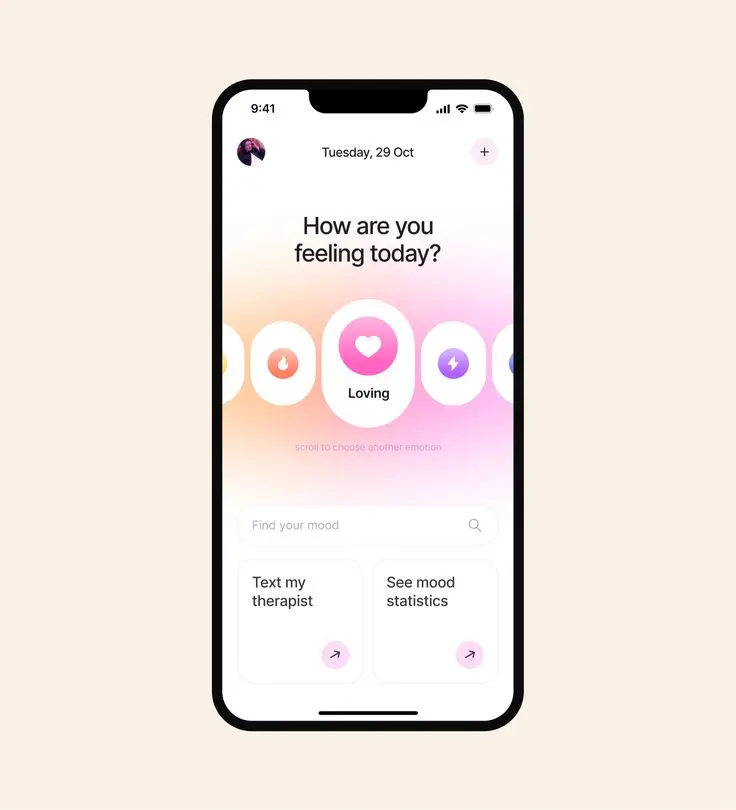
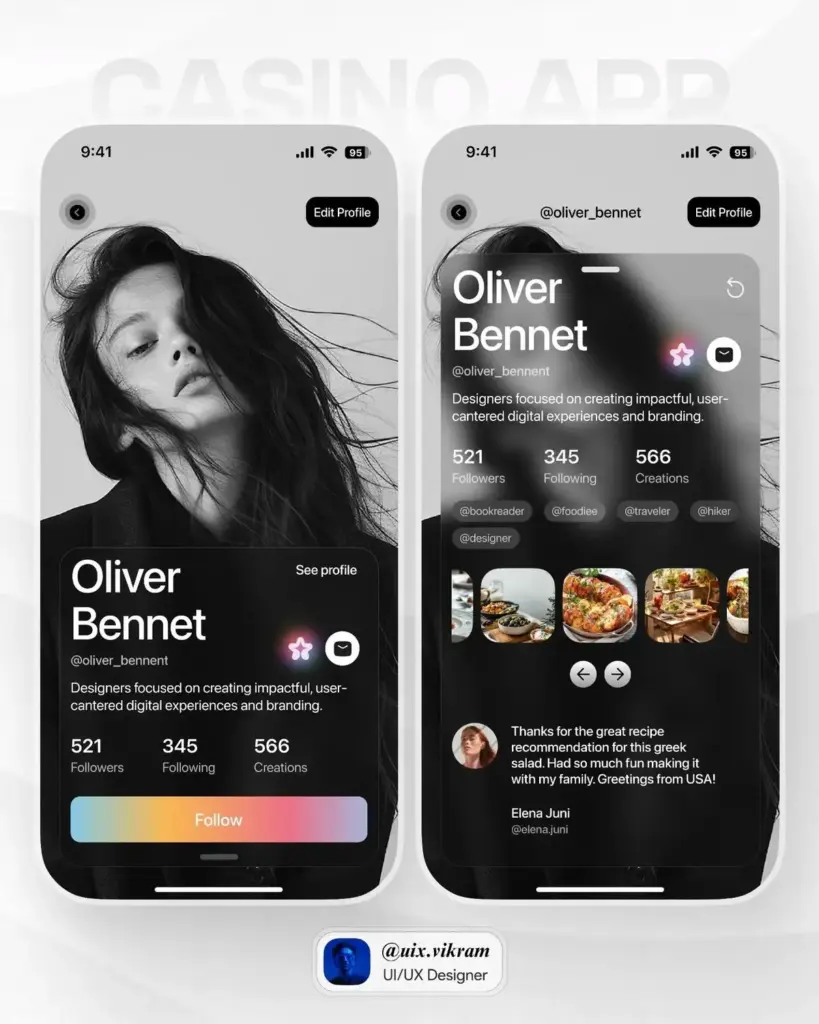
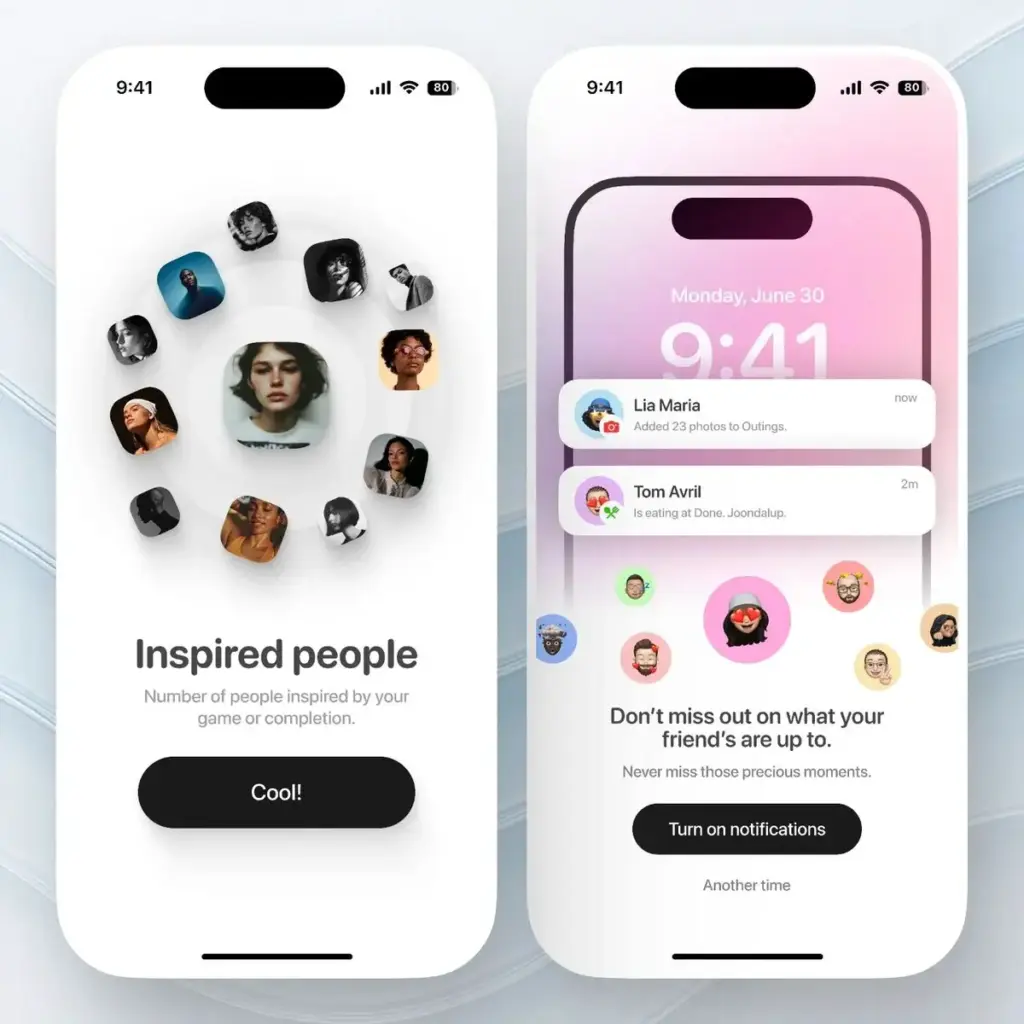
AI is turning the UI/UX design world on its head by allowing interfaces to change shape, swap out content and make recommendations based on what users do and what they’re into. This means people get a lot more out of their digital experiences – they’re more relevant, more engaging, and just plain more interesting. Hyper-personalisation takes it to a whole new level, using AI to change things up in real time so it’s like the interface is actually anticipating what the user needs and wants.
Key ways AI is making a difference in UI/UX design include:
- recommending content that actually makes sense because it’s been custom picked for you
- changing up the layout based on how you interact with things
- making clever suggestions on search and navigation to get you where you need to go faster
These AI agents are the unsung heroes of personalisation, doing all the behind the scenes work to make it happen, chatting away with users and making themselves right at home in platforms like ChatGPT & other AI-powered stuff. And let’s be honest, AI chatbots are getting braver – they can tackle multi-step tasks with ease and even work out what you’re going to need before you know it yourself. And the next big thing in AI is all about making it easier for users to get what they want – predictive interfaces that know just how much effort to ask from you when it comes to navigating.
Features that support hyper personalization and personalized experiences—such as adaptive menus, contextual prompts, and real-time content updates—are increasingly important for creating intuitive and accessible interfaces.
What’s Changing
By 2026, users expect interfaces to adapt in real time. Static layouts and one-size-fits-all experiences feel outdated when AI can tailor content, navigation, and workflows instantly.
AI-driven UX now personalizes:
- Layouts based on user behavior
- Content hierarchy based on intent
- CTAs based on readiness to convert
- Microcopy based on tone preference
How Brands Should Prepare
- Design modular UI systems that can rearrange dynamically
- Build for behavioral patterns, not personas
- Pair analytics platforms with UX insights to identify optimization gaps
2. Zero-UI and Invisible Interfaces Expand Beyond Voice
Zero-UI and Invisible Interfaces
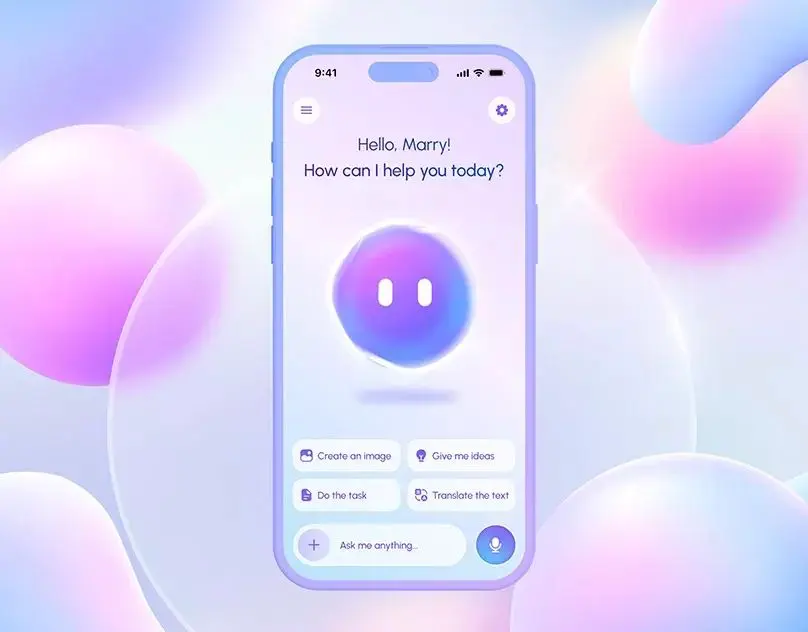
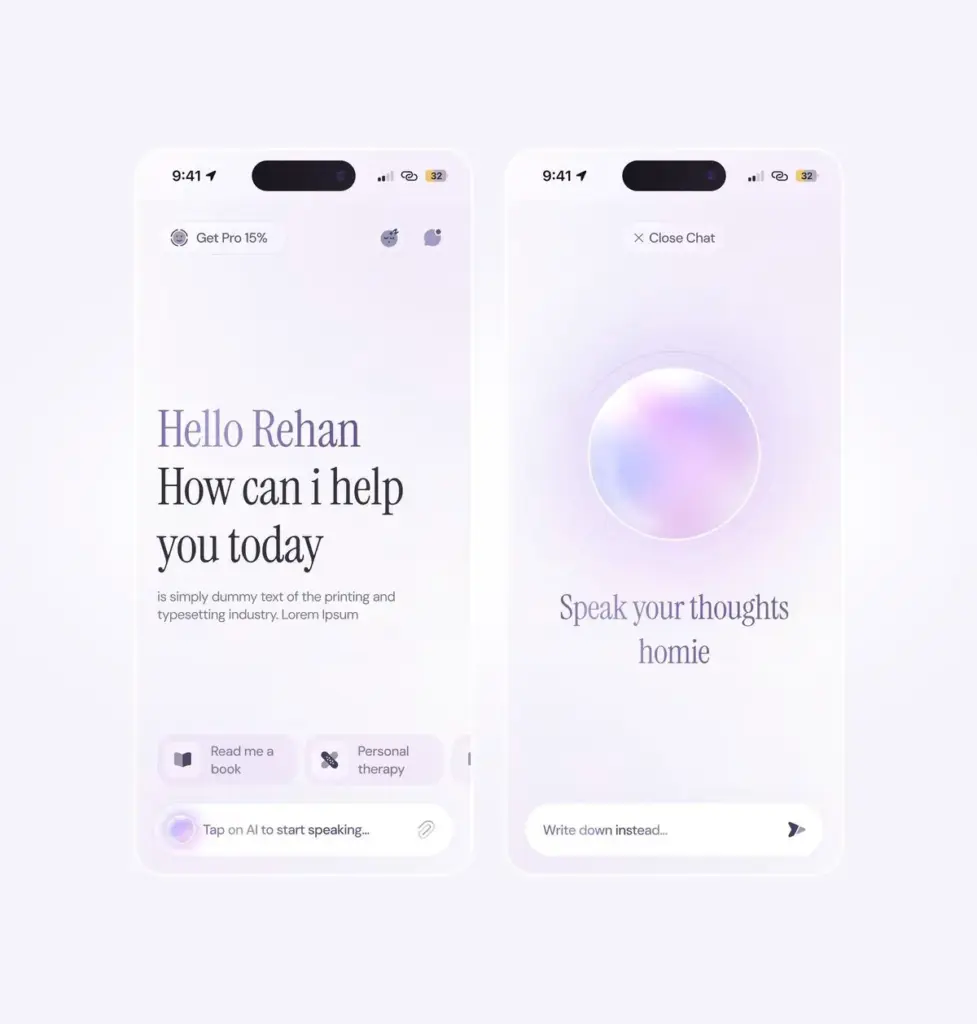
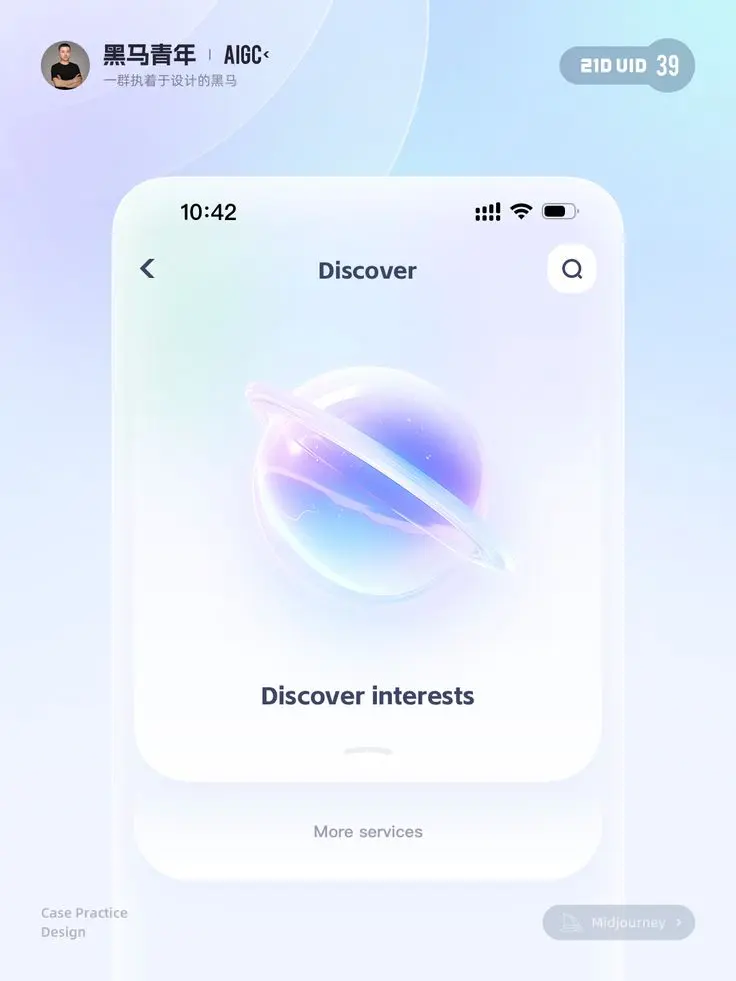
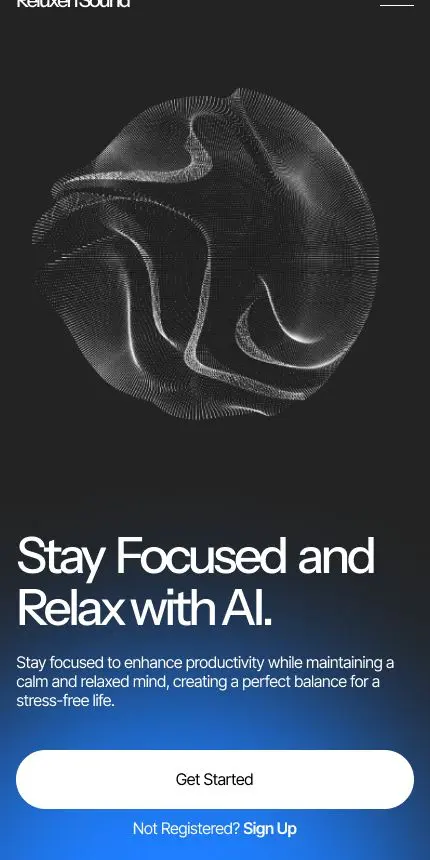
Zero UI – the trend that’s killing off traditional graphical user interfaces in favour of more natural, effortless ways for users to interact with technology. This means ditching the mouse clicks and keyboard inputs for stuff like voice commands, hand gestures and hands free navigation. And of course, voice-activated interfaces – like Alexa and Google Assistant – are key players here. These approaches are a real game-changer for accessibility – no more fiddling with tiny buttons and menus for anyone who’s struggling. Suddenly you can control your devices and services without even touching them.
As you’d expect, Multimodal interfaces are also starting to take off – these combine voice, touch and gestures in a way that lets you interact with tech in whatever way comes naturally to you. Voice-based interfaces are growing in popularity too, so you can now chat with software like you would with a human – making all sorts of tech much more accessible and user-friendly.
Conversational and multimodal interfaces are getting a lot of love right now, because they let you have proper conversations with your devices – you know, like you would with a real person. And the upshot is – digital experiences are getting a whole lot more intuitive and enjoyable for a much broader range of users.
What Is Zero-UI?
Zero-UI removes traditional screens and controls, replacing them with:
- Voice commands
- Gestures
- Contextual automation
In 2026, this extends into ambient computing, where systems respond proactively without explicit user input.
Real-World Examples
- Smart apps that anticipate actions
- Automotive dashboards that minimize distraction
- Wearables that respond to context, not taps
UX Challenge
Designers now focus on:
- Intent recognition
- Error recovery without screens
- Trust and transparency
Good UX becomes felt, not seen.
3. Spatial UI and 3D Interfaces Go Mainstream
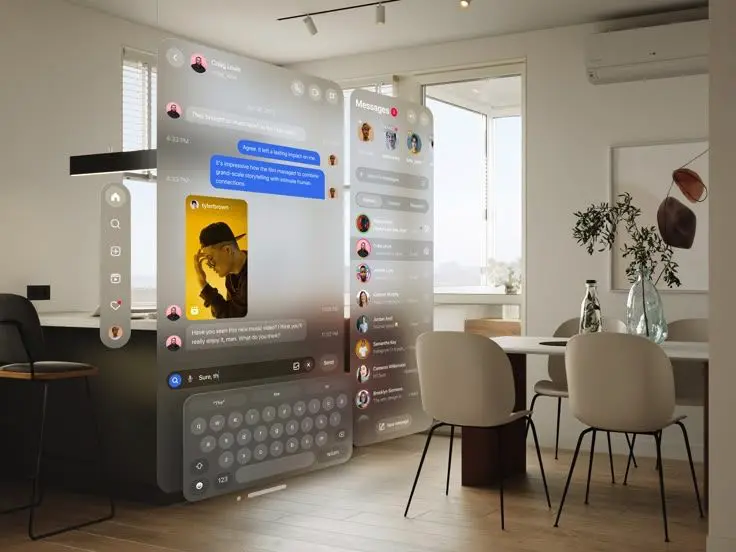
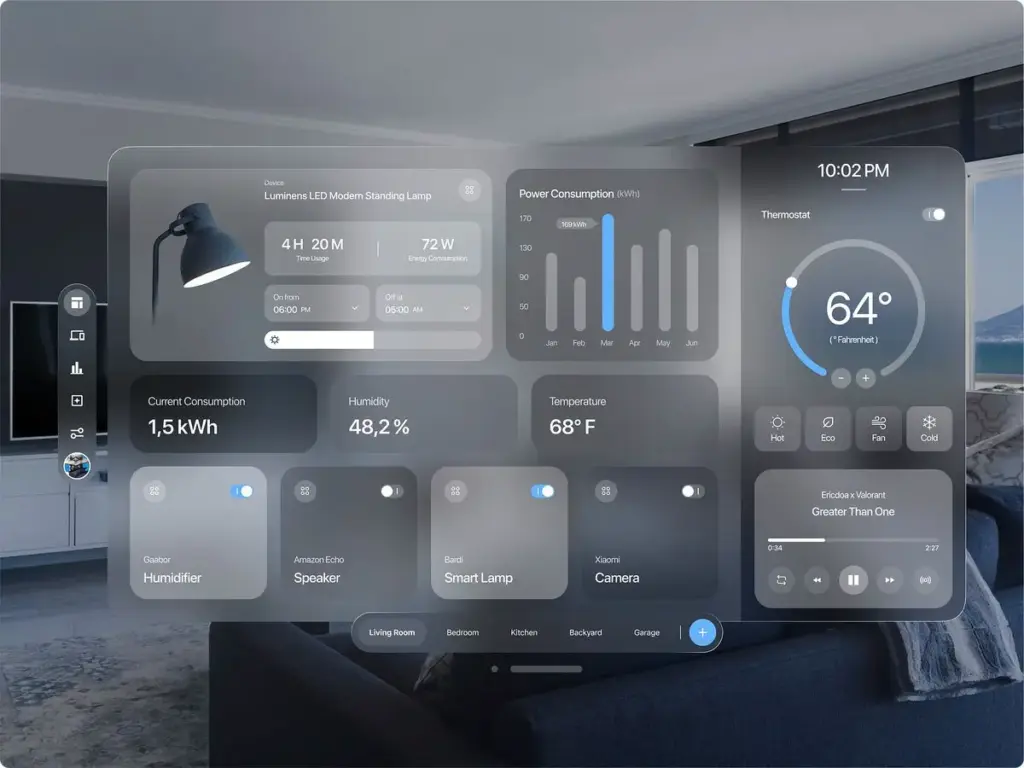
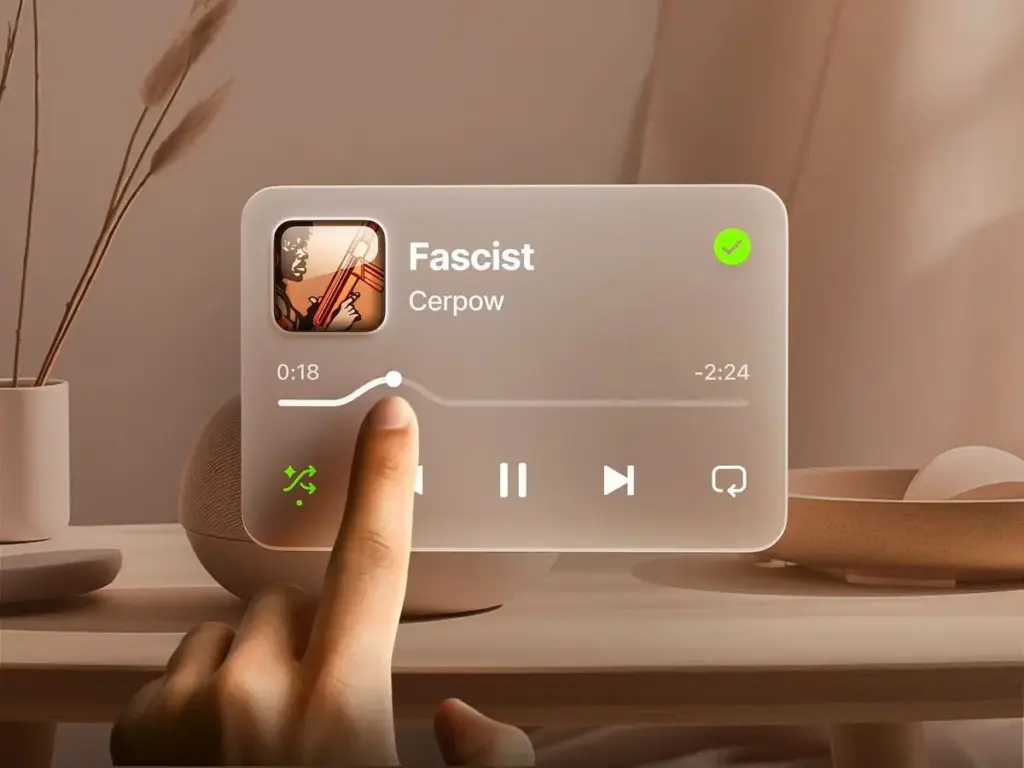
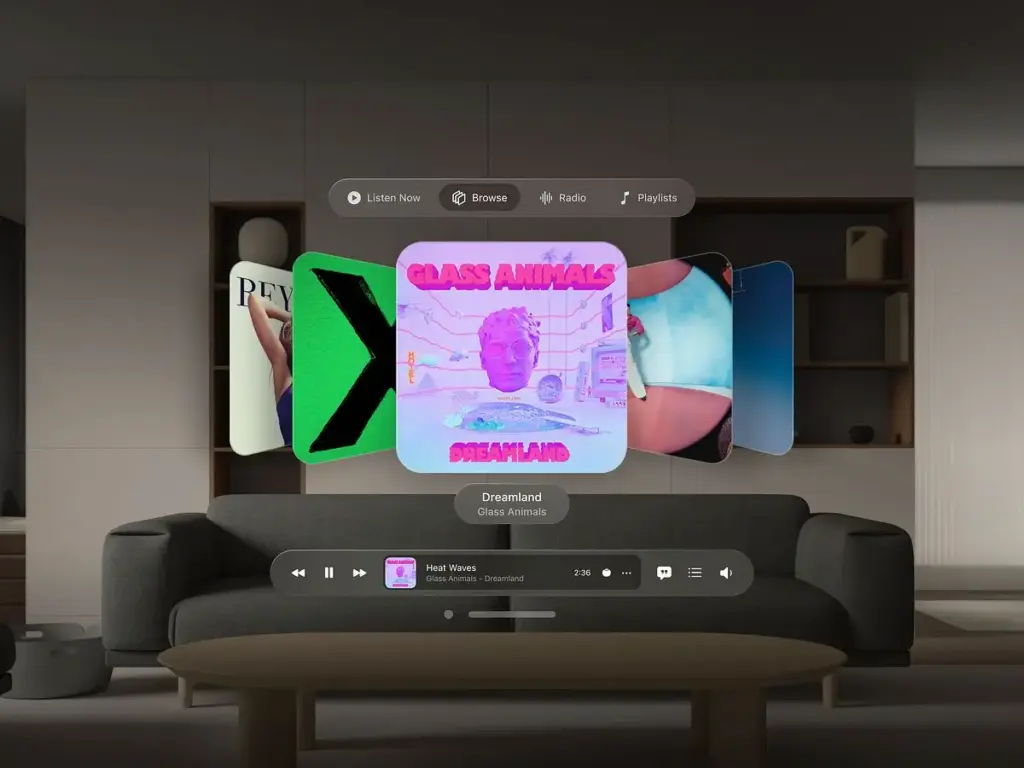
The Rise of Spatial UI
Spatial UI is revolutionizing the way people interact with digital products by bringing some much-needed depth & movement into the picture – and when we say movement, we mean it – literally. These interfaces tend to draw inspiration from the physical world by throwing in some subtle shadows, layering things up, and using haptic feedback to give users a real sense of what they’re getting their hands on. The end result? Digital interactions that feel more like what you’d expect & less like some clunky, plastic thing.
Dynamic interfaces are fast becoming a must-have – think about it, layouts & functionalities that change on their own across devices & platforms – no more tedious tweaking for you. All this means that switching between devices becomes a seamless experience.
Immersive tech like AR & VR is opening up entirely new avenues for user experiences that really catch the eye. Immersive spatial UX is all about using AR & 3D elements to make everyday tasks – especially in e-commerce – more interactive. Imagine being able to see just what a product looks like in your own home before you buy it. Augmented & Virtual reality are about to transform the way we engage with retail, education, and collaboration tools.
3D Elements in Modern UI
Three-dimensional elements are no longer limited to gaming or entertainment. Designers are integrating 3D graphics, animations, and interactive objects into everyday interfaces, making them more visually appealing and functional. This trend is especially prominent in product showcases, onboarding flows, and data visualization, where immersive experiences can enhance understanding and retention.
The Shift
With AR-enabled devices becoming more accessible, spatial UI is no longer experimental. Interfaces now exist:
- In physical space
- Across depth and motion
- Within mixed reality environments
Design Implications
Traditional UI rules don’t apply. Designers must consider:
- Spatial hierarchy
- Natural movement
- Cognitive load in 3D
Best Practices
- Anchor interfaces to real-world context
- Minimize floating distractions
- Prioritize comfort and clarity
4. Emotion-Centered UX Design Takes Priority
Emotionally Intelligent UX
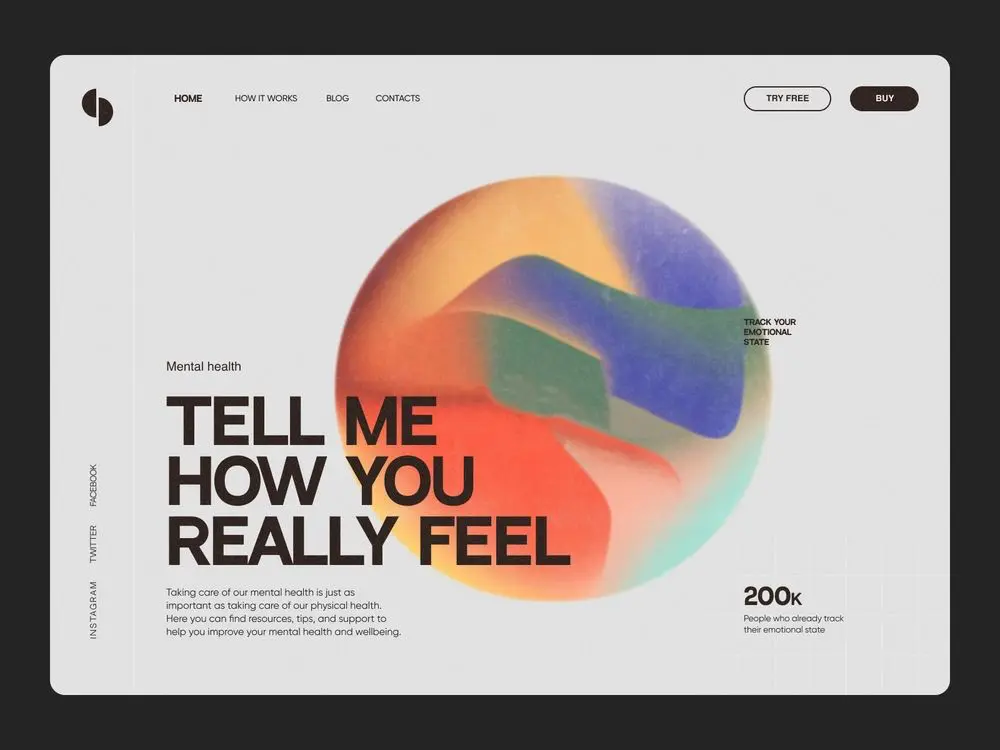
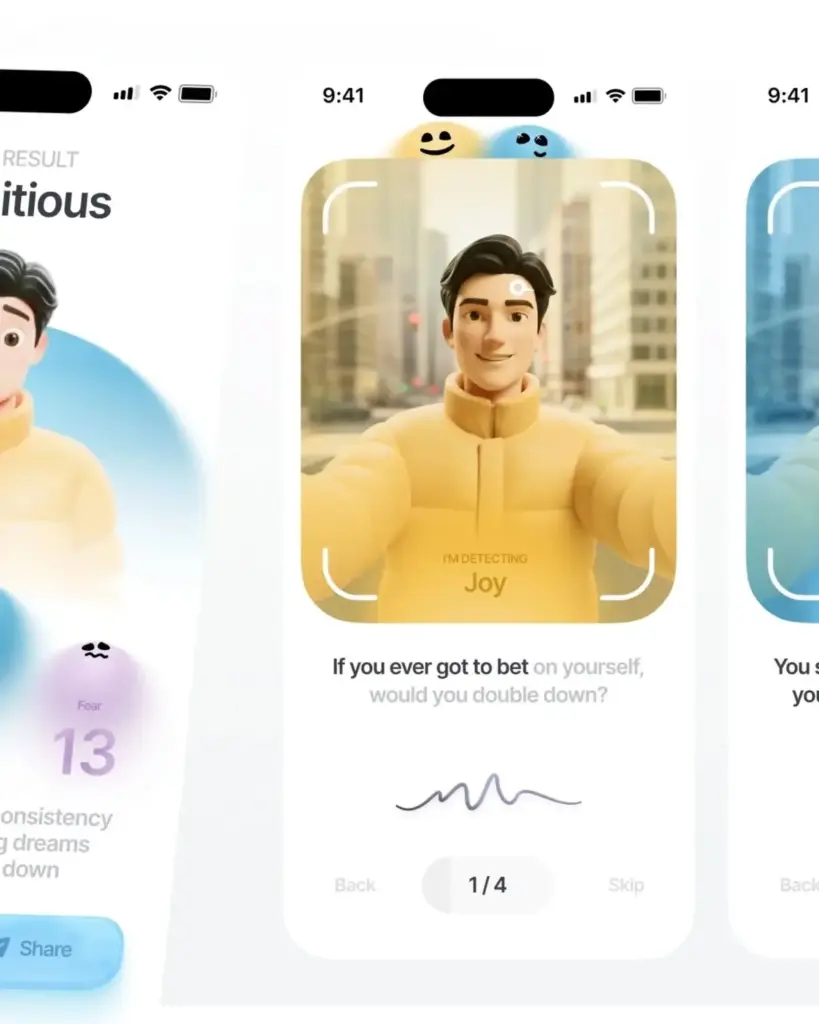
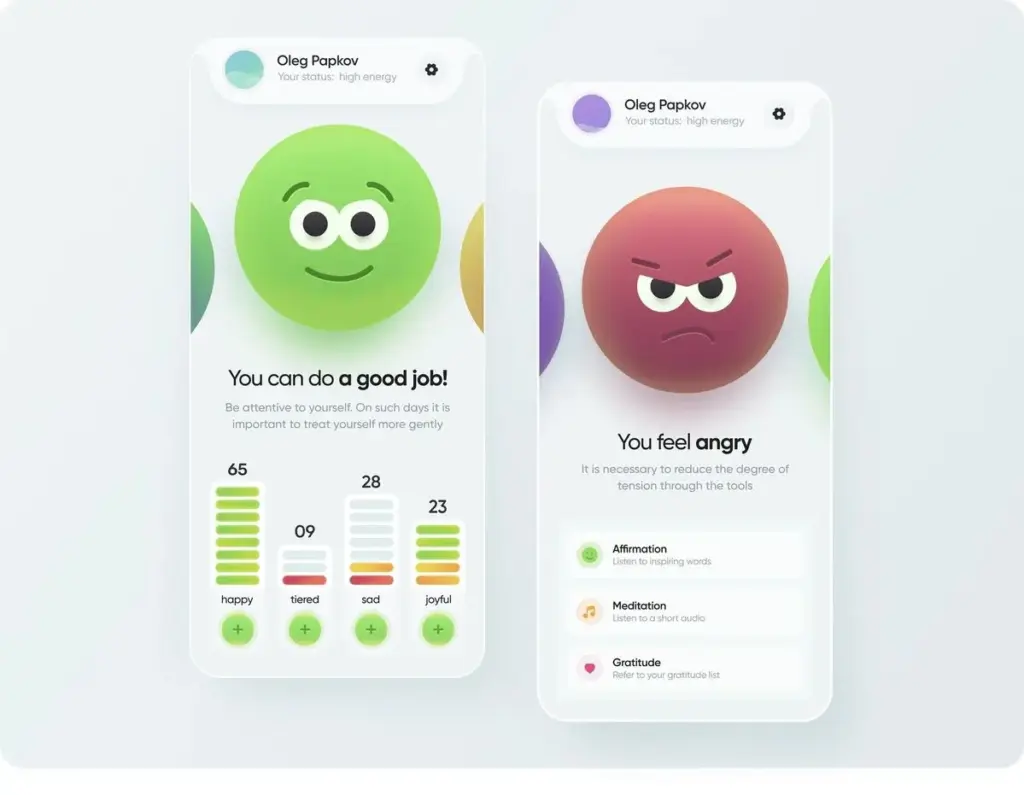
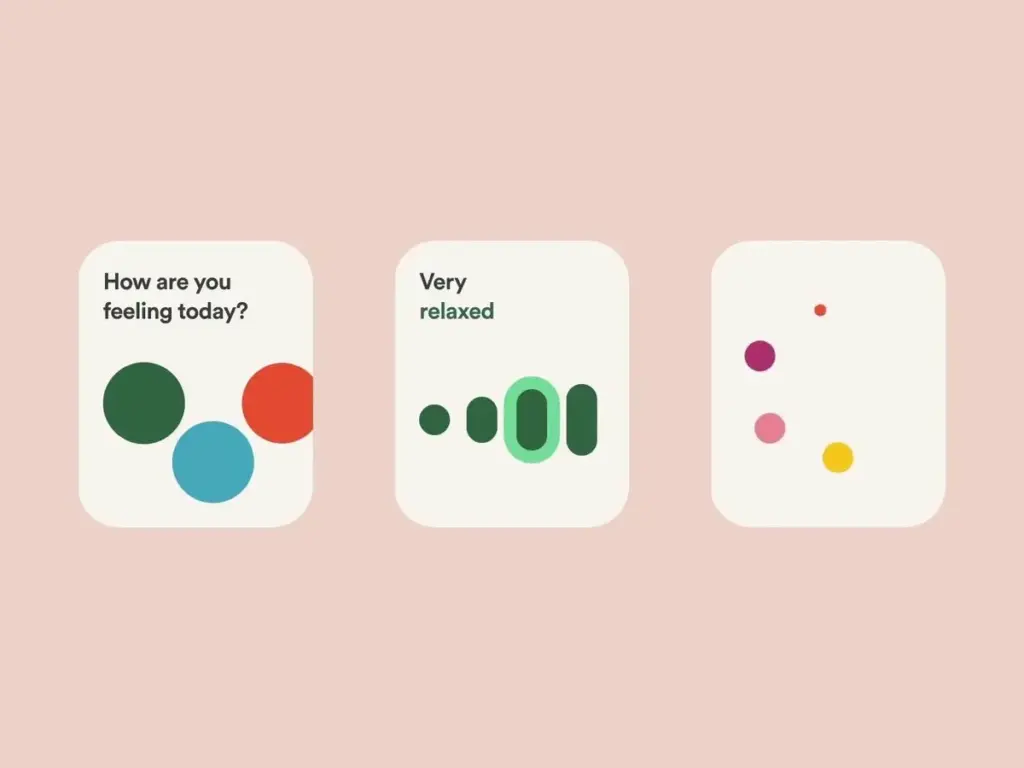
Emotionally intelligent UX is about designing interfaces that respond to users’ feelings and needs, creating a sense of empathy and connection. This approach goes beyond usability, focusing on how design can evoke positive emotions and foster loyalty. Good design in this context is bold and expressive, intentionally breaking traditional rules to create a rebellious, energetic, and memorable experience while maintaining functionality.
Micro-Interactions and a ‘Feel-at-Home’ Experience
Micro-interactions – the little things that add up – are tiny, focused product moments that wrap up just one thing: liking a post, or flicking a switch, for example. What makes up a micro-interaction is: the thing that sets it off, the rules that govern its behaviour, the way it tells you what’s happening, and how it changes up or morphs based on your actions. These four bits are critical for making things feel super natural & easy to use – because they give you instant feedback and helpful nudges as you’re messing around. When micro-interactions get smart – ie they use animations and user feedback in a way that doesn’t feel forced – the whole system comes alive and seems way more fun to use.
Micro-interactions have the power to inject a bit of character & personality into a digital product – making it a whole lot more intuitive and just plain enjoyable to use. The more advanced stuff like gestures and touchless controls can even make interactions seamless & normal, as if it wasn’t a big deal at all.
Beyond Usability
In 2026, good UX is not just usable—it’s emotionally intelligent.
Design now addresses:
- Frustration reduction
- Confidence building
- Trust reinforcement
Key Techniques
- Micro-interactions that reassure
- Copy that feels human, not robotic
- Clear feedback loops
Emotionally aware UX reduces churn and increases loyalty—metrics that directly influence growth analytics.
5. Accessibility-First Design Becomes Non-Negotiable

Why Accessibility-First Design Matters
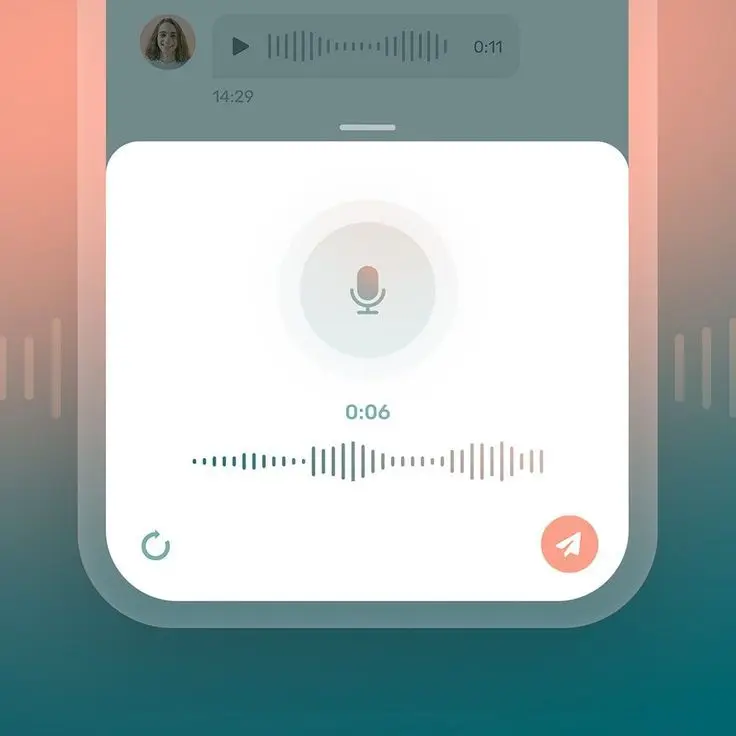
Accessibility in UI/UX design is driven by legal requirements, ethical considerations, and the desire to reach the widest possible audience. Universal design for cognitive diversity is now a standard requirement, ensuring interfaces are usable by people with a range of cognitive abilities. Accessibility is also a top priority in modern UI design, with guidelines like the EU’s WCAG 2.1 being integrated from the start.
How to Implement Accessibility-First Design
Accessible design benefits everyone by making digital products easier to use, regardless of ability. Thoughtful accessibility can enhance usability while also strengthening a product’s visual identity. High contrast color palettes, screen reader support, voice navigation, and keyboard-only flows are becoming standard in web design. Accessibility in design is not just a compliance issue but a way to create better user experiences for everyone.
When designing accessible interfaces, pay special attention to UI elements—ensure buttons, forms, and navigation are easy to interact with for all users, including those using assistive technologies.
Why Accessibility Leads in 2026
Accessibility is no longer a compliance checkbox—it’s a core UX principle.
Drivers include:
- Stronger global accessibility regulations
- Aging digital populations
- Voice, screen readers, and assistive tech growth
Accessibility as a Growth Strategy
Accessible design:
- Expands audience reach
- Improves SEO crawlability
- Enhances usability for everyone
Designing for accessibility aligns directly with GEO goals by making content easier for machines and humans to understand.
6. Performance-First UX and Ultra-Fast Interfaces
Performance-First UX
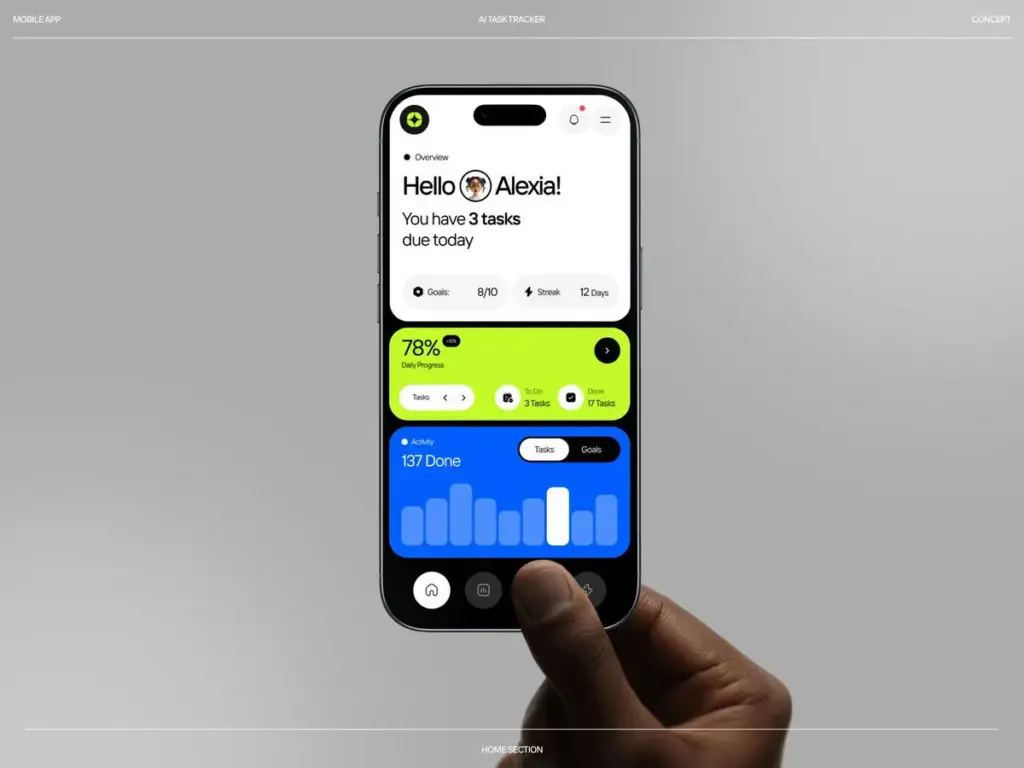
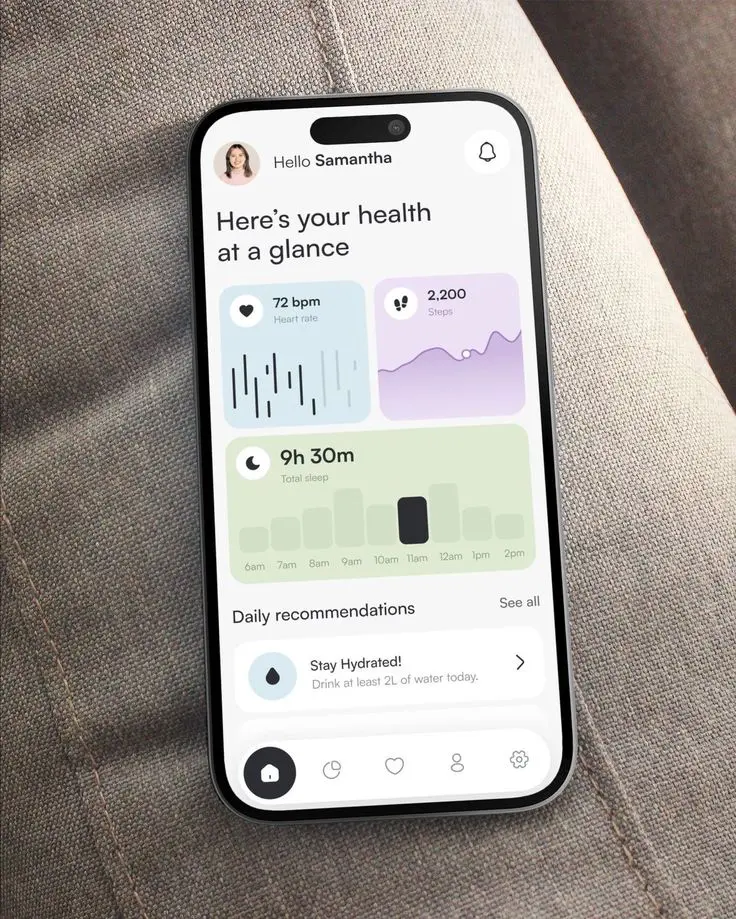
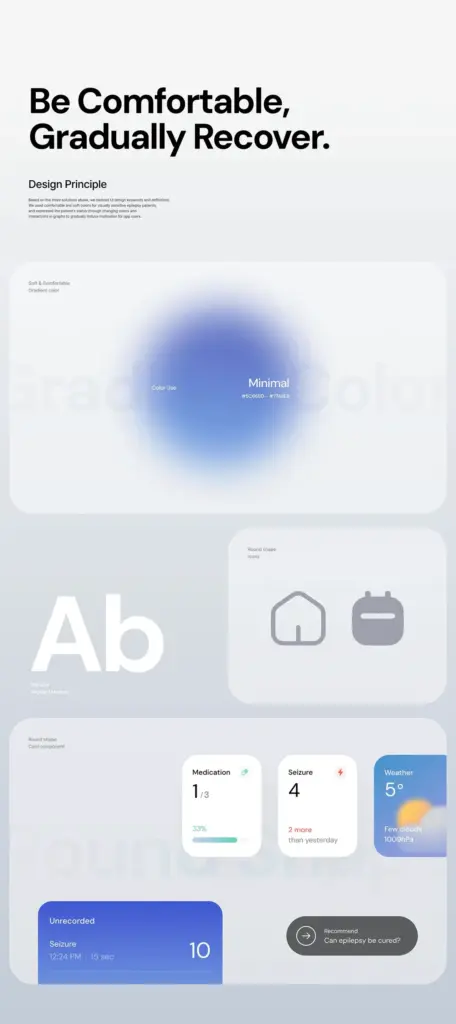
Users expect digital experiences to be fast, seamless, and responsive. Slow-loading websites or apps can lead to frustration and high bounce rates. Sustainable design reduces digital carbon footprints through efficient code, making digital products not only faster but also more environmentally friendly. Sustainable UX considerations aim to reduce energy consumption and carbon footprints, aligning with the growing demand for eco-conscious digital solutions.
Sustainable Web & App Design – Putting People & Planet First
Sustainable design is a game-changer for reducing digital clutter and getting sites up to speed fast – a win-win for the user experience and the environment. On top of that, with sustainable design we can prioritize accessibility and really make sure that digital experiences are usable by everyone. Sustainable web design means keeping code lean and images optimised – which helps cut down on the carbon footprint of all those digital products we all use.
The whole eco-aware UX movement is pushing companies to create super-efficient, energy-saving websites and apps – and that’s especially true when it comes to how well they perform. And this trend highlights that when it comes to creating apps, it’s not just about how they look and work – it’s also about how fast they load, how little energy they use and how little of an impact they have on the planet
Speed Is the Experience
In 2026, users expect:
- Near-instant load times
- Seamless transitions
- No unnecessary animations
Performance is UX.
UX Trends Supporting Speed
- Skeleton screens over spinners
- Reduced visual clutter
- Intelligent preloading
7. Design Systems Replace One-Off Interfaces
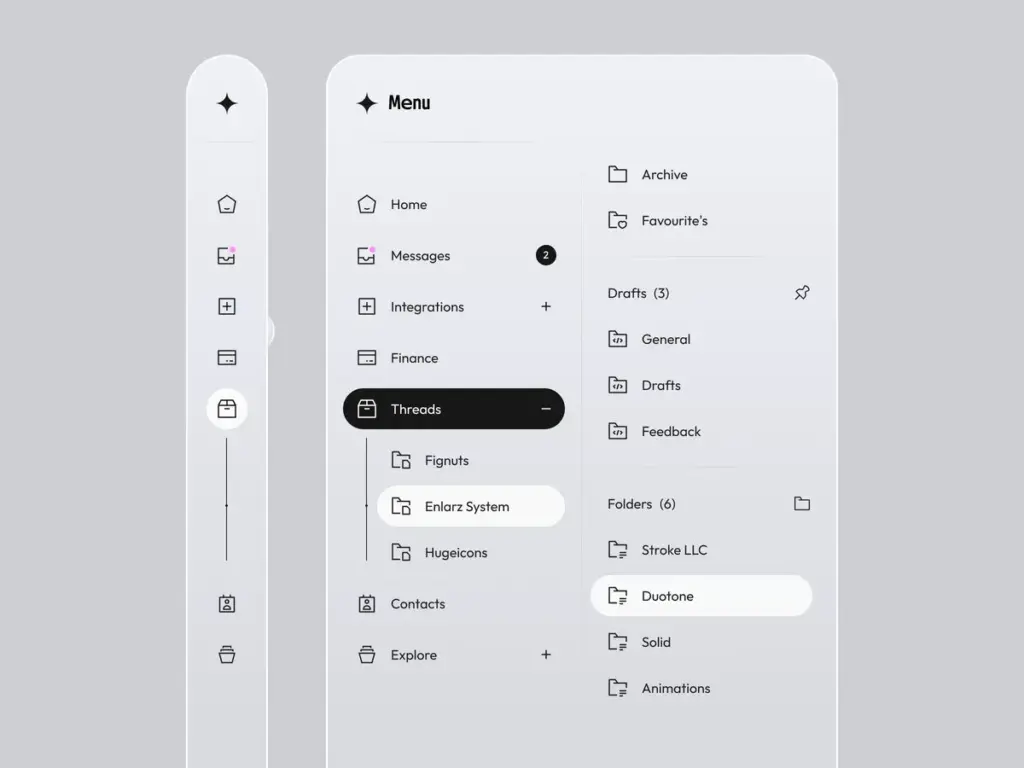
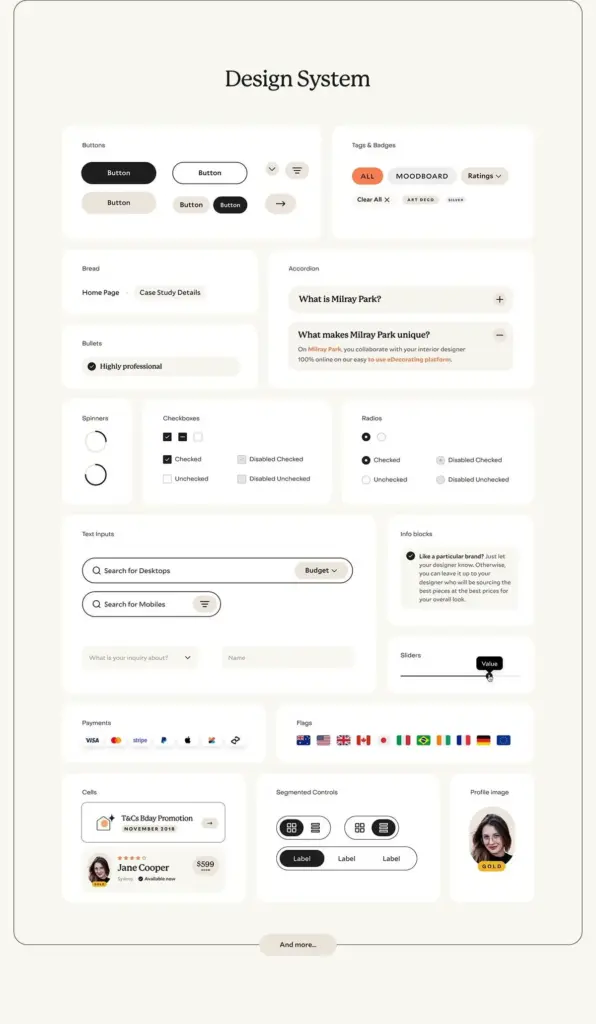
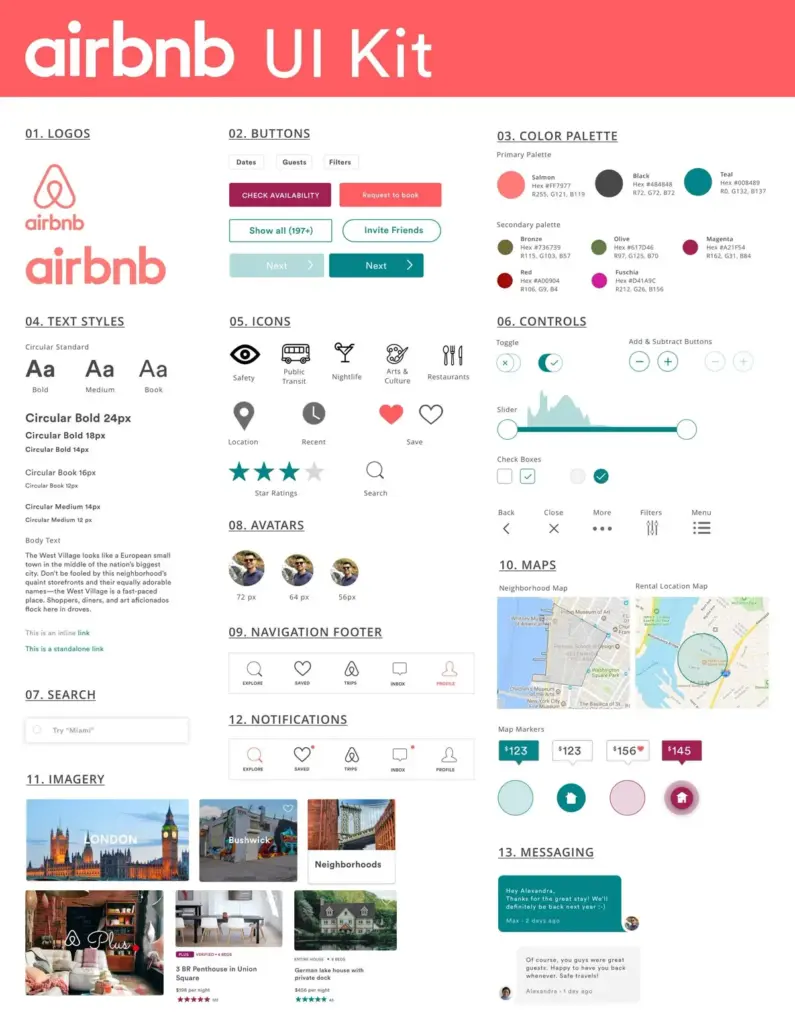
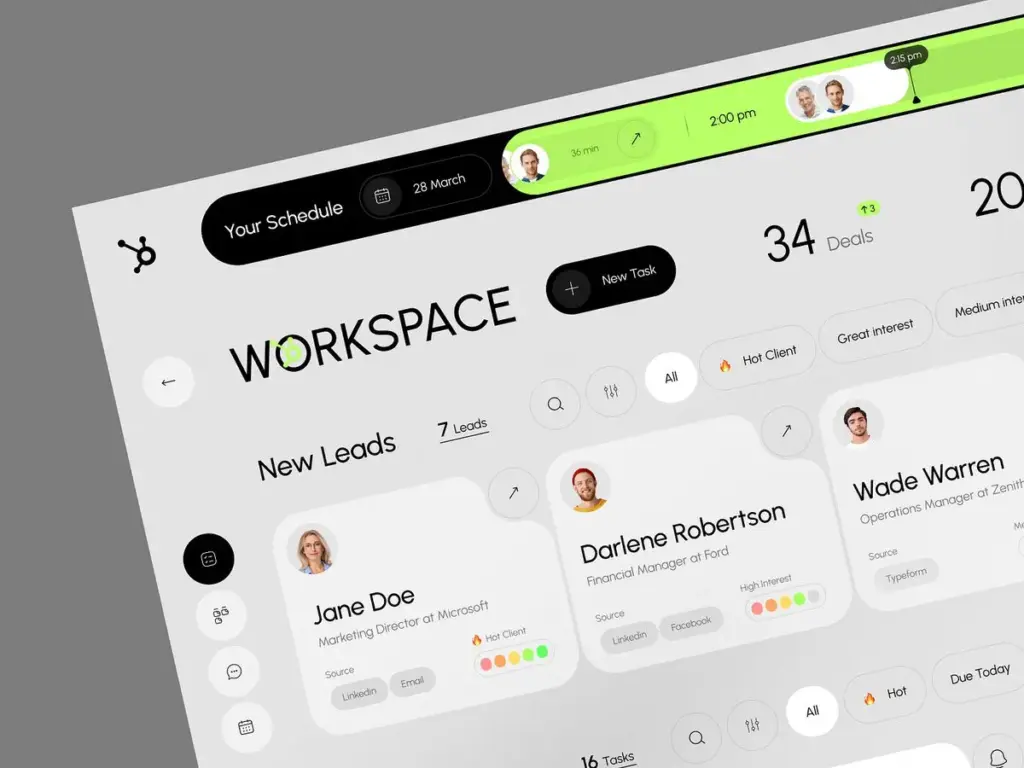
Why Design Systems Dominate
As products grow across platforms, consistency becomes critical.
Design systems provide:
- Faster iteration
- Consistent brand experience
- Better collaboration between teams
2026 Evolution
Modern design systems are:
- AI-assisted
- Token-driven
- Automatically updated
This scalability supports omnichannel SEO and brand trust.
8. Ethical UX and Transparency-Led Design
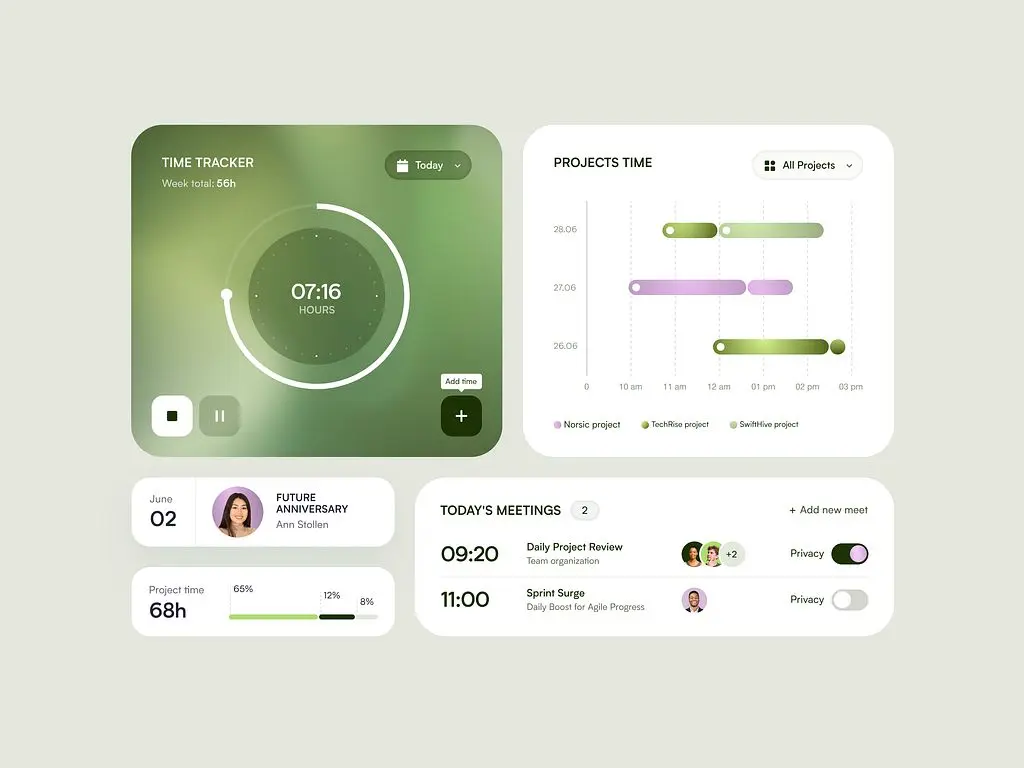
9.1 Dark Patterns Disappear
As users become more aware of manipulative design tactics, dark patterns are disappearing from modern UI/UX. Designers are intentionally avoiding dark patterns as part of ethical, sustainable design, ensuring that user trust and transparency are prioritized.
9.2 Ethical UX and Transparency
Ethical design is now a core value for many brands, with transparency, accessibility, and inclusivity at the forefront. This approach builds trust, improves user satisfaction, and helps companies avoid legal pitfalls. Ethical design practices require companies to prioritize data privacy and reduce algorithmic bias, ensuring fair and responsible user experiences.
Users Demand Honesty
Dark patterns are disappearing. In their place:
- Clear consent
- Honest defaults
- Transparent data usage
Why Ethical UX Wins
Ethical design improves:
- Long-term retention
- Brand authority
- Search credibility
Trust is now a ranking signal—both for humans and algorithms.
9. Content-First UI
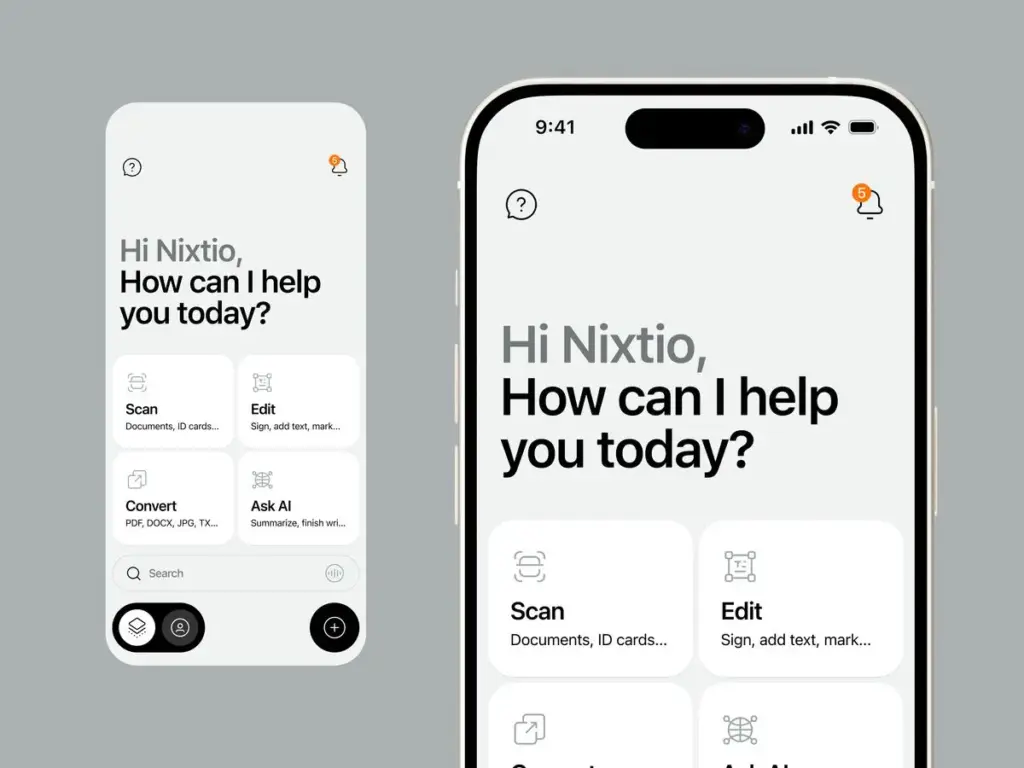
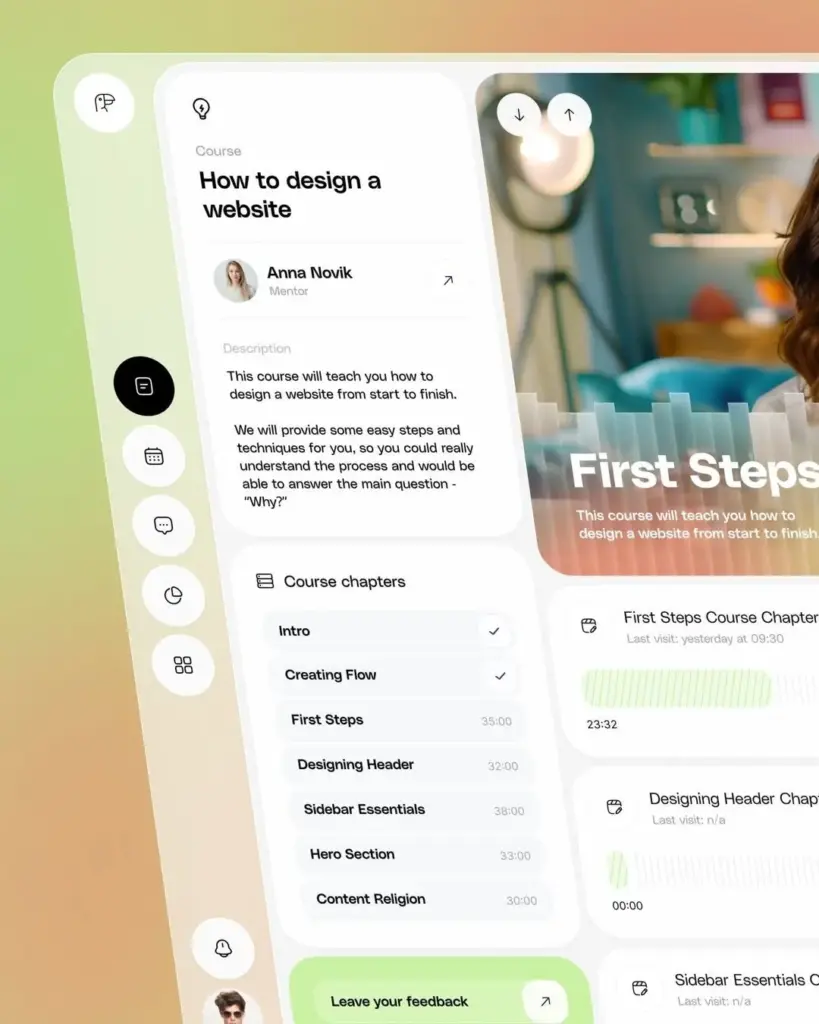
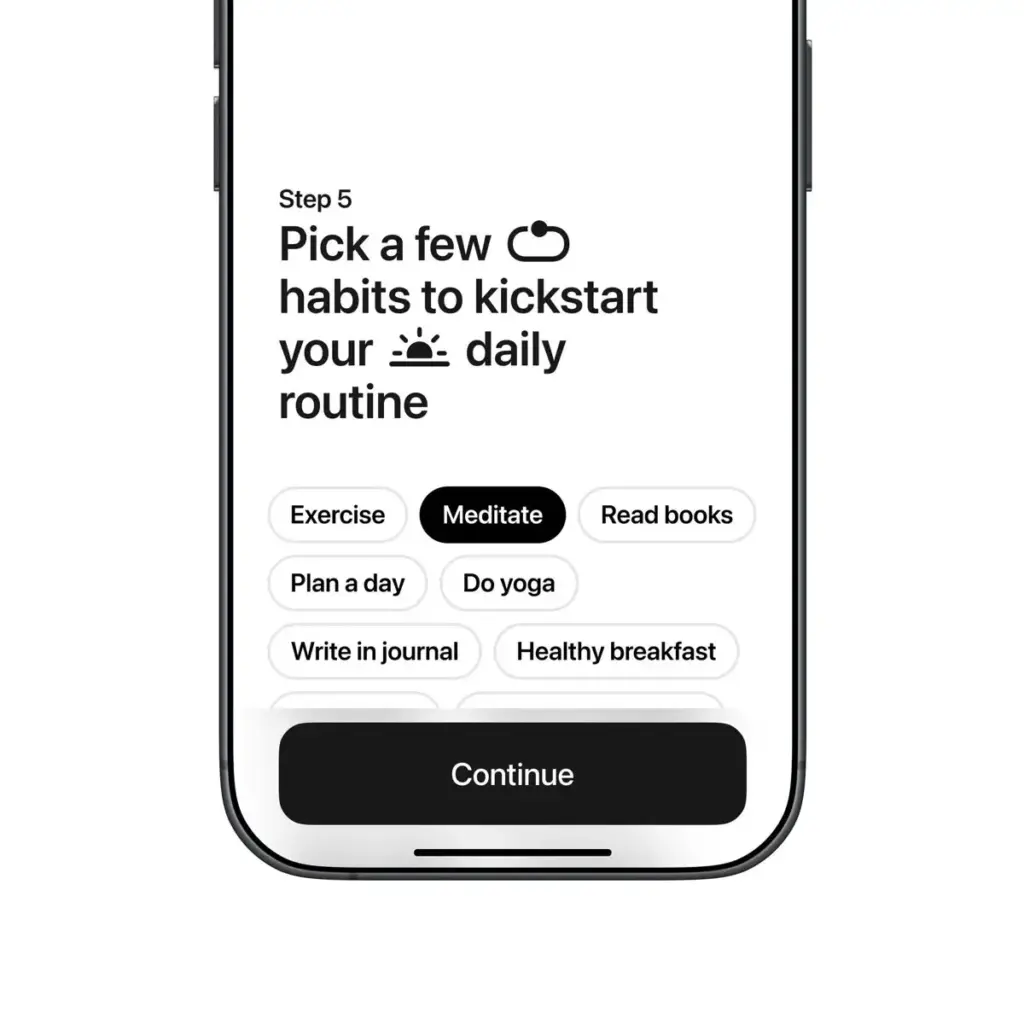
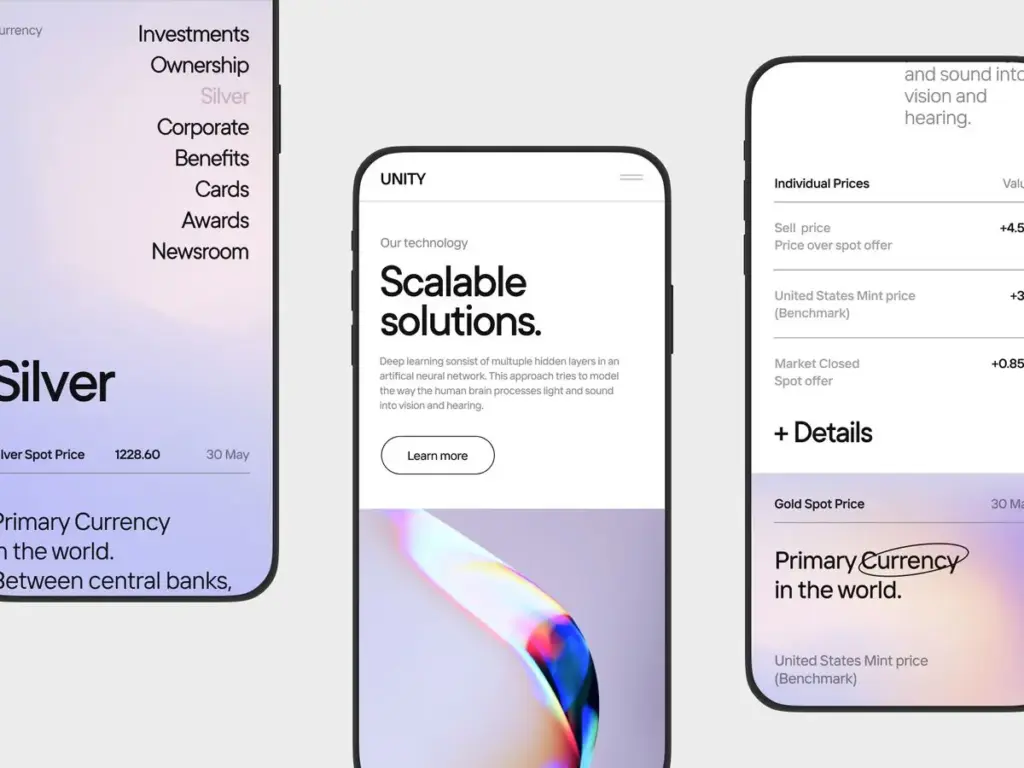
Content-First UI: Structuring for Answer Engine Optimization
The primary goals of interfaces are to deliver clear answers, anticipate user intent, and provide seamless navigation. Increasingly, data-driven visual storytelling is transforming how information is presented in UI design, using interactive narratives to guide users through complex data and insights step by step.
Visual Storytelling and Interactive Narratives
Modern UI/UX design trends emphasize the importance of visual storytelling and interactive narratives. These approaches help guide users through information, making complex topics more accessible and engaging. By leveraging data-driven visual storytelling, designers can improve user engagement and ensure that users understand key insights through dynamic, interactive experiences.
UX Meets GEO
Interfaces in 2026 are designed to:
- Surface answers quickly
- Structure information clearly
- Support featured snippets and AI answers
UX Best Practices
- Clear headings and hierarchy
- Scannable layouts
- Concise, direct answers
10. Cross-Platform Continuity and Experience Memory
Seamless Everywhere
Users switch between:
- Mobile
- Desktop
- Wearables
- Voice assistants
UX in 2026 remembers context and progress across all of them.
Key Design Focus
- Persistent user states
- Shared interaction models
- Unified brand experience
This continuity boosts engagement and conversion funnels.
The Next Wave of Visual Styles: What 2026 Has in Store for UI Design
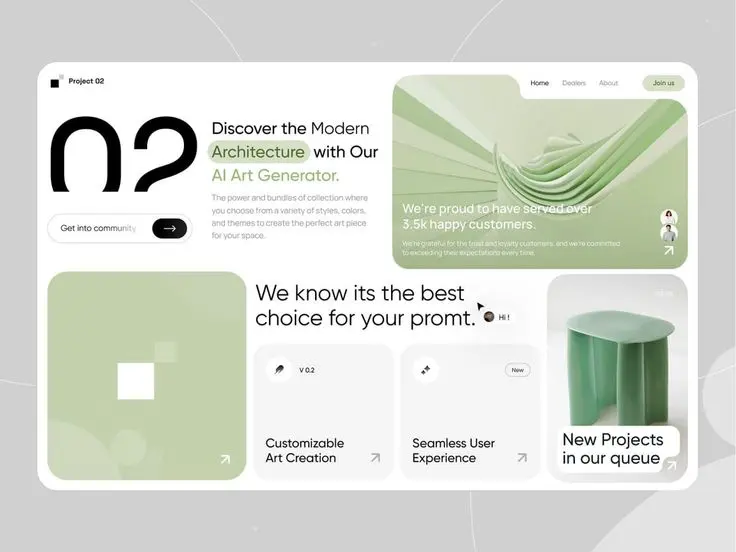
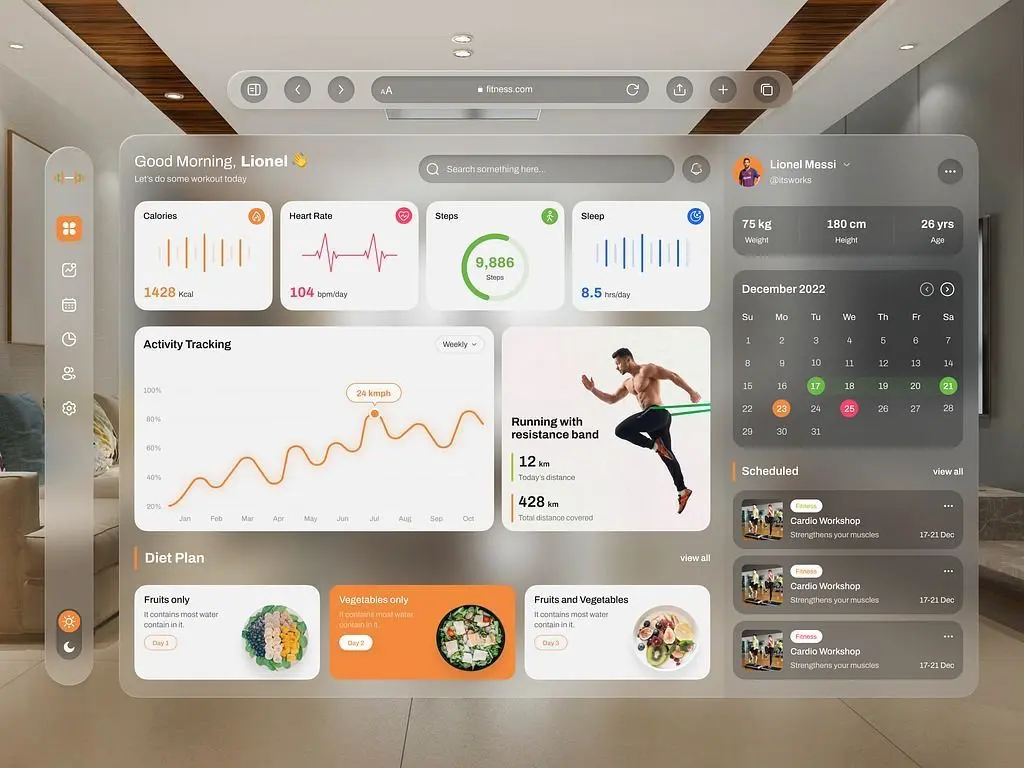
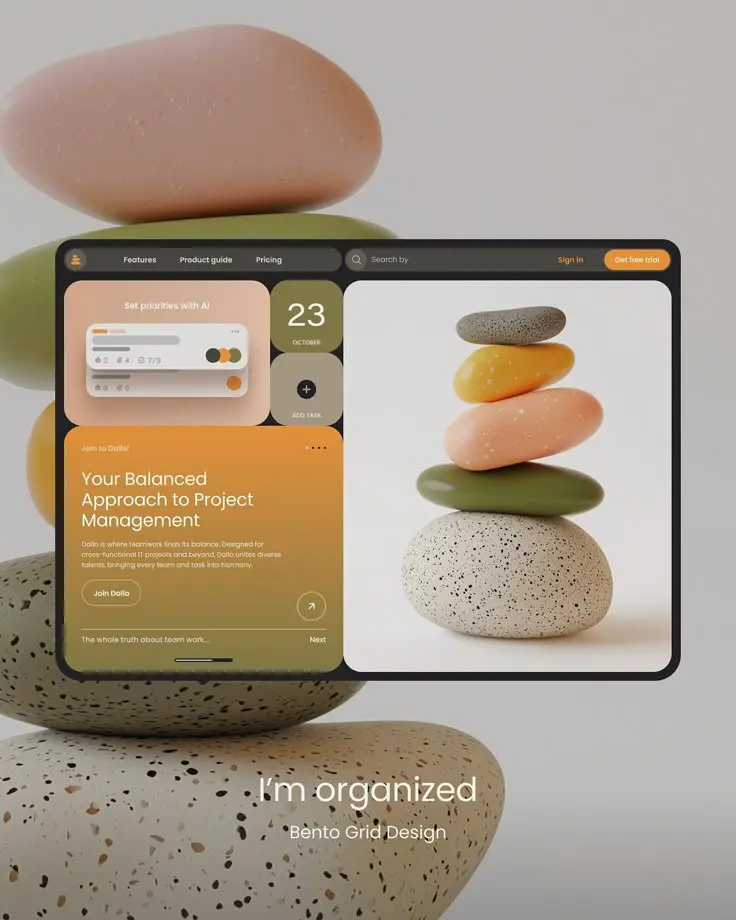
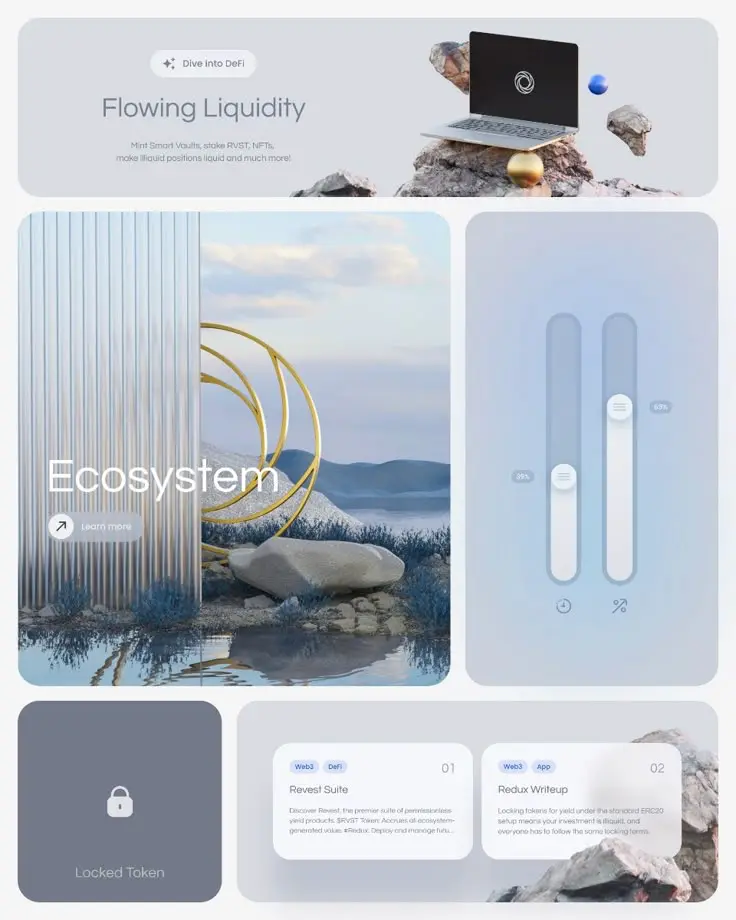
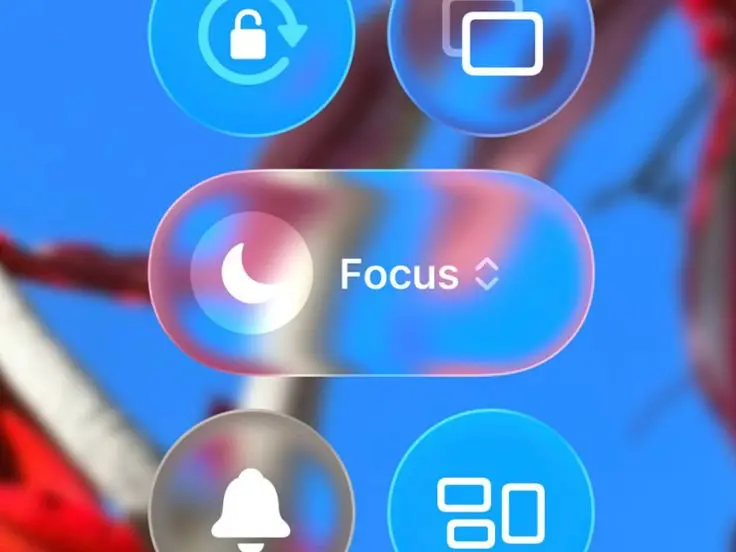
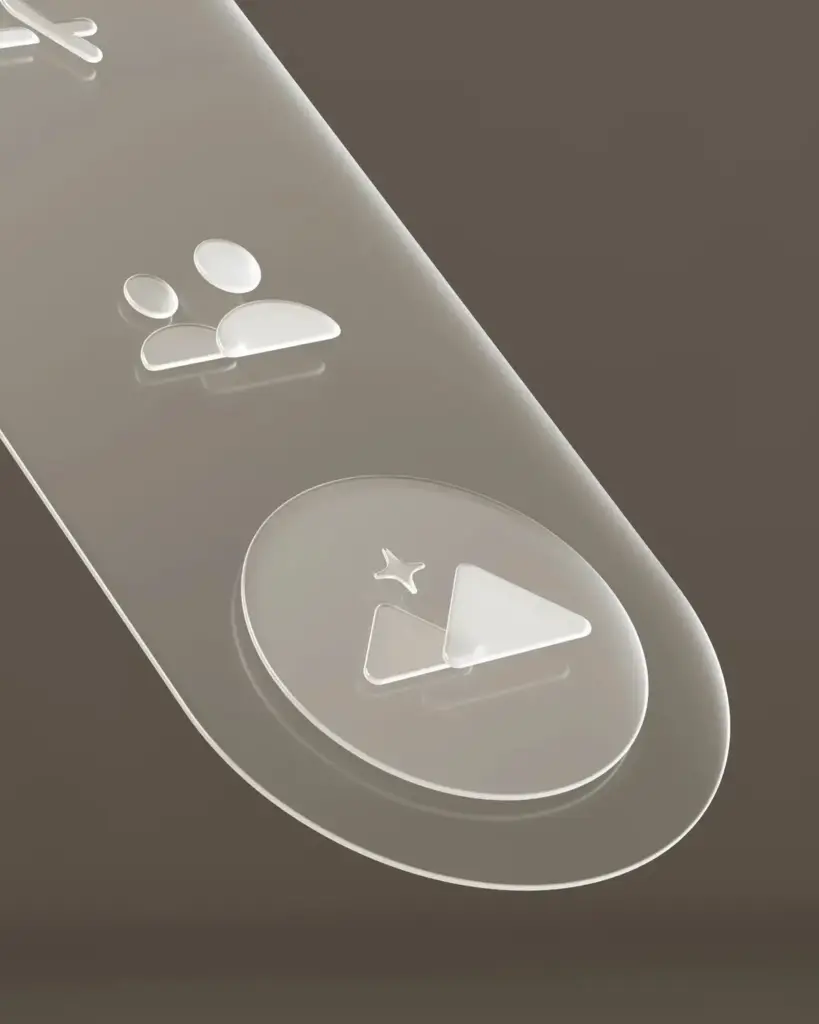
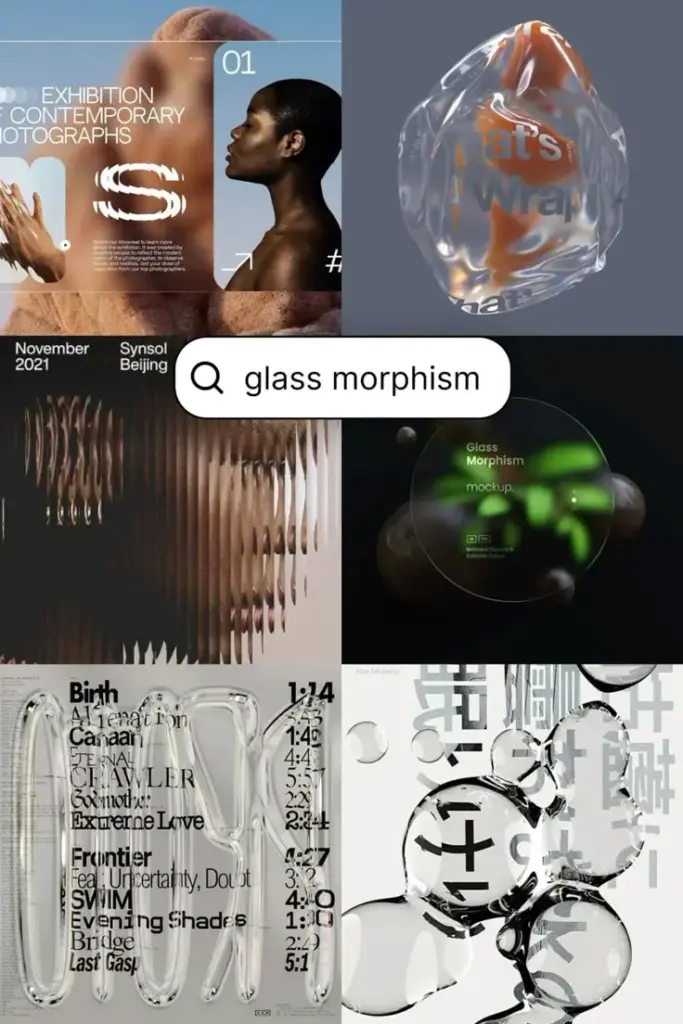
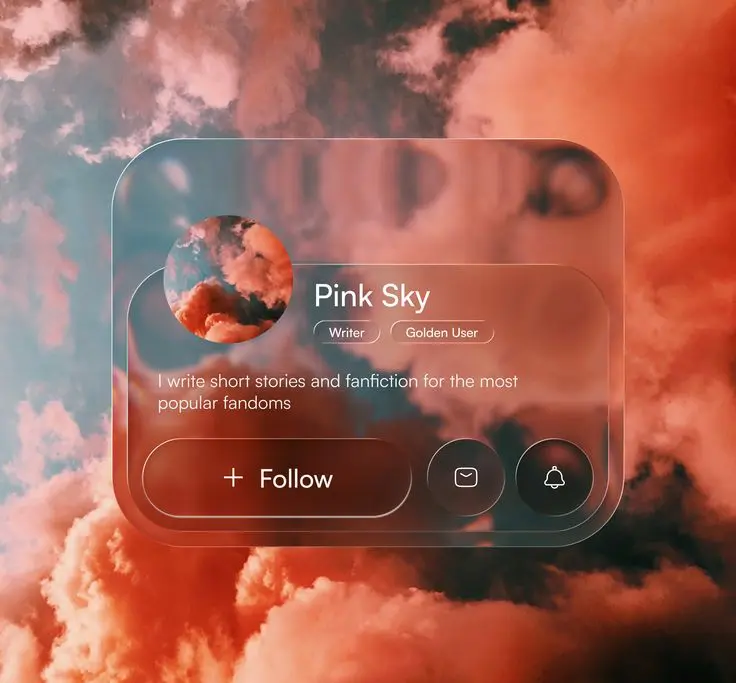
2026 is shaping up to be a real game-changer for visual design in UI – we’re on the cusp of a new era where style and functionality come together in some pretty exciting ways. At the top of the list is ‘liquid glass’ – a seriously slick, see-through effect that gives digital products a depth and modern feel that just draws you in from the get-go.
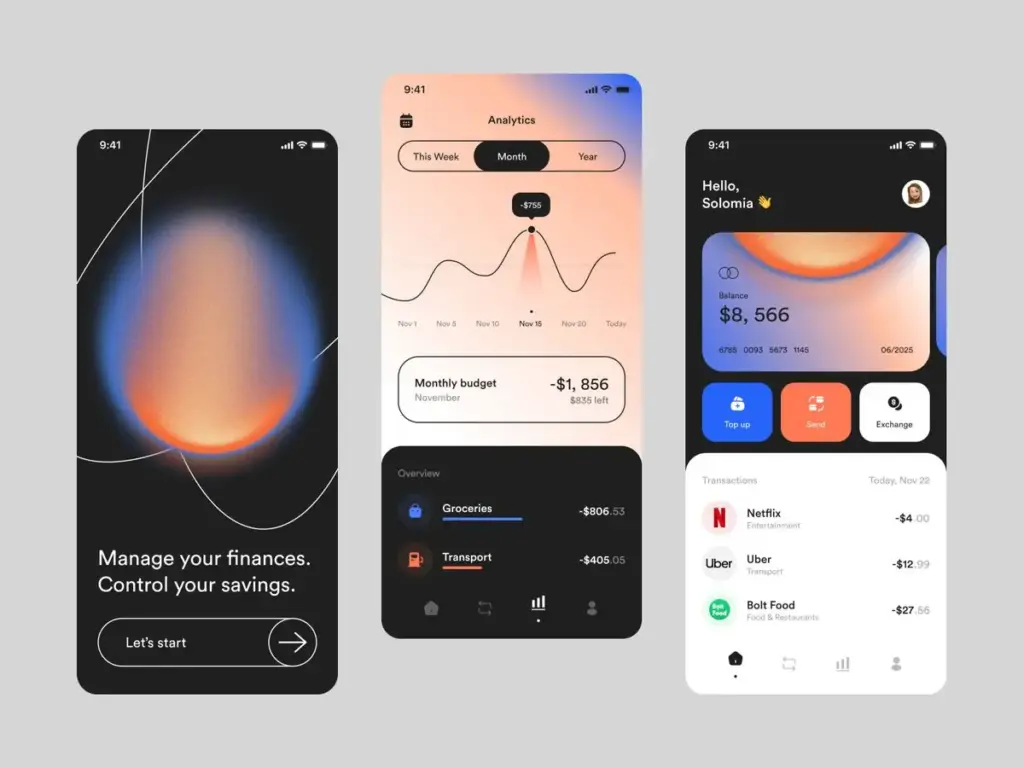
But we’re also seeing a revival of two other retro faves – neon gradients and pixel art – adding a playful splash of nostalgia to the web design scene, and some serious oomph to the user experience. These eye-catching styles do more than just look great: they help guide users and make the whole journey a lot more intuitive.
And then there’s variable fonts – a total game-changer when it comes to typography. Suddenly, text can adapt on the fly to whatever device or user preference is in play, making for a much more user-friendly experience.
As VR and AR start to become a bigger part of our lives, UI designers are having to re-think the whole way they design interfaces – creating ones that feel perfectly natural in 3D, and using biometric authentication to make it easier for users to do what they want, without having to jump through hoops.
Meanwhile, the rise of AI is forcing designers to think more creatively about what usability really means – making sure interfaces stay intuitive, even when they’re getting more and more sophisticated.
By embracing these new design styles and tech, UI designers can build interfaces that not only knock it out of the park visually, but also deliver on usability, adaptability and just about everything else users expect from their digital products – in 2026 and beyond.
What These UI/UX Trends Mean for Businesses in 2026
UI/UX design has officially become a business imperative. The industry is now putting its focus on making products more user-friendly, environmentally friendly and just downright enjoyable. In other words, its no longer just about what looks good – its about what will get people excited and coming back for more.
Businesses that are going to come out on top in 2026 will be the ones that:
- Invest in smart user experiences that can adapt to the user on the fly
- Get their act together on speed, accessibility and overall trustworthiness
- Make sure their UX decisions are all lined up with their SEO and whatever the search engines are looking for
- Invest in the kind of product design that can keep up with the latest UI trends and keep their users coming back for more
Final Thoughts: What the Next Digital Era Means for Us
UI/UX design in 2026 is going to be all about looking forward, not just keeping up. We’re talking about design trends that:
- Are proactive – not just responding to what’s already happening
- Are made with the user in mind, not just a laundry list of the latest features
- Are built with ethics, speed and accessibility in mind from day one
Companies that get in early on this new way of thinking are going to be the ones setting the bar, rather than just trying to meet it. I mean, who would have thought Netflix for example would be leading the charge on hyper-personalised experiences and clever predictive interfaces? Clearly they saw the writing on the wall and are now reaping the rewards.
- 372shares
- Facebook0
- Pinterest372
- Twitter0
- Reddit0