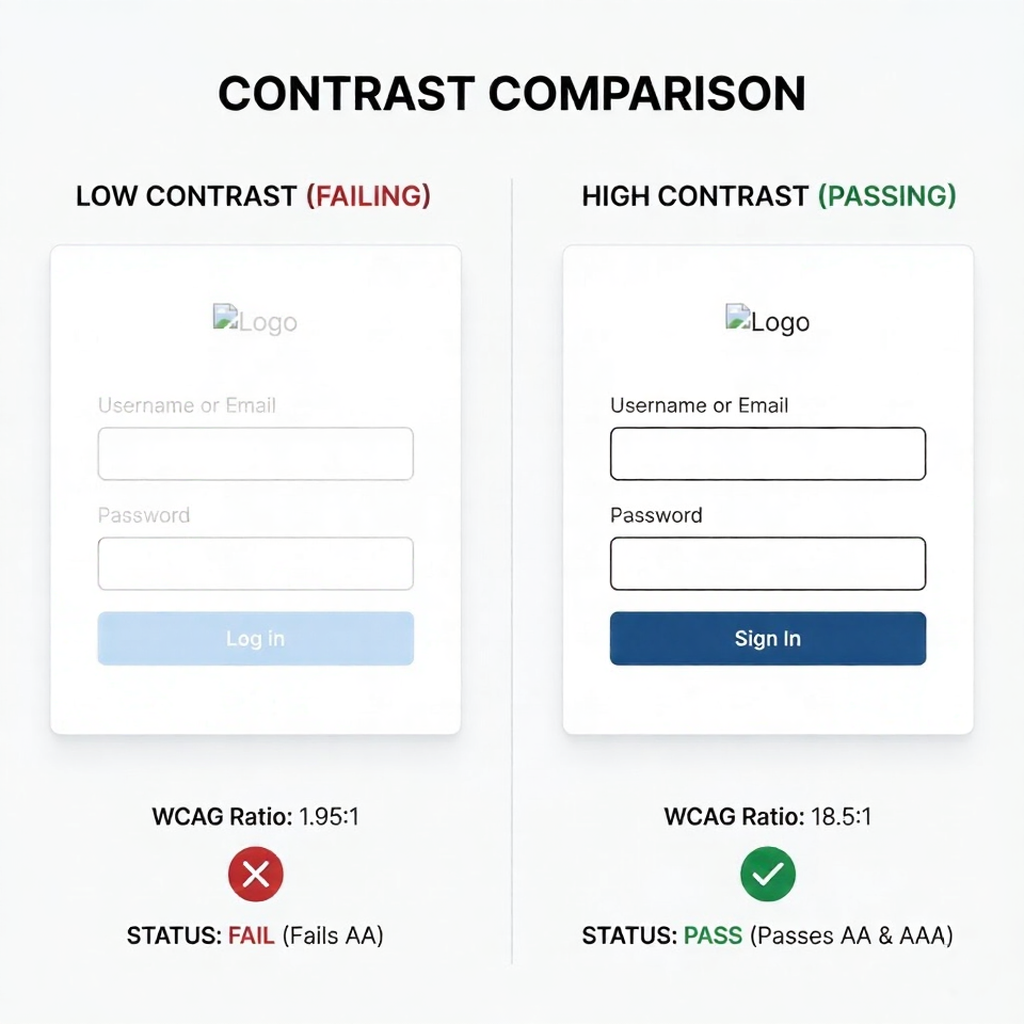
A SaaS product I consulted on last year had a 34% form abandonment rate. We ran heatmaps, checked the copy, and audited the UX flows. Everything looked reasonable. Then we checked the submit button — light grey text on a mid-grey background, a contrast ratio of 2.1:1. The WCAG minimum for interactive elements is 3:1. We darkened the button label by two shades. Abandonment dropped to 19% within three weeks.
That’s not a story about making things pretty. It’s a story about color as a functional system — one with measurable consequences when it breaks down. In a well-built product interface, every color decision is a structural decision: it determines whether users can read, whether they understand what’s interactive, and whether they trust the product enough to give it their card details.
- 1. How UI Color Systems Actually Work
- 2. WCAG Accessibility: The Non-Negotiable Foundation
- 3. Color Psychology: What Each Hue Signals to Users
- 4. Eight Proven UI/UX Color Palettes With HEX Codes
- 5. Semantic Color Roles: Every Product Interface Needs These Eight
- 6. Dark Mode: Design It, Don't Just Invert It
- 7. 2026 Trends Worth Building Into Your System Now
- 8. Implementation Checklist
- 9. FAQ
- The Business Case for Getting This Right
This guide covers the UI/UX color palettes that consistently perform in web and SaaS design — with exact HEX codes, WCAG contrast data, the psychology behind each combination, and clear guidance on when to use them. No theory without application. No palette recommendations without accessibility scores.
⚠ Legal note: As of June 2025, the European Accessibility Act requires WCAG 2.1 AA compliance for all commercial digital products sold in the EU. In the US, 4,605 ADA web accessibility lawsuits were filed in 2024. Non-compliance is no longer a design oversight — it’s a legal liability.
1. How UI Color Systems Actually Work
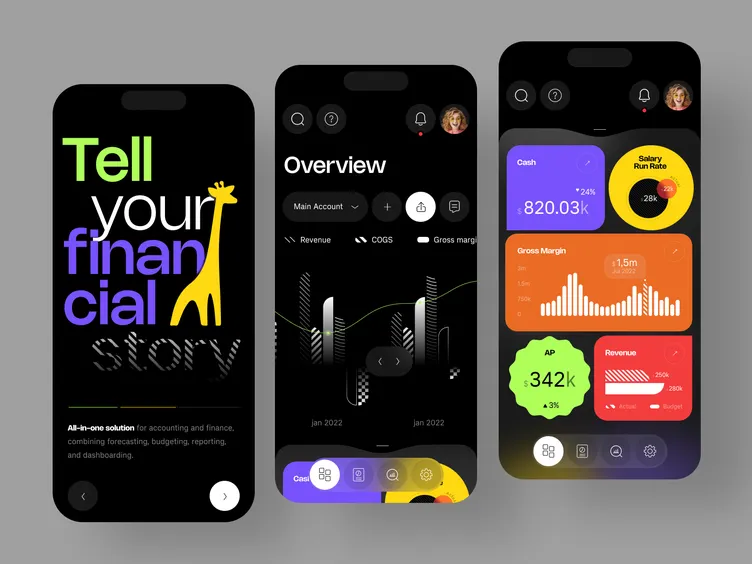
Before selecting a palette, every designer and developer working on a product interface needs to understand what a color system is and how its components relate to each other. Choosing five colors you like is not a color system. A color system is a structured, scalable set of values with defined roles and relationships.
The Three-Layer Architecture
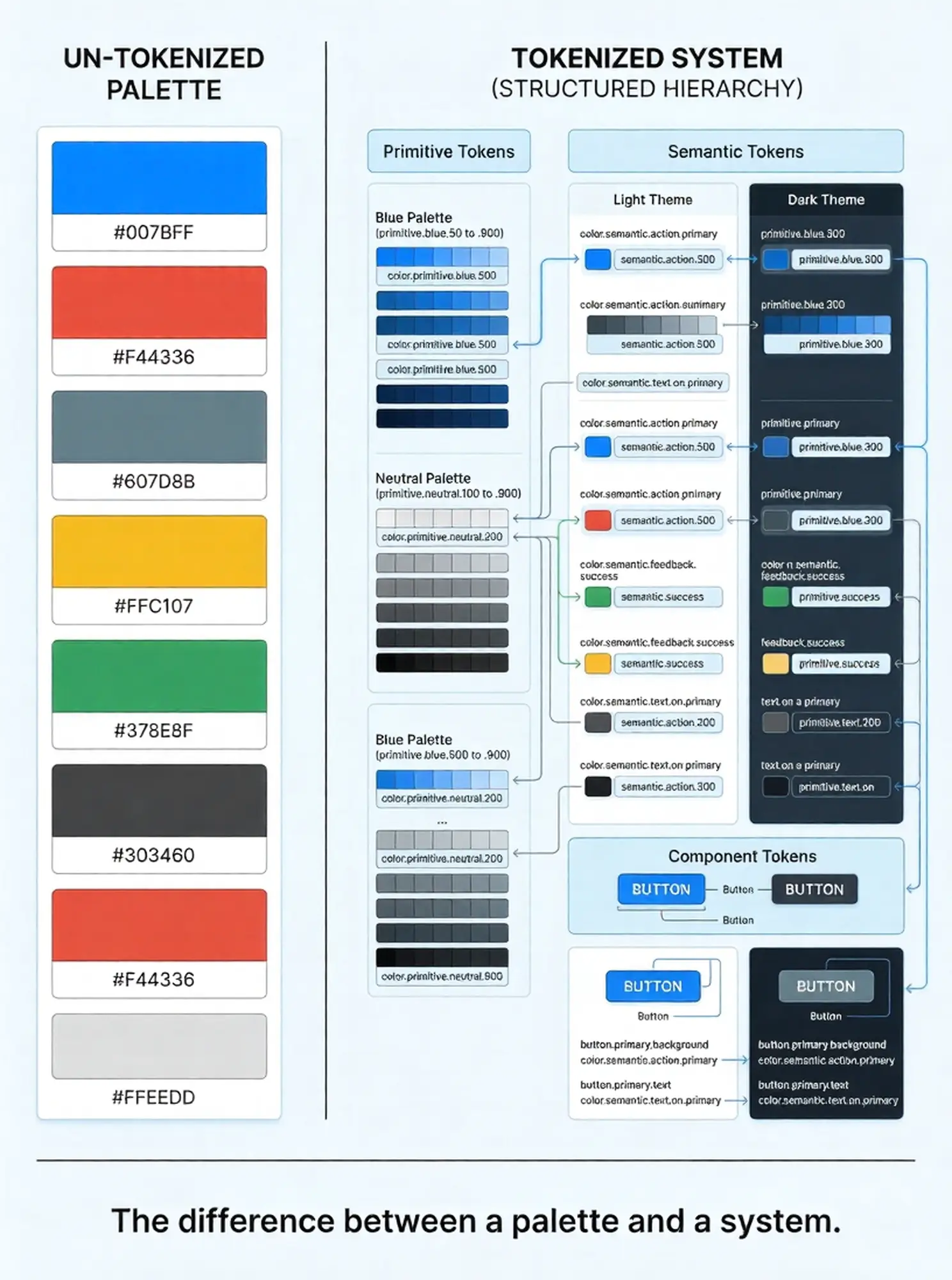
- Primitive tokens — Raw HEX values organized into named scales. Example: blue-100 through blue-900, where 100 is the lightest and 900 the darkest. You don’t apply primitives directly to UI components.
- Semantic tokens — Purpose-assigned values that reference primitives. Example: color/text/primary → references blue-800. Semantic tokens are what designers apply to components. This abstraction layer is what makes dark mode and theme switching technically feasible without rewriting component code.
- Component tokens — Component-specific values that reference semantic tokens. Example: button/primary/background → references color/interactive/brand. This layer rarely changes independently of the semantic layer.
Stripe’s engineering team documented this architecture publicly when they rebuilt their accessible color system around CIELAB (perceptually uniform) color space — the key insight being that standard HSL values don’t map linearly to how human vision perceives contrast. Their new palette ensured every default text color passed WCAG AA at 4.5:1 contrast over white backgrounds, and over the lightest tinted backgrounds in their product. That dual compliance eliminated hundreds of case-by-case contrast decisions from their design process.
The 60-30-10 Distribution Rule
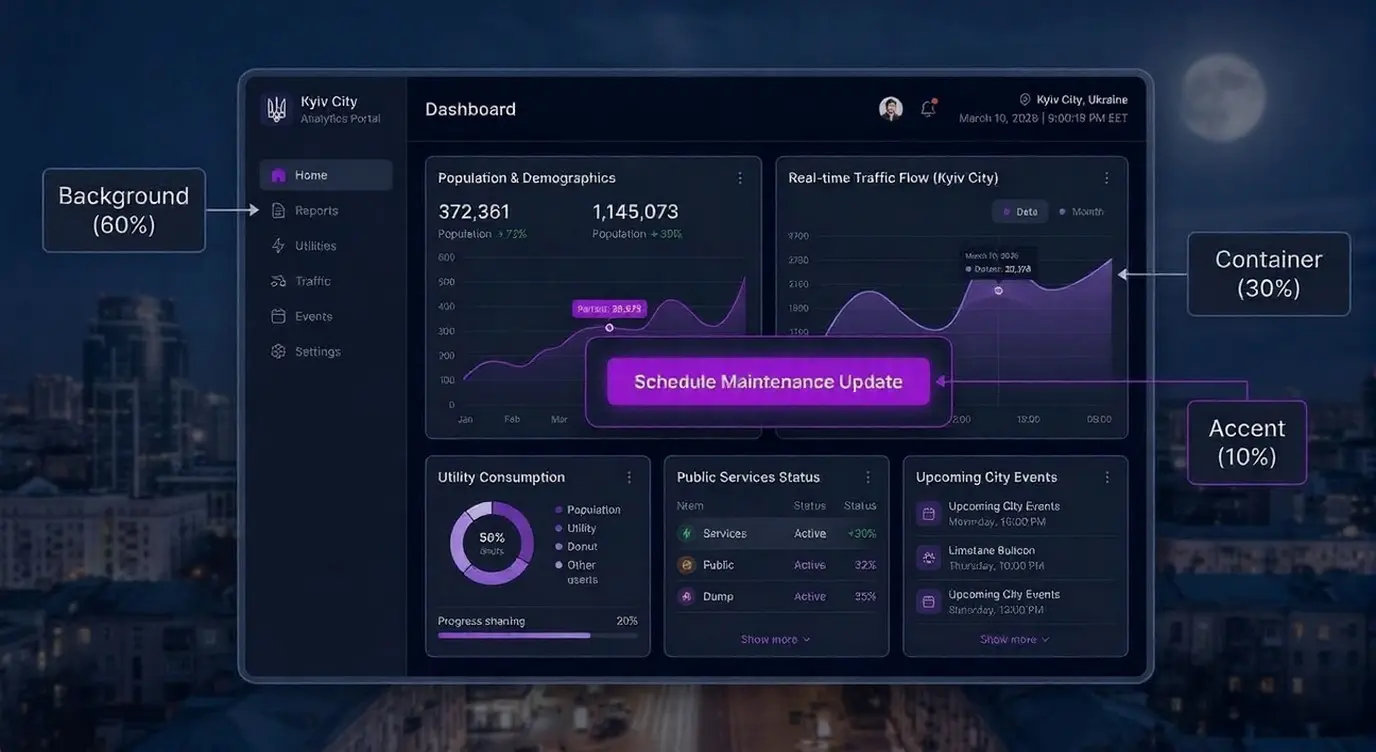
The established professional split for UI color distribution:
- 60% — Dominant neutral (backgrounds, containers, surfaces). This is where off-whites, light greys, and dark base tones live.
- 30% — Secondary / supporting color (sidebars, cards, secondary containers). This creates visual structure without competition with the primary.
- 10% — Accent / action color (CTAs, active states, key links, alerts). High saturation, maximum contrast, used sparingly so it retains signal value.
Violating this distribution — particularly by overusing the accent color — is the single most common cause of the ‘busy’ or ‘overwhelming’ UI that drives users to exit. The accent color’s persuasive power comes from its scarcity. Use it everywhere and it stops functioning.
2. WCAG Accessibility: The Non-Negotiable Foundation
According to WebAIM’s 2024 Million analysis, color contrast failure is the #1 accessibility violation on the web, present on 83.6% of home pages. These aren’t edge-case products — they’re mainstream commercial websites with paying users who can’t read their content.
WCAG 2.2 Contrast Requirements
- Level AA (minimum for commercial web) — 4.5:1 for normal text (under 18pt regular or 14pt bold). 3:1 for large text and UI components including buttons, form fields, and focus indicators.
- Level AAA (recommended for critical content) — 7:1 for normal text. 4.5:1 for large text. Required for medical, legal, and financial digital products where misreading has consequences.
- Non-text contrast (WCAG 2.2 1.4.11) — 3:1 minimum contrast between UI components and their adjacent colors. This applies to button outlines, form field borders, checkbox states, and focus rings.
The Four Color Combinations That Consistently Fail Audits
- Light grey text on white backgrounds — Common in ‘minimal’ UI design. #999999 on #FFFFFF = 2.85:1. Fails AA for normal text.
- Red on green (or green on red) — Affects approximately 8% of males with red-green colour blindness (deuteranopia). Never use color as the sole indicator of success/error states.
- Blue text links on blue-tinted backgrounds — Especially common in SaaS with blue-heavy brand palettes. An #0066CC link on an #E8F0FE tinted card may fail at 3.1:1.
- White text on medium-saturation colors — White (#FFFFFF) on a standard brand blue like #4A9EFF achieves only 3.1:1 — fails for normal text. The blue must be significantly darkened.
TOOL: WebAIM Contrast Checker (webaim.org/resources/contrastchecker) — paste any two HEX codes to get the exact ratio and AA/AAA pass/fail status. Takes 30 seconds per pair. Run every CTA, body text, and form label combination before shipping.
3. Color Psychology: What Each Hue Signals to Users
Color psychology in UI is not abstract — it has commercial consequences. Studies cited by Nielsen Norman Group establish that users form first impressions of digital interfaces in approximately 50 milliseconds, with color as the primary driver. The emotional associations users bring to colors are not arbitrary; they’re deeply conditioned by decades of brand and cultural exposure.
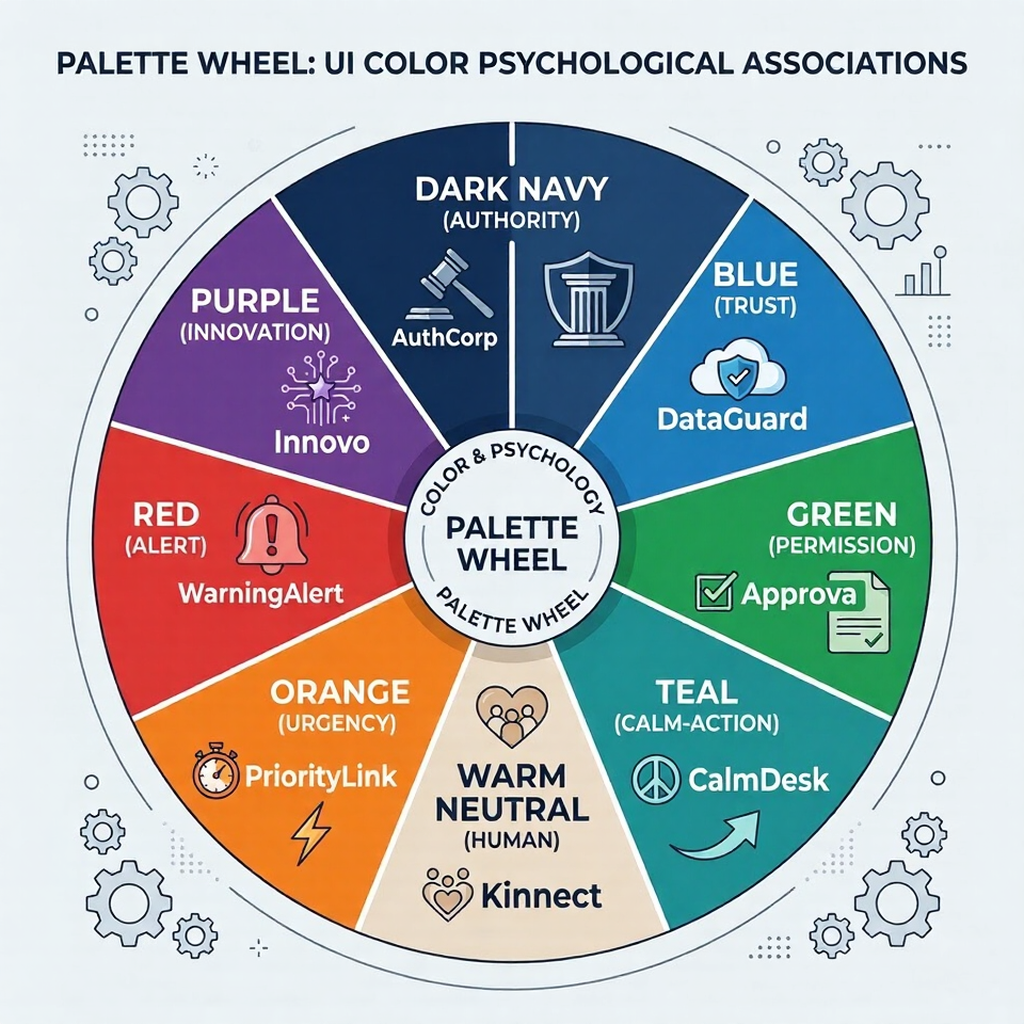
Hue-by-Hue Reference for Web and SaaS
- Blue (#0A2540, #1D4ED8, #2563EB range) — Trust, reliability, competence. The default choice for fintech, B2B SaaS, and any product where user confidence is the primary conversion factor. Stripe (#0A2540 primary, #635BFF accent), PayPal, Salesforce, and LinkedIn all anchor their UI in blue for this reason. Limitation: common to the point of being commoditised in enterprise SaaS; differentiation requires strong secondary palette choices.
- Green (#16A34A, #22C55E, #4ADE80 range) — Health, growth, success, permission. The universal color for success states, positive metrics, and CTA in health/wellness contexts. The ‘go’ signal in traffic light convention means green CTAs have strong conditioned associations with positive action. Use darker greens (#15803D or deeper) to meet contrast requirements on light backgrounds.
- Purple (#7C3AED, #6D28D9 range) — Innovation, premium quality, creativity. Strong current choice for AI-forward SaaS products (GitHub Copilot, various AI tooling). More distinctive than blue in the B2B landscape while maintaining a ‘serious technology’ signal. Pairs well with near-black neutrals.
- Orange (#EA580C, #F97316 range) — Energy, urgency, affordability. High-attention CTA color with strong click-through performance in e-commerce. Less common in enterprise B2B — can read as aggressive or low-end when used as a primary color in professional tools. More effective as a focused accent on dark-mode or neutral-ground interfaces.
- Dark navy / near-black (#0F172A, #1E293B range) — Sophistication, authority, precision. The dominant choice for dark-mode SaaS interfaces targeting technical users (developers, data teams, security platforms). Linear, Vercel, and Supabase use this as their primary surface. Extremely effective for interfaces where data density and sustained readability matter over brand expression.
- Warm neutral (#F5F0EB, #E8E0D5 range) — Human, approachable, editorial. The 2025–2026 reaction against cold corporate white. Notion-adjacent products use warm off-whites to reduce eye strain and suggest a ‘thoughtful’ brand positioning. Pairs well with deep brown (#3D2B1F range) text rather than pure black.
[Image: Psychology hue chart — six color swatches (blue, green, purple, orange, dark navy, warm neutral) each labeled with their psychological associations and 3–4 real product examples using each hue as their primary — clean tabular layout, no borders]
4. Eight Proven UI/UX Color Palettes With HEX Codes
The following palettes are built for functional production use — not mood board aesthetics. Each includes specific HEX values, contrast ratios for the critical text-on-background pair, and explicit use-case guidance.
Palette 1 — B2B SaaS Trust (Light Mode)
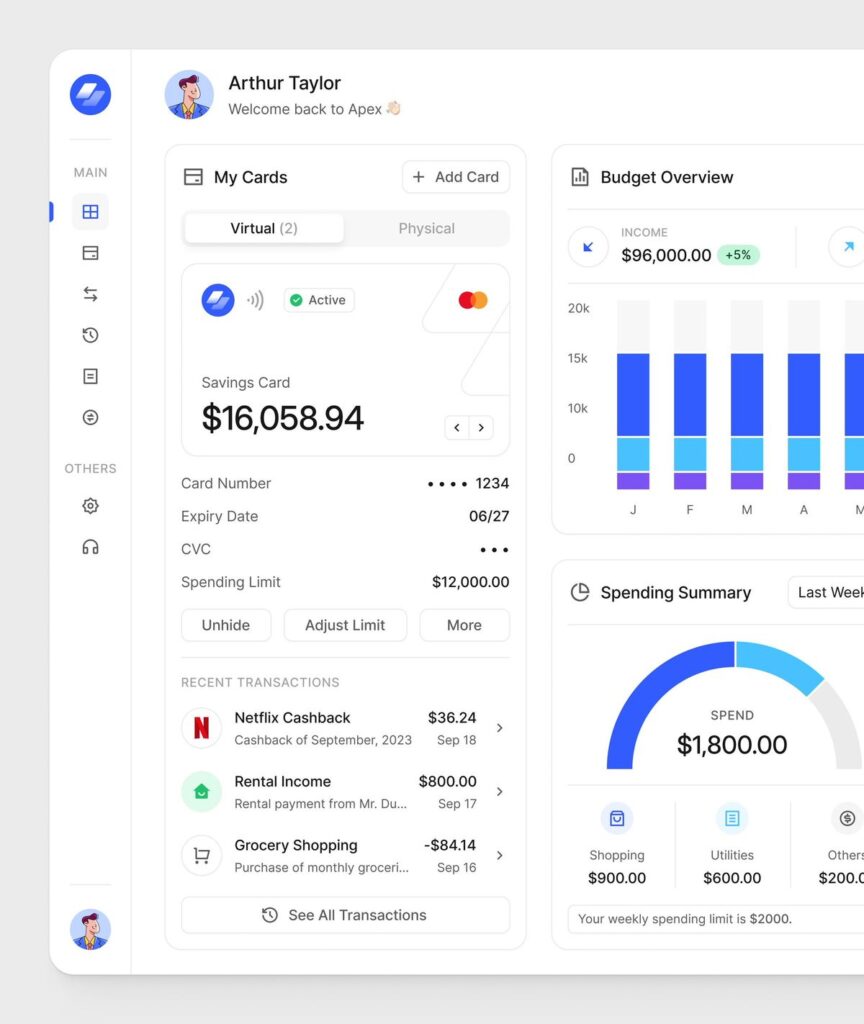
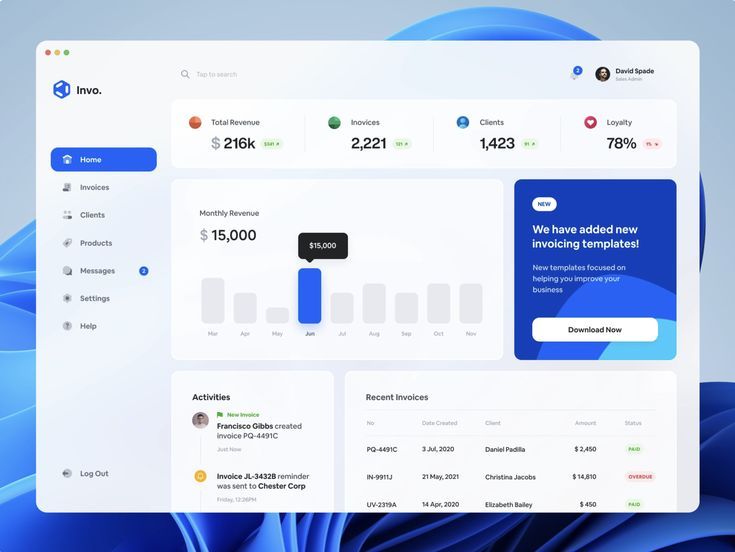
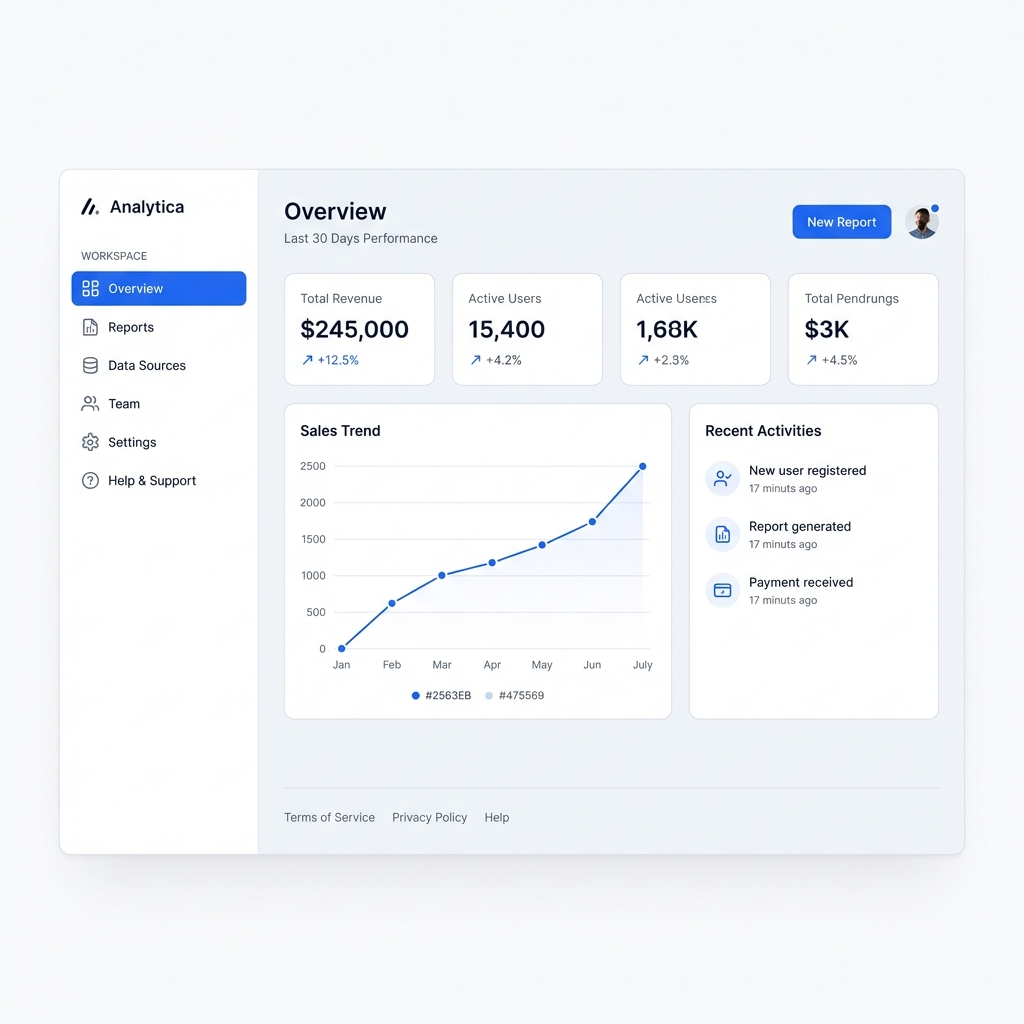
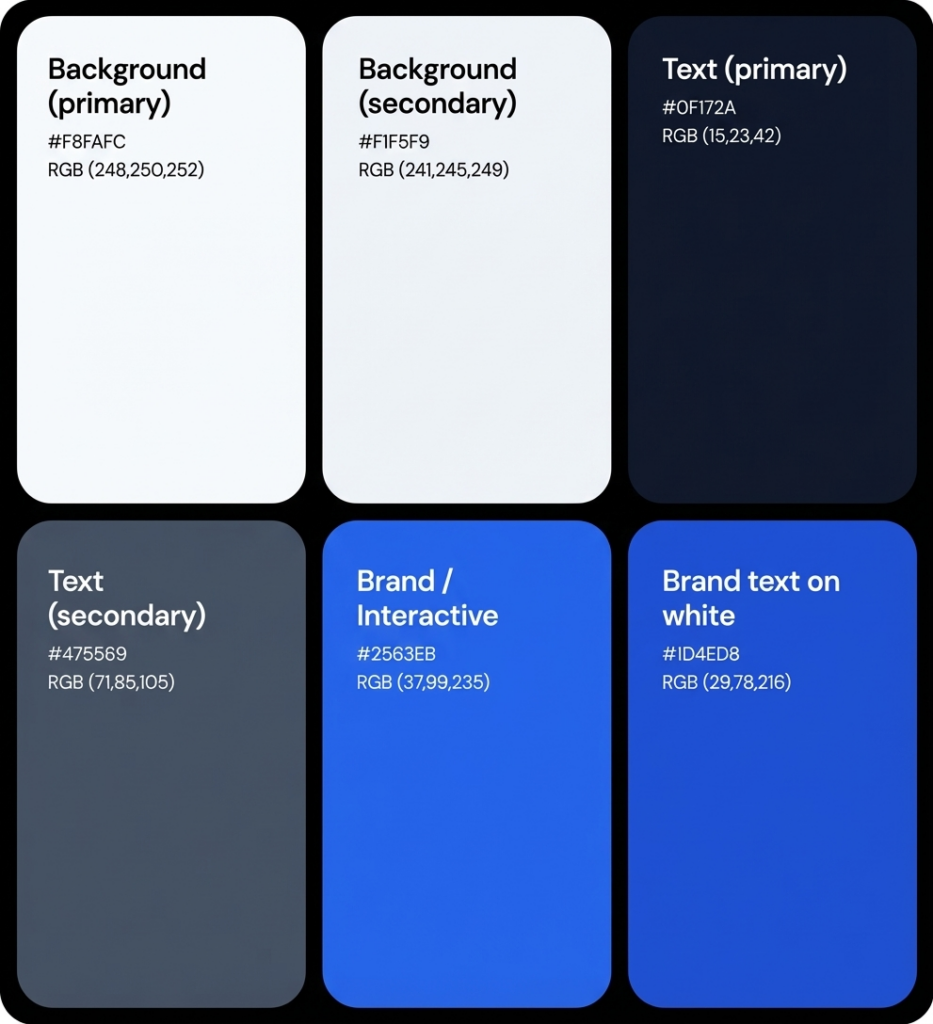
| B2B SaaS Trust | HEX Codes | Best Used For |
| Background (primary) | #FFFFFF / #F8FAFC | Main canvas, modal backgrounds |
| Background (secondary) | #F1F5F9 | Cards, sidebar, table rows |
| Text (primary) | #0F172A | Body text, headings — 18.9:1 on white |
| Text (secondary) | #475569 | Labels, captions — 5.9:1 on white |
| Brand / Interactive | #2563EB | CTAs, links, active states |
| Brand text on white | #1D4ED8 | Linked text — 5.9:1, AA pass |
| Success | #15803D | Confirmations, positive metrics |
| Destructive / Error | #DC2626 | Errors, destructive actions |
| Use case: Enterprise SaaS, B2B tools, fintech dashboards, project management | Min. contrast: #0F172A on #FFFFFF = 18.9:1 (AAA). #2563EB CTA on #FFFFFF = 4.5:1 (AA pass) | ||
Palette 2 — Dark Mode Developer / Data
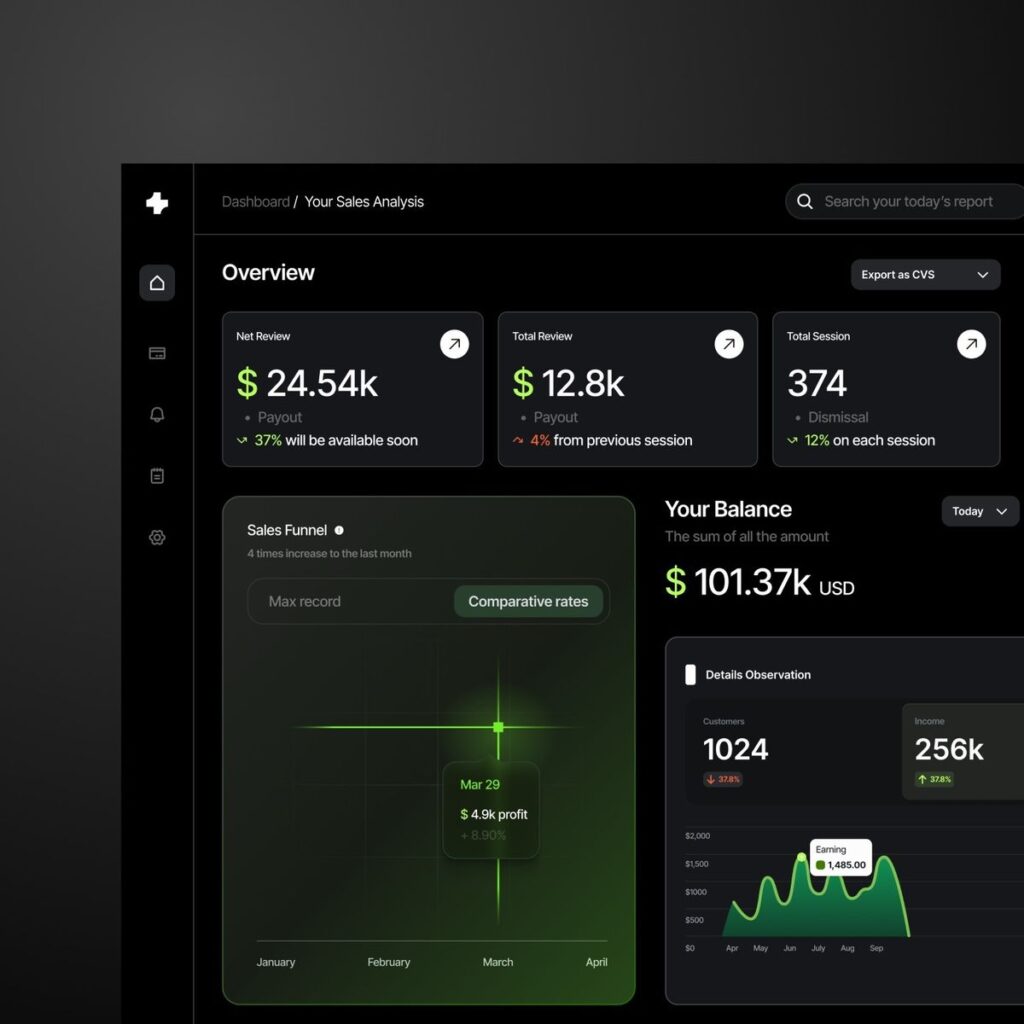
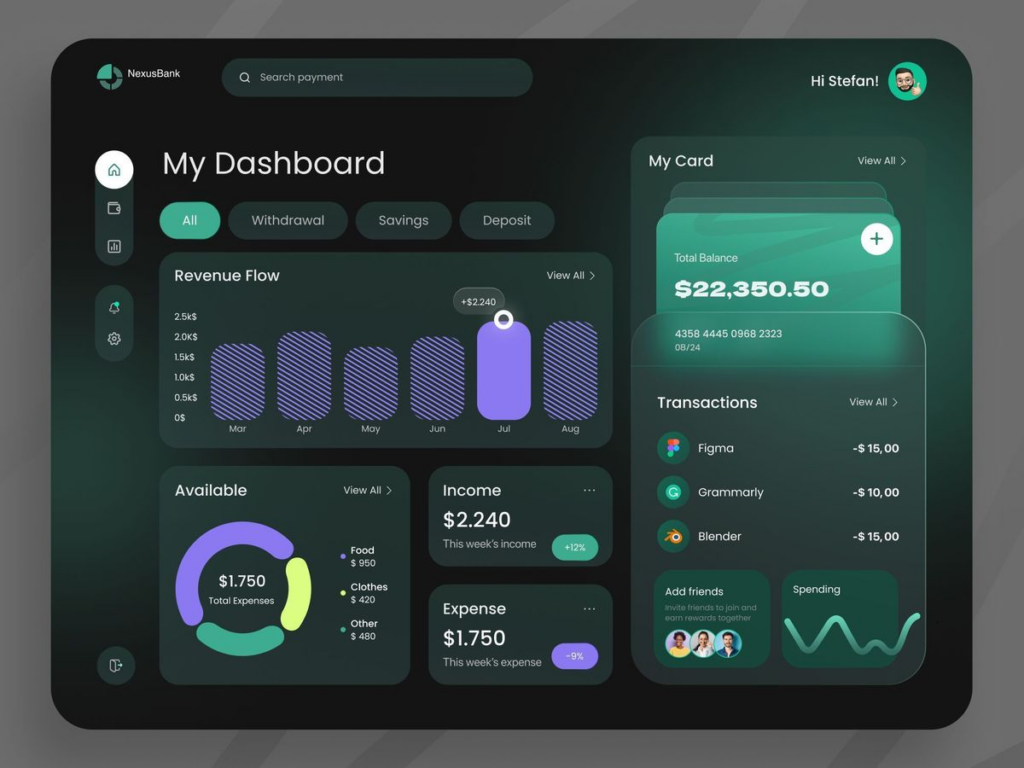
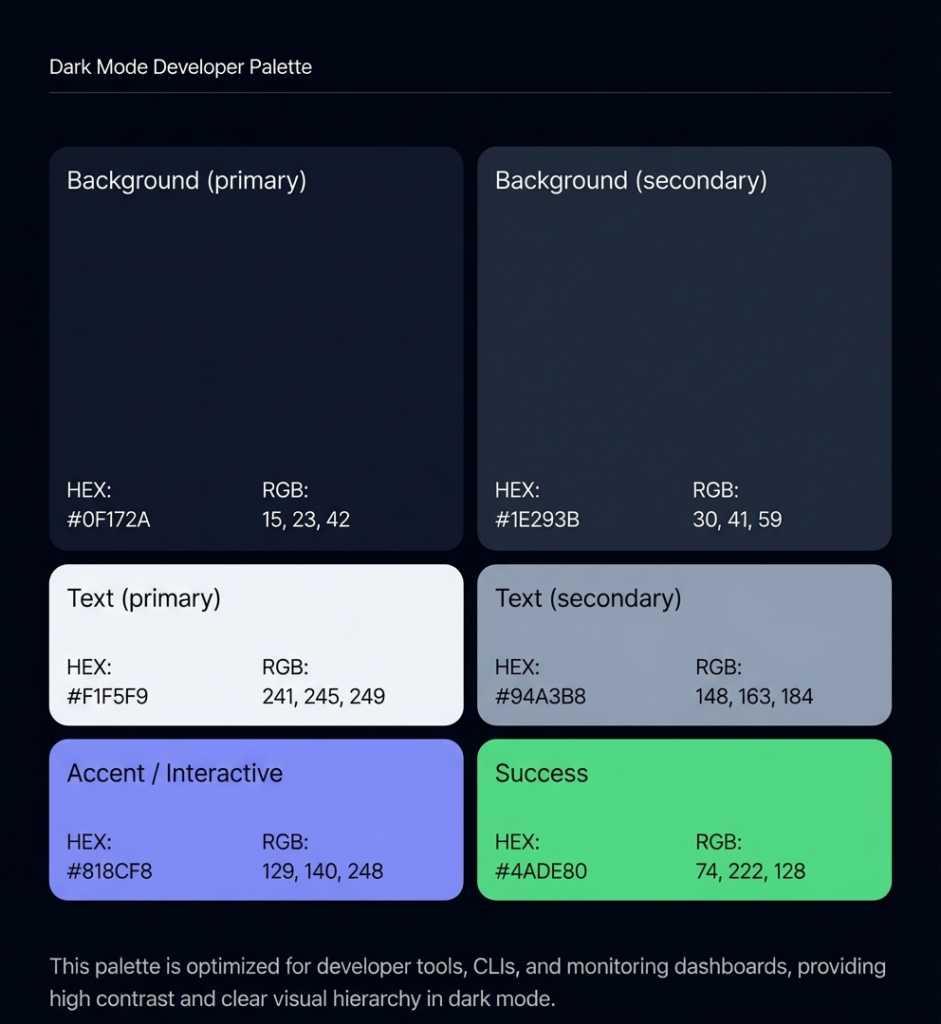
| Dark Mode Developer | HEX Codes | Best Used For |
| Background (primary) | #0F172A | Main canvas |
| Background (secondary) | #1E293B | Cards, panels, modals |
| Background (tertiary) | #334155 | Hover states, active rows |
| Text (primary) | #F1F5F9 | Body text — 15.4:1 on #0F172A |
| Text (secondary) | #94A3B8 | Labels, timestamps — 5.2:1 |
| Accent / Interactive | #818CF8 | Links, focus states, CTAs |
| Success | #4ADE80 | Positive states, uptime green |
| Warning | #FBBF24 | Alerts, rate limit warnings |
| Use case: Developer tools, CLI apps, monitoring dashboards, IDEs, data platforms | Min. contrast: #F1F5F9 on #0F172A = 15.4:1 (AAA). Accent #818CF8 on #0F172A = 4.7:1 (AA pass) | ||
Palette 3 — AI / Innovation (Purple-Accent Dark)
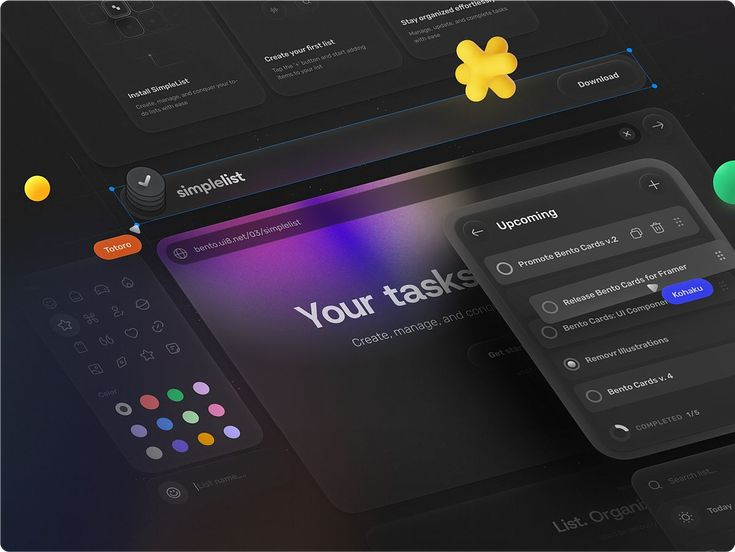
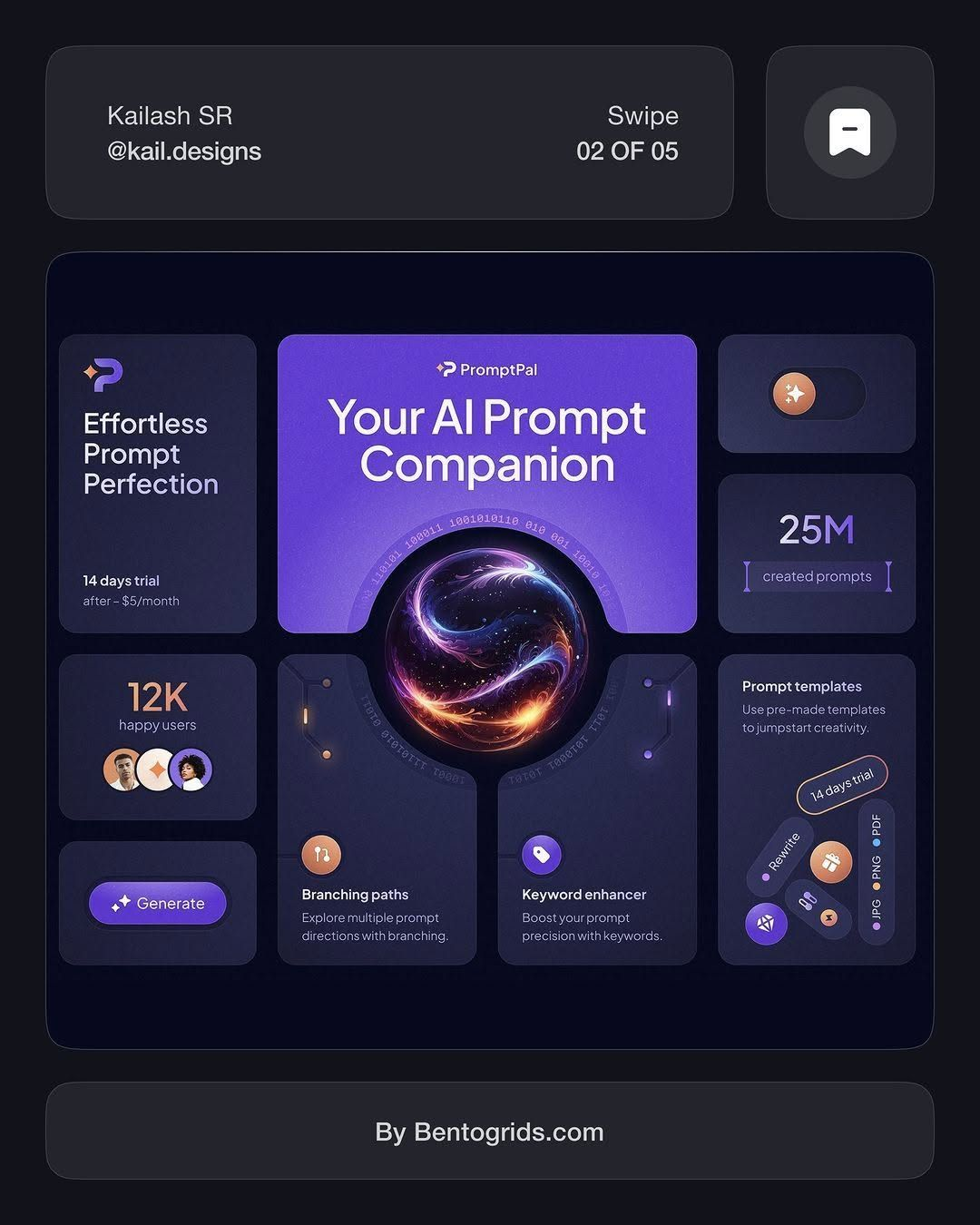
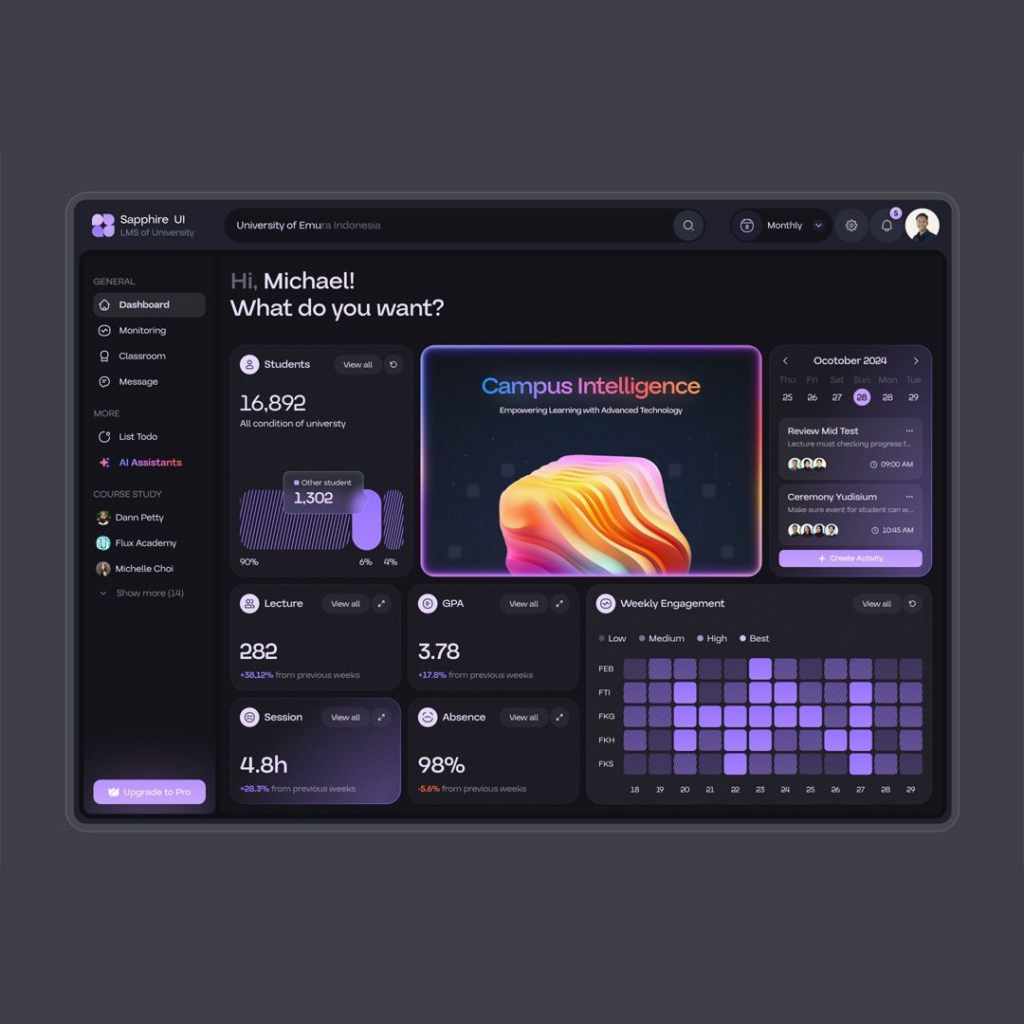
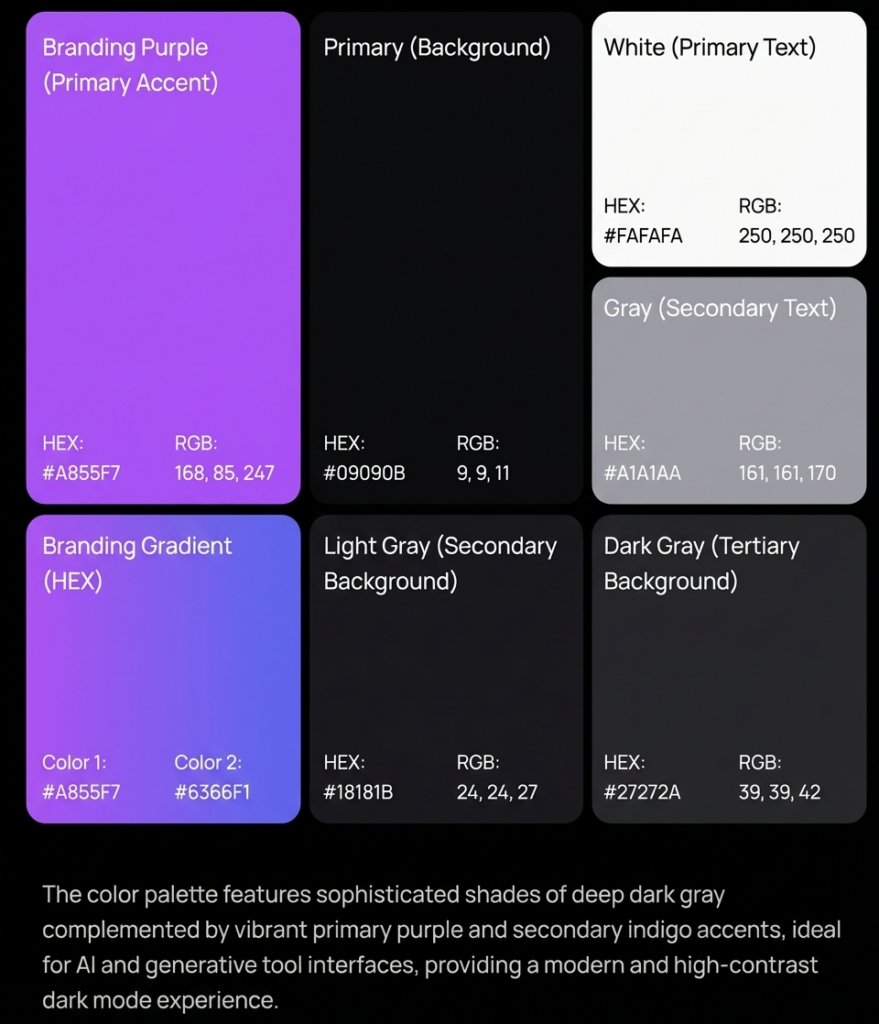
| AI / Innovation Dark | HEX Codes | Best Used For |
| Background (primary) | #09090B | Main canvas |
| Background (secondary) | #18181B | Cards, containers |
| Background (tertiary) | #27272A | Hover, selected |
| Text (primary) | #FAFAFA | Body text — 19.1:1 on #09090B |
| Text (secondary) | #A1A1AA | Descriptions, metadata |
| Accent (primary) | #A855F7 | CTAs, primary interactive |
| Accent (secondary) | #6366F1 | Secondary actions, tags |
| Border | #3F3F46 | Dividers, card outlines |
| Use case: AI SaaS products, generative tool interfaces, creative tech platforms | Min. contrast: #FAFAFA on #09090B = 19.1:1 (AAA). Purple #A855F7 on #09090B = 6.1:1 (AA pass) | ||
Palette 4 — Fintech / High Trust (Navy-Gold)
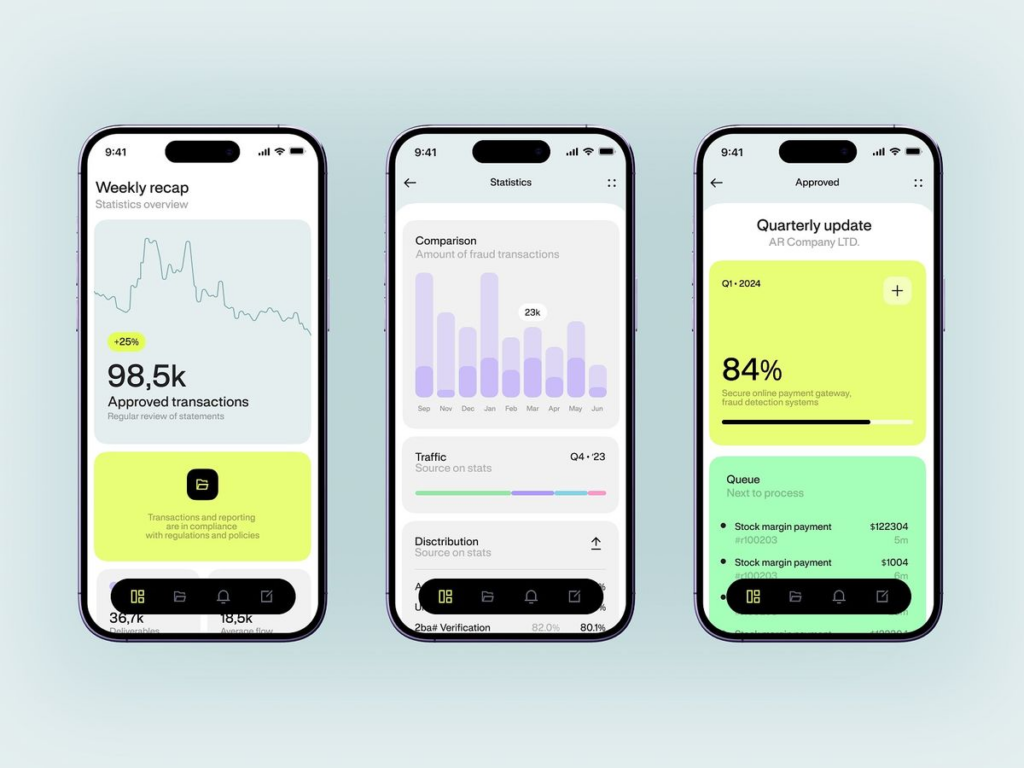
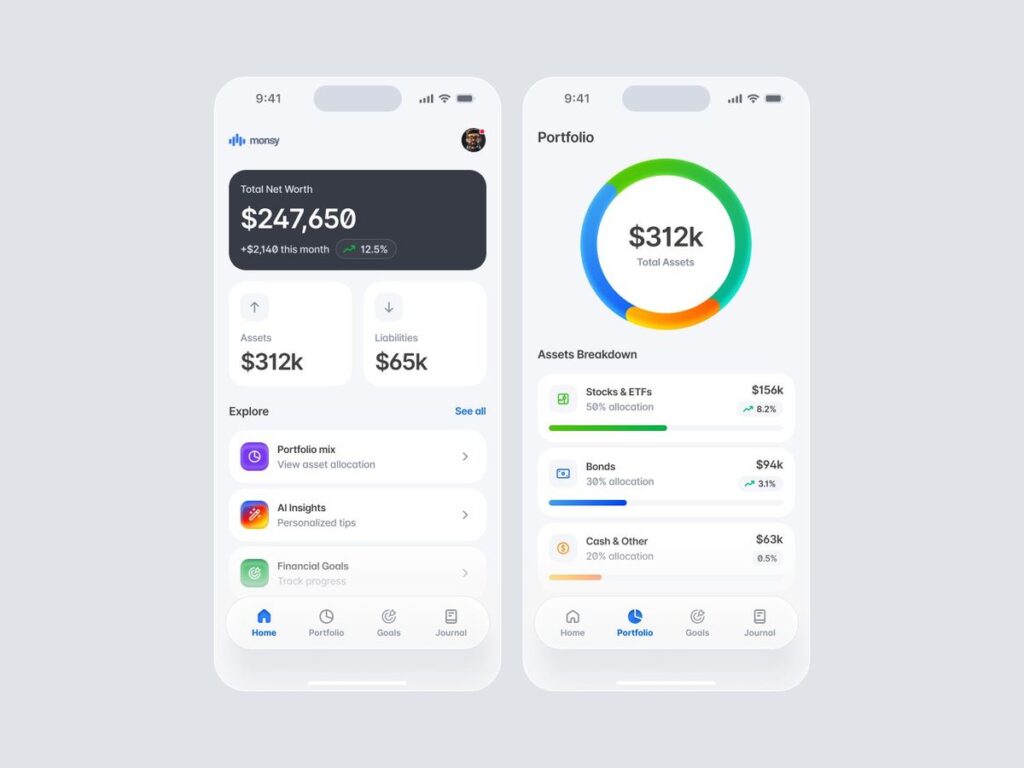
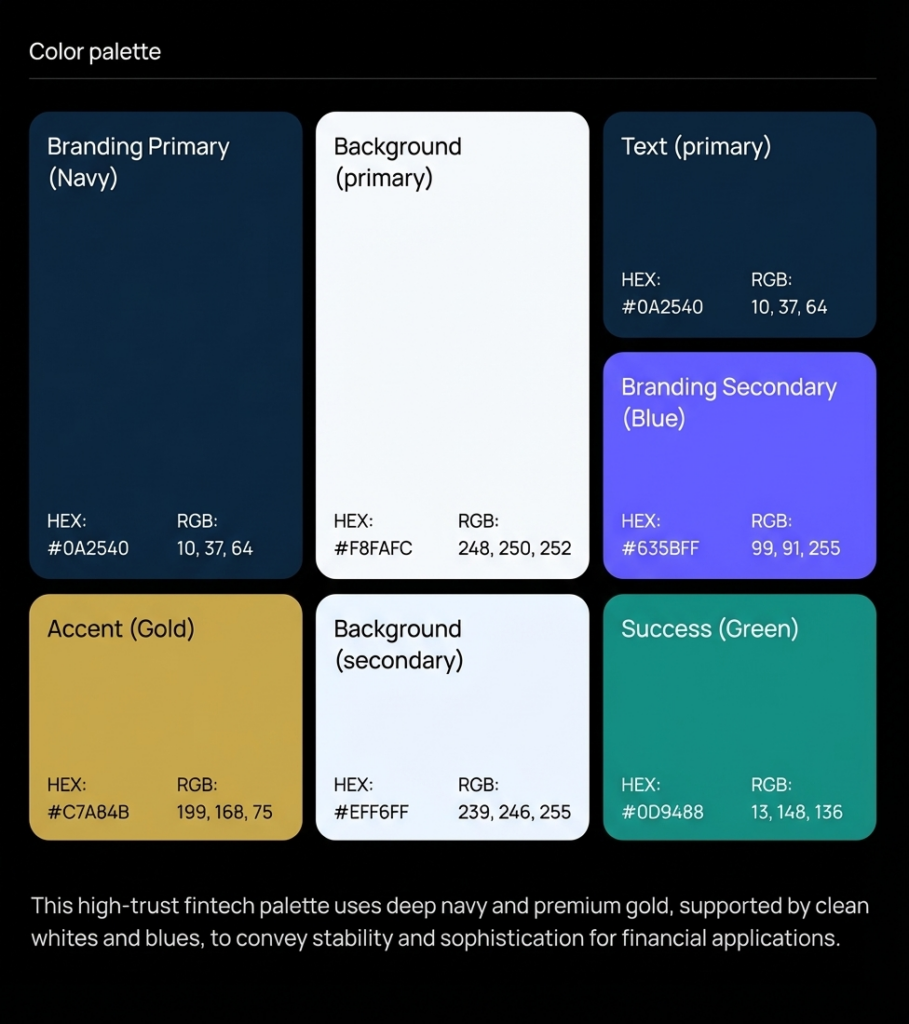
| Fintech High Trust | HEX Codes | Best Used For |
| Background (primary) | #F8FAFC | Main canvas |
| Background (secondary) | #EFF6FF | Account panels, data cards |
| Text (primary) | #0A2540 | Body text — 16.7:1 on #F8FAFC |
| Brand primary | #0A2540 | Headers, logo, authority elements |
| Brand secondary | #635BFF | Interactive, CTA, links |
| Accent (gold) | #C7A84B | Premium indicators, selected state |
| Success | #0D9488 | Positive transactions, confirmations |
| Error | #B91C1C | Failed transactions, alerts |
| Use case: Payment platforms, banking apps, insurance, investment tools. Stripe-influenced. | Min. contrast: #0A2540 on #F8FAFC = 16.7:1 (AAA). Stripe brand reference: primary #0A2540, accent #635BFF | ||
Palette 5 — Warm Neutral / Editorial SaaS
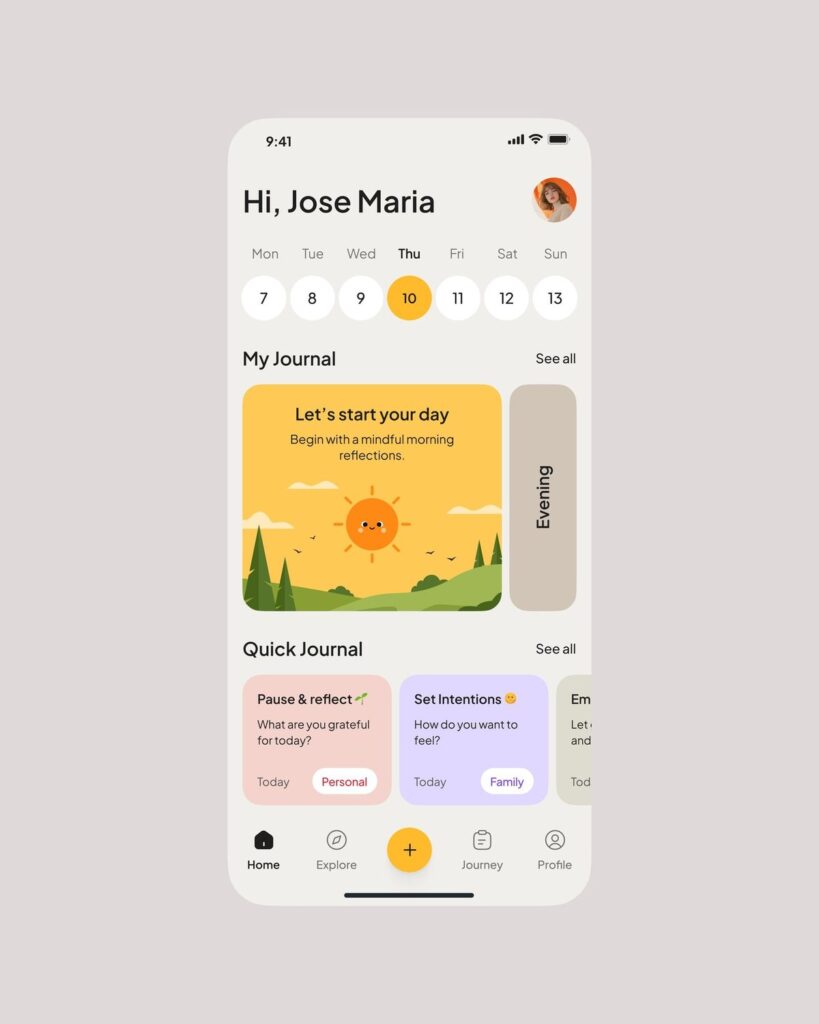
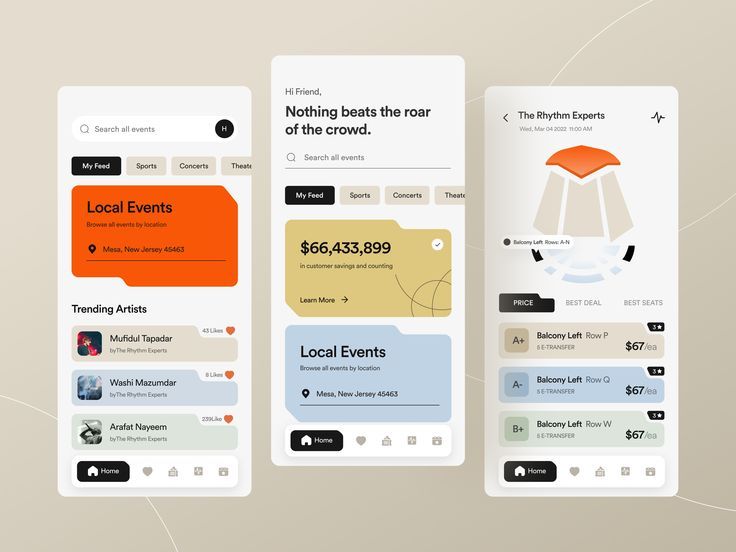
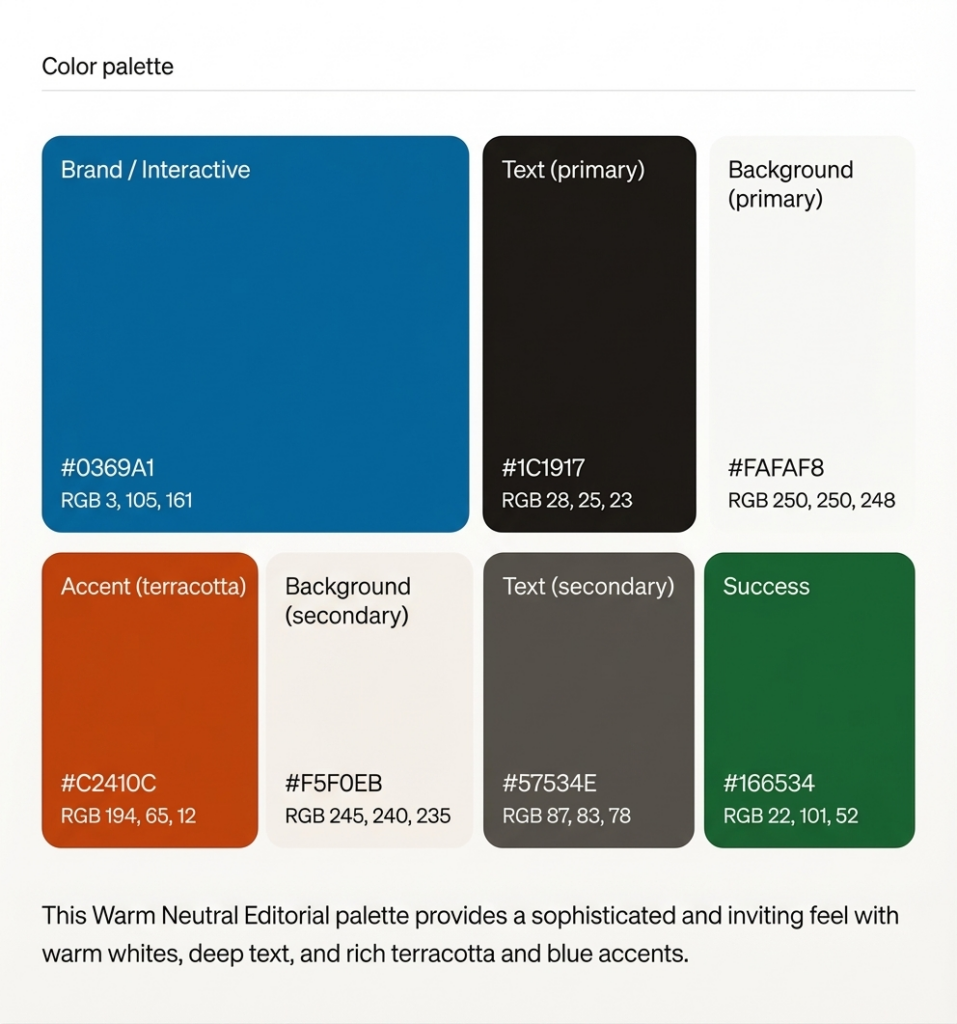
| Warm Neutral Editorial | HEX Codes | Best Used For |
| Background (primary) | #FAFAF8 | Main canvas (warm white) |
| Background (secondary) | #F5F0EB | Cards, sidebars |
| Text (primary) | #1C1917 | Body — 17.5:1 on warm white |
| Text (secondary) | #57534E | Secondary labels — 6.8:1 |
| Brand / Interactive | #0369A1 | Links, CTAs on warm ground |
| Accent (terracotta) | #C2410C | Highlight states, selected |
| Success | #166534 | Completion states |
| Border | #D6D3D1 | Dividers, table rules |
| Use case: Content SaaS, documentation tools, knowledge bases, note-taking apps. Notion-adjacent. | Min. contrast: #1C1917 on #FAFAF8 = 17.5:1 (AAA). Warm palette reduces reported eye fatigue vs pure white. | ||
5. Semantic Color Roles: Every Product Interface Needs These Eight
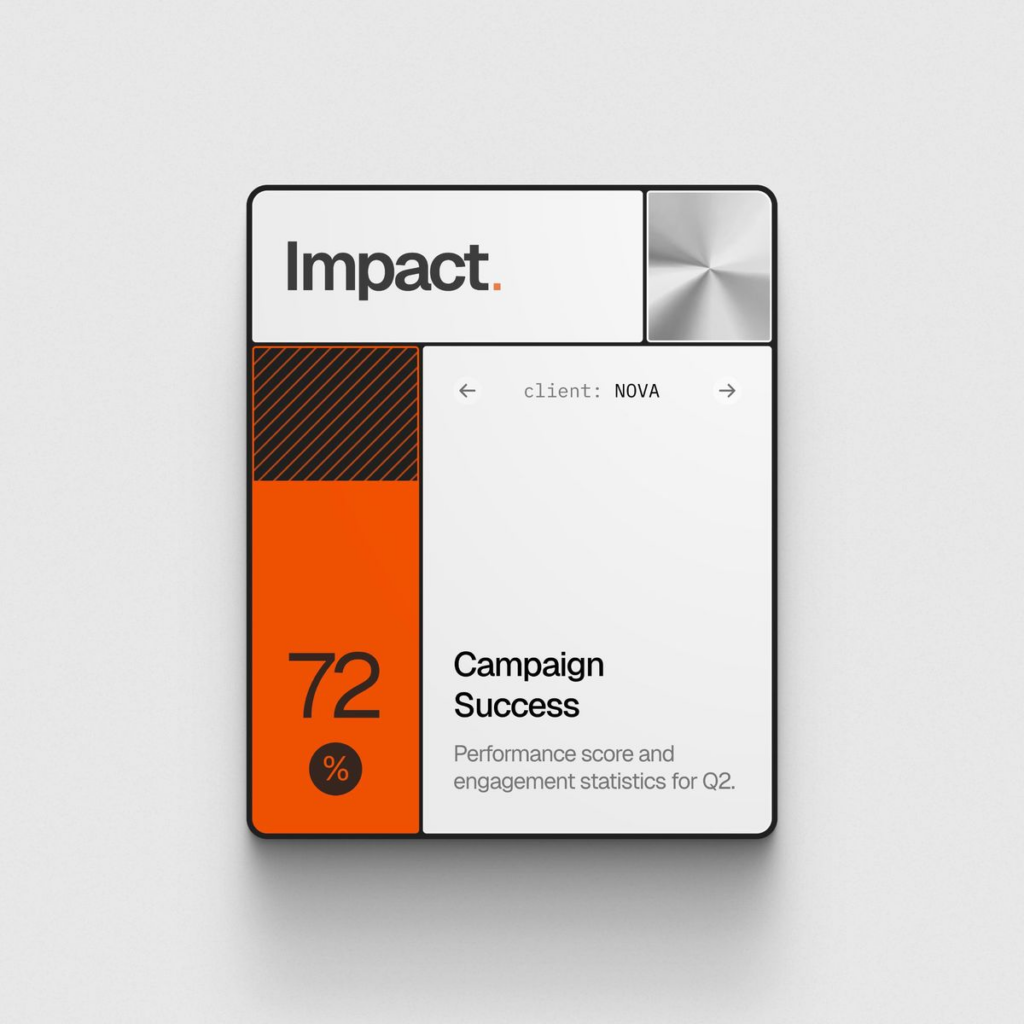
Regardless of which palette you choose, every web product interface requires the same eight semantic color roles. Missing any of them forces the product team to make ad-hoc color decisions that compound into visual inconsistency, accessibility failures, and component library debt.
- surface/default — The primary background. Usually the lightest neutral in light mode, the deepest neutral in dark mode.
- surface/elevated — Background for elements that ‘float’ above the default surface: modals, dropdowns, tooltips, floating panels. Slightly lighter than default in dark mode; slightly darker in light mode.
- text/primary — All body text and primary headings. Must achieve AAA (7:1) against the default surface wherever possible. Never use pure black (#000000) — use near-black (#0F172A, #1C1917) for better typographic color.
- text/secondary — Labels, captions, metadata, placeholder text. Minimum AA (4.5:1) required. This is where most low-contrast failures originate — secondary text gets ‘greyed out’ below the minimum threshold.
- interactive/default — The primary action color. Applied to primary buttons, active links, checkboxes, toggle active states. Must meet AA (4.5:1) for text labels on or adjacent to interactive elements.
- interactive/hover and interactive/active — 10–15% darker than the default interactive color. These must also pass contrast checks against their containing background — hovering the button doesn’t eliminate the accessibility requirement.
- semantic/success, warning, error, info — Status colors for system feedback. Critical rule: never communicate state through color alone. Always pair with an icon, label, or pattern. 8% of males are red-green colour blind — a red error state without a warning icon is invisible to them.
- border/default — The color for UI dividers, table borders, card outlines, form field borders. Must meet 3:1 against its adjacent background (WCAG 2.2 1.4.11 non-text contrast). This is the most commonly failed non-text contrast requirement.
Design system principle (from Stripe’s engineering blog): ‘Choosing accessible color combinations required each designer or engineer to understand the guidelines and select color pairs in each situation. That process doesn’t scale. A well-built semantic token system makes the accessible choice the default choice.’ Build the compliance into the system, so teams don’t need to think about it per-component.
6. Dark Mode: Design It, Don’t Just Invert It
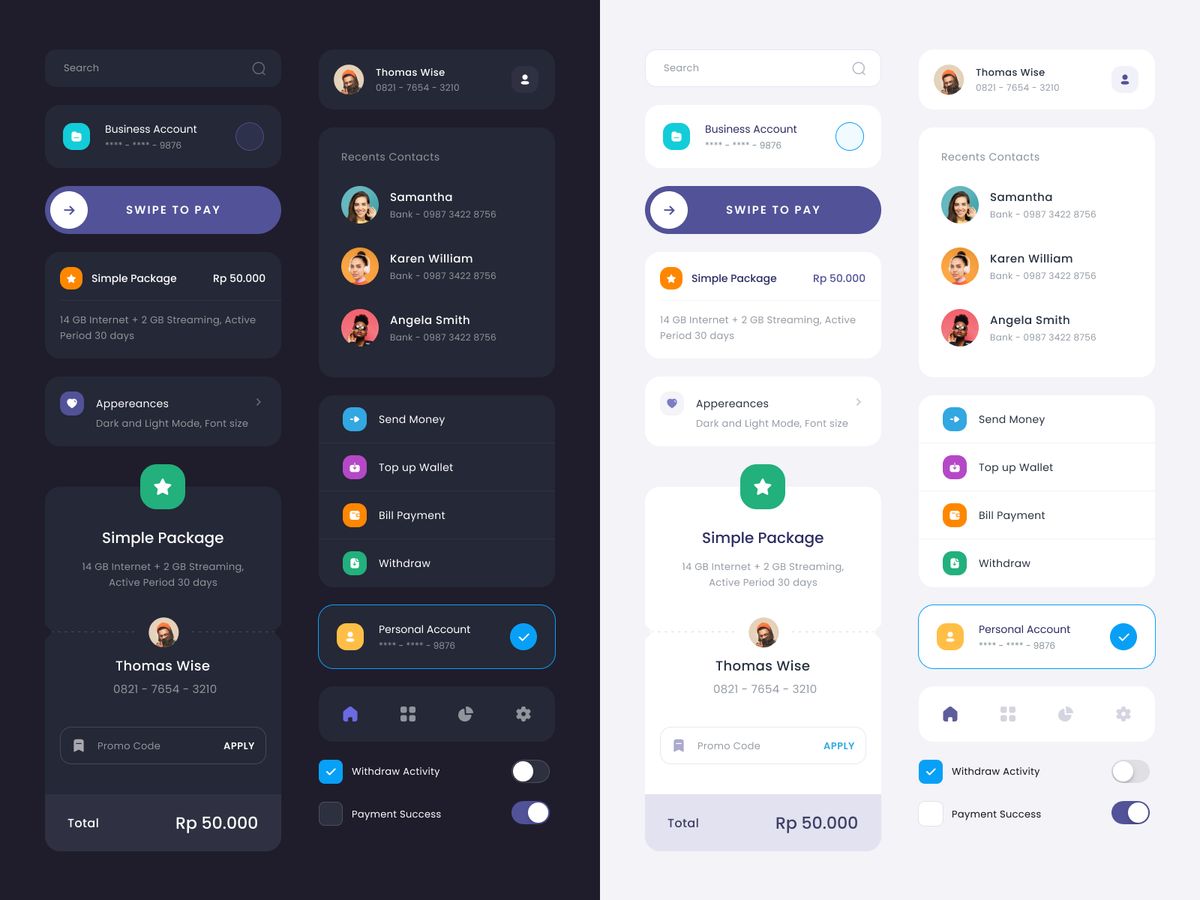
As of 2025, 81.9% of users enable dark mode on at least some of their devices (UX Studio research). Dark mode is no longer a ‘nice to have’ — for developer tools, data platforms, and any product with high session length, it’s a baseline expectation.
Inverting a light palette does not produce a usable dark mode. The problems:
- Saturation inversion — Saturated colors that work on white become visually aggressive on dark backgrounds. A #2563EB button that works perfectly on white has a very different visual weight on #0F172A. Reduce saturation and increase lightness for the dark-mode version.
- Shadow logic reversal — Light mode uses drop shadows to indicate elevation. Dark mode must use lighter-than-background fills to indicate the same elevation (frosted glass / elevated surface patterns). Applying dark mode shadows over dark backgrounds reads as borders, not elevation.
- Text color is not simply white — Pure white (#FFFFFF) on deep dark backgrounds creates a harsh contrast that causes eye fatigue with extended use. Prefer #F1F5F9, #E2E8F0, or #FAFAFA — these hit high contrast ratios without the harshness.
The technical solution is semantic color tokens. When your text/primary token maps to #0F172A in light mode and #F1F5F9 in dark mode, switching modes requires changing which primitive each semantic token references — not touching component code. This is how Vercel, Linear, and Radix UI implement theme switching at scale.
7. 2026 Trends Worth Building Into Your System Now
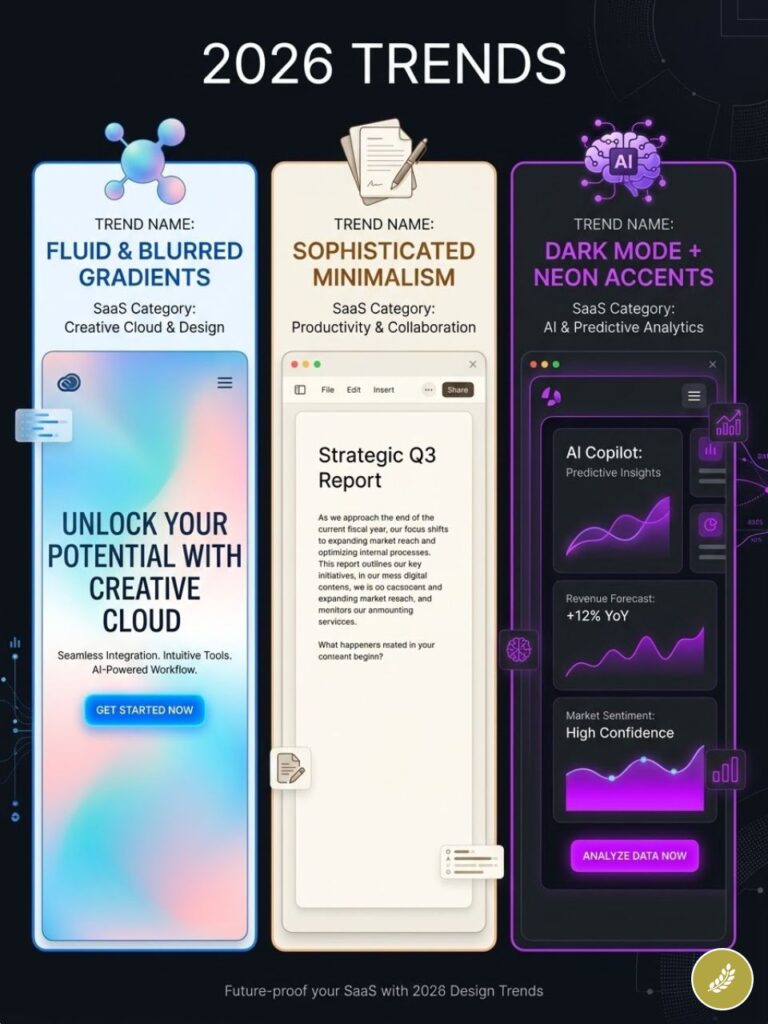
The following are structural shifts in UI color practice, not aesthetic trends. They carry enough momentum to affect how users evaluate product interfaces within the next 12–18 months.
Mesh and Ambient Gradients
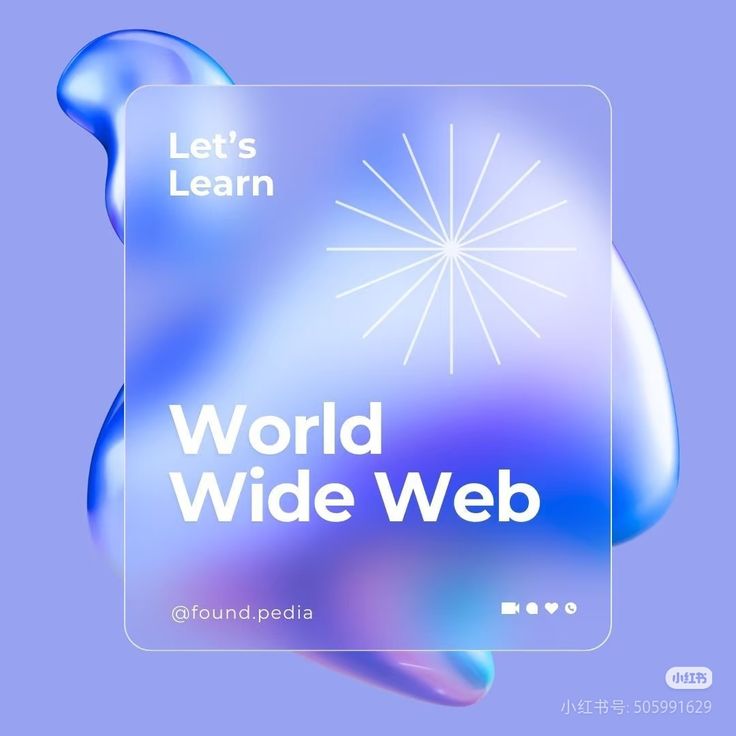
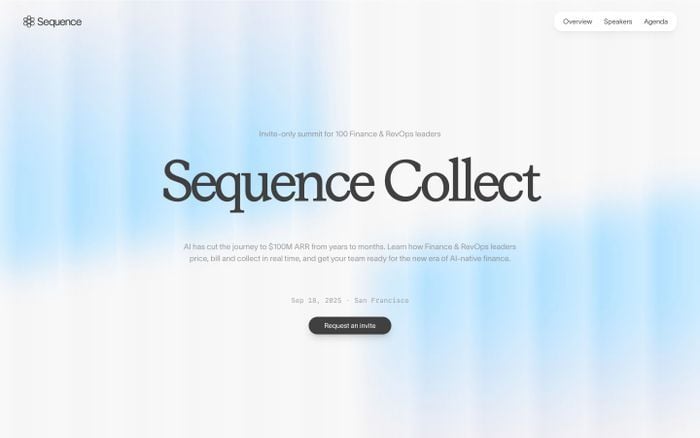
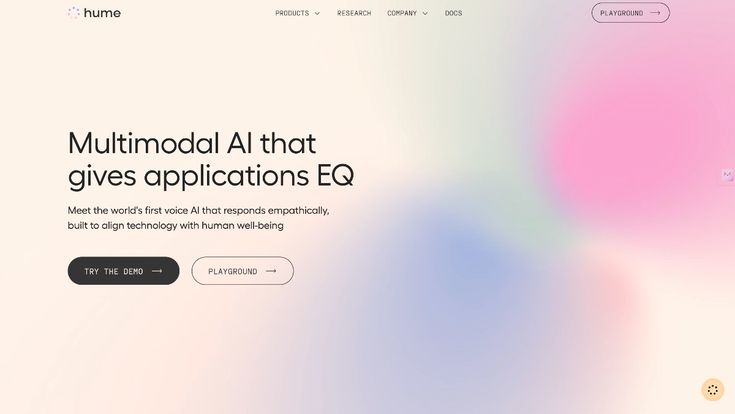
Flat hero sections are being replaced by mesh gradients — multi-point, non-linear blends that create an ambient ‘light from behind’ effect. These communicate technological sophistication in SaaS contexts and are the primary visual differentiator for AI-adjacent product marketing in 2025–2026. Implementation note: use them on marketing surfaces (hero, pricing sections). Do not apply inside the product UI — the complexity competes with content and destroys contrast reliability.
Warm Neutrals as the New ‘Clean’
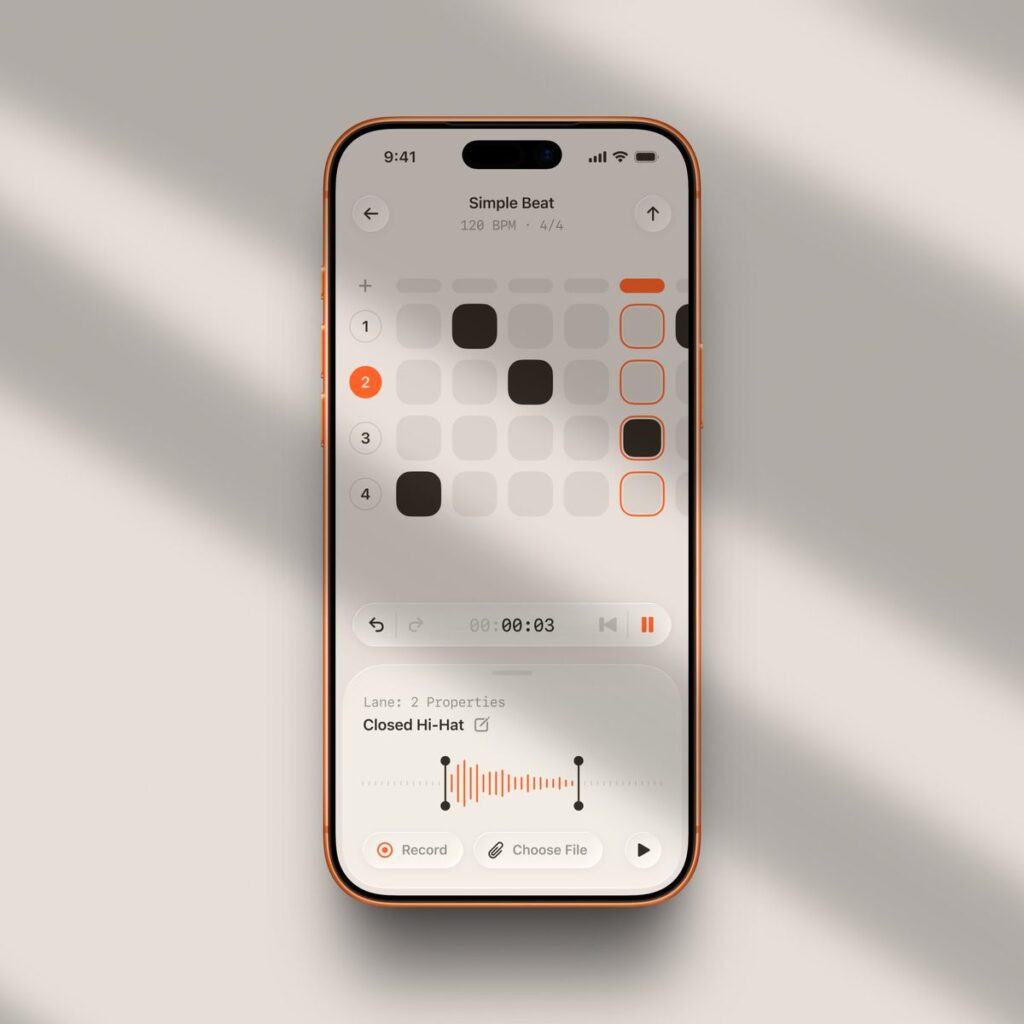
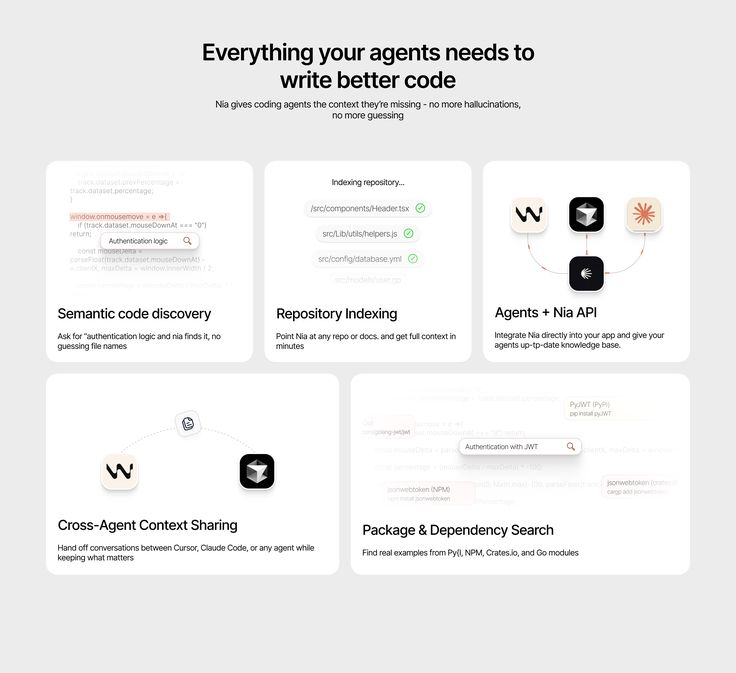
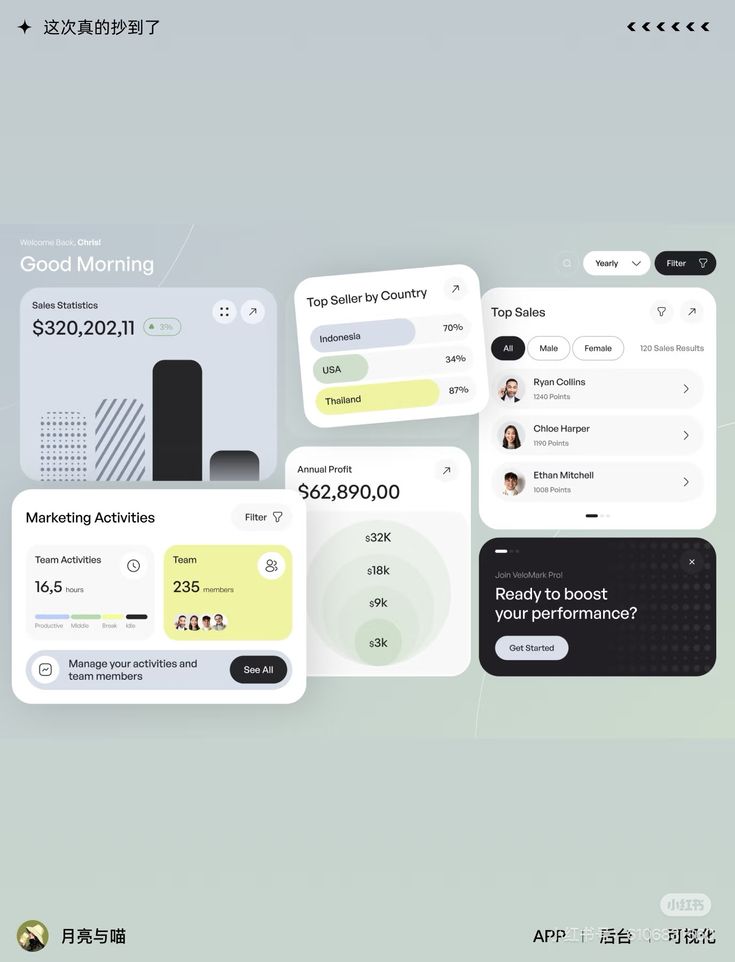
Pantone’s 2026 Color of the Year — Cloud Dancer (PANTONE 11-4201), a warm, very pale neutral — signals the broader shift from cold corporate white to organic off-white in product design. Warm neutrals (#F8F5F1, #FAFAF8) reduce reported screen fatigue, position brands as more human and editorial, and are increasingly common in document editors, content platforms, and knowledge management tools. Pure white (#FFFFFF) backgrounds are beginning to read as impersonal in these contexts.
Accessible Color as Baseline Requirement
The European Accessibility Act (EAA) took effect June 28, 2025, requiring WCAG 2.1 AA compliance for digital products sold to EU consumers. US ADA litigation hit 4,605 cases in 2024. Teams building color systems in 2026 should treat AA compliance as a structural requirement, not a post-launch audit item. The most efficient implementation: build WCAG-validated semantic tokens before component development begins, so compliance is built in rather than retrofit.
Tokenized Design Systems for AI-Assisted UI
As AI UI generation tools mature (Figma’s AI features, v0, Cursor), teams with documented, tokenized color systems get better AI-assisted output. AI tools can follow token-based constraints more reliably than they can interpret ‘use our brand blue.’ Documenting your palette as a formal token system is now infrastructure work, not design-team documentation.
8. Implementation Checklist
Before shipping any color system into production, verify the following:
Accessibility
- Run every body text / background pair through WebAIM Contrast Checker. Minimum 4.5:1 for body, 3:1 for large text.
- Run every UI component color (button outlines, form field borders, checkboxes) against adjacent background — minimum 3:1 (WCAG 2.2 1.4.11).
- Verify no state (error, warning, success, selected) is communicated by color alone. Every state must have a non-color secondary indicator.
- Test the entire UI with a greyscale filter applied. If interactive elements are not distinguishable from static content in greyscale, contrast is insufficient.
- Test with a red-green colorblindness simulator (Coblis or the Figma Stark plugin). Error states using red must remain legible.
System Completeness
- All eight semantic roles defined: surface/default, surface/elevated, text/primary, text/secondary, interactive/default, interactive/hover, semantic states (success/warning/error/info), border/default.
- Dark mode variants mapped for all semantic tokens — not just background and text, but interactive and status colors.
- Hover and focus states defined and contrast-checked for all interactive elements.
- Color variables exported as CSS custom properties (–color-text-primary), Figma variables, or design tokens JSON for cross-team consistency.
Brand Integrity
- Brand primary color checked for contrast at the tones used in the product interface — not just the marketing-approved version.
- Accent color usage documented: where it is and isn’t used. Reserve it for primary CTAs, active states, and critical alerts only.
- All grey scales validated — medium greys (#808080 range) are almost never accessible as text or border colors. Use only light and dark greys with defined contrast-checked pairings.
9. FAQ
Q: How many colors should a UI palette have?
A functional production UI palette requires a minimum of 12–16 specific values: 4–6 neutrals (for surfaces and text), 1–2 brand/interactive colors with hover/active variants, 4 semantic states (success, warning, error, info), and border colors. Significantly larger palettes (30+ values) are common in mature design systems like Material Design or Radix, where each hue has a full 100–900 scale. For early-stage products, start with 12 semantic values and expand as component library grows. Never use uncontrolled HEX values directly in components — everything goes through the token layer.
Q: Is there a reliable formula for choosing a CTA button color?
The highest-performing CTA color is the one with the greatest contrast against its surrounding background that also achieves 4.5:1 contrast for the button label text. The supplementary rule is brand distinctiveness: the CTA color should not appear elsewhere in the UI as a decorative element (which would dilute its signal). In practice: test two or three contrast-verified options in A/B tests on real traffic rather than committing to one based on color psychology alone. Psychology gives you hypotheses; performance data gives you answers.
Q: Should primary CTAs always be the brand color?
Not necessarily. Brand color works as a CTA when it has sufficient contrast and isn’t overused as a decorative element. Notion’s primary CTA is near-black (#1F2937 range) on a white background — not their brand black-and-white color scheme — because it has the highest contrast and doesn’t rely on any hue association. If your brand color is light blue, green, or yellow, it is almost certainly too low-contrast to function as a CTA button background with white label text. Use a darkened version.
Q: How do I handle color tokens in a design-development handoff?
Design tokens JSON is the current best practice for design-to-development color handoff. The token file defines name, value, type (color), and description in a format both Figma (via Tokens Studio plugin) and CSS can consume. Example format: { ‘color.text.primary’: { ‘value’: ‘#0F172A’, ‘type’: ‘color’, ‘description’: ‘Body and heading text on default surface’ } }. This eliminates the class of error where a designer specifies one blue and a developer implements a slightly different blue from memory.
Q: What tools should every designer use for color accessibility?
- WebAIM Contrast Checker (webaim.org/resources/contrastchecker) — Paste two HEX codes, get exact ratio and AA/AAA status. Free, no login.
- Figma Stark plugin — Runs contrast checks and color blindness simulations directly in your Figma file. Real-time feedback during design.
- InclusiveColors (inclusivecolors.com) — Full palette generator with WCAG and APCA contrast checking, exports to Tailwind/CSS/Figma. Excellent for building systematic accessible scales from a single brand color.
- Coblis Color Blindness Simulator — Upload any screenshot and view it through 8 different types of color vision deficiency. Use it before every major UI release.
- Tokens Studio for Figma — The standard tool for managing design tokens in Figma. Enables GitHub-synced token files and two-way design-development token management.
The Business Case for Getting This Right
Color decisions made early in product development are expensive to change later. A semantic token architecture built correctly in month one takes 2–3 days. Retrofitting it after 40 components are built takes 2–3 weeks. Retrofitting it after a public accessibility audit flags 300 contrast violations takes longer, costs more, and arrives with reputational damage attached.
The products that handle this correctly — Stripe, Linear, Vercel, Radix — don’t get praised for their color systems specifically. They get described as ‘clean,’ ‘professional,’ ‘easy to use’ — the exact language that drives SaaS conversion and reduces churn. The color system is invisible when it works. It’s only visible when it doesn’t.
Build the architecture first. Validate against WCAG before you ship. Treat the accent color like a limited resource. Everything else follows from those three decisions.
- 80shares
- Facebook0
- Pinterest80
- Twitter0
- Reddit0