Understanding Minecraft sword 3D print models
A Minecraft sword 3D print lets someone take one of the most iconic items from the game and turn it into a real object they can hold, display, or use as part of a cosplay. These models are usually designed so that they can be printed on a typical home 3D printer, then assembled into a full‑size replica.
There are two main approaches people tend to use for a Minecraft sword 3D print:
- Pixel art style, which preserves the blocky, pixelated look from the game
- Movie or “realistic” style, inspired by the Minecraft movie, with smoother shapes and added detail
Both styles can be printed in sections, then snapped or glued together. The best approach depends on what they want to use the sword for, the size of their printer, and how much time they are willing to spend on assembly and finishing.
Before getting into specific models, it is useful to understand some of the basic concepts that apply to most Minecraft sword 3D prints.


Typical uses for 3D-printed Minecraft swords
People usually create a Minecraft sword 3D print for one or more of the following:
- Cosplay for conventions or events
- Display pieces for a desk or gaming room
- Gifts for children who like Minecraft
- Props for photos or short films
- Practice projects for learning multi‑part 3D printing and assembly
Those uses affect important decisions like size, print settings, and materials. A sword for cosplay might need to be larger and sturdier, while a display piece can prioritize visual accuracy over durability.
Basic components of a 3D printed sword model
Most Minecraft sword 3D print models share a few structural ideas:
Segmented parts
Long swords are often split into multiple pieces so they can fit on smaller print beds. These parts are later joined with connectors or glue.Internal connectors
Models often include snap fits, pegs, or keyed joints to help align and secure pieces during assembly.Pixel or smooth surfaces
Pixel art swords are made of small colored “pixels” that lock together. Movie-style swords use larger, smoother surfaces that may be painted.
Understanding how the model is built helps someone plan their print and avoid issues later during assembly.
Types of Minecraft sword 3D print designs
There is no single “standard” Minecraft sword 3D print. Instead, there are several design families that suit different needs and skill levels.
Pixel art Minecraft sword models
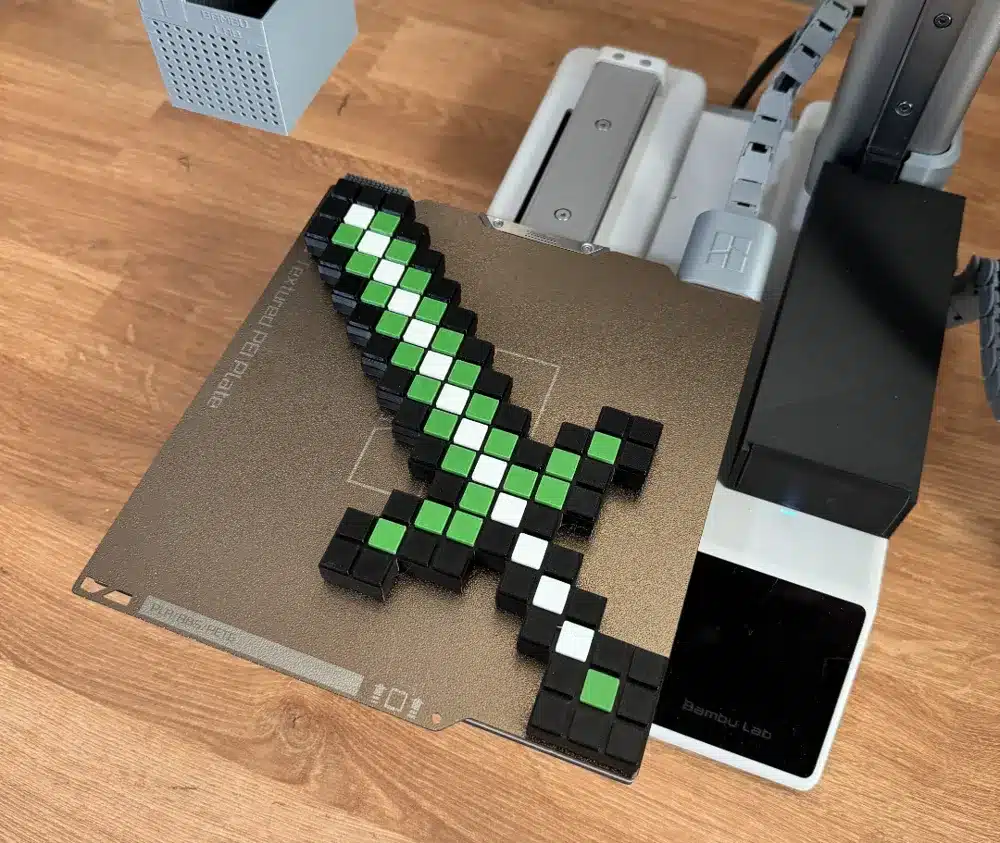
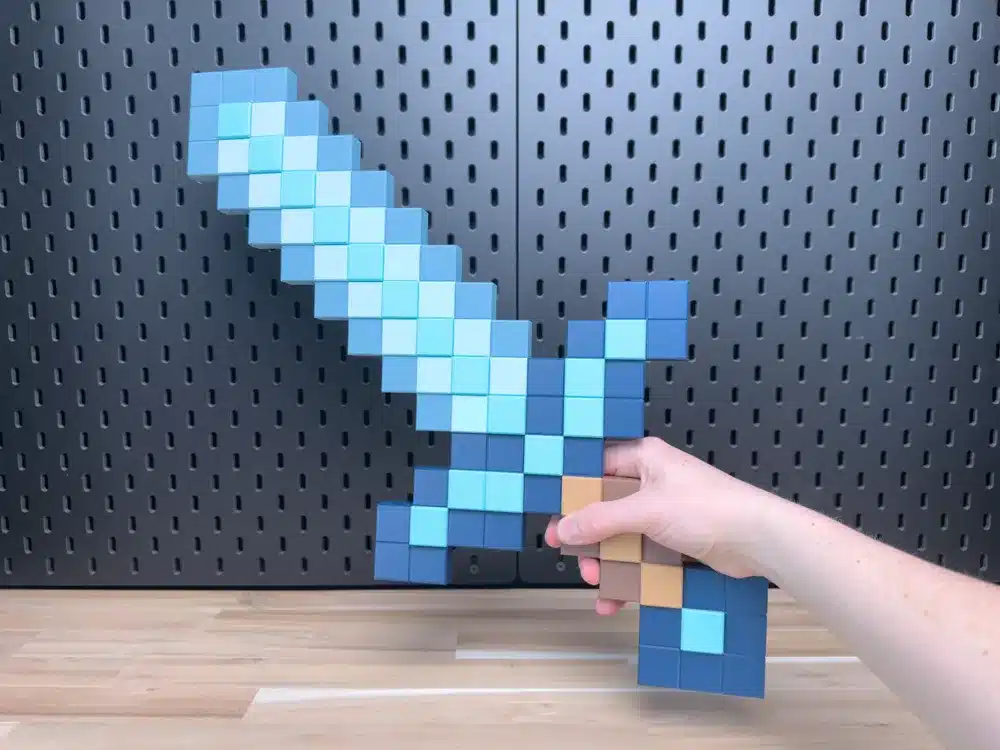
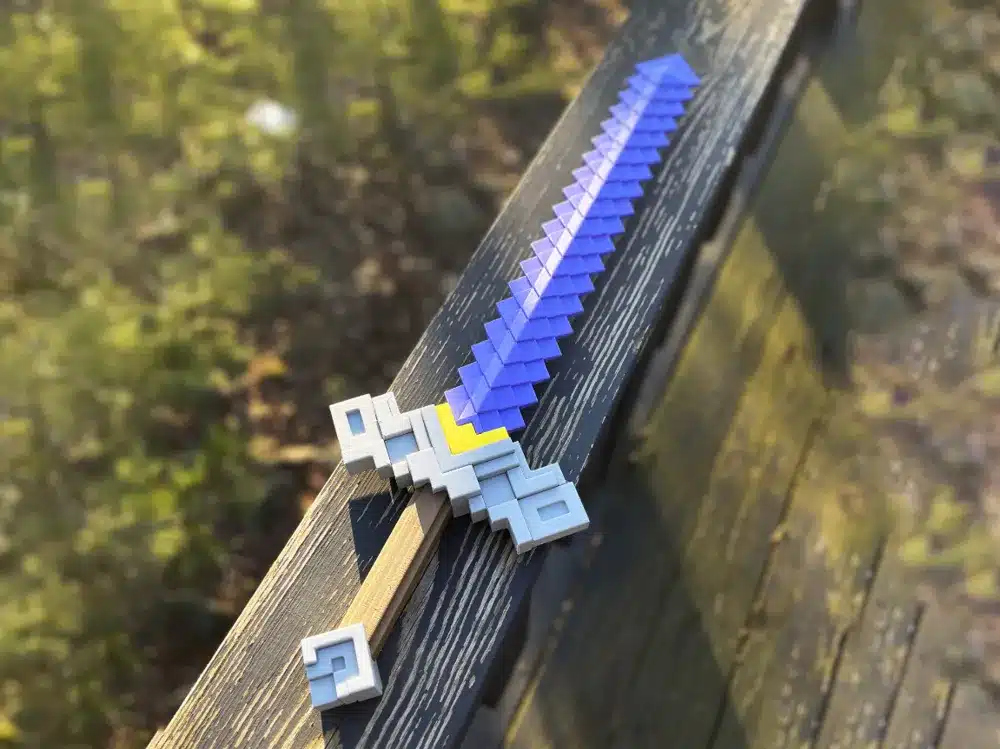
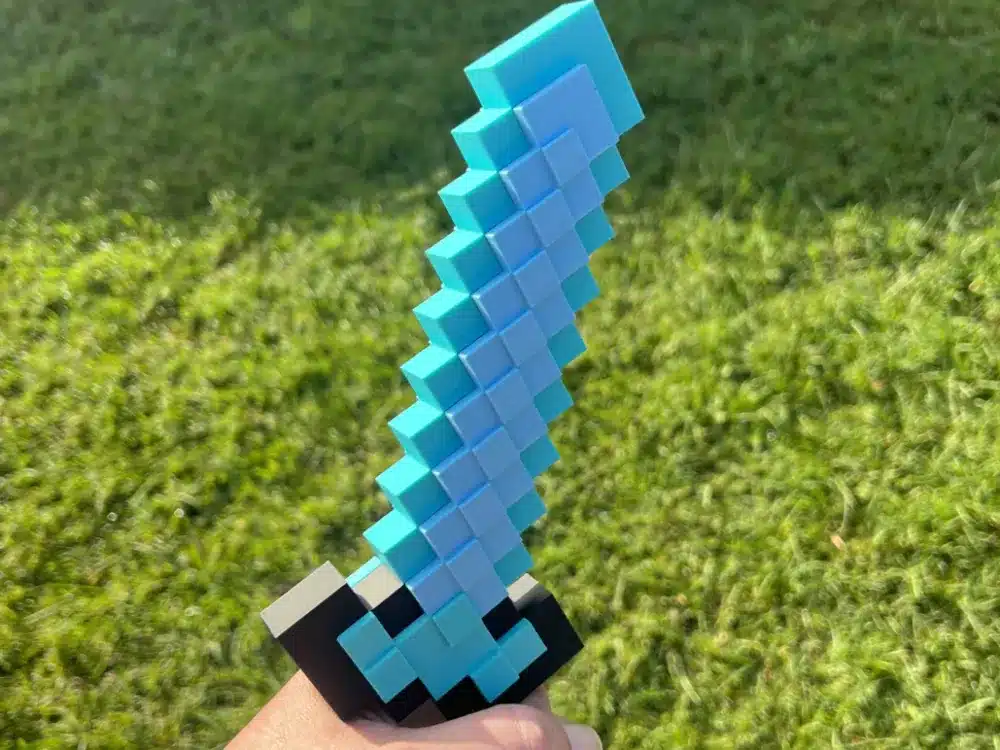
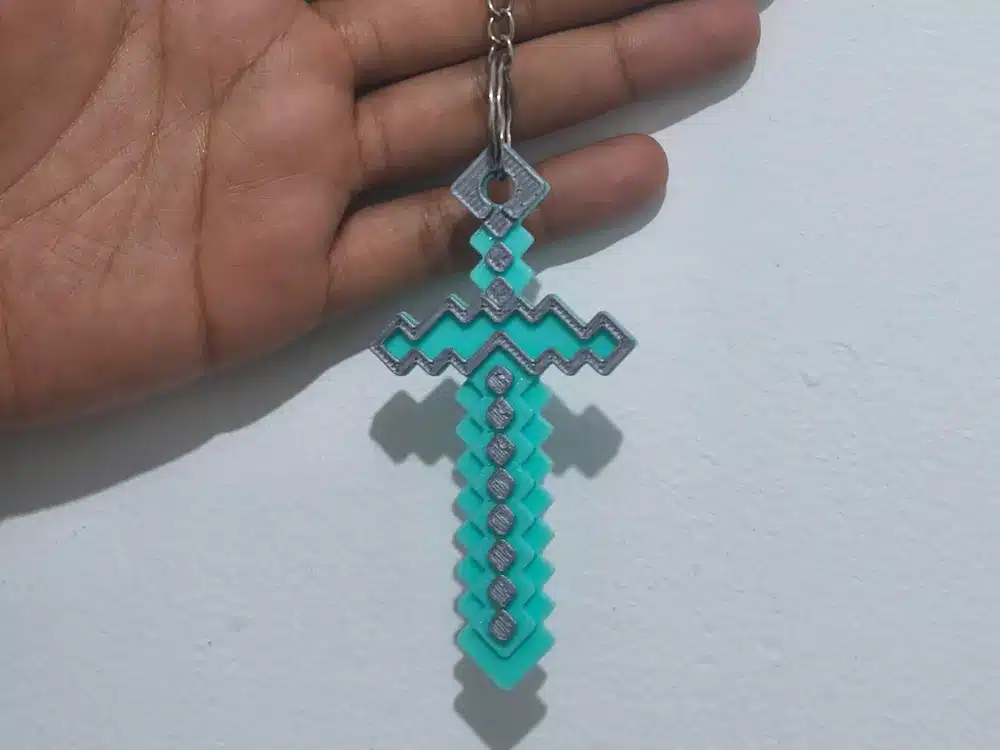
Pixel art models stay as faithful as possible to the in‑game texture. One example is a diamond sword built from individual pixel blocks. In this design, every pixel is a separate piece that is printed in the desired color, then assembled like a physical sprite.
According to the creator of a popular Minecraft Diamond Sword model on Printables, each pixel piece is named according to its color and block type to make sorting and assembly easier (Printables). This structure allows very accurate reproduction of the original diamond sword look.
A pixel art model like this has a few clear characteristics:
- A large number of small parts
- Distinctly colored plastics are used for accuracy
- Snap fits or connectors to lock pixels together
- Minimal need for painting if printed in the right colors
Printing time can be significant. The Diamond Sword pixel art model, for example, is reported to take around 40 hours to print in total, with assembly taking about half an hour once all pieces are prepared (Printables).
Movie-style Minecraft sword models
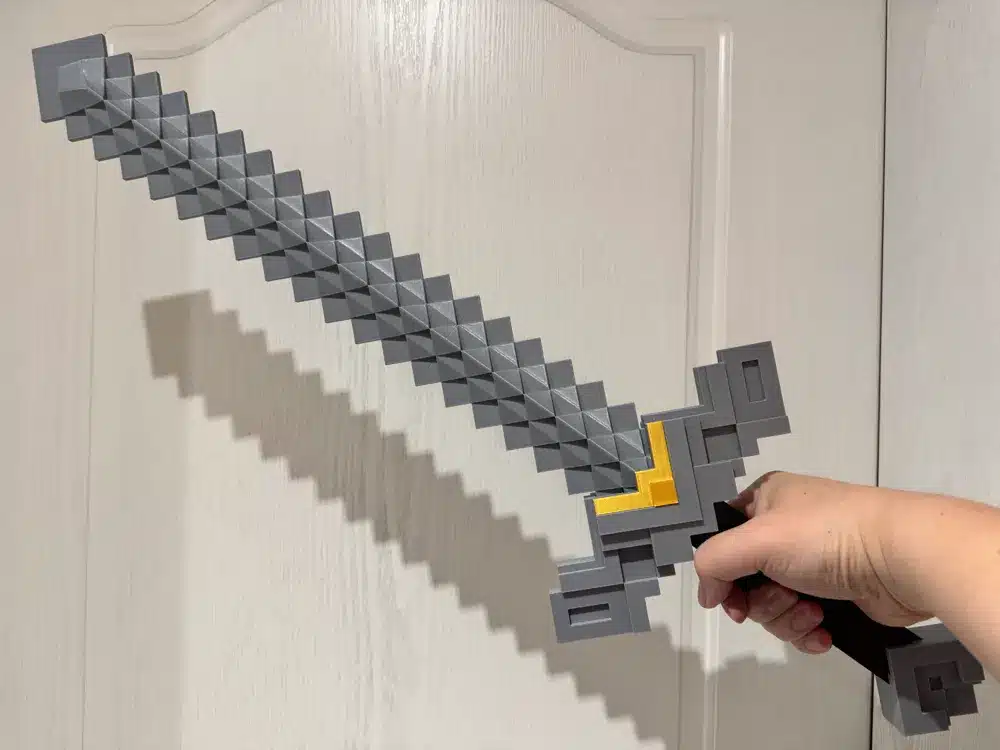
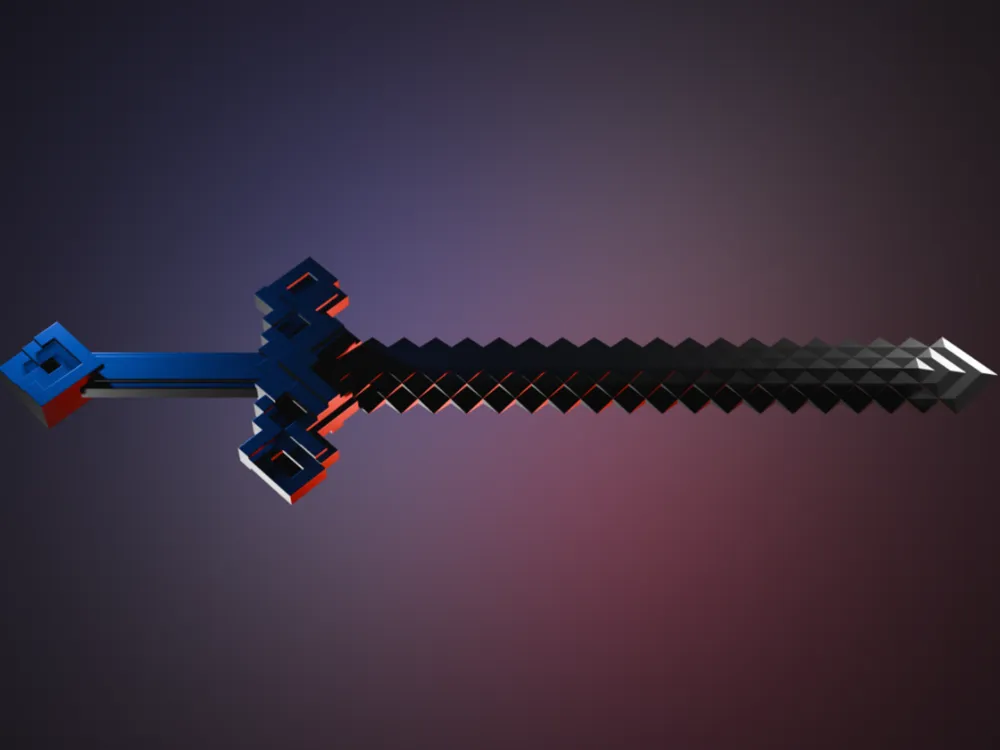
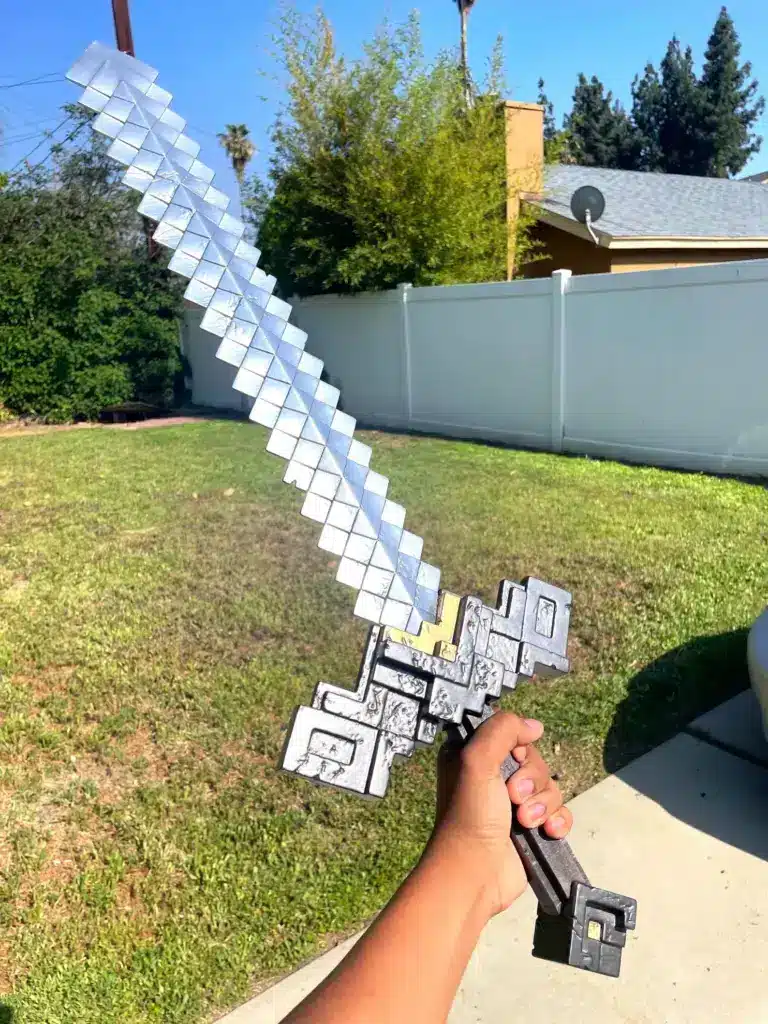
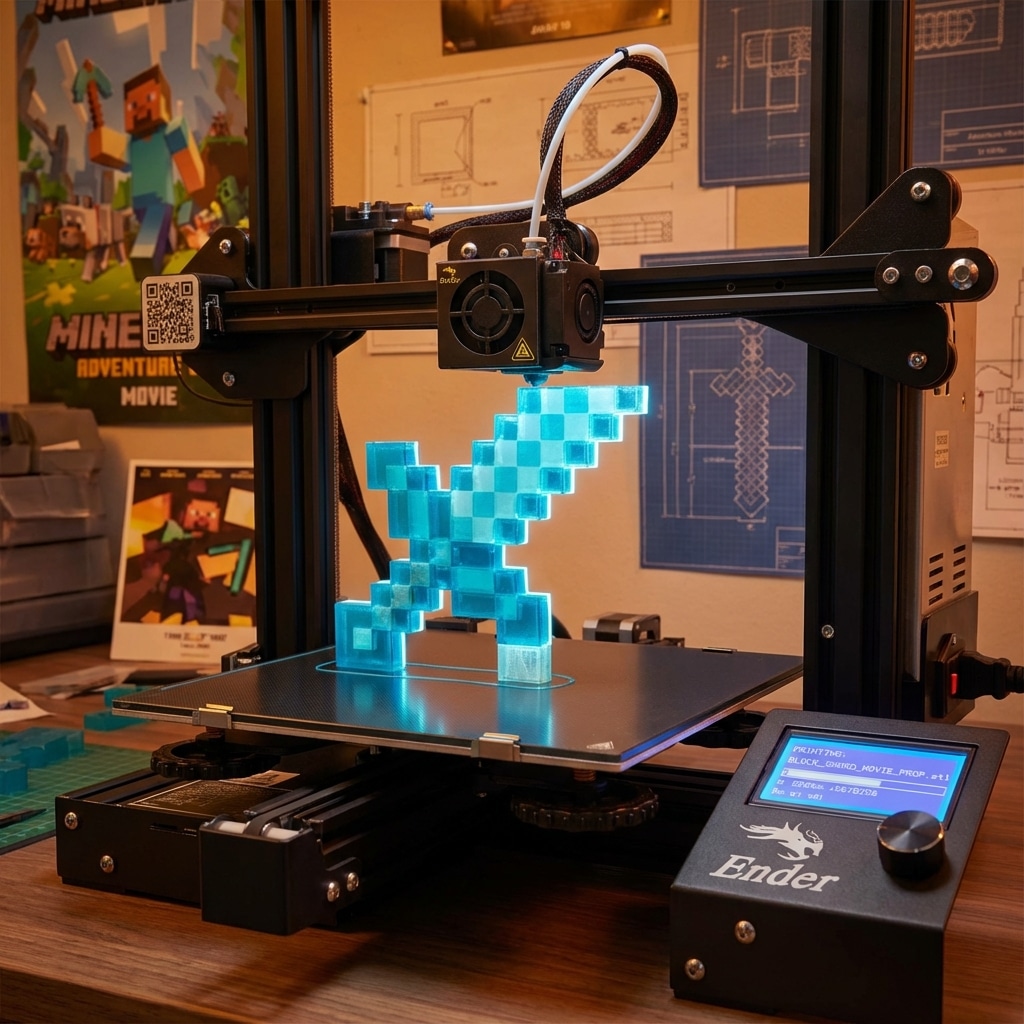
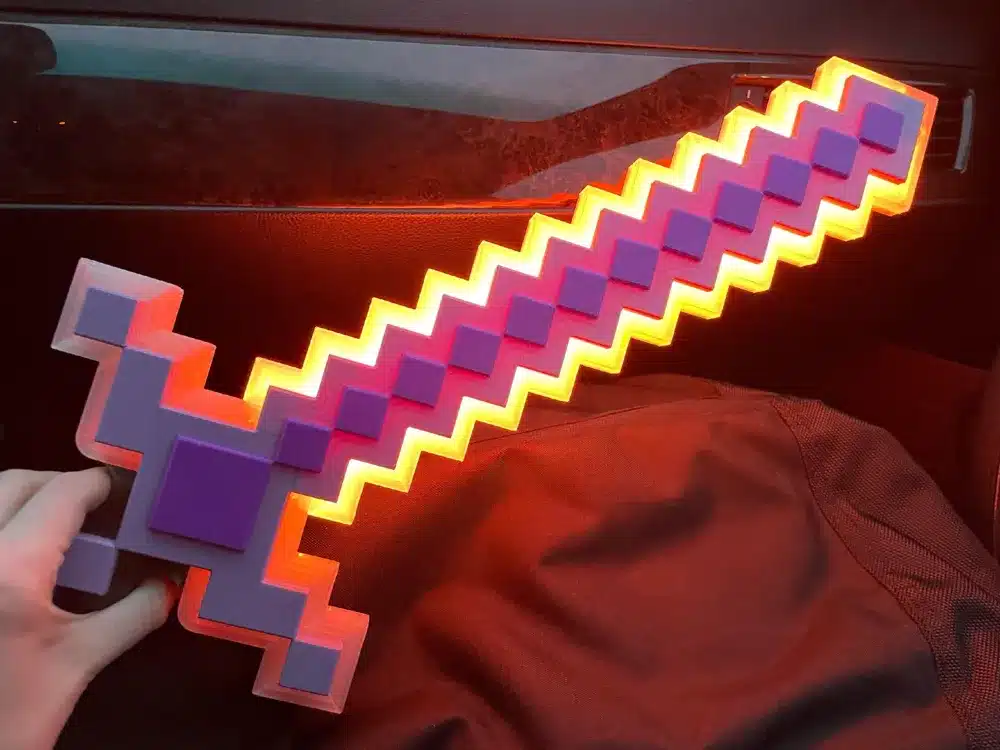
Movie-style Minecraft sword 3D prints take inspiration from the Minecraft movie and tend to aim for a cleaner, more detailed look. A prominent example is the Minecraft Movie Sword replica by the 3Demon team, which is designed for cosplay, display, and collection purposes (Printables.com).
Key traits of this type of model include:
- Larger, more organic surfaces
- Added detail to match the movie prop appearance
- Versions for different sword types, such as Iron Sword (Damaged) and Diamond Sword (Smooth)
- Print settings tuned for visual effects like smoothness and transparency
The 3Demon team provides specific print settings that are optimized for Prusa printers using PrusaSlicer, and they encourage users to fine‑tune speed and layer height to enhance effects such as transparent parts (Printables.com). These models are intended to look accurate even without post‑processing, although users are also encouraged to customize with filament choices or paint.
Custom and scaled Minecraft sword prints
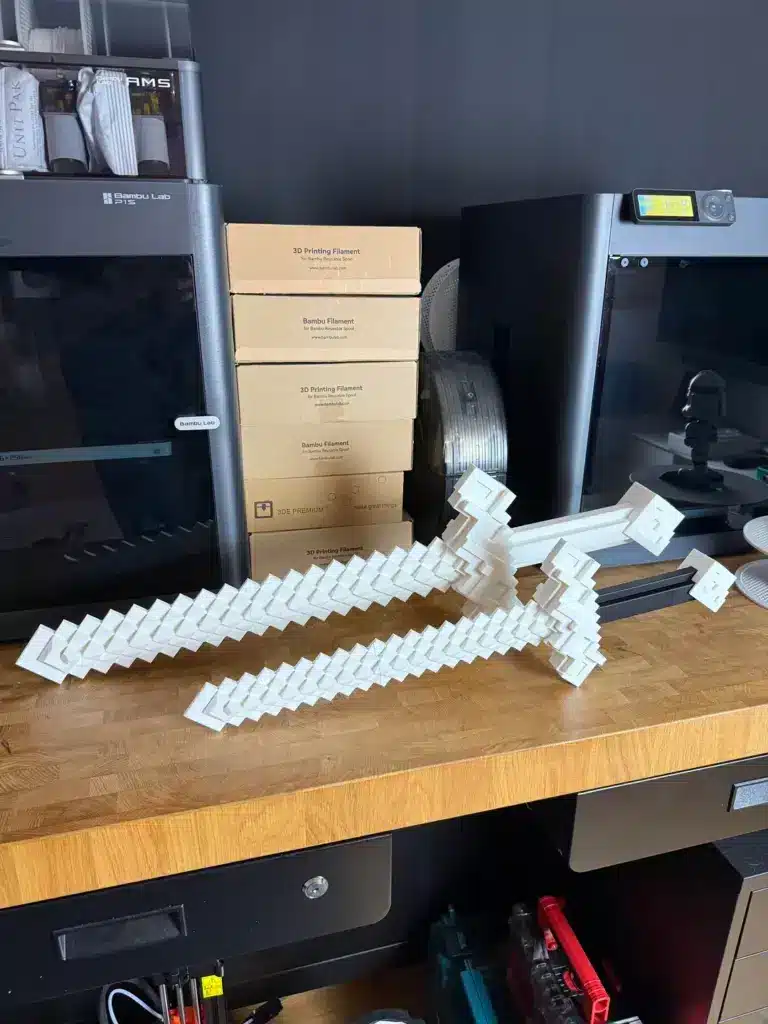
Apart from ready‑made models, some creators design and scale their own Minecraft sword 3D prints to suit particular needs. One Reddit user described spending about five hours designing and successfully 3D printing Minecraft swords, then assembling all the pieces into final models (Reddit).
They shared a useful example of scaling:
- The first printed sword came out smaller than intended, which made it well-suited as a toy for a young relative
- The second sword was scaled up to approximately the size seen in the Minecraft movie (Reddit)
That example highlights the flexibility people have with Minecraft sword 3D print projects. A design can be tailored to the user’s size requirements, printer limits, and budget simply by adjusting the scale in slicing software.
Planning a Minecraft sword 3D print project
Before downloading or creating a Minecraft sword 3D model, it is worth spending time on planning. That preparation tends to save filament, time, and frustration later.
Choose the project goal
The first decision is the primary goal for the Minecraft sword:
Cosplay prop
Likely needs a life‑size scale, good durability, and a comfortable grip.Room decoration or display
Visual accuracy is more important than strength. Transparent or glossy filaments may be useful.Child’s toy or gift
Smaller scale, lighter weight, and rounded edges may be desirable.Practice or learning project
A multi‑part pixel art sword can be a useful introduction to precise assembly and multi‑color printing.
Clarity about the goal will influence the model choice and print settings.
Decide between pixel art and movie style
When someone evaluates Minecraft sword 3D print options, they often compare pixel art models with movie-style replicas.
Pixel art might be better when:
- Faithful reproduction of the in‑game item is the priority
- Users want to avoid painting and instead rely on filament colors
- They enjoy detailed assembly with many small pieces
Movie style might be a better choice when:
- The sword is for cosplay and needs to resemble the film version
- Larger surfaces are preferred for easier sanding, priming, and painting
- Users want to explore effects like damaged edges, transparency, or weathering
In practical terms, movie-style swords often involve fewer large parts, while pixel art swords involve many small interlocking pixels.
Check printer capabilities and constraints
Printer limitations have a direct effect on the type of Minecraft sword 3D print that is feasible.
Key constraints include:
Build volume
A larger bed allows printing longer sections in one piece. Smaller beds may require multi‑part models.Nozzle size and layer height
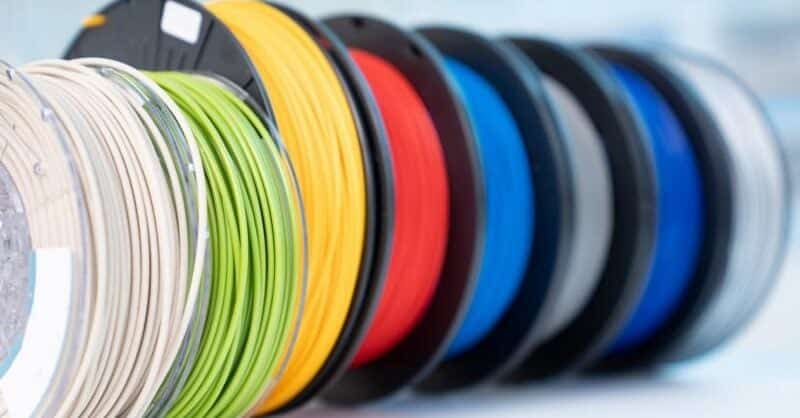
Fine details and smooth finishes typically need smaller layer heights. Some designers, such as the 3Demon team, recommend fine‑tuning layer height and speed to achieve transparency and other visual effects (Printables.com).Material compatibility
Most hobby swords are printed in PLA, although PETG or similar materials can offer more toughness.Print time tolerance
Pixel art swords that use many individual pixels can require extended printing times. The Minecraft Diamond Sword pixel art model, for example, takes around 40 hours of print time in total (Printables).
Being realistic about what the printer can handle helps prevent failed prints and wasted filament.
Selecting a Minecraft sword model
Once the project is defined, the next step is selecting a model that matches those needs.
Pixel art diamond sword model overview
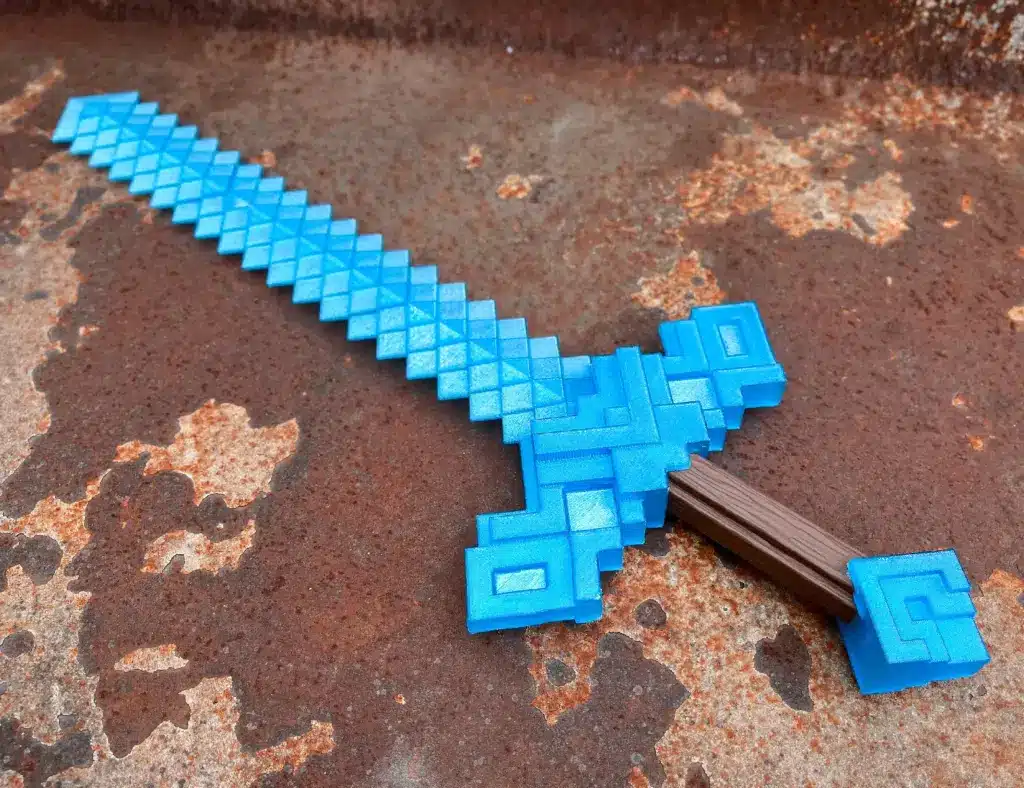
The pixel art Minecraft Diamond Sword on Printables is a good example of a high‑detail project. The designer notes that:
- Each pixel is printed in its intended color
- Pixel parts are named by color and block type
- Snap-fit connectors are integrated into the design
- The total print time is around 40 hours
- Assembly takes about 0.5 hours once parts are ready (Printables)
Another important practical tip is that extra snap fits should be printed, since mistakes during assembly might require breaking and replacing some connectors (Printables).
For users who enjoy sorting, organizing, and assembling many small pieces, this type of Minecraft sword 3D print offers a detailed and satisfying build.
Minecraft movie sword replica overview
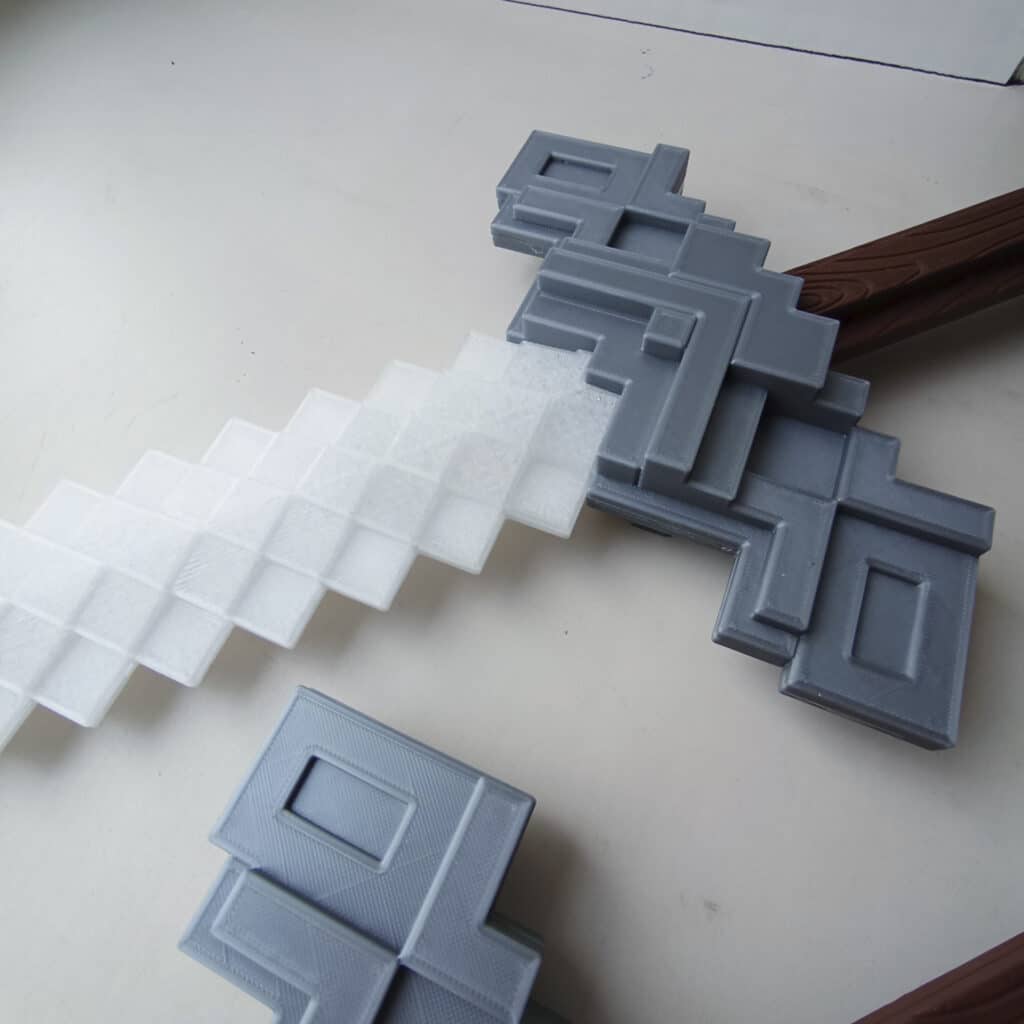
The Minecraft Movie Sword replica by 3Demon is designed with cosplay, display, and collecting in mind (Printables.com). It includes:
- An Iron Sword (Damaged Version) with surface detail that suggests wear
- A Diamond Sword (Smooth Version) with cleaner edges and polished surfaces
The authors provide tested settings optimized for Prusa printers and PrusaSlicer, and they encourage users to adjust these for their own printers and filament types. They also recommend tuning speed and layer height to enhance effects like transparency, depending on the chosen materials (Printables.com).
One advantage of this model is that it is intended to resemble the movie sword quite closely, even without painting or post‑processing. At the same time, the designers note that customizing the print with different filaments or paint is encouraged for users who want unique results (Printables.com).
Originality and licensing
Both the pixel art Diamond Sword model and the Minecraft Movie Sword replica are described as original creations by their respective authors.
- The pixel art Diamond Sword is shared on Printables with an open license that allows others to use the model under the conditions set by the creator (Printables).
- The Minecraft movie-style sword is an original design by the 3Demon team, who have more than ten years of experience in 3D modeling and printing, particularly in cosplay accessories and unique designs (Printables.com).
Checking the license for any Minecraft sword 3D print is always important, especially if someone intends to sell printed versions or modified designs.
Printing a pixel art Minecraft sword
Pixel art swords require careful preparation, mainly because of the large number of small parts involved.
Preparing files and colors
For a pixel art Minecraft sword 3D print, users will typically:
- Download the model files from the creator’s page.
- Review the file list to understand naming, color references, and block types.
- Assign colors by filament choice, according to how the model is labeled.
In the example of the Diamond Sword pixel art model, every pixel is already categorized by its intended color, which reduces confusion later (Printables).
Slicing and print settings
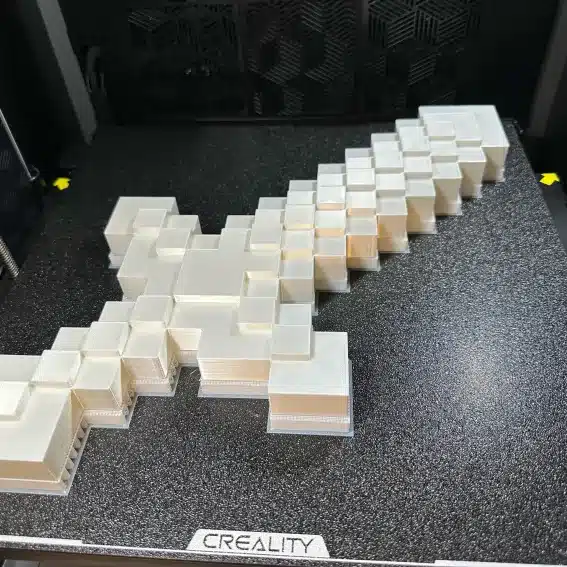
Pixel parts are usually printed in batches by color. Good practice includes:
- Checking orientation to minimize supports
- Ensuring bed adhesion is strong enough for small pieces
- Using consistent layer heights so that pieces match in thickness
Since the total printing time can reach approximately 40 hours, as reported by the pixel art Diamond Sword designer, it is common to plan multiple sessions and group pixels into logical batches (Printables).
Managing snap fits and connectors
The pixel art Diamond Sword model uses snap fits to connect pieces. The author specifically recommends printing extra snap-fit connectors to account for possible breakage or assembly errors (Printables).
That advice extends to similar projects:
- Print additional connectors or pegs
- Test fit a few sample connections before committing to the full assembly
- Avoid forcing pieces together at extreme angles
Having spare parts reduces frustration if a connector snaps during the build.
Organizing parts for efficient assembly
The designer of the pixel art Diamond Sword suggests laying out all pixel pieces before starting assembly. This helps ensure easier and more accurate construction (Printables).
An organized approach usually includes:
- Sorting pieces by color and shape
- Grouping them according to sections of the sword, such as blade, crossguard, and handle
- Referring to a visual guide or reference image of the completed sword
By taking the time to organize parts, the assembler can often complete the final build relatively quickly, in the region of half an hour for the example model, once all pieces are printed (Printables).
Printing a Minecraft movie-style sword
Movie-style sword models have different requirements from pixel art designs, mainly because of their larger surfaces and focus on visual detail.
Choosing printer and slicer settings
The Minecraft Movie Sword replica by 3Demon comes with recommended printer settings tuned for Prusa printers using PrusaSlicer (Printables.com). While not everyone will use that hardware and software, the underlying principles still apply:
Layer height
Finer layers help with smooth surfaces and details, which is especially important for the smooth version of the Diamond Sword, and for curved or beveled edges.Print speed
Slower speeds can improve surface finish and help achieve visual effects such as transparency when using suitable filaments.Infill and wall thickness
These values affect strength and weight. A cosplay sword may need higher infill near stress points, while a wall display piece might use lower infill to save filament.
Users are encouraged by the designer to adapt the suggested settings for their own printers and materials, which is common practice for this type of model (Printables.com).
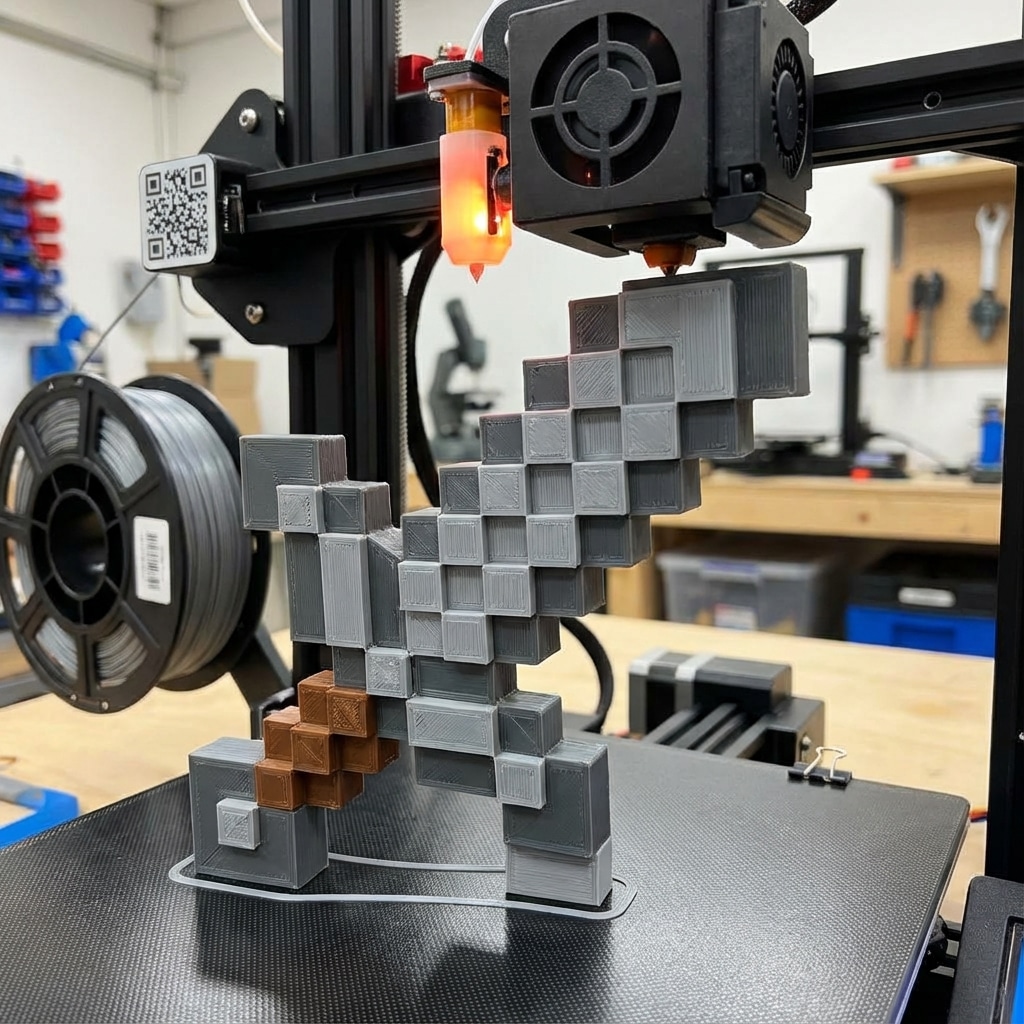
Printing in sections and assembling
Most full‑length cosplay swords are printed in segments that can fit onto a standard print bed. After printing:
- Internal connectors or keyed joints help align the pieces
- Glue or additional mechanical fasteners are used to secure the joints
- A central rod or dowel can be added if the design allows it, to increase stiffness
The workflow described by the Reddit user who designed and printed their own Minecraft swords is a practical example. They went through a cycle of designing, printing, assembling the parts into a final model, and then moving on to the finishing stage (Reddit).
Scaling and test prints
Scaling plays an important role in movie-style Minecraft sword 3D prints. The Reddit example illustrates this in a straightforward way:
- An initial print turned out smaller than anticipated, which suited a child well
- A subsequent print was scaled to approximate the size seen in the Minecraft movie, making it more suitable for adult cosplay or display (Reddit)
That pattern is typical in prop making. Many creators run a test print of a portion of the sword to confirm scale, grip size, and aesthetic before committing to a full, multi‑hour print.
Post‑processing and finishing techniques
Even when a model is designed to look good straight off the printer, finishing work can make a substantial difference in the final appearance of a Minecraft sword 3D print.
When finishing is optional or recommended
The 3Demon Minecraft Movie Sword model is described as being designed so that, once printed, it closely resembles the sword seen in the Minecraft movie, even without painting or heavy post‑processing (Printables.com). Users can rely on filament colors and the geometry of the model itself.
At the same time, they are encouraged to customize the sword by:
- Selecting specialty filaments, such as transparent or metallic finishes
- Adding paint for weathering, shading, or added edge detail
For pixel art swords, finishing is often minimal, especially when the user has already printed each pixel in its final color. In those cases, any post‑processing might focus on strengthening joints, smoothing sharp edges, or adding a protective clear coat.
Typical finishing workflow
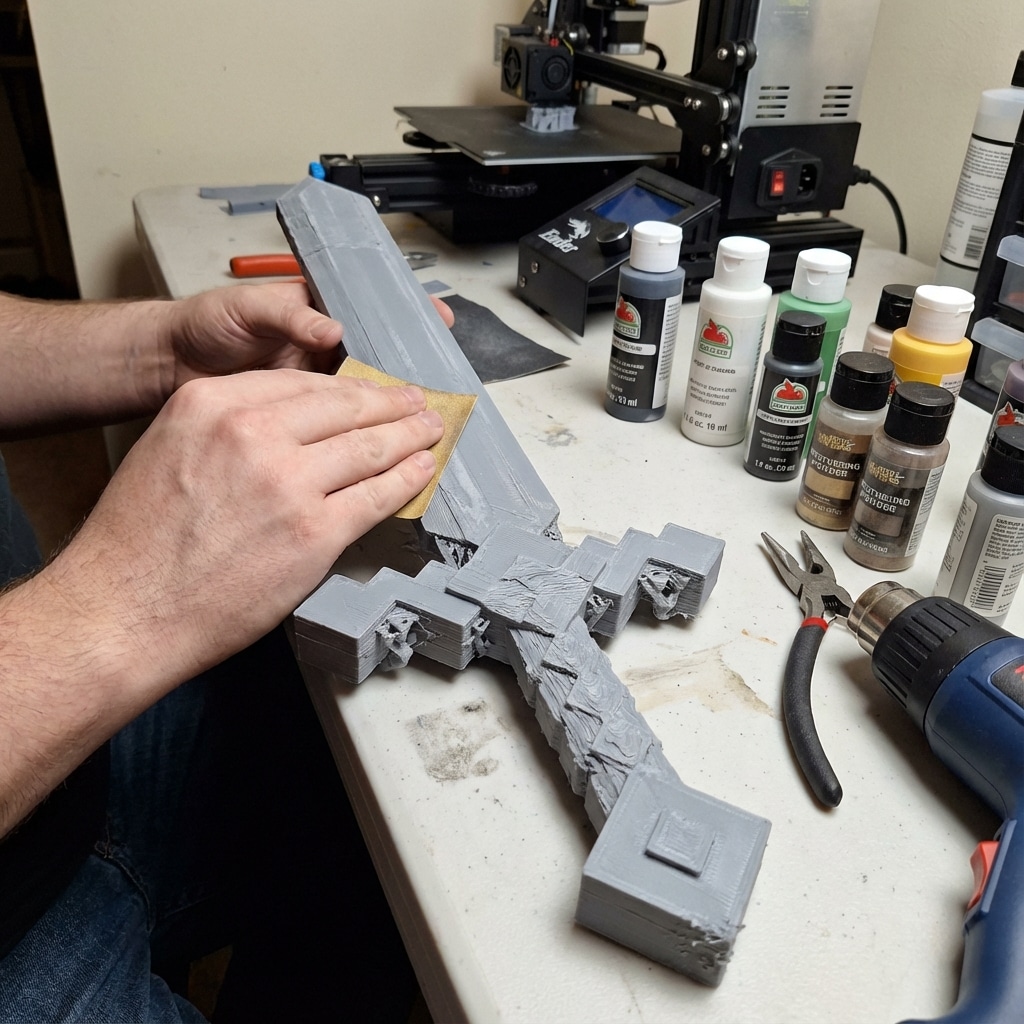
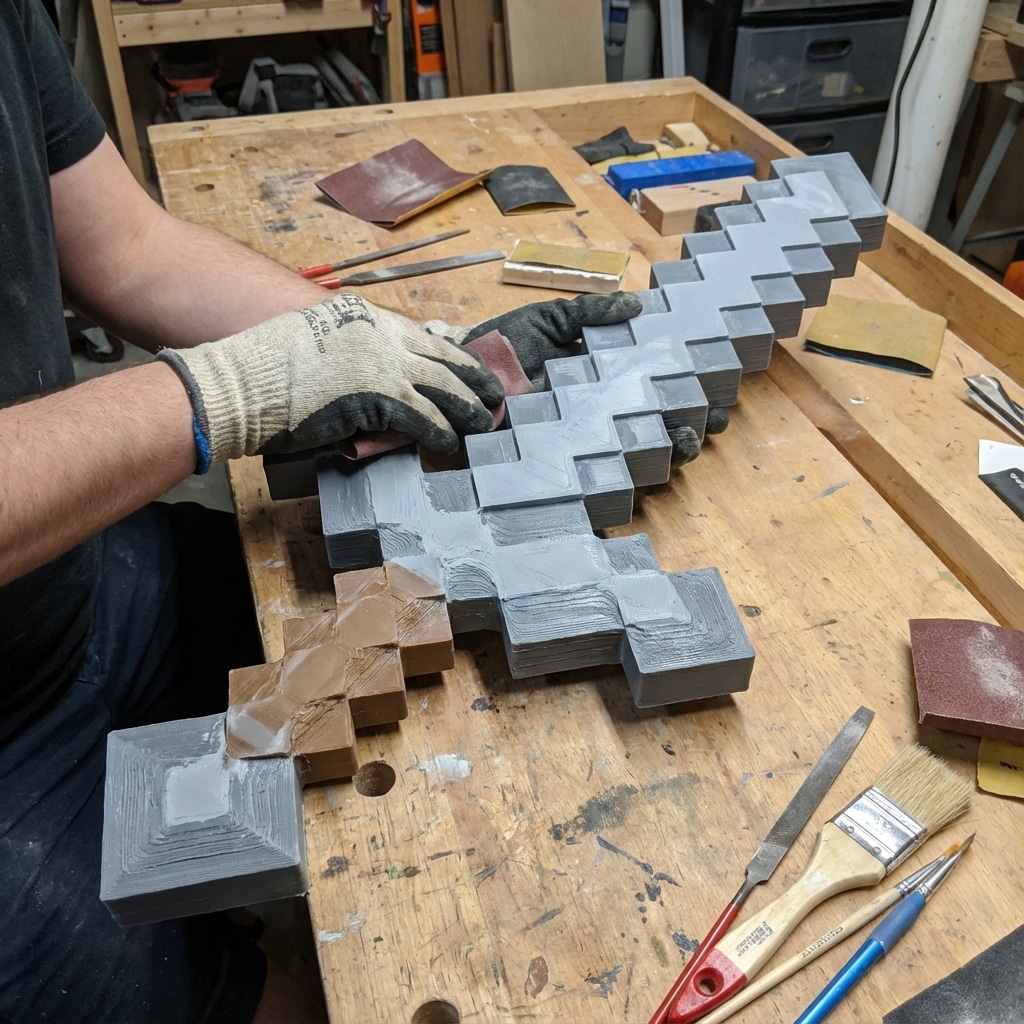
A general finishing workflow for a 3D printed Minecraft sword can include:
Cleanup
Remove support material, trim excess plastic, and lightly sand visible seams.Gap filling
Apply filler to seam lines or surface defects. The Reddit user who printed their own Minecraft swords mentioned using filler as a first step after assembly, followed by paint and stain (Reddit).Sanding and priming
For smooth movie-style swords, graduated sanding and primer coatings can significantly improve the final look.Painting
Apply base colors, highlights, and weathering as desired. For damaged or battle‑worn iron swords, painted chips and scratches can emphasize the model’s design.Protective coatings
Clear coats or sealants help protect painted surfaces from handling or sunlight.
While every model is different, these steps represent a common path from raw 3D print to finished prop.
Time, effort, and expectations
Understanding the likely time commitment and workload for a Minecraft sword 3D print helps manage expectations, especially for beginners.
Printing and assembly time estimates
Available data from existing projects gives a useful frame of reference:
- The pixel art Minecraft Diamond Sword model indicates about 40 hours of printing time and around 0.5 hours of assembly once all pieces are ready (Printables).
- A Reddit user reported spending roughly 5 hours on the design phase for a custom Minecraft sword, followed by additional time to print and assemble the pieces (Reddit).
In practice, total project time usually includes:
- Model selection or design
- Slicing and preparation
- Multiple print sessions
- Assembly and test fitting
- Optional finishing, such as sanding and painting
Beginners are often advised to start with a simpler or smaller model before attempting the most complex pixel art swords, so that they can adjust to their printer’s behavior and calibration.
Common challenges and how to handle them
People who work on Minecraft sword 3D prints frequently encounter the same types of problems:
Connector breakage
Snap fits or pegs, can break during assembly. Printing extras, as advised by the creator of the pixel art Diamond Sword, is a straightforward preventative step (Printables).Warping or poor adhesion
Long, thin parts may warp or lift during printing if bed adhesion is not strong enough.Scale surprises
As seen in the Reddit example, the first print may turn out smaller or larger than intended. Test pieces and careful checking of scale settings help avoid this (Reddit).Visible seams
Large swords printed in multiple pieces will almost always have joints. Filling and sanding can reduce their visibility when necessary.
Recognizing these challenges early makes it easier to choose models and strategies that fit the user’s experience level and available tools.
Frequently asked questions about Minecraft sword 3D prints
How long does it take to 3D print a Minecraft sword?
Time varies significantly depending on the model, printer, and settings. A detailed pixel art Minecraft Diamond Sword model is reported to take around 40 hours of printing time, with about half an hour of assembly once all pieces are ready (Printables). Simpler or smaller swords can be completed more quickly, while large cosplay props at fine layer heights may take longer.
Do Minecraft sword 3D prints always need painting?
Not always. Some Minecraft sword models, such as the 3Demon Minecraft Movie Sword, are designed to resemble the on‑screen prop closely, using only the geometry and filament colors. The designers note that the print can look accurate even without painting, although users are encouraged to customize with paint or special filaments if they choose (Printables.com). Pixel art swords often rely on pre‑colored filament and may only need minimal finishing.
What is the advantage of printing a sword in pixels instead of one solid piece?
Pixel art approaches offer a very faithful reproduction of the in‑game texture and let users avoid painting by printing each pixel in its final color. They also provide a structured way to practice organizing parts and working with snap fits. The trade‑off is more printing time and a higher part count. For example, the pixel art Diamond Sword uses numerous pixel pieces, each with specific coloring and naming to assist in assembly (Printables).
How can someone avoid scale problems with Minecraft sword prints?
Checking the scale inside the slicer, printing test sections, and comparing dimensions to real‑world measurements can reduce surprises. In one Reddit example, the creator’s first printed sword turned out smaller than intended but was repurposed as a child‑sized prop. They then scaled a second version closer to the size depicted in the Minecraft movie (Reddit). That two‑step approach is common in prop making.
Are these Minecraft sword models original designs?
Yes. The pixel art Diamond Sword available on Printables is described as an original model shared with an open license by its author (Printables). The Minecraft Movie Sword replica for cosplay and display is an original design by the 3Demon team, who have over ten years of experience in 3D modeling and printing, with a focus on cosplay accessories and unique designs (Printables.com). Anyone using or modifying these models should always review the specific license terms on the respective pages.
- 40shares
- Facebook0
- Pinterest40
- Twitter0
- Reddit0