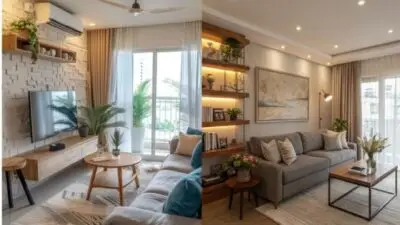
A lock-and-leave smart home is a property designed to stay secure, connected, dry, and energy-aware while you are in another country. For dual-country living, the layout matters as much as the devices: plan the network cabinet, leak shutoff, backup internet, power backup, climate zones, cameras, and access control before renovation decisions make those systems expensive to add.
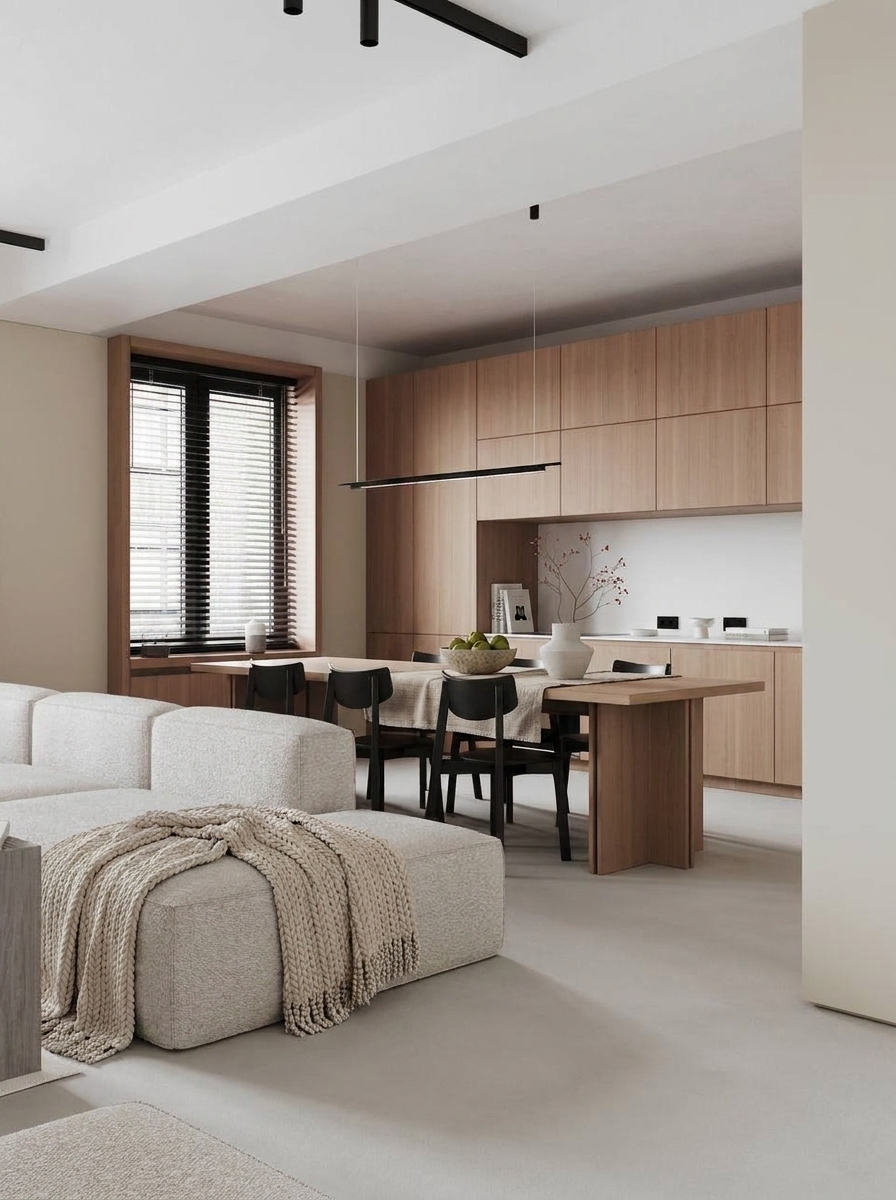
What a lock-and-leave smart home needs
The goal is not to make every light voice-controlled. The goal is to let the home report problems early, protect itself during common failures, and give trusted people controlled access when you cannot be there. Start with the safety and infrastructure layer, then add comfort scenes, blinds, lighting, and media once the core is stable.
| Layer | What to plan | Why it matters when you are abroad |
|---|---|---|
| Network | Wired Ethernet, central router, access points, dual-WAN or cellular backup | The whole system depends on a connection you can trust. |
| Water | Leak sensors, appliance zones, automatic shutoff valve | A small leak can become the most expensive unattended-home failure. |
| Power | UPS for router, switch, gateway, cameras, hub, plus surge protection | Alerts and remote access should survive short outages. |
| Climate | Thermostat, humidity sensors, dehumidifier or ventilation rules | The building needs protection from heat, humidity, mold, and freezing risk. |
| Access | Smart lock, keypad, entry camera, temporary codes, mechanical fallback | Guests, cleaners, and emergency contacts need controlled entry. |
| Security | MFA, unique passwords, segmented IoT network, regular updates | The home is both a physical property and a connected device network. |
Why layout matters more than gadget choice
Smart-home shopping often starts with locks, speakers, cameras, and apps. A better remote-home plan starts with the floor plan. Where can equipment stay cool? Which walls can carry conduit? Where does water enter the property? Which doors need temporary access? Which rooms need humidity monitoring? Those decisions shape the reliability of the system long before any brand is selected.
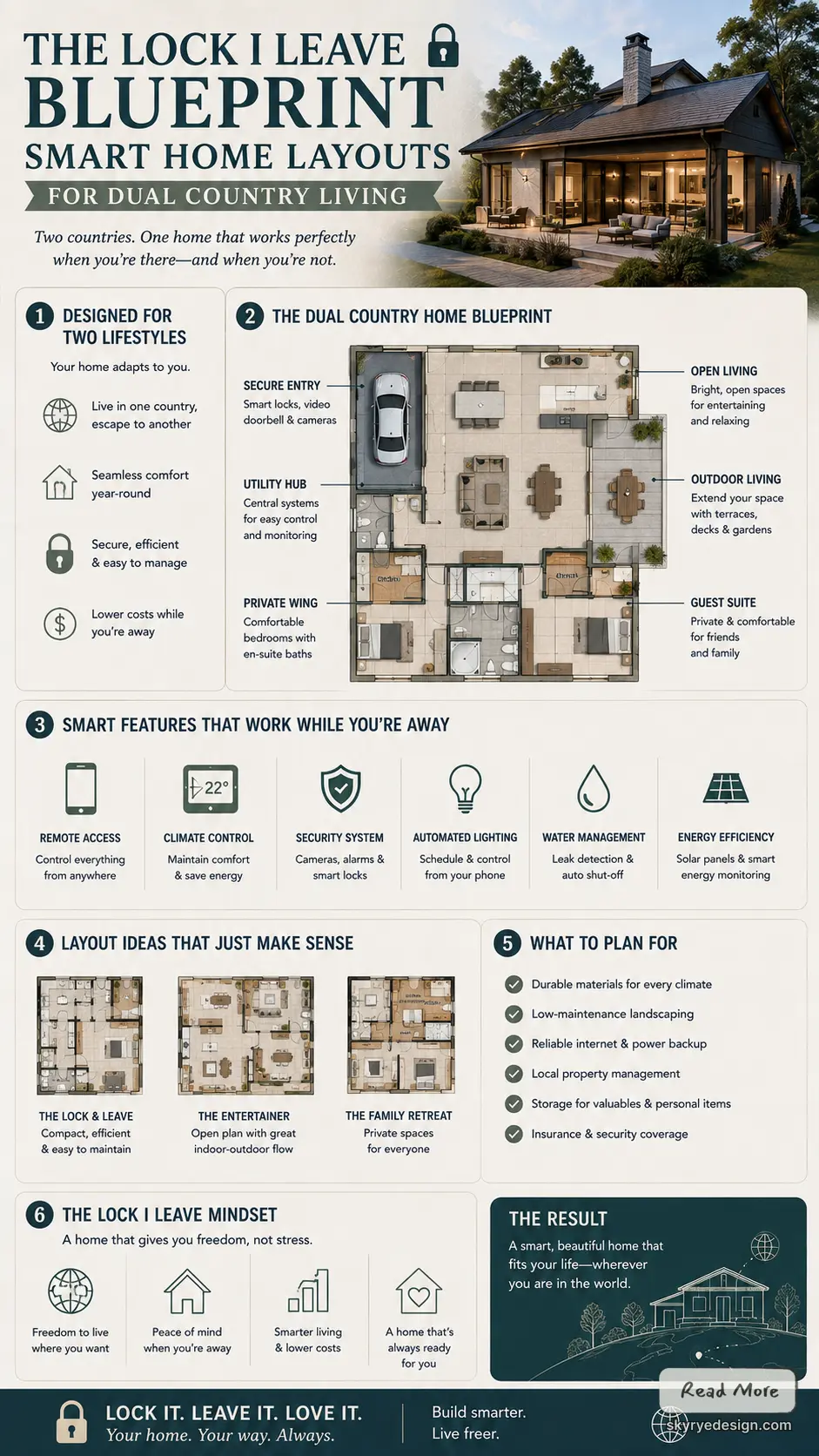
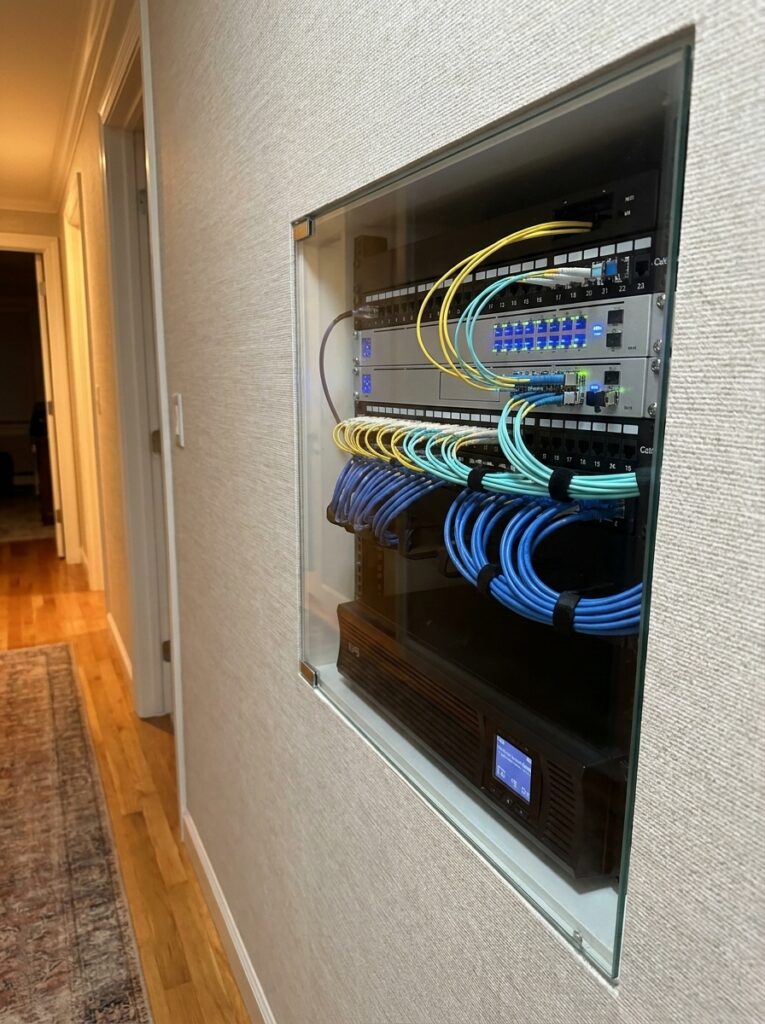
For a coastal apartment, a villa used seasonally, or a city flat shared between work locations, the best layout hides the technical layer without burying it. You want serviceable equipment, labeled cables, visible status lights for a local helper, and enough documentation that someone on site can follow your instructions without opening every closet.
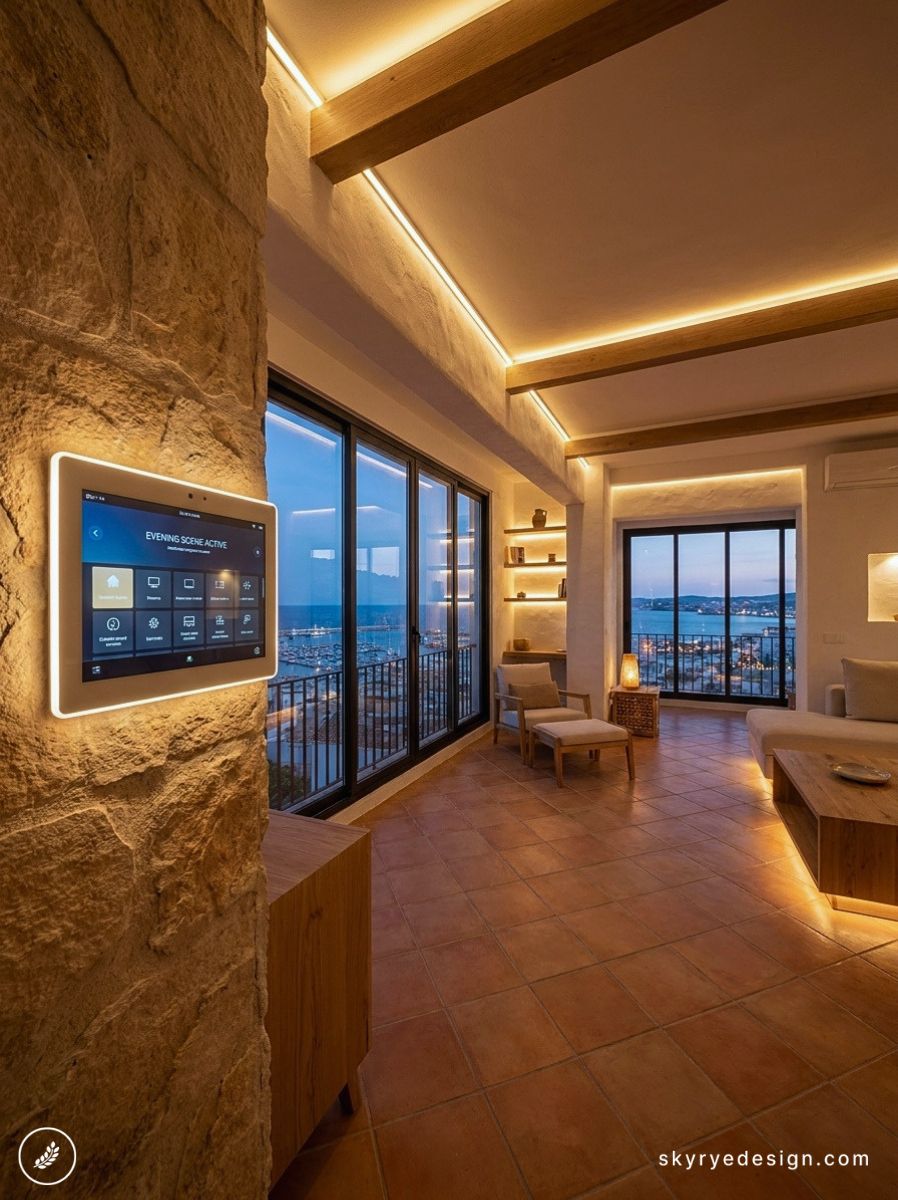
Core infrastructure for remote home management
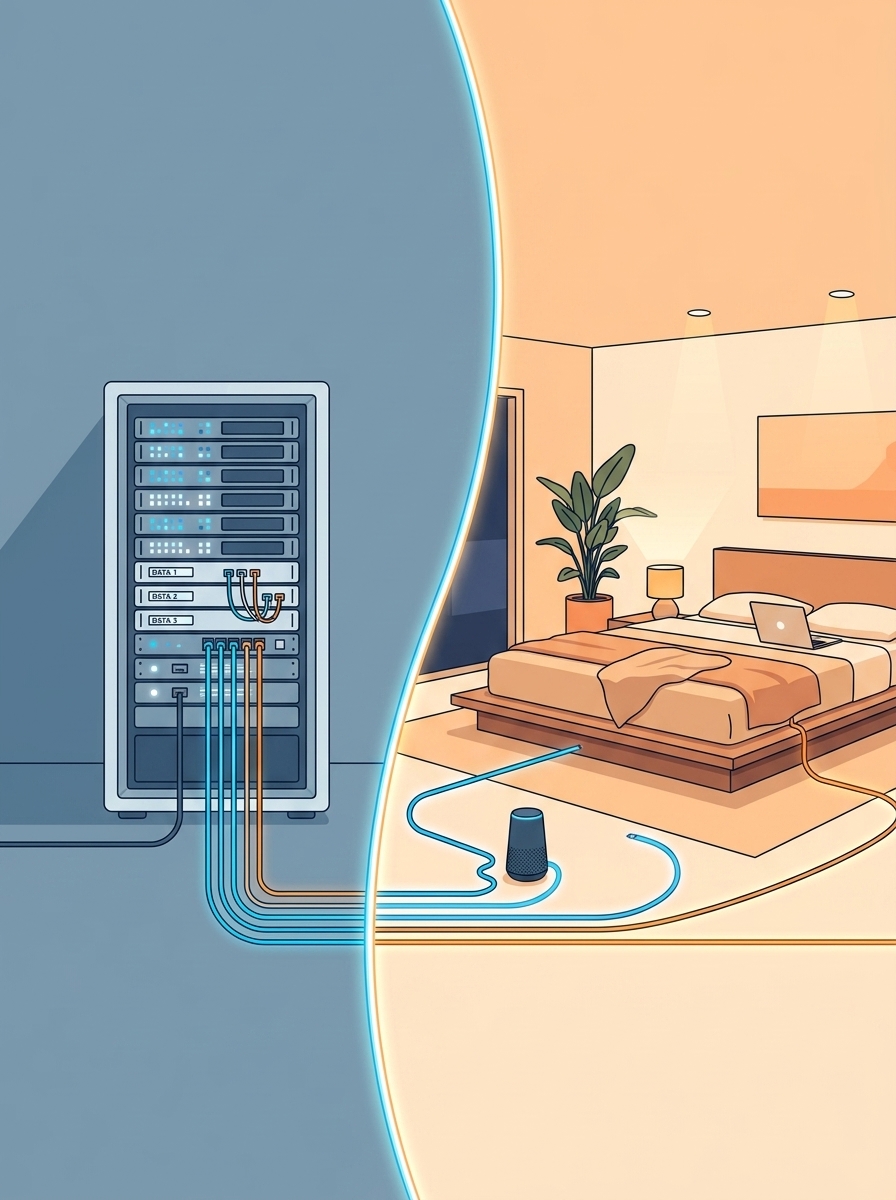
The most useful upgrade is usually boring: a clean network and power plan. Put the router, switch, smart-home hub, security gateway, and patch panel in one ventilated cabinet or rack. Add a small UPS and label every cable. If the property has thick walls, concrete, or stone, plan wired access points instead of hoping one router will cover the whole home.
Renovation is the cheapest moment to add wiring. Run Ethernet to cameras, ceiling access points, TV/media zones, work desks, entry locations, and any equipment that should not depend on wireless signal. Also plan power for motorized shades, exterior cameras, water shutoff valves, and places where sensors or relays may need maintenance.
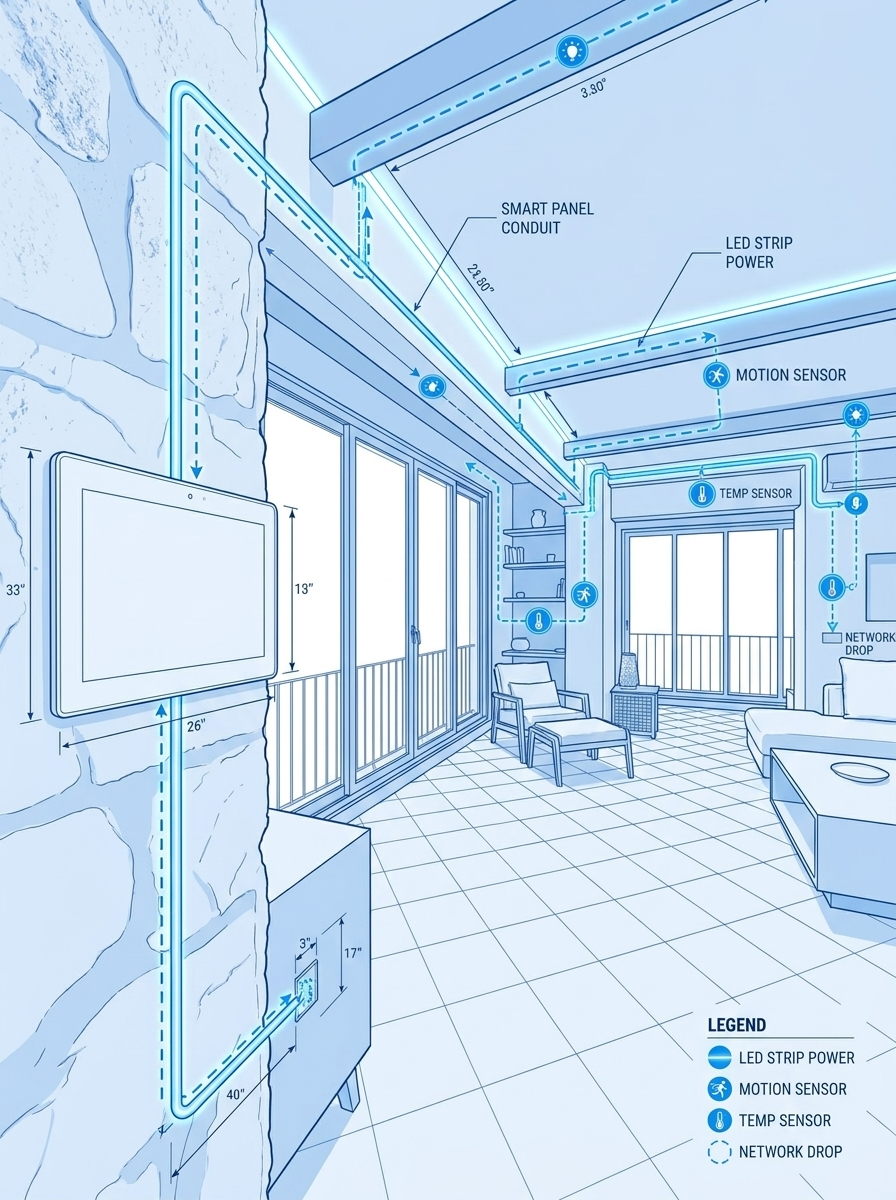
If you are already upgrading the electrical plan, keep a related checklist open for modern electrical solutions for luxe living spaces. It is a useful companion because remote management depends on outlets, low-voltage routes, panel capacity, surge protection, and service access as much as on the smart-home app.
Automation zones and sensor placement
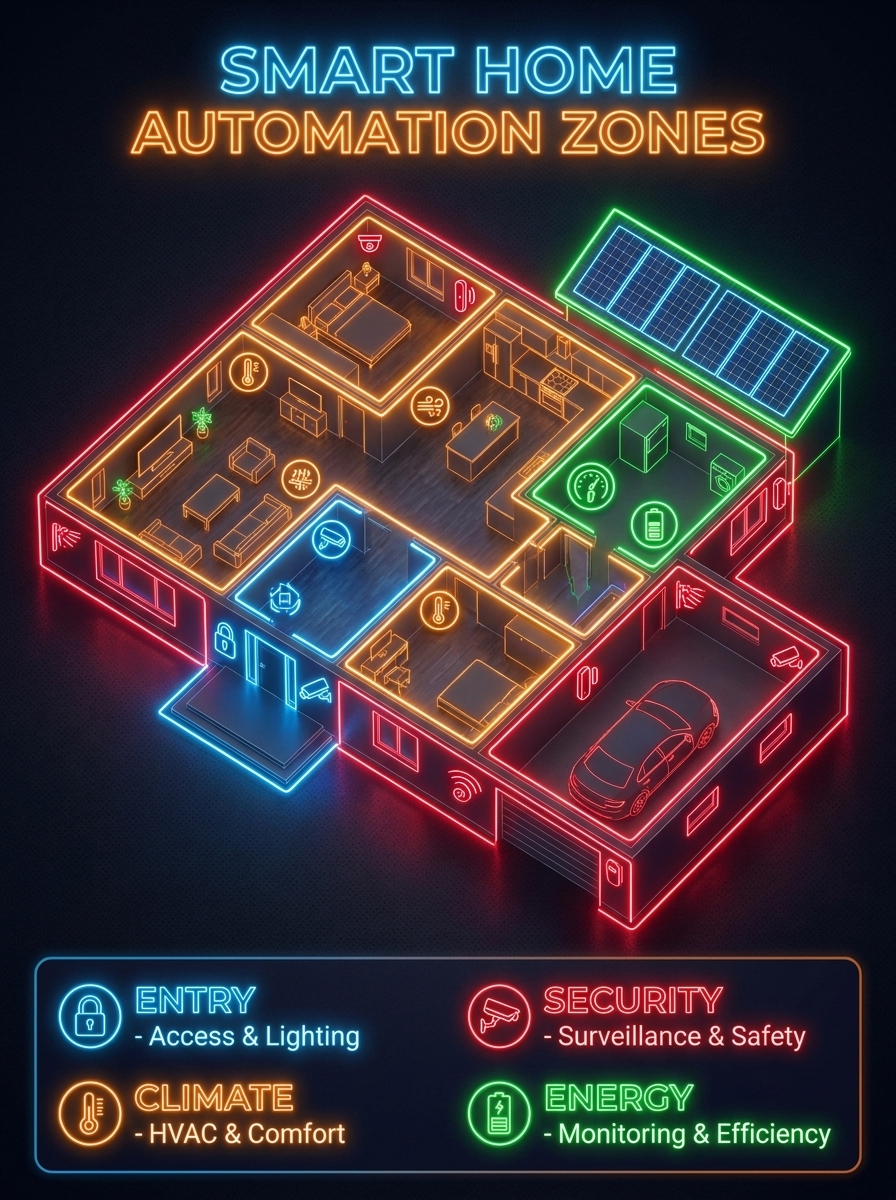
Divide the home into zones before choosing automations. A simple lock-and-leave plan usually has entry, water, climate, window, energy, and network zones. Each zone needs a different rule: entry needs access logs, water needs immediate shutoff, climate needs thresholds, windows need shade or contact status, energy needs outage alerts, and the network needs failover monitoring.
- Entry zone: keypad or smart lock, video doorbell, exterior lighting, and temporary guest codes.
- Water zone: sensors near the water heater, kitchen, bathrooms, laundry, dishwasher, and main supply valve.
- Climate zone: thermostat, humidity sensors, dehumidifier or ventilation control, and temperature alerts.
- Window zone: motorized blinds, contact sensors where useful, and shade rules for heat gain and privacy.
- Energy zone: smart meter visibility, solar or battery monitoring where installed, UPS status, and surge protection.
- Network zone: router health, backup connection, firmware updates, and a simple reset process for a local contact.
Climate and energy management
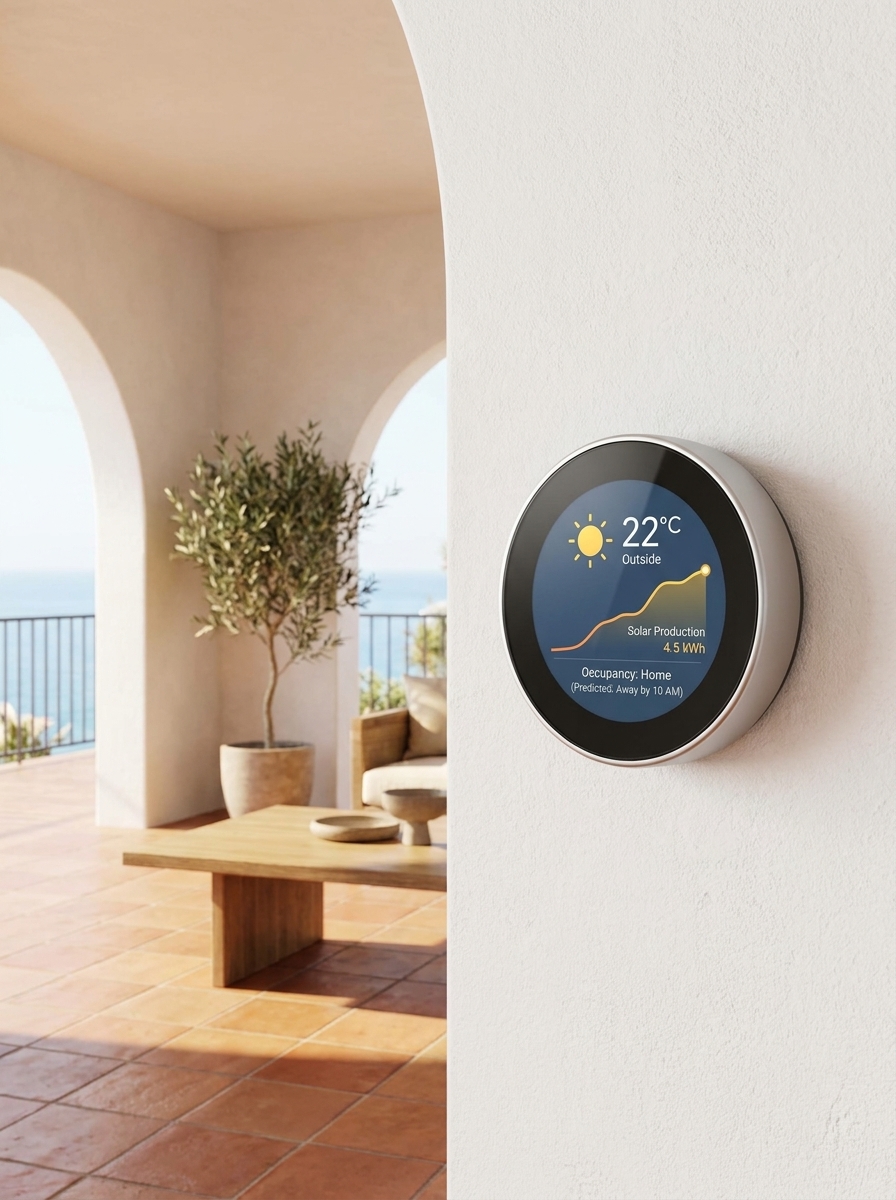
A remote home does not need to feel occupied every hour. It needs to stay within safe ranges. In warm or humid locations, humidity and ventilation can matter as much as temperature. In colder locations, freeze protection and pipe monitoring rise on the list. The right setup depends on the building envelope, local climate, utility reliability, and how long the home sits empty.
For window treatments, automation should support the building rather than perform a light show. Heat-control scenes, privacy scenes, and storm or high-wind logic can be more useful than daily decorative movement. If blinds are part of the plan, this guide to the best types of blinds for modern homes helps compare styles before the wiring and recess details are finalized.
Water, access, and failure planning
Water protection deserves its own line in the budget. A leak sensor is helpful, but a sensor paired with an automatic shutoff valve is stronger. Put sensors near the main risk points: water heater, washing machine, dishwasher, sinks, toilets, HVAC condensate line, and any exterior irrigation connection. Test alerts before leaving, and make sure a local person knows how to reopen the valve safely.
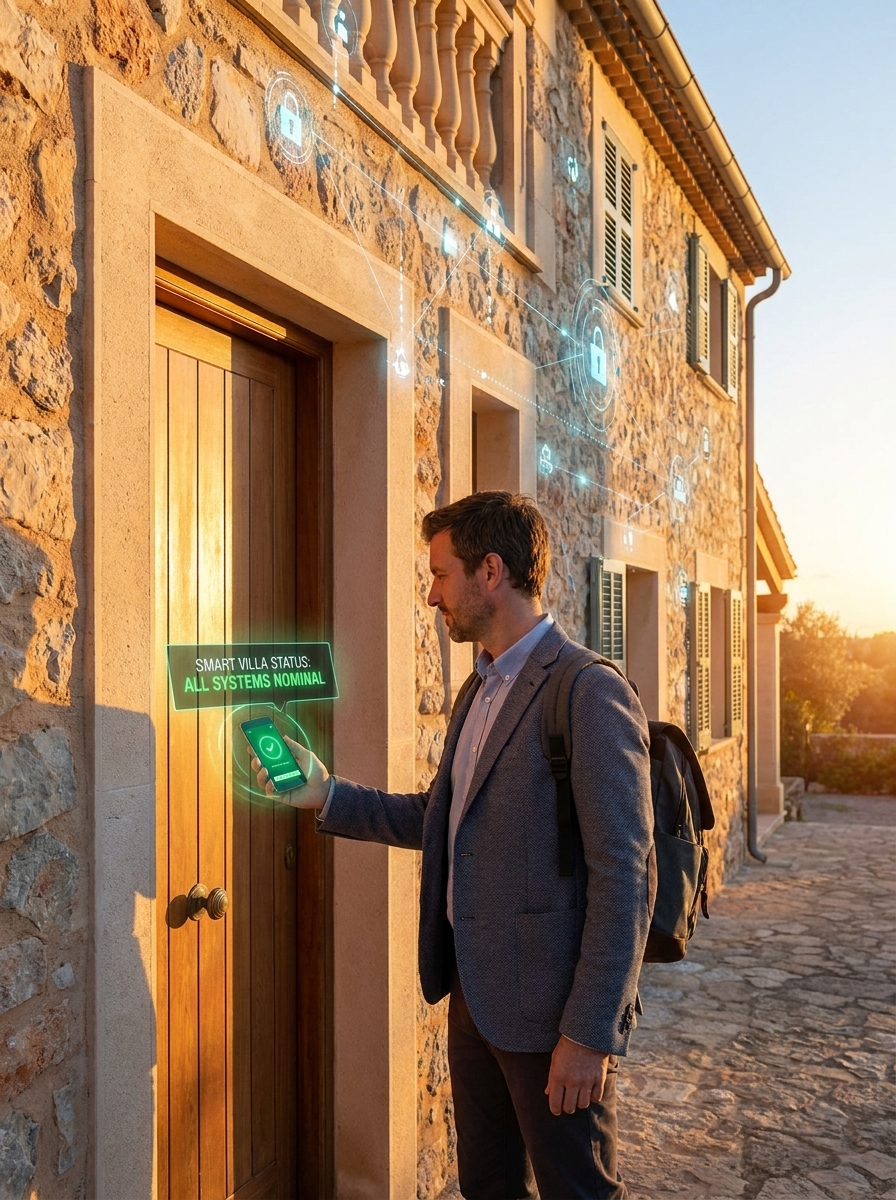
Access planning is similar. A smart lock is convenient, but the system also needs temporary codes, revocation rules, battery reminders, a mechanical fallback, and a person who can physically get to the door. For design-sensitive entrances, the smart locks and interior design guide covers ways to keep security hardware from fighting the architecture.
Cybersecurity basics for smart home devices
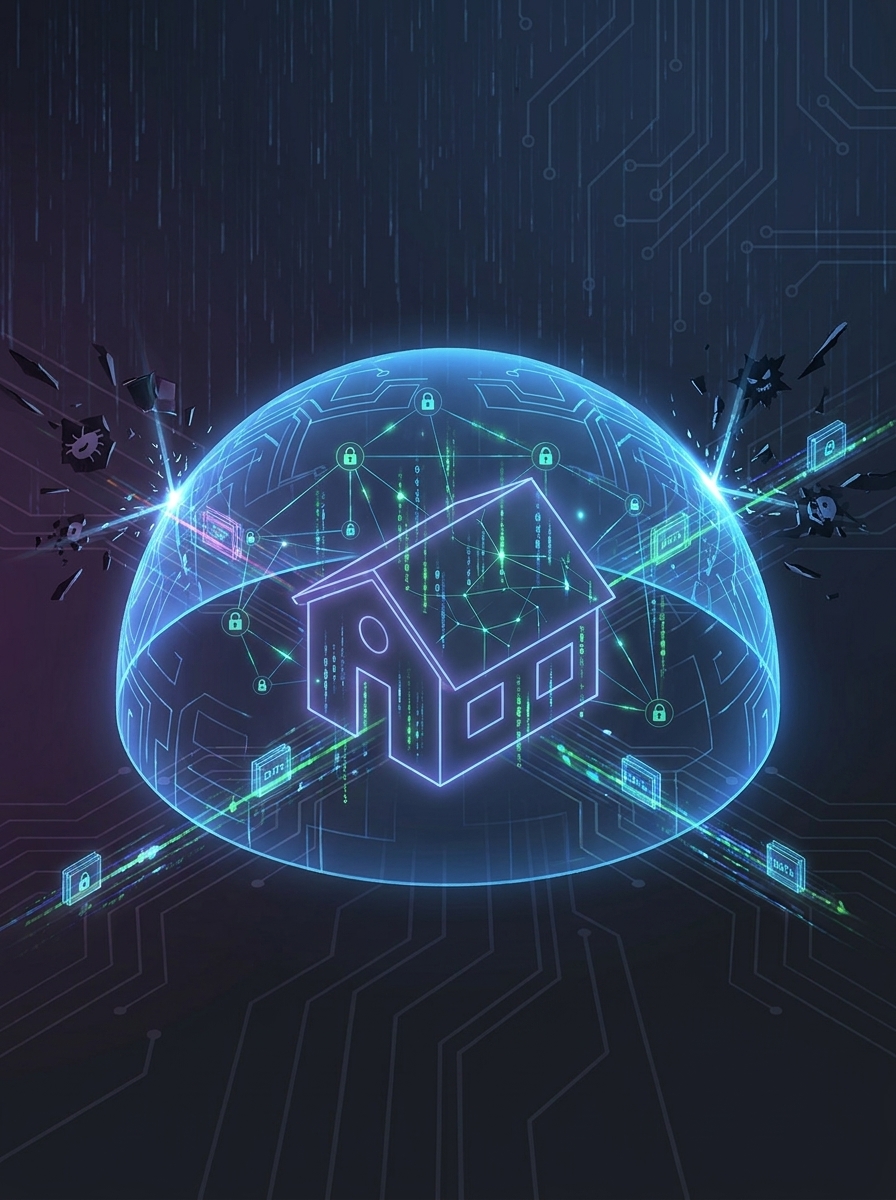
A dual-country home is easy to forget because it feels quiet, but its devices remain online. Change default passwords, use multifactor authentication where available, keep firmware current, and avoid exposing cameras, recorders, or automation hubs directly to the open internet. If your router supports it, keep IoT devices on a separate network from personal laptops and storage.
The public guidance from the NIST Cybersecurity for IoT program and the FTC home Wi-Fi security guide is worth checking before you hand the property to a dozen connected devices. For device compatibility, the Connectivity Standards Alliance Matter overview is useful background, and the ENERGY STAR smart thermostat page can help with thermostat research in the United States.
Setup steps before you leave the country
Before a long absence, do a full rehearsal while you are still in the home. Turn off the main water valve from the app and turn it back on. Cut power to the router briefly and confirm the UPS keeps the system alive. Trigger a leak sensor. Create and delete a guest access code. Review camera notifications. Ask your local contact to follow the written reset instructions while you watch.
If you are choosing a second-home market, local infrastructure matters as much as the view. Check fiber availability, mobile coverage, electrician and locksmith availability, building rules, insurance requirements, and whether backup internet is practical at the exact address. Commercial property portals, for example property for sale in Cyprus, can help you compare locations, but technical due diligence should happen before the purchase or renovation budget is locked.
Energy upgrades can also change the layout. Batteries, inverters, panels, and utility rooms need clearance, ventilation, and service access. If that is part of the plan, compare the smart-home layer with energy-efficient home upgrades that pay off so the automation brief and energy brief do not fight each other.
Final checklist before you leave
| Check | Pass condition |
|---|---|
| Internet failover | The home stays reachable after the primary connection drops. |
| UPS | Router, switch, security gateway, and hub keep running during a short outage. |
| Water shutoff | Leak alerts arrive, and the valve can close automatically or remotely. |
| Access codes | Guest and contractor codes are temporary, named, and easy to revoke. |
| Climate alerts | Temperature and humidity thresholds trigger messages before damage is likely. |
| Local contact | Someone nearby has instructions, emergency access, and permission to act. |
| Documentation | Router, breaker, valve, and device locations are photographed and labeled. |
The best lock-and-leave smart home is not the one with the most devices. It is the one that tells you what matters, ignores what does not, and gives a real person enough information to help when remote control reaches its limit.
Related smart home planning guides
- Invisible architecture: smart home tech features for modern interiors
- Modern electrical solutions for luxe living spaces
- Smart locks and interior design features
- Best types of blinds for modern homes
- Energy-efficient home upgrades that pay off
- Access control and building security ideas
- More architecture and home design ideas
Lock-and-leave smart home FAQ
What is a lock-and-leave smart home?
A lock-and-leave smart home is a property planned to stay secure, connected, dry, and energy-aware while the owner is away. The core layout includes reliable internet, leak protection, access control, security monitoring, climate automation, and a clear local fallback plan.
What should I install before leaving a home empty for months?
Prioritize wired network points, a router and switch on battery backup, leak sensors with an automatic shutoff valve, smart locks or access codes, cameras at entries, climate and humidity sensors, and surge protection. Cosmetic automations can wait until the safety layer is reliable.
How much does a remote-managed smart home cost?
Costs vary widely by country, property size, labor, and whether walls are already open. Budget separately for network hardware, electrical work, water shutoff, access control, cameras, sensors, subscriptions, and professional configuration. A retrofit usually costs more than planning it during renovation.
Can you retrofit an older property with smart home automation?
Yes, but the best approach depends on wall construction, electrical capacity, conduit access, internet options, and local code. Older masonry homes often need surface raceways, wireless sensors, or staged upgrades instead of a full hidden-wiring plan.
What internet speed does a remote smart home need?
Reliability matters more than a headline speed. Check the upload needed for your cameras, use wired Ethernet for fixed equipment where possible, and consider dual-WAN, cellular, or satellite backup if the local ISP is unreliable.
Is a smart home safe from hackers?
No connected home is risk-free, but the risk drops when you change default passwords, use multifactor authentication, update firmware, separate IoT devices from personal computers, and avoid exposing cameras or hubs directly to the internet.
What happens if the power goes out while I am abroad?
A remote home should keep the router, network switch, security gateway, key cameras, and automation hub on a UPS long enough to send alerts and bridge short outages. For longer outages, plan a local contact and consider solar battery, generator, or monitored utility alerts where practical.
Do I still need a local contact if the home is automated?
Yes. Automation can reduce routine check-ins, but it cannot mop up water, reset a tripped breaker, collect a delivery, or handle emergency access. Keep a trusted neighbor, manager, or contractor in the plan.
- 126shares
- Facebook0
- Pinterest126
- Twitter0
- Reddit0