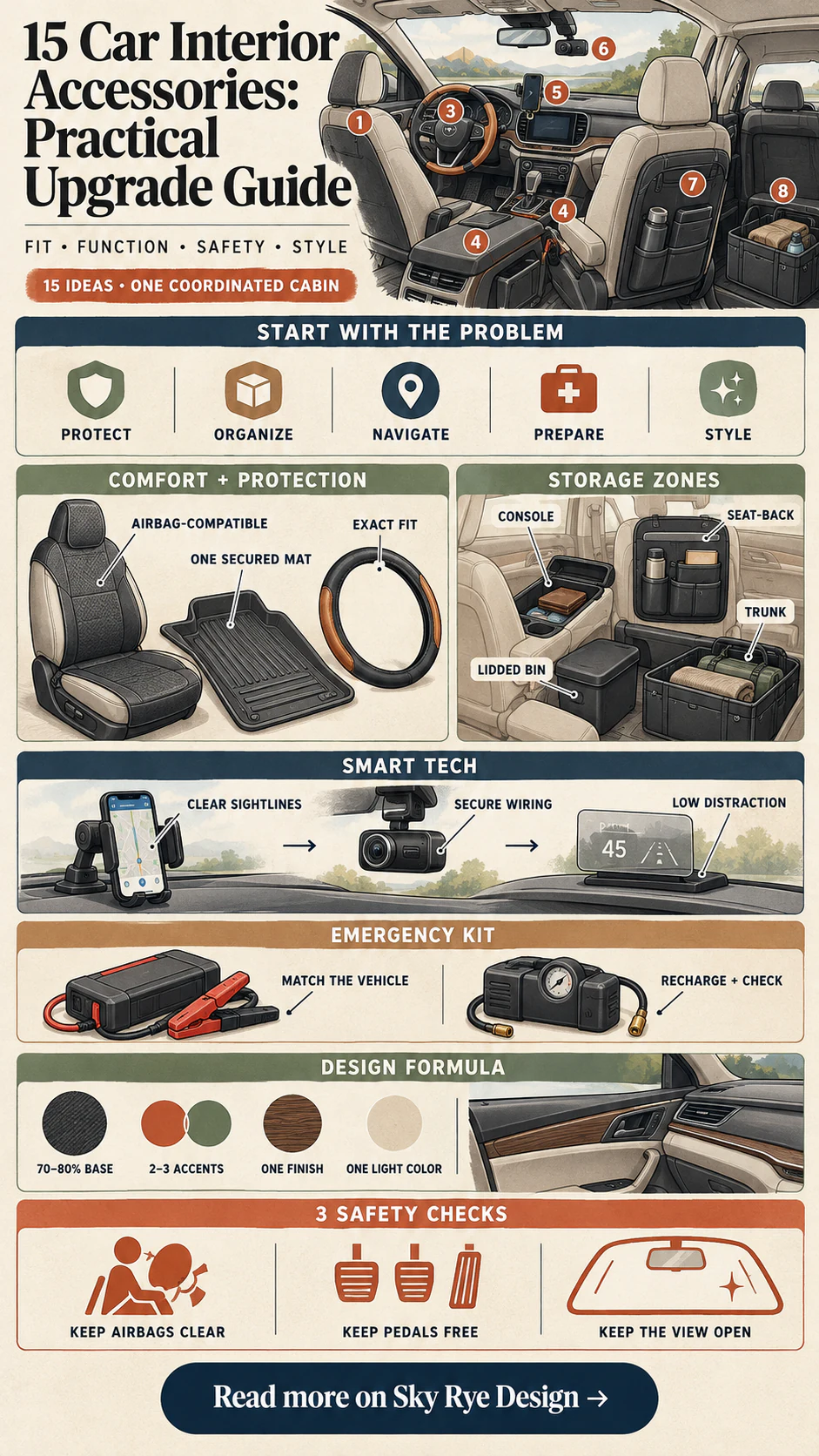
The most useful car interior accessories solve a specific cabin problem without interfering with visibility, controls, pedals, seat belts, or airbags. Start with fit, placement, and daily use; choose the color or finish after those checks pass. This guide compares 15 practical ideas for comfort, storage, technology, and style without treating every gadget as an essential purchase.
Use the vehicle owner’s manual as the final authority for airbag zones, seat systems, outlets, and approved mounting points. Accessories and local road rules vary, so a product that fits one model or jurisdiction may be unsuitable in another.
How to choose car interior accessories
Begin with a short audit of the cabin. Note what slides, spills, tangles, blocks a control, or takes too long to reach. Then measure the exact area and check the product dimensions against your trim level—not only the model name. A useful accessory should remain secure during braking, be easy to clean, and leave every safety system unobstructed.
| Need | Useful first upgrade | Check before buying |
|---|---|---|
| Protect upholstery | Vehicle-specific seat covers or floor liners | Side-airbag seams, sensors, buckles, pedal clearance |
| Reduce clutter | Console, seat-back, or trunk organizer | Secure attachment, passenger space, access to controls |
| Improve navigation | Stable phone mount and charger | Sight lines, airbag zones, heat, local mounting rules |
| Prepare for problems | Jump starter, tire inflator, flashlight | Correct ratings, storage temperature, charge schedule |
| Refresh the look | Coordinated mats, trim, or restrained lighting | Glare, loose parts, reversibility, material compatibility |
Safety and fit checks before installation
- Airbags and sensors: do not cover deployment seams, occupant sensors, warning labels, or the center of the steering wheel. NHTSA advises against reducing the effectiveness of vehicle safety features and discusses the side-airbag risk of incompatible seat covers in its seat-cover interpretation.
- Pedals: use one fitted mat per footwell, engage every retention clip, and test full pedal travel. NHTSA-hosted manufacturer guidance specifically warns about floor-mat interference with pedals.
- Visibility and attention: keep mounts, lighting, and hanging objects out of the driver’s view. A mount can hold a screen steady, but it does not make interaction safe; NHTSA defines phone, navigation, and entertainment use as potential driving distractions.
- Controls and restraints: confirm that organizers do not trap a seat belt, cover a latch, press a switch, or limit a seat’s movement. Recheck after a week because straps and adhesive pads can loosen.
Comfort and protection
1. Seat covers and cushions
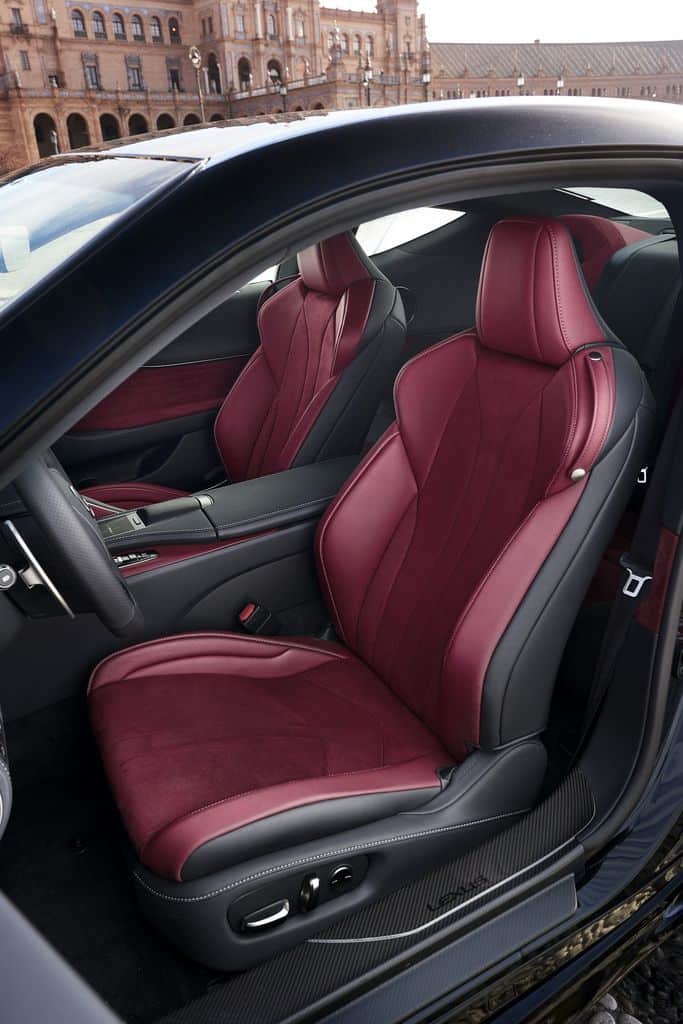
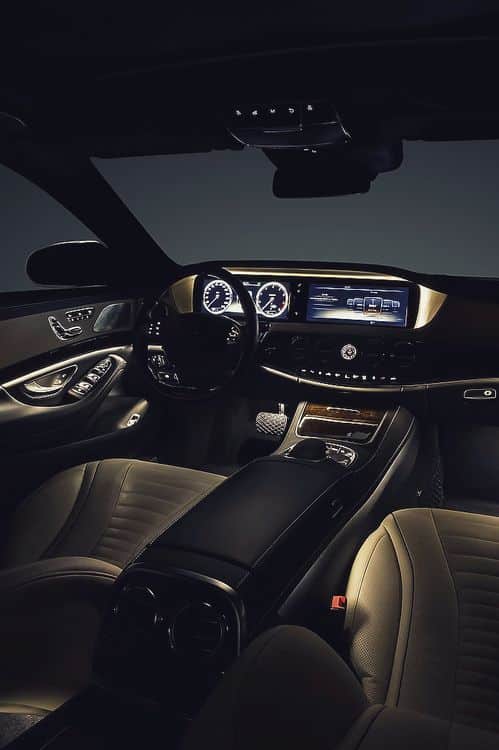
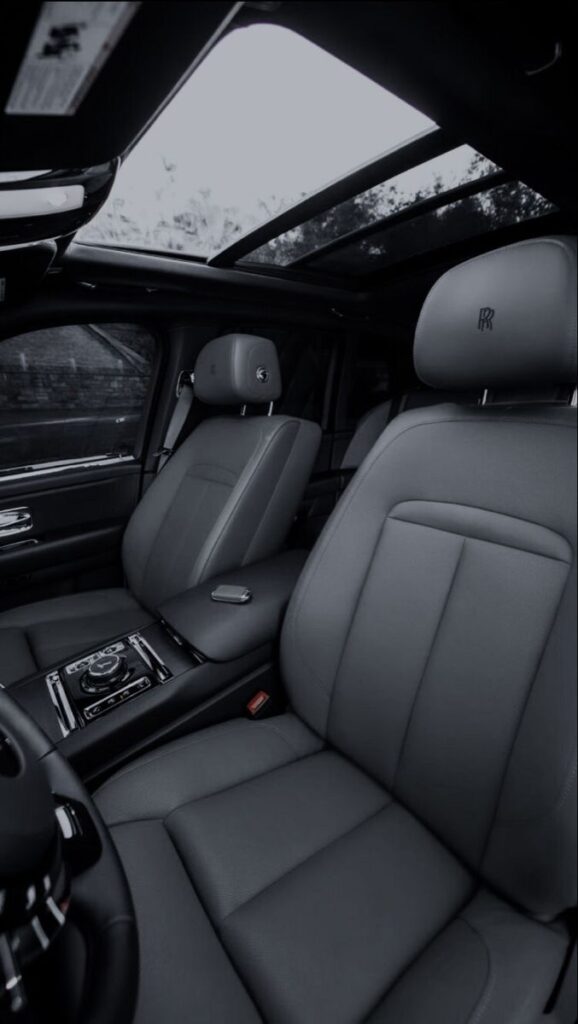
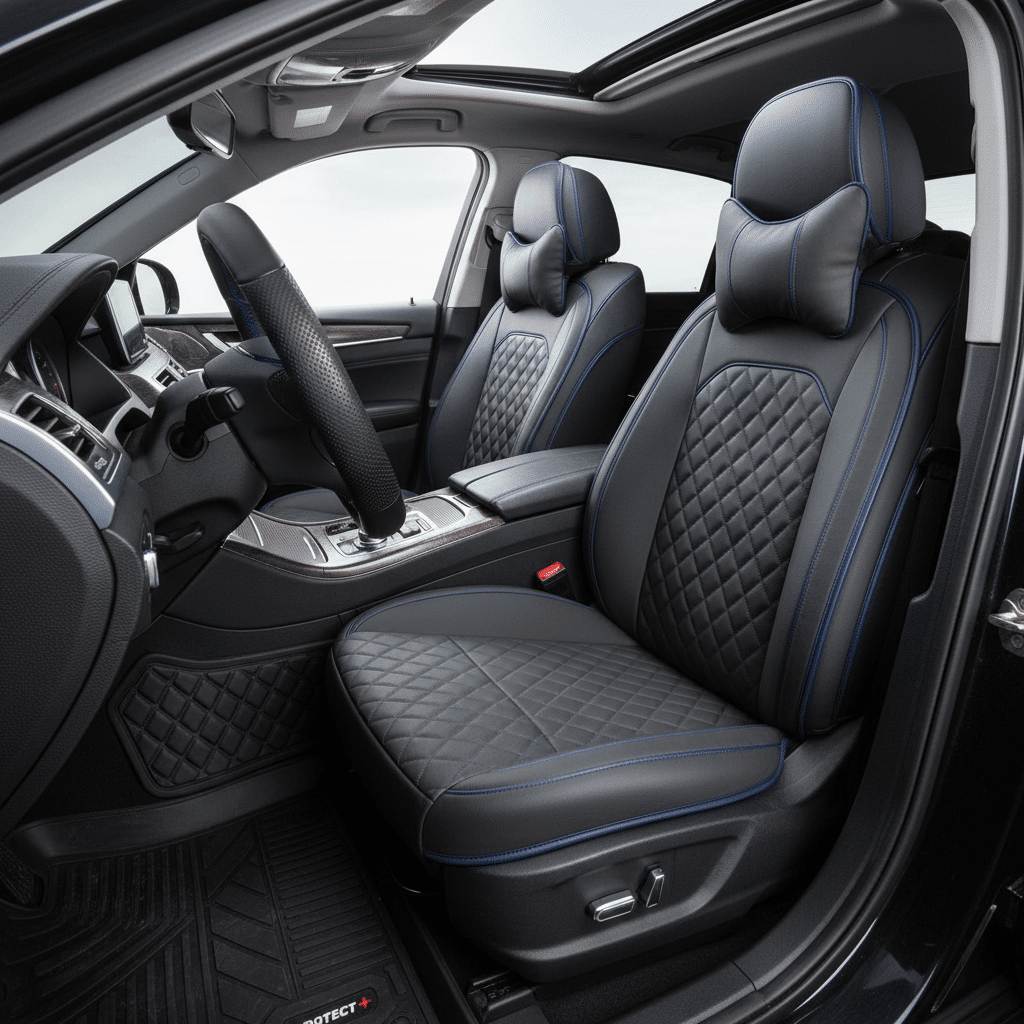
Seat covers are useful when the real problem is spills, pet hair, hot upholstery, or wear on a high-contact bolster. Choose a model-specific set that leaves head-restraint posts, seat controls, buckles, and any side-airbag seam free. A cushion should support your posture without raising you so high that your knees, steering-wheel reach, or mirror view changes.
For a coherent interior, match the cover’s undertone to the dashboard and door trim rather than trying to imitate a different material. Matte textile, perforated synthetic upholstery, and a restrained contrast stitch usually integrate more convincingly than a glossy universal cover.
2. Steering wheel covers
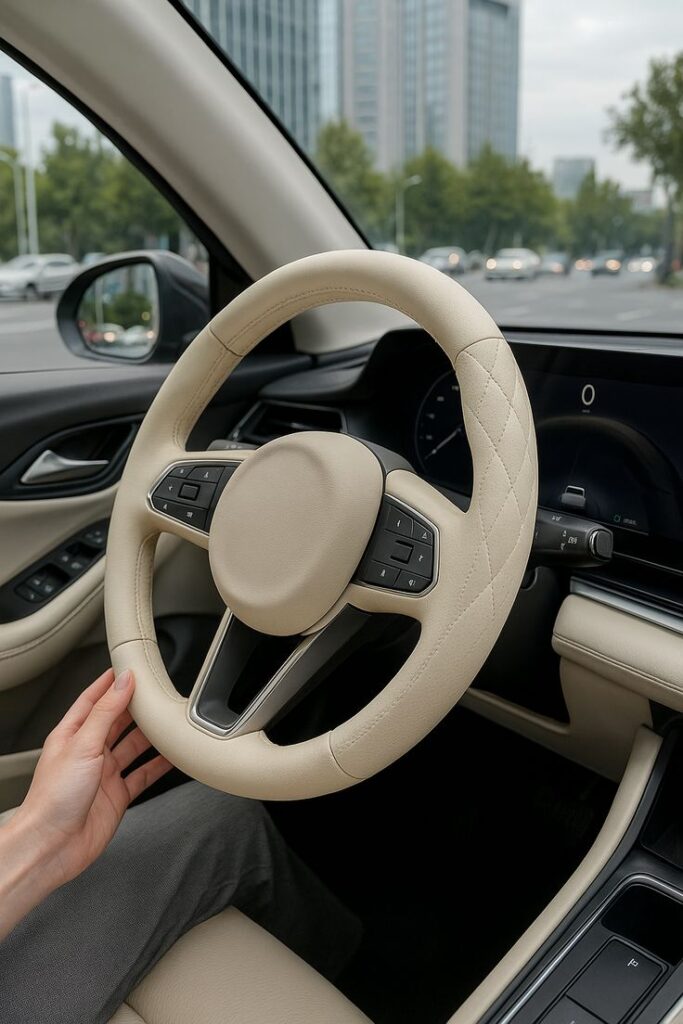
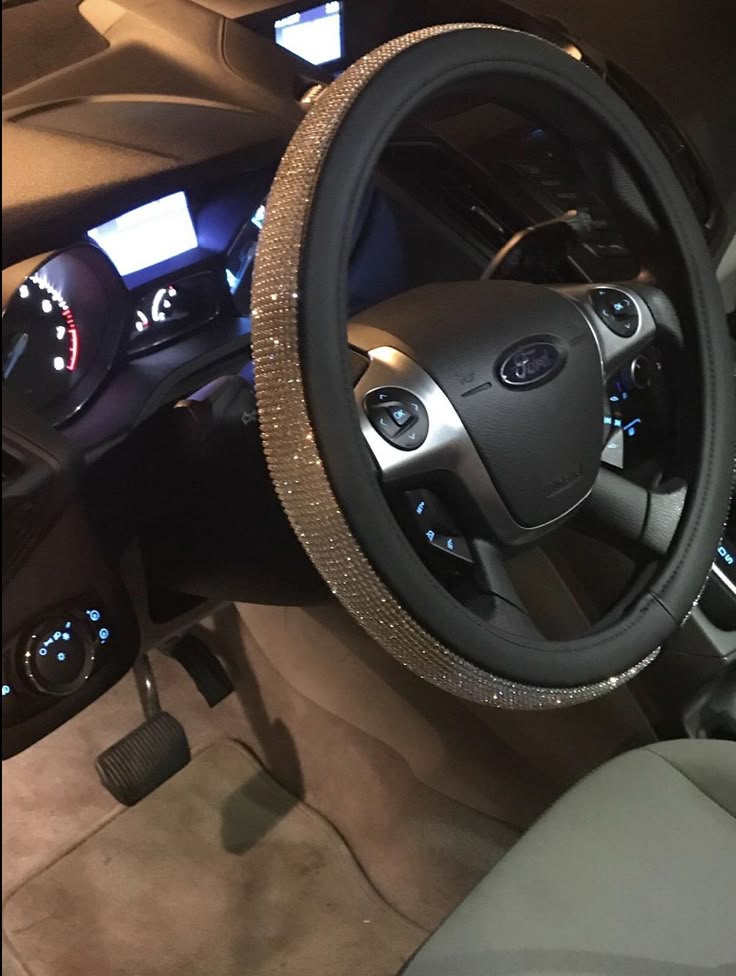
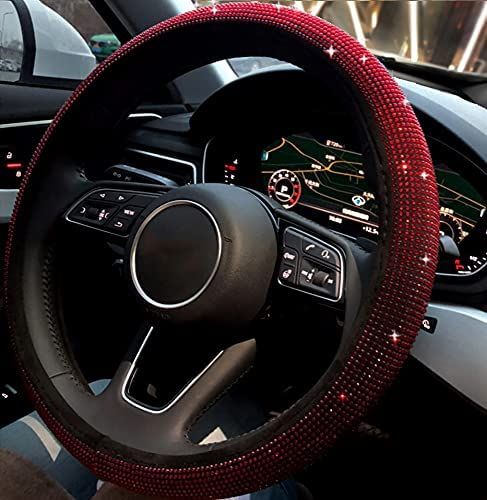
A steering wheel cover is optional, not a default upgrade. It must fit the wheel’s exact diameter and grip circumference, stay completely immobile under hand pressure, and leave switches and the central airbag cover untouched. Avoid bulky decoration or any cover that changes your grip enough to reduce control. If it rotates, bunches, smells strongly, or obscures heated-wheel guidance, remove it.
3. Floor mats and liners
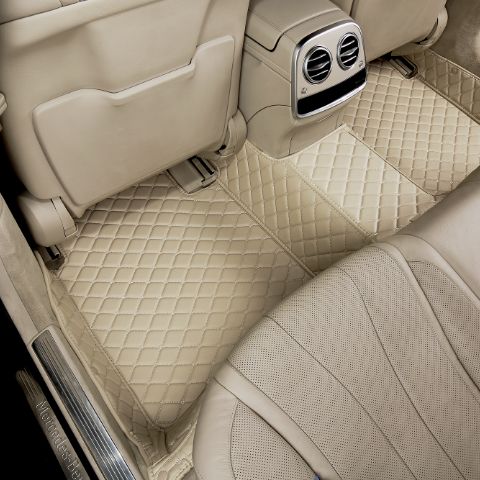
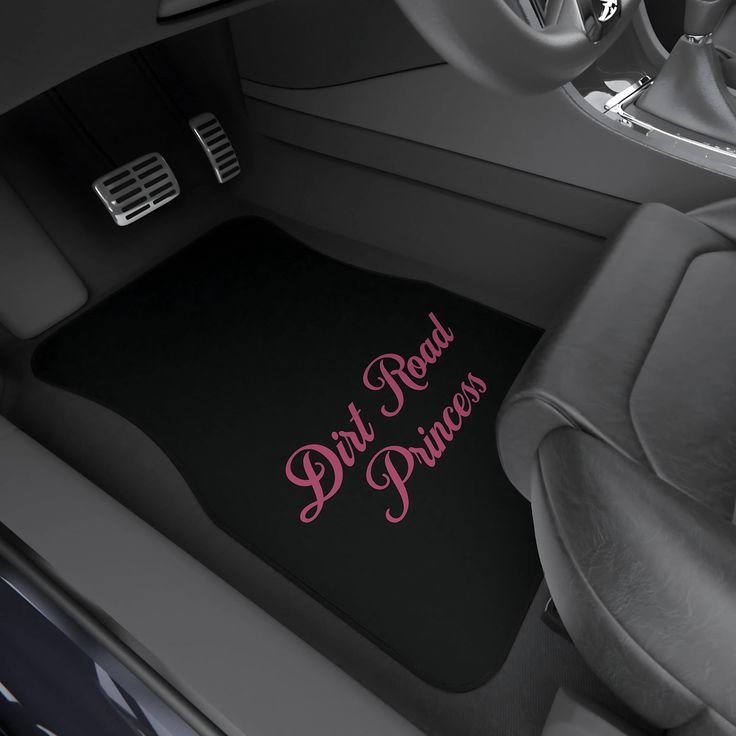
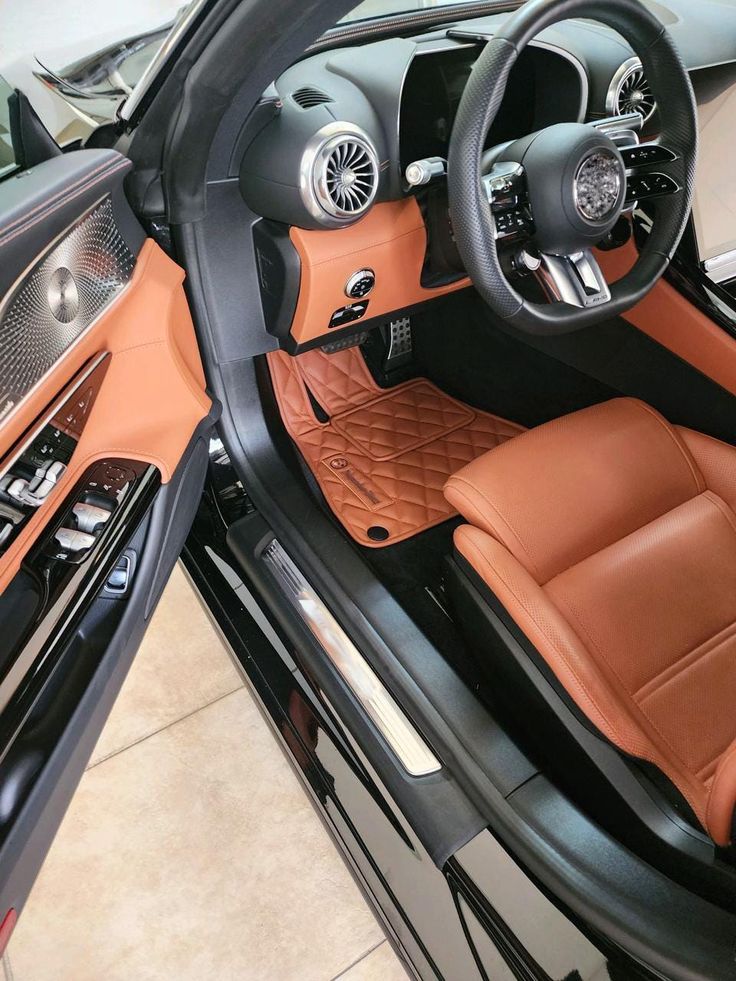
Floor liners are among the most practical car interior accessories because they contain water, grit, and mud at the source. Vehicle-specific liners should follow the footwell contours and use the factory retention system. Do not place a new mat over an existing one, and reject any raised edge that sits near the accelerator, brake, or clutch.
Choose rubber or thermoplastic for wet climates and carpet for a quieter, more formal look. The best visual result usually comes from matching the darkest permanent cabin surface, which makes the floor recede instead of becoming a decorative focal point.
Storage and organization
4. Console organizers and inserts
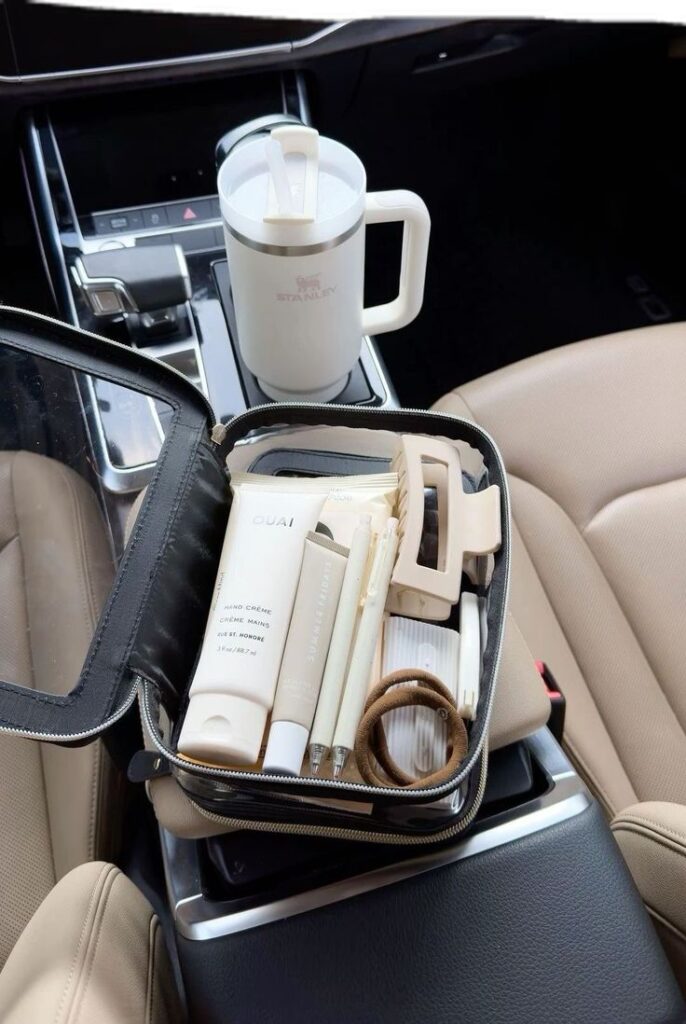
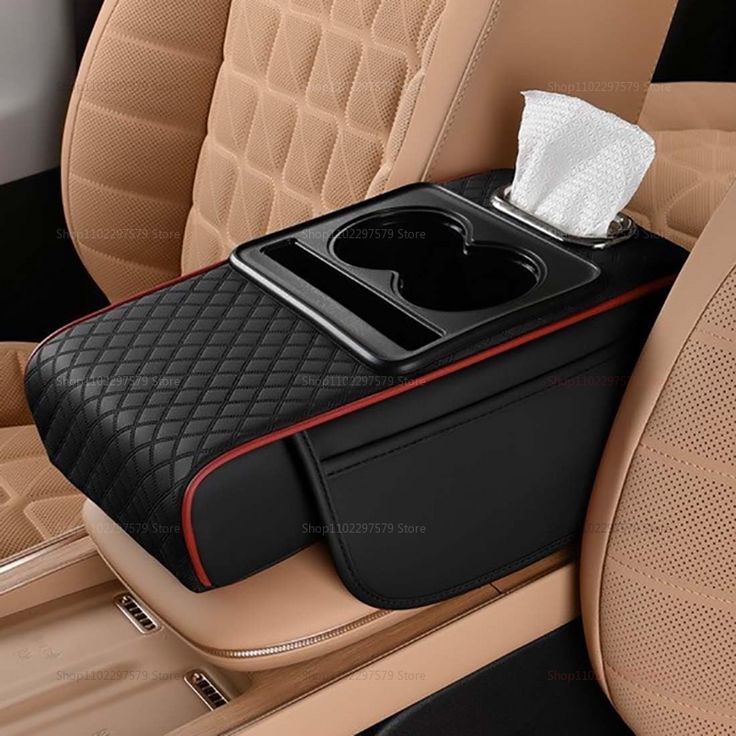
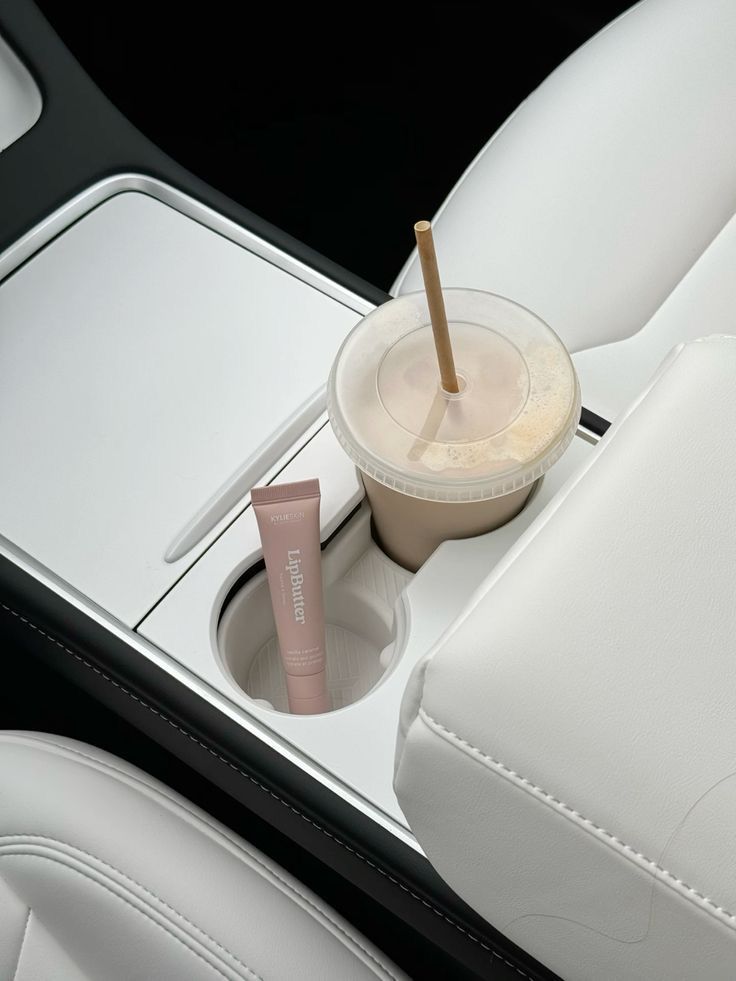
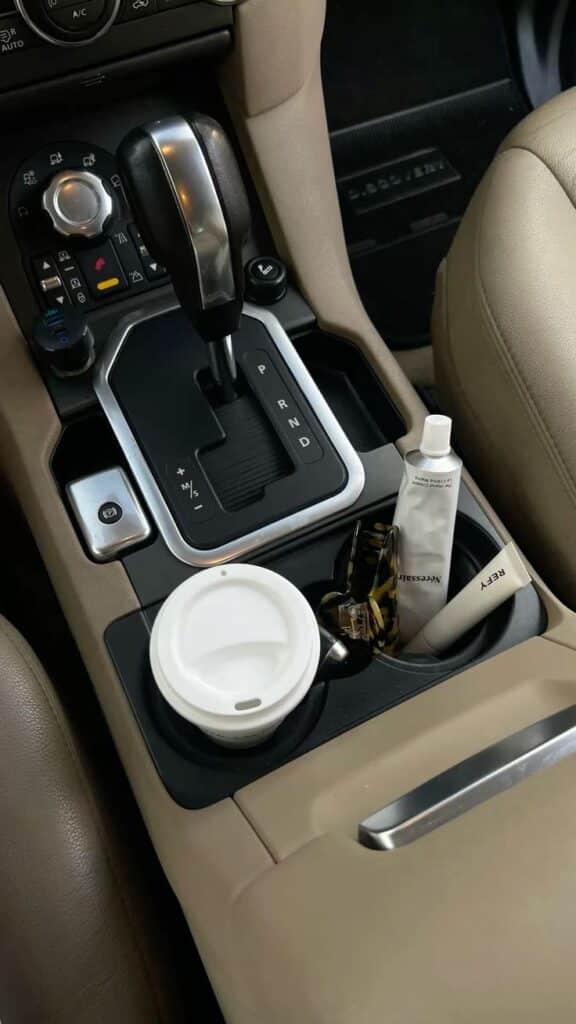
A console insert works when it gives frequently used items a fixed place: charging cable, parking card, sunglasses, or gate remote. Measure the console at its narrowest points and check access to USB ports, wireless charging pads, cup holders, and the parking brake. Removable trays are easier to clean and recover small objects from than deep open bins.
5. Seat-back organizers
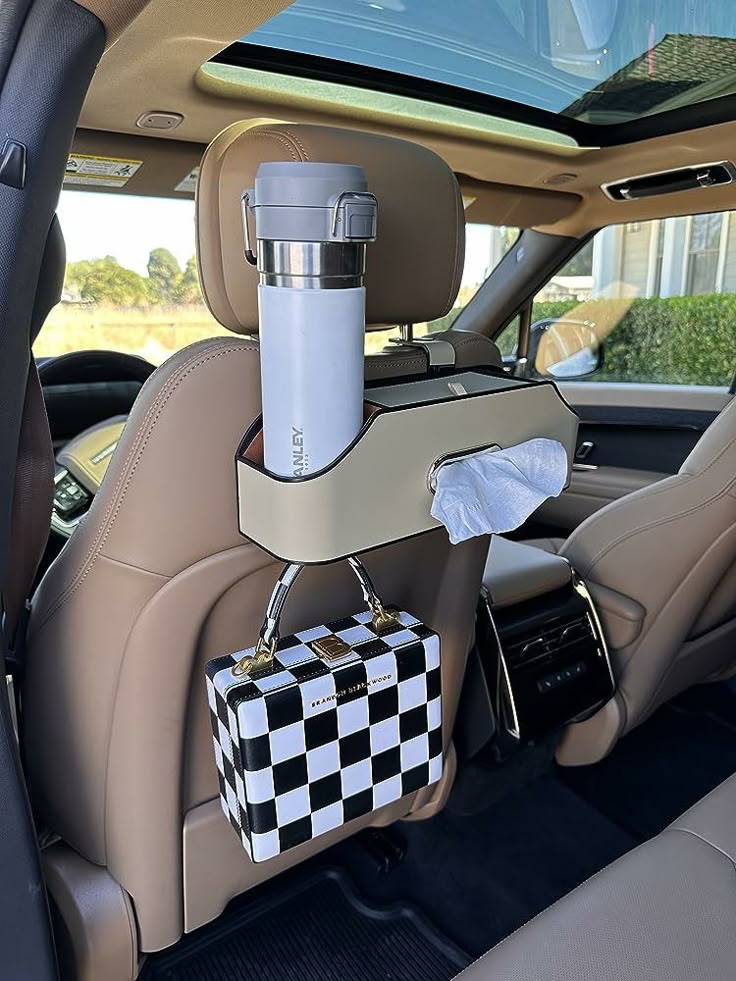
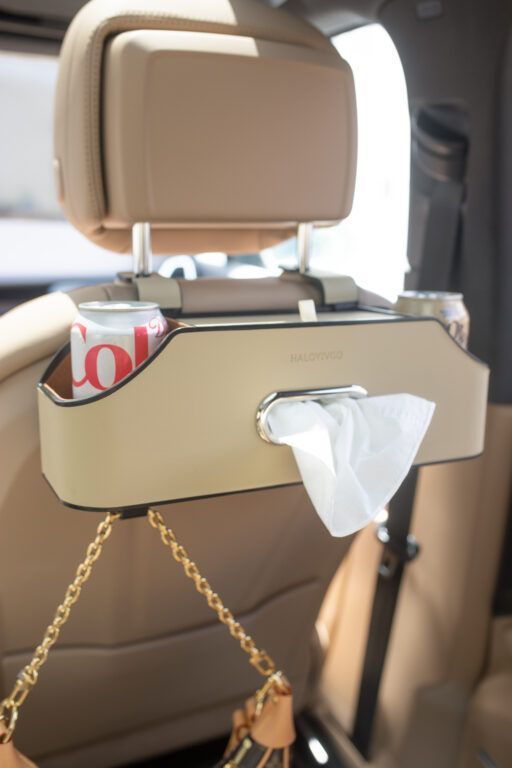
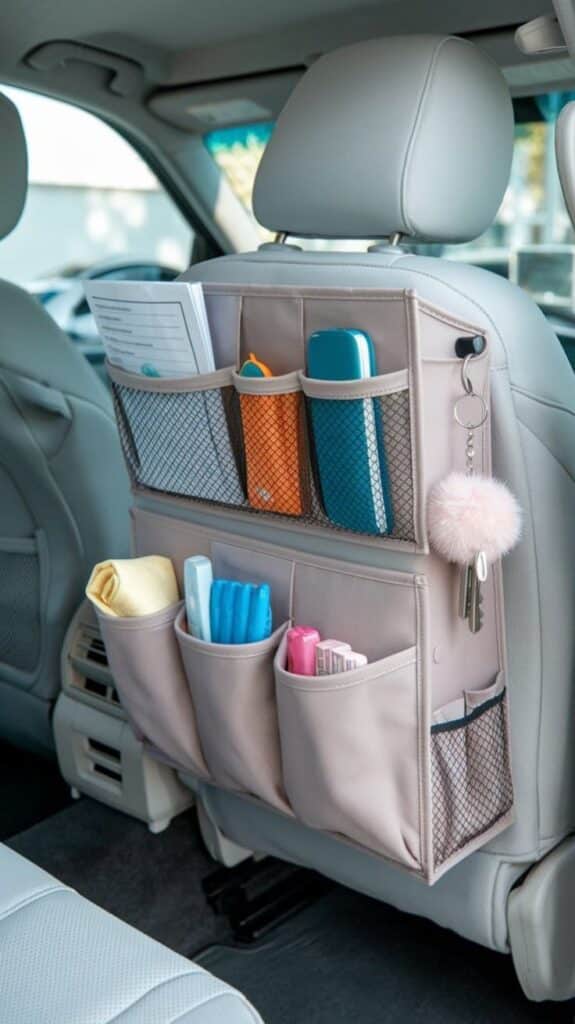
Seat-back organizers are useful for family trips and shared vehicles, but they should not restrict front-seat adjustment or interfere with a rear passenger’s knees. Put light, soft items in upper pockets and heavier items low. A tablet pocket is for passengers only; secure the device so it cannot become a loose object during hard braking.
6. Trunk organizers
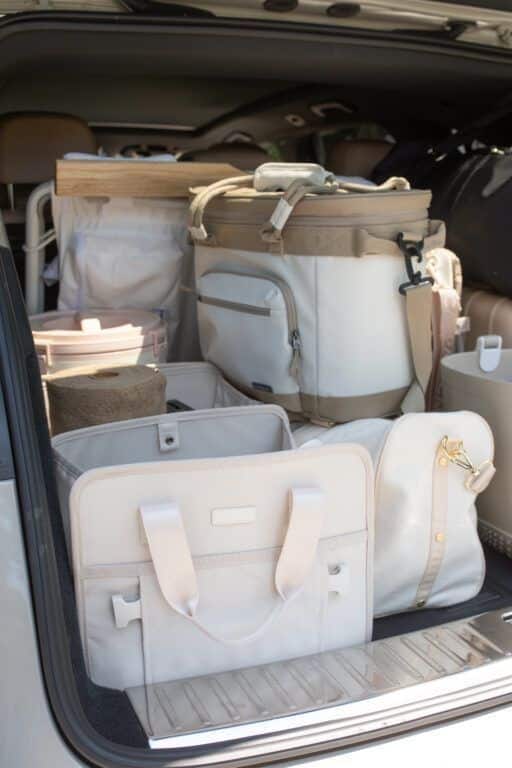
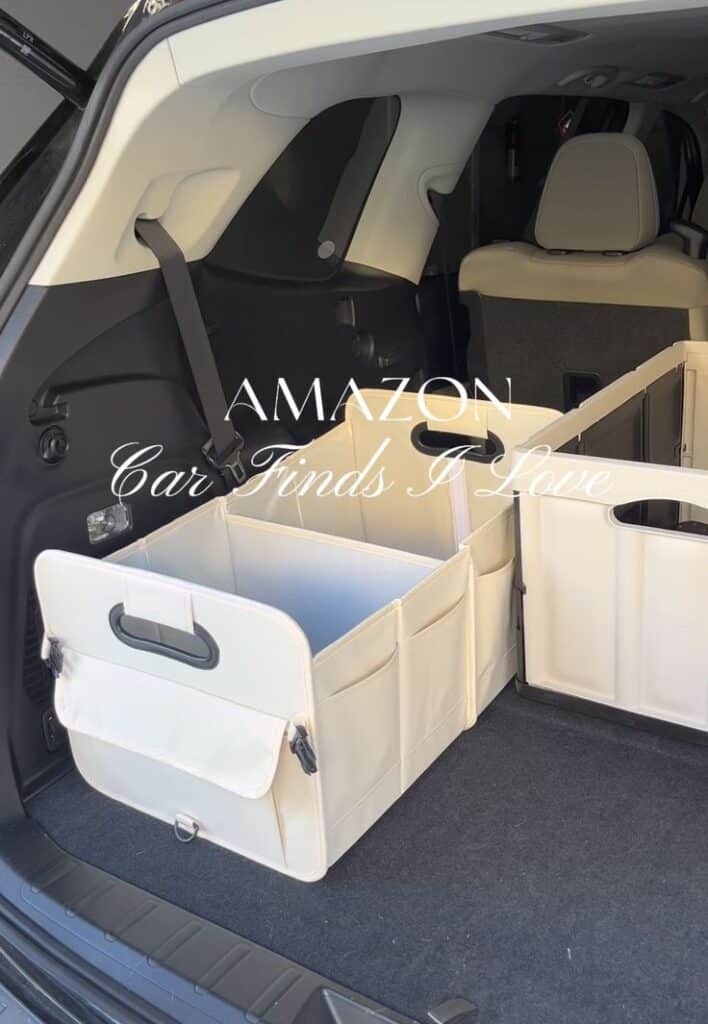

A collapsible trunk organizer separates groceries, detailing supplies, charging cables, and emergency gear without permanently consuming cargo space. Look for a rigid base, washable lining, handles, and straps or hook-and-loop panels that match the vehicle’s cargo surface. Keep the heaviest objects low and secured rather than relying on the organizer walls alone.
For a broader list of technology and emergency items, continue with our guide to car gadgets and accessories. This page stays focused on the interior fit and design decisions.
7. Compact car trash cans
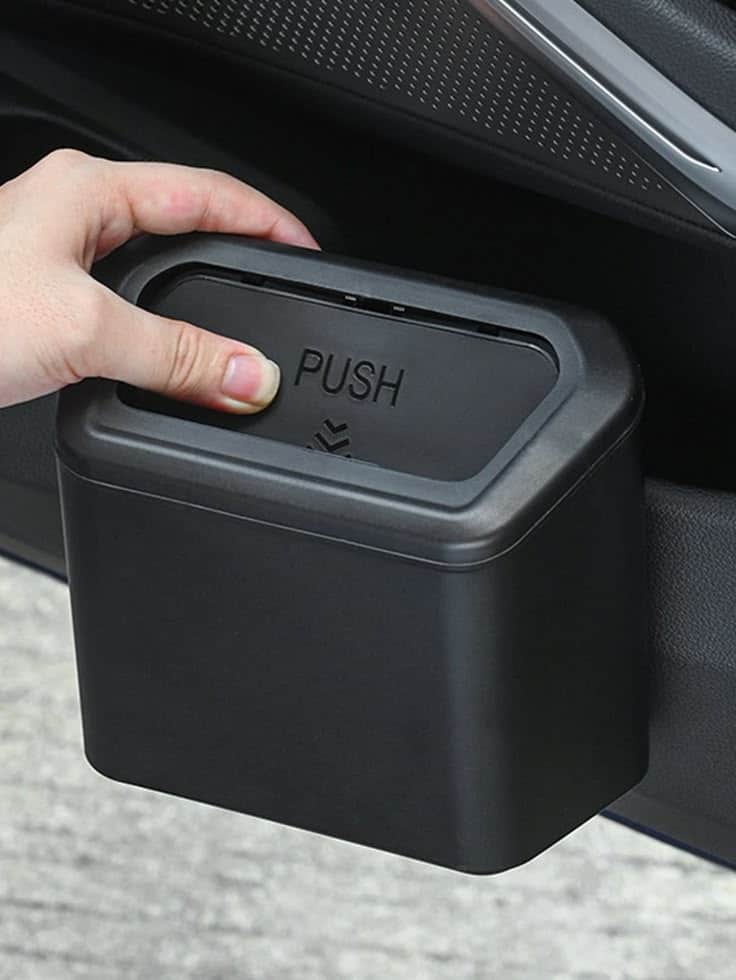
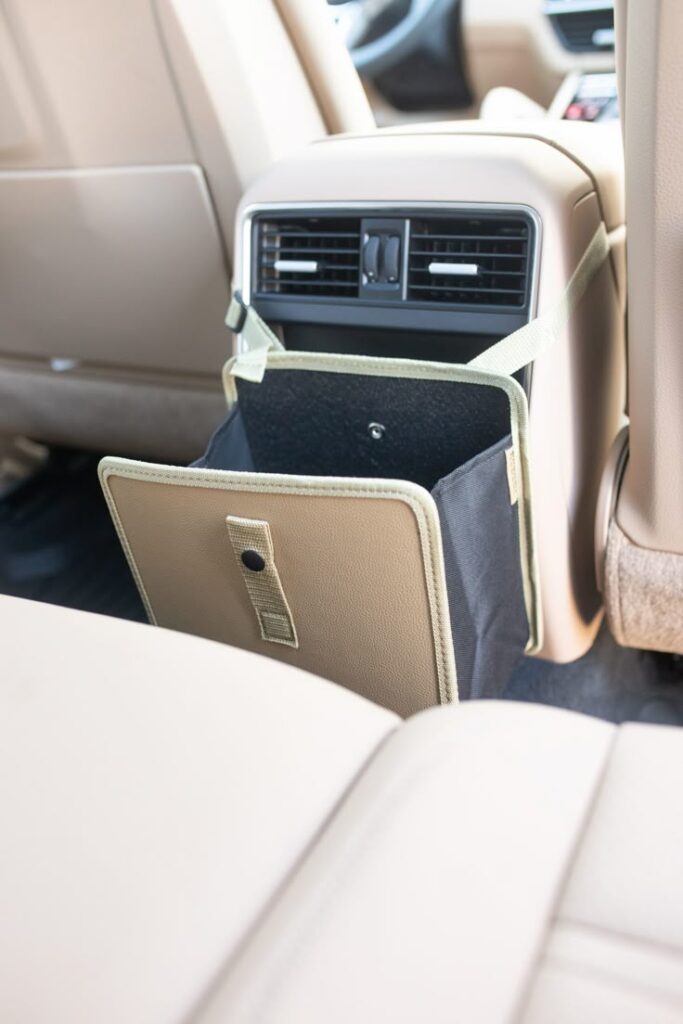
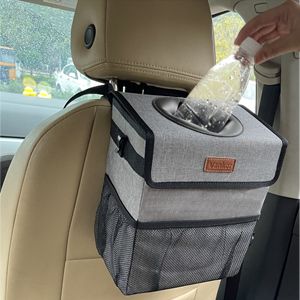
A small lidded bin prevents receipts and wrappers from migrating into door pockets and footwells. Choose a leak-resistant liner and a position that does not touch the driver’s legs, block a vent, or hang near pedals. Door-pocket and rear-console locations are usually easier to reach without compromising the driving area.
Technology and emergency equipment
8. Phone mounts and wireless chargers
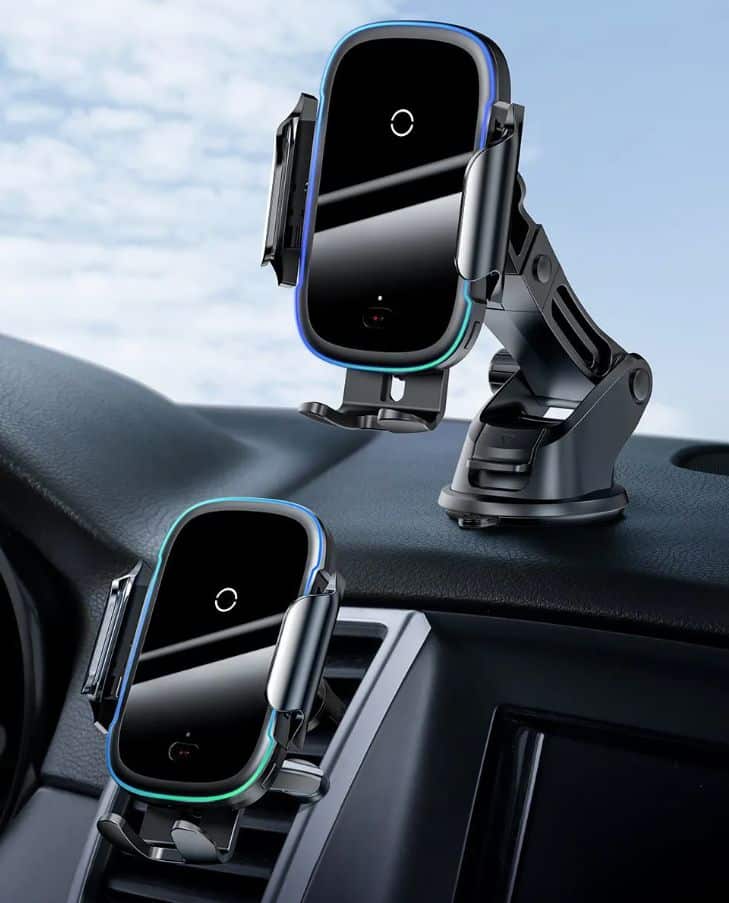
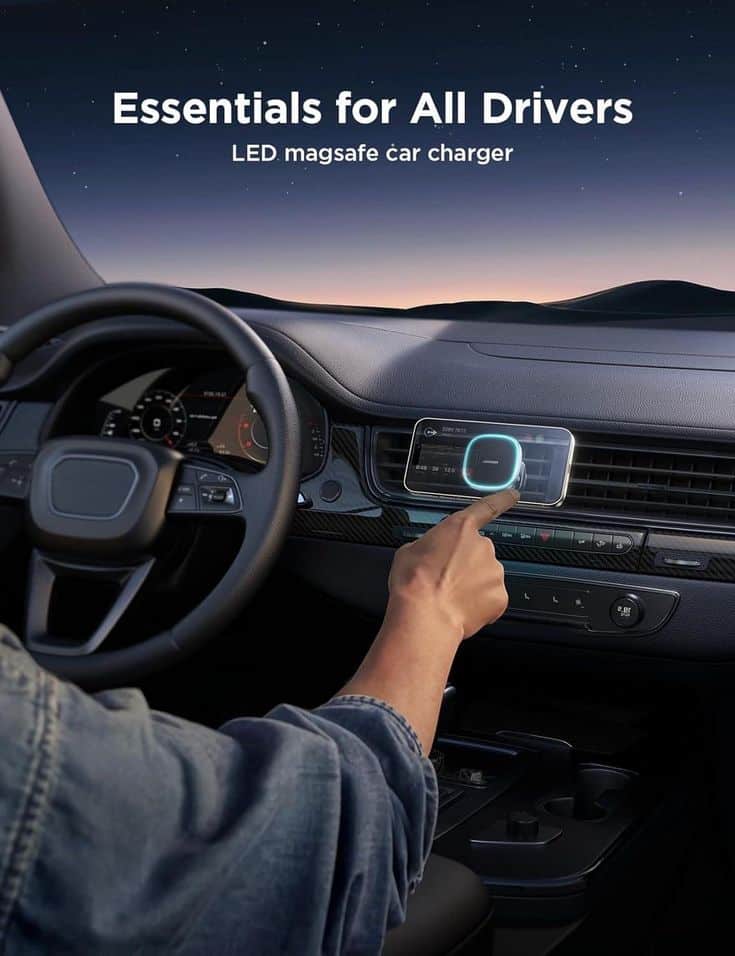
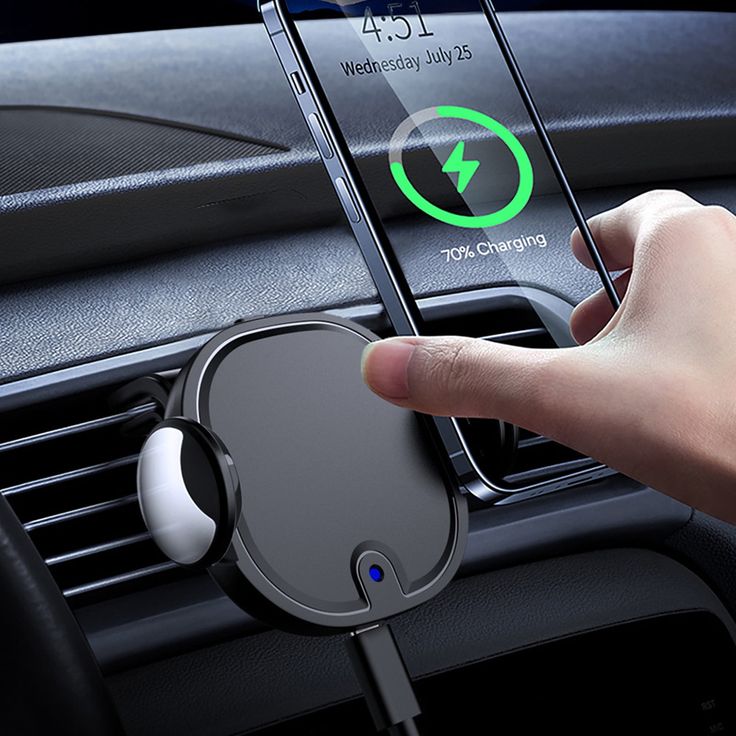
Choose a mount by location first and charging method second. It should hold the phone through bumps, remain readable with a brief glance, and avoid the windshield view, controls, mirrors, and airbag deployment paths. Vent mounts can obstruct airflow or overload fragile slats; adhesive mounts can react with textured dashboards; suction mounts need clean glass and local-law approval.
Set navigation and audio before the vehicle moves. For the wider interface principles behind glanceable information and control placement, see our guide to automotive UI design.
9. Dash cams
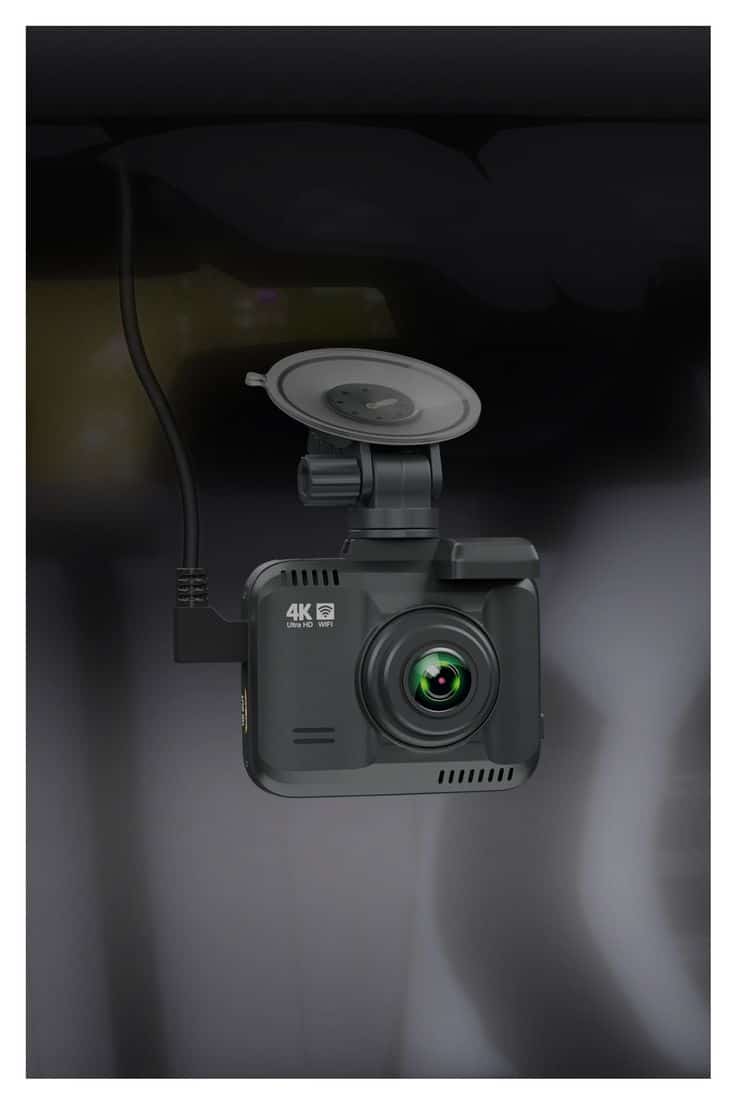

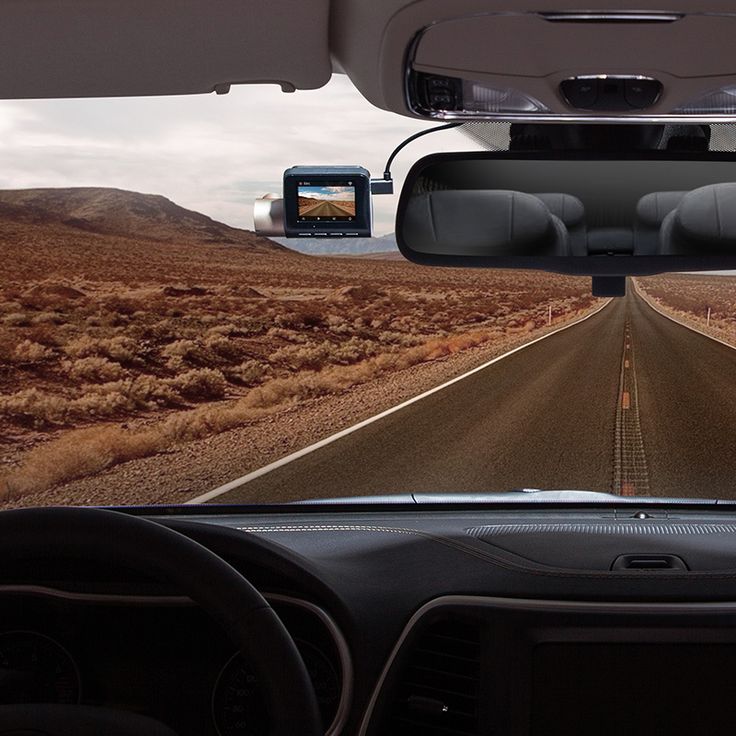
A dash cam needs a clean forward view, secure wiring, and a position outside the driver’s sight line. Check local rules for windshield mounting and audio recording, then route the cable without crossing airbags or hanging near pedals. Practical specifications include readable number plates in daylight, usable low-light footage, reliable loop recording, and a heat-rated power system.
10. Aftermarket head-up displays
An aftermarket HUD can place speed or navigation information near the driver’s forward view, but extra data is not automatically better. Check compatibility with the vehicle’s diagnostic port, windshield reflection, daytime brightness, startup behavior, and whether the display blocks any view. Compare the concept with our deeper explanation of head-up display design before choosing a unit.
11. Jump starters and tire inflators
These emergency tools belong in the trunk even though they are not decorative. Match a jump starter to the engine type and capacity, and choose an inflator with a clear pressure readout and a cable that reaches every tire. Record a recurring reminder to recharge the battery pack and inspect cables, because an unmaintained emergency tool creates false confidence.

Cold weather changes battery performance, tire pressure, and the usefulness of emergency equipment. Use our winter car care checklist to adapt the kit to the season.
Style and cabin atmosphere
12. Ambient lighting kits
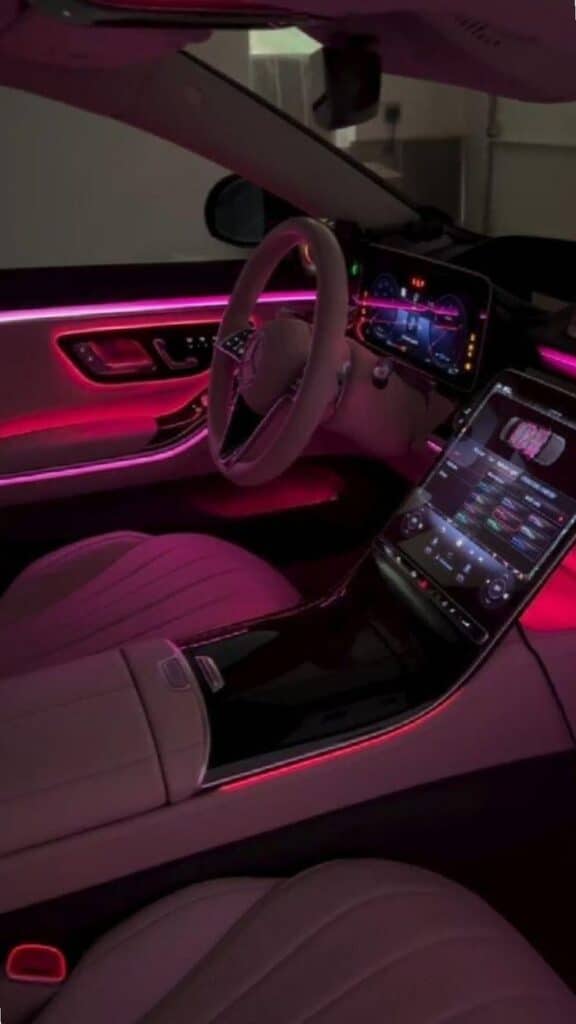

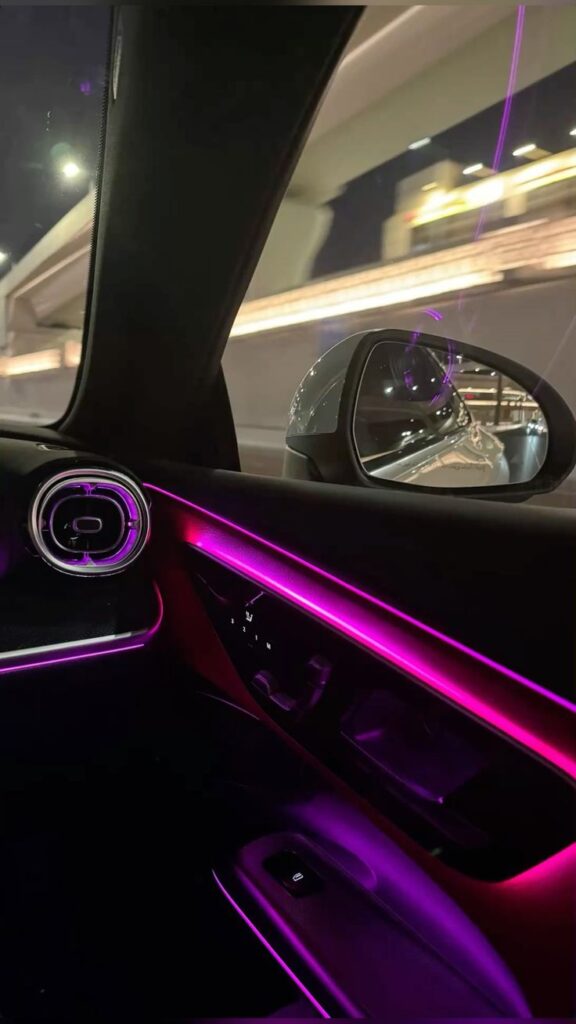
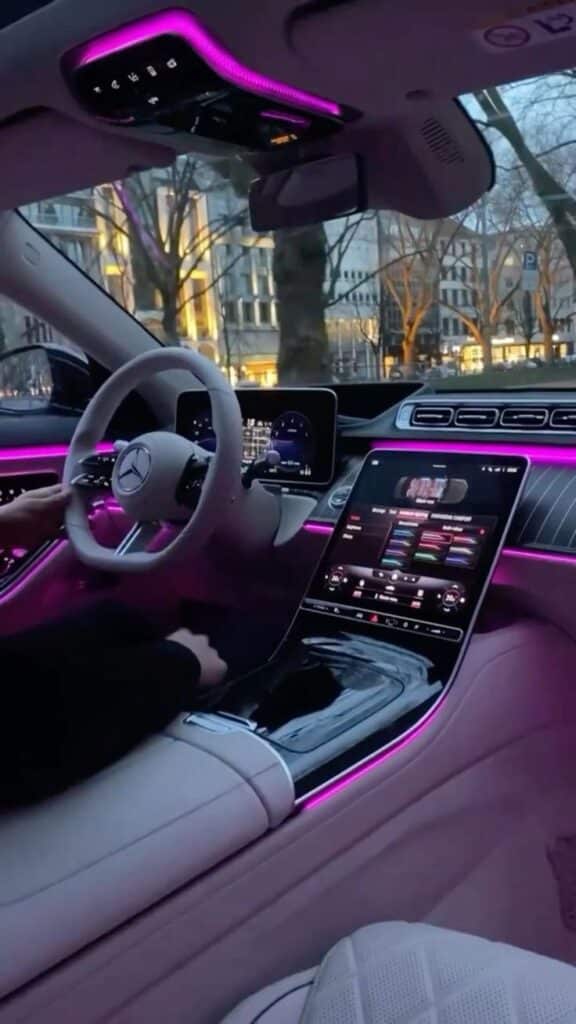
Ambient lighting works best as reflected light in footwells or under trim, not as visible points in the driver’s eye line. Use low brightness, one consistent color temperature, hidden wiring, and a fuse-protected power source. Avoid flashing or music-reactive modes while driving, and check local rules before adding any color that could be confused with emergency lighting.
13. Shift knobs and pedal covers
Touch points can change the cabin’s character, but they must remain secure and correctly sized. A replacement shift knob must preserve the lockout or release mechanism where fitted. Pedal covers need model-specific attachment, non-slip surfaces, full clearance, and immediate removal if they flex, shift, or catch footwear. Cosmetic gain never justifies uncertainty at a control surface.
14. Trim kits and removable wraps
Trim overlays and vinyl can refresh scratched or mismatched surfaces, but restraint matters. Pick one finish family—matte black, satin metal, warm wood, or a limited carbon-fiber accent—and repeat it only where the factory design already creates a visual boundary. Keep material away from screens, vents, switches, warning labels, and airbag panels.
If the cabin needs a full visual reset rather than isolated accessories, study the principles in our guide to functional car interior design. Designers coordinate ergonomics, sight lines, material transitions, and controls before choosing decorative details.
15. Air fresheners and diffusers
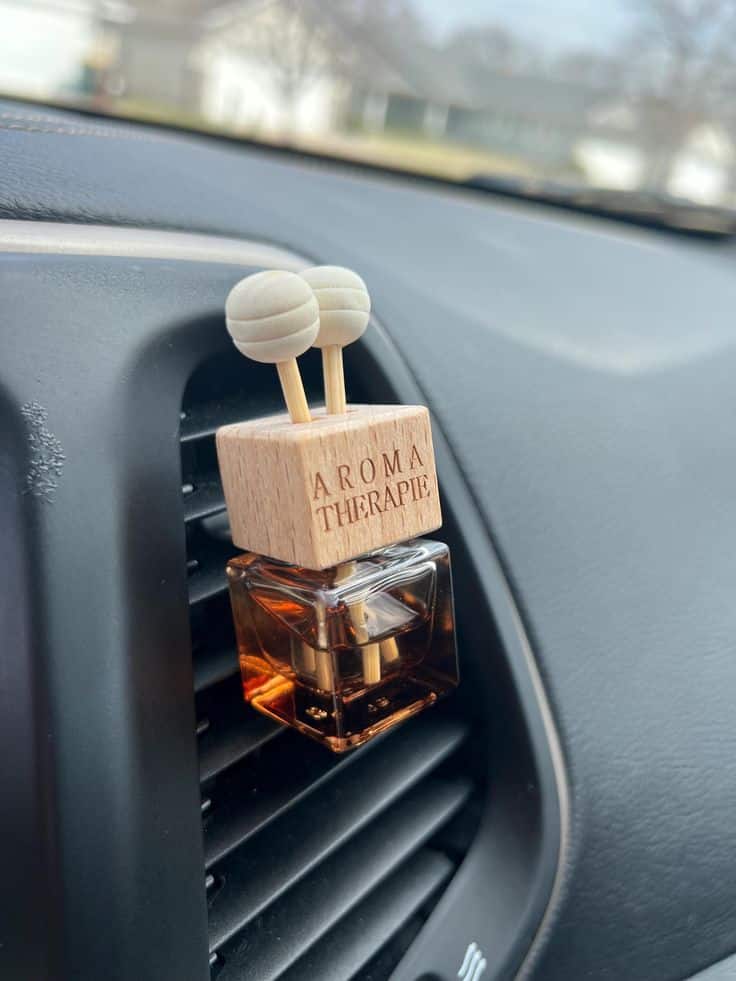
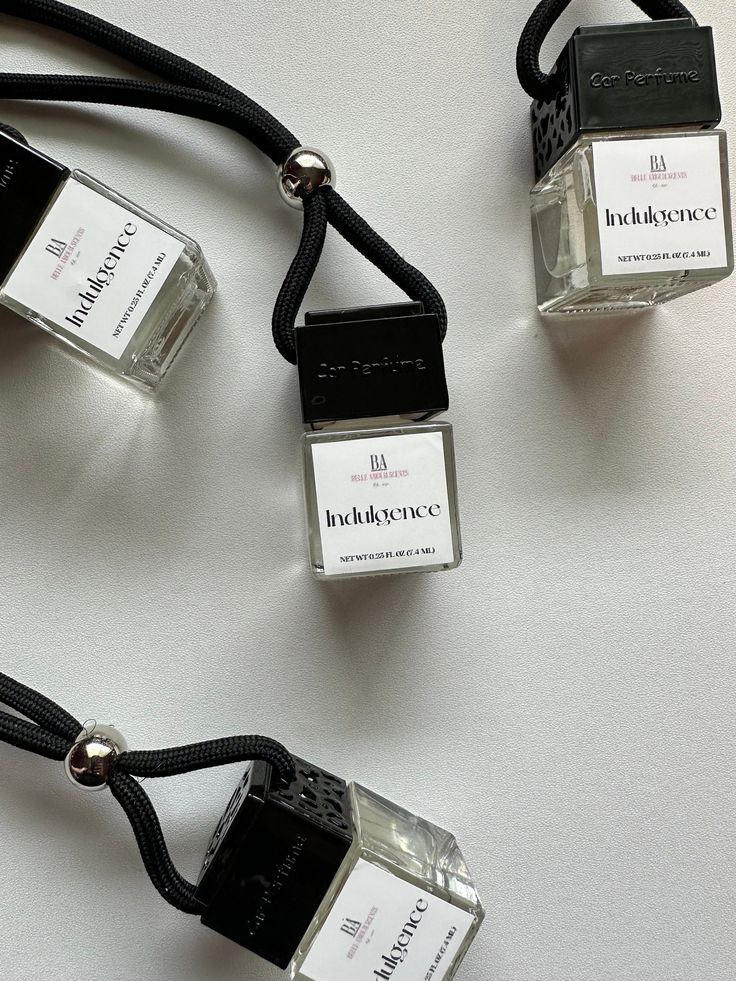
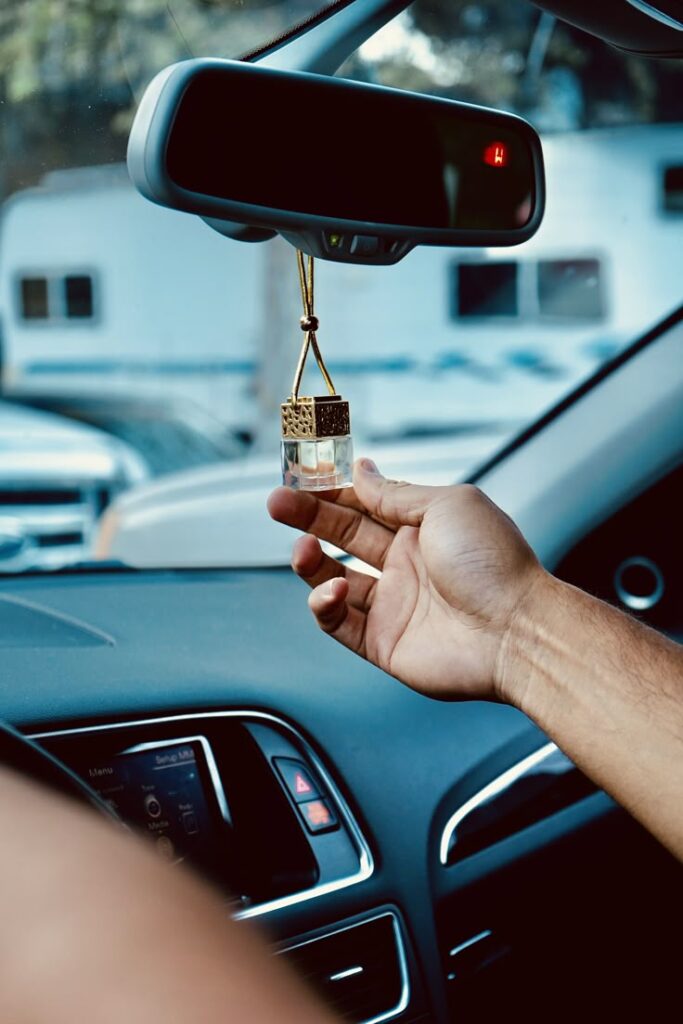
Fragrance should follow cleaning, not replace it. Remove the source of an odor, clean soft surfaces, and change the cabin filter when appropriate before adding scent. Choose a small, stable diffuser that does not leak onto plastic, leather, or electronics; keep it away from children and pets, and stop using it if anyone experiences irritation.
For natural options, diffuser formats, and odor-control routines, see our dedicated guide to car aroma ideas.
Build a coordinated car interior, not a collection of gadgets
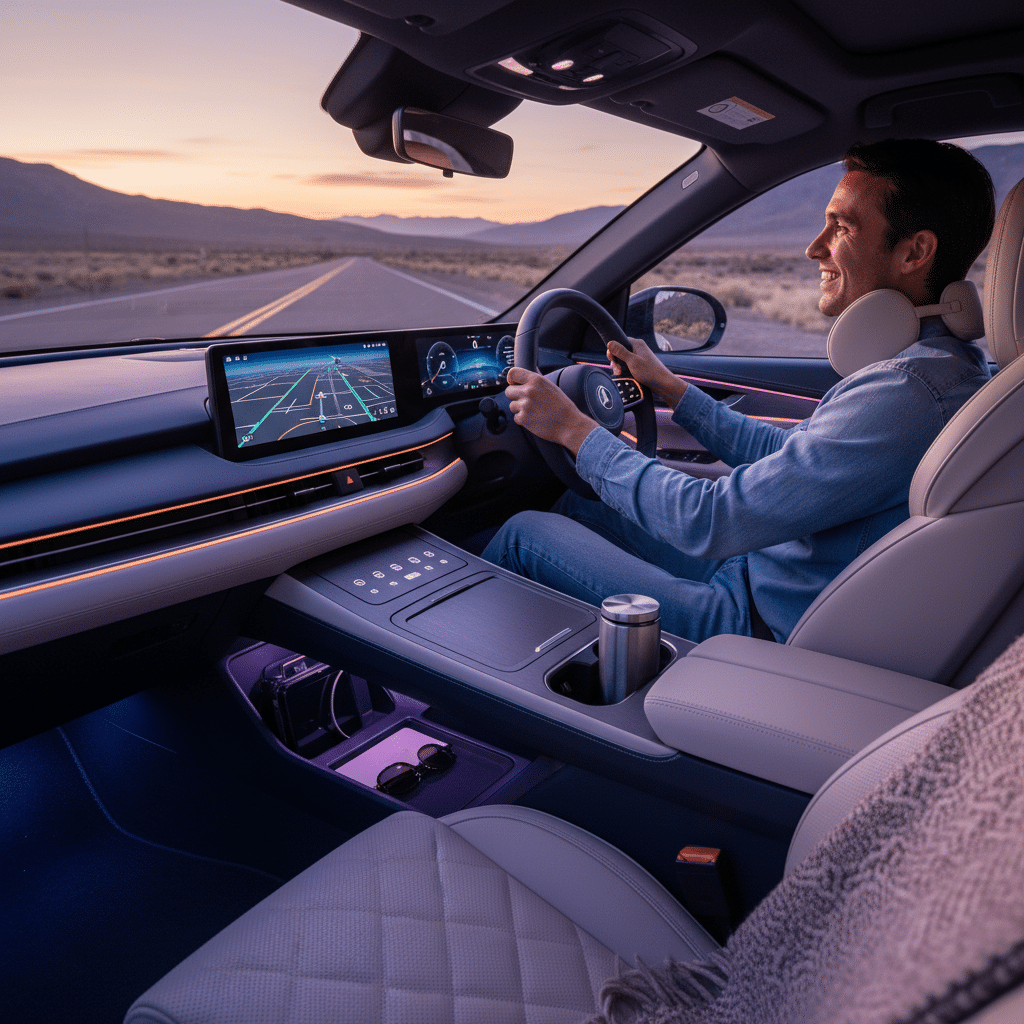
Use a simple three-part palette: one base color from the dashboard or seats, one accent color, and one repeated finish. For example, a charcoal cabin can use black organizers, muted red stitching, and satin metal hardware. Repeat the accent two or three times at most. This creates rhythm without making every surface compete for attention.
| Layer | Design decision | Good limit |
|---|---|---|
| Base | Match permanent upholstery and dashboard | About 70–80% of visible accessories |
| Accent | Repeat one restrained color in stitching or small parts | Two or three locations |
| Finish | Choose matte, satin, gloss, wood, or woven texture | One dominant finish family |
| Light | Use low-level indirect illumination | One color while driving |
| Editing | Remove anything that blocks, rattles, or lacks a job | Review after one week |
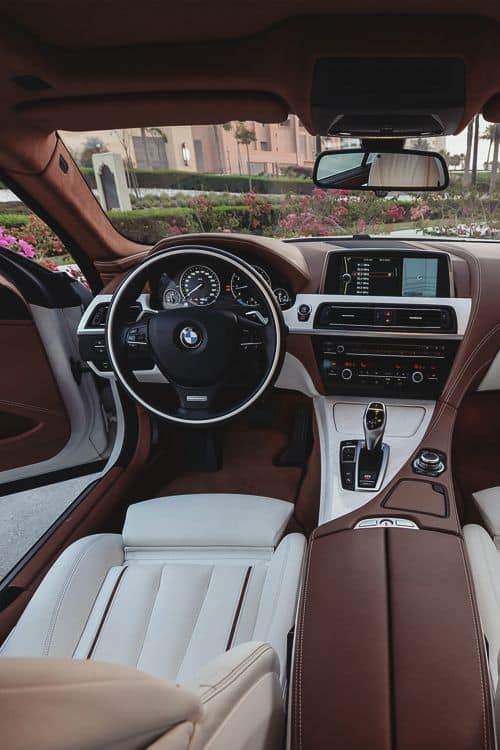
The final check happens from the driver’s seat, not from a product photo. Adjust the seat and mirrors, turn the wheel fully, operate every pedal, open each compartment, and look through the windshield in daylight and darkness. Then take a short drive on a familiar route and listen for movement or rattles. Remove any accessory that makes a control slower to reach or the cabin harder to read.
Routine use matters more than showroom appearance. Our guide to driving habits that can damage a car helps connect interior organization with wider vehicle care, while the DIY car upgrades guide separates simple reversible projects from modifications that need more planning.
Frequently asked questions
Which car interior accessories should I buy first?
Start with the problem you notice every week. Choose fitted floor liners for dirt and spills, a console or trunk organizer for clutter, or a stable charging setup for navigation. Solve one recurring problem before adding decorative pieces; this keeps the cabin easier to use and visually calmer.
Are seat covers safe with side airbags?
Only use covers that the manufacturer identifies as compatible with your exact seat and its side-airbag system. Do not cover an airbag seam, label, buckle, occupancy sensor, or control. Check the vehicle owner’s manual and the cover maker’s fit instructions before installation.
Can aftermarket floor mats interfere with the pedals?
Yes. An oversized, loose, or stacked mat can move into the pedal area. Use one vehicle-specific mat, lock it to the factory retention points, and confirm full accelerator, brake, and clutch travel before driving.
Where should a phone mount be placed in a car?
Place it where it does not block the windshield, mirrors, controls, vents, or any airbag deployment area. The exact legal position varies by location, so check local rules. Set the route before moving and do not type, scroll, or adjust the phone while driving.
How can I make car accessories look coordinated?
Choose one base color, one accent color, and one finish family. Repeat those choices across mats, organizers, stitching, trim, and lighting, then remove anything that does not solve a practical need or support the palette. Fewer coordinated pieces usually look more intentional than many unrelated accessories.
- 333shares
- Facebook0
- Pinterest330
- Twitter3
- Reddit0