A mini 3D printer is the easiest way to bring printing into a small home workshop without giving up your whole desk. The best choice depends on what you print most: tiny display models, tabletop pieces, school projects, or practical parts that need a little more strength.
Use this guide as a practical shortlist, not a hype list. Some of these compact printers are older favorites, so check current availability before buying; the useful comparison is how each machine handles space, setup, print quality, and beginner frustration.
Best mini 3D printers at a glance
If you want the quickest answer, start with the Prusa Mini+ for reliable small-format printing, the Monoprice Select Mini V2 for a low-cost learning machine, or the FlashForge Finder if ease of use matters more than material range.
| Printer | Best fit | Main tradeoff |
|---|---|---|
| Prusa Mini+ | Reliable compact printing with strong community support | Costs more than the cheapest beginner models |
| Monoprice Select Mini V2 | Budget-friendly first printer for PLA practice | Small build area and limited ABS performance |
| Creality Ender 3 Pro | Hobbyists who like tuning and upgrades | Needs assembly, calibration, and patience |
| FlashForge Finder | Schools, families, and simple PLA projects | Limited material options |
| Anycubic i3 Mega | Beginners who want a sturdy frame and heated bed | May need careful calibration for the best results |
Disclosure: This post contains affiliate links. As an Amazon Associate I earn from qualifying purchases. If you buy through links in this post, we may earn a small commission at no extra cost to you.
1) Prusa Mini+
The Prusa Mini+ stands out as the top choice for compact 3D printing. You get exceptional print quality in a space-saving design that fits perfectly on any desk.
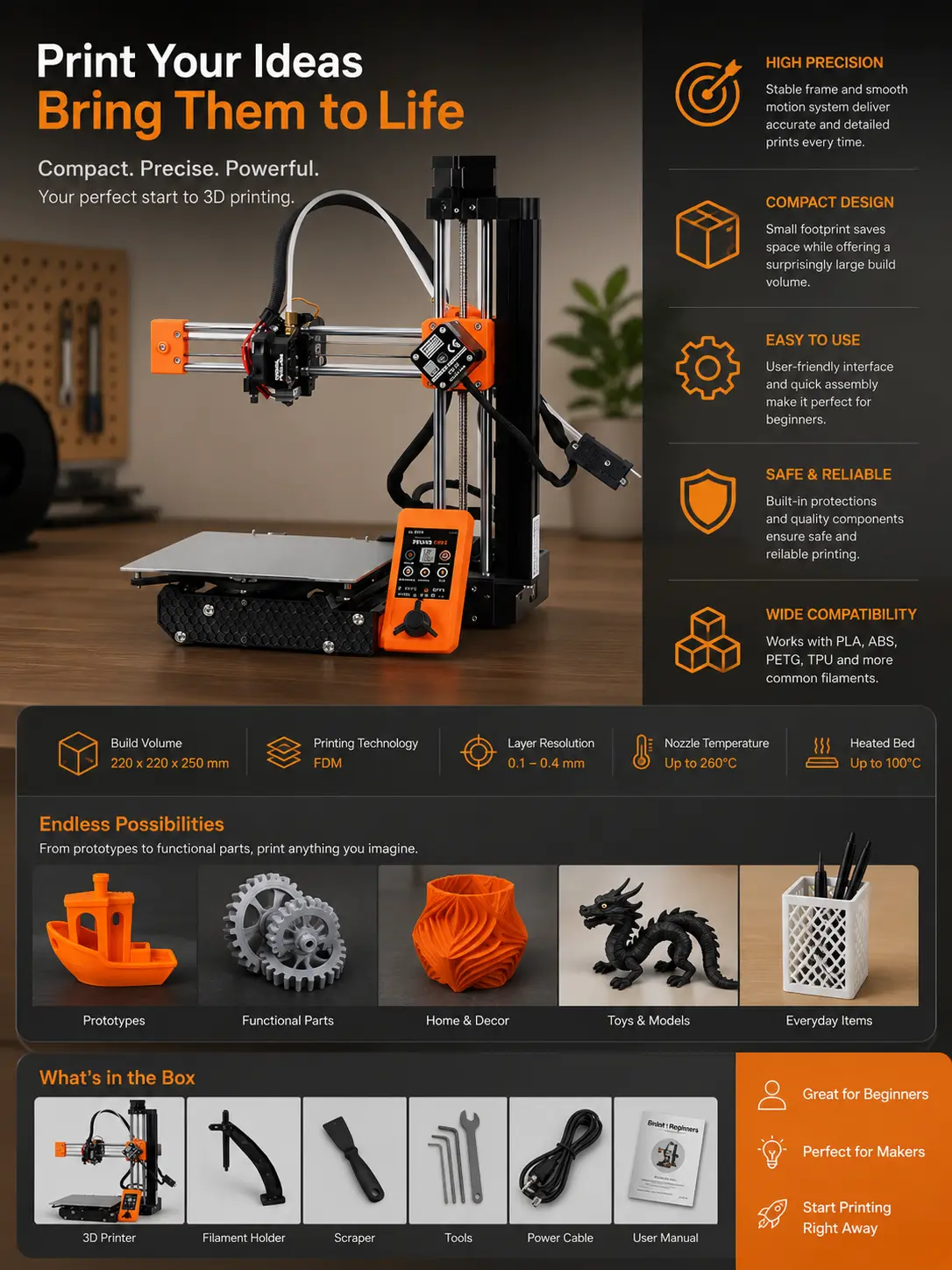
This printer offers a 7-inch cubed build volume, which handles most small to medium projects effectively. The automatic mesh bed leveling saves you time and eliminates the frustration of manual adjustments.
You’ll appreciate the removable spring steel PEI sheet that makes print removal effortless. The printer includes silent stepper drivers, so you won’t be disturbed by noise during operation.
The Mini+ features both ethernet connectivity and optional Wi-Fi for convenient remote printing. You can monitor your prints from anywhere in your workspace.
Assembly is required, but the process is straightforward with clear instructions. The open-source design means you can customize and upgrade components as your needs evolve.
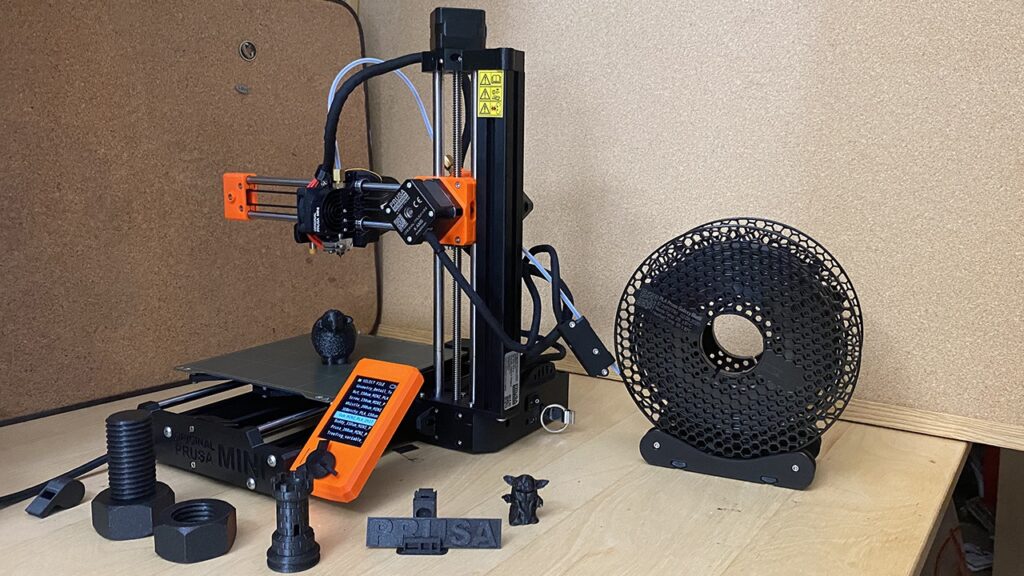
Your prints will show impressive detail and accuracy thanks to the printer’s solid construction and reliable components. The filament sensor prevents failed prints by pausing when material runs out.
The Mini+ works well for beginners learning 3D printing basics and experienced users building printer farms. You’re investing in proven Prusa reliability at a reasonable price point.
2) Monoprice Select Mini V2
The Monoprice Select Mini V2 stands out as an excellent entry-level 3D printer that won’t break your budget. This compact machine offers impressive value for beginners who want to explore 3D printing without a major investment.
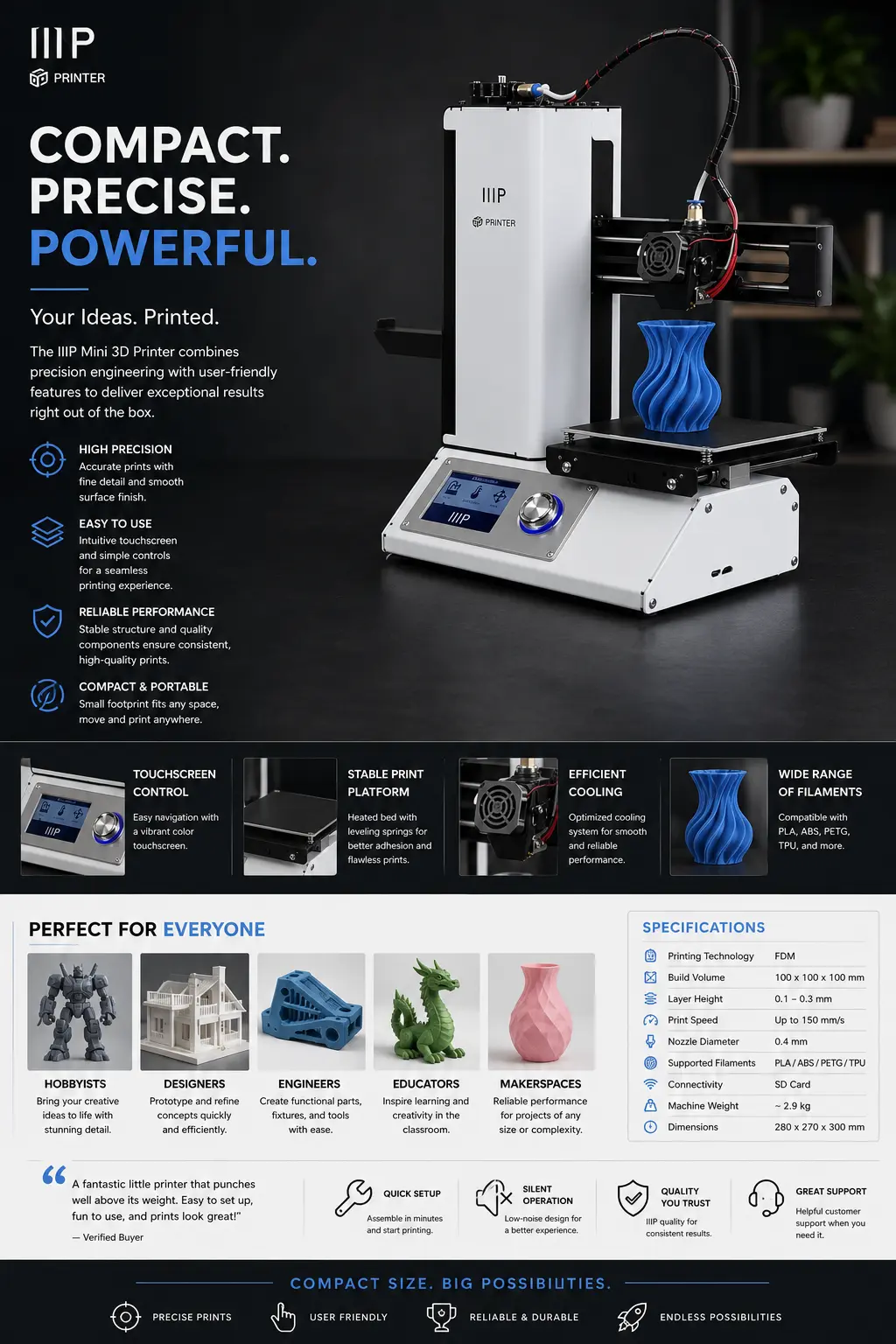
You’ll appreciate the printer’s user-friendly design and open-source technology. The setup process is straightforward, allowing you to start creating objects quickly.
The V2 produces acceptable quality PLA prints, making it perfect for learning the basics. However, you should know that ABS printing performance isn’t as strong, and the build area is quite small.
Your workspace will benefit from this printer’s compact size. It fits comfortably on desks and works well in both home and office environments.
The heated bed supports various filament types beyond basic PLA and ABS. You can experiment with specialty materials like conductive PLA, wood-filled, and metal-filled filaments as your skills develop.
This printer’s reliability and ease of use make it ideal for your first 3D printing experience. The robust metal frame ensures stability during printing, while the affordable price point makes it accessible to most budgets.
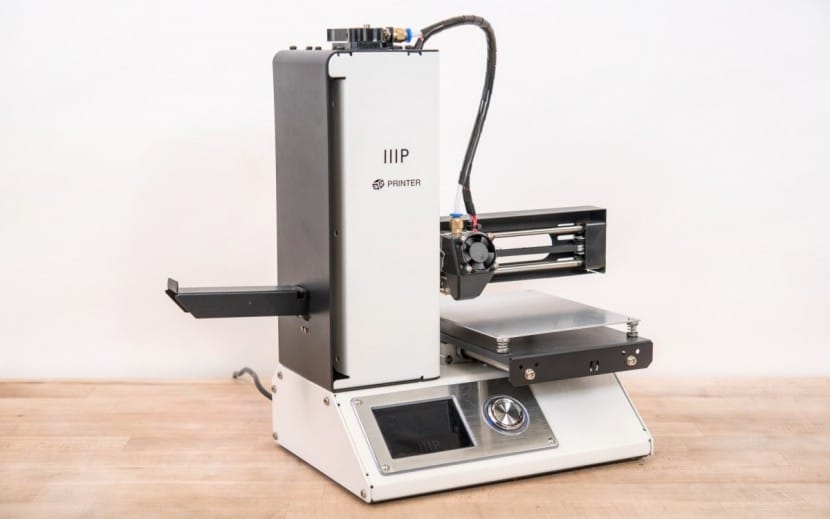
If you’re starting your 3D printing journey, the Select Mini V2 provides the essential features you need to learn and grow.
3) Creality Ender 3 Pro
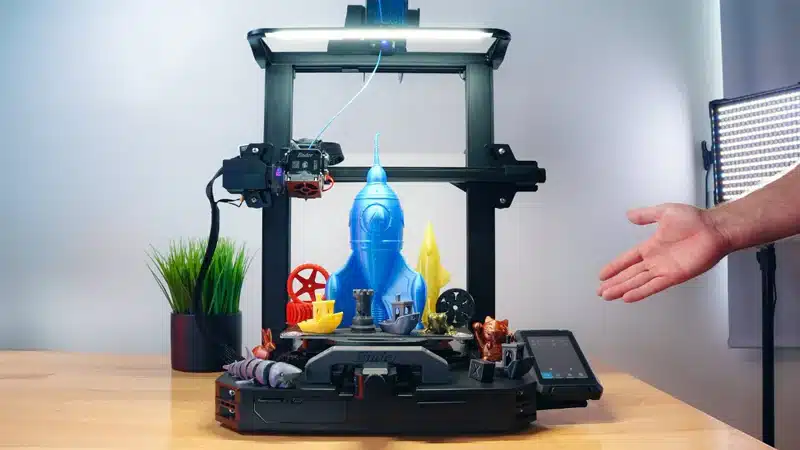
The Creality Ender 3 Pro stands out as an excellent mini 3D printer that won’t break your budget. You’ll find this FDM printer particularly popular among RPG communities for printing terrain and miniatures.
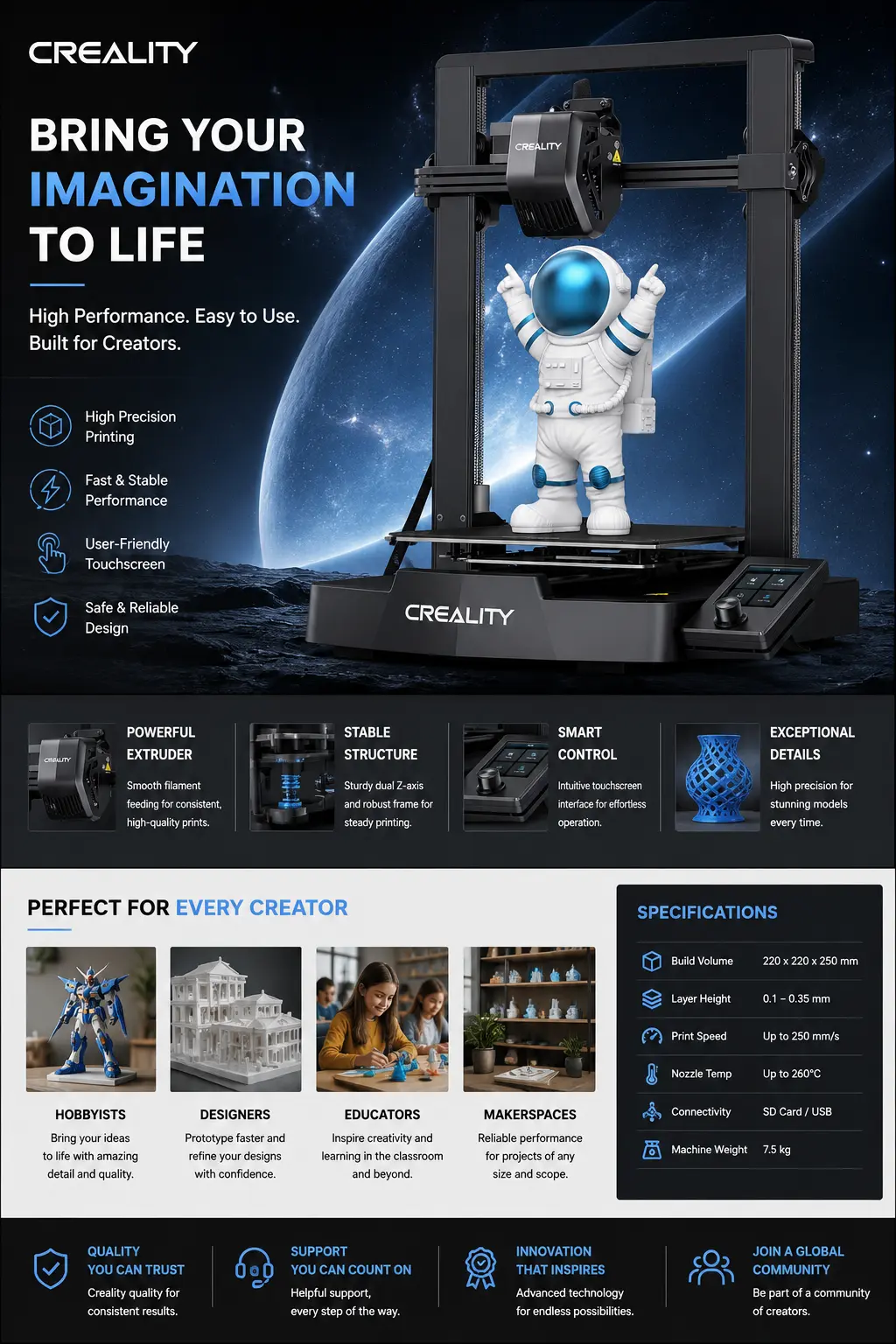
This printer typically costs under $300, making it one of the best budget-friendly options available. The Ender 3 Pro has built a loyal following among hobbyists who appreciate its reliable performance.
You can expect decent print quality for miniatures and small objects with this machine. While it’s an FDM printer rather than resin-based, many users achieve impressive results with proper settings and techniques.
The Ender 3 Pro requires some assembly and learning curve if you’re new to 3D printing. However, the large community support means you’ll find plenty of tutorials and troubleshooting guides online.
Your investment in this printer gives you access to affordable 3D printing without sacrificing too much quality. The machine handles various filament types well, giving you flexibility in your projects.
This printer works best when you’re willing to spend time learning and tweaking settings. You’ll appreciate the value it offers compared to more expensive alternatives in the mini printer category.
4) FlashForge Finder
The FlashForge Finder stands out as an excellent choice for beginners entering the 3D printing world. This compact printer offers plug-and-play simplicity that makes it incredibly user-friendly.
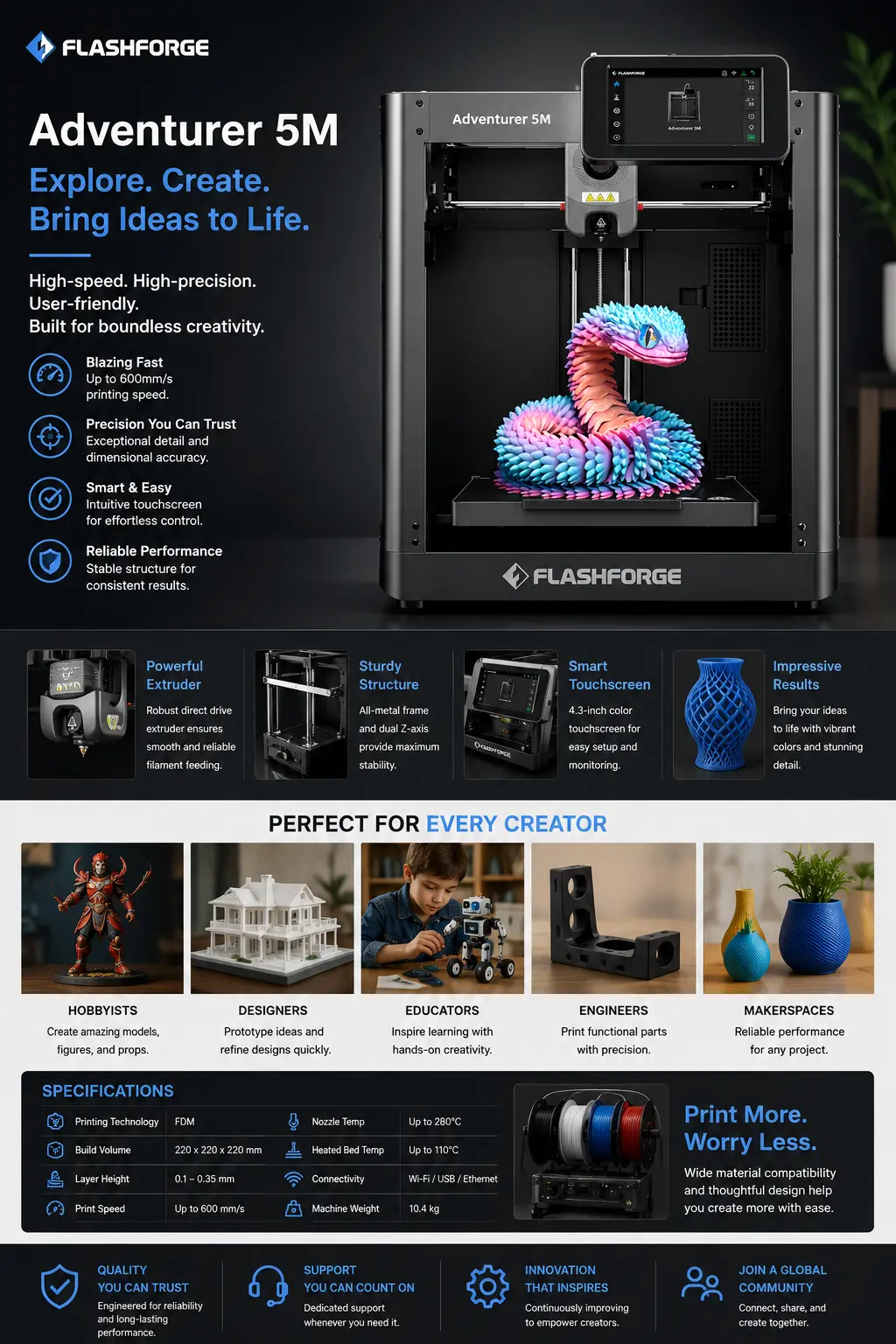
You’ll appreciate the Finder’s compact design, measuring 420mm x 420mm x 420mm when unpacked. At 31.5 pounds in its packaging, it’s light enough to move around easily while remaining stable during operation.
The printer focuses on ease of use above all else. You can start printing quickly without complex setup procedures or technical knowledge.
However, you should know about some limitations. The Finder only supports PLA filament, which restricts your material options compared to other printers. The build volume is also smaller than some alternatives.
Despite these constraints, the Finder delivers reliable print quality. It’s particularly well-suited for schools, home use, and DIY projects where simplicity matters more than advanced features.
You’ll find the learning curve gentle and forgiving. The printer’s design prioritizes getting you successful prints rather than overwhelming you with options.
For your first 3D printer purchase, the FlashForge Finder offers a solid foundation to learn 3D printing basics without breaking your budget.
5) Anycubic i3 Mega
The Anycubic i3 Mega delivers impressive value as a budget-friendly desktop 3D printer. You’ll appreciate that it arrives nearly fully assembled, requiring just 10-25 minutes of setup time.
This printer features a solid metal frame construction that ensures stability during printing. The included Ultrabase heated bed provides excellent print adhesion and easy part removal.
You can achieve fine layer resolution down to 0.05mm with this machine. The mechanical filament sensor helps prevent failed prints by detecting when filament runs out.
The i3 Mega includes a user-friendly 3.5-inch touchscreen interface. You’ll also get an SD card and card reader for convenient wireless printing.
Print quality is consistently decent across various materials. The stable construction minimizes vibrations that could affect your prints.
You might need to spend time on precise calibration to get optimal results. This is typical for printers in this price range.
The Anycubic i3 Mega has earned recognition as one of the best 3D printers under $300-400. It offers reliable performance for hobbyists and beginners looking to enter 3D printing without breaking the bank.
Essential features to consider in mini 3D printers
Mini 3D printers require careful evaluation of space constraints, software compatibility, and output quality to match your specific needs. The right combination of compact dimensions, intuitive controls, and material versatility determines long-term satisfaction with your purchase.
Build volume and compact design
Your workspace dimensions directly impact which mini 3D printer will work best for you. Most mini printers offer build volumes between 100x100x100mm to 180x180x180mm.
Consider your typical project sizes before choosing. Miniature gaming figures need less space than architectural models or functional prototypes.
Desktop footprint matters as much as build volume. Some printers are tall and narrow while others spread wider but stay lower. Measure your available desk space in all three dimensions.
Look for printers with heated beds even in compact models. This feature prevents warping and improves print adhesion across different materials.
Cable management and power supply placement affect your setup’s tidiness. External power bricks can add clutter while integrated supplies keep things streamlined.
User-friendly software compatibility
Your printer’s software ecosystem determines how easily you’ll create and modify prints. Look for models that work with popular slicing software like Cura, PrusaSlicer, or Chitubox for resin printers.
Pre-configured printer profiles save significant setup time. These profiles contain optimized settings for layer height, print speed, and temperature controls.
Touchscreen interfaces simplify on-device control compared to basic LCD displays. You’ll adjust settings and monitor progress more intuitively with responsive touch controls.
WiFi connectivity lets you send print files wirelessly and monitor progress remotely. This feature proves especially valuable in small spaces where USB access might be limited.
Consider printers with auto-leveling capabilities. Manual bed leveling becomes tedious with frequent use and can frustrate beginners.
Print quality and material support
Layer resolution determines your print’s surface smoothness and fine detail reproduction. Look for printers capable of 0.1mm layer heights or finer for detailed miniatures.
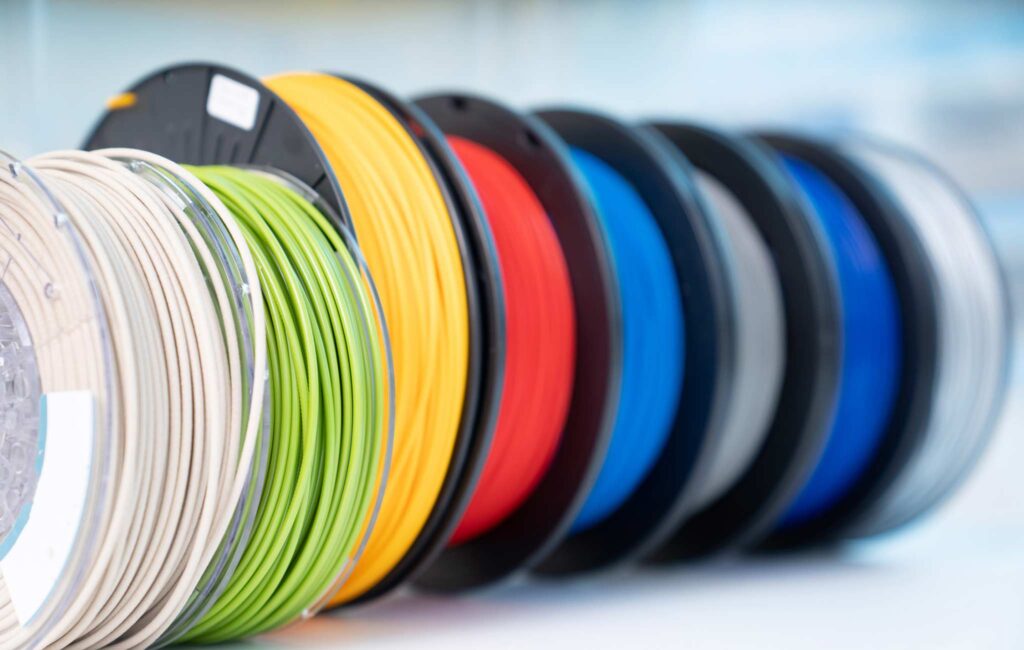
Material compatibility expands your project possibilities. Basic PLA works for most beginners, but PETG and ABS support requires heated chambers or enclosures.
| Material Type | Bed Temperature | Nozzle Temperature | Difficulty Level |
|---|---|---|---|
| PLA | 60°C | 190-220°C | Beginner |
| PETG | 70-80°C | 220-250°C | Intermediate |
| ABS | 90-110°C | 220-260°C | Advanced |
Print speed affects both quality and productivity. Slower speeds typically produce better surface finish while faster speeds reduce project completion time.
Nozzle quality impacts print consistency and longevity. All-metal hotends handle higher temperatures and abrasive materials better than PTFE-lined alternatives.
Consider printers with filament runout sensors to prevent failed prints when material runs out mid-project.
Tips for getting the best results with mini 3D printers
Mini 3D printers require precise calibration and optimized settings to overcome their size limitations. Regular maintenance and careful adjustment of print parameters will maximize your printer’s performance and print quality.
Calibration and maintenance best practices
Bed leveling is critical for mini printers since their smaller build plates magnify any imperfections. Check your bed level before every few prints using a piece of paper or feeler gauge.
The nozzle should barely touch the paper when positioned at each corner. Many mini printers lack automatic bed leveling, making manual calibration essential.
Clean your build plate regularly with isopropyl alcohol to ensure proper adhesion. Fingerprints and residue from previous prints can cause warping or failed prints.
Check belt tension monthly by gently pressing the belts. They should have slight resistance without being overly tight. Loose belts cause layer shifting and dimensional inaccuracy.
Replace your nozzle every 200-300 hours of printing. Worn nozzles create inconsistent extrusion and poor surface finish, especially noticeable on small prints.
Lubricate linear rails and lead screws with appropriate lubricants every few months. This prevents binding and ensures smooth movement across all axes.
Optimizing print settings for small devices
Reduce print speeds to 30-50mm/s for better accuracy. Mini printers have less mass and stability, so slower speeds prevent vibrations that affect print quality.
Use 0.1-0.2mm layer heights for detailed prints. Mini printers excel at fine details when given appropriate layer resolution settings.
Enable retraction settings between 4-6mm to prevent stringing. Set retraction speed to 40-50mm/s for clean travels between print areas.
Print temperature should run 5-10°C lower than manufacturer recommendations. Smaller hot ends retain heat better and can cause overheating issues at standard temperatures.
Increase wall thickness to 2-3 perimeters for stronger small parts. Mini printer prints can be fragile, so additional walls provide necessary structural integrity.
Use supports sparingly and set support density to 10-15%. Dense supports are difficult to remove from small prints and can damage delicate features.
Mini 3D printer FAQ
Q: What is a mini 3D printer best for?
A: A mini 3D printer is best for small models, tabletop pieces, prototypes, toys, replacement parts, and learning projects. It is not the right choice for large cosplay props or oversized functional parts unless you are willing to split the model into sections.
Q: Are mini 3D printers good for beginners?
A: Yes, mini 3D printers can be great for beginners when they have clear software profiles, a stable frame, simple bed leveling, and good community support. A smaller printer also makes mistakes cheaper because each test print uses less filament.
Q: How much build volume do I need?
A: For miniatures, small decor, and learning prints, a build volume around 100mm to 180mm in each direction is usually enough. If you plan to print tool holders, helmets, large planters, or bigger prototypes, choose a larger printer instead.
Q: What filament should I use first?
A: Start with PLA. It prints at lower temperatures, warps less than ABS, and works well for most beginner projects. Once your bed leveling and slicer settings feel predictable, try PETG for tougher parts that need a little more heat resistance.
Q: Why do small 3D prints fail?
A: Small prints usually fail because of poor bed adhesion, rushed print speed, wet filament, incorrect nozzle temperature, or supports that are too dense. Slow the print down, clean the build plate, and test one setting at a time instead of changing everything at once.
Q: Is a mini 3D printer worth it for a home workshop?
A: A mini 3D printer is worth it if you want a compact machine for frequent small prints and do not need a huge build plate. It is especially useful in apartments, classrooms, craft rooms, and shared desks where noise and space matter.
Final buying tip
Choose the mini 3D printer that matches your patience level as much as your budget. A cheaper machine can be fun if you enjoy tuning, but a slightly more reliable printer is usually better when you want to spend more time printing and less time troubleshooting.
For more project ideas after you choose a machine, browse these 3D printing ideas or the broader 3D printing archive.
- 56shares
- Facebook0
- Pinterest56
- Twitter0
- Reddit0