Choosing project management software for creative teams starts with the workflow, not a feature list. Map how a brief becomes work, where designers review files, who approves changes, and how final assets are handed off. Then compare platforms against those steps. The right system should make ownership visible without forcing every design conversation into a task card.
This guide gives a practical selection process for studios, agencies, in-house design teams, and mixed creative groups. It covers workflow fit, approvals, integrations, usability, accessibility, security, reporting, total cost, and a fourteen-day pilot. It is a decision framework, not a ranking of whichever tools are spending the most on advertising.
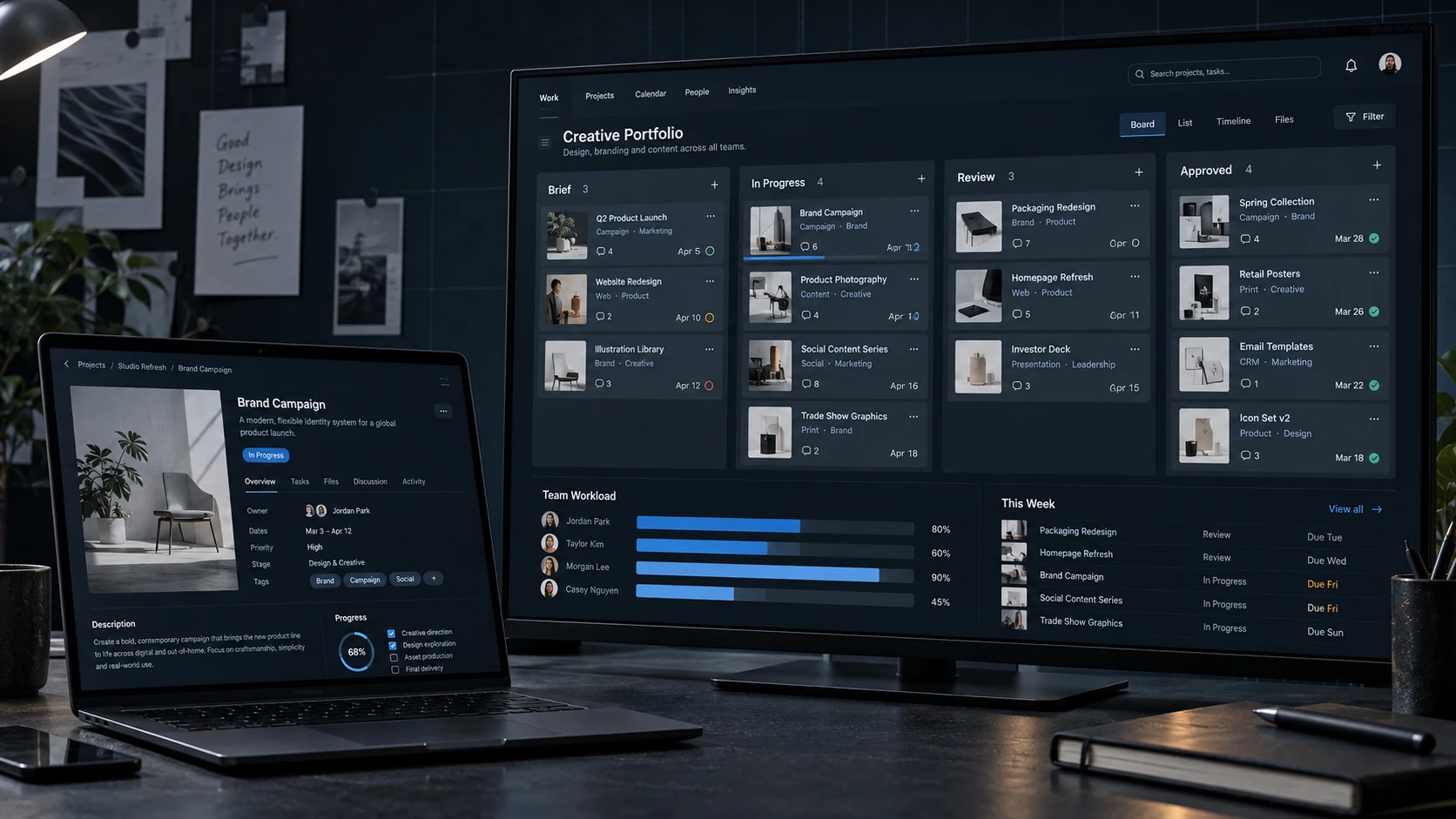
Project management software for creative teams: the short checklist
| Decision area | Question to answer | Evidence to collect |
|---|---|---|
| Workflow | Does it match brief, production, review, and delivery? | One mapped live project |
| Ownership | Where do task status and approvals live? | Named source of truth |
| Creative review | Can people comment without losing versions? | Test file and approval trail |
| Integrations | Does it connect to the actual studio stack? | Working pilot connections |
| Adoption | Can regular users complete common actions? | Observed task tests |
| Security | Can access be controlled and audited? | Vendor documentation |
| Cost | What is the three-year operating cost? | Licences, add-ons, setup, training |
1. Map one real creative project before comparing tools
Choose a recent project and write down every state change: intake received, brief approved, work assigned, first review, client feedback, revision approved, final export, delivery, archive, and invoice. Note the tool used at each point. The gaps are usually obvious: an approval in email, a deadline in chat, a final file in someone’s personal folder, or three people updating the same status.
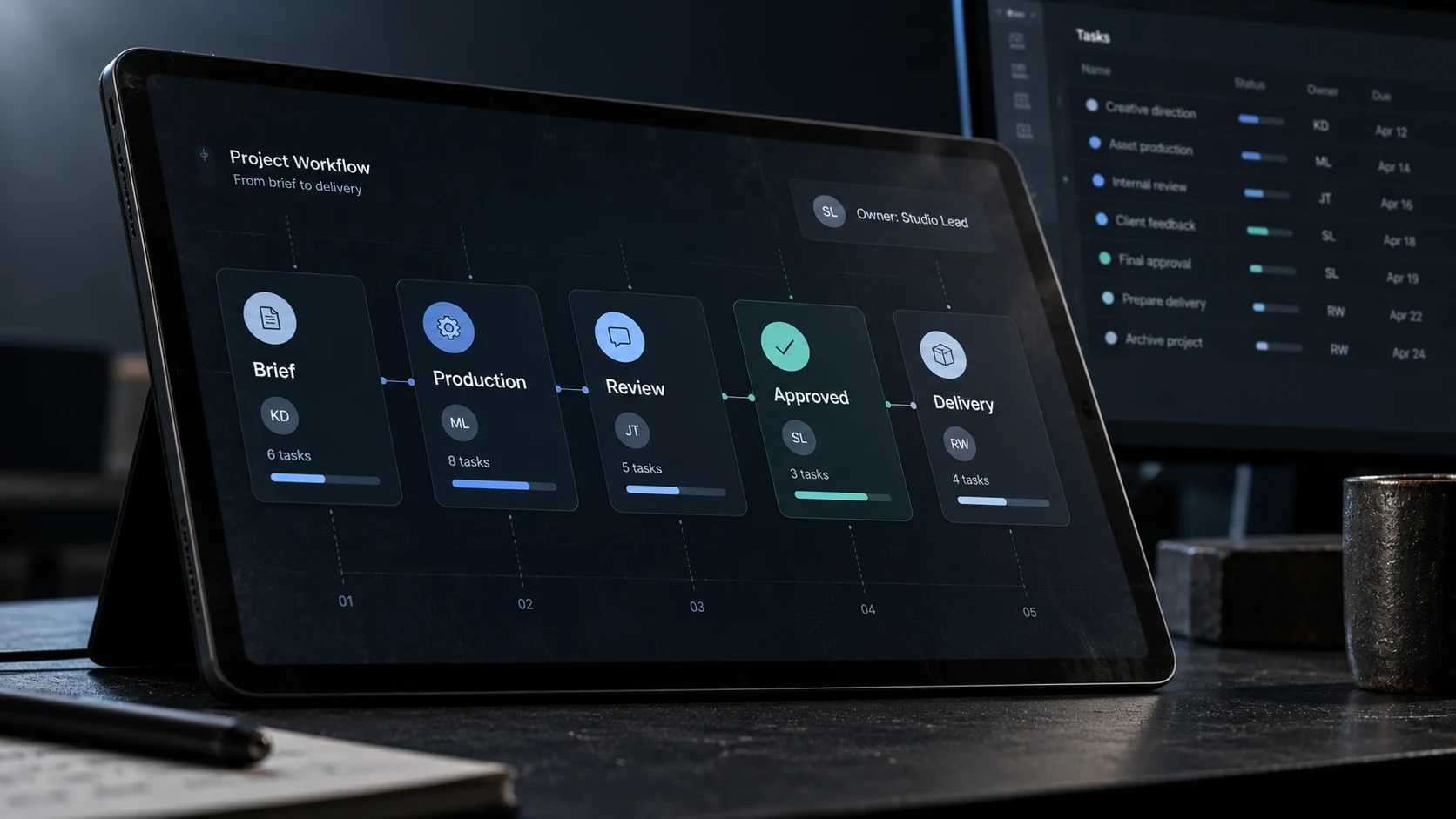
When I map a design workflow, I pay close attention to the moment a file changes state. A rough concept becoming an approved direction needs a visible decision, not another message in a busy channel. The broader guide to creative workflow management for design studios shows how files, access, review, and delivery fit around that decision.

2. Decide what the project platform will own
A project management tool usually works best when it owns tasks, owners, dates, dependencies, workload, and approval status. It does not need to replace Figma, Adobe files, cloud storage, video review, or chat. Write one sentence for each system: what belongs here, what does not, and where the final decision is recorded.
This boundary matters more than the number of features. Our guide to creative project management for remote design teams explains why one source of truth reduces repeated comments and missing handoffs. If two systems both own task status, the team will eventually update only one of them.
3. Test briefs, visual review, approvals, and asset handoff
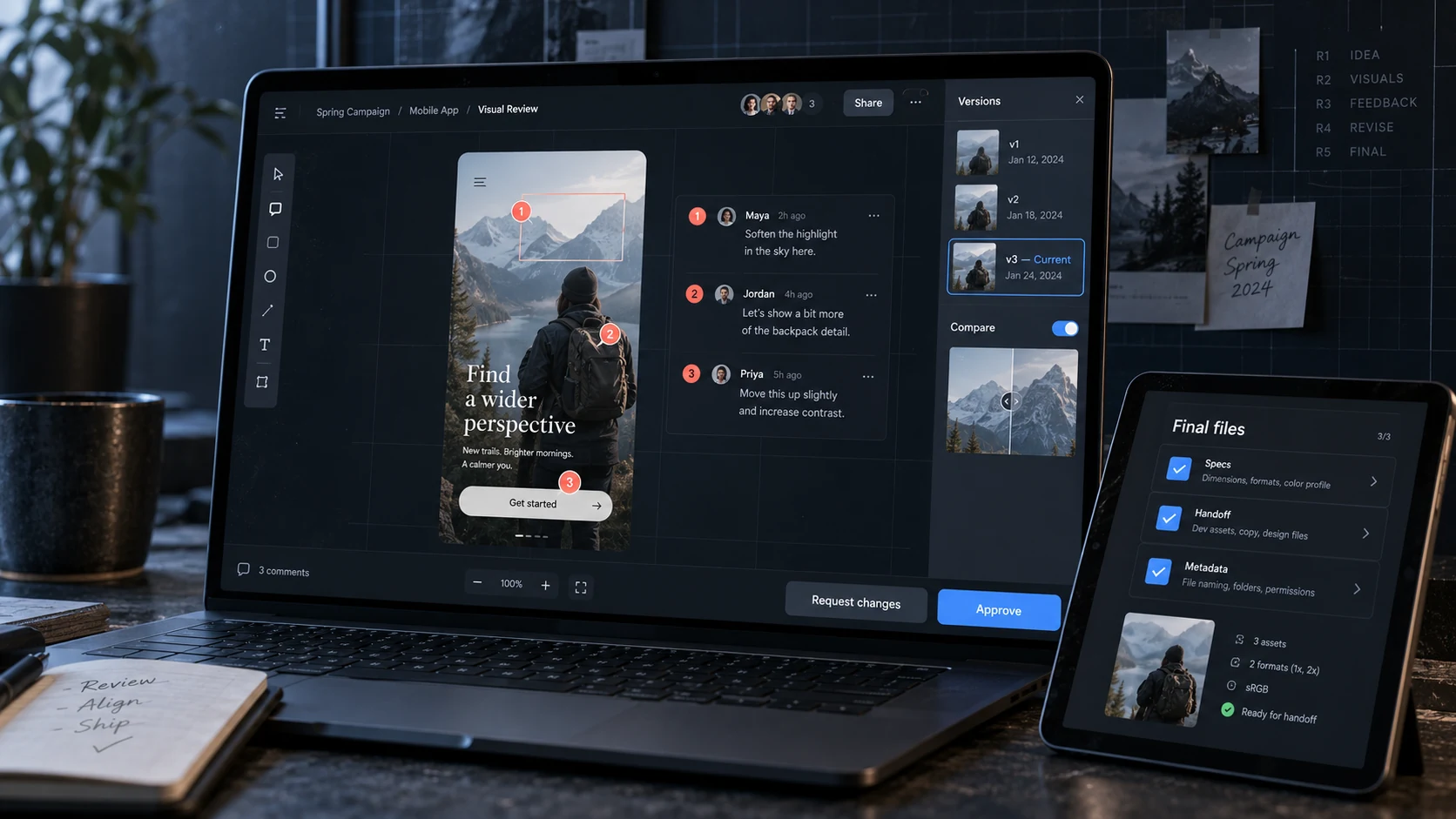
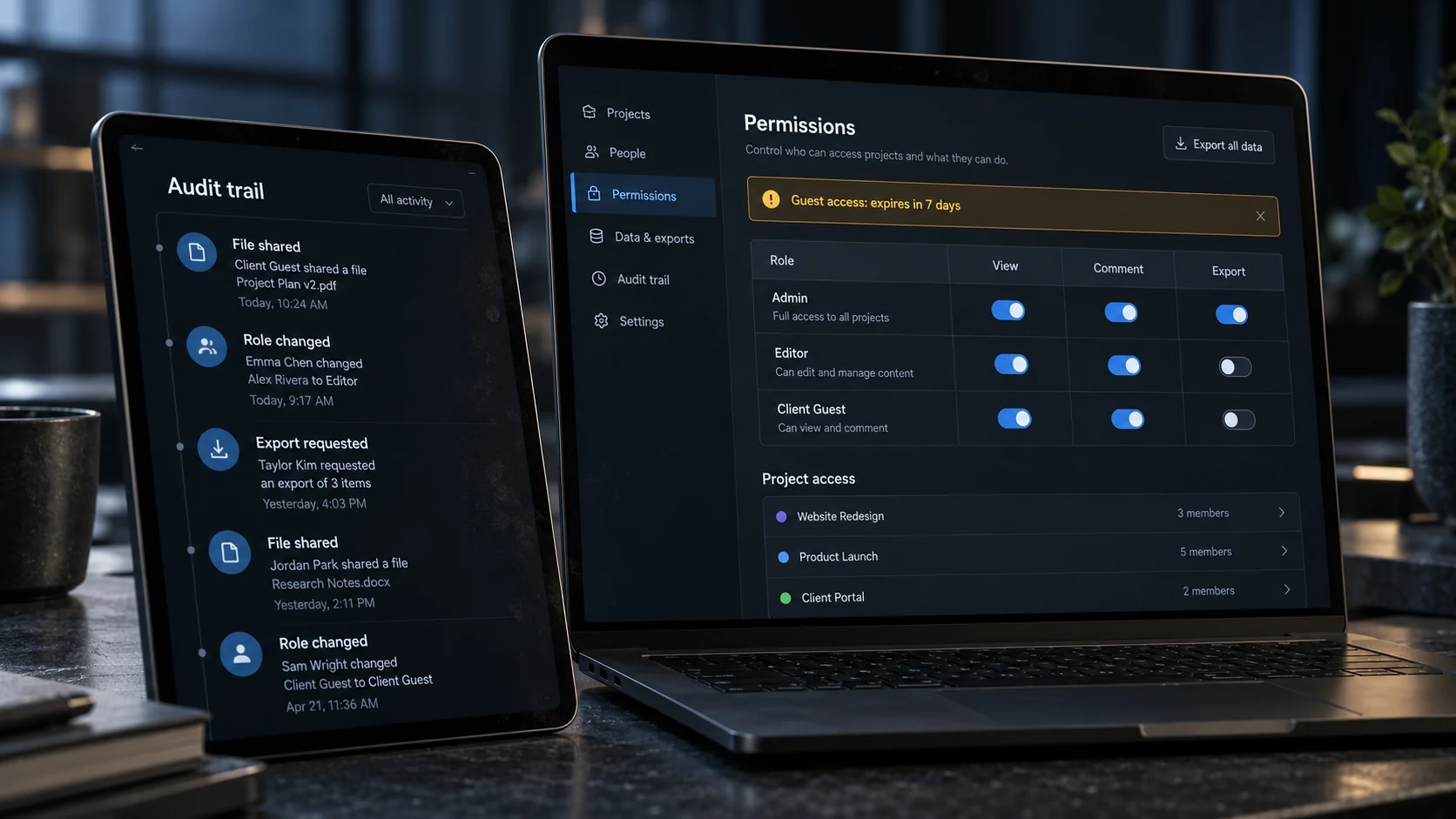
Creative work needs more than a checkbox marked done. Test whether the platform can hold the brief, link to the correct working file, identify the reviewer, record a decision, and preserve the approval trail. External reviewers should see only the projects and assets intended for them. The designer should be able to tell which comment applies to which version.
A strong review flow can connect to specialist tools rather than imitate them. Compare the options in our design collaboration tools guide, then check whether your candidate platform can carry the resulting decision back into the project record. For shared libraries, the guide to brand asset management for distributed studios adds version and permission questions.
4. Evaluate integrations with the real studio stack
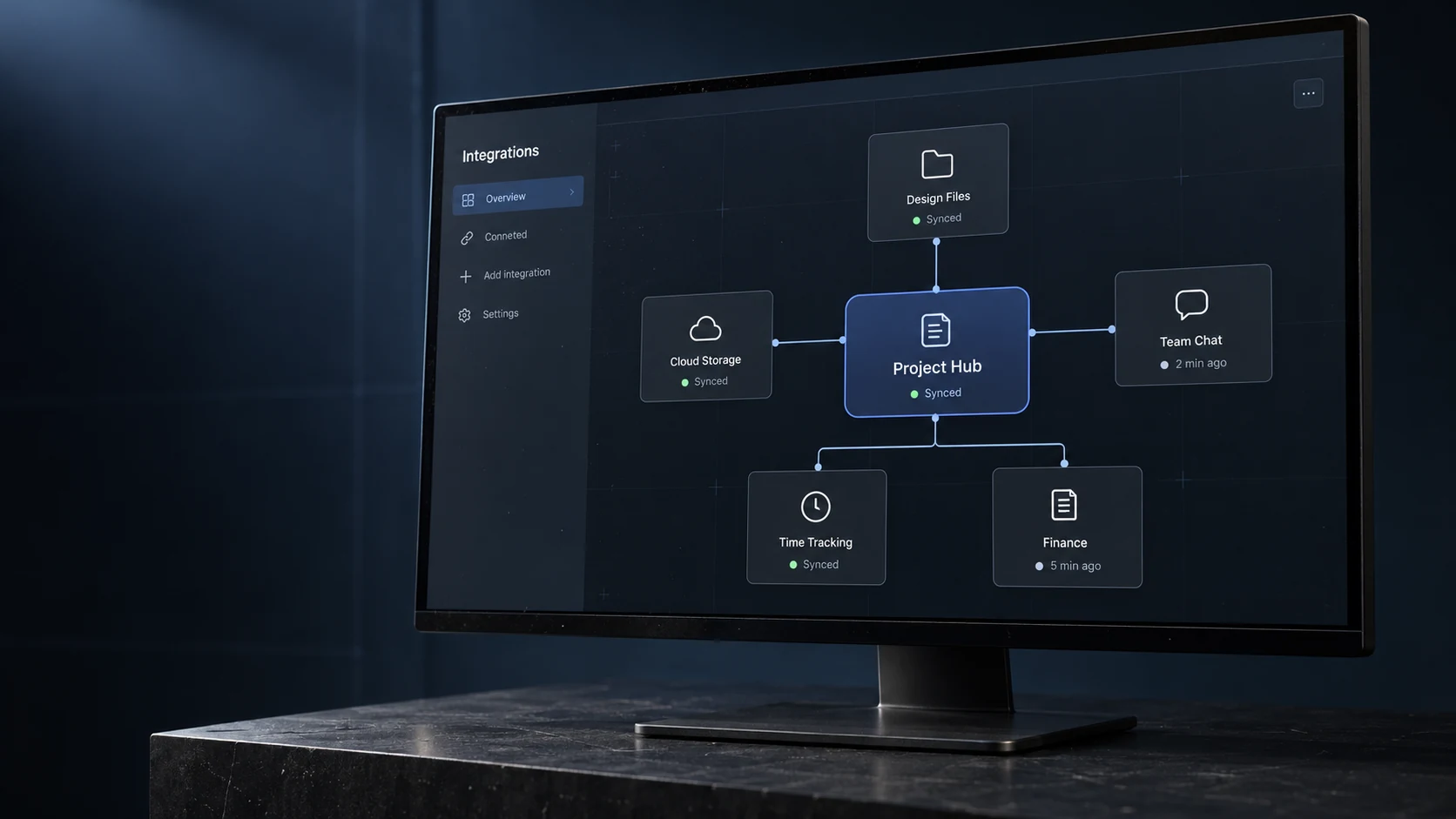
List the tools the team uses every week: Figma, Adobe Creative Cloud, Google Workspace or Microsoft 365, cloud storage, Slack or Teams, calendars, time tracking, finance, and client review. A vendor logo on an integrations page is not enough. During the pilot, create a task from the intake form, attach the correct design file, update a status, notify the reviewer, and send approved time or cost data to the next system.
Teams comparing time-tracking options should verify whether approved hours sync cleanly or require a weekly spreadsheet. Communication apps can support fast discussion, but project decisions still need a durable home. The practical model in our creative operations guide keeps these tools connected without pretending they are interchangeable.
5. Run an adoption and accessibility test
Use a trial account with real users, not only project managers. Ask a designer to find the current brief, update one task, request a review, and locate the approved version. Ask an operations user to find workload, deadlines, and overdue approvals. Watch where each person hesitates. Five extra clicks repeated across dozens of weekly actions become a real adoption problem.
Check keyboard navigation, focus visibility, contrast, zoom, readable labels, and screen-reader support when these matter to the team. The W3C overview of WCAG is a useful reference, but vendor claims should still be tested in the workflows your team uses. The best-looking interface is not automatically the easiest one to operate.

6. Review security, permissions, data ownership, and exit options
Creative teams store unreleased campaigns, client data, contracts, product images, source files, and account access. Ask about multi-factor authentication, single sign-on, guest roles, audit logs, backups, retention, data location, incident notification, and how quickly access can be revoked. The NCSC cloud-provider guidance recommends matching the level of assurance to the sensitivity of the data.
If the service processes personal data on your behalf, read the vendor terms and data-processing agreement. The ICO guidance on controller–processor contracts explains why responsibilities and liabilities belong in writing. Also test a full export. A tool is harder to leave when files, comments, approvals, and custom fields cannot be recovered in a usable format.
For day-to-day controls, the remote work security guide for creative teams covers MFA, permissions, shared links, devices, and contractor access. The secure file-sharing workflow is useful when heavy assets live outside the project platform.
7. Compare general and industry-specific platforms
A general platform may suit a studio that already has reliable finance, time, and asset systems. An industry-specific product can reduce integrations when it combines project accounting, utilisation, resourcing, invoices, and client work in one model. The trade-off is usually flexibility: a specialist workflow may fit one discipline well and another poorly.
Architecture and engineering software such as Factor illustrates the specialist approach. Treat the product page as a vendor claim, then test it with an actual fee structure, time entry, resource plan, invoice, and project report. Do not choose a category label; choose the system that survives the live scenario.
8. Calculate total cost and reporting value
Price the system for the likely team size over three years. Include internal users, guests, storage, automation limits, time tracking, reporting, onboarding, migration, training, support, and any paid integration layer. A cheap base plan becomes expensive when the approval or workload feature sits in a higher tier.
Reporting should answer practical questions: which projects are at risk, who is overloaded, where approvals are waiting, how much time a stage consumes, and whether work is moving toward the agreed budget. The guide to design operations for remote agencies explains how tool ownership, licences, support, and governance affect delivery beyond the project board.

9. Use a fourteen-day project management software trial
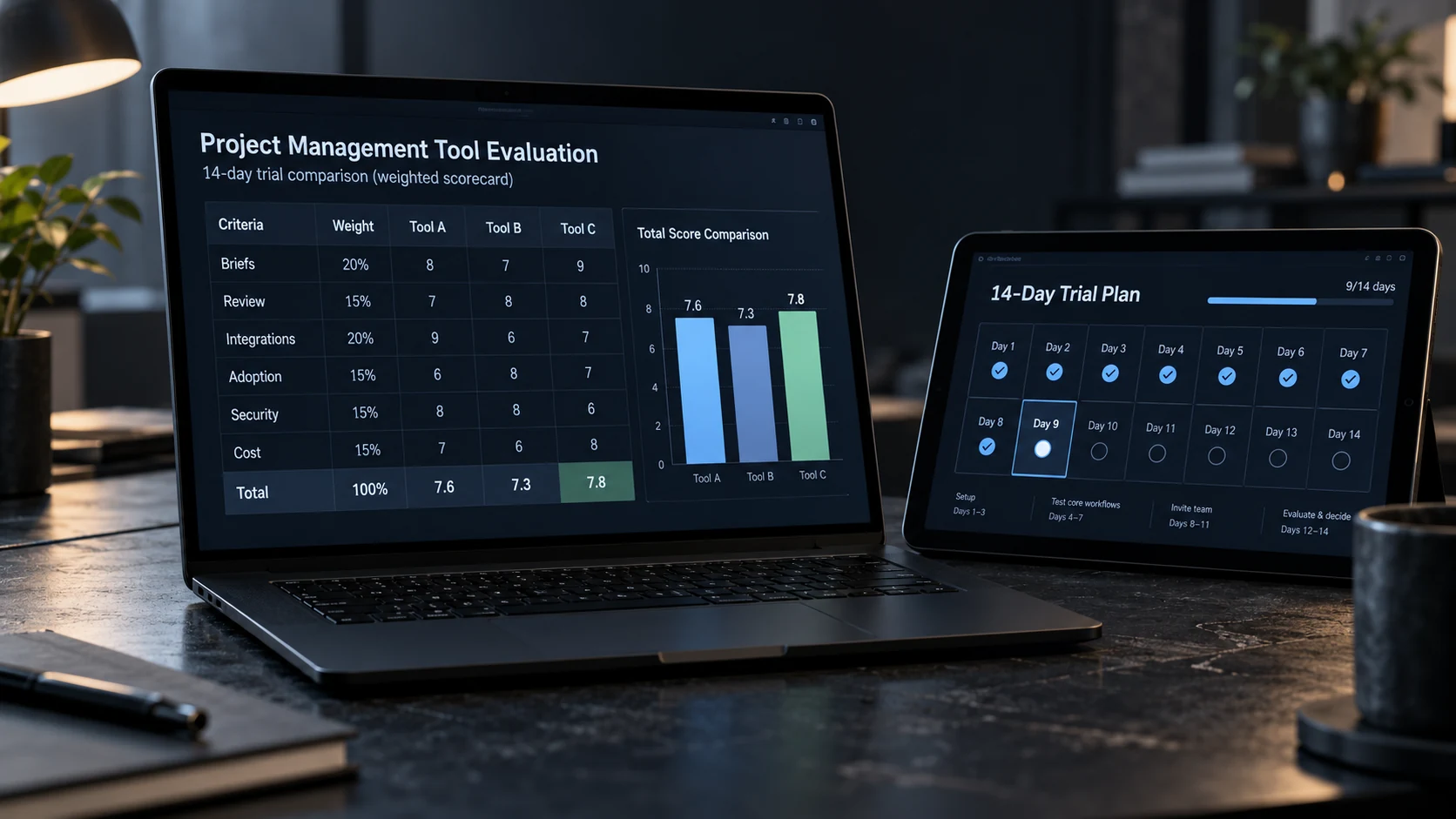
Run one live, medium-complexity project through each shortlisted platform. Use the same brief, roles, milestones, sample assets, review stages, and scoring scale. Do not build an idealized demo that removes the awkward parts of the work. Include at least one revision, one late change, one guest reviewer, and one handoff to finance or operations.
| Score area | Weight | What success looks like |
|---|---|---|
| Workflow fit | 25% | The team can follow the real process without workarounds |
| Adoption | 20% | Regular users complete common actions without coaching |
| Review and approvals | 15% | Version, reviewer, decision, and date remain visible |
| Integrations | 15% | Key data moves without duplicate manual entry |
| Security and access | 15% | Roles, logs, exports, and removal meet the brief |
| Cost and support | 10% | Three-year cost and support response are acceptable |
Score evidence, not enthusiasm. A platform that wins the sales demonstration but fails the live project should not move forward. Record the reason behind each score so the decision still makes sense six months later.
Common software selection mistakes
- Buying the longest feature list before mapping the workflow.
- Letting every department choose a separate source of truth.
- Testing only with managers instead of the people doing the daily work.
- Treating chat, task status, file storage, and approval as the same function.
- Ignoring guest permissions, audit history, exports, and account removal.
- Comparing monthly prices without migration, training, storage, and add-ons.
- Migrating every old project before the new workflow has proved itself.
Make the decision, then document the operating rules
Choose the platform with the strongest evidence against the agreed scorecard. Start with a small set of templates, name the system owners, document where briefs, tasks, files, approvals, and final assets live, and review the setup after the first three projects. Software cannot fix an undefined workflow, but a clear operating rule can make a modest tool work surprisingly well.
For more interface, workflow, collaboration, and product-design guidance, browse the UX/UI design archive.
Project management software FAQ
What should a creative team decide before choosing project management software?
Map one real project from brief to final handoff. Record where tasks, files, feedback, approvals, time, and client decisions currently live. The new system should remove a specific handoff problem rather than add another place to check. Agree which tool will own task status before comparing features.
Which project management features matter most for design teams?
Prioritize a clear brief, visual review, approval history, dependencies, workload planning, guest access, file links, reusable templates, and useful integrations. Native design-file editing is less important than knowing which version is current, who must review it, and whether the client approved it.
Should a creative studio use one tool for everything?
Usually not. One project platform can own tasks, dates, owners, and approvals while Figma or Adobe holds source work and cloud storage holds final files. The important rule is one owner per type of information. If two tools both claim to be the source of truth, the workflow will drift.
How long should a project management software trial last?
Run a fourteen-day pilot with one live project, not a polished demo project. Include a designer, project manager, finance or operations user, and one external reviewer. Test the full path from intake to approval, then score the platform against the same criteria before discussing preferences.
What security questions should a team ask a software vendor?
Ask about multi-factor authentication, single sign-on, guest permissions, audit logs, data location, backups, exports, retention, incident notification, and account removal. Confirm who can download client assets and whether access can be revoked quickly. Security claims should be supported by documentation, not only a sales answer.
When is it worth switching project management tools?
Switch when the current system repeatedly hides ownership, loses approvals, blocks reporting, creates manual duplicate entry, or cannot meet access and security needs. Do not switch because a competitor has a prettier dashboard. Migration costs, training time, archived data, and the disruption to live work belong in the decision.
- 6shares
- Facebook0
- Pinterest3
- Twitter3
- Reddit0