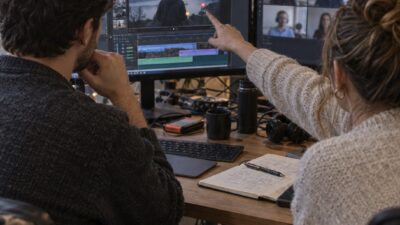
AI visual storytelling for designers is becoming part of ordinary design work, not a separate specialty. I spent the first decade of my career thinking in static frames: a sketch, a rendering, one carefully composed product shot. Now many briefs end with the same extra request: can we also make a short video from this?
That request sounds small, but it changes the craft. A still image has to hold attention in one frame. Video asks the designer to control what appears first, where the eye moves, how long a detail stays on screen, and what changes from one shot to the next. Composition still matters. It simply has to survive over time.
- From static visuals to dynamic content
- Why video became a core design skill
- Where AI helps in a designer's workflow
- A practical workflow for moving from still to motion
- AI protects time for creative direction
- Common mistakes when adopting AI video tools
- What the next few years mean for creative work
- AI visual storytelling FAQ
- Do designers need to learn video editing from scratch to use AI video tools?
- Will AI replace video editors and motion designers?
- What is the biggest adjustment when moving from static design into video?
- How many versions does one campaign video need?
- Are AI video tools useful for designers who mainly work in print or branding?
- What should a designer look for in an AI video editing tool?
- The practical takeaway
For most designers I know, the problem is not a shortage of ideas. It is the time between a good idea and a finished piece. AI design tools can shorten that gap by taking on rough assembly, captioning, file organization, and versioning. The designer still has to judge the sequence, pace, color, type, and emotional tone.

From static visuals to dynamic content
Design has always changed with its tools. Digital layout software replaced paste-up, CAD replaced much of the hand drafting I learned around industrial and automotive design, and neither change removed the need for a trained eye. The current shift is similar, but motion adds a new dimension. The software changes, and so does the way a composition behaves from second to second.
A single concept may need to become a launch video, a product demo, a vertical social cut, an animated presentation, and a short ad. I used to treat the finished rendering as the end of the work. Now I often see it as the first reliable frame: the point where color, silhouette, hierarchy, and lighting are already solved well enough to begin building motion.
This is good news for designers who already understand still images. The value pattern that makes a poster readable also helps a moving frame hold together. A strong silhouette remains clear when the camera shifts. Good type hierarchy still tells the viewer what to read first. Motion design starts from those familiar decisions rather than replacing them.
Why video became a core design skill
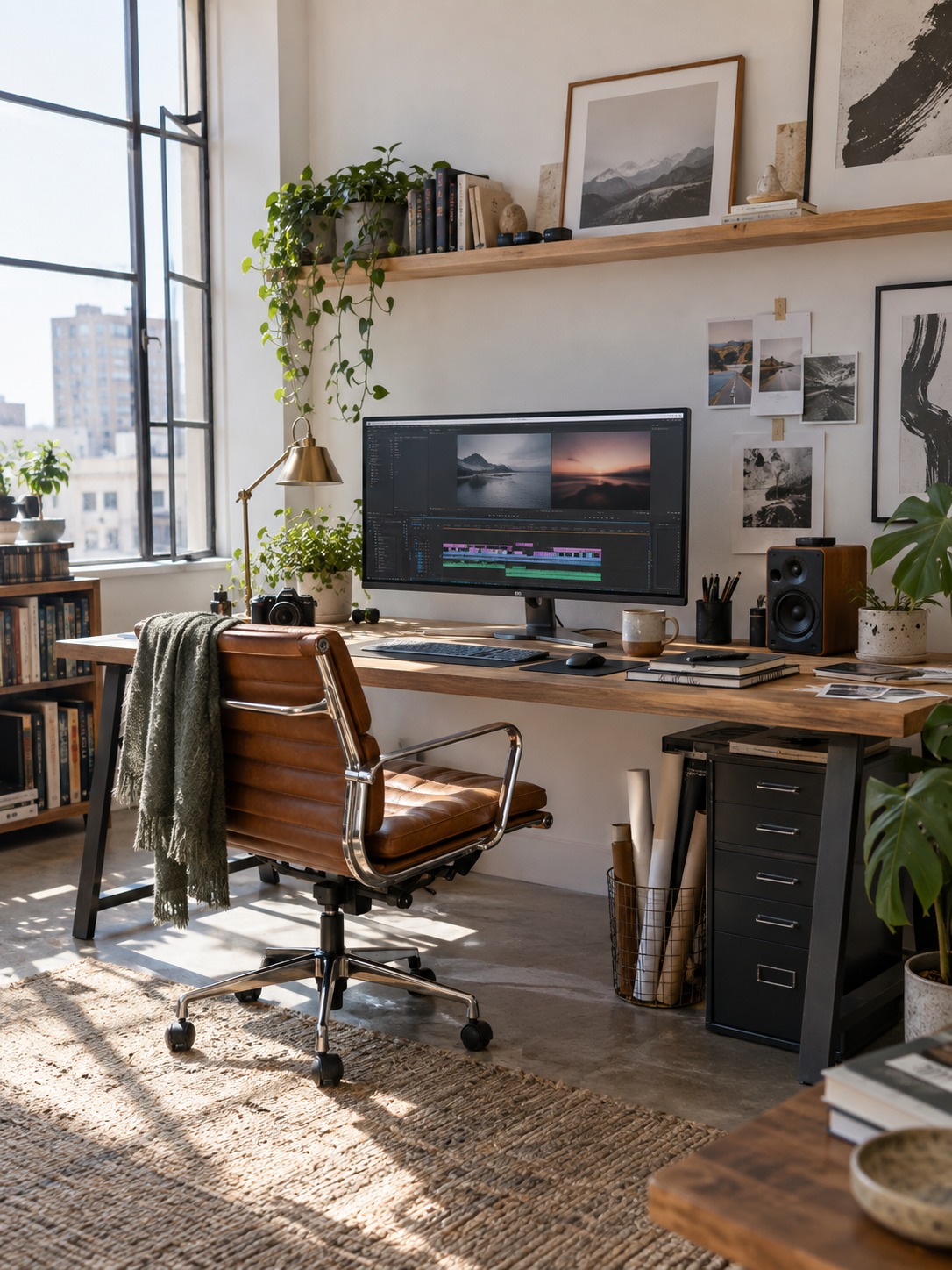
Video is no longer a deliverable that every small studio can hand to a specialist. Brands use it for product launches, behind-the-scenes stories, process explanations, social posts, and sales pages. A solo designer or two-person team may need to shape the footage, edit the cut, and prepare several formats without adding a dedicated editor to the project.
The expressive range is wider than a static layout: movement, timing, sound, transitions, captions, and the order of information all affect how the work feels. That range is exciting, but it creates plenty of mechanical labor. Clips need names. Captions need timing. A clean widescreen cut may need to be rebuilt for a vertical feed. Those tasks can consume the time that should go into creative review.
AI-assisted editing is most useful here. It can organize a first pass, suggest cut points, transcribe speech, and reframe footage. I still review every important transition and caption placement. If the focal point jumps around or a caption covers the product, the edit is not finished, no matter how quickly the software produced it.
Where AI helps in a designer’s workflow
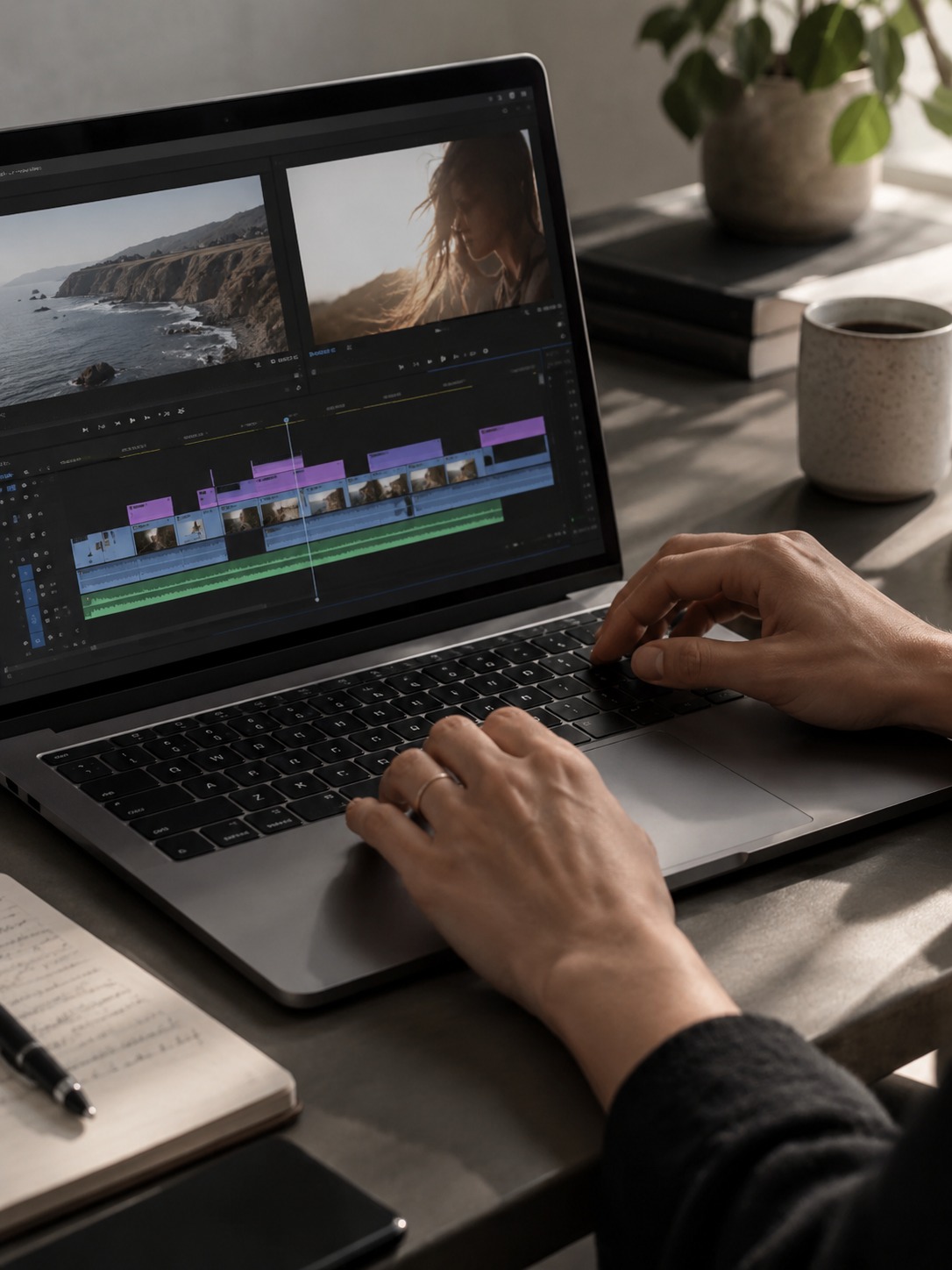
I get the best results when AI is assigned a narrow production job. Give it the rough assembly, the repetitive cleanup, or the first group of variations. Keep the decisions that define the piece with the designer. That division is easier to manage than asking one automated process to invent the concept, direct the story, and deliver the final cut.

Faster concept exploration
Before committing to a direction, designers often need three or four visual routes on the table. Producing each one at presentation quality is slow, so teams may stop exploring too early. AI can make rough style frames, camera ideas, or lighting variations quickly enough to compare. The useful question is not which output looks most polished. It is which direction has the clearest silhouette, value structure, and relationship to the brand.
I treat those early images like thumbnails. They are evidence for a decision, not finished art. A fast variation may reveal that the product disappears against the background or that a dramatic camera angle weakens the form. Finding that problem in a rough frame is much cheaper than discovering it after a shoot.
More efficient video editing
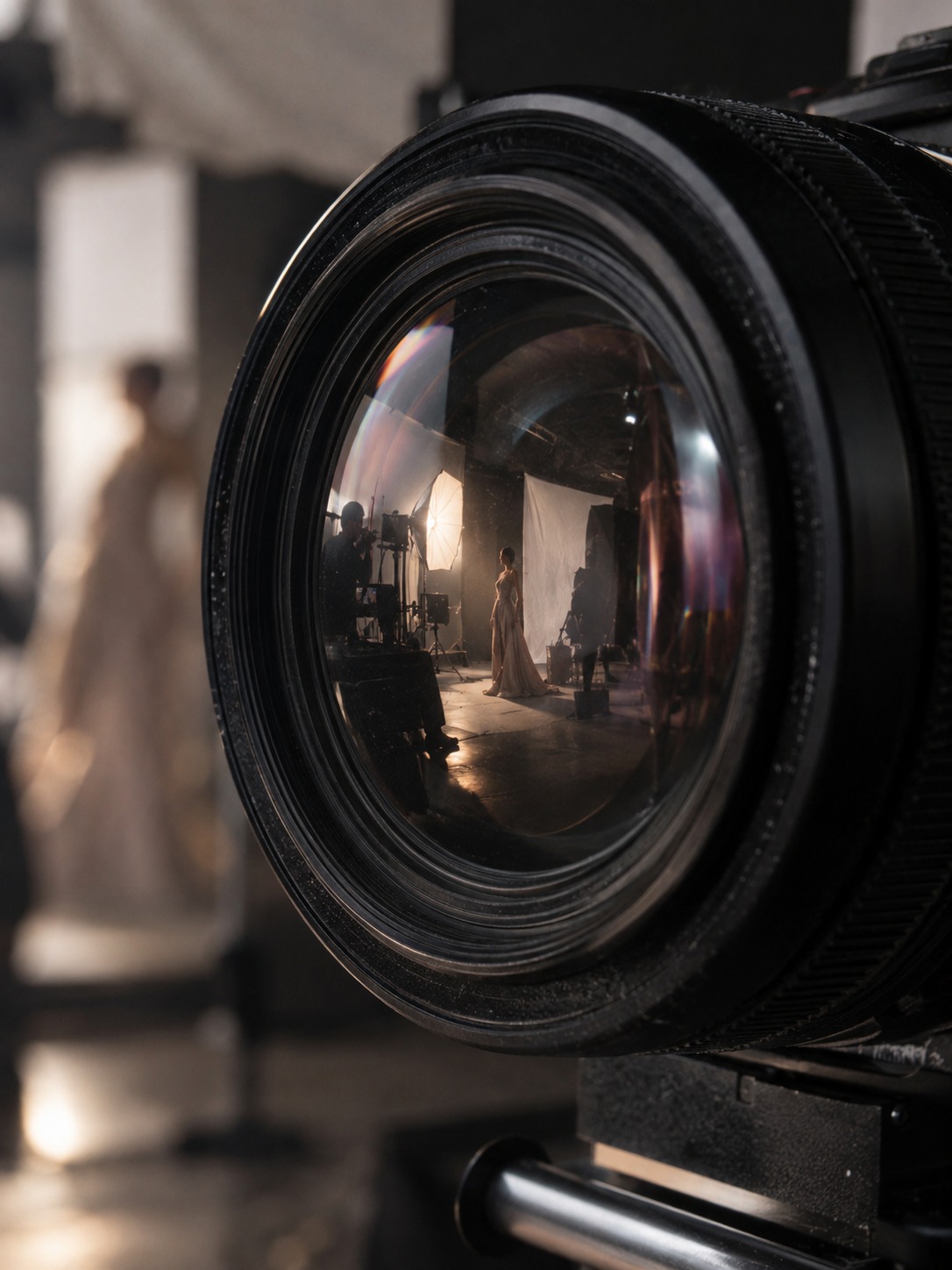
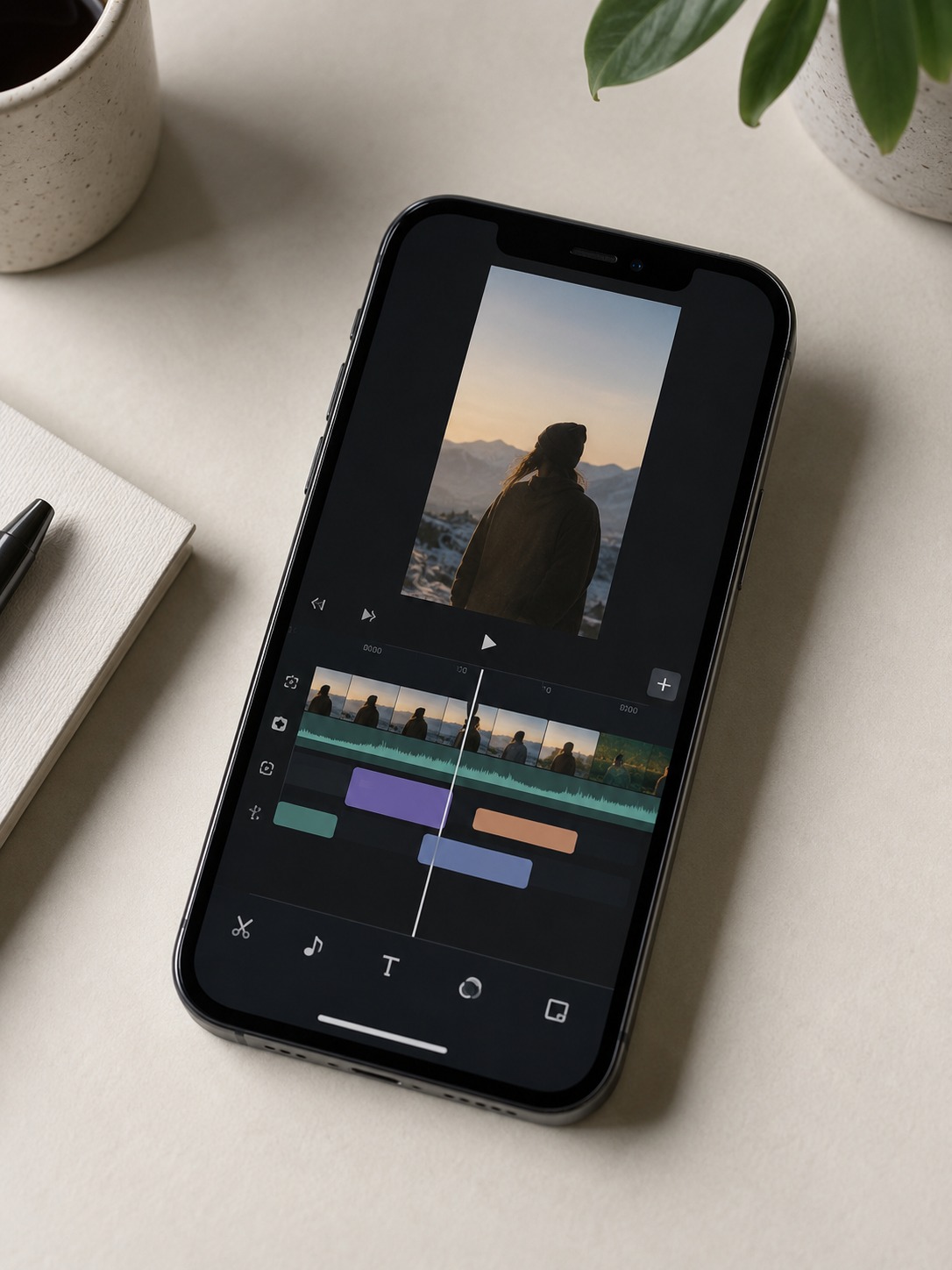
Turning a design concept into a finished video takes more than good footage. Scenes need ordering, timing needs refinement, text needs placement, and the final cut usually needs several formats. Invideo editor is one option for organizing scenes, adding captions, and making those adjustments while keeping pacing and visual style in the designer’s hands.
The time saving matters most on the unglamorous work. Transcription, silence removal, rough resizing, and asset sorting are necessary, but they do not need to consume the whole afternoon. Once that first pass exists, I can spend the review on rhythm, shot choice, typography, and whether the story actually makes sense.
Producing several versions without starting over
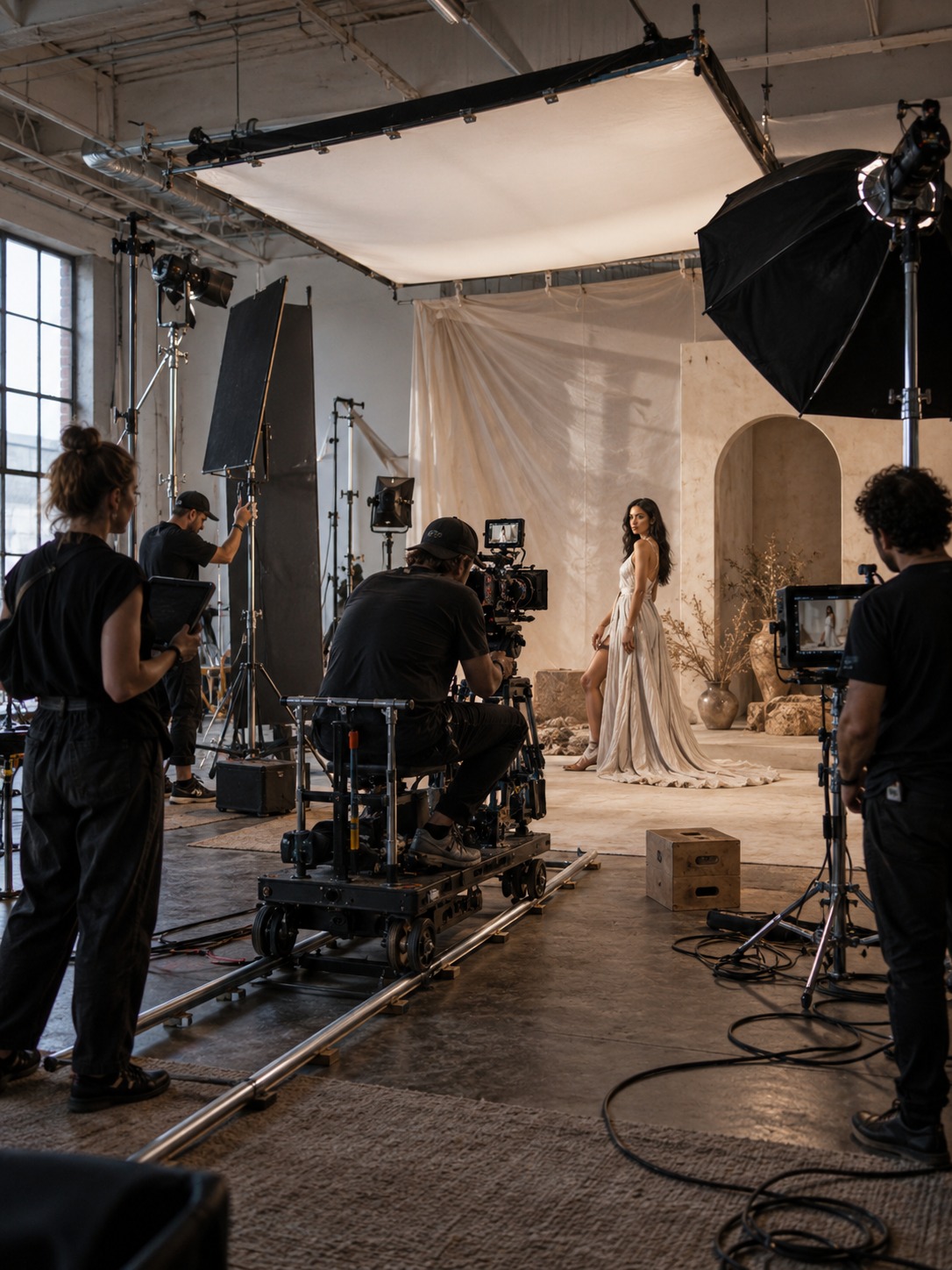
Campaign assets rarely ship in one format. A team may need a 15-second vertical cut, a longer website edit, a square version for a feed, and a quieter version that works without sound. Rebuilding each piece from a blank timeline wastes work. A better approach is to finish one strong master cut, then derive the platform versions from it.
AI-assisted reframing and caption tools can speed up those derivatives, but every version still needs a visual check. A face that was comfortably placed in a wide frame may be clipped in portrait. A lower-third caption may sit under a platform interface. Treat automation as the first crop, then inspect the composition as carefully as any other layout.

A practical workflow for moving from still to motion
The jump into motion is easier when the process begins with decisions you already trust. I use the following sequence because it keeps the design logic visible while the edit grows more complex.
1 Start with the still frame you trust
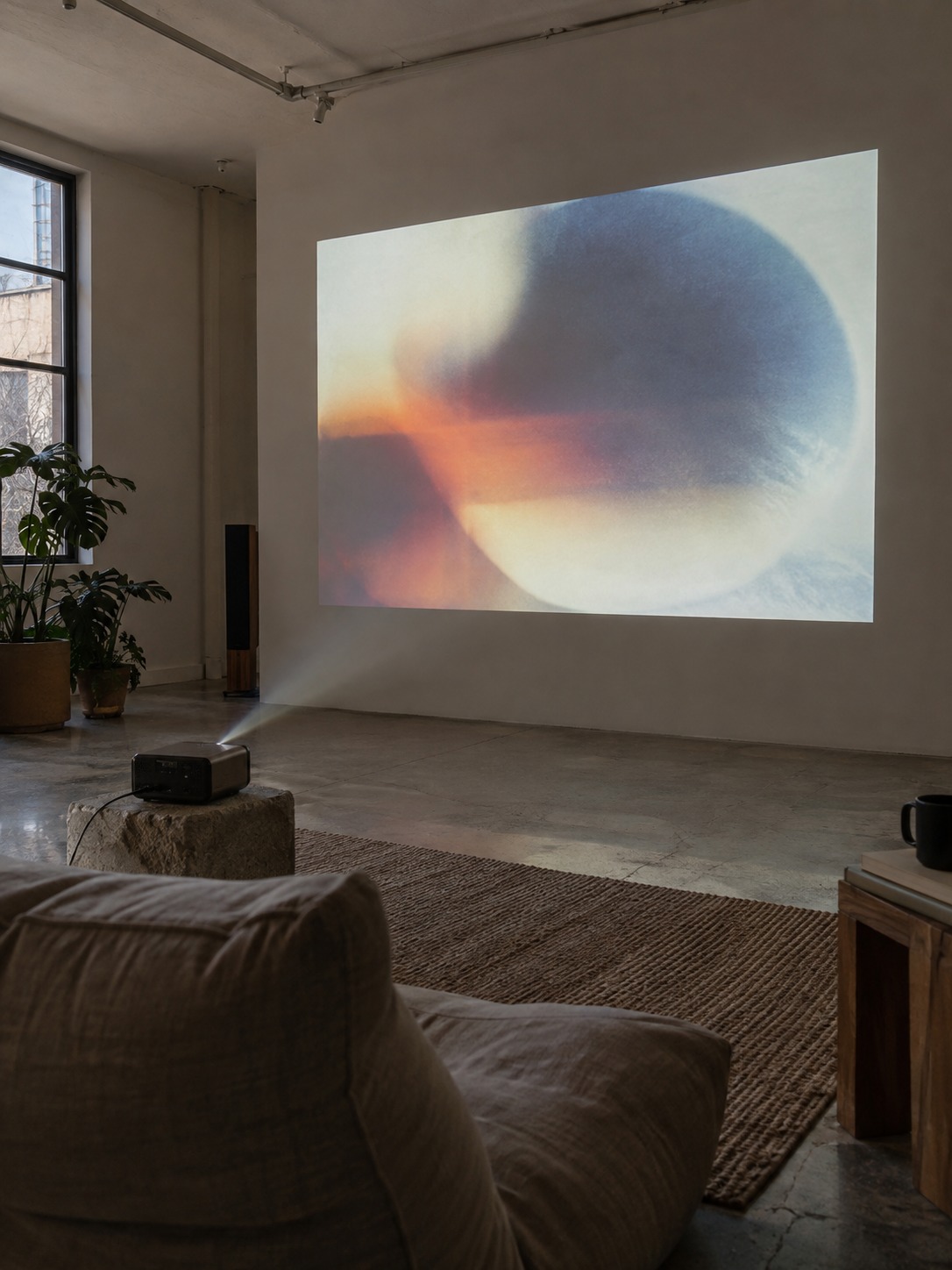
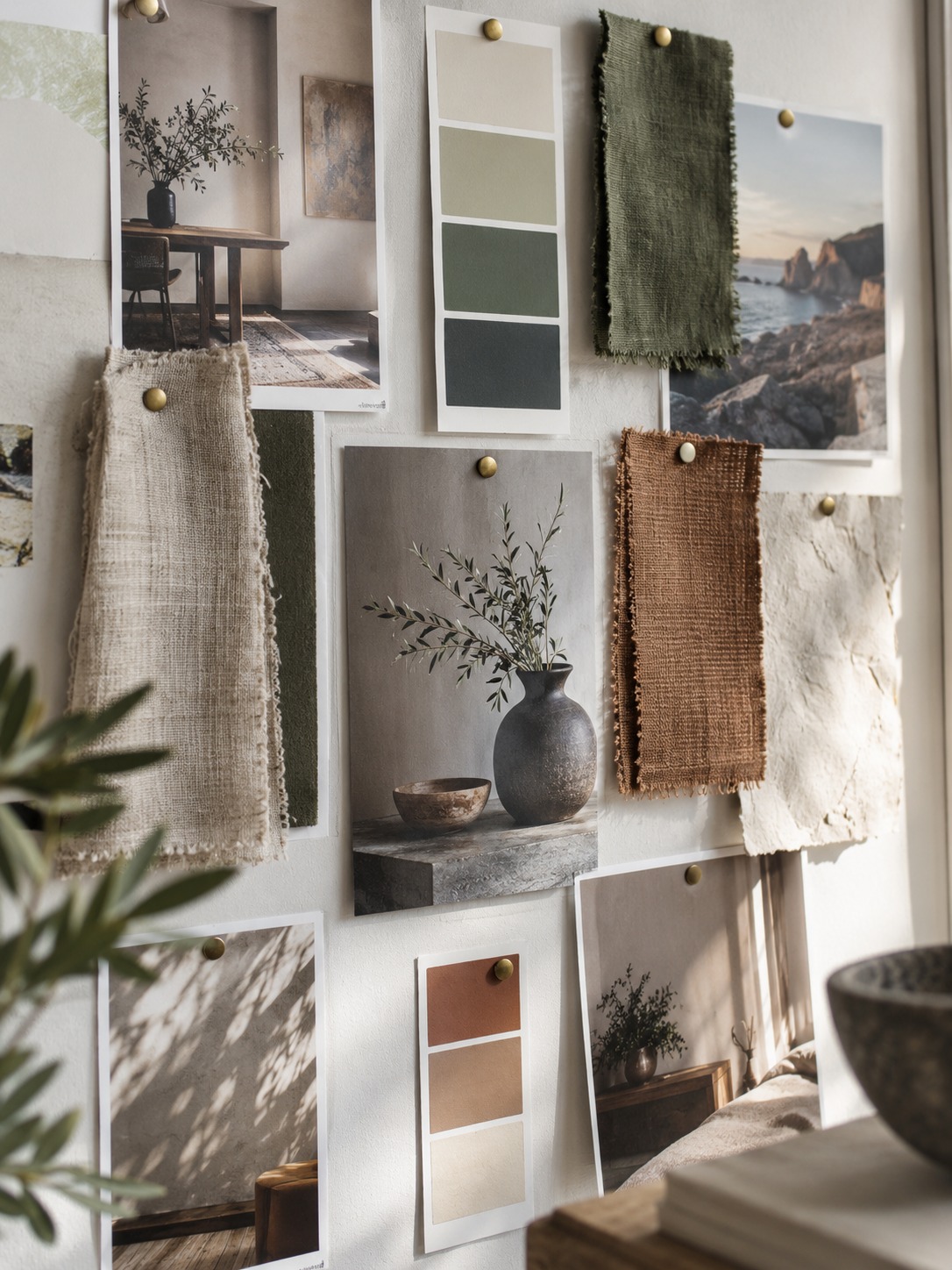
Use the strongest static composition as the foundation. Keep the color relationships, focal point, negative space, and type hierarchy that already work. Do not add motion simply because the software offers an effect. First ask which parts of the frame must remain stable for the idea to read.
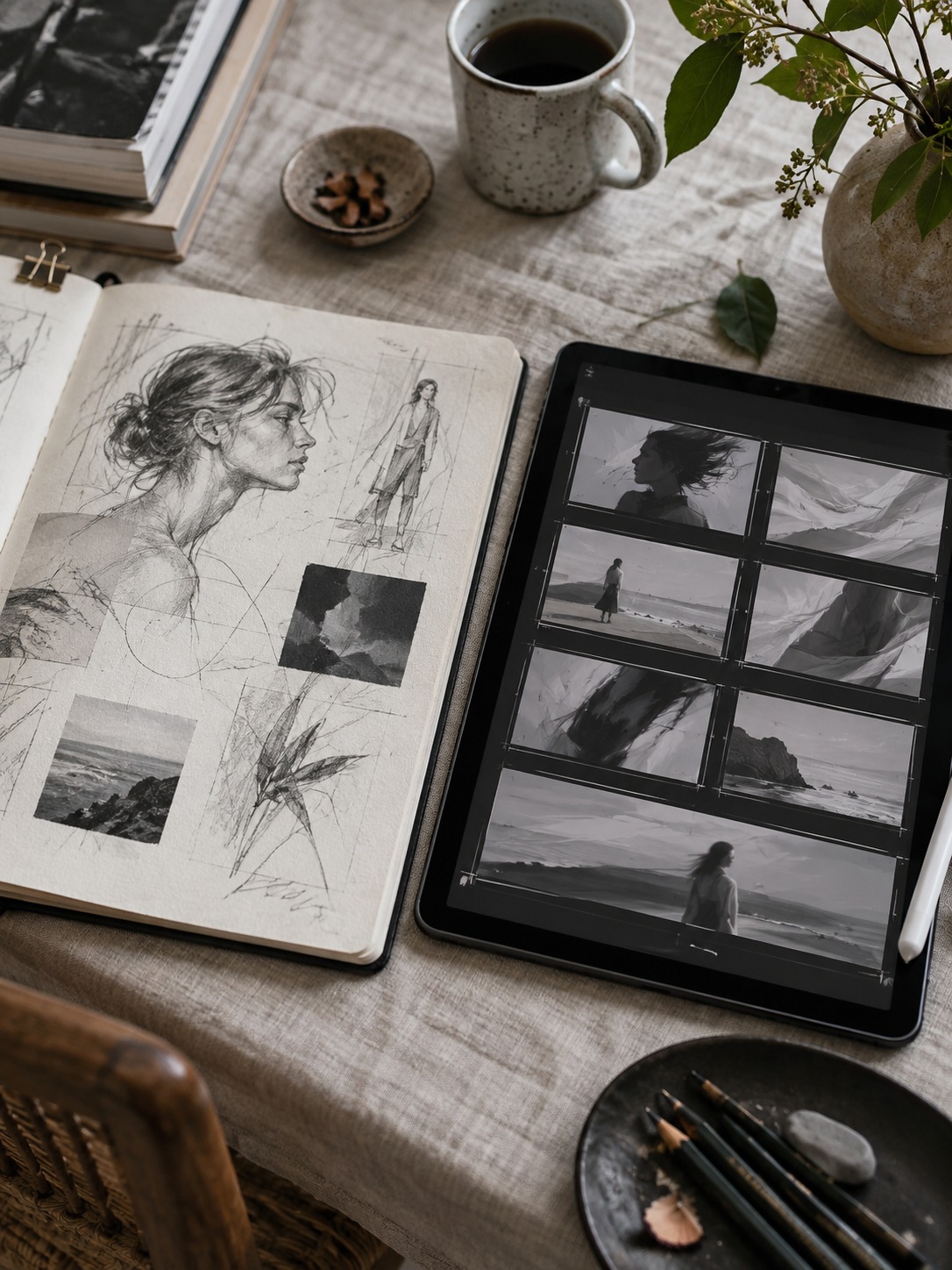
When I thumbnail a sequence, I check the value pattern before the details. If each frame collapses into the same muddy middle gray, motion will not rescue it. A clear dark-light structure gives the eye somewhere to land even when the camera or subject moves.
2 Give every movement a job
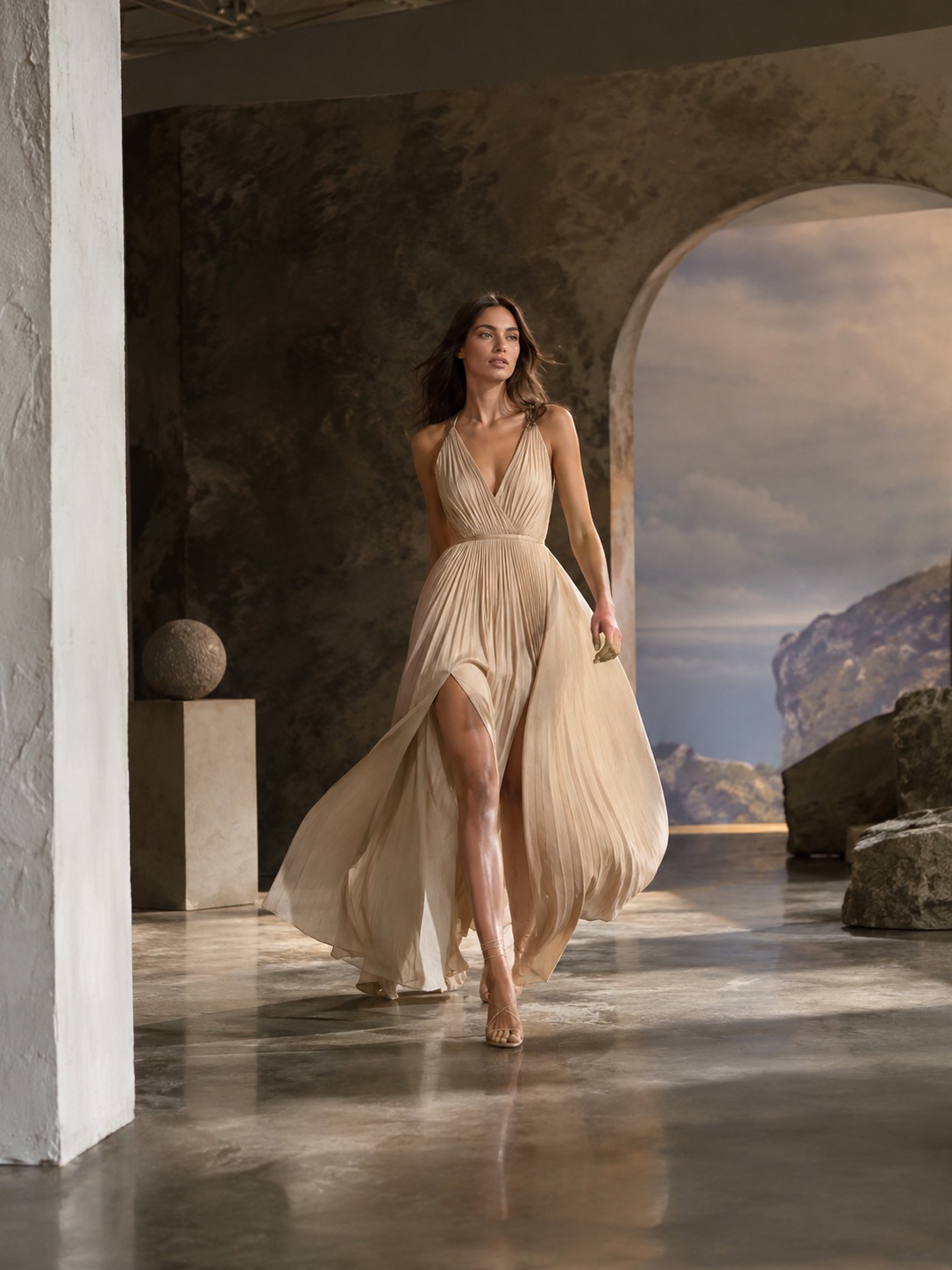
Movement should reveal form, guide attention, explain a process, or create rhythm. If it does none of those things, it is probably decoration. A slow push can make a product detail feel important. A quick cut can introduce energy. A drifting background added to an already busy frame usually creates noise.
Industrial design training made me picky about silhouettes. If the outline becomes unreadable as an object turns, I change the angle or lighting before adding more texture. The same rule works in video: protect the form first, then polish the surface.
3 Let AI make the rough assembly
Use the tool to group scenes, place a first caption pass, and establish an approximate rhythm. Then review it as you would review a junior designer’s first draft. Remove generic transitions. Tighten pauses that feel accidental. Fix captions that arrive too early or stay too long. Replace any shot that weakens the visual identity.
This step is where the designer earns back the time saved by automation. The first assembly does not have to be elegant. It has to be clear enough that you can see the story, find the weak points, and make deliberate choices instead of wrestling with an empty timeline.
4 Build platform cuts from the strongest edit
Finish the master sequence before creating every derivative. Once the story and timing work, shorten or reframe that edit for each platform. Keep the same key shot, color treatment, type system, and sound cues where the format allows. Consistency is easier when every version shares one approved source.
I used this structure on a jewelry brand project. A still product shot became a 15-second sequence built around light moving across a faceted stone as the camera angle changed. The motion grew from the same composition and lighting logic that made the original photograph work. We did not need to invent a new visual language for the video.
AI protects time for creative direction
The strongest results come from combining what software does quickly with decisions a person can defend. AI can generate rough ideas, organize assets, transcribe speech, and produce variations. It cannot know which story fits a particular brand unless a designer defines that direction and checks the result.
I think of it like a better tool in a workshop. A sharper chisel does not decide the object. It reduces the effort spent fighting the material. CAD did the same for drafting in automotive design: the production method became faster, but the designer still had to judge whether a curve, proportion, or surface looked right.
That distinction matters because speed can hide weak judgment. A fast edit with arbitrary pacing is still a weak edit. A dozen attractive variations are not useful if none of them supports the message. The designer’s role is to choose, simplify, and make the sequence feel specific rather than template-driven.

Common mistakes when adopting AI video tools
Most problems come from handing over a decision that needed a human review, or from treating a platform conversion as a simple export. These are the mistakes I would check first.
- Treating AI output as the finished piece. Generated footage, captions, and cuts are drafts. Review composition, timing, type, sound, and brand details before delivery.
- Automating the story decision. A tool can assemble material quickly, but it cannot replace a clear audience, message, and point of view.
- Skipping platform-specific composition. A widescreen edit rarely survives a vertical crop without changes to framing, pacing, and caption placement.
- Ignoring captions and sound. Mistimed captions or careless audio make polished footage feel unfinished. Review both with the same attention as the image.
- Abandoning still-image skills. Composition, value, color, type hierarchy, and silhouette remain the foundation. Motion adds to that training; it does not erase it.
What the next few years mean for creative work
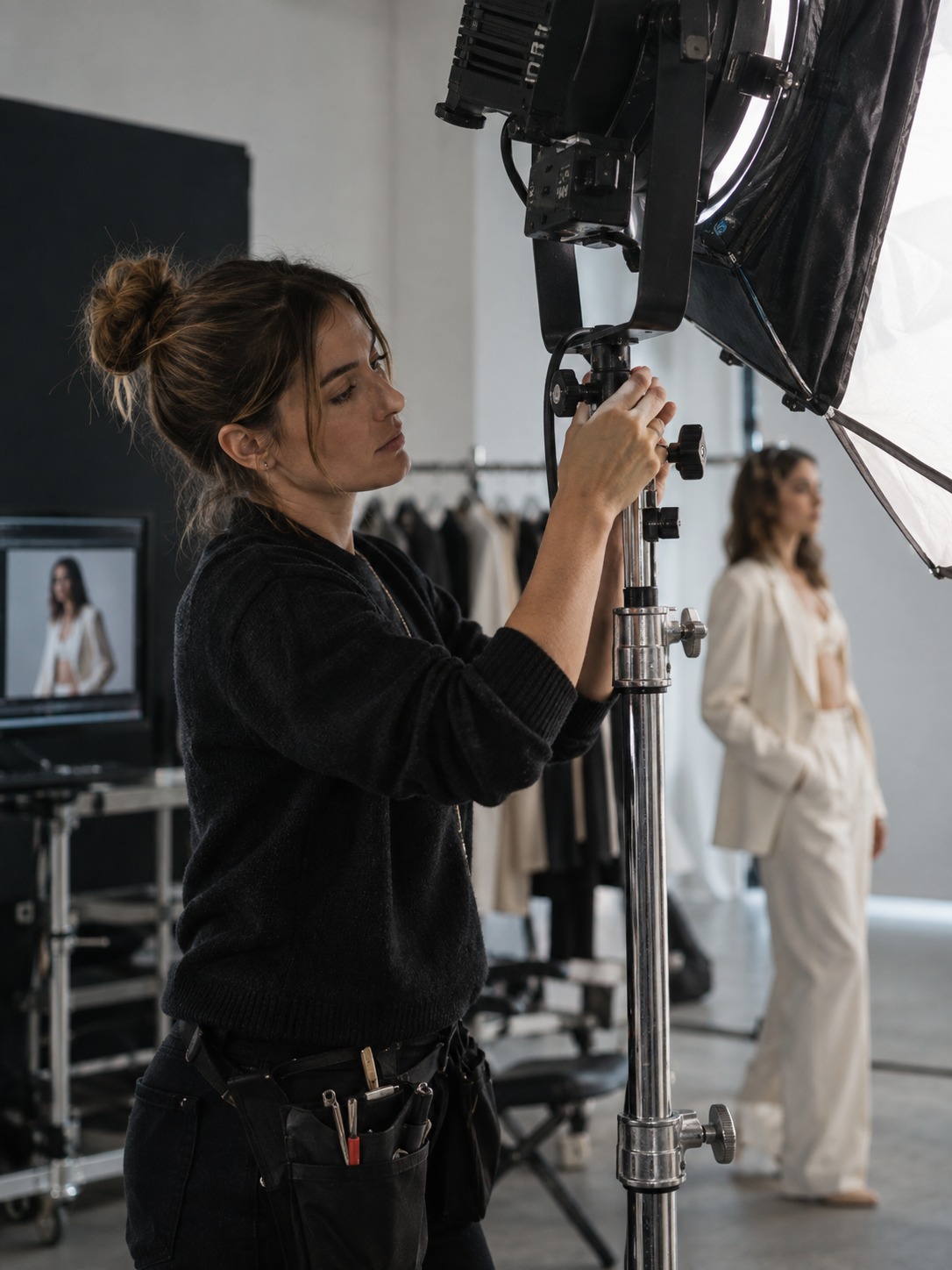
As production tools improve, designers should have more room to test ideas. Tasks that once took hours can become a first pass in minutes. The useful result is not simply more output. It is more time to compare directions, question a weak edit, and refine the details that make the work recognizable.
Traditional skill and AI-assisted production work best together. A trained eye decides what matters. The tooling reduces the cost of trying, revising, and adapting. Designers who learn that balance can take on motion work without allowing speed to flatten every project into the same visual style.
AI visual storytelling FAQ
Do designers need to learn video editing from scratch to use AI video tools?
No. A working grasp of pacing, composition, timing, and basic timeline editing is enough to begin. AI can handle rough assembly and repetitive production tasks, but the designer still needs to recognize when a cut feels rushed, a frame is unclear, or a caption interrupts the focal point.
Will AI replace video editors and motion designers?
AI is already reducing repetitive work such as transcription, silence removal, reframing, and first-pass assembly. Story structure, visual tone, shot selection, brand judgment, and final pacing still need people who understand the audience and can explain their choices.
What is the biggest adjustment when moving from static design into video?
The biggest adjustment is treating a composition as a frame in a sequence instead of a finished object. Designers must think about what changes, what stays stable, where the eye moves, and how long each piece of information remains on screen.
How many versions does one campaign video need?
Three is a common starting point: a short vertical social cut, a longer website version, and a format for paid media. The final number depends on the platforms, languages, and whether the campaign needs silent and sound-on versions.
Are AI video tools useful for designers who mainly work in print or branding?
Yes. Brand systems increasingly need animated logos, product clips, social video, and motion guidelines. Even basic familiarity helps a static designer extend an existing composition into motion without handing over every small video request.
What should a designer look for in an AI video editing tool?
Look for strong manual controls, reliable captions, flexible aspect-ratio tools, clear asset organization, and exports that fit your delivery needs. The tool should speed up production without locking the project into one template or hiding the timing and style controls you need to refine the work.
The practical takeaway
Start with one static composition you trust. Give each movement a reason, let AI build the rough mechanical pass, and then review the sequence with the same care you would bring to typography, proportion, or a product surface. That is the point where AI visual storytelling becomes useful design work rather than fast content for its own sake.
- 0shares
- Facebook0
- Pinterest0
- Twitter0
- Reddit0