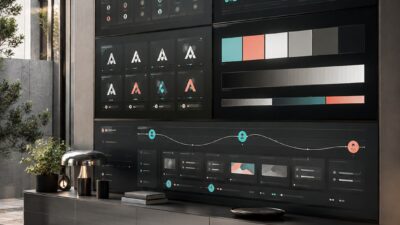
Two years ago I spent a week bouncing between a jewelry CAD render for a client in Berlin and an enterprise dashboard redesign for a logistics startup. Same week, same laptop, completely different worlds — and both got filed under “digital design” on my invoice. That’s when I started wondering if the term even means one thing anymore.
It doesn’t, not really. Ask ten designers what digital design actually covers and you’ll get ten slightly different answers, especially now that AI tools like Figma’s generative features are stretching the category further every quarter.
So here’s the version I actually use, built from working across automotive dashboards, jewelry CAD, and web platforms rather than from a textbook. You’ll get a real definition, the honest difference between digital and graphic design, and the spots where even practitioners argue about where the line sits.

What digital design actually means
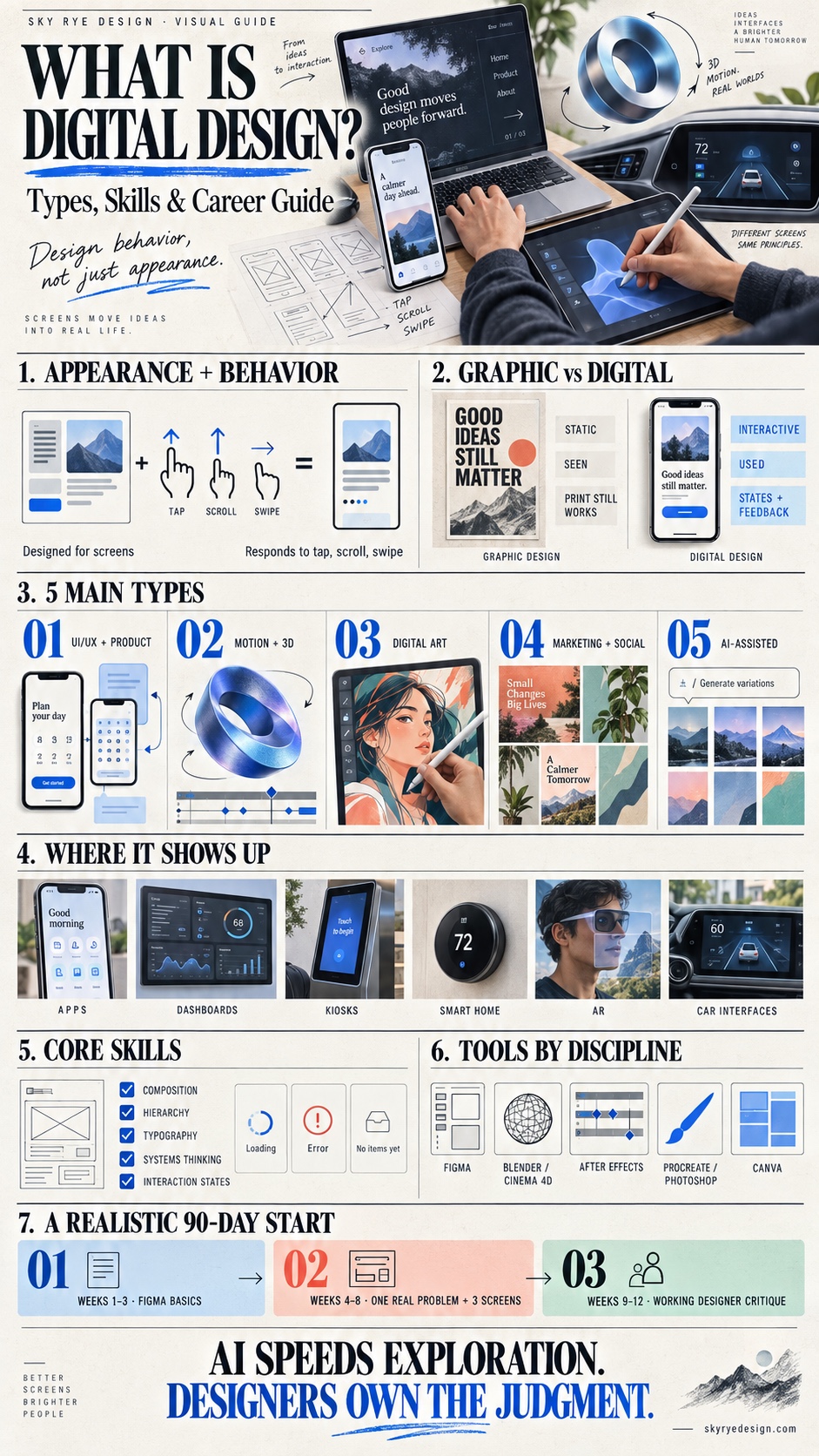
Strip away the jargon and digital design is the practice of creating visual and interactive work meant to live on a screen — a phone, a tablet, a car’s center console, a kiosk at the airport. It’s not just pretty pictures. It’s pictures that respond when you tap, scroll, or swipe them.
That’s the short version. Here’s the one nobody puts in a definition box: digital design is really about designing behavior, not just appearance. A logo sits still. A button doesn’t — it waits for you, changes color when you hover, and (if it’s done right) tells you something happened before the next screen even loads.
Why the dictionary version undersells it
I noticed this hardest when I moved from jewelry CAD, where a ring rendering is a fixed, final image, into dashboard UX, where every screen has maybe six different states depending on what the user just clicked. The jewelry render is finished the moment it looks right. The dashboard screen isn’t finished until it behaves right across all six states. That’s the real gap between “digital” and “static,” and it’s bigger than most beginners expect going in.
Coursera, Indeed, and most of the career-blog definitions you’ll find stop at “interactive content for screens.” True, but it’s the floor, not the ceiling. It covers UI and UX, sure, but also motion design, 3D and animation, and increasingly AI-assisted asset generation, a category that barely existed in this form three years ago.

One quick gut-check I use with junior designers: if you can print it and lose nothing, it’s probably not digital design. If printing it kills half the point, you’re in the right category.
Digital design vs graphic design: the real difference
Here’s the textbook line, and it’s not wrong: graphic design makes static visuals (logos, posters, packaging) while digital design makes things people interact with on a screen. A poster doesn’t care if you touch it. An app screen absolutely does.
But that clean split falls apart the moment you talk to actual designers. I’ve seen threads on r/graphic_design where people argue for pages about whether a digital kiosk menu counts as “digital design” or just “graphic design displayed on a screen.” Nobody fully agrees, and honestly, neither do I some days.
Where practitioners actually disagree
The disagreement usually comes down to one question: does the work involve a sequence of user actions, or just one static moment? A billboard ad, even a digital billboard, is still one static moment. A mobile app onboarding flow is five or six moments stitched together, each one shaped by what the user just did. That sequence is what makes something digital design rather than graphic design wearing a screen as a costume.
I ran into this exact debate on the enterprise dashboard project I mentioned earlier. The client’s marketing team wanted a “graphic design pass” on the dashboard: new colors, cleaner icons. But half the actual problem was behavioral: users didn’t know a filter had been applied because nothing on screen changed state. Fixing that wasn’t a color choice. It was digital design, full stop, and no amount of graphic polish would’ve solved it.
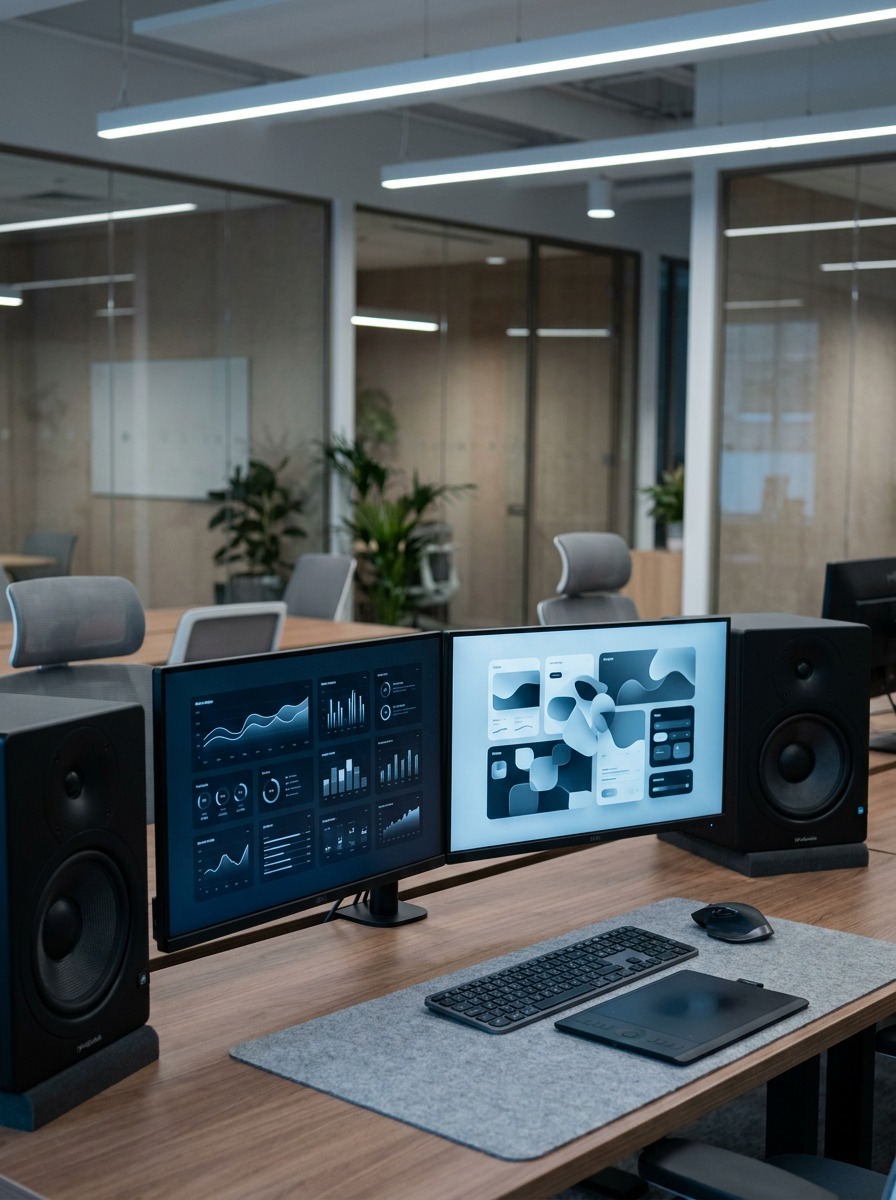
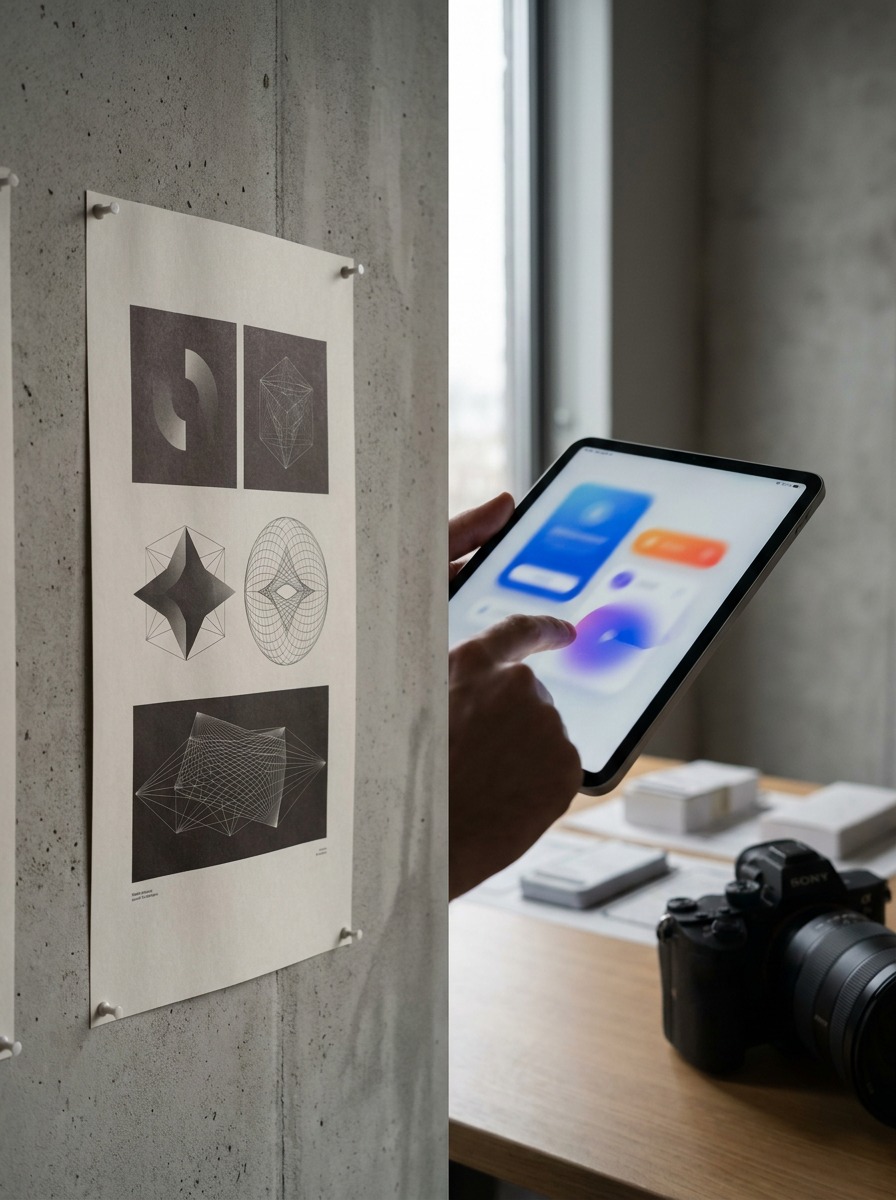
A quick gut-check test
Ask yourself: does this piece need to respond to someone, or does it just need to be seen by someone? Static and seen, that’s graphic design. Responsive and used, that’s digital design. Most confusion in this space comes from skipping that one question.
The 5 main types of digital design
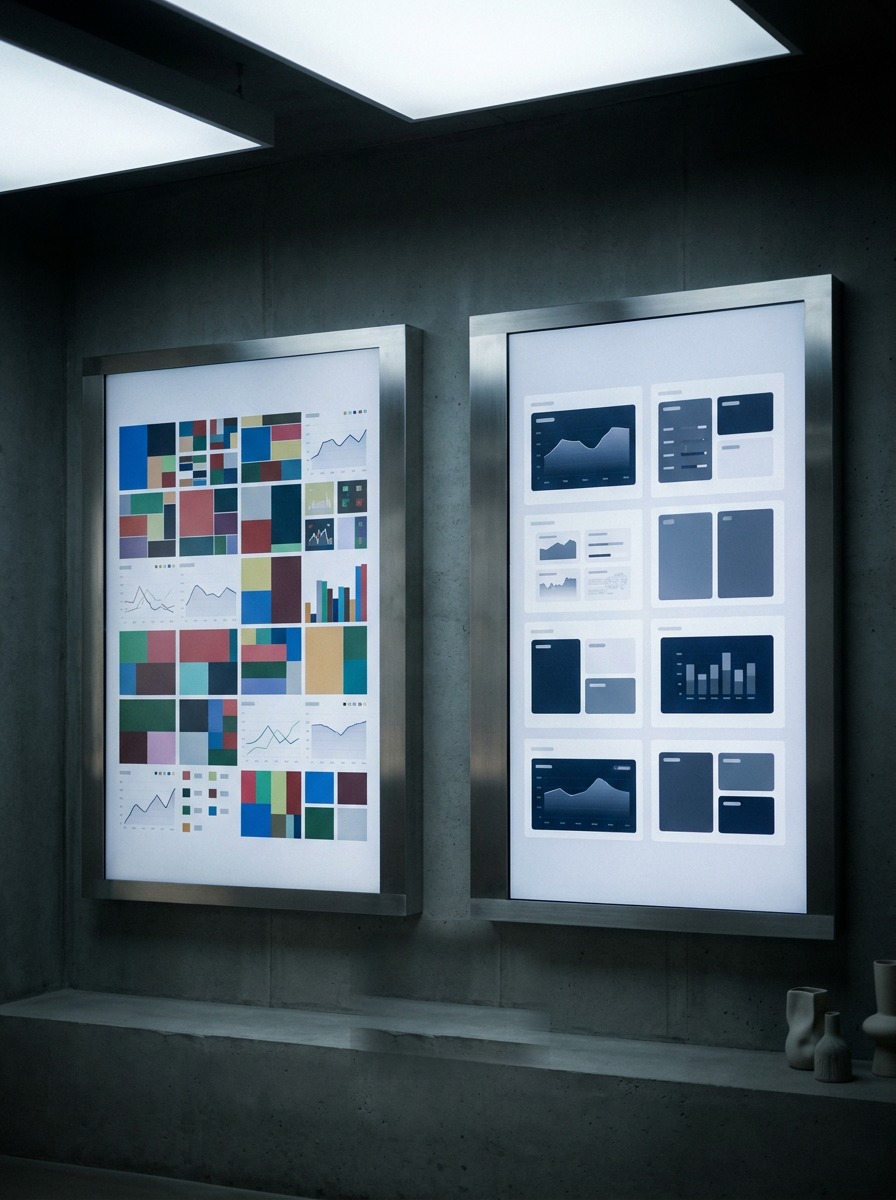
Break “digital design” down far enough and you get five buckets that barely resemble each other day-to-day, even though they share the same starting principles: composition, hierarchy, contrast.
UI/UX and product design
This is the one most people picture first: app screens, website flows, dashboard layouts. It’s less about drawing and more about sequencing. Figma is the industry default here, and for good reason. On the dashboard project, 80% of my time went into flow diagrams before a single pixel got polished.
Motion, animation and 3D
Loading animations, micro-interactions, 3D product renders, game assets. This is where my jewelry CAD background actually transfers directly: modeling a ring in Rhino and modeling a 3D app icon in Blender use the same spatial reasoning, just different stakes.
Digital art and illustration
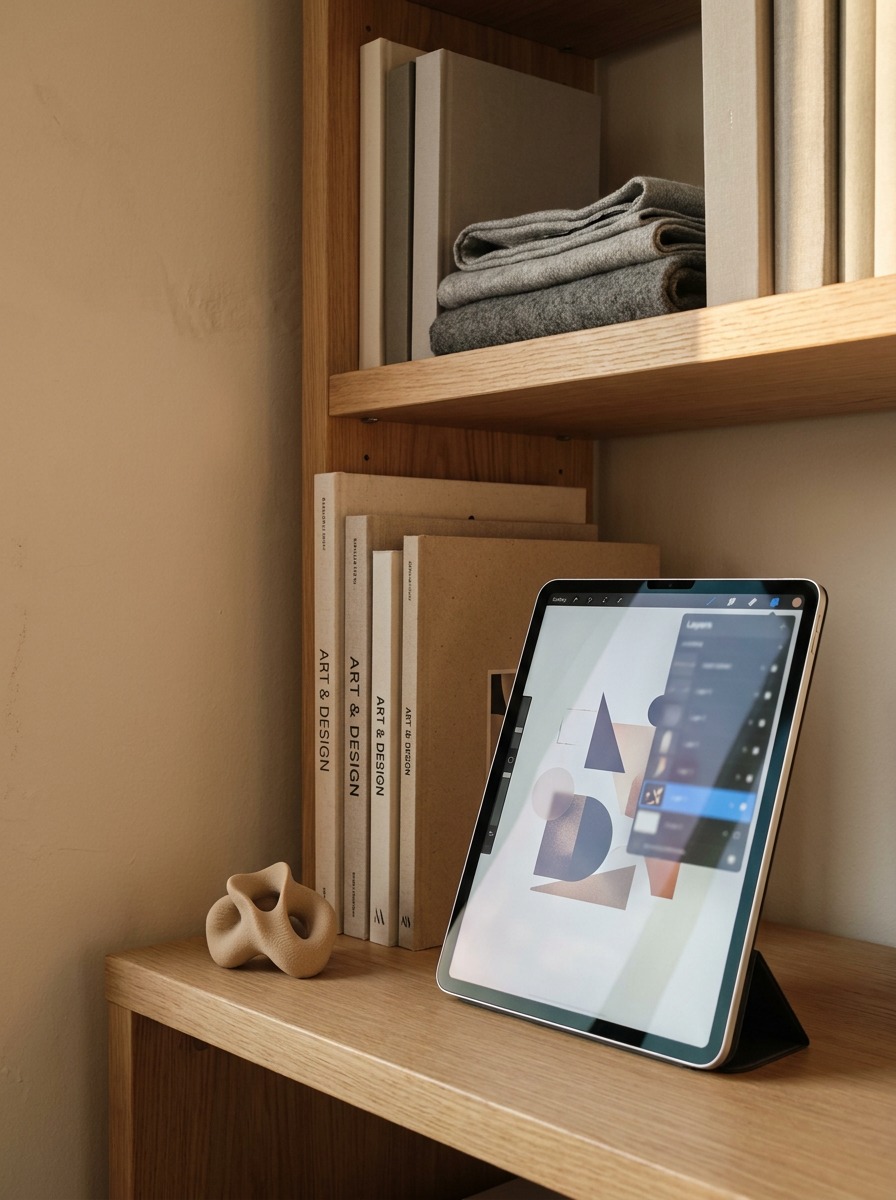
Custom icon sets, editorial illustration, digital painting for covers or campaigns. Procreate and Photoshop dominate here. It’s the closest digital design gets to traditional fine art; academic life-drawing training shows up more in this bucket than any other.
Marketing and social design
Banner ads, email templates, Instagram carousels. High volume, fast turnaround, usually built in Canva or Figma with brand templates already locked in. Less creative freedom, more consistency and speed.
AI-assisted and generative design
The newest category, and it’s growing fast in 2026. Tools like Figma’s generative layout features can spit out ten UI variations from a rough prompt. It hasn’t replaced the earlier four categories; it’s sped up the exploration phase of all of them.
Where digital design shows up (and where the line blurs)
Ten years ago, digital design meant websites and maybe a mobile app. Now it shows up in places that don’t feel “digital” at all until you actually touch them.
Kiosks, smart appliances, AR — the edge cases
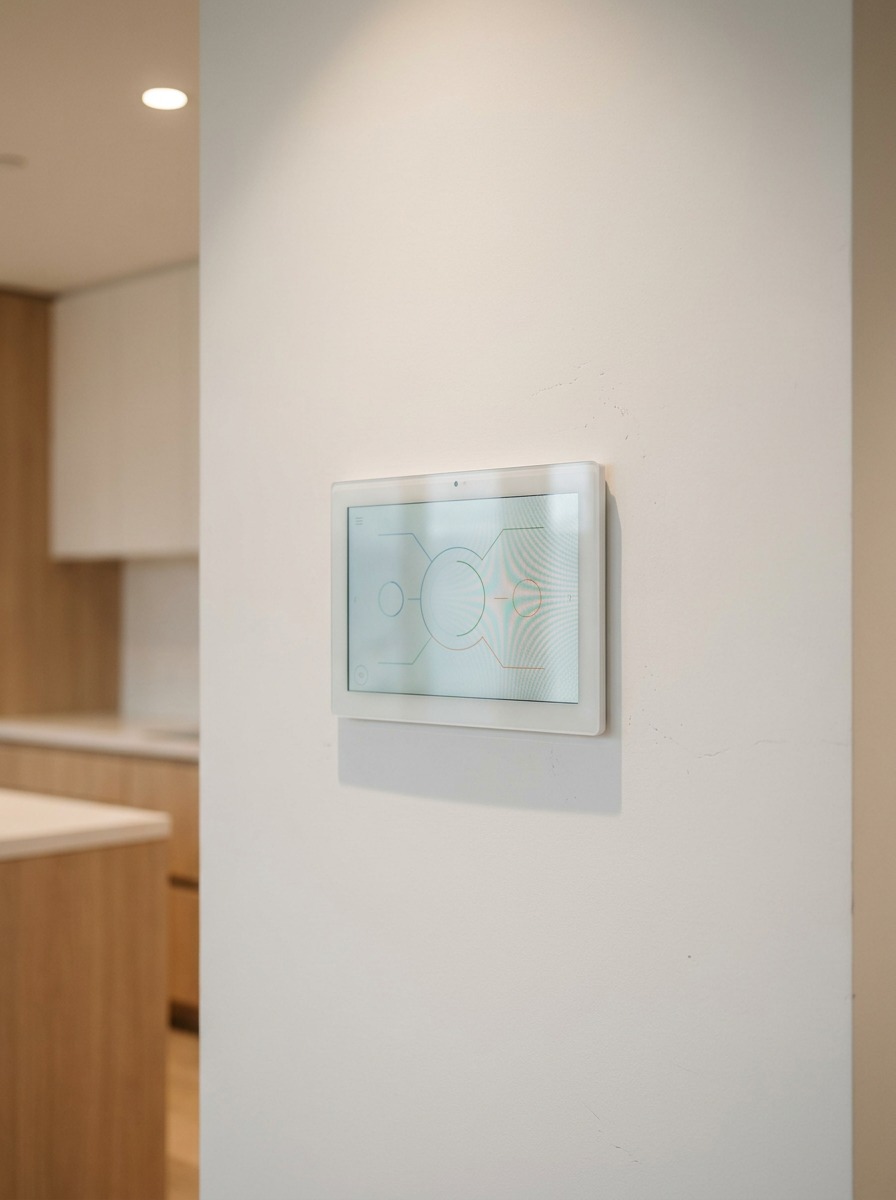
Walk up to an airport check-in kiosk and you’re using digital design, even though it’s bolted to the floor and looks nothing like an app. Same with a smart fridge’s touchscreen, or the AR overlay on a car’s heads-up display. None of these fit the “website or app” mental model most people still carry around, and that Reddit thread I mentioned earlier (the one debating what “digital designer” even means) spends half its length arguing about exactly this. Does a smart thermostat interface count? Most working designers I know say yes.

My own crossover: automotive dashboards and jewelry CAD
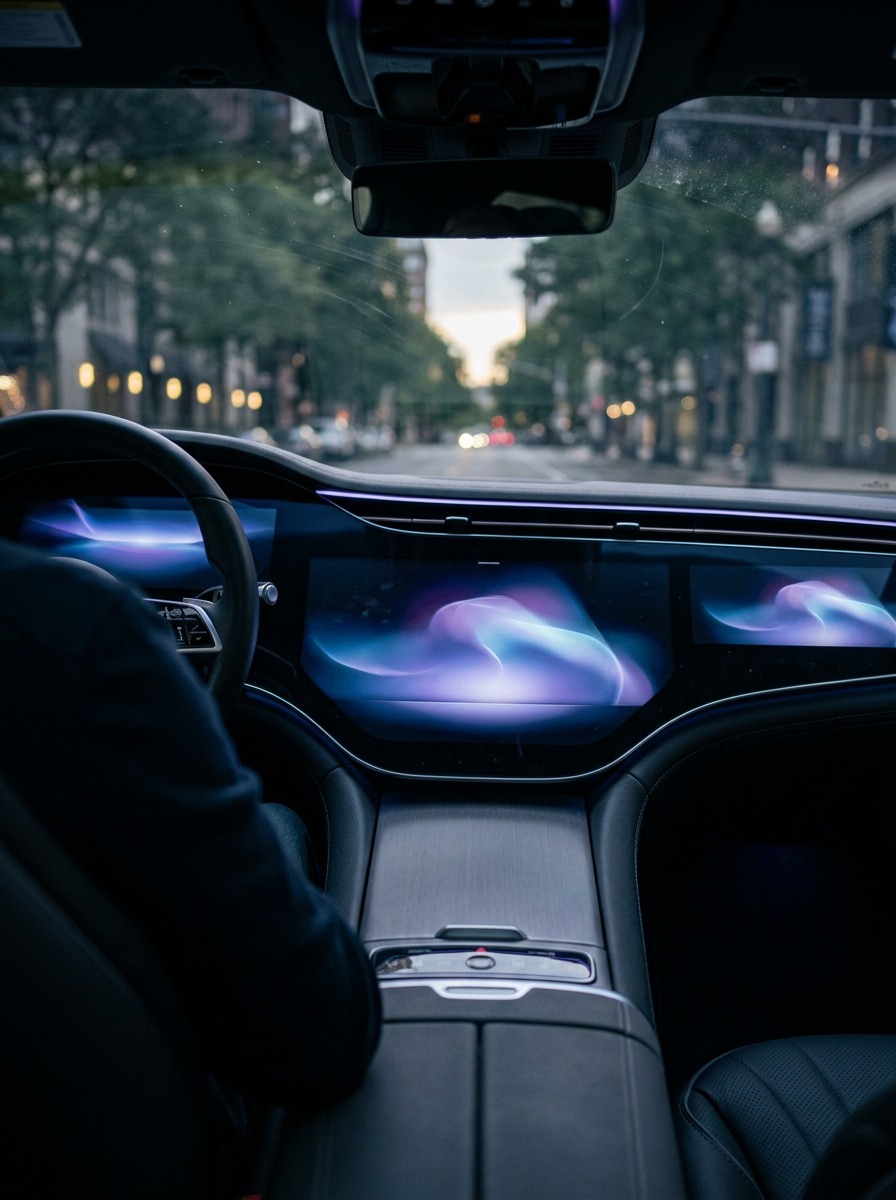
The clearest example from my own work is the first Ukrainian electric car concept I contributed to. The center console screen needed the same interaction thinking as any mobile app, clear states, obvious feedback, nothing hidden three taps deep, but it also had to survive glare, gloves, and someone glancing at it for half a second at 80 km/h. That’s digital design with physical-world constraints layered on top, and it’s a completely different discipline from designing a dashboard someone views calmly at a desk.
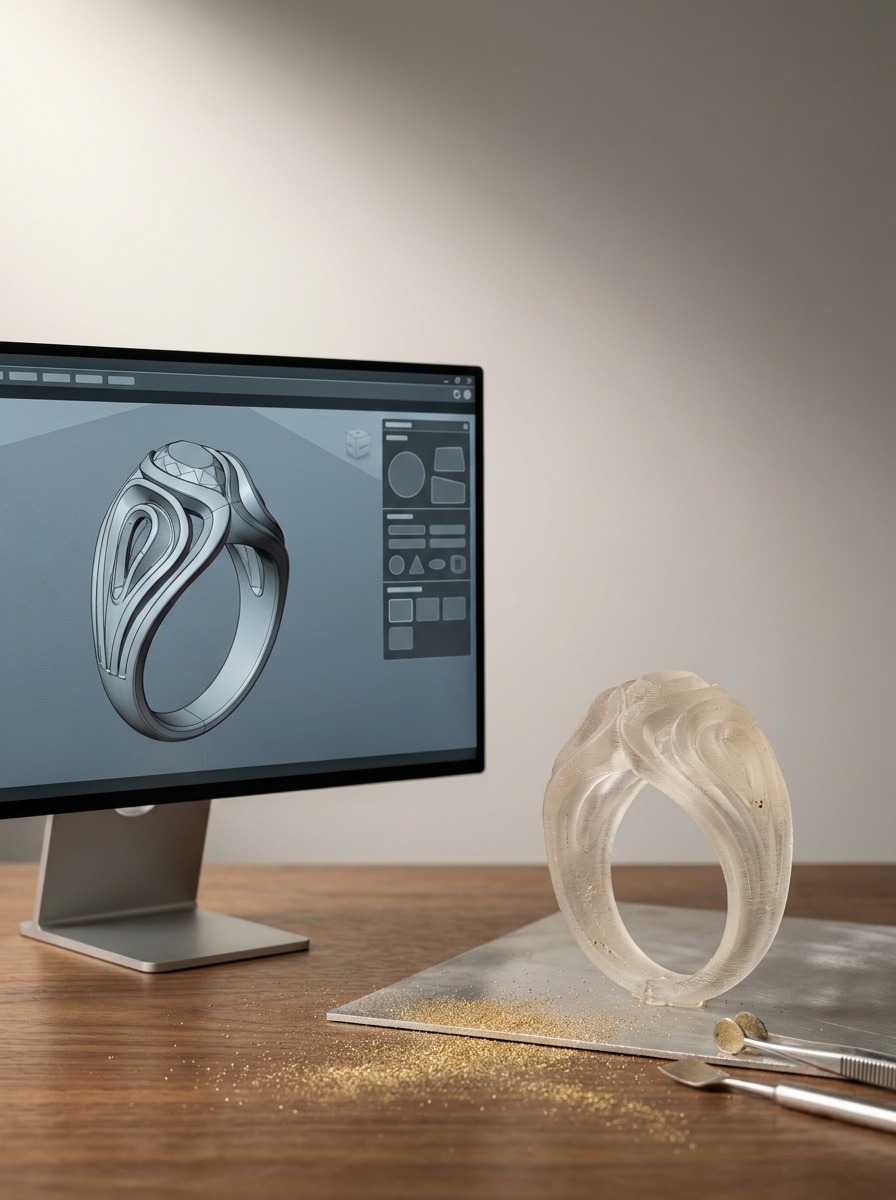
Jewelry CAD sits at the opposite extreme: no interactivity at all, just a 3D file that gets 3D-printed and cast in metal. It’s not digital design by the definition I gave earlier. But the file lives entirely in software, gets reviewed on-screen with a client before anything physical exists, and uses the exact same spatial and proportional judgment I built through academic life drawing. It’s a good reminder that “made on a computer” and “digital design” aren’t the same thing; the interactivity test still holds.
Skills and tools digital designers actually use
Software is the easy part to list. The skills underneath it are what actually separate someone who can open Figma from someone who can solve a real design problem in it.
Core skills (the ones nobody puts on a job posting)
Composition and hierarchy (knowing where the eye goes first) transfers directly from academic drawing training, and I lean on it constantly even in dashboard work. Typography matters more in digital design than most beginners expect, since a font that reads fine on a poster can turn into a mess at 12px on a phone screen. And systems thinking (designing one button so it still makes sense multiplied across 40 screens) is the skill that separates junior from senior fastest, in my experience.
Tools by discipline
For UI/UX: Figma, hands down the industry default in 2026, with Figma AI increasingly handling first-pass layout variations. For motion and 3D: Blender and Cinema 4D, plus After Effects for micro-interactions. For digital art: Procreate on iPad, Photoshop for anything print-adjacent. For marketing assets: Canva for speed, Figma when brand consistency across dozens of assets matters more than speed.

One thing I tell people learning this stack: don’t start in the software. Start with a pencil. Every dashboard flow I’ve shipped began as thumbnail sketches on paper, messy, fast, disposable, before a single screen opened in Figma. It’s faster to throw away a bad sketch than a bad Figma file you’ve already spent two hours on.
If you’re deciding what to actually install first, I broke down a video editor built for exactly this kind of asset work (motion, quick exports, brand consistency) in my Filmora review for graphic designers.
Is digital design a good career in 2026?
Short answer: yes, but the entry point has shifted, and anyone telling you otherwise probably isn’t hiring right now.
Salary ranges and entry paths
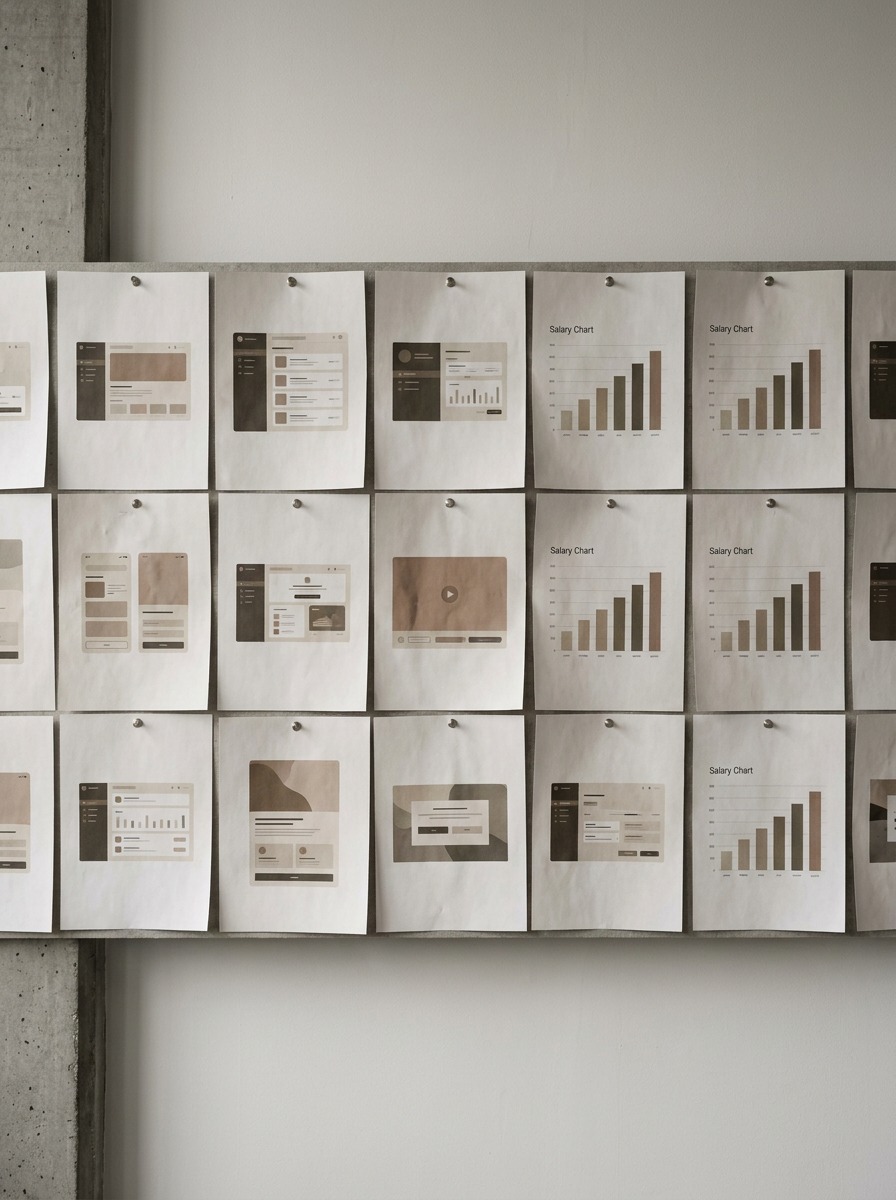
Junior digital designers in the US typically land somewhere between $50,000 and $65,000 depending on city and whether the role leans UI/UX or motion-heavy. Mid-level product designers with 3-5 years and a solid portfolio push into the $85,000-$110,000 range, and senior specialists, especially anyone who can do both UX strategy and high-fidelity visual work, clear well past that. The spread is wide because “digital designer” covers everything from a marketing-asset generalist to a product designer shipping features at a SaaS company, and those two paths pay very differently.
Can AI replace digital designers?
Not the way people fear, and not yet the way people hope, either. Figma AI can spit out a passable first-draft layout in seconds; I use it myself to skip the blank-canvas problem. What it can’t do is decide why a user is confused, or catch that a button placement will get missed by someone holding a phone one-handed on a train. That judgment call is still entirely human, and I don’t see it going anywhere in the next few years. What’s actually happening is the exploration phase getting faster, which means designers who lean only on “I can execute a clean layout” are more exposed than designers who can explain why a layout works.

If you’re weighing this against a straight graphic design path, worth noting: digital design roles have grown faster over the past two years simply because more products need ongoing screen-based work than one-off print jobs.
How to get started without a design degree
I didn’t go the traditional four-year design-school route either; my training was industrial design, not digital, and I still had to teach myself UI/UX from scratch when the dashboard work started coming in. It’s doable. It just takes a plan instead of random YouTube tutorials.
A realistic 90-day learning path
Weeks 1-3: learn Figma’s basics through their own free interactive tutorials, not a paid course yet; you don’t know what you don’t know at this stage, so save the money. Weeks 4-8: pick one real problem (redesign an app you use daily, badly) and build three screens end to end, including the states that most tutorials skip: empty states, error states, loading states. Weeks 9-12: get feedback from an actual working designer, not just friends and family. A single honest critique from someone in the field is worth more than a month of solo tutorials.
Building a portfolio that doesn’t look like a tutorial
The single biggest tell of a beginner portfolio is three unrelated projects that all look like they came from the same design-course template: same fonts, same layout patterns, same fake app names. Pick one real, specific problem instead, even something small and local (redesign your gym’s booking flow, or your city library’s catalog search), and show the messy middle: the sketches, the version that didn’t work, the reasoning for the final choice. Hiring managers scroll past polished-and-generic constantly. They stop for one project that shows actual thinking.
Don’t wait for a “real” design job to start this. Redesign something broken you use every week; that’s a stronger first case study than any tutorial project you’ll find.
Conclusion
Digital design isn’t a fixed job title; it’s a mindset that travels across mediums. The same instinct that tells me a button needs more contrast is the instinct that told me a ring’s prongs sat wrong before it ever hit metal. Once you see it that way, the “what counts as digital design” debate matters a lot less than whether you’re actually solving the problem in front of you.
If you’ve read this far wondering whether you should try it: don’t wait for permission or a degree. Pick one small digital project this week; a Figma mockup of an app you use badly, a five-second motion loop, anything with an actual interaction in it, and build it end to end. That single finished thing will teach you more than another month of reading definitions.
Frequently asked questions
What is an example of digital design?
A mobile banking app is a clean example — the login screen, the balance dashboard, the transfer flow are all digital design, since each screen changes based on what you do next. Compare that to the bank’s printed brochure in the lobby: same brand, same colors, but that’s graphic design, because it doesn’t respond to anything. Other examples include a Spotify playlist interface, a smart thermostat touchscreen, or a car’s digital dashboard.
What is digital design vs graphic design in one sentence?
Graphic design creates static visuals meant to be seen (logos, posters, packaging) while digital design creates interactive work meant to be used, where a sequence of screens or states responds to what the person does. If you can print it and lose nothing, it’s graphic design; if printing it kills the point, it’s digital design.
What skills do you need to be a digital designer?
Composition and typography carry over from traditional design training, but systems thinking is the skill that actually separates beginners from professionals (designing one button so it still makes sense repeated across 40 screens). Add basic Figma fluency, an understanding of user states (loading, error, empty), and the habit of sketching on paper before opening any software.
Can AI replace digital designers?
Not in the way most people fear. Tools like Figma AI can generate a first-draft layout in seconds, which speeds up the exploration phase, but they can’t judge why a user got confused or catch a button placement that’ll get missed on a one-handed phone grip. That judgment call stays human for the foreseeable future — the designers most exposed are the ones who only execute clean layouts without explaining why they work.
Do I need a degree for digital design?
No. A strong portfolio built around one real, specific problem (not three generic tutorial projects) carries more weight with hiring managers than a degree alone. A realistic path: two to three months learning Figma basics, building end-to-end screens for a real problem, then getting feedback from a working designer before applying anywhere.
What does a digital designer’s salary look like?
In the US, junior digital designers typically earn $50,000-$65,000 depending on city and specialty. Mid-level product designers with three to five years of experience land around $85,000-$110,000, and senior designers who combine UX strategy with strong visual execution clear well past that. The range is wide because “digital designer” covers everything from marketing-asset generalists to product designers shipping app features.
What falls under digital design?
Five main buckets: UI/UX and product design (apps, dashboards), motion and 3D (animation, game assets, product renders), digital art and illustration, marketing and social design (banners, email templates), and AI-assisted generative design, the newest category as of 2026. It also extends to less obvious places — airport kiosks, smart appliance touchscreens, and car dashboard interfaces.
- 2shares
- Facebook0
- Pinterest2
- Twitter0
- Reddit0