Want to make your phone case or laptop show your style using Instagram stickers? You can turn any Instagram sticker design into a physical sticker that fits your device, matches your vibe, and lasts through daily use.
You’ll learn how to pick, design, and apply Instagram-inspired stickers that look great and hold up on your phone case or laptop. This post will walk you through what Instagram sticker design means, how to choose the right size and material, simple design tips, and where to print or buy stickers that match your aesthetic.
Get ready to explore easy design tricks, durable materials, and smart application techniques so your device looks unique and stays protected.
What Is Instagram Sticker Design?
Instagram sticker design means creating small, shareable graphics you can use on posts, Stories, Reels, or to inspire physical stickers for your phone case or laptop. These designs focus on clear shapes, transparent backgrounds, and sizes that look crisp on screens and when printed.
Definition and Key Elements
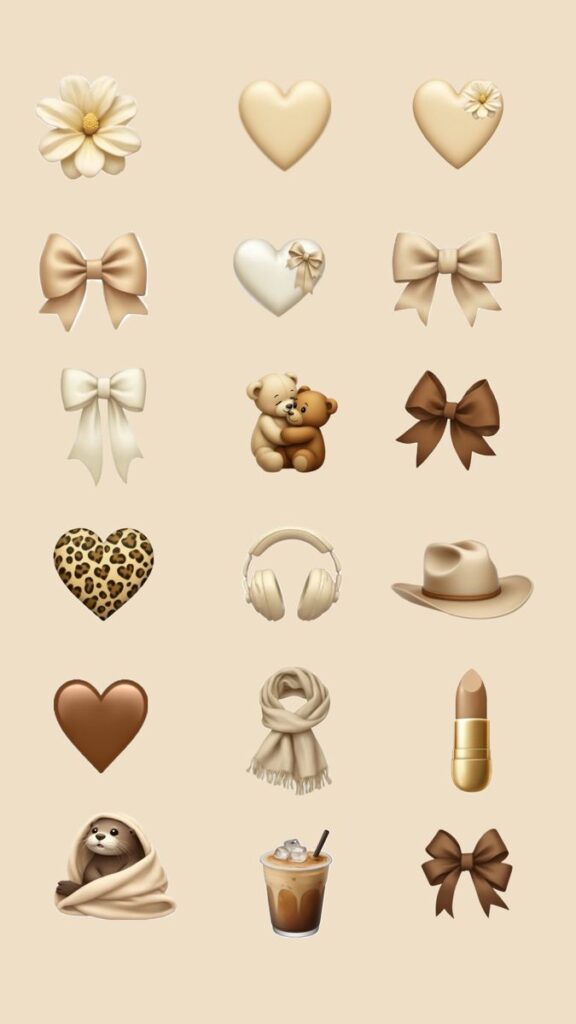
Instagram sticker design is about making compact art that reads quickly on mobile screens. You design a main shape or character, add bold outlines or shadows for contrast, and save the file as a PNG with a transparent background so it layers cleanly over photos. Keep the canvas square or close to 1:1 so the sticker scales well inside Instagram’s sticker picker.
Key technical elements to check:
- File format: PNG (transparent background)
- Resolution: at least 300 PPI for print; 1080 px minimum for screen use
- Safe margins: leave 10–20% padding so important parts don’t get cropped
Design-wise, use simple color palettes and strong silhouettes. Text should be large and readable at small sizes. Test how the sticker looks on light and dark backgrounds.
Popular Styles
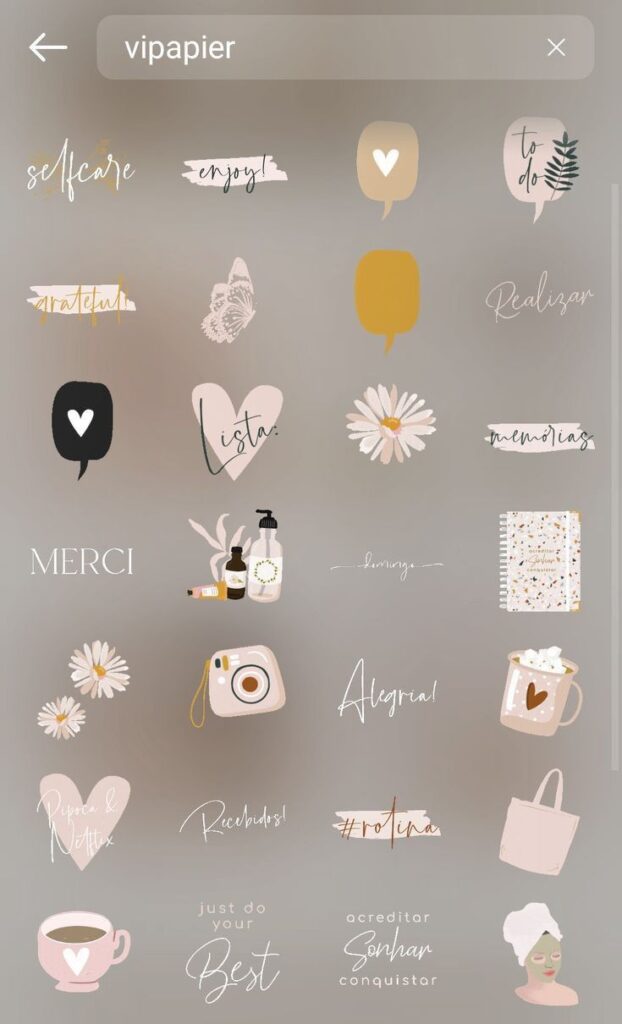
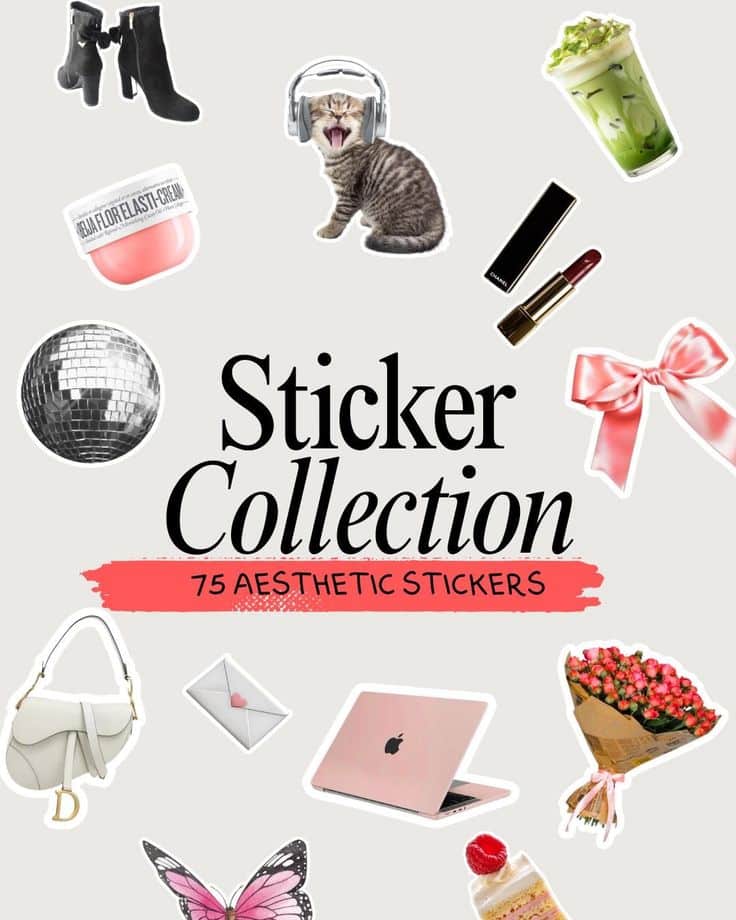
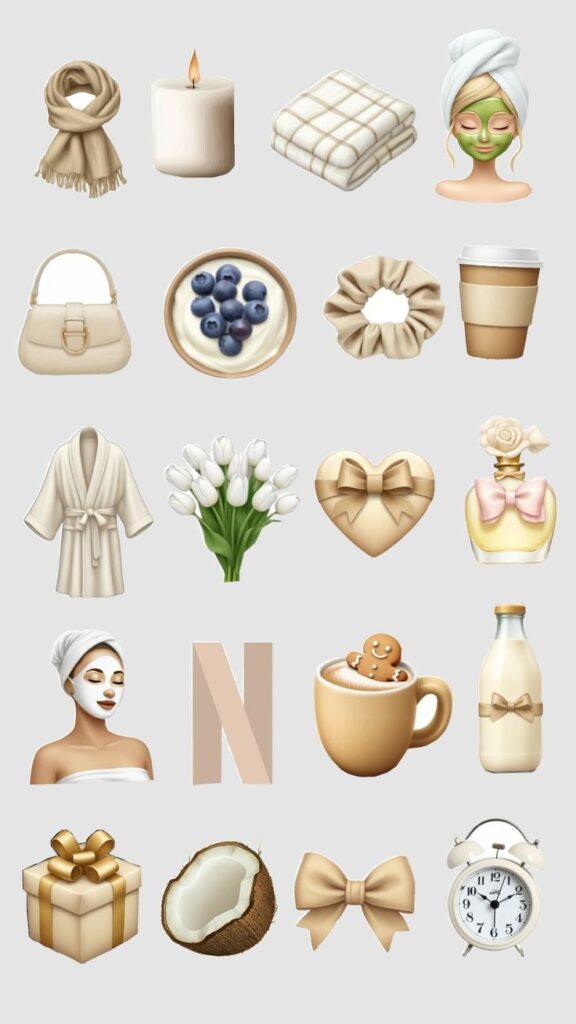
You’ll find a few recurring styles that work well both online and as physical stickers. Cute characters and hand-drawn doodles sell because they are easy to read and feel personal. Minimal icons and logos are effective for brands since they maintain recognition at small sizes. Retro stickers with grain or bold outlines give a nostalgic vibe that prints nicely.
Other popular looks:
- Flat color illustrations for clarity
- White stroke around PNGs to add contrast on any background
- Animated GIF stickers for Reels and Stories (export via GIPHY or similar)
Match the style to the use: playful for personal cases, clean and bold for branded laptop stickers. Keep elements limited so the sticker stays legible when shrunk.
Trends in Instagram Stickers
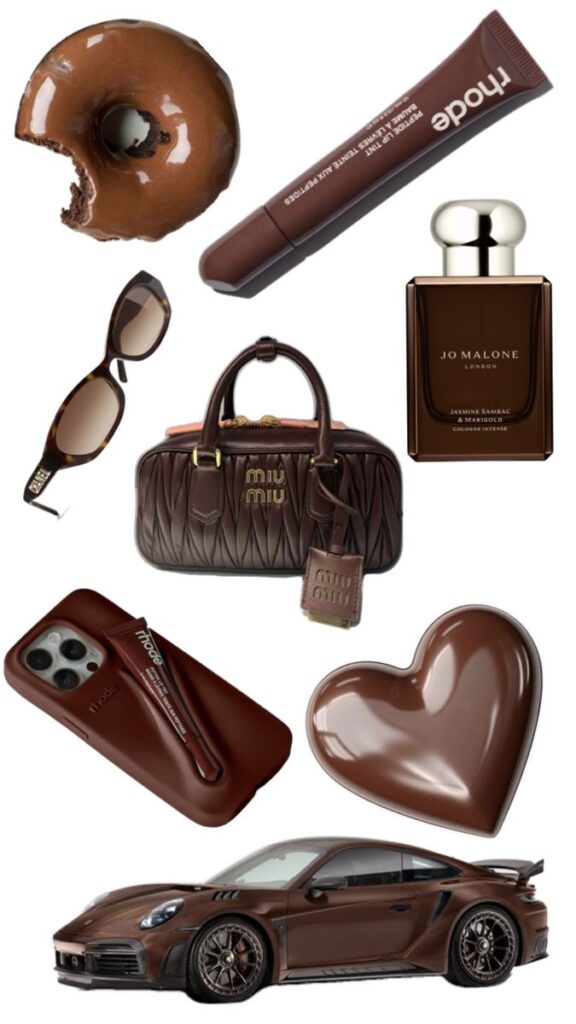

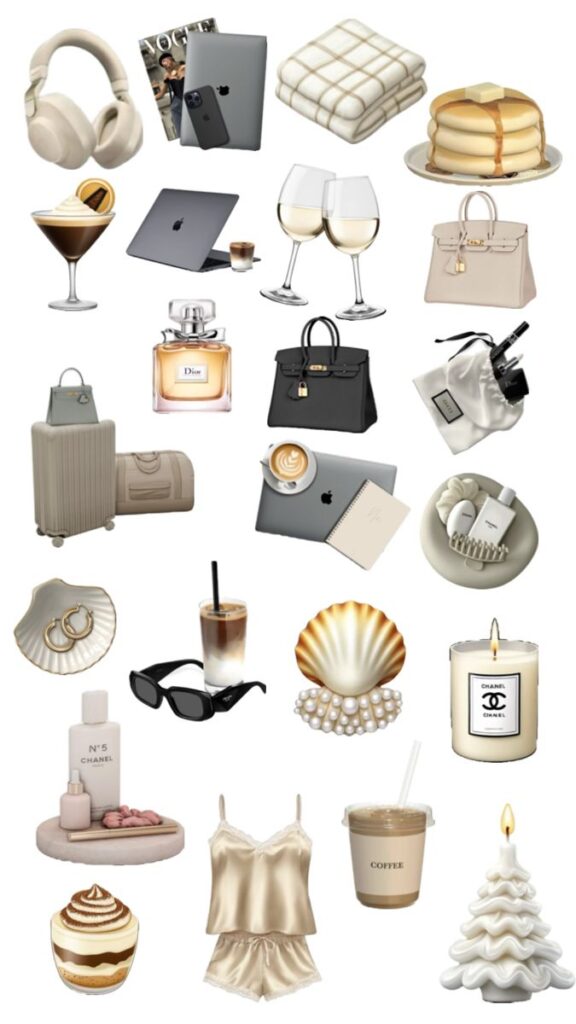
Current sticker trends favor authenticity and utility. People create candid cutout photos of themselves or friends as stickers to add personality to Stories. Transparent cutouts and “sticker packs” that share a cohesive theme (colors, icons, or characters) perform well in both downloads and prints.
Design trends you can use:
- Neutral muted palettes mixed with one bright accent color
- Handwritten fonts or short, punchy phrases
- Mix of static PNGs and short loop animations for Reels
For printables on phone cases and laptops, durable vectors and high-resolution PNGs remain best. If you plan to upload to GIPHY for Instagram use, make sure your GIFs loop cleanly and follow platform size limits.
Choosing the Right Sticker for Your Device
Pick stickers that match how you use your device, how often you handle it, and the look you want. Think about size, material, edge finish, and whether the adhesive needs to be removable or waterproof.
Selecting Stickers for Phone Cases
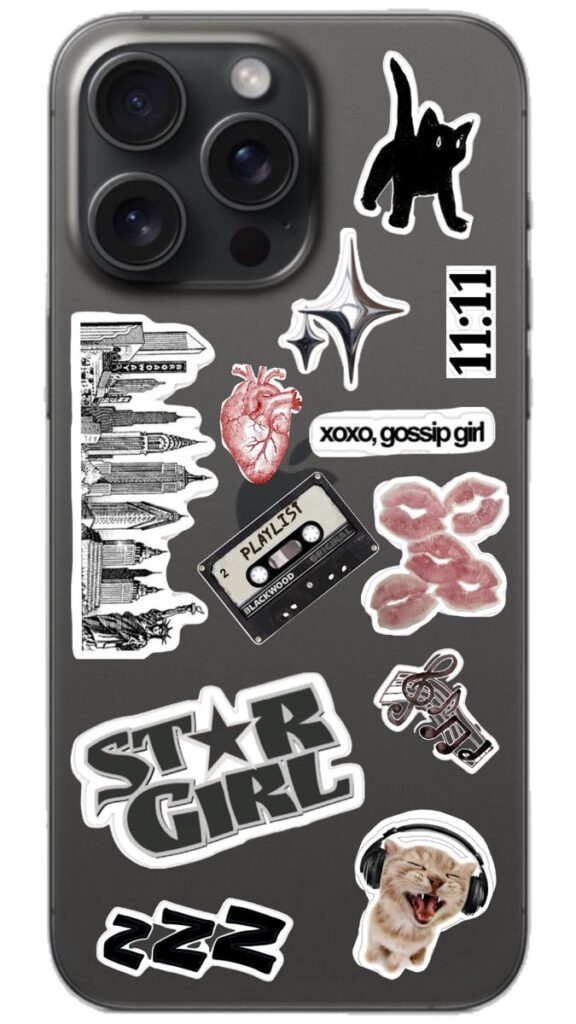
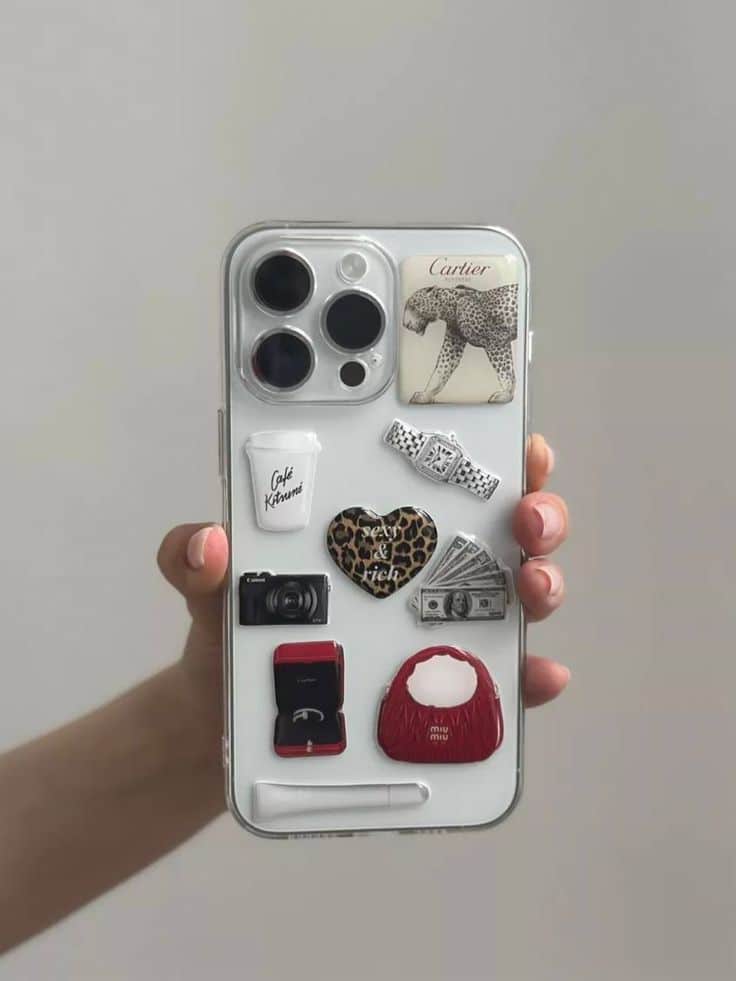
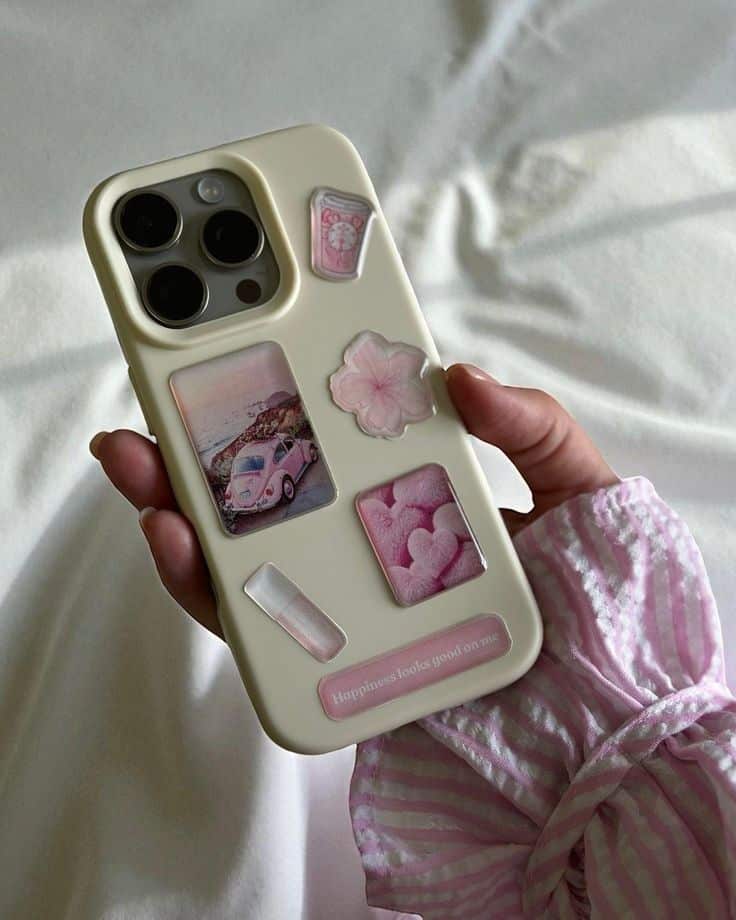
Choose thin, flexible vinyl stickers for phone cases so they bend with curves and don’t lift around the edges. Look for matte or glossy finishes based on your case: matte hides fingerprints, glossy makes colors pop.
Match sticker size to the case surface. A 2–3 inch sticker works well on slim cases; use smaller stickers or a collage near the center if your case has a camera cutout or textured grip. Avoid thick layers where buttons or ports sit.
Pick a removable adhesive if you swap designs often. Permanent adhesive holds through drops and pocket wear, but can damage soft-touch cases when removed. Waterproof or UV-coated stickers resist sweat and sun if you use your phone outdoors.
Picking Stickers for Laptops
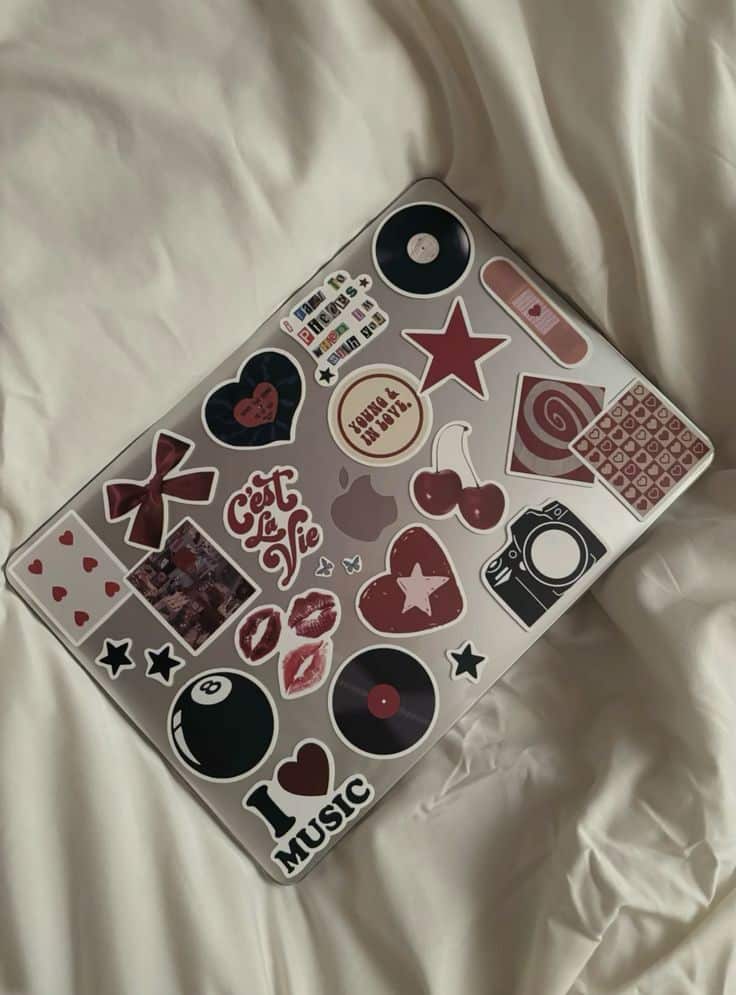

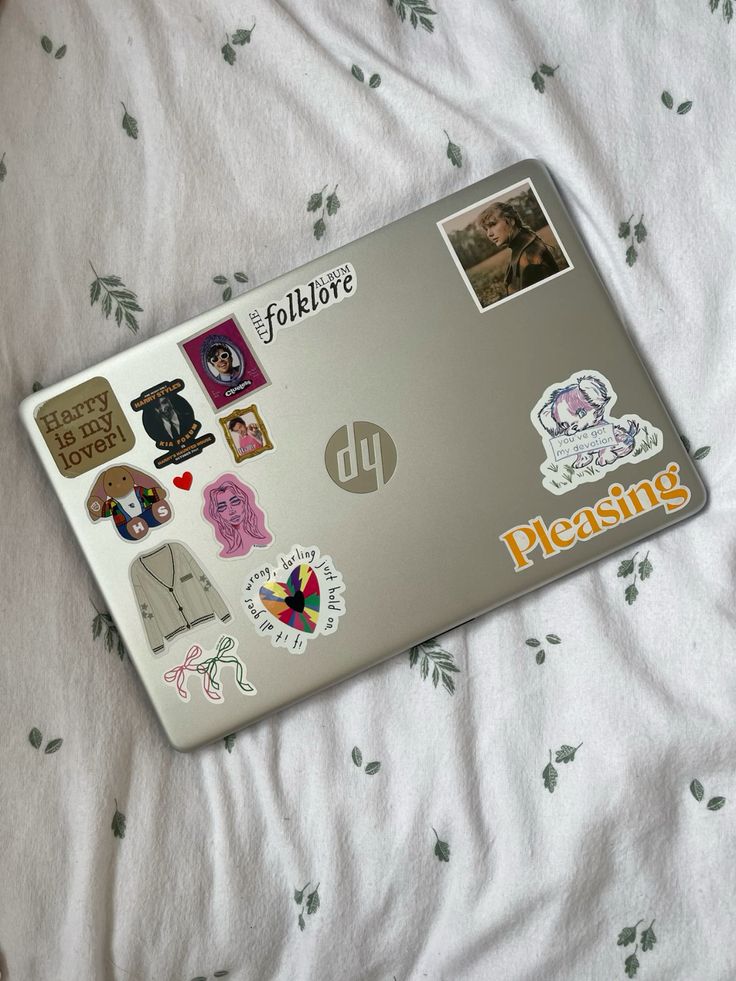
For laptops, prioritize larger, durable vinyl stickers with strong, low-residue adhesive. They should withstand heat from vents and frequent handling across the palm rest and keyboard edge.
Measure the laptop lid and plan placement around logos and ventilation. Full-cover skins protect better; single large stickers look clean when centered. If you travel with the laptop, choose scratch-resistant and laminated stickers to avoid rubbing off in bags.
Consider removable options for leased or work laptops to avoid permanent marks. Low-profile stickers are better if you sit your laptop in backpacks or sleeves—raised edges create snags.
Device Compatibility
Check material compatibility before you buy. Hard plastic cases accept most adhesives; soft silicone or rubber can repel glue and tear when peeled off. Test one small sticker on an unseen spot if unsure.
Confirm the sticker’s finish matches your device care routine. Oil- and water-resistant coatings help on phones you use while eating or exercising. Also check for temperature tolerance—some adhesives fail on hot laptop lids or in cold climates.
Look at cutouts and buttons. Stickers should avoid camera lenses, microphones, hinge areas, ventilation slots, and ports. When in doubt, trim around functional parts or choose a design that leaves them clear.
Designing Custom Instagram Stickers
Pick colors, fonts, and small branding elements that match your style and the device surface. Focus on contrast, legibility, and how the sticker will look at different sizes.
Selecting Colors and Fonts
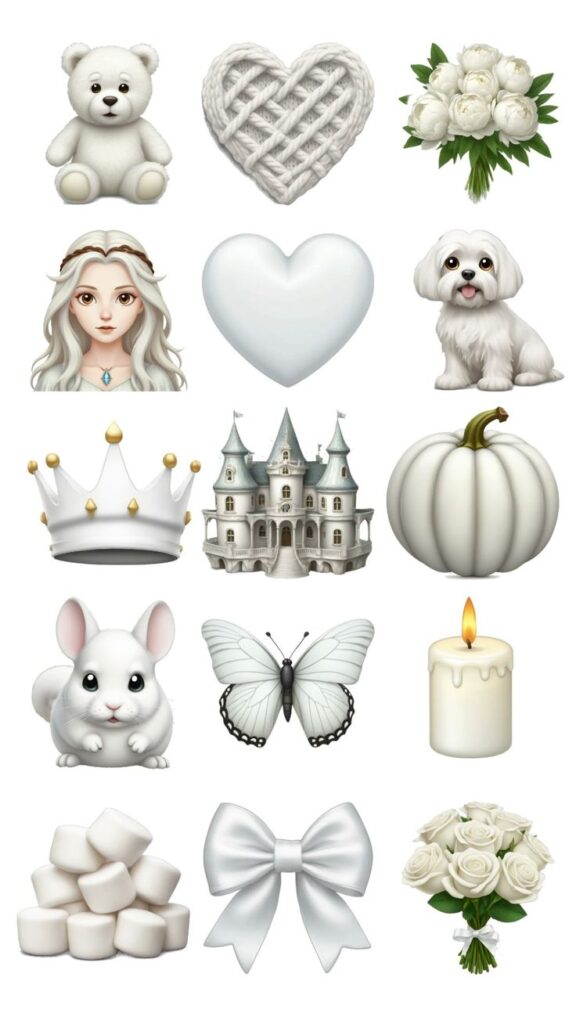
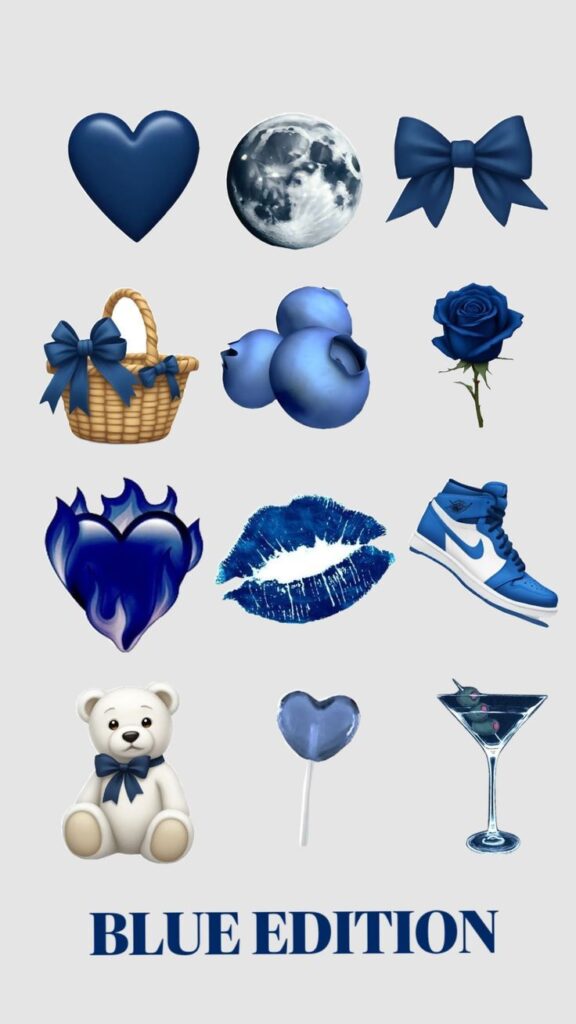
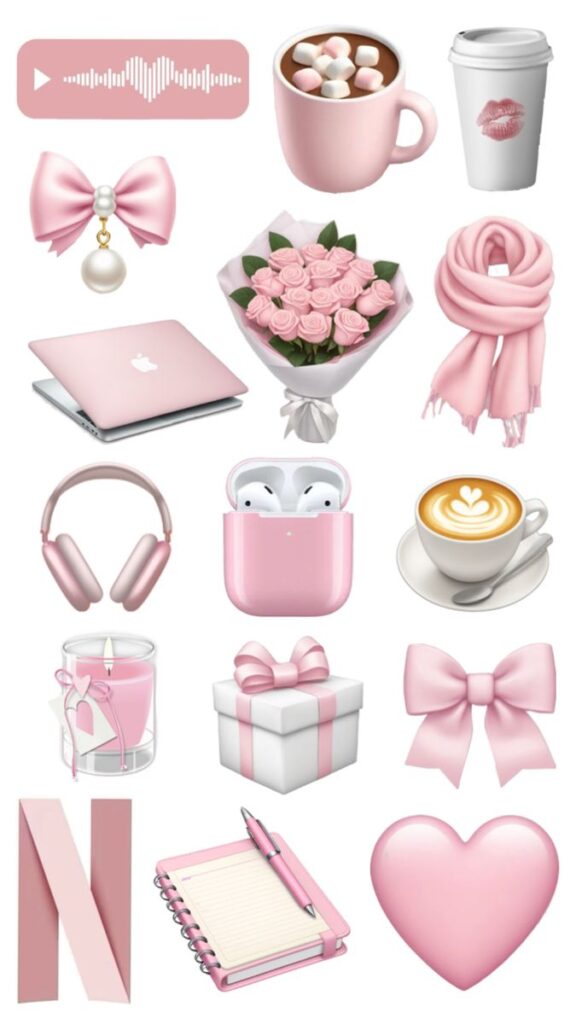
Choose 2–3 colors that work well together on your phone case or laptop. Use one primary color for the main shape, a second for accents, and a neutral (white, black, or gray) for text. Check colors against both light and dark surfaces to make sure the sticker reads clearly.
For fonts, pick one display font for names or short phrases and one simple sans-serif for small text. Keep text size large enough to read from a few feet away — 18–24 pt equivalent on design files is a good target for typical sticker sizes. Avoid thin or highly decorative fonts for small labels.
Use contrast tools or a quick mockup photo to test visibility. Save your final design as a PNG with a transparent background or as a high-res PDF for printing.
Personalizing with Your Handle or Hashtag
Add your Instagram handle or a short hashtag to make the sticker yours. Place it along the bottom edge or inside a small ribbon so it doesn’t crowd the main graphic. Keep handles short and lowercase if possible; they read better at small sizes.
Limit text to one handle or one hashtag per sticker. If you want both, use a second, smaller sticker or place the second line in tiny type under the main line. Make sure the handle color contrasts with its background; outline the text in white or black if needed.
When exporting, flatten text into the image to avoid font substitution when printing. Check spelling and punctuation twice before sending files to a sticker printer.
Incorporating Instagram Icons
Use Instagram’s camera or heart icon sparingly to avoid clutter and trademark issues. Small, simple icon versions work best when paired with your handle or a symbol. Keep icons at least 10% of the sticker width so they remain recognizable.
If you use Instagram’s official logo, follow Instagram’s brand rules: don’t alter the logo colors, and give it enough clear space. Otherwise, create a custom camera-like symbol that evokes social media without copying the logo exactly.
Position icons near corners or beside text. Run a mock print to confirm the icon prints sharply; increase stroke weight if thin lines disappear at sticker size.
Materials and Durability
Choose materials that match how you use your device and how long you want the sticker to last. Focus on vinyl types for weather resistance, pick the right adhesive for removal, and consider recycled or compostable options if you want a greener choice.
Waterproof and Scratch-Resistant Options
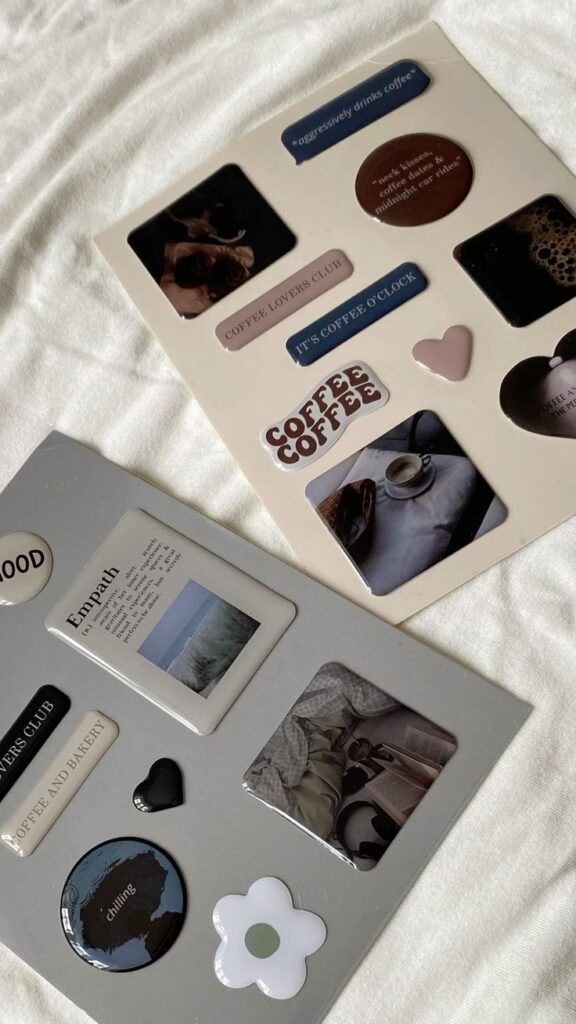
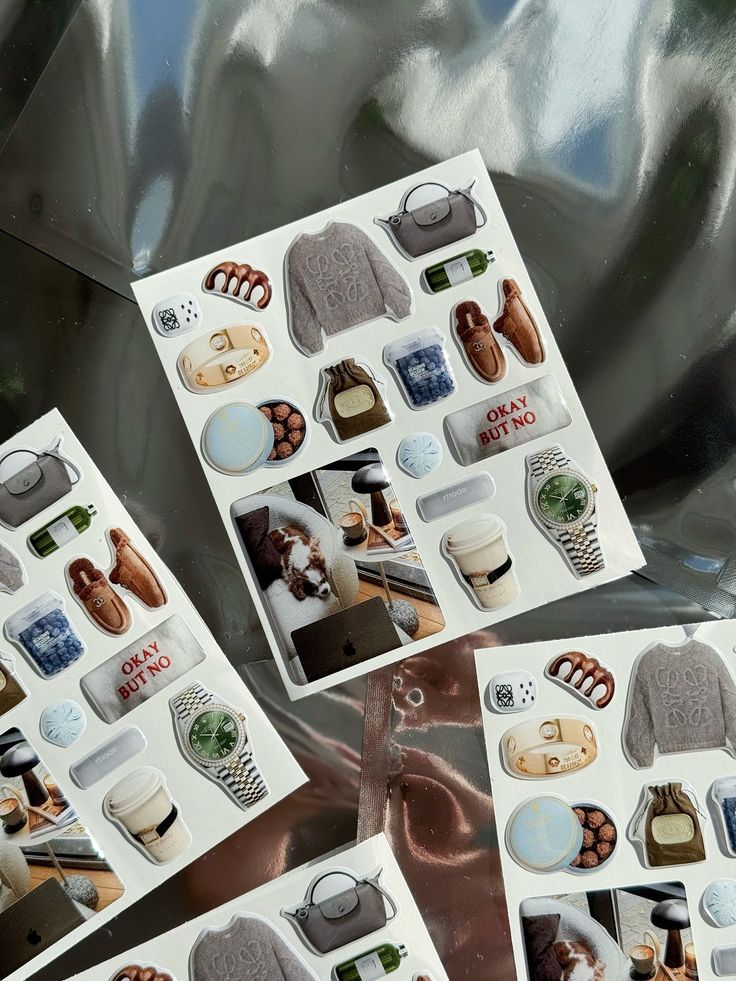
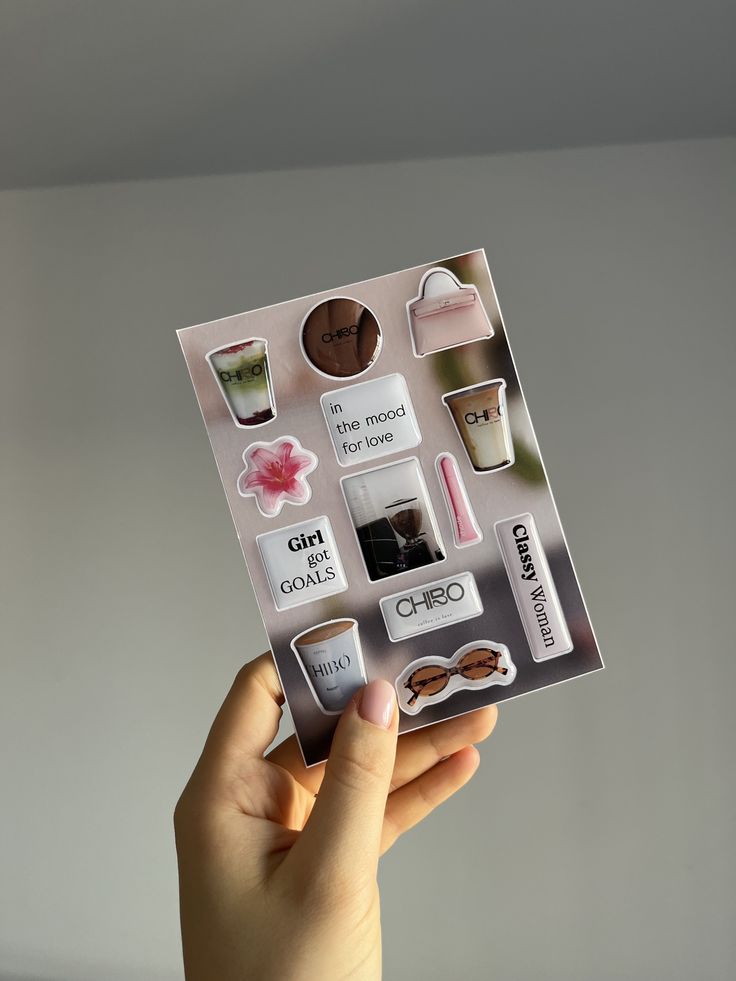
Vinyl is the most common waterproof choice. Look for polyurethane-coated or laminated vinyl; these resist water, coffee spills, and light abrasion. Glossy laminates boost color and shine, while matte laminates cut glare and hide fingerprints.
For heavy wear, pick cast vinyl over calendared vinyl. Cast vinyl conforms to curves and stays put without bubbling. Also, check the coating rating or “UV resistance” to avoid fast fading in sun-exposed spots like a car cup holder.
If you expect lots of scratching—keys in a bag or sliding across a desk—choose a scratch-resistant laminate. Those add a thin protective layer that helps prints hold up, but can slightly mute fine details. Use edge-sealed stickers if you want extra protection against peeling.
Removable vs Permanent Stickers
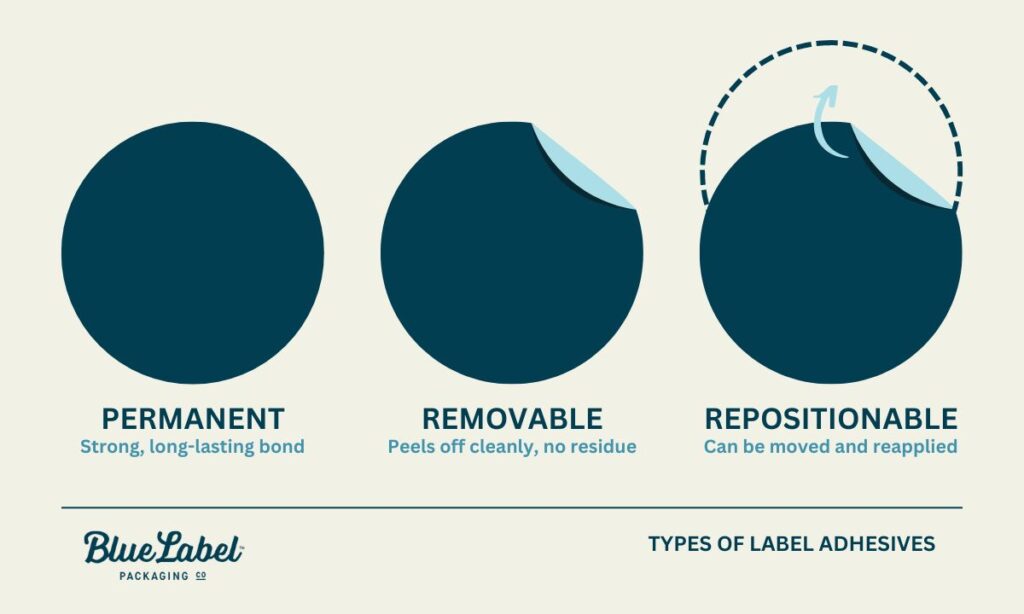
Decide if you want to change designs often. Removable stickers use low-tack adhesives that peel off cleanly from phones and laptop shells. They usually last 1–3 years, depending on surface cleanliness and exposure to heat.
Permanent stickers use stronger adhesives for long-term use and outdoor durability. They stick better to textured surfaces and survive washing or heavy handling. Expect them to leave residue or require a heat gun and adhesive remover to take off.
Some adhesives are labeled “repositionable.” These let you lift and reapply once or twice, but won’t hold up long-term. If you plan to sell or gift devices later, choose removable so you avoid damage to resale value.
Eco-Friendly Sticker Materials
If you want a lower environmental impact, choose stickers made from recycled vinyl or paper with water-based inks. Recycled vinyl keeps plastic out of landfills while offering similar durability to new vinyl.
Compostable papers and plant-based films break down faster but usually resist water less well. These work best for short-term designs or indoor-only use, like a sticker on a desk that won’t face rain or heavy handling.
Also, check adhesives: soy- or acrylic-based adhesives tend to be less toxic than solvent-based ones. Look for clear labeling like “PVC-free,” “biodegradable,” or certifications from a trusted ecolabel when you want verified green options.
Application Techniques
Get the surface clean, align your sticker, and press from the center outward to avoid bubbles. Use common tools like rubbing alcohol, a squeegee or credit card, and tweezers to make the job easier.
Preparing the Surface
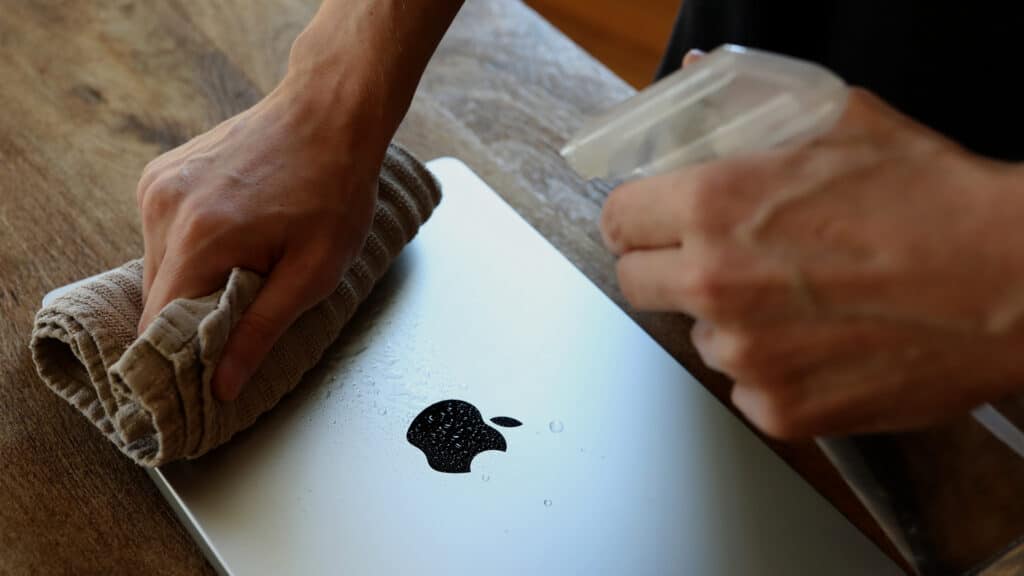
Clean the area with isopropyl alcohol on a lint-free cloth to remove oils and dust. Do not use household cleaners with wax or residue. Let the surface dry for at least 30 seconds.
If your case is textured, press into the texture with a warm cloth first to reduce trapped air. For matte or rubberized finishes, test a small corner to make sure the adhesive sticks and won’t lift later.
Remove any old stickers, glue, or dirt. Use a fingernail or plastic scraper gently to lift stubborn bits. Finish with a quick wipe and let it sit in a dust-free spot until fully dry.
Step-by-Step Application Process
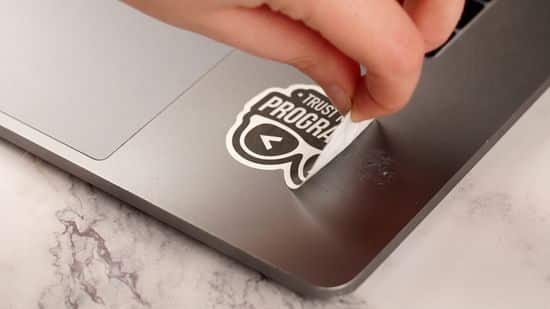
Gather tools: a sticker, tweezers, a squeegee or credit card, rubbing alcohol, and a pair of scissors. Work on a flat surface with good lighting.
Peel the backing a little, then hold the sticker by one edge with tweezers. Align the top edge of the sticker to your chosen spot and lay it down slowly. Use the squeegee or credit card to press from the center toward the edges in firm strokes.
If the sticker is large, peel the backing gradually as you smooth. For die-cut or irregular shapes, press the middle first and then stroke outward to keep edges from lifting. Trim any excess with scissors only if the material allows.
Avoiding Air Bubbles
Work slowly and apply steady pressure from the center outward to push air out. If a small bubble appears, press it toward the edge with your squeegee; most will flatten.
For stubborn bubbles, lift the nearest edge with tweezers and reapply while pressing outward. Use a pin to gently prick and release trapped air in very small bubbles, then smooth over the pinhole to hide it.
Keep your hands and tools clean to avoid transferring dust under the sticker. If you see dust after application, use a piece of tape to lift the sticker edge, pick off the speck, and press the sticker back down.
Where to Find or Order Instagram Stickers
You can buy ready-made packs, order custom die-cut stickers, or support small artists who make unique designs. Pick the source that fits your budget, material needs, and how quickly you need the stickers.
Online Marketplaces
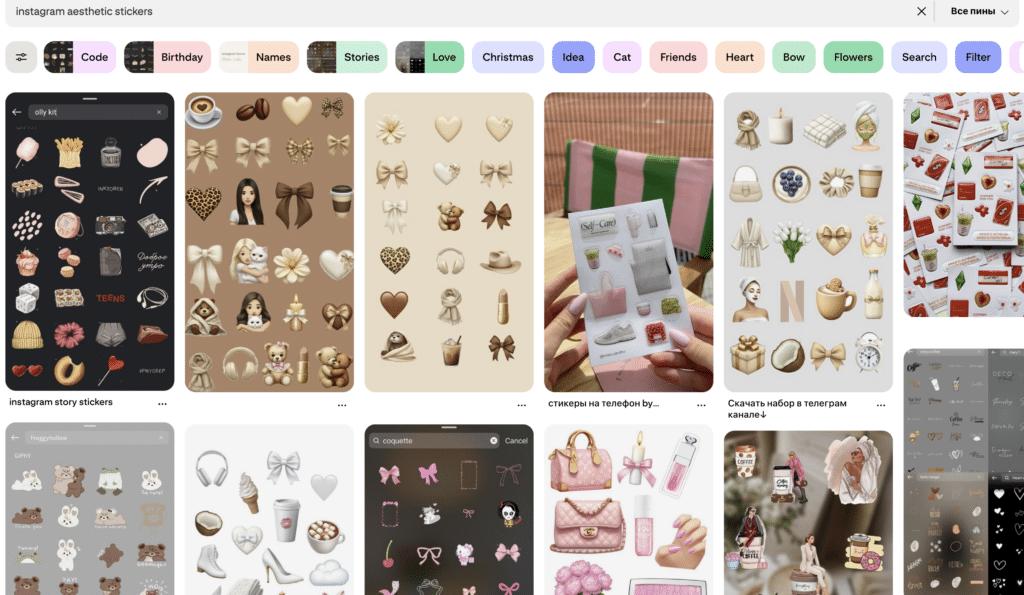
Online marketplaces like Redbubble, Etsy, and Amazon offer thousands of Instagram-themed stickers ready to ship. Search by terms like “Instagram handle sticker,” “Instagram logo decal,” or “custom IG sticker” to find sizes and finishes such as matte, glossy, or holographic.
Check seller reviews and shipping times before you buy. Look at product photos to confirm color and cut quality. Many listings let you choose single stickers or multi-packs, which helps if you want extras for giveaways or to stick on multiple devices.
Custom Print Shops
Custom print shops let you design exact shapes, sizes, and materials for phone cases or laptops. Sites such as StickerYou, StickerTek, and local print shops offer vinyl, weatherproof, and removable adhesive options. You can upload your Instagram handle, logo, or a full-color graphic.
Compare per-piece pricing, minimum order quantities, and proofing options. Ask about die-cut precision and laminate choices for scratch resistance. Turnaround times vary from same-week to two weeks, so order early if you need stickers for events.
Supporting Independent Artists
Buying from independent artists gives you unique designs and direct support for creators. Many artists sell on Etsy, in their own shops, or through Instagram DMs. You’ll find hand-drawn styles, custom typography, and limited-run materials like glitter or metallic vinyl.
When contacting an artist, clarify the file formats they accept and whether they offer physical stickers or digital files for print. Discuss licensing if you plan to use the design commercially. Expect slightly higher prices for handmade or limited-edition pieces, and longer delivery times for custom work.
Creative Ideas and Inspiration
You’ll find practical ways to arrange stickers and spot current Instagram design trends that work well on phone cases and laptops. The tips focus on balance, color, and themes you can mix to make a clear, personal look.
Mixing and Matching Stickers
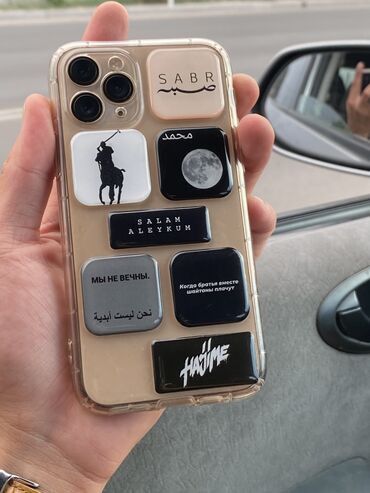

Start with a focal sticker that’s 2–3 inches wide—like a photo print, logo, or bold graphic. Place it off-center to create visual interest. Surround it with smaller accents: tiny icons, words, or simple shapes. Use no more than three main colors to keep the design cohesive.
Layer flat vinyl stickers under a clear, glossy sticker or a transparent sticker on top for depth. Combine matte and holographic finishes for contrast. Keep functional areas clear: camera openings, ports, keyboard hinges, and vents. For laptops, align a row of small stickers along the edge or hinge so they don’t peel from frequent handling.
Trending Instagram Designs
Instagram trends favor bold type, minimal line art, and nostalgic 2000s motifs. Popular combos include:
- Chunky text stickers with short phrases (two to four words).
- Minimal black line drawings of faces or plants.
- Retro icons like cassette tapes, polaroids, and pixel art.
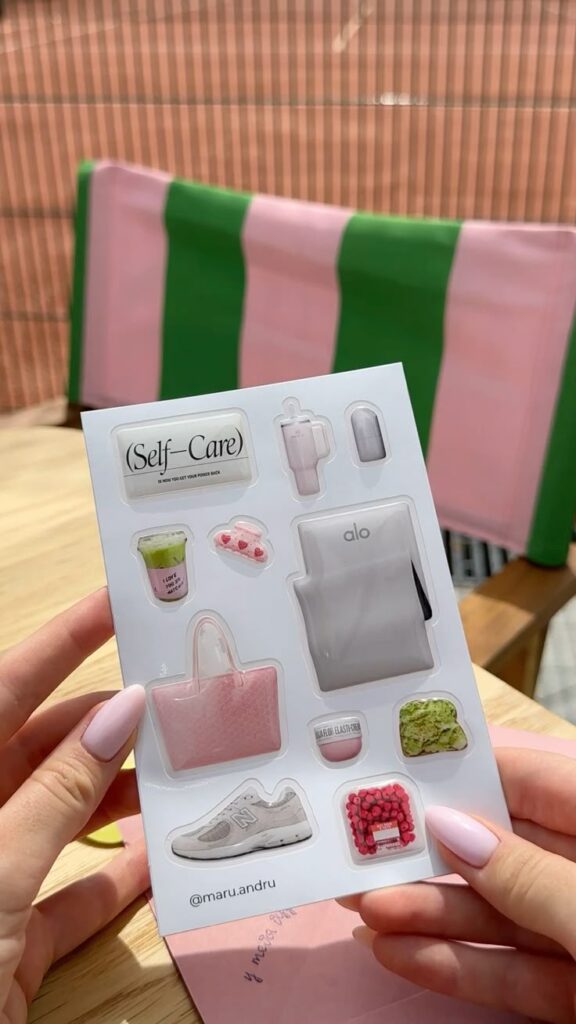
Also see micro-collections: 6–8 matching stickers that form a scene when placed together. For color palettes, try muted pastels or high-contrast black-and-white with one accent color. If you sell designs, post clear flat-lay photos and one styled photo of the sticker on a real phone or laptop to show scale and finish.
What is Instagram sticker design, and how is it created?
Instagram sticker design involves creating compact, clear graphics with transparent backgrounds, suitable for use on posts, Stories, Reels, or physical stickers for devices. It focuses on simple shapes, bold outlines, and suitable sizes—usually square with at least 1080 px resolution—that look good on screens and in print.
How do I choose the right materials for printing stickers for my phone or laptop?
Select durable vinyl that is waterproof and scratch-resistant, with options like laminated or polyurethane-coated vinyl for weather durability. For removability, choose stickers with low-tack adhesives, and consider environmentally friendly recycled or compostable materials if sustainability is important.
What are the recommended application techniques for stickers on devices?
Start by cleaning the surface with isopropyl alcohol, align the sticker carefully, and press from the center outward using a squeegee or credit card to avoid bubbles. Work slowly, lift and reposition if bubbles appear, and use a pin for small trapped air bubbles.
How can I ensure my custom stickers are compatible with my device?
Check the material’s compatibility with the surface type, test a small sticker first, and ensure the finish resists oils, water, and temperature changes. Also, avoid placing stickers over camera lenses, ports, or vents, or trim around those areas for a precise fit.
Where can I find or order Instagram-style stickers?
You can buy ready-made stickers on online marketplaces like Etsy, Redbubble, or Amazon, or order custom stickers from print shops like StickerYou or local providers. Supporting independent artists on platforms like Etsy also allows for unique, personalized designs.
- 636shares
- Facebook0
- Pinterest636
- Twitter0
- Reddit0