Creative work has never been limited to the polished result people see. A finished campaign video, brand identity, or digital product is only the visible edge. Behind it sit hours of research, reference gathering, rough drafts, version reviews, exports, approvals, and small corrections.
For many designers and content teams, ideas aren’t the bottleneck. Production is. The difficult part is carrying a good idea through an expanding chain of formats without losing its character along the way.
AI agents are starting to change that chain. Instead of generating one isolated image or paragraph, an agent can work toward a broader goal, connect several tasks, and prepare material for a person to review. That gives creative professionals more time for the decisions that still need taste, context, and judgement.
- Creative demand has outgrown the old production rhythm
- What makes an AI agent different from a standard creative tool
- Video editing shows the value of agentic workflows
- Human judgement becomes more valuable, not less
- Treat AI agents as collaborators inside the workflow
- Start with the repetitive work, not the headline feature
- Keep review and quality control firmly human
- Better tools still need a clear creative point of view

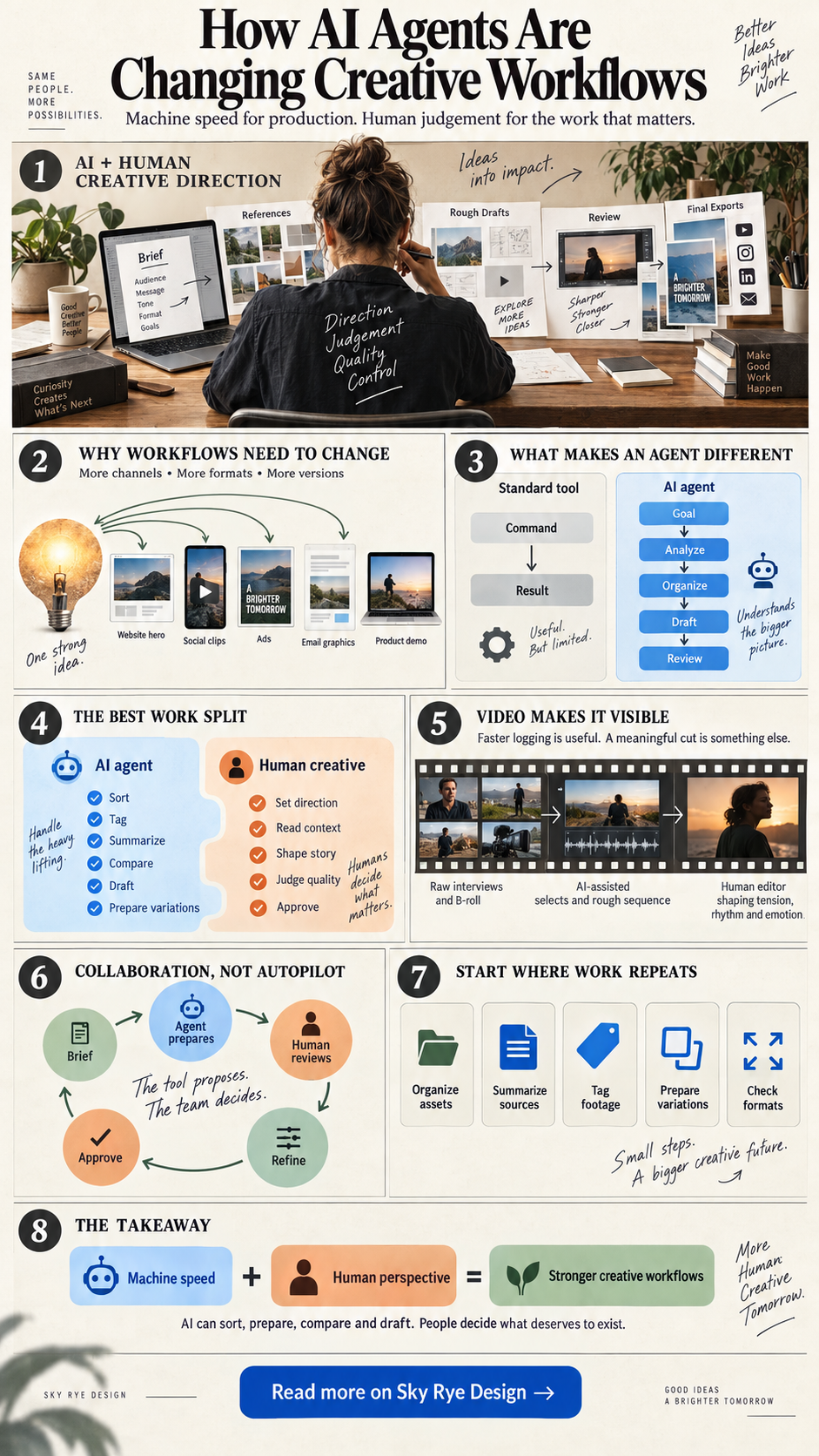
Creative demand has outgrown the old production rhythm

Businesses now need content for more channels, in more sizes, and at a faster pace. One product launch might require a website hero, social clips, paid ads, email graphics, a product demo, and several audience-specific versions.
The core idea may stay the same, but every format adds work. Someone has to resize the visuals, trim the copy, adjust pacing, prepare exports, check safe areas, and move each version through approval. None of those steps is optional, yet few of them are the reason a designer joined the project.
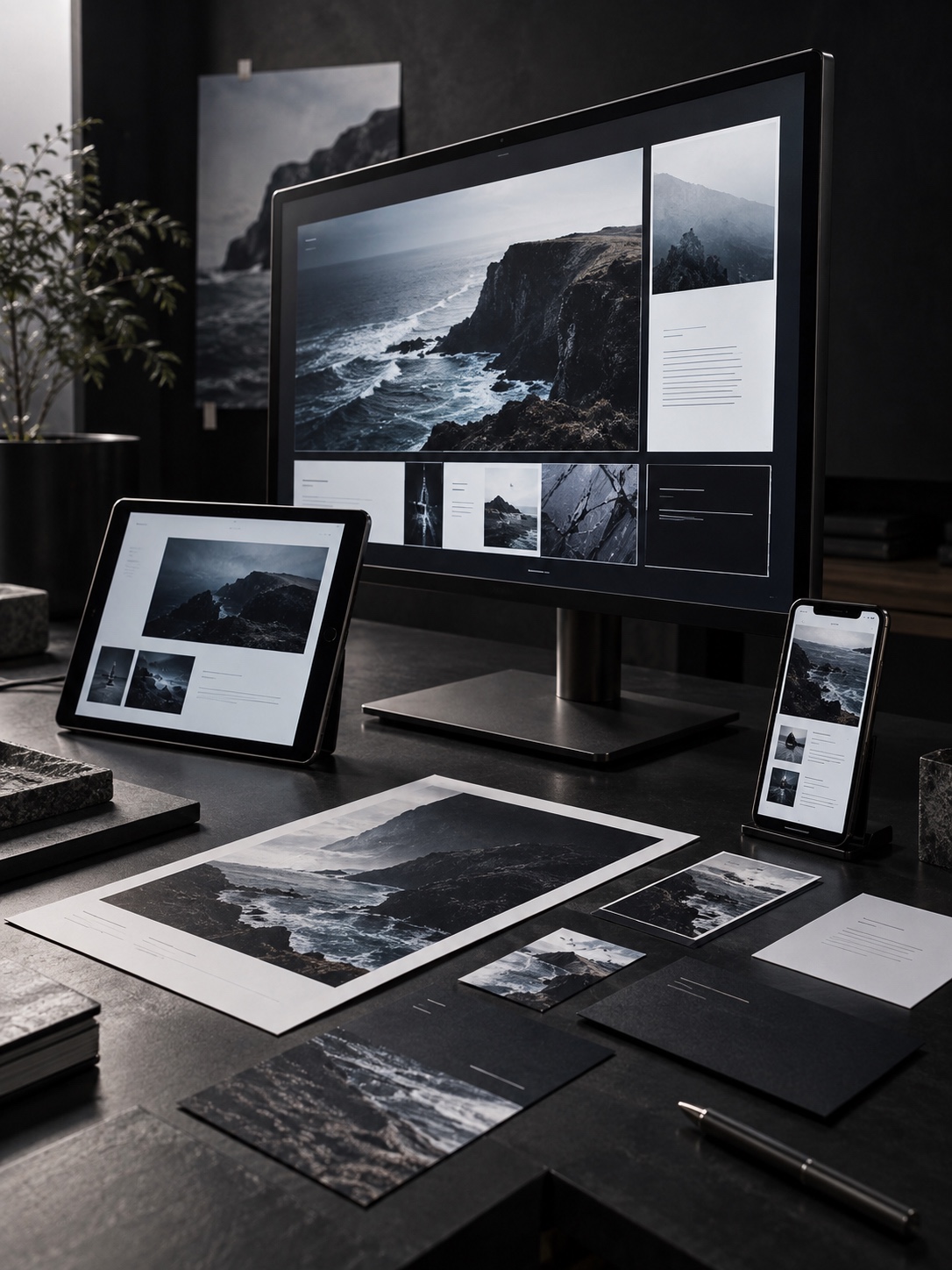
Creative production is also tied more closely to business goals than it used to be. Designers are asked to think about storytelling, customer experience, conversion, brand consistency, and the practical limits of each platform. The job is no longer simply to make an asset look good.
I notice this most clearly when a project moves from one strong master composition into a dozen adaptations. Industrial design taught me to protect the main proportion before refining details. The same rule applies here: if the central idea weakens during production, extra versions only spread the weakness.
For a small studio or an independent creator, the pressure is sharper. The same person may be planning the concept, making the work, handling feedback, exporting files, and delivering everything. A surprising amount of the week disappears into coordination.

What makes an AI agent different from a standard creative tool
Traditional creative software waits for direct input. You choose a command, adjust a setting, check the result, and move to the next step. That control remains essential for typography, composition, color, timing, and final polish.
But not every production task needs the same degree of attention. File sorting, content tagging, transcript review, first-pass selects, format variations, and draft organization often follow repeatable patterns. These are the places where an AI agent can be useful.
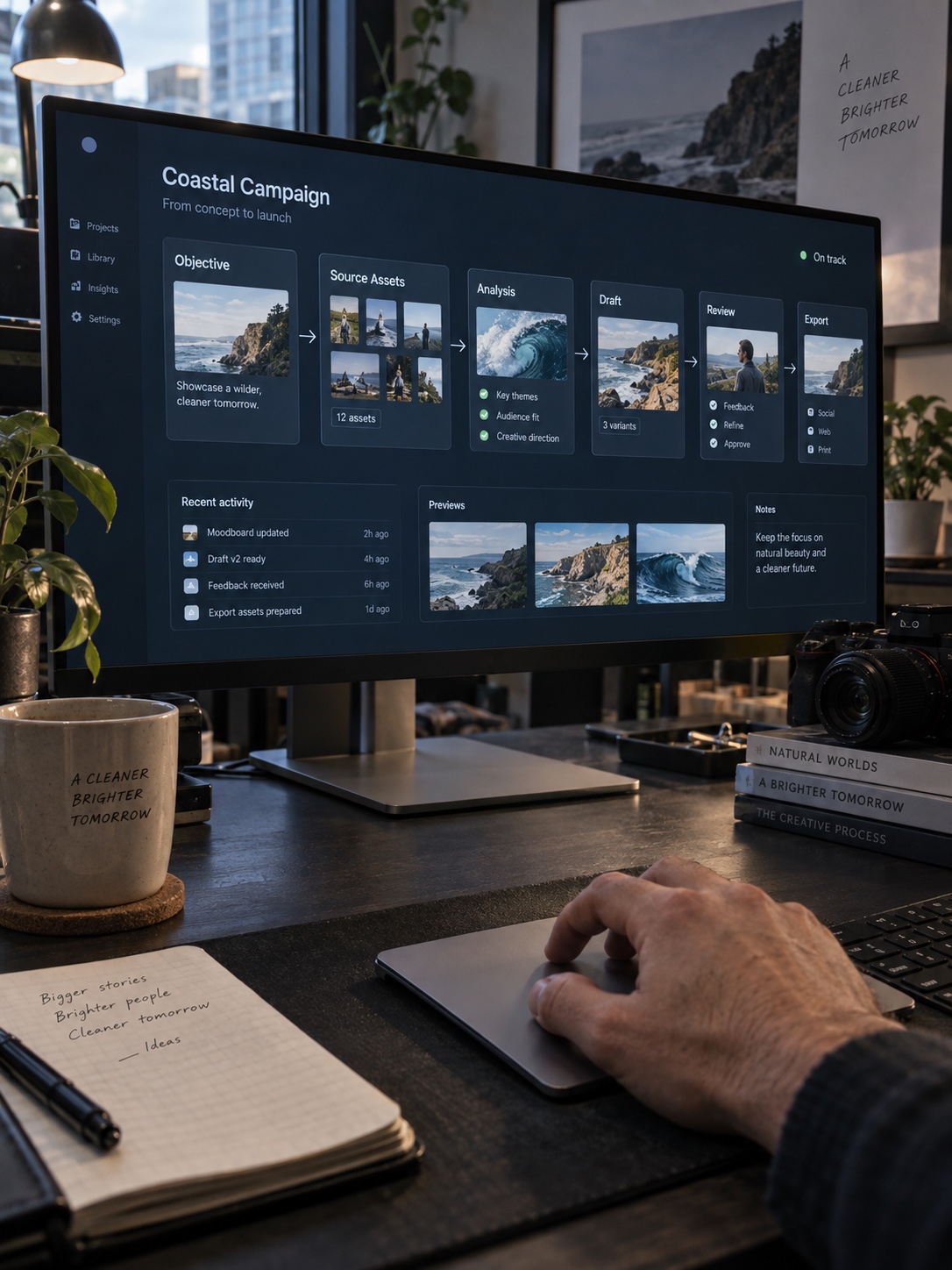
An agent works from an objective rather than a single instruction. It can analyze information, organize source material, prepare a first version, and pass the result back for review. The creative professional sets the direction, checks what happened, and decides what survives.
That changes the designer’s role slightly. You spend less time pushing every item through the same mechanical sequence and more time defining the standard the work has to meet.
Video editing shows the value of agentic workflows
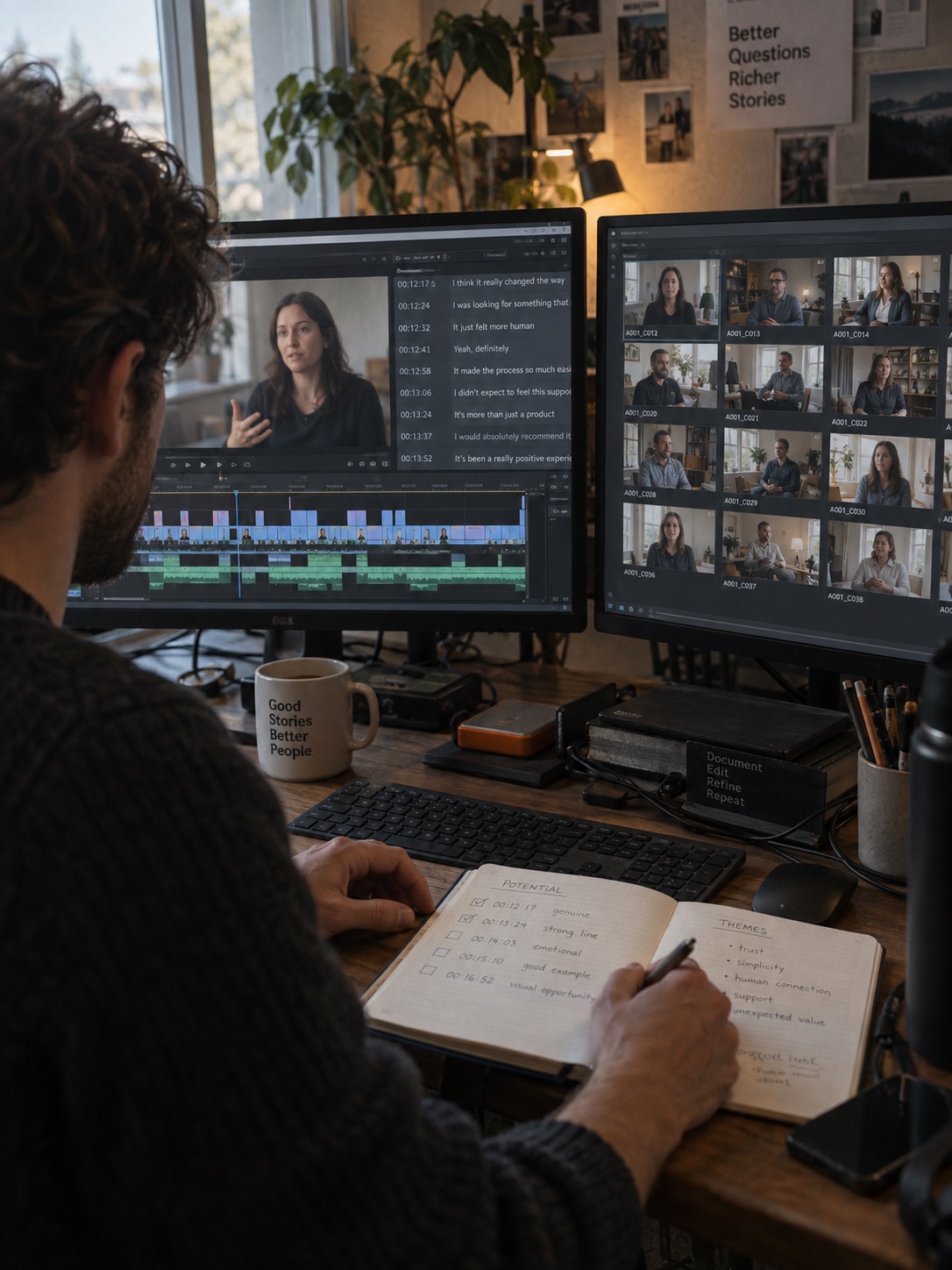
Video production makes the problem easy to see. A short campaign film may begin with several hours of interviews, B-roll, alternate takes, room tone, and cutaways. Before the story takes shape, an editor has to review, label, compare, and assemble the raw material.
These steps matter, but they can consume much of the schedule before real refinement starts. An agentic video editor represents this move toward AI-assisted production by helping creators handle repetitive editing work while the user keeps control of the creative direction.
Imagine a brand with six long customer interviews. An AI-assisted workflow can identify sections related to a campaign theme, group similar answers, and prepare a rough sequence. The editor still decides which pause feels honest, which reaction earns a close-up, and where the story needs room to breathe.
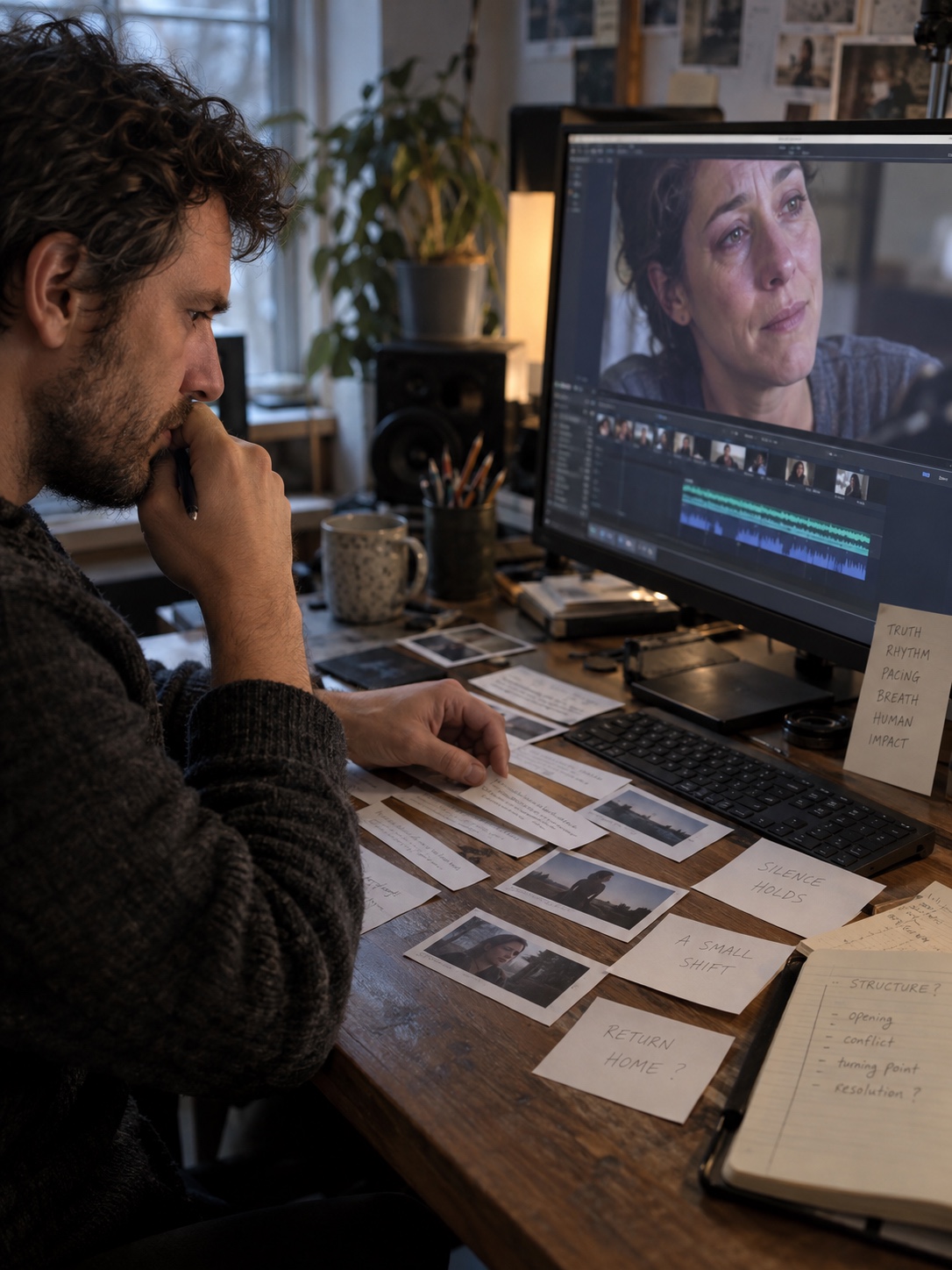
That distinction matters. Faster logging is useful. A meaningful cut is something else.
In my experience, the first assembly is rarely the story. It is material arranged in a plausible order. The editor finds the story by watching for tension, contrast, rhythm, and small human details that a purely task-based system can easily flatten.
Human judgement becomes more valuable, not less

As AI handles more production steps, creative judgement carries more weight. A system may organize footage, suggest a layout, or generate a draft, but it does not fully understand why a certain visual language fits a brand or why one line will land with a particular audience.
Strong creative work depends on context. A designer reads the emotional temperature of a brand. A creative director sees how image, type, sound, pacing, and message support each other. A marketer understands the promise the audience needs to hear before taking action.

Those are not simply production decisions. They are choices about people.
Life-drawing training changed how I read images. A technically accurate figure can still feel lifeless if the weight, gesture, or light is wrong. AI output has a similar failure mode: every visible element may be present, yet the result has no clear point of view. Someone has to recognize that and push the work further.
The useful question is not whether AI can complete a task. It is whether the result supports the idea. If it does not, speed has solved the wrong problem.
Treat AI agents as collaborators inside the workflow
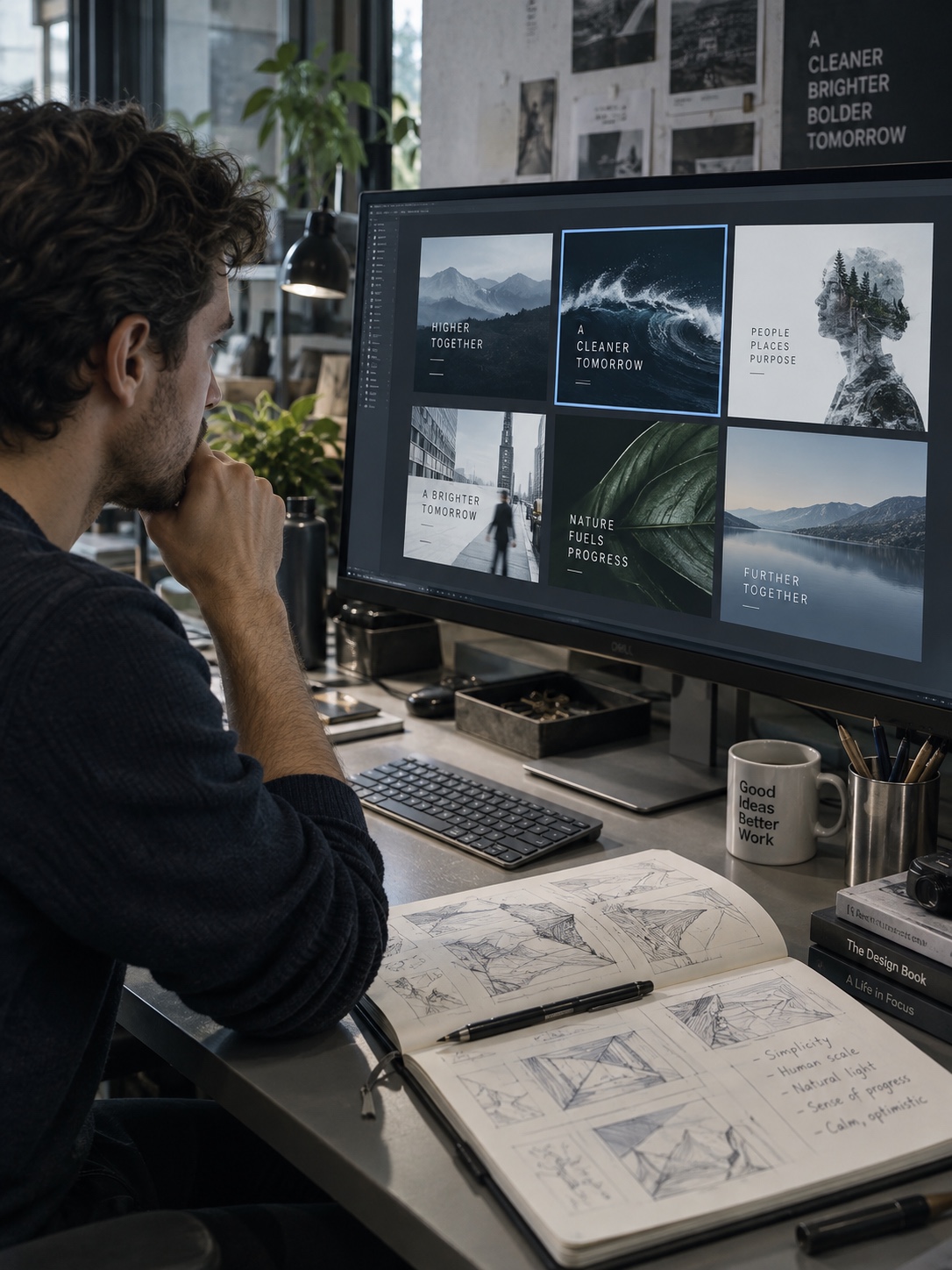
The most practical model is collaboration. A designer can use an agent to collect references or prepare early concepts, then choose the direction worth developing. A marketing team can create message variations, then select the one that fits the brand. An editor can receive a rough sequence, then rebuild its timing and emotional arc.
This arrangement combines speed with judgement. It also keeps responsibility clear. The tool proposes or prepares; the creative team decides.
For agencies, that can make it easier to handle more client work without expanding every production layer. For in-house teams, it can reduce the constant pressure to add people each time the content calendar grows. And for a solo creator, it can remove enough admin work to protect a few uninterrupted hours for the actual idea.

There is a design lesson here. Good systems create constraints that support better choices. They do not remove choice. An AI workflow should do the same by clearing repetitive steps while leaving the important decisions visible.
Start with the repetitive work, not the headline feature
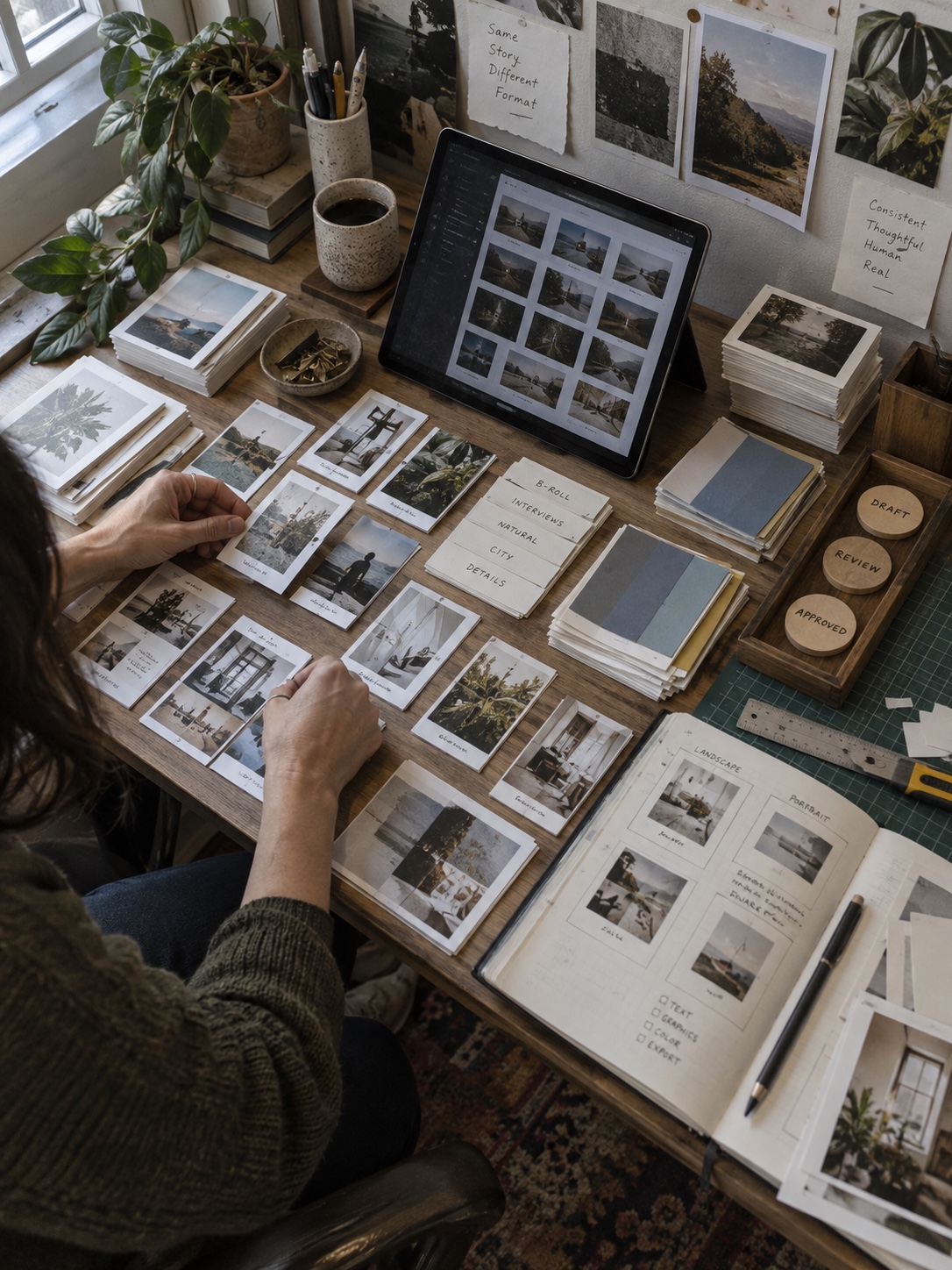
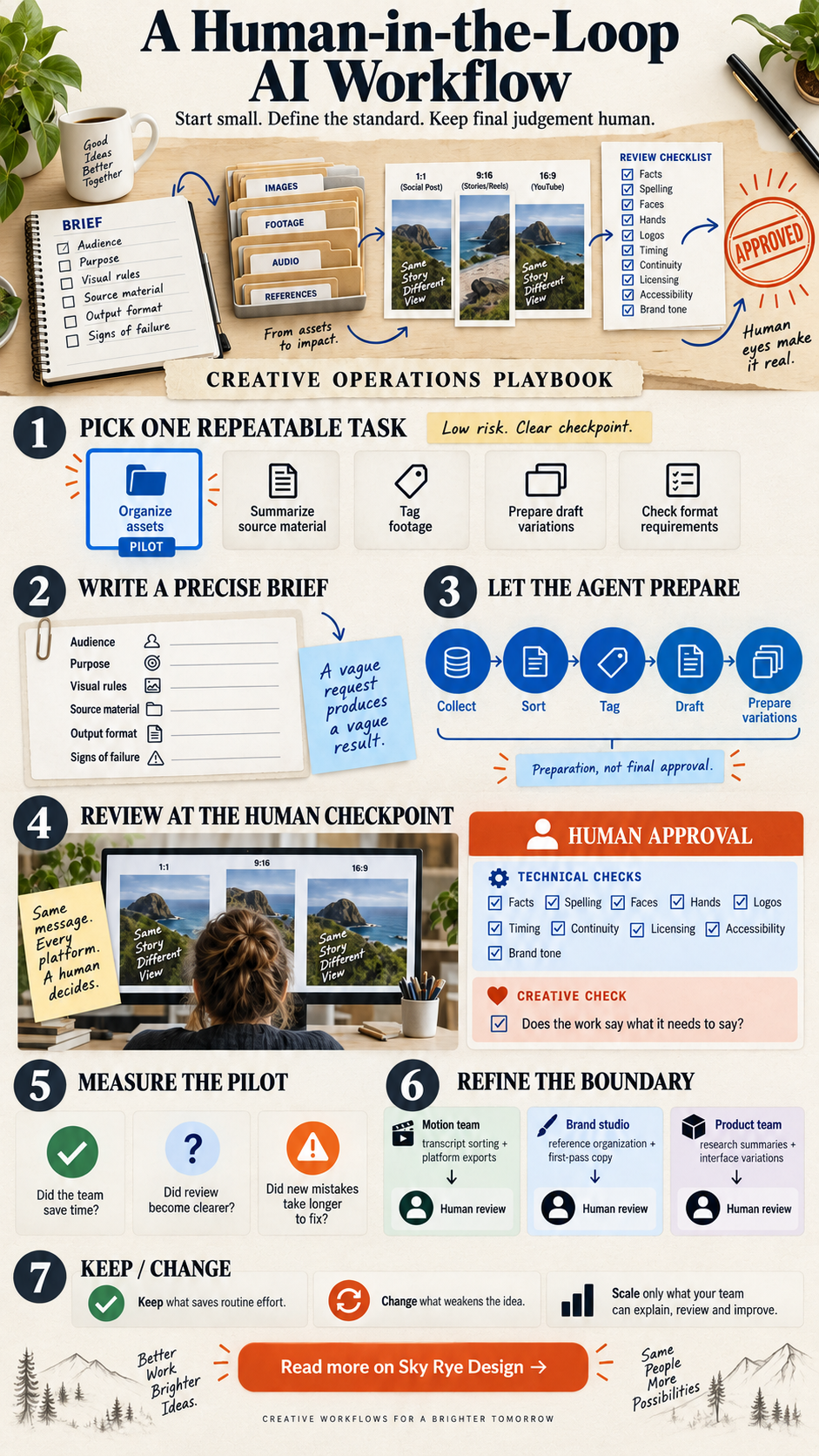
Adopting AI does not require rebuilding the studio overnight. Start where effort repeats and the risk is easy to control. Organizing assets, summarizing source material, tagging footage, preparing draft variations, and checking format requirements are sensible first tests.
Choose one workflow and measure what changes. Did the team save time? Did review become clearer? Did the agent create new mistakes that took longer to fix? A quick trial with a real project tells you more than an impressive demo.
I would begin with a task that already has a clear human checkpoint. For example, let the agent prepare three social crops, but require a designer to approve composition and type before export. This keeps the experiment useful and contained.

Direction matters, too. AI tools perform better when the team defines the audience, purpose, visual rules, source material, output format, and signs of failure. A vague request produces a vague result. That has always been true in creative work, whether the collaborator is a machine, a freelancer, or a large agency.
Keep review and quality control firmly human
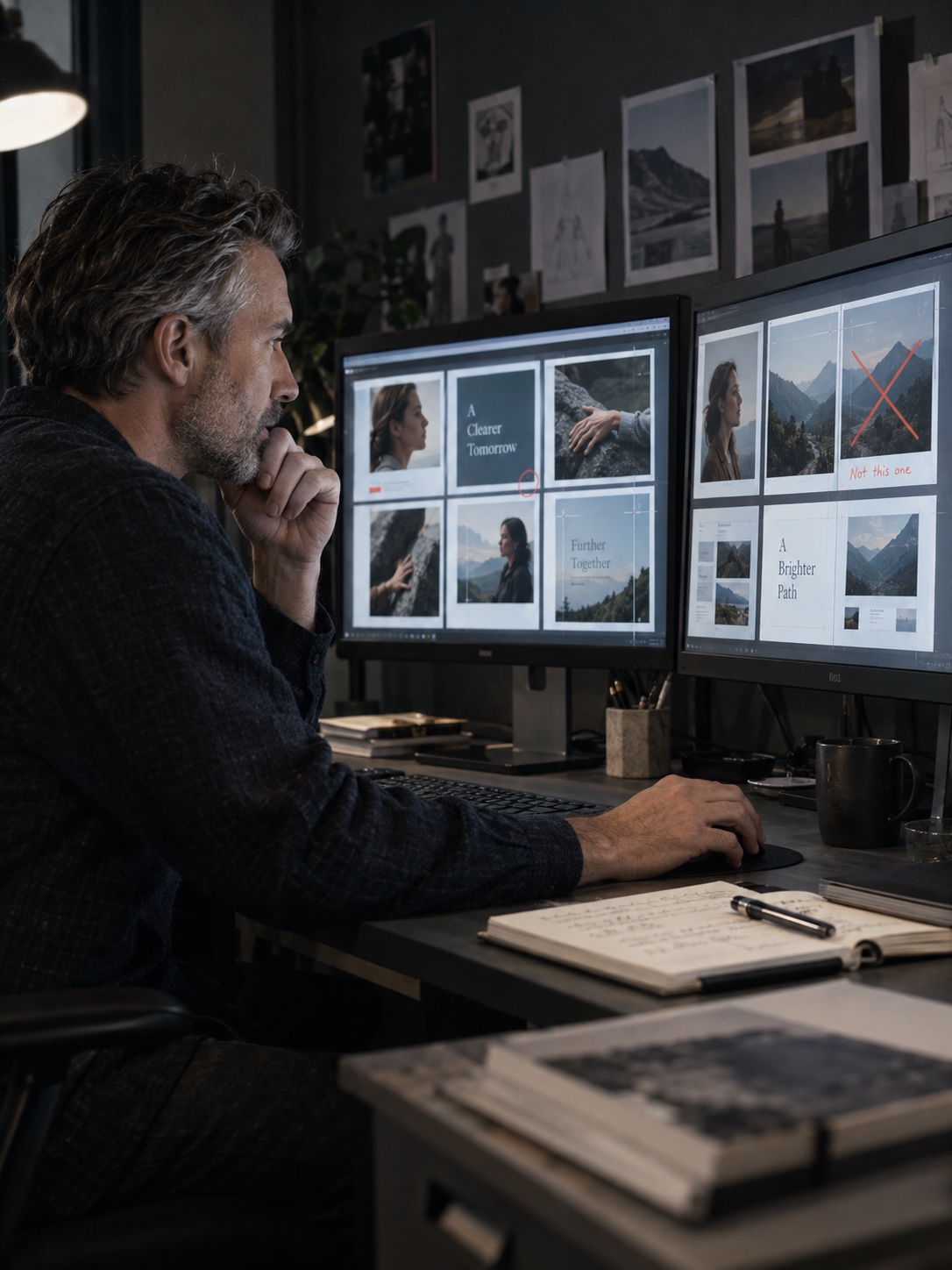
Every AI-assisted output still needs review. Check facts, spelling, faces, hands, logos, timing, visual continuity, licensing, accessibility, and brand tone. Then check the harder part: does the work say what it needs to say?
The aim is not to produce more content at any cost. It is to build a process in which technology handles routine effort and people spend their attention where it has the greatest effect.
That balance may look different from one studio to another. A motion team might automate transcript sorting and platform exports. A brand studio might use agents for reference organization and first-pass copy options. A product team might prepare research summaries and interface variations. The useful boundary is the one your team can explain, review, and improve.
Better tools still need a clear creative point of view

Creative technology has always changed the job. Desktop publishing, digital image editing, cloud collaboration, and real-time prototyping each removed old limits and introduced new responsibilities. AI agents are another step in that long shift.
They can help smaller teams take on more ambitious projects and give experienced creatives more time for concept, story, composition, and direction. But efficiency alone does not make work valuable. A faster route to an ordinary result is still ordinary.
The strongest creative workflows will pair machine speed with human perspective. AI can sort, prepare, compare, and draft. People still decide what deserves to exist, what feels true, and what the audience will remember.
- 1share
- Facebook0
- Pinterest1
- Twitter0
- Reddit0