Every architect I know has a version of the same problem: the headshot on their portfolio is four years old, taken on a phone at someone’s opening, cropped from a group photo, or simply not the image they want representing their practice. Booking a photographer takes weeks to coordinate and a few hundred pounds or dollars to execute, which is entirely reasonable for a senior partner at a major studio, and an awkward spend for a freelance designer or a junior architect three months into their first practice.
The AI headshot tools that have emerged over the past two years are a genuine answer to this problem — not a perfect one, but a practical one. Upload one to fifteen photos, specify the context and style, and receive studio-quality output in minutes rather than weeks.
- Why the Headshot Problem Is Specific to Design Professionals
- How the Technology Got Here: From Approximations to Portfolio-Ready
- What to Evaluate When Comparing Tools: The Five Dimensions That Matter
- Four Tools Compared: Side-by-Side for Design Professionals
- HeadshotMaster: The Case for Anonymous, Instant Access
- Matching the Tool to Your Career Stage and Use Case
- The Comparison in a Single Paragraph
- FAQ: AI Headshots for Architecture and Design Portfolios
The gap between the best AI headshot and a casual studio session has narrowed enough that for most digital portfolio contexts — Archinect profiles, Behance pages, studio team pages, LinkedIn, award submissions — the difference is not perceptible at the sizes and resolutions these platforms actually display.
The harder question is which tool. The space has expanded quickly enough that a comparison made six months ago is already partially outdated. This guide compares four tools currently active in the category — HeadshotMaster, Aragon AI, Canva, and Headshotpro — across the dimensions that actually matter for design professionals: access model, input requirements, speed, output quality, and the specific use cases each serves best. The goal is a clear, factual picture rather than a recommendation that benefits any single tool.
Why the Headshot Problem Is Specific to Design Professionals
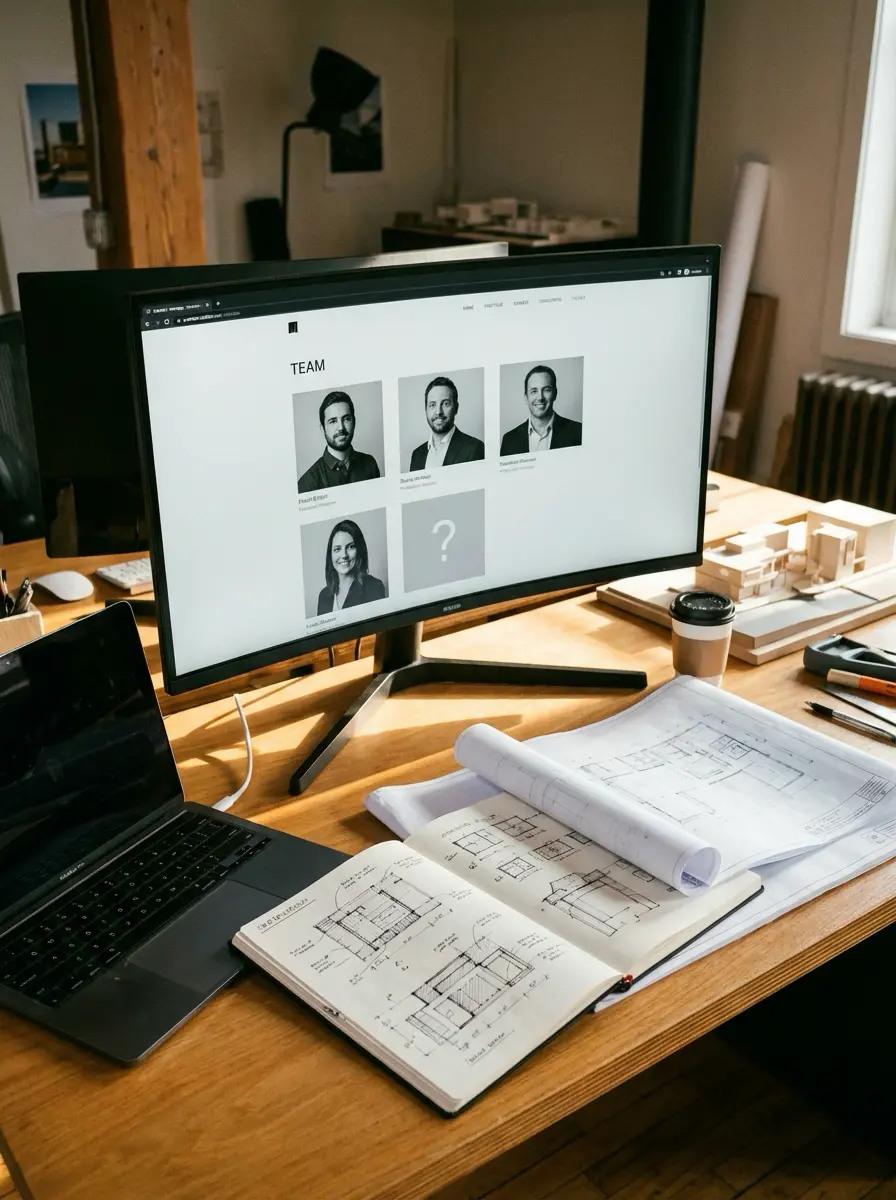
A headshot for a designer or architect carries a weight it does not carry in most other professions. The headshot appears on the same page as the work — and the visual relationship between the person and the portfolio is read as part of the design statement. A low-quality headshot on a high-quality portfolio undermines the portfolio. It reads as a contradiction between the attention to visual quality evident in the work and the apparent indifference to presentation of the person behind it.
This is not vanity — it is the same logic that makes architects care about how their portfolios are typeset and how their drawings are presented. The headshot is a visual element in a visual document. It should be treated with the same design intention as everything else on the page. The challenge has always been cost and convenience: a photographer session requires scheduling, a suitable location, outfit decisions, and a fee — all for an image that will likely be replaced in three to five years.
The emergence of high-quality AI Headshot Generator tools changes this equation meaningfully. For freelance designers and 3D artists building a new portfolio, for junior architects establishing their first professional presence, and for established practitioners who need to update an image quickly before a conference submission deadline, these tools offer a practical path that a photographer session does not.
✏ Portfolio note: The context in which your headshot will appear determines the quality threshold required. A headshot on a personal Archinect or Behance profile at 200×200px can be AI-generated without anyone noticing. A headshot submitted for a publication feature or a major award will be viewed at high resolution by editorial professionals who will notice. Match the tool’s output quality to the actual display context, not the ideal one.
How the Technology Got Here: From Approximations to Portfolio-Ready
Early AI image tools could approximate a person’s appearance, but the results were inconsistent in ways that were difficult to explain and impossible to ignore — the eyes didn’t quite track, the skin texture was plastic, the background compositing was obvious. What changed was the underlying diffusion model architecture, which can now hold significantly more feature-specific information about a subject’s face, allowing consistent likeness across different lighting conditions, backgrounds, and framing styles.
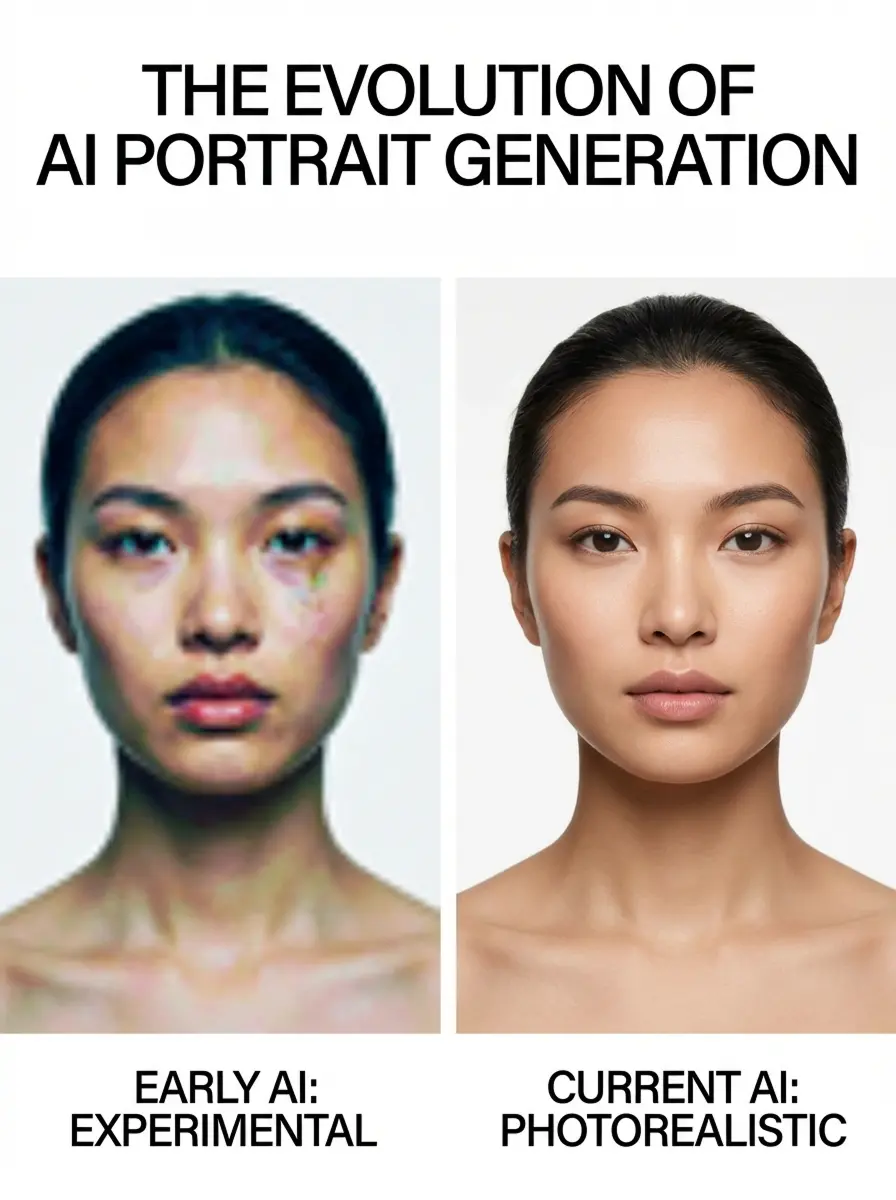
Inference speeds improved in parallel. Generation that once required several minutes now completes in under 15 seconds on the fastest tools. Input requirements dropped: tools that once needed 20-30 carefully staged reference photos now work from as few as one. The floor has risen considerably — a well-lit, front-facing reference photo fed into a current-generation tool produces output that holds up at standard portfolio display sizes.
For design professionals specifically, this matters because the use context is typically digital and at moderate resolution. A 4K print headshot for a magazine spread remains beyond what most free-tier tools reliably deliver. But a credible 800×800 or 1200×1200 pixel headshot for a portfolio website, studio team page, or conference bio — indistinguishable from a casual studio session — is now straightforwardly achievable with the right tool and a single decent source photograph.
What to Evaluate When Comparing Tools: The Five Dimensions That Matter
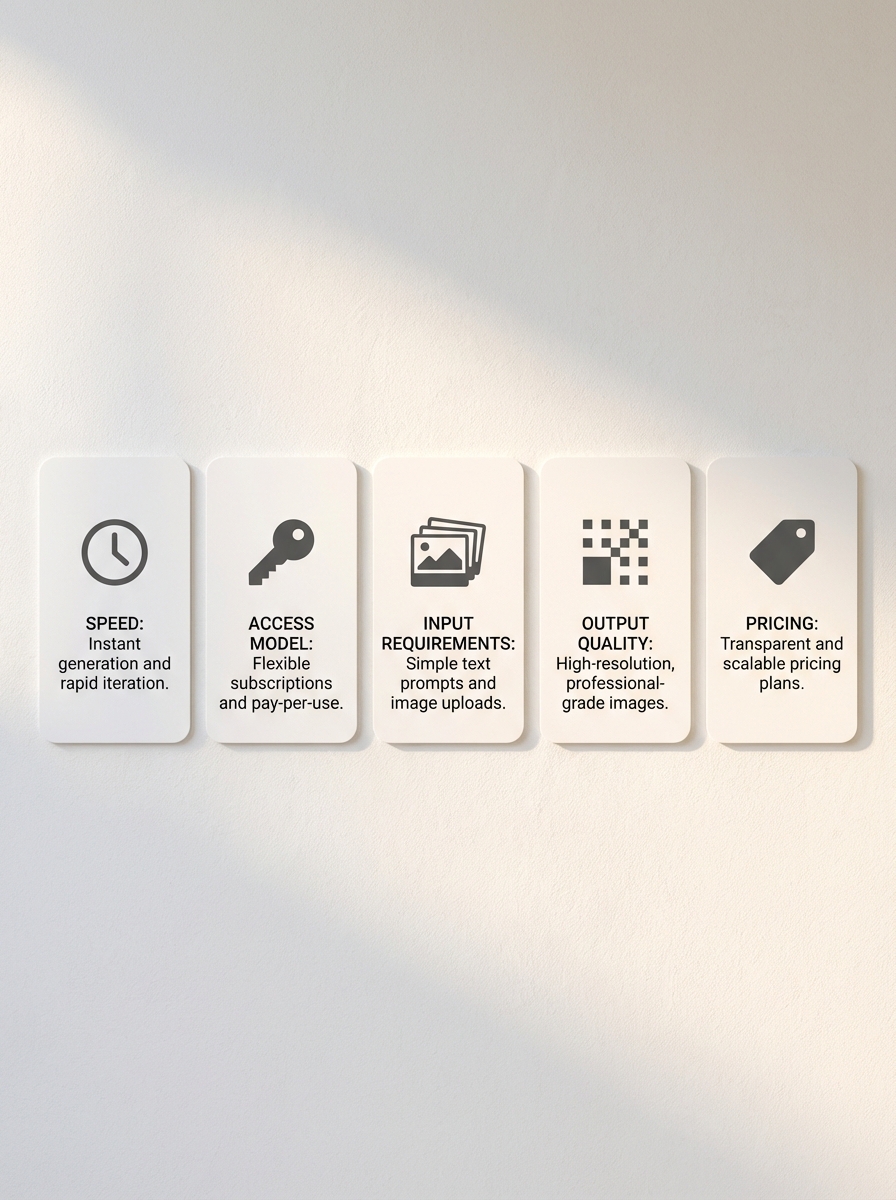
Not all dimensions matter equally for every user. A principal at a mid-size practice with a photo library and a clear budget for commercially licensed output has entirely different priorities from a freelance 3D visualiser who needs a single professional headshot for a conference bio by tomorrow morning. Running through these five dimensions against your specific situation takes less time than reading four tool reviews end-to-end.
- Speed — matters most when you’re under deadline pressure or need to iterate quickly across scene options. Sub-minute generation enables real-time comparison; 1-3 hour batch processing requires planning ahead.
- Access model — determines how quickly you can evaluate output quality without commitment. Login-required tools demand trust before evidence. Anonymous or free-tier access allows meaningful testing before any decision.
- Input requirements — shapes who can realistically use the tool. A 15-photo minimum is a genuine barrier for a junior architect with two usable photos. A single-photo minimum removes that barrier entirely.
- Output quality controls — resolution ceiling, reprocessing allowances, commercial licensing. Higher resolution matters for print; commercial licensing matters for studio marketing materials and client-facing documents.
- Pricing structure — per-image costs compound at scale; free tiers have quality or usage ceilings. Neither model is universally better — they suit different usage patterns and frequency needs.
Four Tools Compared: Side-by-Side for Design Professionals
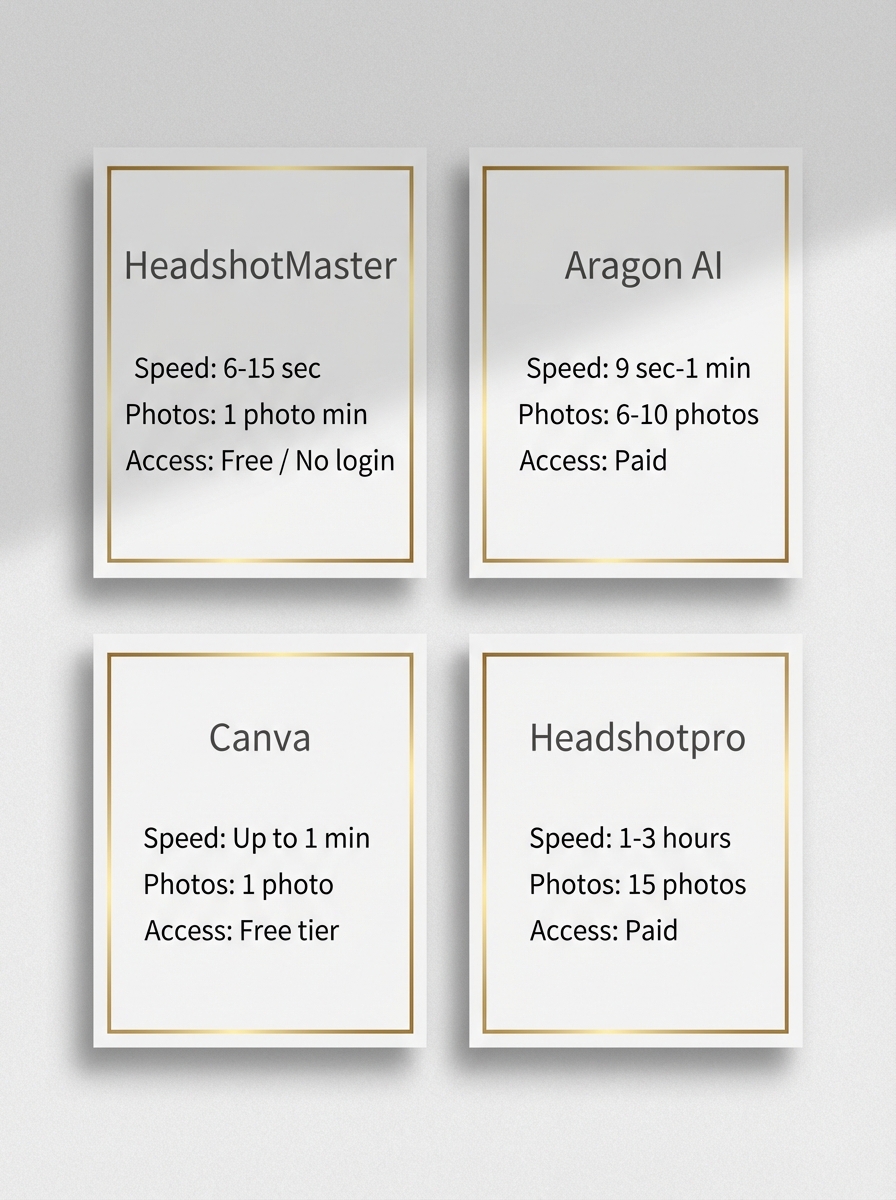
HeadshotMaster
Best for: Freelance designers, 3D artists, and junior architects who need immediate results without account creation or upfront payment. Also suited to anyone evaluating the category for the first time.
Speed: 6–15 seconds per image — fastest in the comparison
Pricing: Basic model: free, no login required, unlimited generation. Advanced model: up to 4 uses per day for registered users, no per-image fee
Input requirement: Minimum 1 photo, maximum 4 — lowest barrier in the comparison
Output quality: 20+ scene options including corporate, architectural, and creative contexts. Basic model: standard resolution. Advanced model: improved fidelity
Key limitation: Basic model produces variable likeness depending on source photo quality. Skin smoothing can appear over-processed on some outputs. Not suited for commercially licensed large-scale marketing output.
Aragon AI
Best for: Established architects and studio principals who need commercially licensed headshots for marketing materials, client pitches, and press profiles. Users with a defined budget and an existing photo library.
Speed: 9 seconds to 1 minute per image
Pricing: $0.75–$0.85 per image, one-time payment. Enhanced resolution at 2× standard rate. No free tier or anonymous access
Input requirement: 6–10 photos required — intermediate barrier
Output quality: 40–100 images per batch. Commercial use licence included. Enhanced resolution available. Consistent likeness across output volume
Key limitation: Requires payment before any output is visible. No free trial means quality cannot be evaluated before committing budget.
Canva
Best for: Designers already working within the Canva ecosystem who need headshots integrated directly into portfolio presentations, proposal documents, and design assets without export-import friction.
Speed: Up to 1 minute
Pricing: Free tier: daily quota, account required. Paid: $0.01–$0.10 per image. No anonymous access
Input requirement: Minimum 1 photo — low barrier
Output quality: 12 styles, 4 modes. Headshots export directly into Canva design workspace. No standalone output download required
Key limitation: Only useful if your design workflow already lives in Canva. No free retries. Generating outside the Canva ecosystem requires downloading and re-uploading, eliminating the integration advantage.
Headshotpro
Best for: Design professionals who prioritise maximum style depth and print-quality resolution and are comfortable with a high input requirement and longer processing times.
Speed: 1–3 hours per batch — batch processing model
Pricing: $0.84–$0.97 per image, one-time payment. No free tier. Refunds available for unsatisfied users
Input requirement: Minimum 15 photos — highest barrier in the comparison
Output quality: 1,000+ style options, up to 4K resolution, 30–70 images per batch, 1 redo supported
Key limitation: Upfront payment required before processing begins. 15-photo minimum excludes users with limited reference photography. Batch times make it unsuitable for deadline-driven needs.
HeadshotMaster: The Case for Anonymous, Instant Access
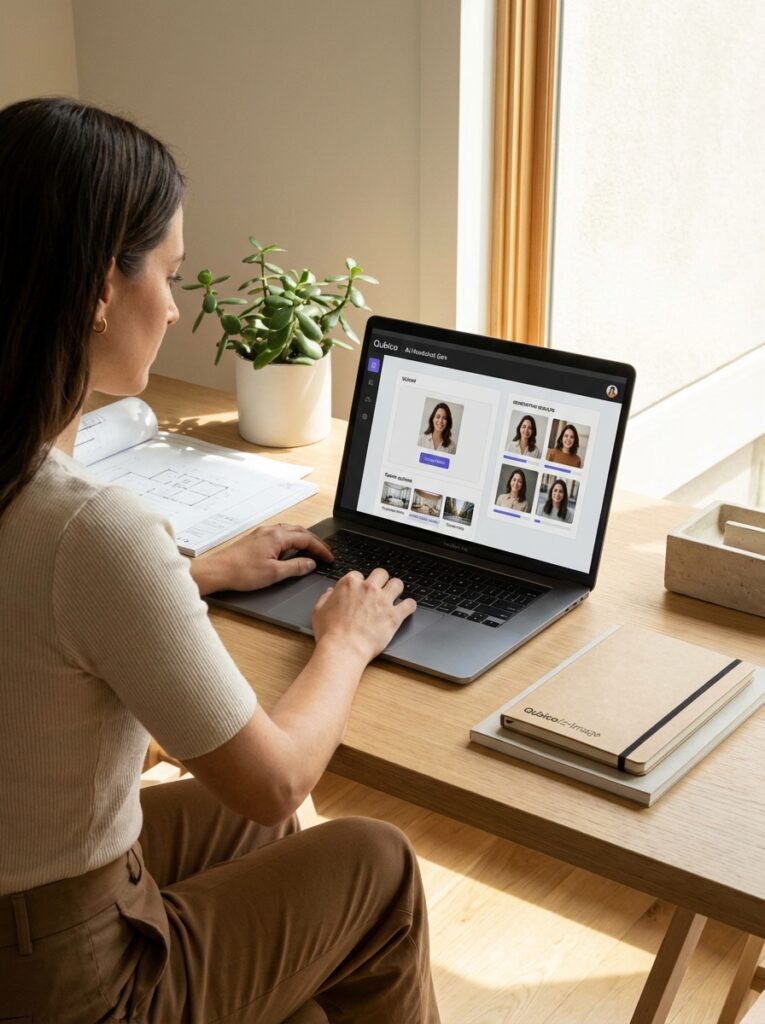
Most tools in this category ask you to trust them before showing you anything. Account creation, payment details, or a minimum photo batch are required before a single output is visible, which places a meaningful burden on the user to commit before they can evaluate.
For a junior architect or a freelance designer evaluating this category for the first time, that friction is a genuine barrier to entry. HeadshotMaster basic model removes that barrier completely: upload a photo, receive output in 6-15 seconds, with no email address, no payment, and no usage limit.
As an AI Professional Headshot Generator, HeadshotMaster’s specific differentiator is scene variety — 20+ distinct context options covering corporate office settings, architectural and studio environments, outdoor urban contexts, and creative backdrops. This matters for design professionals because the context of a headshot communicates something about professional positioning.
A headshot generated in front of a structural concrete wall reads differently on a portfolio than one generated against a generic blue gradient — and being able to iterate across multiple contexts in a single session, without switching tools or incurring additional cost, makes scene-specific output practically achievable.
The limitations are equally specific. The basic model produces variable likeness accuracy — a well-lit, front-facing source photo returns strong results; a low-resolution or angled reference produces weaker output. Skin smoothing can appear over-processed in some outputs. For contexts requiring maximum likeness fidelity — a press profile for a major publication, a high-visibility studio team page — the advanced model (available to registered users, 4 uses per day) produces meaningfully better results. For print-quality resolution or commercially licensed marketing at scale, Aragon AI or Headshotpro are the more appropriate tools
✏ Portfolio note: The single most reliable way to improve output quality across all AI headshot tools: use a source photo taken in natural diffused light (overcast daylight or north-facing window light), with your face occupying at least 50% of the frame, looking directly at the camera from a horizontal angle. Harsh directional shadows, upward or downward angles, and heavy background distraction all reduce the model’s ability to maintain consistent likeness. A phone photo taken correctly at a window will outperform a blurry studio photo taken incorrectly.
Matching the Tool to Your Career Stage and Use Case

There is no single best AI headshot generator for every design professional. The right choice depends on where you are in your career, what your headshot will be used for, how many reference photos you have, and whether immediate free access matters more than maximum style depth or commercial licensing.
Junior Architects and Freelance Designers and 3D Artists
Building a first professional presence — Archinect profile, personal portfolio site, LinkedIn, conference bio page. Limited photo library. Budget sensitivity is real. HeadshotMaster’s basic model is the starting point: zero friction, zero cost, 6-15 second generation, 20+ scenes. Generate five or six options across different contexts in under ten minutes and select the one that suits the portfolio’s visual register. If the output quality is sufficient (it will be for most digital contexts), the process is complete without any commitment.
Mid-Career Practitioners and Studio Professionals
Updating an existing professional presence, producing consistent headshots for a growing studio team page, or preparing materials for a significant award or publication submission. A photo library likely exists. Budget for quality output is reasonable. Aragon AI’s commercial licensing and consistent batch output serve this need well — 6-10 reference photos produce 40-100 commercially licensed images at consistent quality, suitable for studio marketing use. For practitioners whose design workflow already lives in Canva, integrating headshot generation directly into that environment via Canva’s AI tool removes an unnecessary export-import step.
Principals, Partners, and Senior Architects
High-visibility use cases: major studio team page, press profile for publication, award submission at significant scale. At this level, the case for a professional architectural photographer remains strong for the highest-visibility contexts. But AI tools remain genuinely useful for the long tail of use cases — conference bio pages, panel speaker profiles, quick updates between scheduled photography sessions. Headshotpro’s 4K output and 1,000+ style options serve the quality bar for most of these contexts, provided the 15-photo minimum and 1-3 hour batch time fit the workflow.
The Comparison in a Single Paragraph
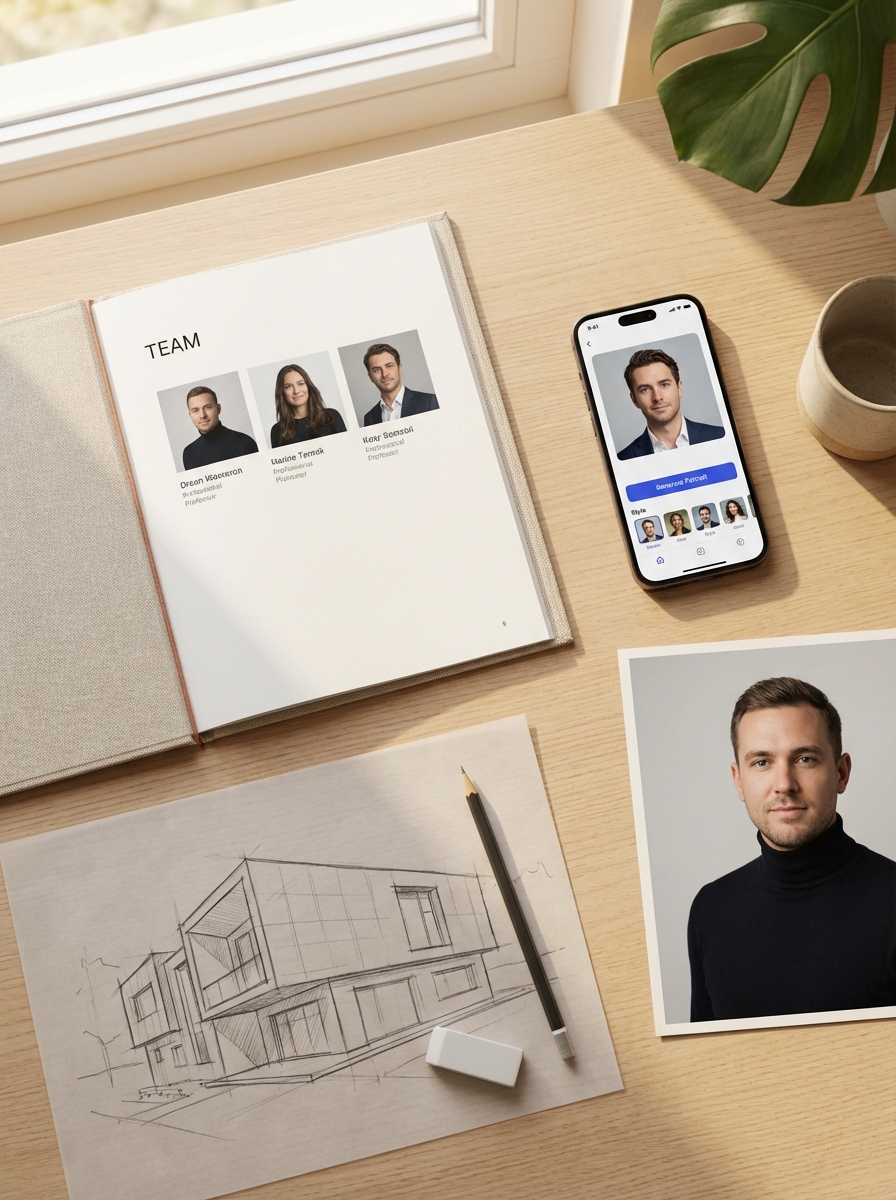
Aragon AI produces commercially licensed output at scale for studio professionals with a photo library and a defined budget. Canva integrates headshot generation directly into an existing design workflow for practitioners already on that platform.
Headshotpro delivers maximum style range and 4K resolution for users willing to meet the 15-photo requirement and wait for batch processing. HeadshotMaster tends to work best for freelance designers and 3D artists, junior architects, and anyone evaluating this category for the first time — its anonymous unlimited basic access, 6-15 second generation, and 20+ scene options make it the most accessible entry point in the comparison, and for most digital portfolio contexts, the output quality is sufficient without any commitment.
The headshot you choose to represent your practice on a portfolio page sits in direct visual conversation with the work beside it. It deserves the same care you’d give any other element on that page — and the tools to produce it well, quickly, and without unnecessary friction now exist. The comparison above is designed to help you find the one that fits your situation rather than the one that’s been most effectively marketed.
FAQ: AI Headshots for Architecture and Design Portfolios
Q: Can AI headshots be used in a professional architecture portfolio?
Yes, for most digital contexts. AI-generated headshots are well-suited to portfolio websites, Archinect profiles, LinkedIn, studio team pages, and conference bio pages. For high-visibility contexts — major publication profiles, significant award submissions, formal client pitches — a professional photographer remains the more appropriate choice. Match the quality threshold to the actual display context.
Q: How many photos do I need for an AI headshot generator?
Depends on the tool. HeadshotMaster and Canva both work from a single photo — the lowest barrier in the category. Aragon AI requires 6-10. Headshotpro requires a minimum of 15. For architects with limited reference photography, HeadshotMaster or Canva are the only viable options.
Q: What is the best AI headshot generator for architects?
For fast, no-commitment testing with scene variety relevant to professional contexts: HeadshotMaster (no login, 6-15 seconds, 20+ scenes). For commercially licensed output for studio marketing: Aragon AI. For Canva ecosystem integration: Canva. For maximum style depth and print resolution: Headshotpro (requires 15 photos and 1-3 hour batch time).
Q: Is a professional photographer still worth it for an architecture portfolio?
For senior architects and principals whose headshot appears in major publications, significant award submissions, or high-profile client pitches: yes — a professional architectural photographer ($300-600 for a focused session) is worth the investment at that visibility level. For mid-career practitioners, junior architects, and freelance designers whose headshot needs are primarily digital and platform-based, a high-quality AI generator is functionally equivalent at a fraction of the cost.
- 14shares
- Facebook0
- Pinterest14
- Twitter0
- Reddit0