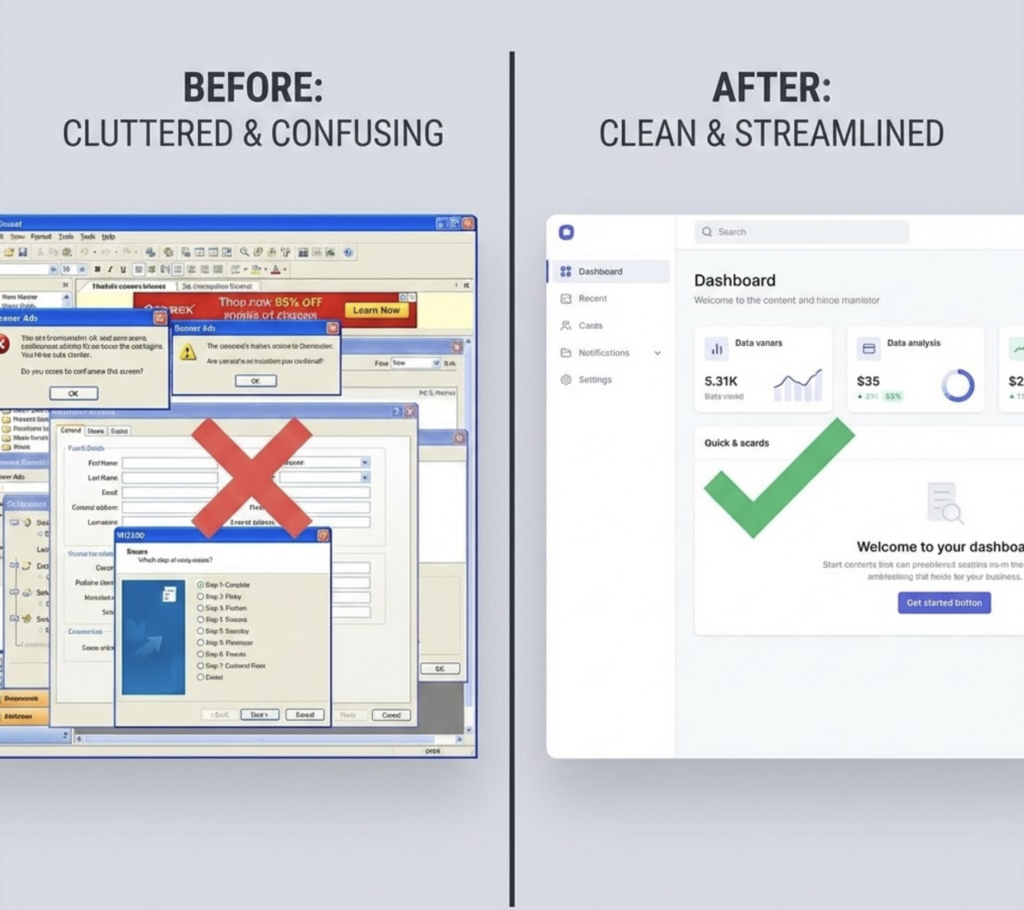
We lost 23% of our trial users on the same screen. Twenty-three percent—nearly a quarter of potential customers—abandoned our SaaS product at the same point in the onboarding flow. The feature worked perfectly. The technology was solid. But users hit a settings configuration screen with twelve options, no clear defaults, and zero guidance about what mattered.
They didn’t contact support. They didn’t complain. They just left.
When we redesigned that single screen—reducing options to four, adding smart defaults, including a “recommended” badge—trial-to-paid conversion increased by 31%. Same product. Same features. Same pricing. The only change was removing friction from one moment in the user journey.
Here’s what separates SaaS companies with strong retention from those bleeding customers: understanding that users don’t leave because your product lacks features—they leave because your product creates friction. Every confusing interface, every unnecessary click, every moment of uncertainty accumulates into the decision to cancel.

UX design isn’t decoration; it’s the difference between customers who stay for years and customers who churn within months.
This guide examines how specific UX and UI design decisions impact SaaS retention metrics, where friction typically hides in product experiences, and how to identify and eliminate the design problems costing you customers.
The Retention Economics of UX Design
Before examining specific design impacts, understand the financial stakes. UX isn’t about aesthetics—it’s about revenue.
The Cost of Friction
Acquisition vs. retention costs: Acquiring a new SaaS customer costs 5-7x more than retaining an existing one. Every customer lost to UX friction represents not just lost revenue but wasted acquisition spend.
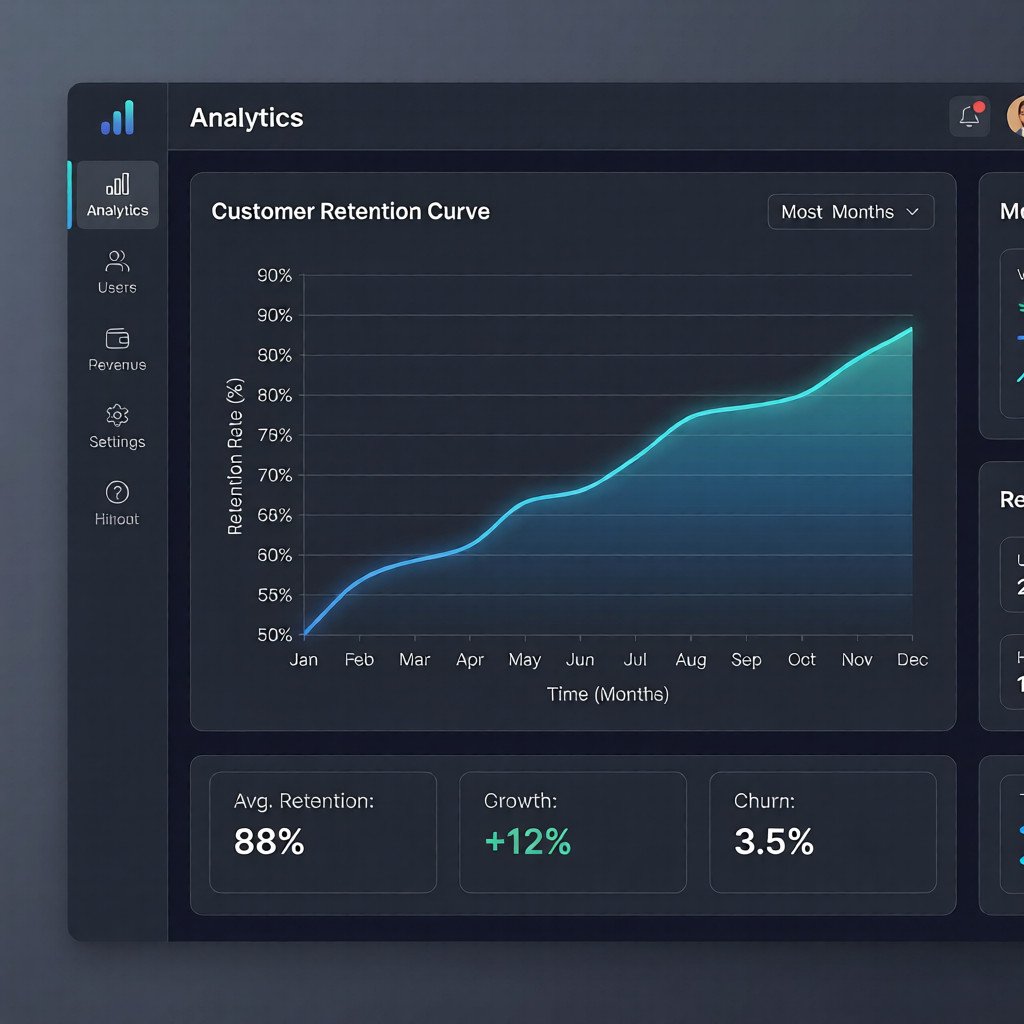
Lifetime value impact: A customer who stays 24 months generates roughly 4x the revenue of a customer who churns at 6 months. UX improvements that extend average customer lifetime directly multiply revenue.
Compound effects: Retained customers provide referrals, case studies, and feedback that improve the product. Churned customers provide none of these—and may actively discourage others.
What the Data Shows
Research consistently links UX quality to retention metrics:
Loading time: Each additional second of load time increases bounce probability by 32%. For SaaS products, slow interfaces signal unreliability.
Task completion: Users who complete their first core task within 5 minutes retain at 2x the rate of users who take longer than 15 minutes.
Error encounters: Users who encounter errors during onboarding churn at 3x the rate of users with smooth first experiences.
Feature discovery: Users who discover and use 3+ features in their first week retain at significantly higher rates than single-feature users.
These numbers demonstrate that UX design directly impacts the metrics that determine SaaS business viability.
Critical UX Touchpoints for Retention
Certain moments in the user journey disproportionately affect whether customers stay or leave.
Onboarding Experience
The first hour with your product determines more than any other period. Users arrive with motivation and expectations; poor onboarding squanders both.
First-run experience: What happens immediately after signup? Blank dashboards, overwhelming option arrays, or unclear next steps all create abandonment risk. Effective onboarding provides immediate value demonstration.
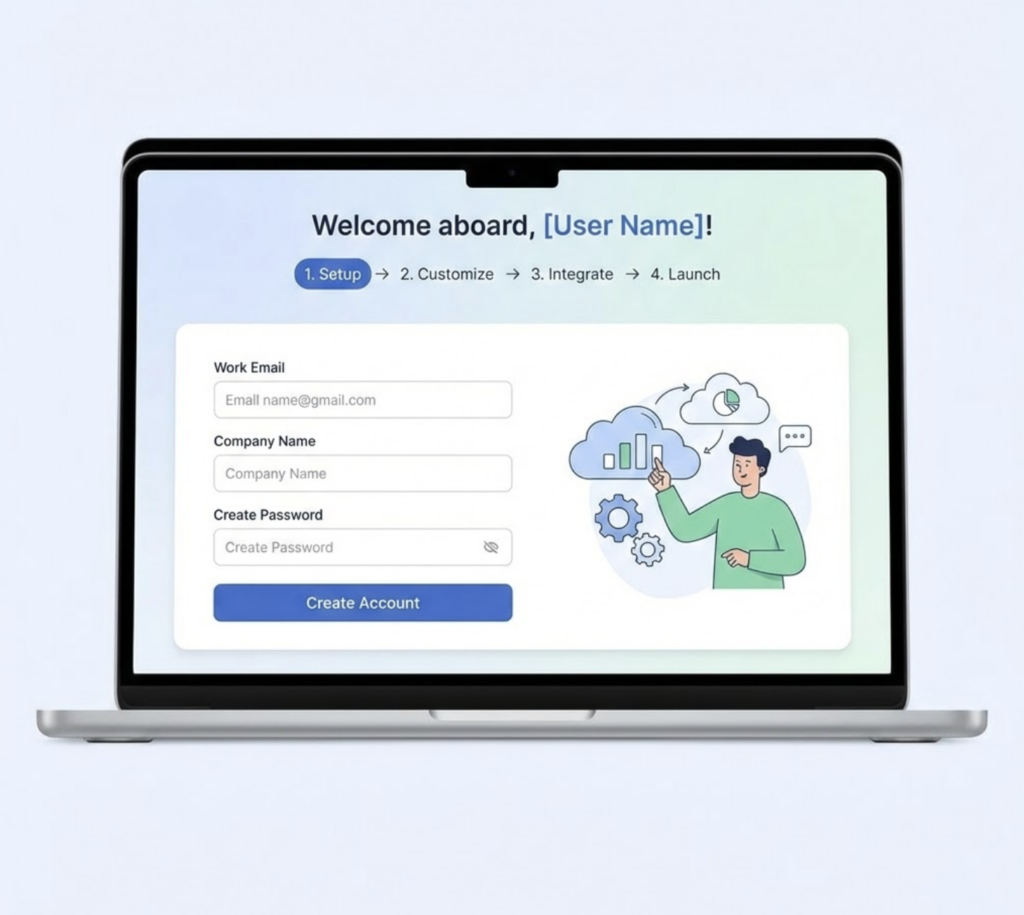
Time to first value: How quickly can a new user accomplish something meaningful? Products that deliver value within minutes retain better than products requiring hours of setup.

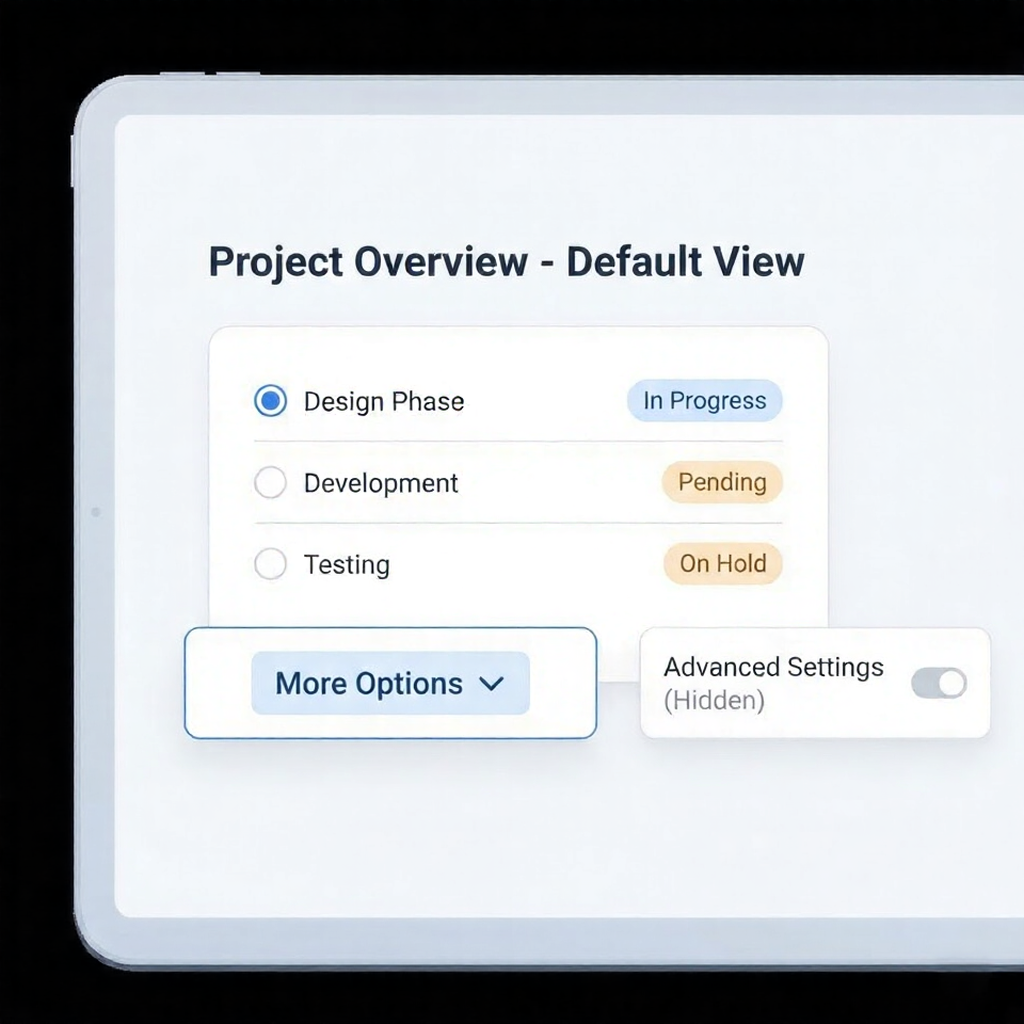
Progressive disclosure: Showing every feature immediately overwhelms users. Strategic UX reveals complexity gradually as users demonstrate readiness.
Guided vs. exploratory: Some users want step-by-step guidance; others prefer exploration. Effective onboarding offers both paths without forcing either.
Companies investing in custom software development services often prioritize onboarding UX specifically because the retention impact is so measurable and significant.
Daily Usage Patterns
Retention isn’t just about first impressions—it’s about every subsequent interaction.
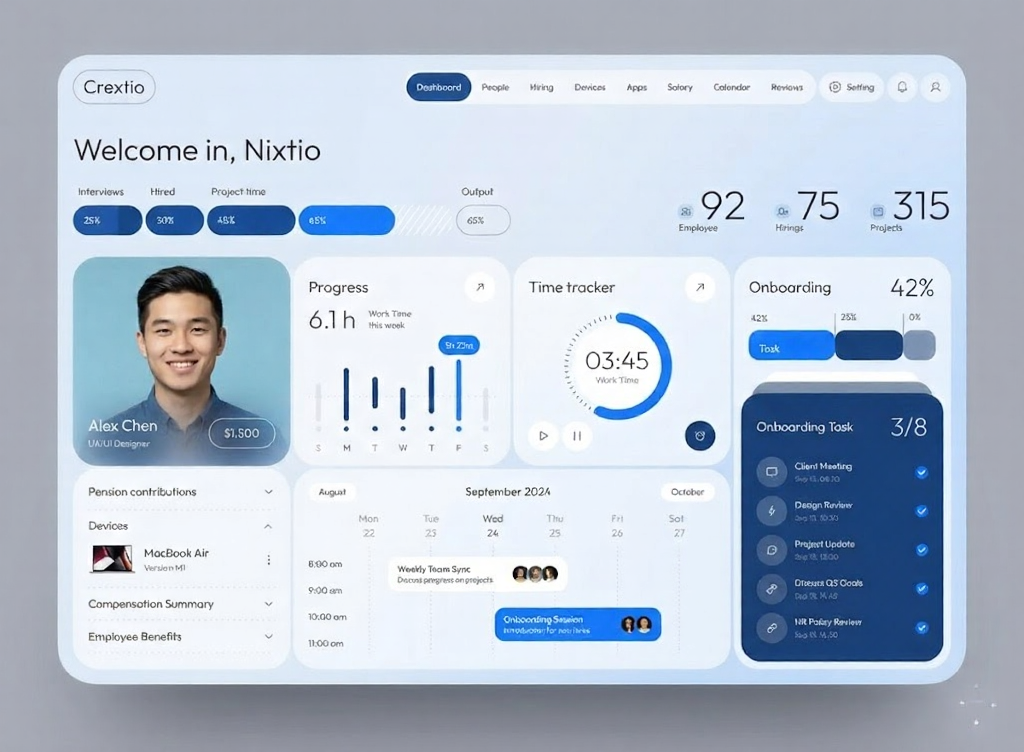
Cognitive load: How much mental effort does routine usage require? Products that feel effortless become habits; products that feel like work get abandoned.
Navigation consistency: Can users predict where to find things? Inconsistent navigation patterns force users to think about the interface rather than their tasks.
Feedback and confirmation: Do users know when actions succeed? Unclear feedback creates uncertainty and erodes confidence in the product.
Error recovery: When things go wrong, how easily can users fix them? Graceful error handling preserves trust; dead-ends destroy it.
Expansion and Growth Moments
As users become more sophisticated, UX must support their evolution.
Feature discovery: How do existing users learn about features they haven’t tried? Buried capabilities represent unrealized value and missed retention opportunities.
Upgrade paths: When users hit limits, is upgrading frictionless? Complicated upgrade processes cause users to reconsider the entire relationship.
Advanced functionality: Do power users have efficient workflows? Users who outgrow your UX will find products that match their sophistication.
Common UX Problems That Kill Retention
Certain design patterns consistently correlate with higher churn rates.
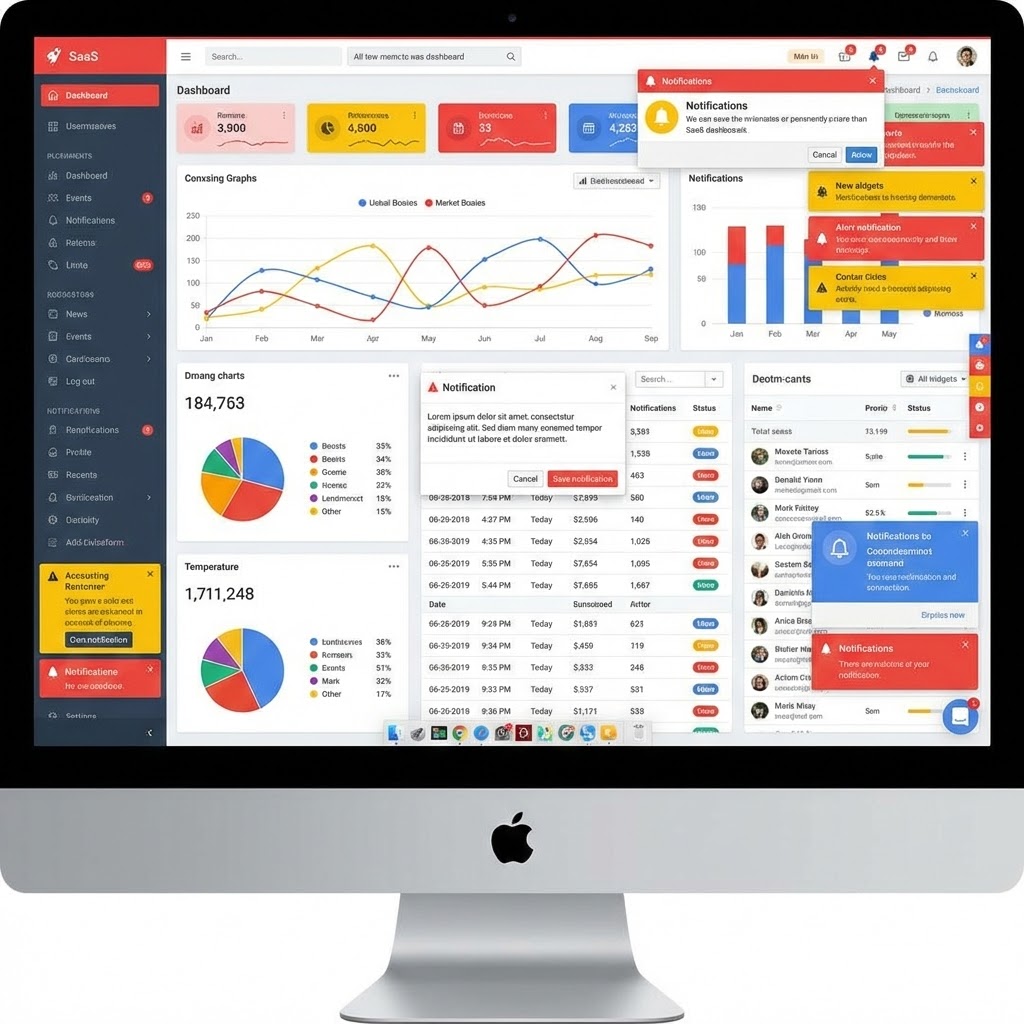
Complexity Without Purpose
Symptom: Dashboards with dozens of metrics, settings pages with endless options, and workflows with unnecessary steps.
Why it hurts retention: Users came to solve a problem, not to learn a complex system. Overwhelming interfaces signal that the product will require ongoing effort—effort users may not want to invest.
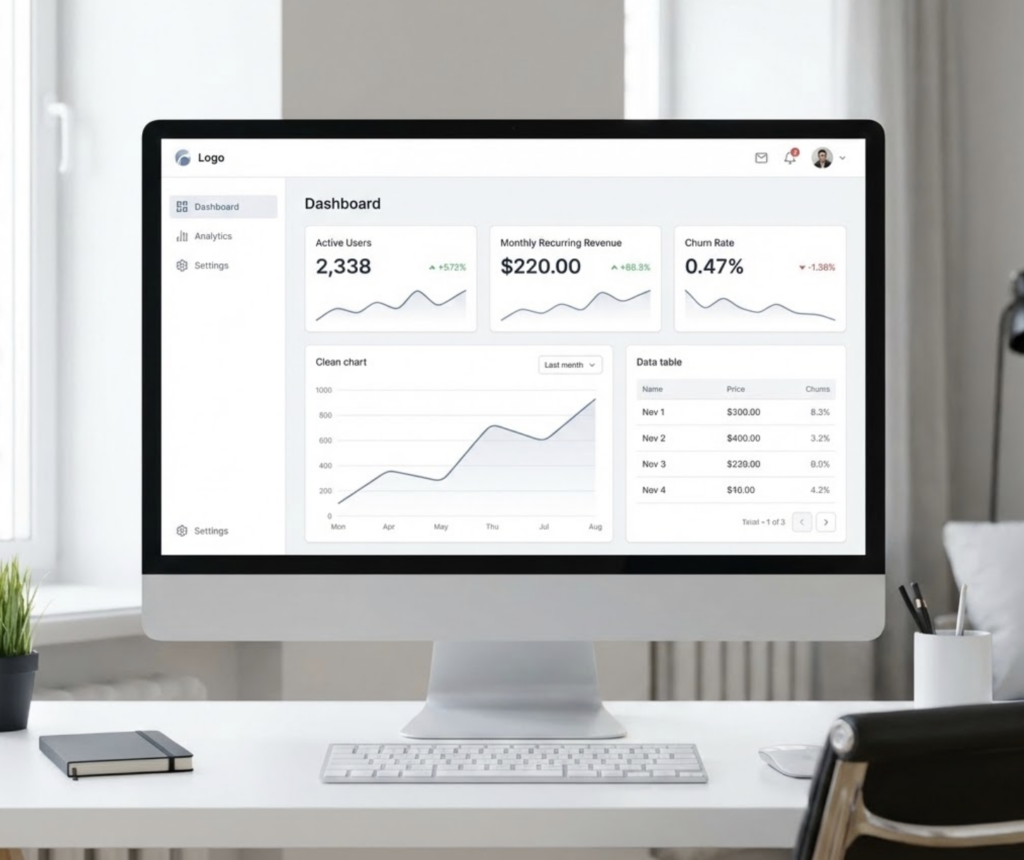
Solution: Ruthlessly simplify. Hide advanced options behind progressive disclosure. Provide smart defaults that work for 80% of users. Make the common path obvious and easy.
Unclear Information Architecture
Symptom: Users can’t find features they know exist. Navigation labels are ambiguous. Similar functions live in different places.
Why it hurts retention: Every moment spent searching is a moment of frustration. Users who can’t find what they need assume the product can’t do it—even when it can.
Solution: Conduct card sorting research. Implement clear, consistent navigation patterns. Use labels that match user mental models, not internal terminology.
Broken Feedback Loops
Symptom: Actions are completed without confirmation. Errors appear without explanation. Users can’t tell if processes are running or stuck.
Why it hurts retention: Uncertainty creates anxiety. Users who don’t trust the interface will limit their engagement—or leave entirely.
Solution: Confirm every action. Explain every error with recovery guidance. Show progress for any operation taking more than a second.
Mobile Neglect
Symptom: Desktop-first design that works poorly on mobile devices. Features are missing or broken on smaller screens.
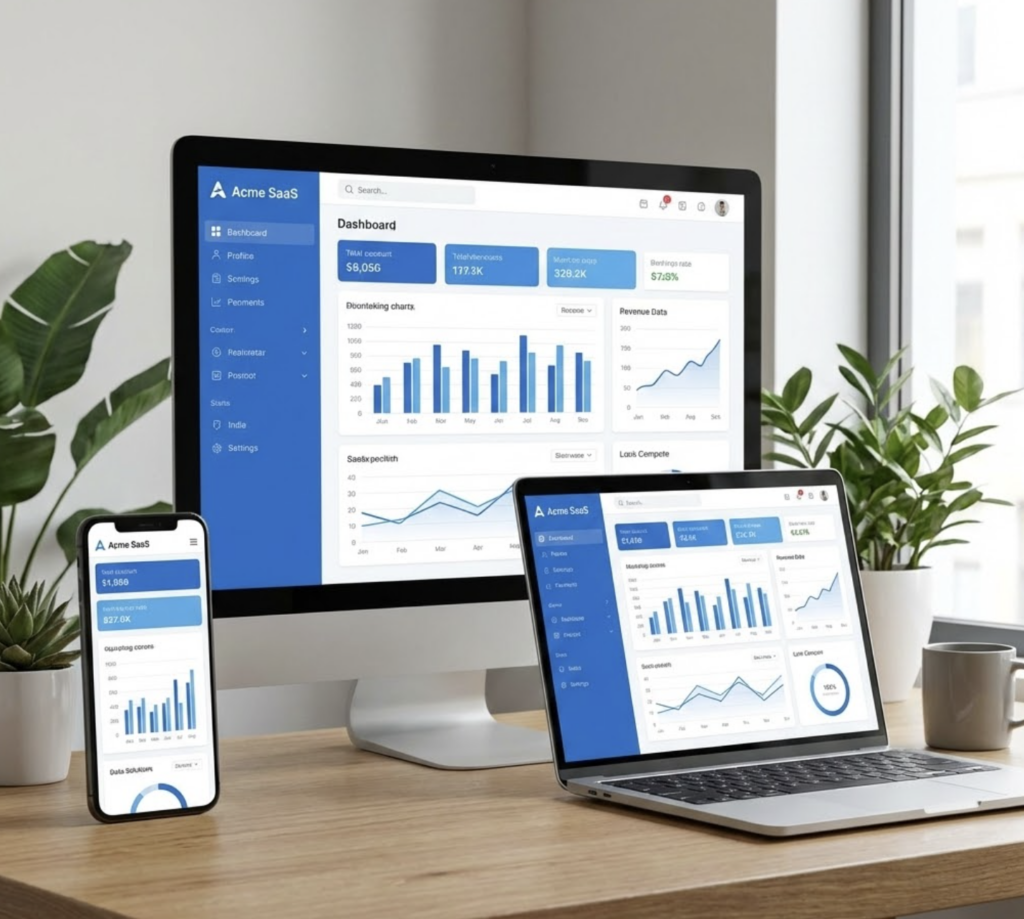
Why it hurts retention: Users increasingly expect mobile access. Products that fail on mobile seem outdated and inflexible.
Solution: Design mobile-first or ensure true responsive parity. Test core workflows on actual mobile devices, not just browser simulations.
Measuring UX Impact on Retention
Improving retention requires measuring both UX quality and business outcomes.
UX-Specific Metrics
Task success rate: What percentage of users complete core tasks without assistance? Low rates indicate UX friction.
Time on task: How long do common workflows take? Increasing times suggest growing complexity or degraded usability.
Error rate: How often do users encounter errors or dead ends? Rising error rates predict rising churn.
System Usability Scale (SUS): Standardized survey measuring perceived usability. Scores below 68 indicate significant UX problems.
Connecting UX to Business Metrics
Cohort analysis: Compare retention rates before and after UX changes. Control for other variables to isolate design impact.
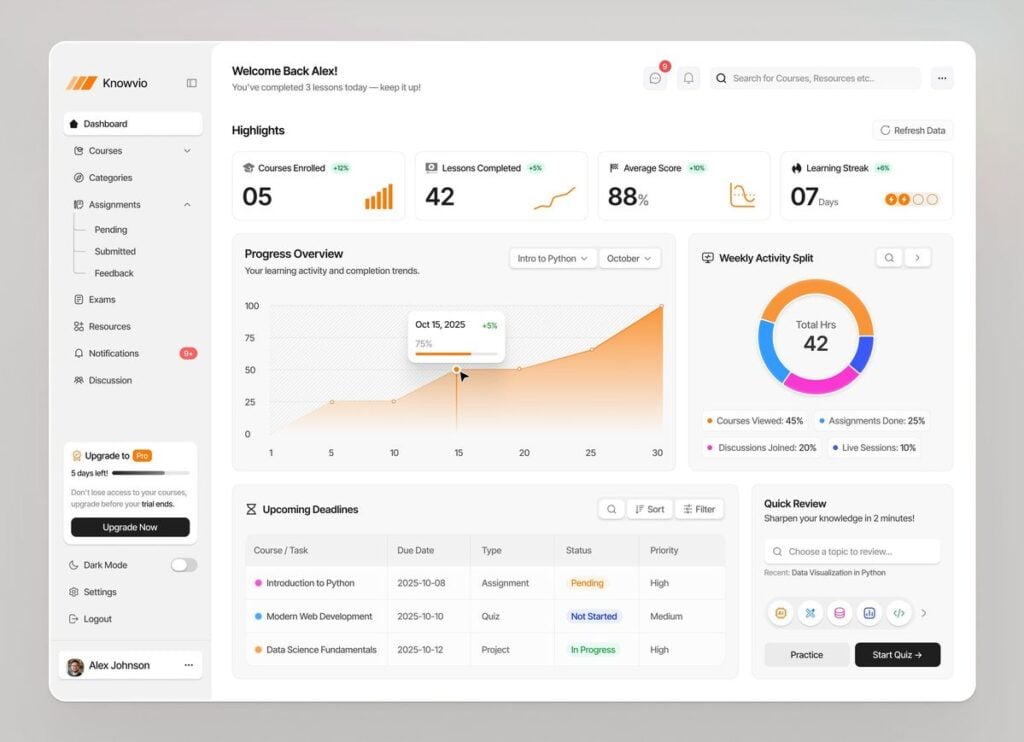
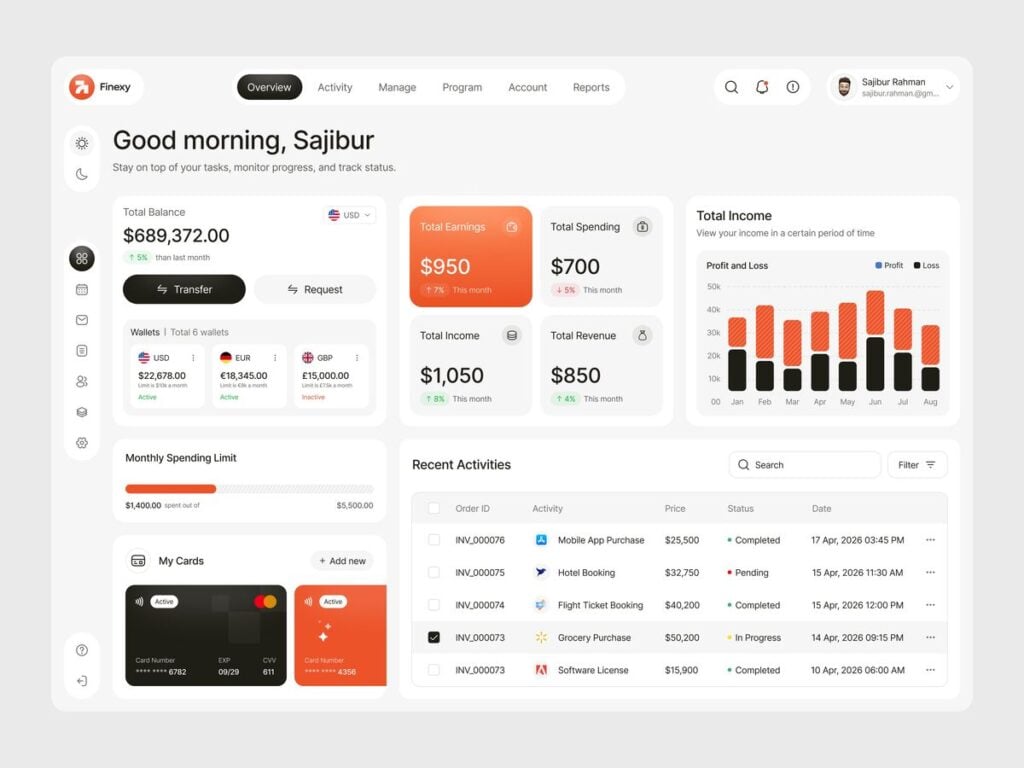
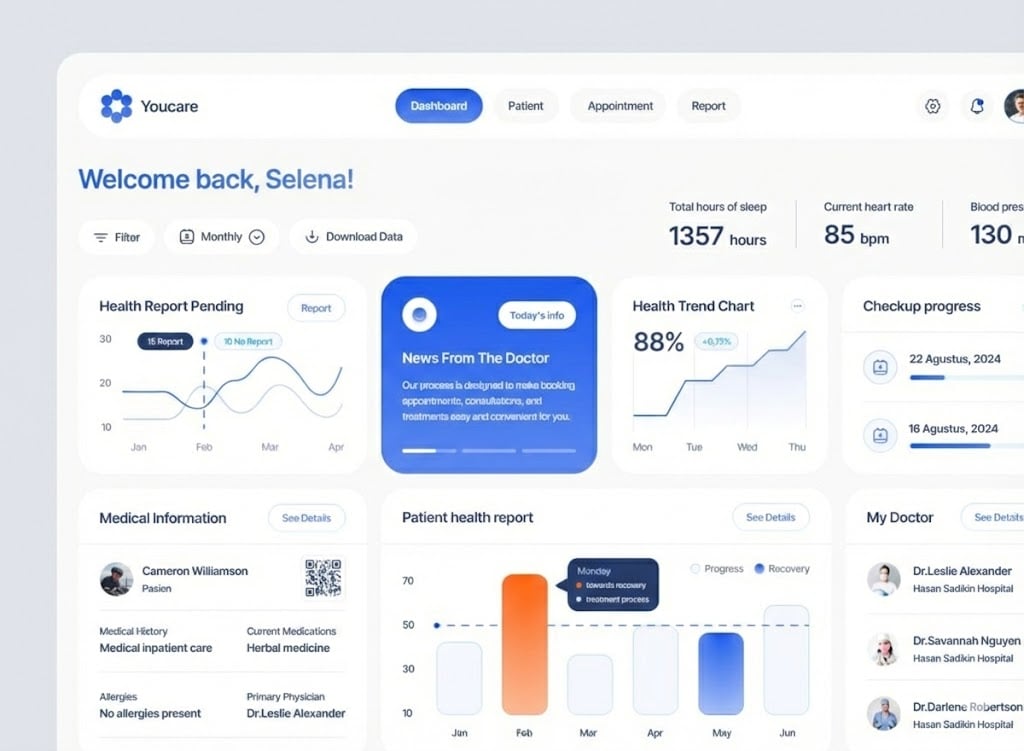
Feature correlation: Which features correlate with retention? Prioritize UX improvements for high-correlation features.
Churn surveys: Ask departing customers why they left. UX-related reasons (confusion, difficulty, frustration) indicate design priorities.
Support ticket analysis: What problems generate tickets? Recurring UX-related tickets identify friction points worth fixing.
Building Feedback Systems
Session recording: Watch actual users navigate your product. Where do they hesitate, backtrack, or abandon?
Heatmaps: See where users click, scroll, and focus attention. Cold spots indicate undiscovered features.
In-app feedback: Allow users to report problems in context. Low-friction feedback mechanisms surface issues faster.
Working with experienced teams like Darly.Solutions can help establish these measurement systems and interpret the data they generate.
Implementing Retention-Focused UX Improvements
Knowing what to fix matters less than knowing how to prioritize and execute.
Prioritization Framework
Impact × Effort matrix: Plot potential improvements by expected retention impact and implementation effort. Start with high-impact, low-effort changes.
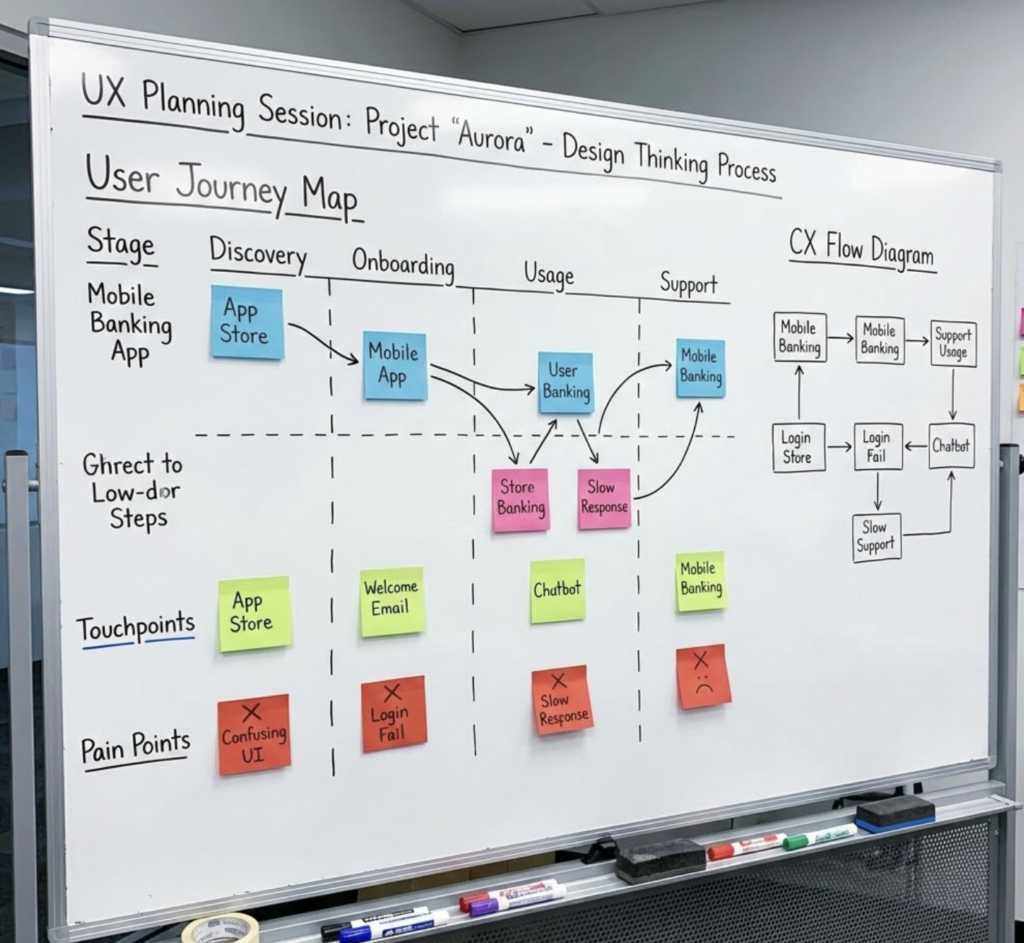
User journey mapping: Identify which journey stages have the highest drop-off. Focus UX resources on moments that lose the most users.
Revenue weighting: Prioritize UX improvements affecting the highest-value customer segments or highest-revenue features.
Iterative Improvement Process
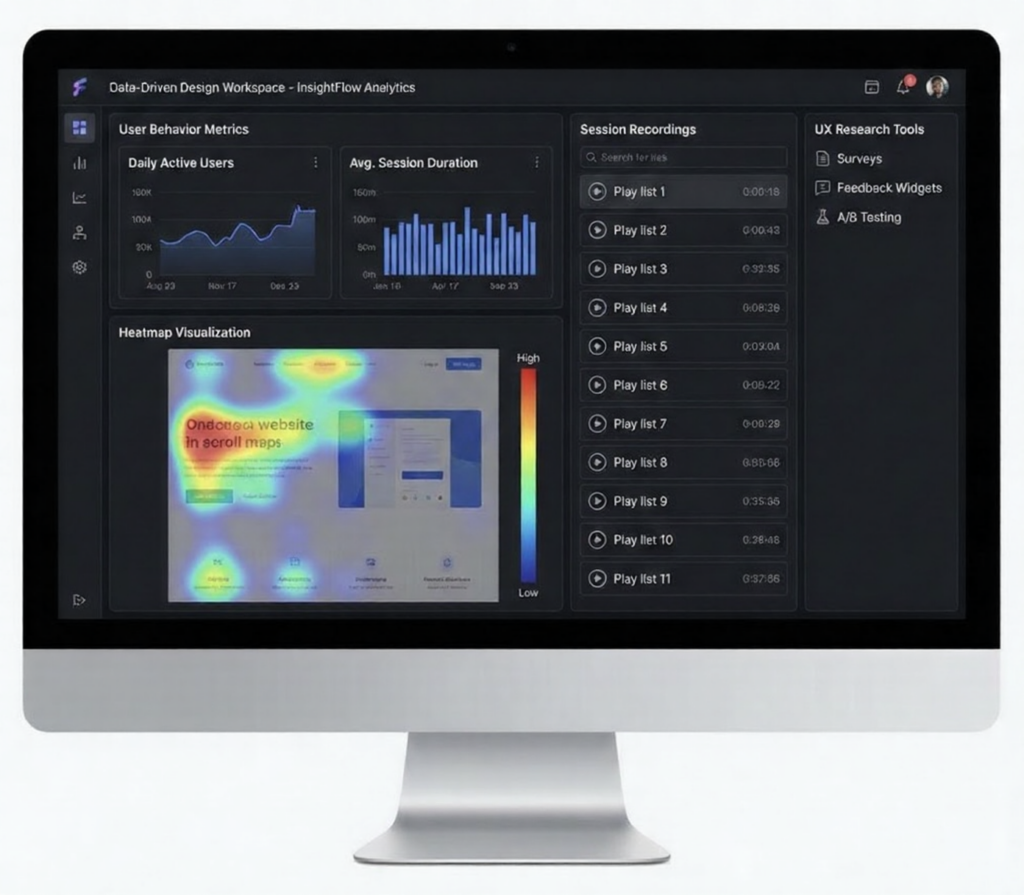
Baseline measurement: Before changing anything, establish current metrics for comparison.
Hypothesis formation: State expected improvement explicitly. “Reducing onboarding steps from 7 to 4 will increase trial-to-paid conversion by 15%.”
Controlled testing: A/B test significant changes when possible. Compare cohorts to isolate UX impact from other factors.
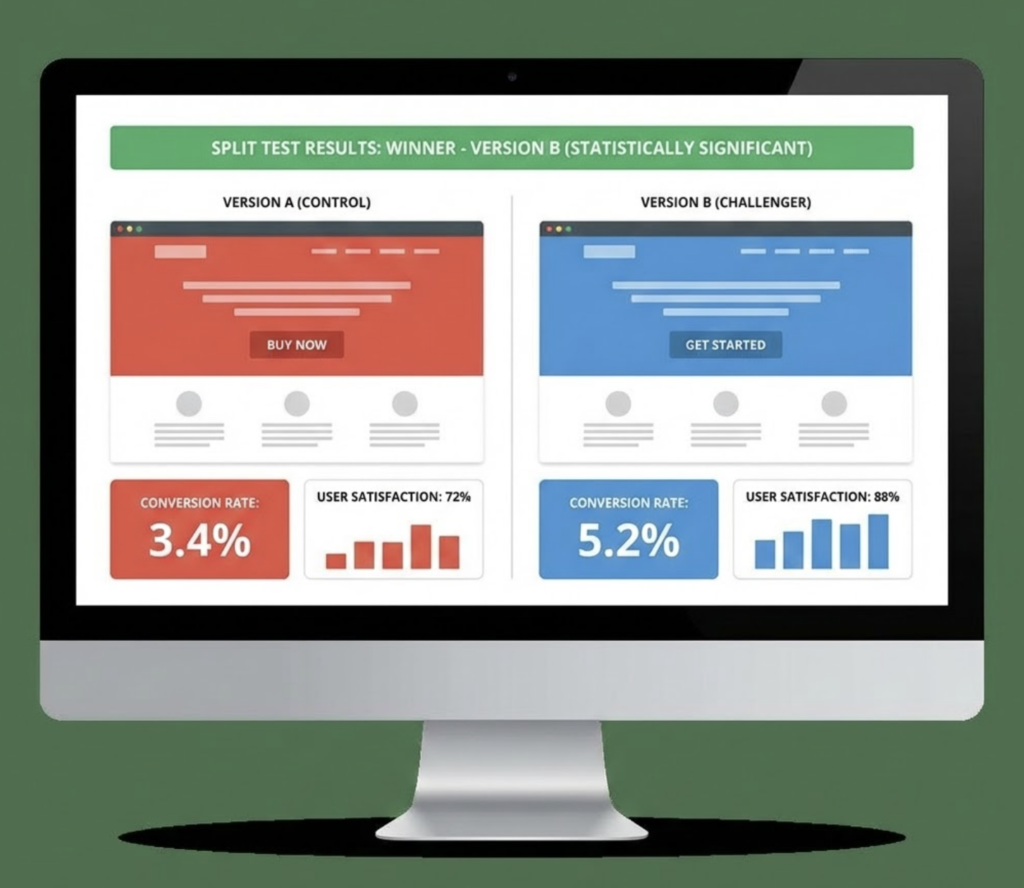
Rapid iteration: Small, frequent improvements compound faster than large, infrequent redesigns.
Avoiding Common Implementation Mistakes
Redesigning everything at once: Major redesigns disorient existing users. Incremental improvement preserves familiarity while reducing friction.
Ignoring power users: Simplification that removes capabilities alienates sophisticated users. Ensure advanced workflows remain accessible.
Following trends blindly: Design trends don’t always improve usability. Test before implementing patterns just because they’re popular.
FAQ
How quickly can UX improvements impact retention?
Onboarding improvements often show impact within 30-60 days as new user cohorts move through the improved experience. Existing user improvements may take longer to affect retention metrics since established habits need time to shift.
What’s the single most important UX element for SaaS retention?
Onboarding—specifically, time to first value. Users who experience meaningful success quickly develop the habit patterns and emotional investment that sustain long-term retention. Focus resources here first.
How do we balance simplicity with feature richness?
Progressive disclosure solves this tension. Default interfaces remain simple while advanced capabilities stay accessible for users who need them. The key is surfacing complexity only when users demonstrate readiness.
Should we prioritize new features or UX improvements to existing features?
For retention specifically, UX improvements to existing features typically outperform new feature development. Users leave because of friction with current functionality more often than because of missing capabilities.
How do we measure if UX changes actually affected retention?
Cohort analysis comparing users before and after changes, combined with controlled A/B testing where possible. Also monitor leading indicators like task completion rates and support ticket volume that predict retention outcomes.
Conclusion
UX design impacts SaaS customer retention through accumulated moments of friction or fluidity. Users don’t consciously evaluate interface quality—they feel it. Products that feel effortless become indispensable; products that feel frustrating get replaced.

The math is clear: reducing churn through UX improvement generates more sustainable growth than increasing acquisition spend. Every friction point eliminated is a customer retained, and retained customers compound into the revenue growth that defines successful SaaS businesses.
This week: Identify your highest-friction moment. Where do users abandon, contact support, or express frustration? Focus improvement resources on that single point.
This month: Implement measurement systems that connect UX metrics to retention outcomes. You can’t improve what you don’t measure.
Ongoing: Build UX improvement into your product development process, not as occasional redesigns but as continuous iteration. Small, frequent improvements compound faster than dramatic overhauls.
Your product’s technology may be exceptional. Your features may be comprehensive. But if users experience friction every time they interact with your interface, they will eventually find alternatives that feel easier. Design the experience that makes customers want to stay.
- 1.4Kshares
- Facebook0
- Pinterest1.4K
- Twitter0
- Reddit0