3D printing has become more accessible than ever before. Affordable and powerful entry-level printers can deliver impressive results straight out of the box. However, if you’ve spent time in the maker community, you know that most 3D printers can be significantly enhanced with the right 3d printer mods.
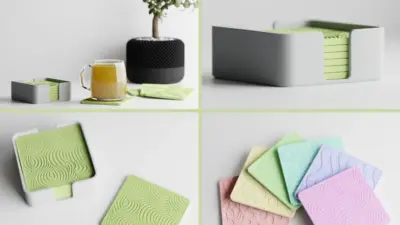
After you tune the printer, test the upgrade with a few useful 3D printing ideas that show detail, fit, and everyday function.
These modifications vary widely—from simple, budget-friendly tweaks to sophisticated hardware and firmware upgrades. Some mods focus on improving print quality, while others enhance speed, reliability, or expand material compatibility. The best mods often achieve several of these benefits simultaneously.
In this comprehensive guide, we’ll explore the most effective 3d printer mods, explain their functions, and help you determine which upgrades are truly worth your investment of time and money. Whether you’re a beginner printing basic PLA or an experienced user working with advanced materials, this article will provide a clear path to elevating your 3D printing experience.
Printer
If you’re itching to give your 3D printer a serious upgrade with some mods but aren’t sure where to start then – here’s the simplest way to go about it:
- Get Your Priorities Straight: Take some time to figure out what you’re trying to achieve – is it better print quality, faster prints, keeping things running smoothly, or being able to print with different materials?
- Find Mods that Fit: Start by looking for mods that are compatible with your specific printer model and then factor in your level of expertise.
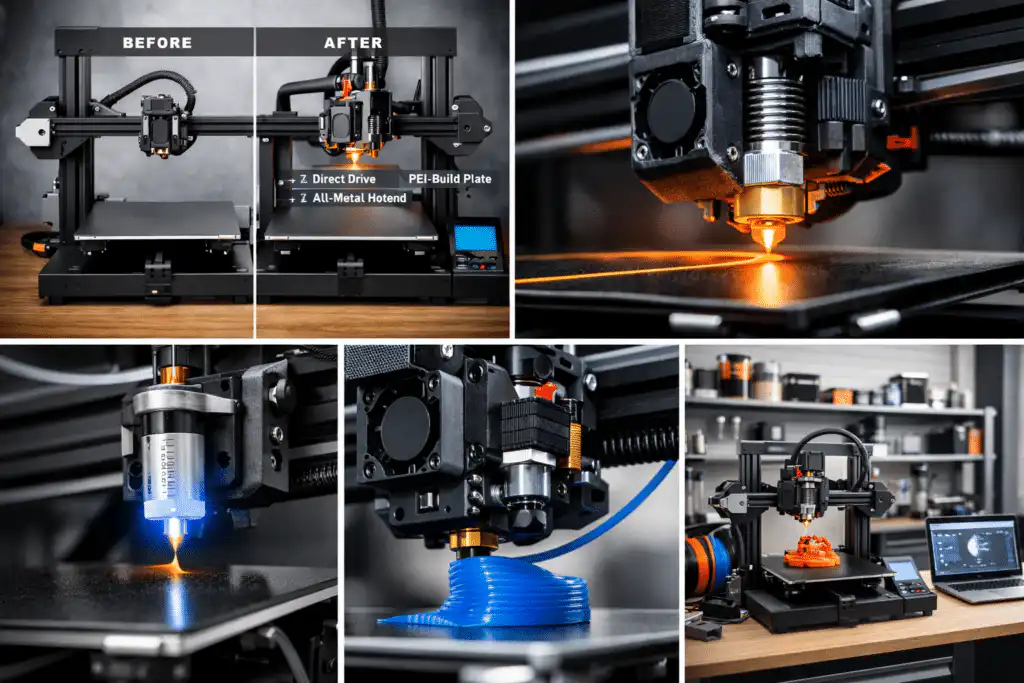
- Start with the Basics: Don’t try to over do it right off the bat – begin with some simple upgrades that everyone can handle, like a PEI build surface or an auto bed leveling sensor – that kind of thing.
- Get Your Gear Ready: Make sure you have everything you need including the right tools and decent quality parts – or if you’re feeling crafty, find some printable files to work with.
- Install it Right: Take your time when installing and make sure to follow the guides or instructions that came with the parts – don’t be afraid to look up extra help if you need it.
- Get it Running Right: Once everything is in place, take the time to calibrate the thing and run a few test prints to see if the upgrade has actually made a difference.
- Get Involved: Don’t be afraid to join a few online communities or forums to share your experience and get some advice from people who’ve been there before.
By going through these steps you should be able to give your printer a bit of a boost without stumbling into all sorts of problems along the way.
What Are 3D Printer Mods?
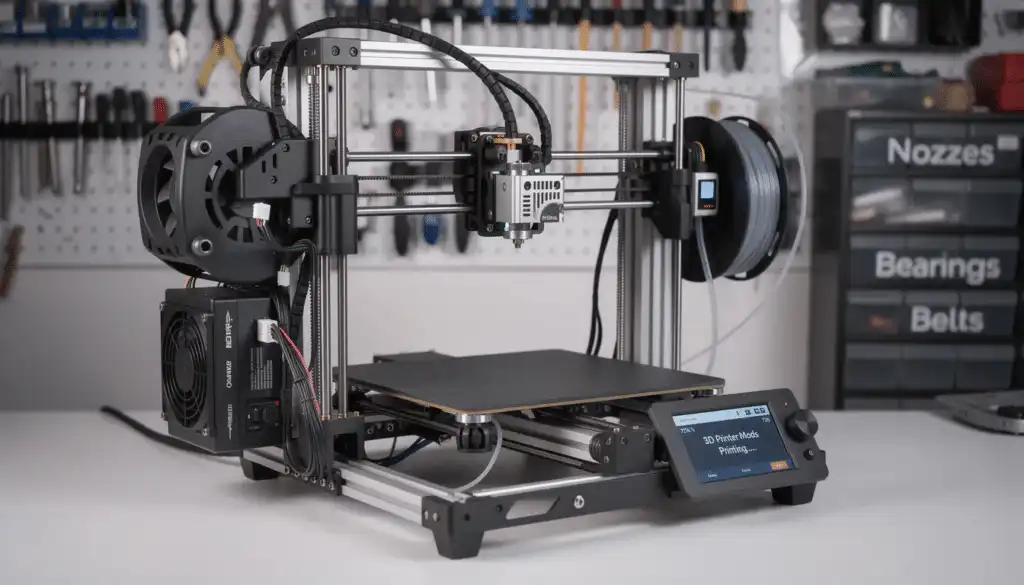
A 3D printer mod is any change made to a printer after purchase to improve its performance, usability, or durability. Mods generally fall into three categories:
- Hardware mods – Physical upgrades like new hotends, extruders, fans, or frames
- Electronics & firmware mods – Control boards, sensors, and firmware upgrades
- Quality-of-life mods – Improvements to ease of use, safety, or consistency
Some mods are plug-and-play. Others require calibration, firmware flashing, or mechanical skill. The key is choosing mods that align with your goals rather than upgrading blindly.
Why Mod a 3D Printer?
Before diving into specific upgrades, it’s important to understand why people mod their printers in the first place.
Common Reasons to Mod
- Improve print quality (smoother layers, better detail)
- Increase reliability (fewer failed prints)
- Print faster without losing quality
- Use advanced materials (PETG, ABS, Nylon, TPU)
- Reduce noise and vibrations
- Extend the lifespan of the printer
Stock printers are designed to hit a price point. Mods let you push past those limitations.
The Most Popular and Effective 3D Printer Mods
Let’s break down the most impactful mods, starting with upgrades that deliver the biggest improvements for most users.
1. All-Metal Hotend Upgrade
Best for: Higher temperatures, advanced materials, reliability
Skill level: Beginner to intermediate
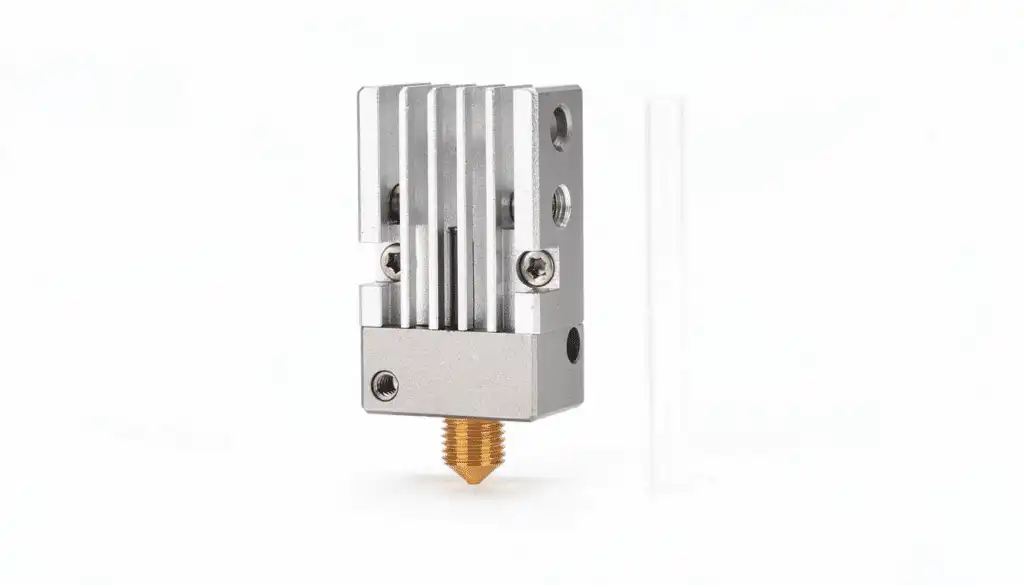
Many stock printers use PTFE-lined hotends, which work well for PLA but degrade at higher temperatures. An all-metal hotend replaces the PTFE liner with metal components, allowing higher heat tolerance and better thermal stability.
Benefits
- Print at higher temperatures safely
- Improved extrusion consistency
- Enables materials like ABS, Nylon, and Polycarbonate
- Reduced maintenance over time
Popular Options
- E3D V6
- Micro Swiss All-Metal Hotend
For many users, this is the single most valuable mod they can make.
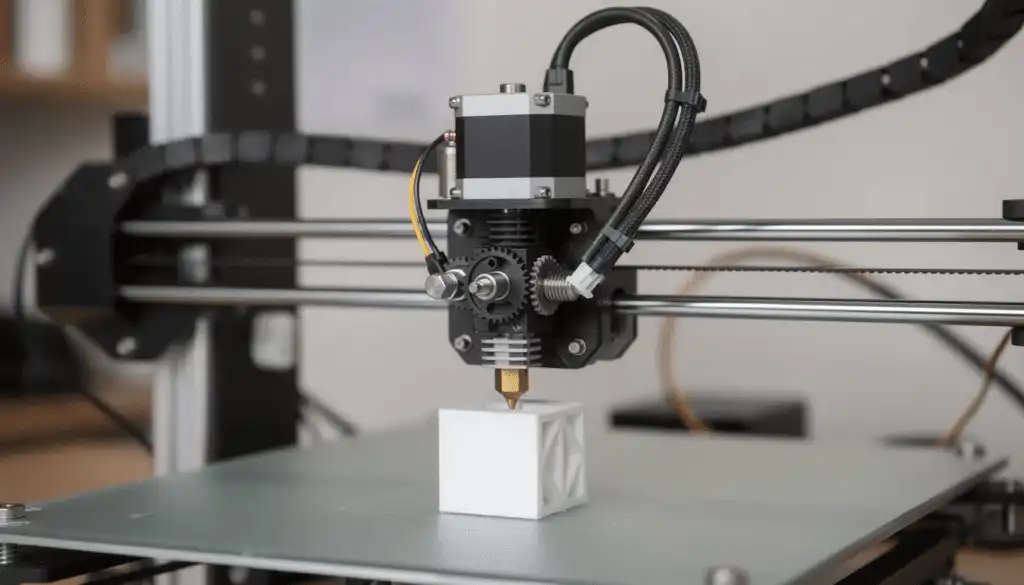
2. Direct Drive Extruder Conversion
Best for: Flexible filaments, precision extrusion
Skill level: Intermediate
A direct drive extruder places the extruder motor directly on the print head instead of feeding filament through a long Bowden tube.
Benefits
- Superior control over extrusion
- Much better performance with TPU and flexible filaments
- Reduced stringing and retraction issues
Trade-Off
- Adds weight to the print head, which can affect speed if not tuned properly
For users who want to experiment with flexible or specialty filaments, this mod is a game-changer.
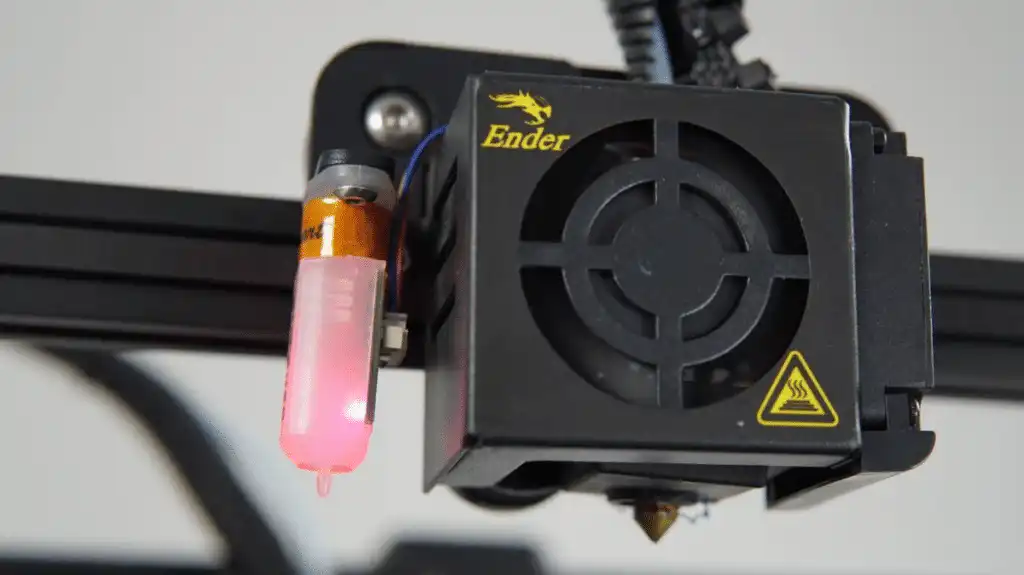
3. Auto Bed Leveling Sensor (BLTouch / CR-Touch)
Best for: First-layer consistency, reduced setup time
Skill level: Beginner to intermediate
Manual bed leveling is one of the most common pain points in 3D printing. An auto bed leveling (ABL) sensor measures the bed surface and compensates for uneven areas automatically.
Benefits
- Perfect first layers
- Fewer failed prints
- Less time spent leveling
Popular Sensors
- BLTouch
- CR-Touch
This mod doesn’t eliminate the need for basic bed setup, but it dramatically improves consistency.
4. Better Build Surface (PEI Sheets & Glass Beds)

Best for: Adhesion and part removal
Skill level: Beginner
Your build surface plays a huge role in print success. Upgrading to a PEI spring steel sheet or glass bed can transform your experience.
PEI Sheets
- Excellent adhesion when hot
- Easy removal when cool
- Durable and flexible
Glass Beds
- Ultra-flat surface
- Smooth bottom layers
- Works well with adhesives like glue stick
This is a low-risk, high-reward mod.
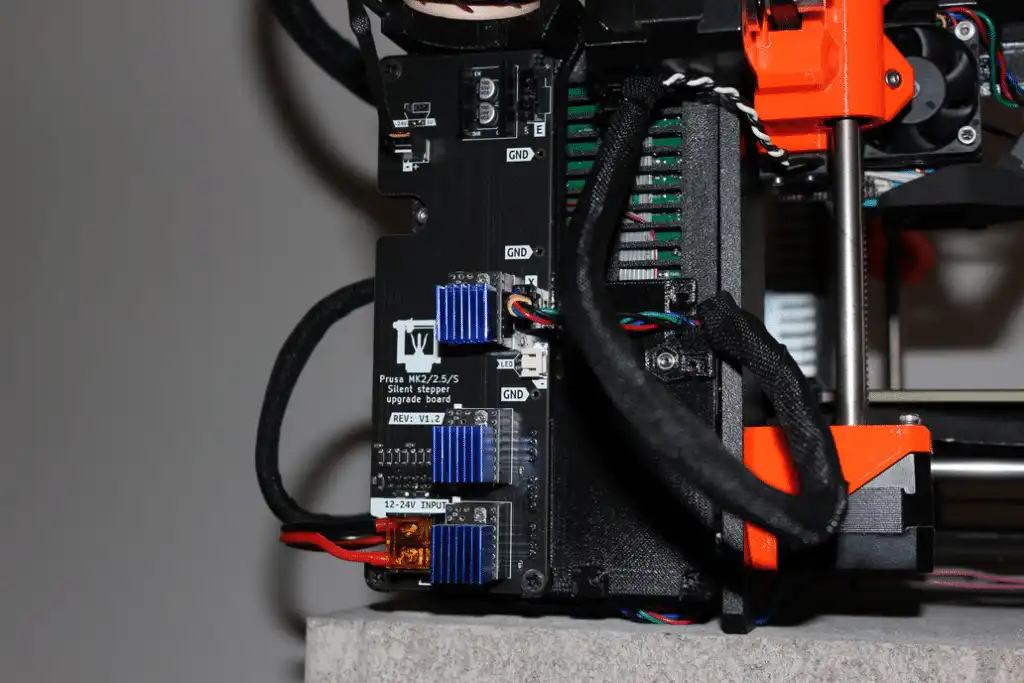
5. Silent Stepper Drivers or Control Board Upgrade
Best for: Noise reduction, smoother motion
Skill level: Intermediate
If your printer sounds like a robot orchestra, upgrading the stepper drivers or mainboard can make it nearly silent.
Benefits
- Drastically reduced noise
- Smoother motion
- Improved print quality in some cases
Modern boards with TMC drivers are popular upgrades for older printers.
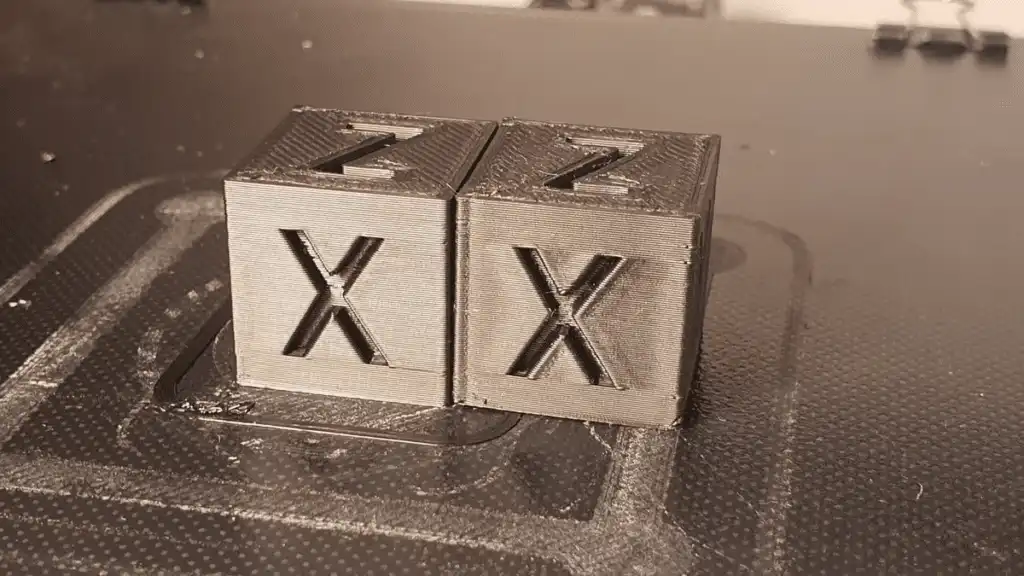
6. Firmware Upgrades (Marlin, Klipper)
Best for: Performance tuning, speed, features
Skill level: Intermediate to advanced
Firmware controls how your printer behaves. Upgrading or switching firmware unlocks advanced features.
Marlin
- Most common firmware
- Stable and widely supported
- Great for ABL, safety features, and customization
Klipper
- Advanced firmware using external processing
- Enables faster print speeds
- Requires a Raspberry Pi or similar device
Firmware mods don’t change hardware, but they can significantly improve results.
7. Improved Part Cooling Fans and Ducts

Best for: Overhangs, bridging, detail
Skill level: Beginner to intermediate
Stock part cooling is often underpowered. Upgrading fans or installing a better duct improves airflow around the print.
Benefits
- Cleaner overhangs
- Better bridging
- Sharper details
Many fan ducts are printable mods themselves, making this upgrade very accessible.
8. Frame and Stability Mods
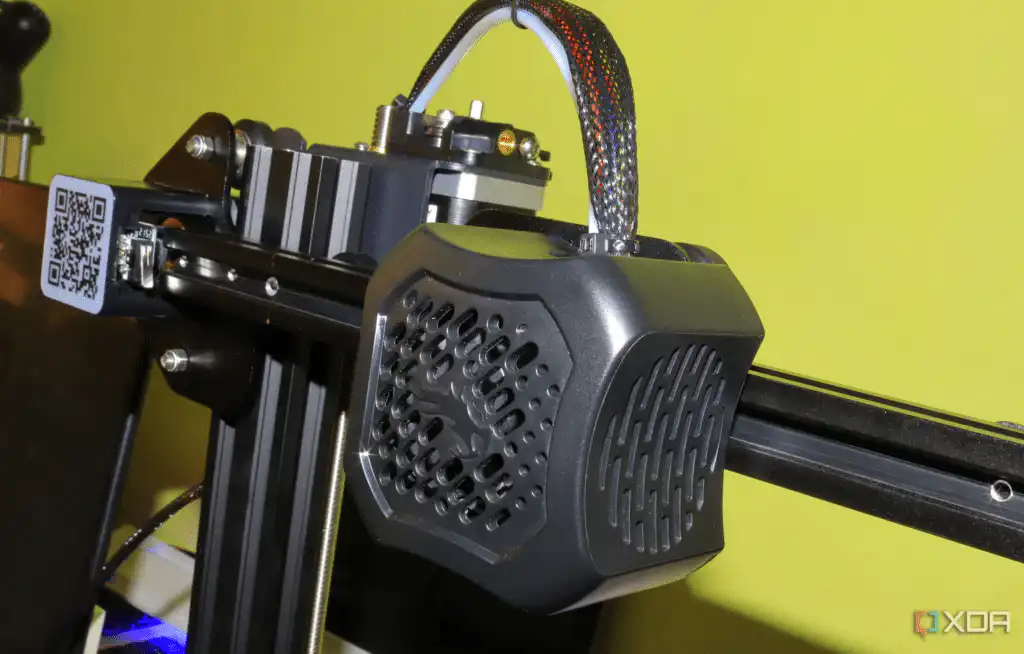
Best for: Print accuracy, speed
Skill level: Intermediate
Vibrations cause artifacts like ringing and ghosting. Reinforcing the printer frame improves stability.
Examples
- Aluminum extrusions
- Bracing kits
- Heavier base plates
This mod becomes more important as you increase print speeds.
Beginner vs Advanced Mods: What Should You Do First?
Not all mods are created equal. If you’re new to 3D printing, start with simple, reversible upgrades.
Best Beginner Mods
- PEI build surface
- Auto bed leveling
- All-metal hotend
- Fan duct upgrades
Advanced Mods (Do These Later)
- Direct drive conversions
- Firmware swaps like Klipper
- Frame reinforcements
- Custom electronics
Modding too much too fast can introduce new problems. Upgrade in stages and test thoroughly.
Comparison Table of Popular 3D Printer Mods
Mod Type | Purpose | Skill Level | Benefits | Popular Options |
|---|---|---|---|---|
All-Metal Hotend Upgrade | Higher temp printing, durability | Beginner to Intermediate | Print advanced materials, better extrusion | E3D V6, Micro Swiss |
Direct Drive Extruder | Flexible filament handling | Intermediate | Improved extrusion control, less stringing | Bondtech BMG, E3D Titan |
Auto Bed Leveling Sensor | Bed leveling automation | Beginner to Intermediate | Consistent first layers, saves time | BLTouch, CR-Touch |
Build Surface Upgrade | Adhesion and part removal | Beginner | Better print adhesion, easy removal | PEI Sheets, Glass Beds |
Silent Stepper Drivers | Noise reduction | Intermediate | Quieter prints, smoother motion | TMC2208, TMC2130 |
Firmware Upgrades | Performance and features | Intermediate to Advanced | Faster speeds, advanced controls | Marlin, Klipper |
Part Cooling Fan Upgrade | Improved cooling | Beginner to Intermediate | Cleaner details, better overhangs | Custom fan ducts, Noctua fans |
Frame Stability Mods | Reduce vibrations | Intermediate | Increased accuracy, less ringing | Aluminum braces, corner brackets |
Are 3D Printer Mods Worth It?
In most cases, yes—but only if done intentionally.
When Mods Make Sense
- You enjoy tinkering and learning
- You want better prints without buying a new printer
- Your printer has a strong modding community
When They Don’t
- You need plug-and-play reliability
- You rely on your printer for production
- You’re not comfortable troubleshooting
Sometimes the best “mod” is simply better calibration and slicer settings.
Safety Tips for Modding Your 3D Printer
Modding introduces risks if done carelessly.
- Always power off and unplug your printer
- Double-check wiring and polarity
- Update thermal runaway protection in firmware
- Test mods with short prints before long jobs
Safety should never be an afterthought.
Final Thoughts: Build the Printer You Actually Need
3D printer mods give you control. They let you turn an average machine into a highly capable tool tailored to your goals.
Start with upgrades that solve real problems. Avoid modding for the sake of modding. And remember: every great print is the result of balance—hardware, software, and technique working together.
If you approach mods strategically, you’ll spend less time fixing failures and more time creating things that matter.
Frequently Asked Questions (FAQ)
What is a 3D printer mod?
A 3D printer mod refers to any modification or upgrade made to a 3D printer after purchase to improve its performance, usability, or durability. Mods can include hardware changes, firmware updates, or quality-of-life improvements.
Are 3D printer mods worth it?
Yes, mods can significantly enhance print quality, speed, and reliability. However, they are most beneficial when chosen intentionally based on your specific needs and experience level.
Can beginners install 3D printer mods?
Many mods are beginner-friendly, such as upgrading the build surface or adding an auto bed leveling sensor. It’s best to start with simple, reversible upgrades before moving on to more advanced modifications.
Do mods void the printer warranty?
In many cases, modifying your printer can void the manufacturer’s warranty. It’s important to check your printer’s warranty terms before making significant changes.
Where can I find 3D printer mods and upgrades?
You can find mods and printable upgrade files on community sites, manufacturer websites, and online marketplaces. Participating in maker communities and forums is also a great way to discover popular and compatible mods.
How do I choose the right mods for my printer?
Assess your printing goals, the materials you want to use, and your skill level. Research mods compatible with your printer model and read reviews or guides to ensure they meet your needs.
Can firmware upgrades improve my 3D printer?
Yes, upgrading firmware like Marlin or Klipper can unlock advanced features, improve print speeds, and enhance overall printer control.
What safety precautions should I take when modding my printer?
Always power off and unplug your printer before modifications. Double-check wiring, update firmware safety settings, and test new mods with short prints to avoid damage or hazards.
How can I maintain my 3D printer after mods?
Regular calibration, cleaning, and firmware updates are essential. Monitoring your printer’s performance and engaging with the community for support can help you maintain optimal results.
Upgrade a printer only after you know which problem you are trying to solve. These easy 3D prints for beginners provide a clear baseline for first-layer quality, fit, and surface finish before you change the hardware.
- 21shares
- Facebook0
- Pinterest21
- Twitter0
- Reddit0