Introduction to design rules
Design rules for 3D printing form the backbone of successful additive manufacturing projects. Whether someone is creating prototypes, final-use parts, or artistic models, properly applied guidelines can make all the difference in achieving dimensional accuracy, minimizing warping, and ensuring components fit together without unnecessary post-processing. By focusing on each printing technology’s unique capabilities and constraints, designers can plan effectively for everything from overhang angles to wall thickness. Doing so helps streamline workflows, reduce failed prints, and produce high-quality results.
To start, there is no single, universally accepted formula for all 3D printers (FDM, SLA, SLS, and more). Every printer has its particular strengths, limitations, and recommended tolerances. For instance, Fused Deposition Modeling (FDM) might require slightly looser tolerances than a high-resolution resin system due to layer height visibility and the nature of plastic extrusion. Not surprisingly, those aiming for tight-fitting parts in medical or dental contexts often opt for SLA printers that provide finer details (Reddit r/3Dprinting). Ultimately, it pays to adapt models to the specific process employed, rather than settling on a one-size-fits-all approach.
Individuals looking for fundamental guidance on conceptual modeling for 3D printing can explore how to create 3d models for printing or the best software for 3d printing design. These resources clarify the importance of selecting the right digital tools before diving deeper into design rules. From the first layer adhesion to the final function of printed parts, sound rules and best practices govern every stage of additive manufacturing.
Focus on tolerances
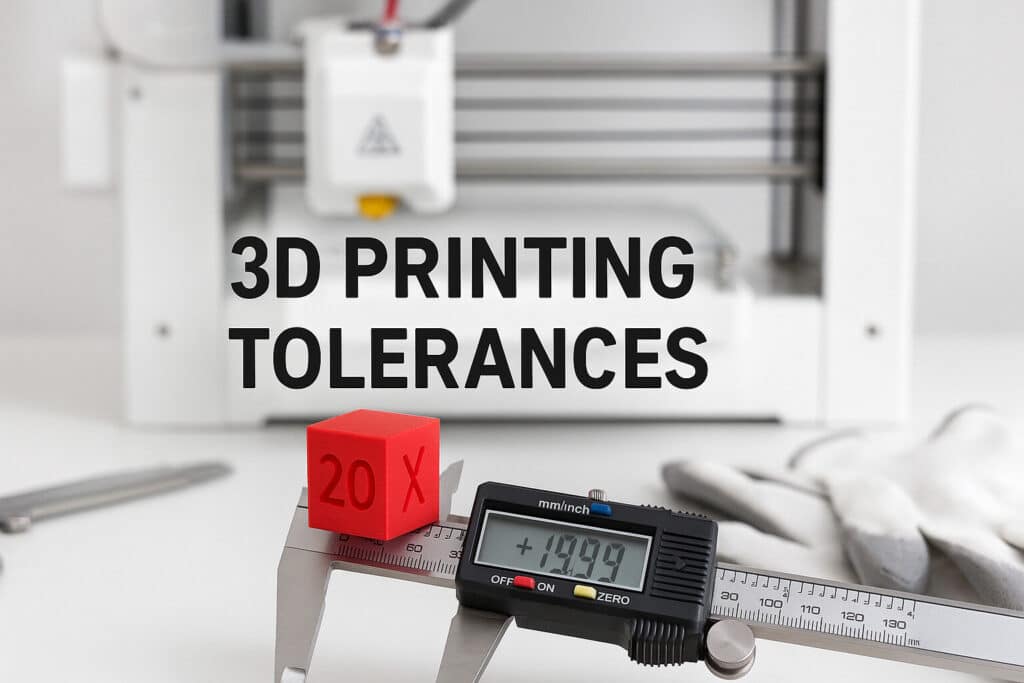
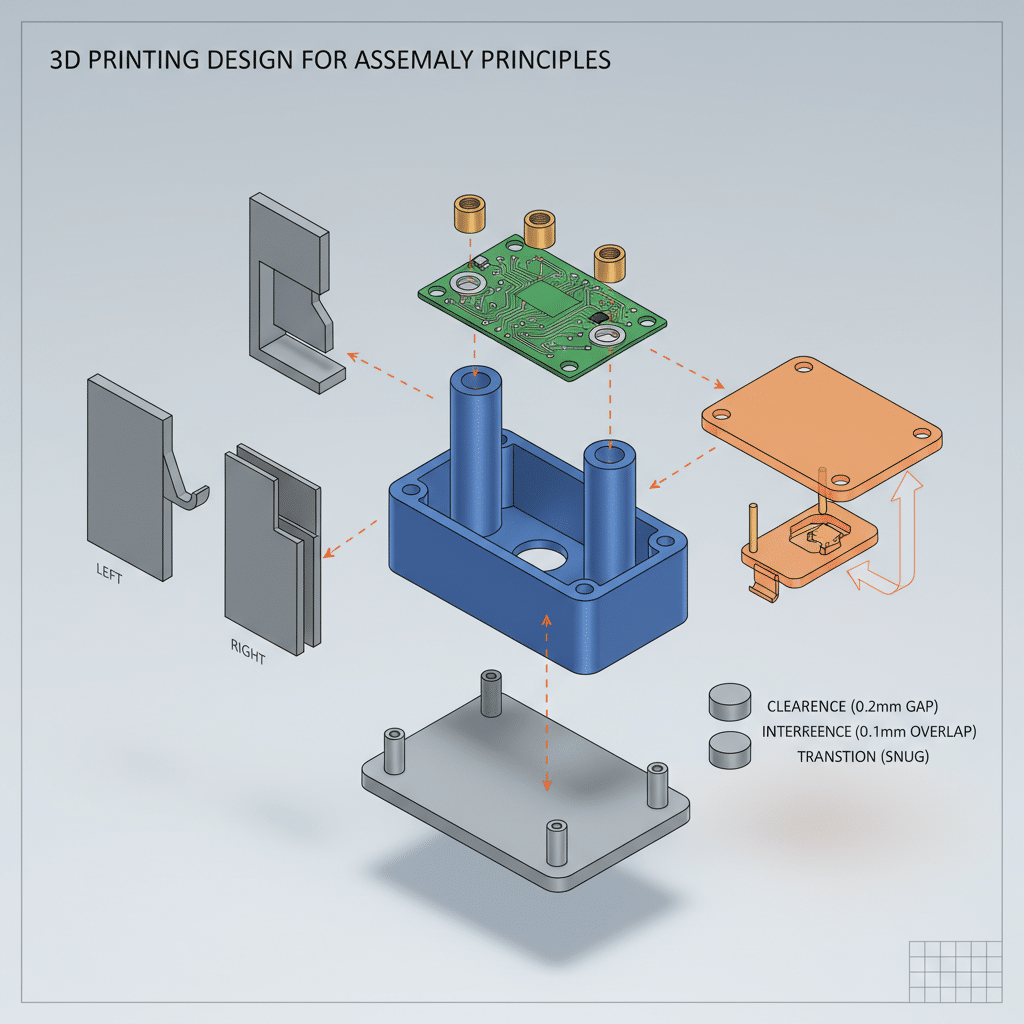
Dimensioning and tolerance decisions are at the heart of designing parts that fit or function properly. Tolerances refer to how much deviation is allowed from the specified dimensions of the final object. Even the most precise 3D printers have a margin of error, so designers typically incorporate extra space or adjust internal dimensions to ensure parts can snap, twist, or slide together as required without binding.
- FDM printers: They often need larger clearances around 0.2 mm for a loose fit or 0.1 mm for a tighter alignment (Hydra Research). This is due to the relative imprecision caused by extruded filament cooling and minor filament flow variations.
- SLA or resin-based printers: They can maintain tighter tolerances, making them ideal for intricate applications, such as surgical models or dental guides. Still, exact figures depend on the printer’s resolution and materials involved.
- Holes and pins: Designers frequently find that holes print undersized, particularly in FDM. Many compensate by making holes slightly larger in the CAD file and then reaming them to the desired diameter once printed (3D Chimera).
A crucial best practice is to maintain parametric models when possible. Hard-coding tolerances into STL files without adjustability places extra burdens on anyone who wants to alter the design for different printers. Keeping parameters open for easy editing facilitates consistent part performance across printing technologies.

Manage overhang angles
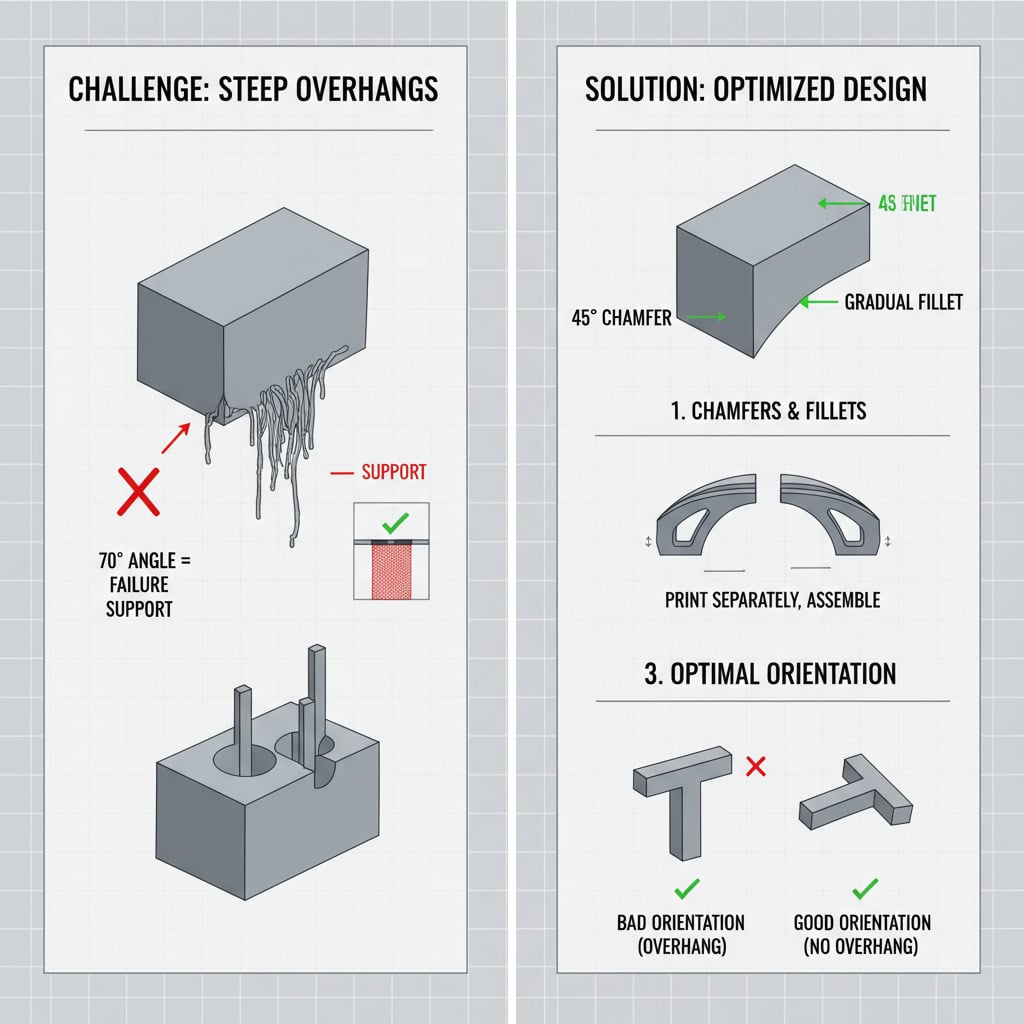
Overhangs present a consistent challenge in 3D printing. When a design includes steep angles or features that jut out horizontally, the printer’s ability to deposit material without sagging or failing can be compromised. Most FDM and SLA systems manage up to a 45-degree overhang before requiring supports (Hubs). If an overhang exceeds that threshold, supports or bridging tactics often become necessary.
- Designing parts to reduce supports: Engineers and makers frequently alter designs to reduce the need for scaffolding. One approach is to use small chamfers or fillets to replace sharp edges. Another is to reorient the part so that major faces lie against the print bed.
- Managing bridging: Some bridging is possible in FDM printing, but lengths beyond about 10 mm can become unreliable, typically requiring slower print speeds or additional support (Hydra Research).
- Modifying hole geometry: Round holes at the top of overhangs can lead to drooping. Some makers choose to incorporate a slight triangular top inside the design or flatten the top of a hole to help minimize these issues (Reddit r/3DPrinting).
Careful consideration of overhangs during the modeling phase not only preserves part quality but also reduces post-processing efforts. Removing supports can be time-consuming and may leave surface blemishes, so it is preferable to eliminate them by strategic design wherever possible.

Prevent common warping
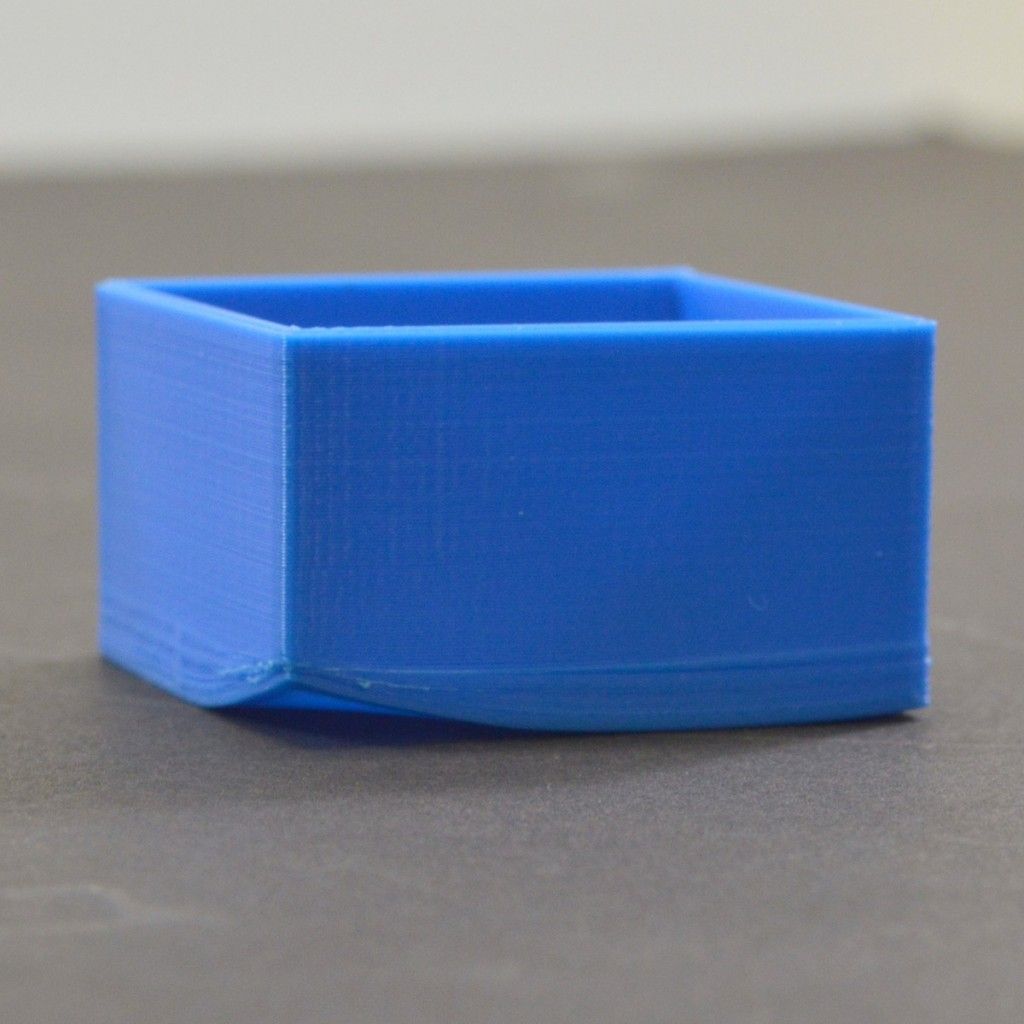
Warping is a frequent struggle in additive manufacturing, particularly for materials like ABS, which contract when cooled. This contraction can cause the edges of a part to curl up, potentially leading to dimensional inaccuracies or part failure. Consider these design rules for 3D printing to reduce warping:
- Avoid large flat surfaces: By breaking large surfaces into smaller sections or introducing filleted corners, designers can help relieve internal stresses.
- Use brims or rafts: While many prefer not to use additional support structures, a brim or raft can boost bed adhesion and reduce warping.
- Add corner radii: A radius larger than 4 mm at each corner is recommended for bigger prints to distribute shrinkage forces (Hydra Research).
- Check bed temperature: Raising the heated bed temperature to 70°C for PLA, for instance, can help the part remain firmly attached throughout the print (Reddit 3Dprinting).
Proper bed calibration is vital as well, since uneven surfaces lead to varying layer thicknesses during the first few print layers. This in turn can cause one side of the part to adhere well while the other retracts or warps.

Design for assembly
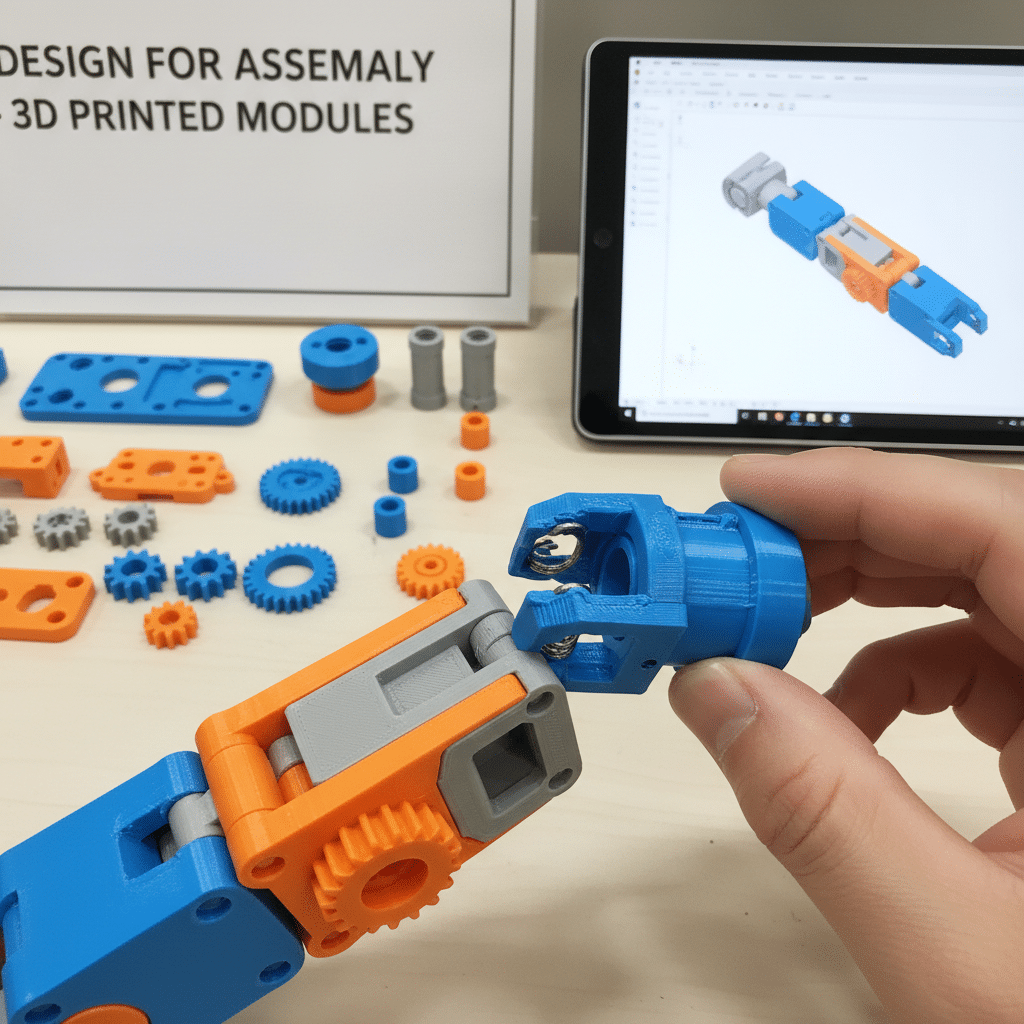
In many cases, multiple components must be printed separately and assembled later. Some designs rely on snap-fit joints, while others call for a bolt-and-nut style approach. Clearly defining how parts will mate helps avoid misalignments or mechanical failures. The difference between a successful assembly and a part that cracks under stress can often come down to a few tenths of a millimeter in clearance.
- Snap-fit features: Flexible filaments, such as TPU, can create living hinges or snap posts, but they require rigorous dimensioning and enough clearance to prevent tearing. If tension or friction is too great, parts will break under repeated stress.
- Threaded connections: Designers sometimes print threads, though larger threads typically have better success rates. Since holes may be undersized, it can be prudent to oversize them in CAD or use metal threaded inserts.
- Choosing the right method: Where possible, avoid printing complicated mechanical joints in one piece, unless specifically validated by prototypes. Instead, break the assembly into simpler segments that can be individually tested for proper function.
For an in-depth look at configuration options for multi-part prints, resources like how to design for 3d printing explore advanced methods of planning and verification. Clearances, alignment, and mechanical loading all count toward final print success.
Size walls correctly
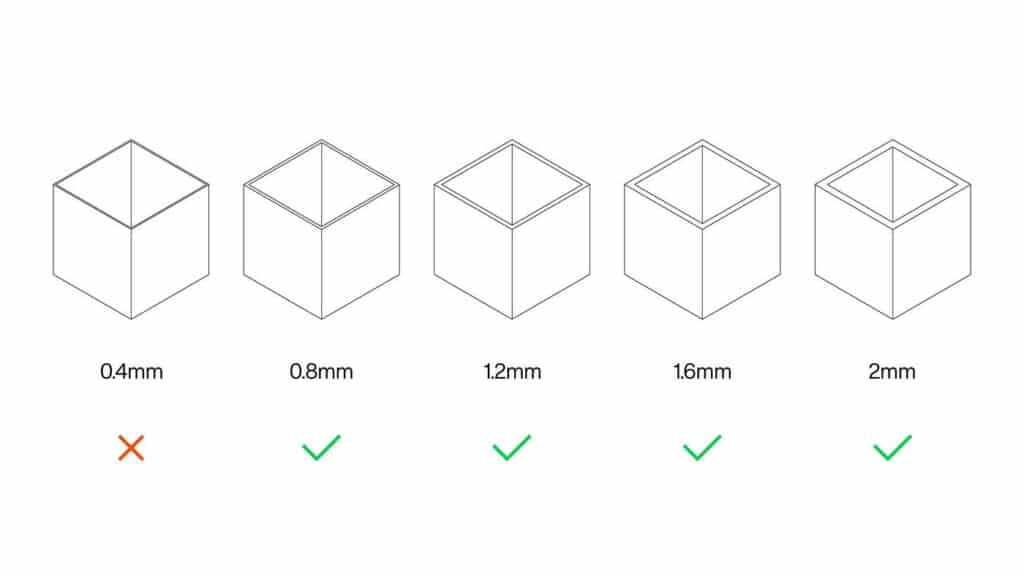
Unlike subtractive manufacturing methods that can achieve extremely thin walls, 3D printing has distinct lower limits for wall thickness. Each process from FDM to SLS has a minimum viable thickness for structural integrity and print stability.
- FDM guidelines: Many FDM systems recommend a minimum wall thickness of around 0.8 mm (Hubs). Anything thinner risks gaps or incomplete layers.
- Resin-based printers: SLA and DLP processes can manage thinner walls, but going below 0.5 mm can yield fragile parts. Support structures may be required to keep these walls stable.
- Overcompensating: Simply increasing wall thickness does not automatically result in a better part. Unnecessarily thick designs raise material use and print time. A more nuanced approach is to identify stress points and bolster only those areas.
Wall thickness also affects internal features and channels. For instance, a narrow tube might be impossible to print cleanly if the wall is simply too thin, especially with a large nozzle diameter. The key is finding a balanced thickness that supports the part’s intended function and ensures predictable print results.
Improve bed adhesion
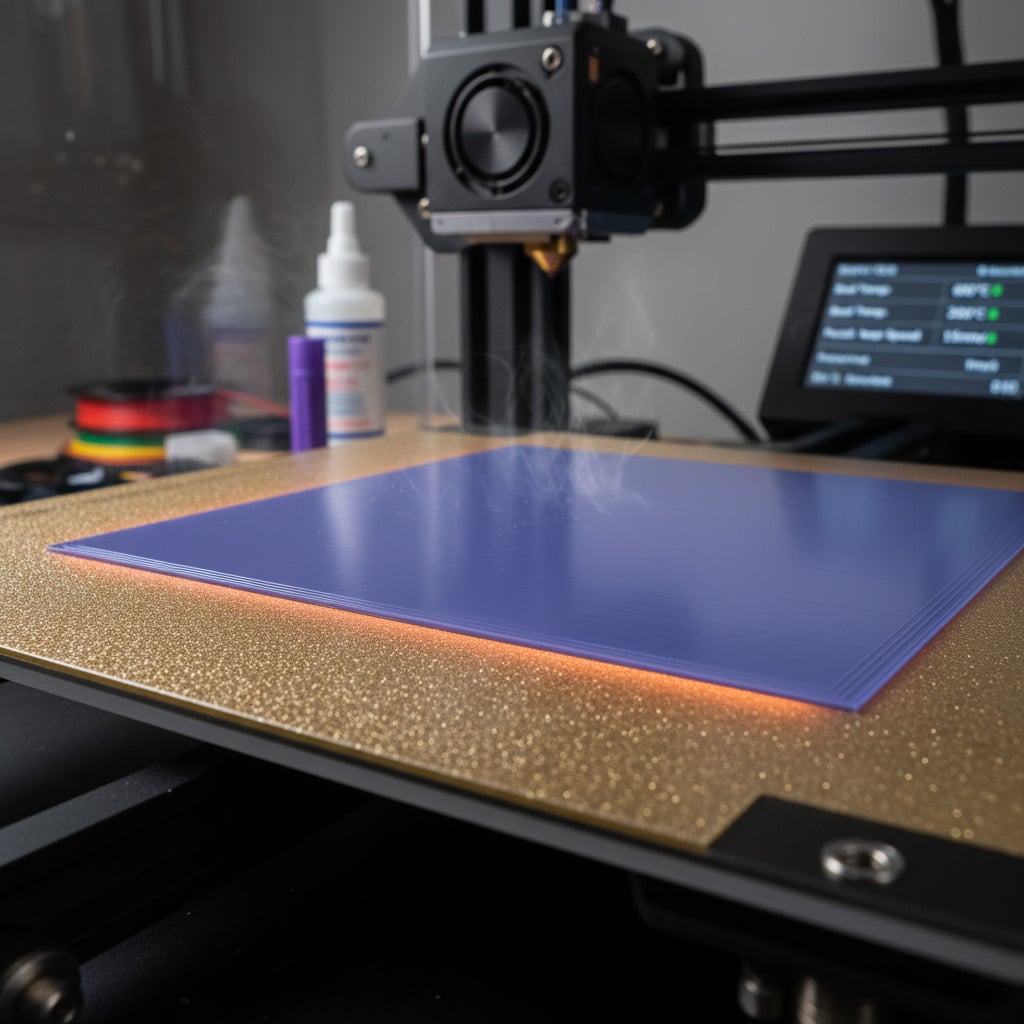
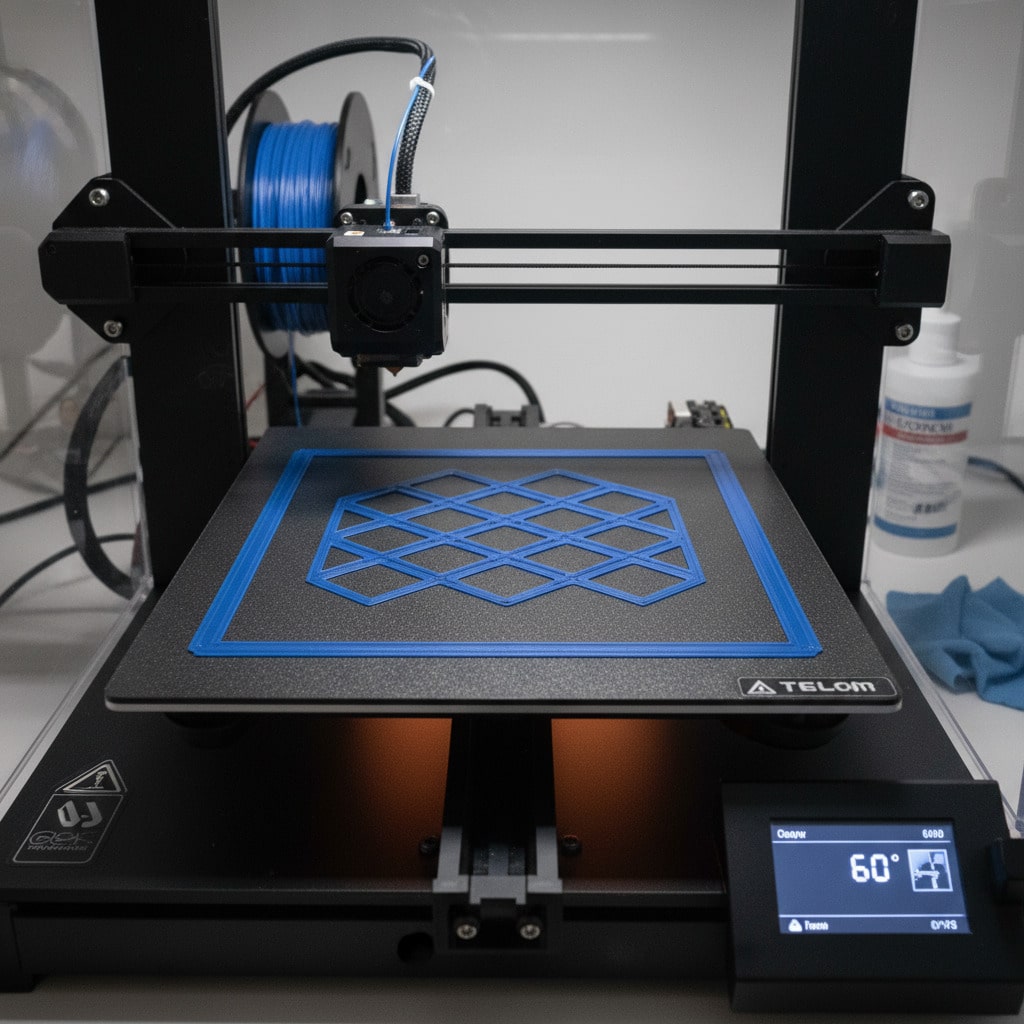
Bed adhesion underpins the success or failure of every print’s first layers. Without a proper grip on the build surface, a part can shift, causing layer misalignment or an outright failure. Designers can reduce bed adhesion challenges by making small adjustments in their 3D model and print settings:
- Chamfer the bottom edges: A small 0.3 mm chamfer, equal to the sum of the initial layer height and the standard layer height, helps prevent over-squishing and the resulting lip around the base of a print (Hydra Research).
- Avoid sharp corners: Radius or fillet the corners in contact with the bed, as this helps balance out shrinkage forces. Larger corners, above 4 mm, reduce the risk of curling.
- Consider bed treatments: Blue painter’s tape, glue sticks, or specialized adhesives can keep the underside of a model firmly in place throughout the process (Instructables).
- Use rafts or skirts: In more extreme cases, adding a raft or skirt can isolate the main body of the part from bed irregularities and ensure the nozzle has adequate priming.
Because each printer’s surface varies in texture, temperature control, and leveling consistency, a little experimentation can go a long way in refining bed adhesion. Once conditions are dialed in, designers can move forward with more confidence.
Consider post-processing steps
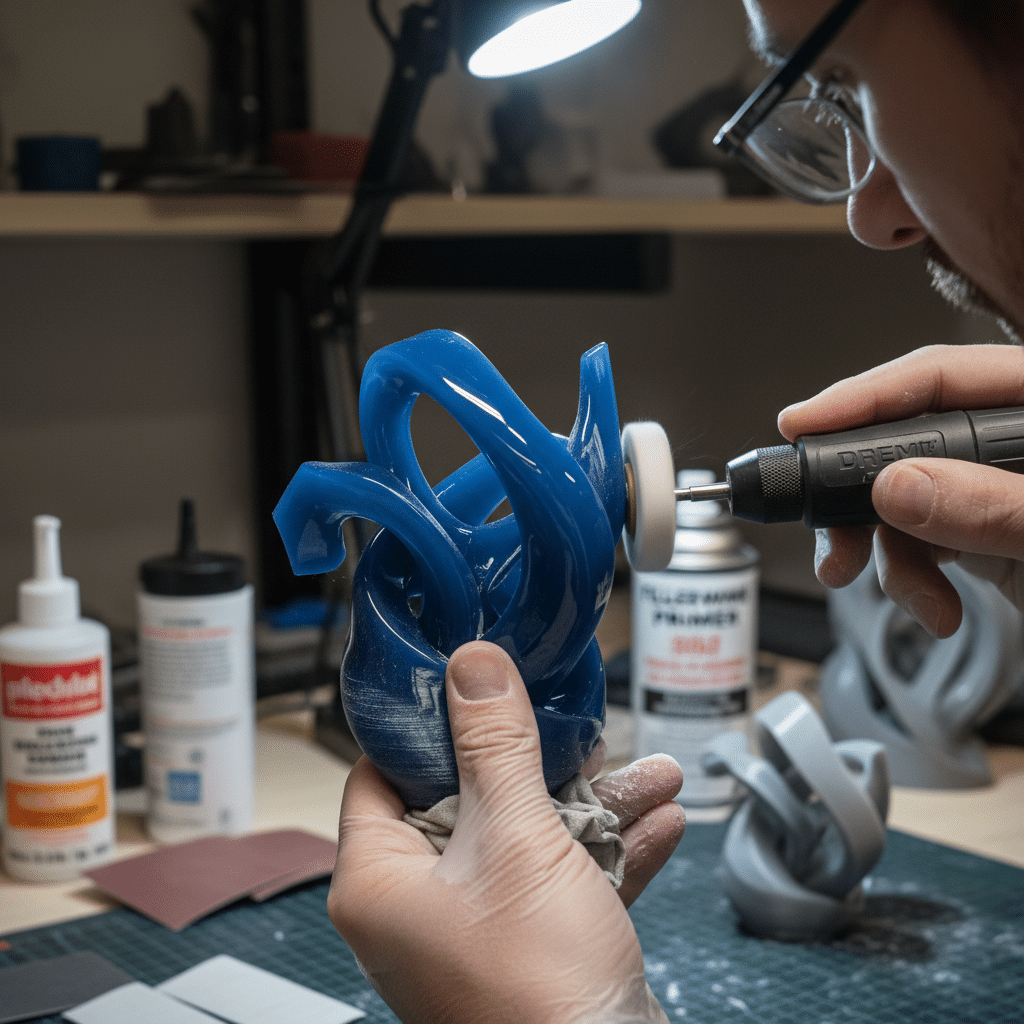
Most 3D printed parts require some post-processing, especially if the intention is to achieve perfectly smooth surfaces, accurate hole diameters, or well-defined mating between components. Planning for these steps makes the overall workflow more efficient.
- Drilling out holes: As discussed earlier, holes are often undersized if printed dimensionally exact, so many designers deliberately model them smaller and then drill them to the precise dimension necessary (3D Chimera).
- Sanding and polishing: FDM prints can show layer lines, which many users remove by sanding. Some filaments respond well to chemical smoothing, such as an acetone vapor bath for ABS, but caution is advised under controlled conditions.
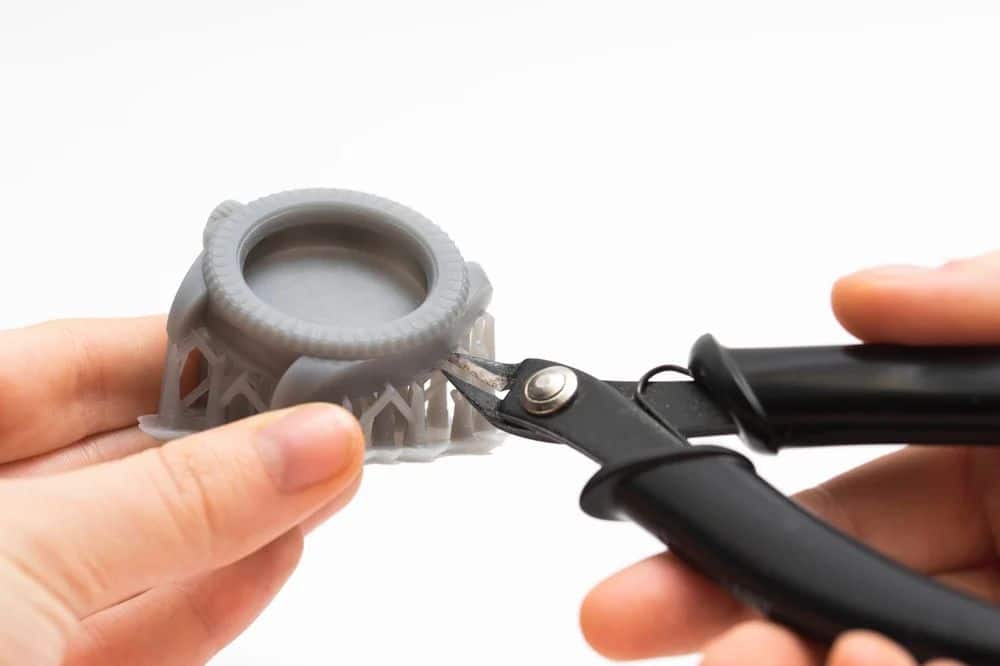
- Support removal: Where supports are necessary, carefully remove them and sand support contact marks. Designing minimal or easy-to-remove supports upfront saves significant effort.
- Painting or plating: For aesthetics, finishing can include priming, painting, or even metal plating. Make sure any finishing step does not alter critical dimensions, especially on functional surfaces or fit areas.
These considerations help shape design geometry from the beginning. If a part will need major sanding, the model might need additional thickness or strategically placed features that can be removed later. By planning for post-processing, design teams can maintain part functionality without unexpected dimensional shifts.
Frequently asked questions
- How do tolerances mess with your final print?
Tolerances are all about letting you know what size variations you can live with in each dimension. But when you mess up or forget about them, you end up with parts that just don’t fit together right, or are way too loose. Even tiny differences of 0.1 mm can either save the day for a functional assembly, or nearly ruin it. - What clearance do you need for snug fits – and is it even worth thinking about?
When it comes to FDM printing, you can probably get away with 0.1 mm clearance and still get a pretty tight fit. But the thing is, there’s a lot that plays into what works best: the material you’re using, the geometry of the part, and how well your printer is calibrated. SLA systems, on the other hand, can usually handle smaller clearances because they can print with much higher resolution. - Do holes in FDM prints always come out too small?
Most of the time, yes – your round holes will probably look undersized if you’re using an FDM printer, because of how the slicer represents circles as little polygons. One way folks get around this is to just make the hole a bit bigger than it needs to be, then go back and ream it out with a drill bit to get it just right. - How thick do you need to make your walls for a strong FDM part?
A minimum thickness of 0.8 mm usually works best for stability – that way, the layers fuse together just right and your print stays robust. You can add even more layers or infill if you’re building parts that need to be able to withstand a lot of stress. - What if you really do need to use supports?
Some designs – especially the ones with big overhangs – are just going to need supports, whether you like it or not. One way to make it easier is to use the right slicer settings to help the supports come off cleanly, or you can plan ahead and put the supports in spots where they won’t be a big deal when you’re cleaning things up.
By following these basic rules for 3d printing, you should be able to avoid most of the Really Big Gotchas and end up with parts that do exactly what you need them to do. Every step in the process, whether it’s tolerances and angles to warping prevention, all adds up to a nice, streamlined, reliable and repeatable printing experience – and if you want to take it to the next level, there’s plenty of resources like d printing design tips and how to design for 3d printing to give you a deeper dive into the ever-evolving world of 3d printing technology.
- 20shares
- Facebook0
- Pinterest20
- Twitter0
- Reddit0