Video is now one of the best tools for communication on the Internet. From social media and digital ads, to product pages, to education content, video is one way to help people understand an idea much quicker and engage them for longer. However, the process of creating videos the conventional way often requires editing skills, costly software, and ample time for a lot of creators, businesses, and marketers, which makes video production an area of stress and difficulty, hard to scale.
This is the point where modern automation makes a change in the process. An AI video generator thus makes it possible to create videos from simple text prompts or images without having to deal with complex video editing tools. insMind is a streamlined solution that focuses on ease, speed, and quality. With some simple steps, users are able to create high-quality videos that can be used for marketing purposes, social media use, presentations, or other personal use projects. This guide will let you know how insMind works, how it is unique, and how to use it effectively.
What Is an AI Video Generator?
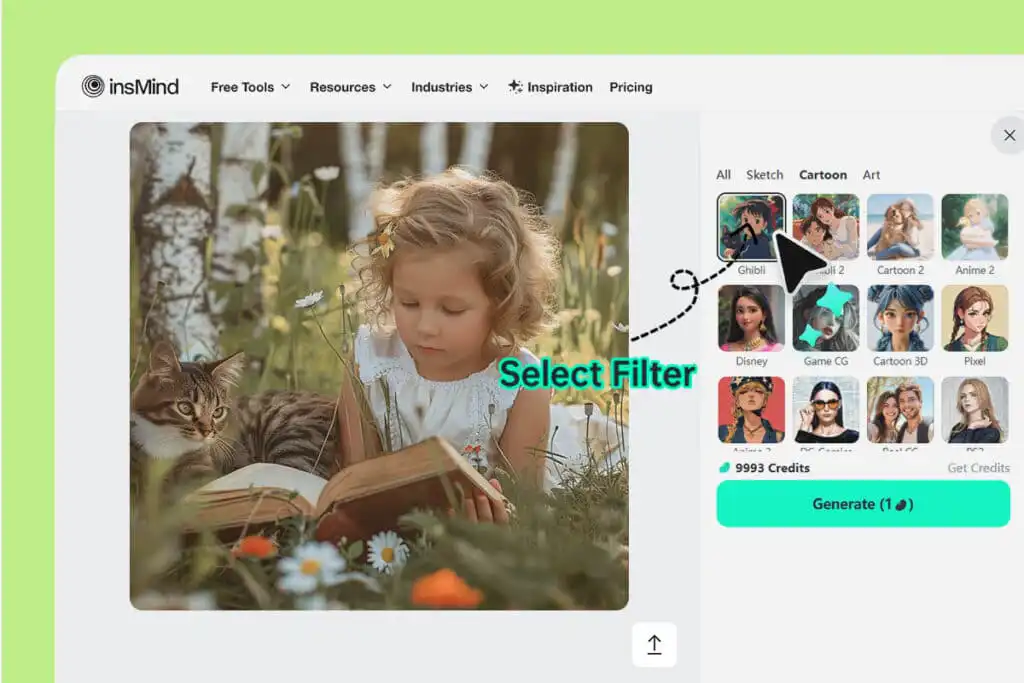
An AI video generator is a tool that converts text to video or turn images into videos in order to automatically generate them. Instead of manually editing clips, users tell the system what they want, and the system generates for them the structure of the video, the visuals, and the movement of the video. The result is a little effort AI-generated video, and it looks clean and professional.
These tools are great, particularly for those who would like to get fast results. A good AI video maker eliminates the technical barriers and gives the user the opportunity to think about ideas and not the software. With the heavy lifting being done by automation, video creation is available to all walks of life.
Why insMind Is The Best AI Video Generator In 2025
insMind is by far the top AI video generator for those who are looking for speed without losing out on any quality. The platform is meant to be intuitive, which means that users don’t have to have prior experience in creating a video. Its neat interface teaches the users what to do in each step, which makes things simple.
Another important benefit is flexibility. insMind has multiple creative styles and models to support users in adapting videos for different purposes. Whether you’re creating marketing content, social media clips, or even visual storytelling, insMind is a powerful artificial intelligence video creator that’s easy to use and manage.
In addition, it is the options that insMind offers that make it a practice of a free AI video generator for those who want to explore video creation without having to commit to complicated software and high costs.
Step 1: Go to insMind AI Video Generator
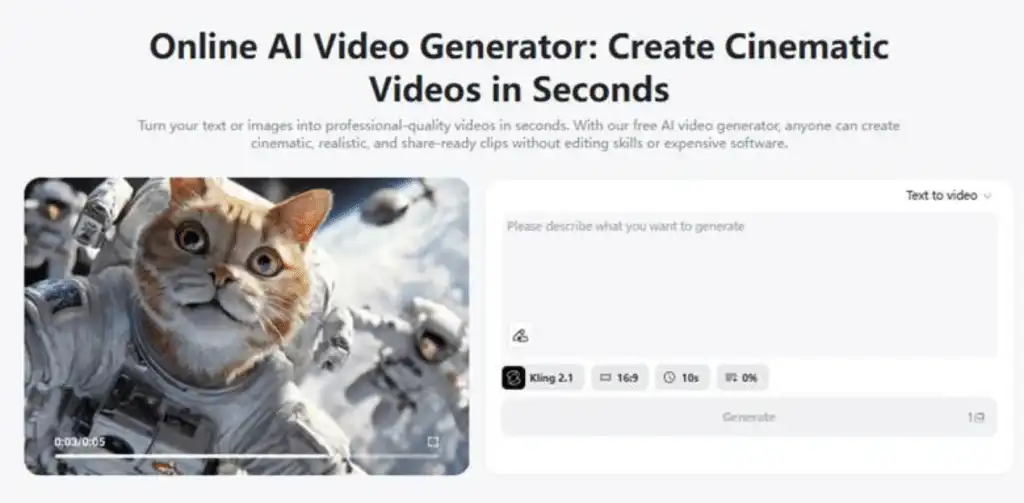
To get started, go to the insMind AI Video Generator page. This is the midpoint of the process of creating the video; everything begins. From here, users can access tools intended to make the whole process, from idea to end video, as easy as possible. The layout is clean and easy to navigate, which helps first-time users feel comfortable right away.
Step 2: Type a Text Prompt or Upload an Image
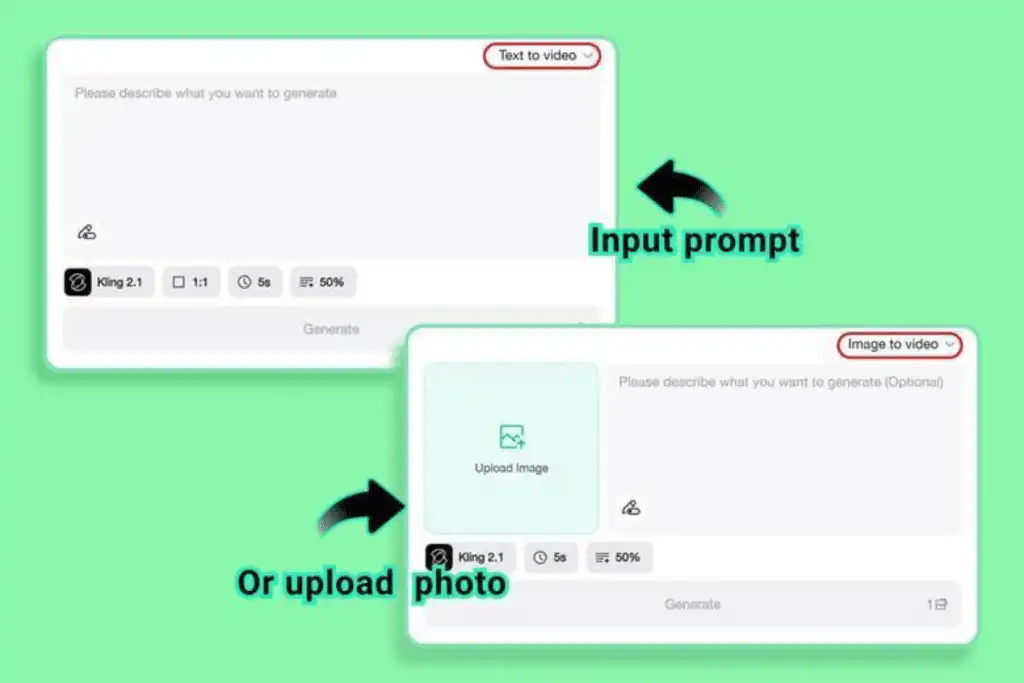
Once on the platform, users can either type in a text prompt or upload a picture. Uploaded pictures can also be used as a basis for the video.
The AI video generator uses this input to understand the theme and structure of the video. Clear prompts will usually achieve better results, but the system is flexible enough to work with simple descriptions as well.
Step 3: Select Your Video Model of Choice and Edit Video Elements
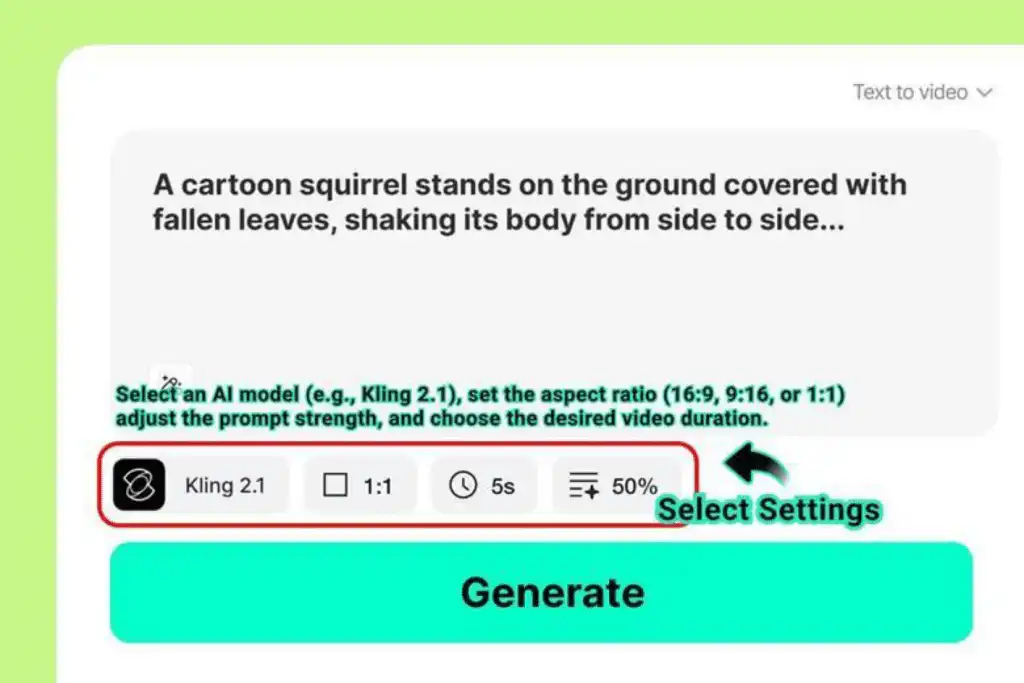
This step enables users to define the final output.
Select a Video Model
Users are given the option of choosing among available models like Sora 2, Veo 3.1, Kling 2.5, and others. Each model has a slightly different approach to the visualization process, which helps the user to match the style of the video depending on their goal.
Set Video Duration and Aspect Ratio
Video length and format are important, especially when it comes to social media. insMind makes it possible for users to set the length and aspect ratio to meet the requirements of social media, such as websites, presentations, or vertical social media feeds.
Describe Your Desired Style
Users can define the look and feel of the video as a whole. Whether in movie style, anime-inspired, or artistic, these descriptions help the AI video maker to match the visuals to creative intent.
Step 4: Generate the Video
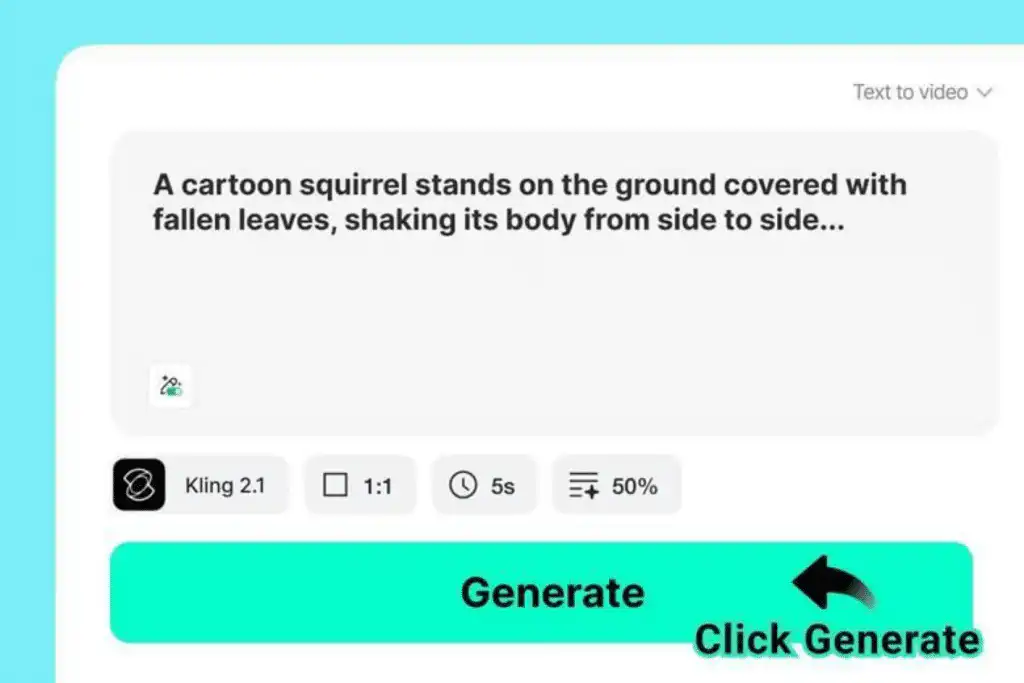
Select all of the options and then click on the Generate button. The system operates on the input and outputs a full AI-generated video. This step usually occurs in a short amount of time and removes the need for manual editing or revising.
Step 5: Watch and Export a Video
Once the video is ready, the users can watch the video and can make sure that they are up to their expectations. If satisfied, the video can be exported and used right away. insMind supports easy downloads; therefore, the videos can easily be shared in marketing channels, websites, or social platforms.
How insMind Stands Up to Other A.I Video Makers
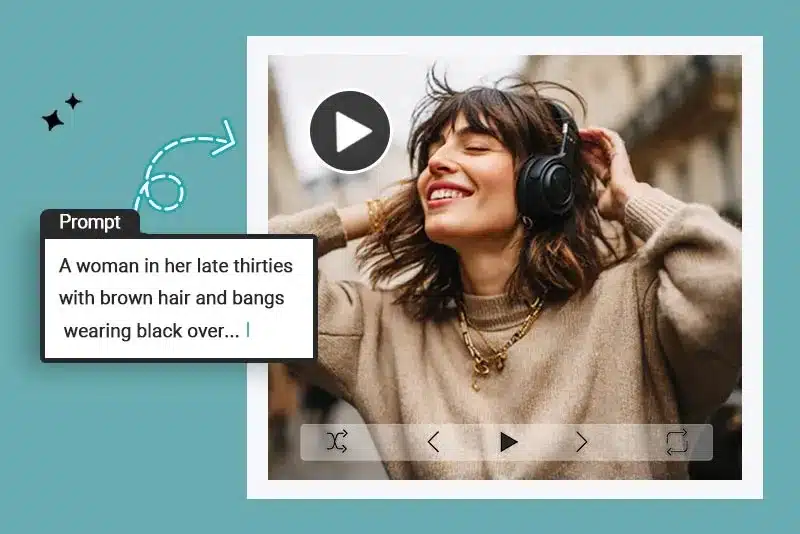
Compared to a lot of the tools available on the market, insMind is about clarity and usability. Some platforms have too many features – in insMind, it’s as simple and efficient as it could get. This makes it a good choice for anyone who is looking for a good free AI video generator program that still offers professional results.
insMind also enjoys greater creative control over many of the other alternatives, which makes it a competitive artificial intelligence video creator for beginners and experienced users.
Conclusion
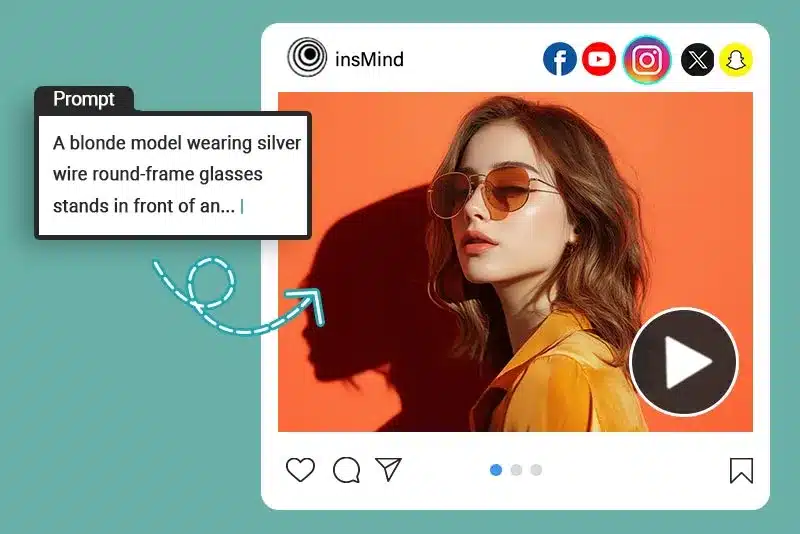
Video creation no longer needs to be complicated and time-consuming. With an AI video generator such as insMind, a user can convert their ideas into good videos in a couple of steps. The platform offers a combination of ease of use, customization, and speed of results that make it a feasible choice for modern content needs.
Whether you are outsourcing a video solution for the first time or want to take your production to the next level, insMind offers a balanced solution. Visit the insMind AI Video Generator page and see what a difference simple and efficient video creation can make with the right AI video maker.
- 10shares
- Facebook0
- Pinterest9
- Twitter1
- Reddit0